Elkonia: Enhanced Sulfur Caves
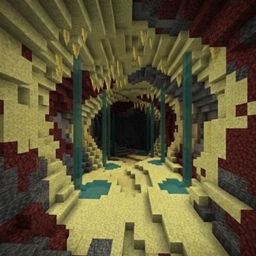
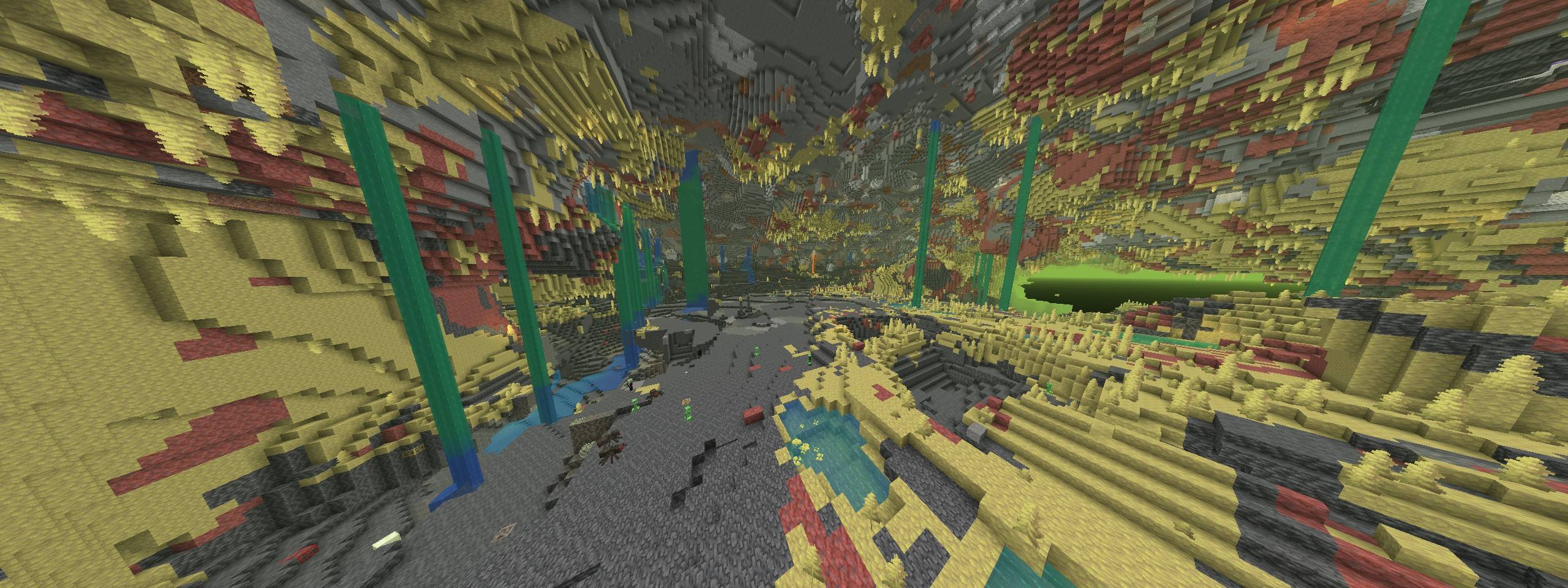
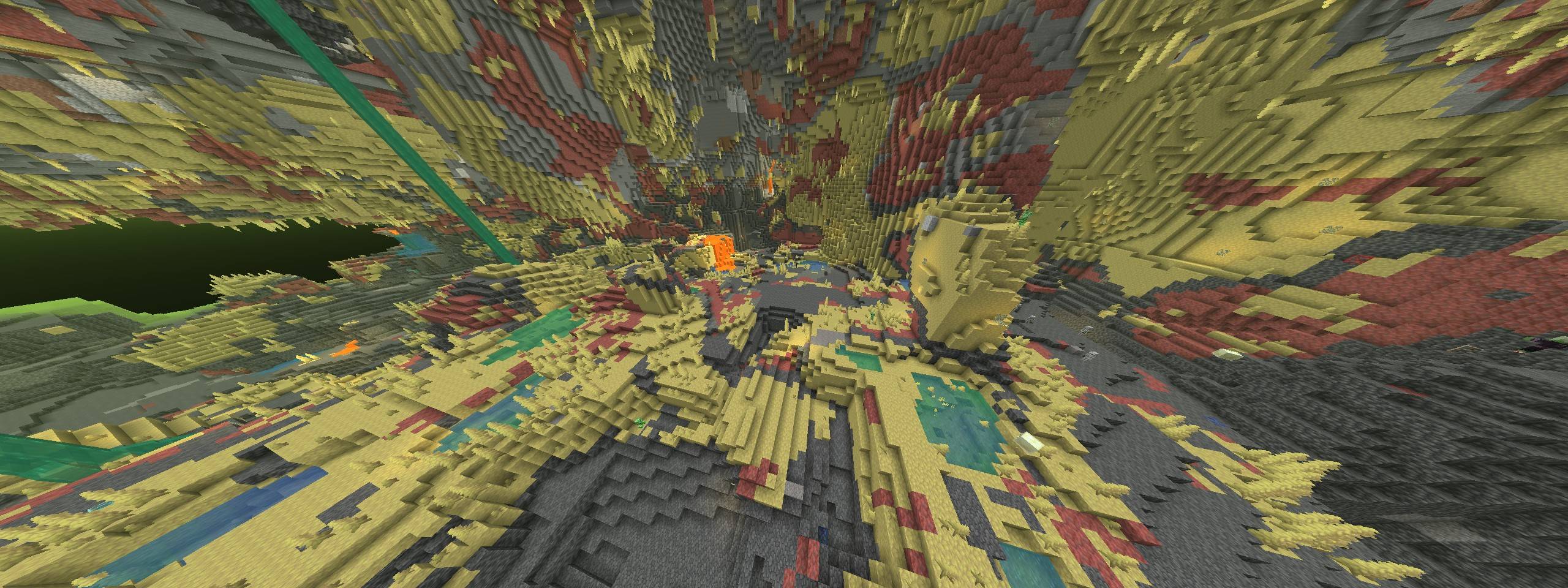
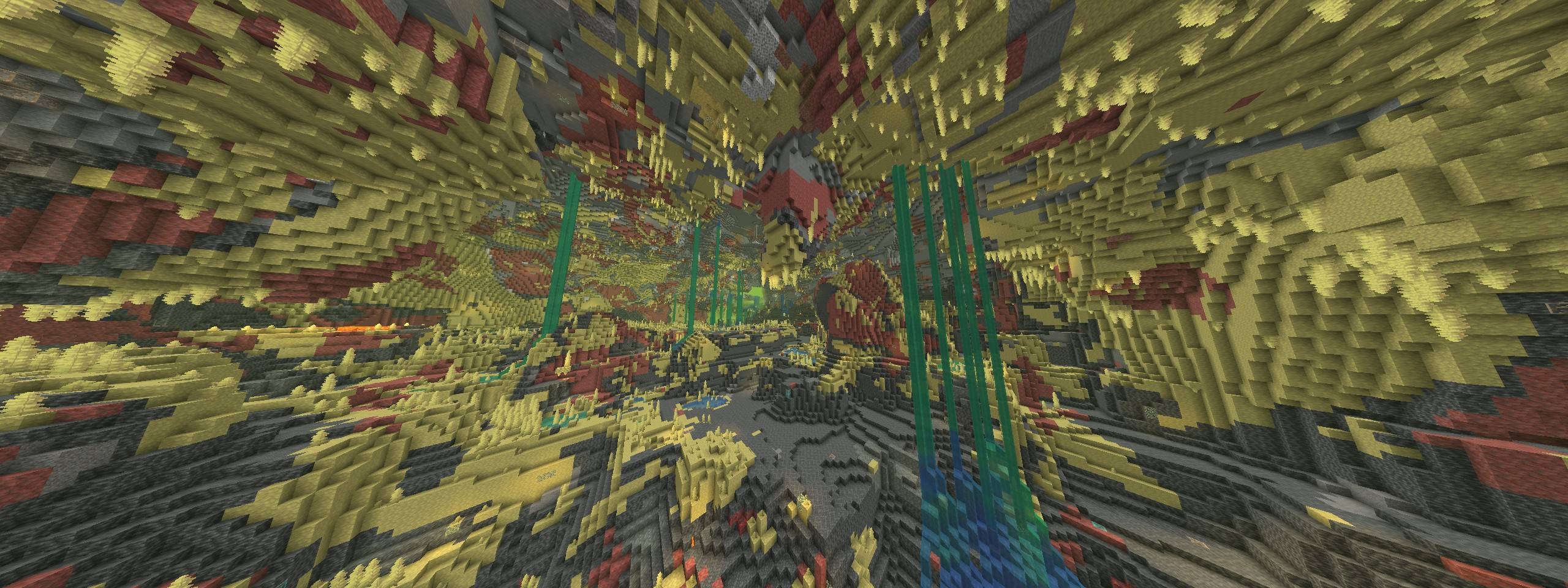
Deep under the overworld, Minecraft 26.3's sulfur caves were rare and cramped: thin bands of yellow and red stone you could walk straight past. This pack makes them three times as common, bigger, and hollowed out into great sulfur caverns, with ceilings hung with sulfur and floors broken into ridges, pits and columns.
What changes
- Three times more sulfur caves. Measured with the game's own biome sampler on worlds that were not used to tune it: 2.90 times the sulfur cave volume underground. The extra space comes almost entirely from ordinary stone caves; dripstone and lush caves each lose only about 2.5 %.
- Bigger. Each sulfur cave region is broader and thicker than in vanilla.
- Cavernous. Sulfur caves are hollowed into large, irregular caverns with sulfur walls and columns left standing. At a large sulfur cave the open space went from 4.8 % to 39.9 %; even the thin sulfur layers open up from 2.6 % to 10.3 %.
- They don't flood. The water table is kept out of the caverns. Springs and small pools still appear, but you won't find a sulfur cavern drowned under an underground lake.
- Only underground. The surface above is unchanged. The hollowing is confined to sulfur caves; the caves around them are left almost exactly as vanilla makes them.
Requirements and compatibility
- Minecraft Java Edition 26.3 (data pack format 121). It is built from 26.3's world generation and does not work on other versions.
- Best on a new world. Only chunks you haven't visited yet change. In an existing world, explore far from where you have been.
- The pack changes the overworld's biome layout and terrain shape, so creating a world shows Minecraft's experimental-settings warning. This is expected.
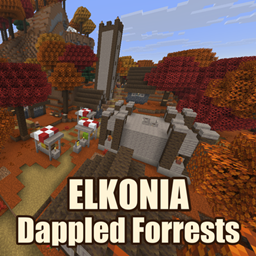
- With Elkonia: Enhanced Dappled Forests: both packs change the overworld biome map. Install the separate compat zip as well, and order them: compat zip on top, then this pack, then Dappled Forests.
- Not compatible with packs that replace the overworld's terrain or biome map, such as Terralith or Tectonic. Whichever loads last wins.
- Large Biomes and Amplified world types are untested; use the Default world type.
- No mods required. Works in single player and on servers.
Installation
- Create a world (or open an existing one) and open its
datapacks folder.
- Drop the zip in as it is. Don't unzip it.
- For a new world, add the pack on the Data Packs screen before creating the world.
- To find one:
/locate biome minecraft:sulfur_caves. They sit roughly between y -40 and y 40.