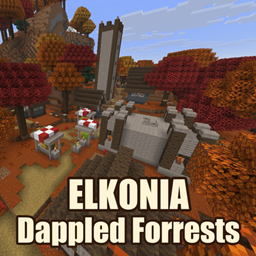
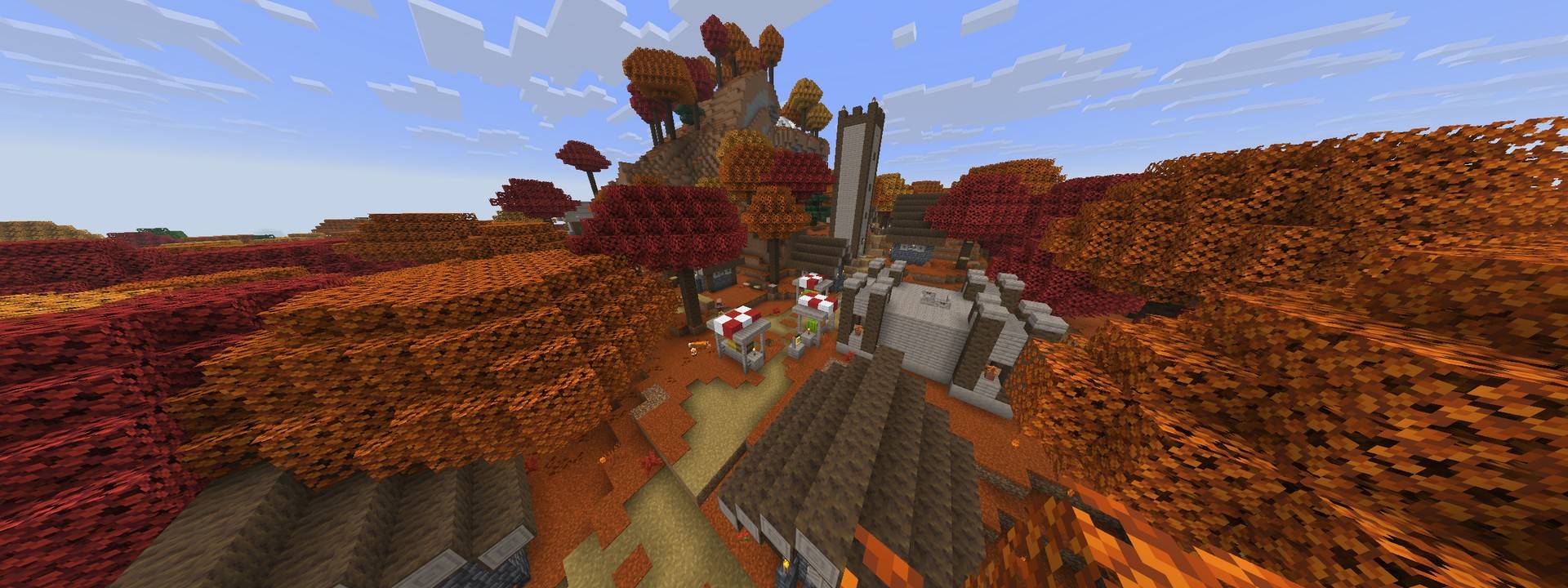
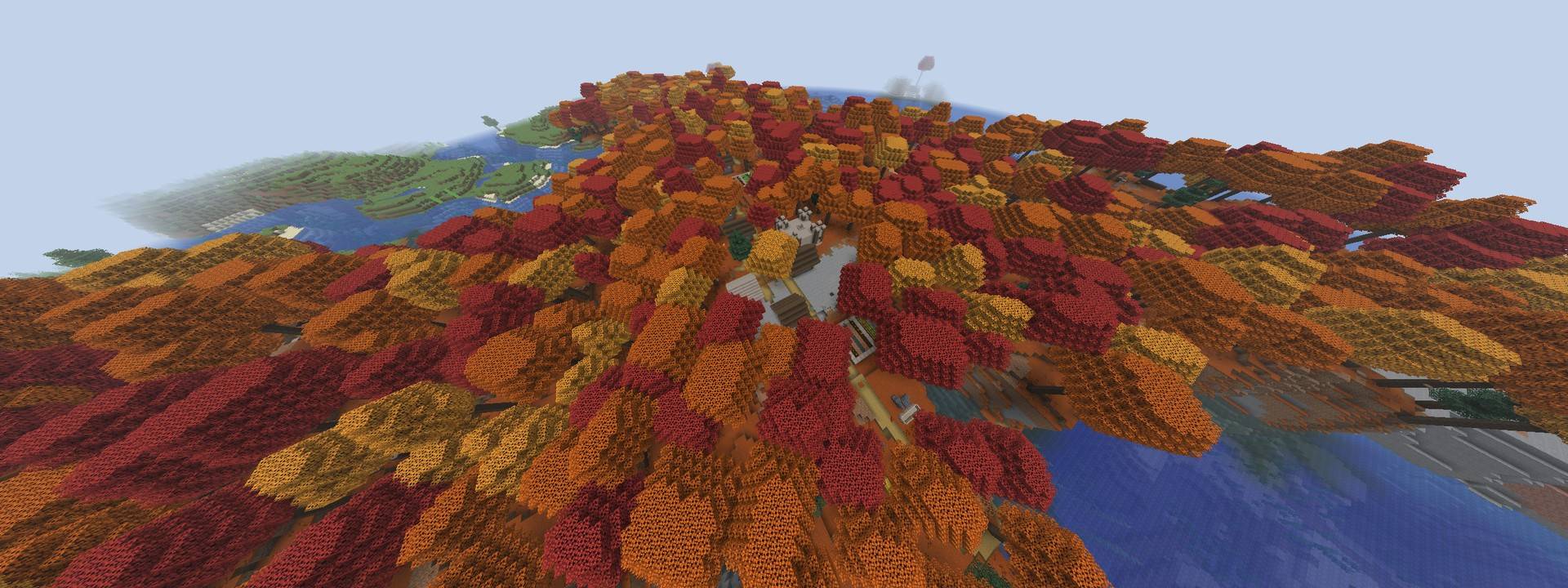
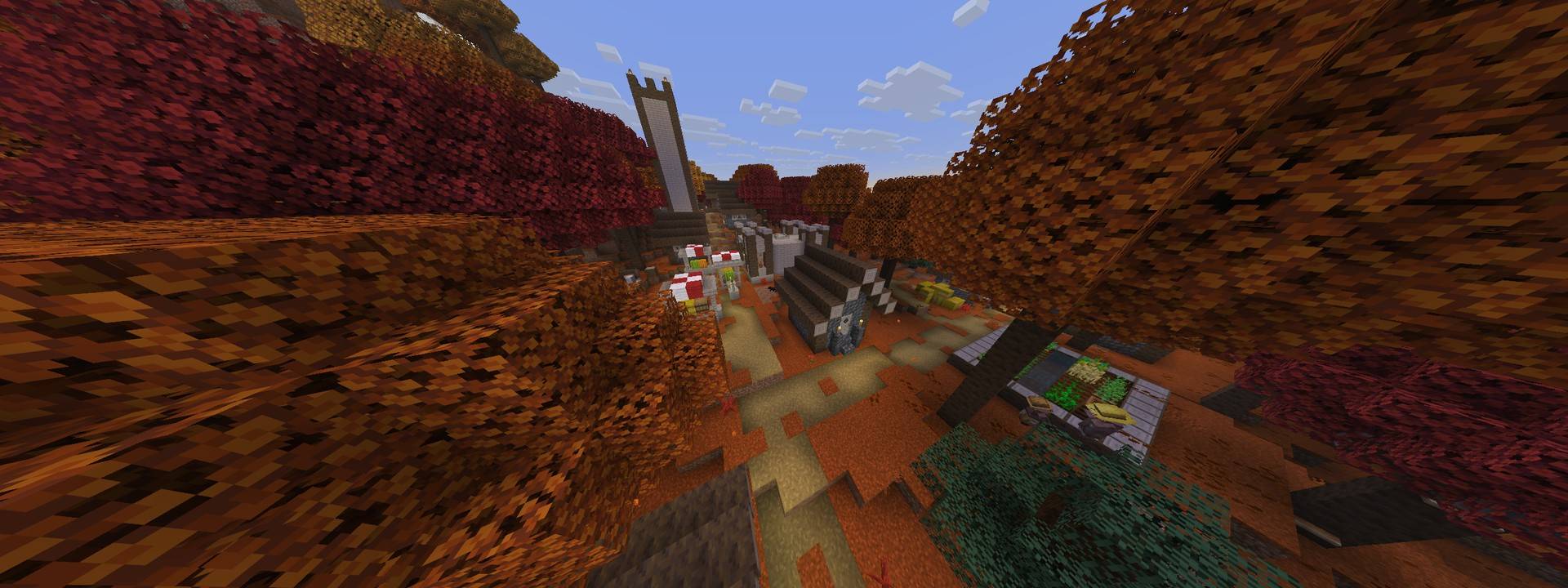
Autumn has come for the old birch woods. The dappled forest, Minecraft 26.3's red, orange and gold poplar biome, spreads across the land in bigger, fuller forests. Somewhere under the leaves, a village has grown up in the same colours.
The forests
- Much more dappled forest. Birch forest keeps about two thirds of its old range, and the rest turns dappled. Old-growth birch forest becomes dappled forest entirely. On six test worlds the dappled forest grew from 0.46 % to 3.40 % of the surface, about seven times more autumn.
- A fuller canopy. Poplars keep their normal height, but their crowns are wider and have fewer gaps. More trees are placed per chunk and fewer logs lie fallen, so the forest floor is shadier.
- Firefly bushes grow near water in the dappled forest.
- Trail ruins and strongholds can now generate in dappled forest.
Saplings that remember their colour
Coloured poplar leaves drop a Poplar Sapling that remembers its colour. The lore reads Red Leaf Poplar, Orange Leaf Poplar or Yellow Leaf Poplar, and when you plant it, it grows a tree of that colour at the normal speed. Plant an orchard of gold, or one of every colour.
The Dappled Forrest Village
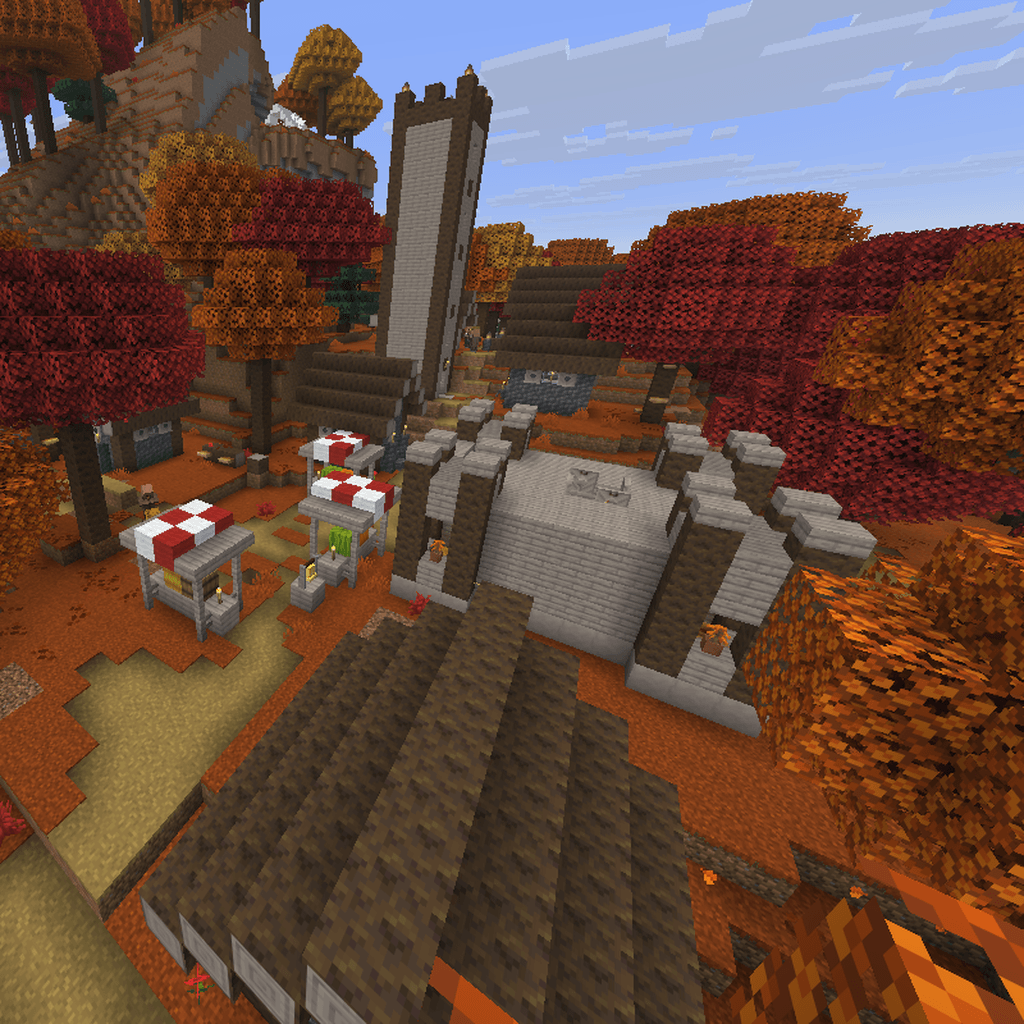
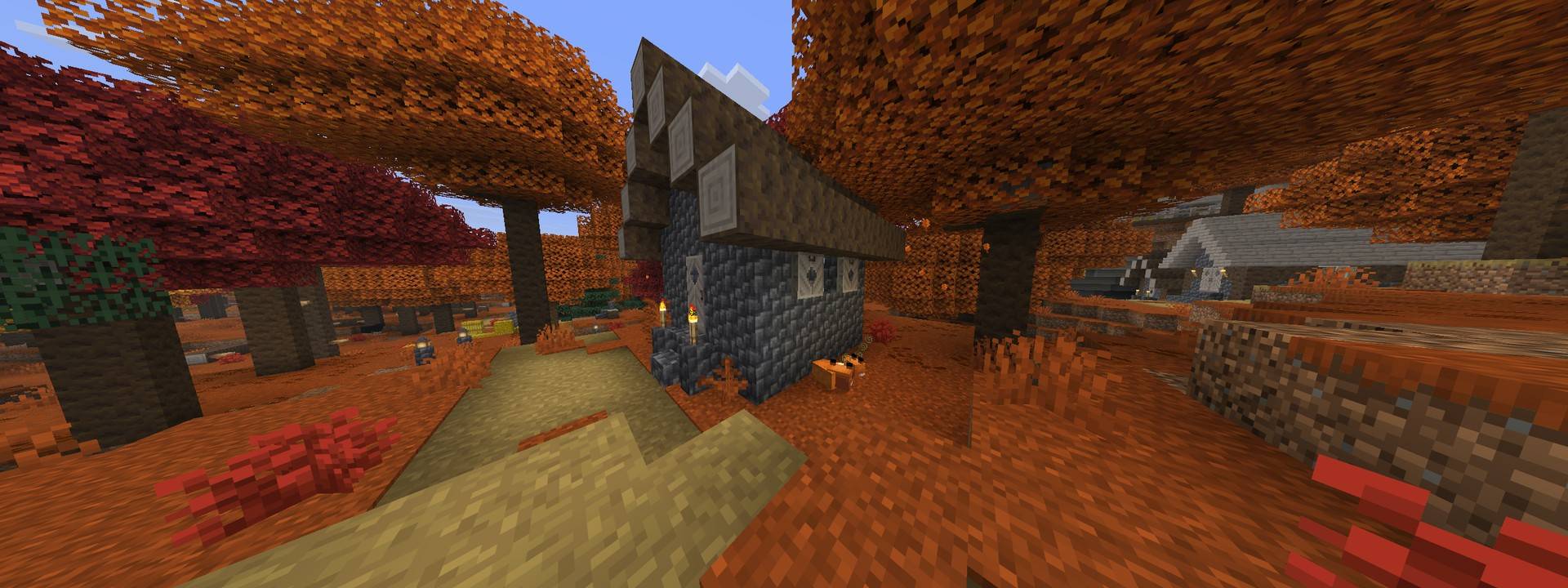
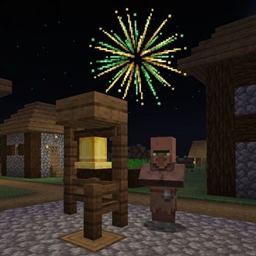
A new village type that generates only in dappled forest. It is built from poplar wood and cobbled deepslate, and every torch is swapped for a lantern.
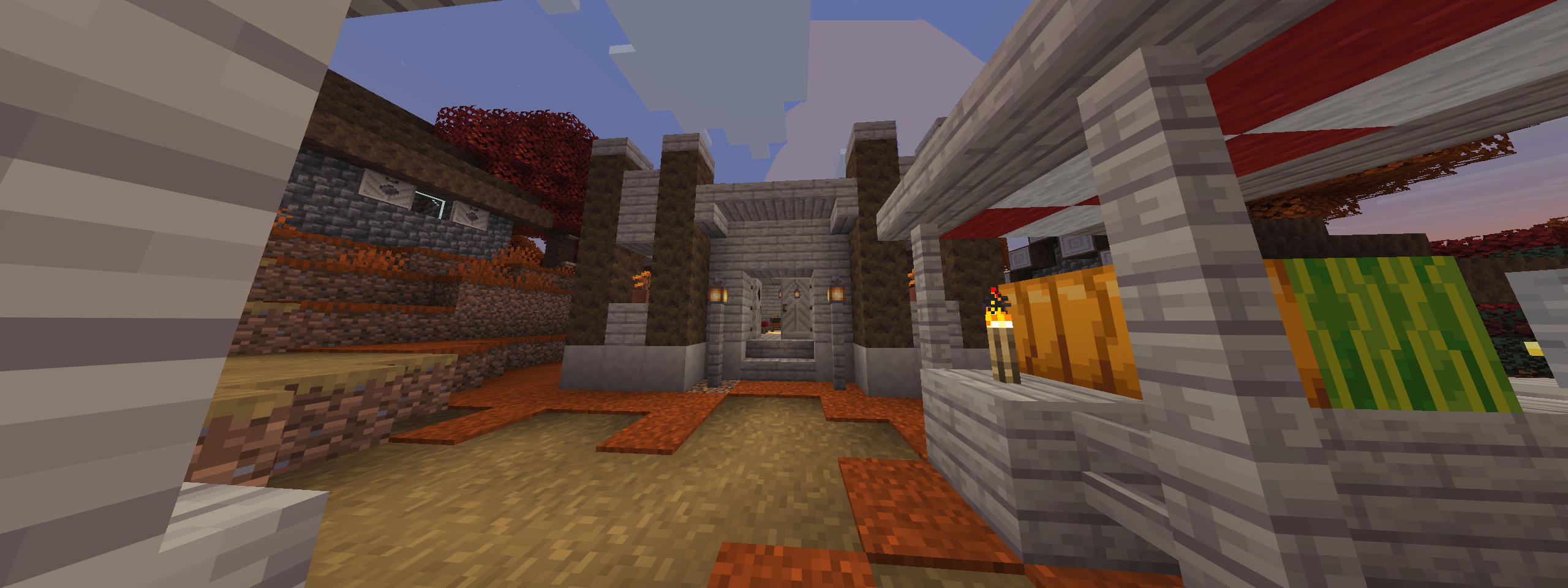
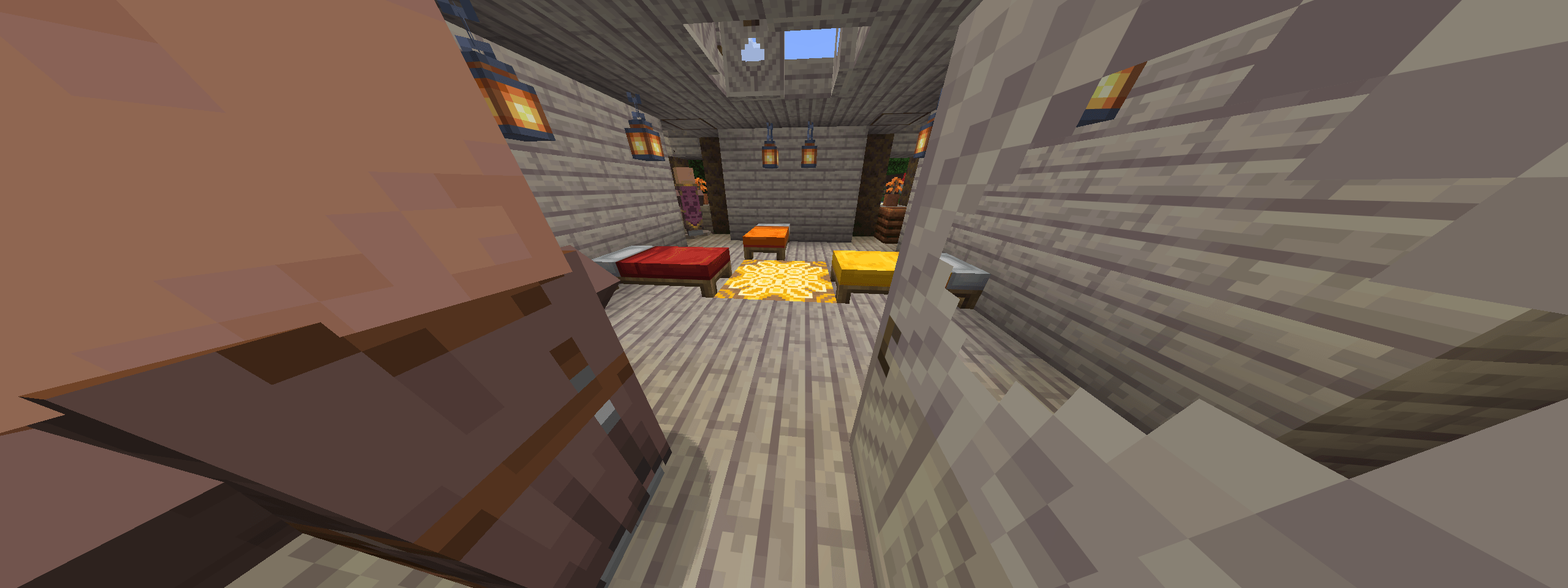
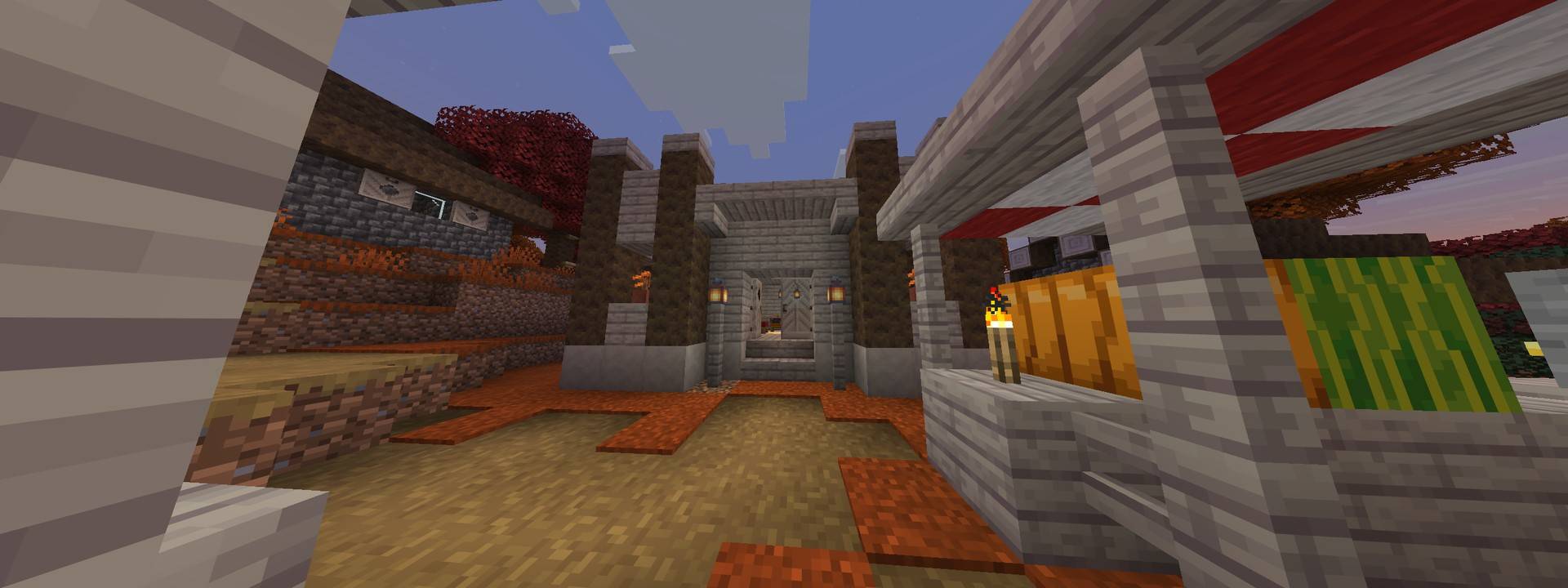
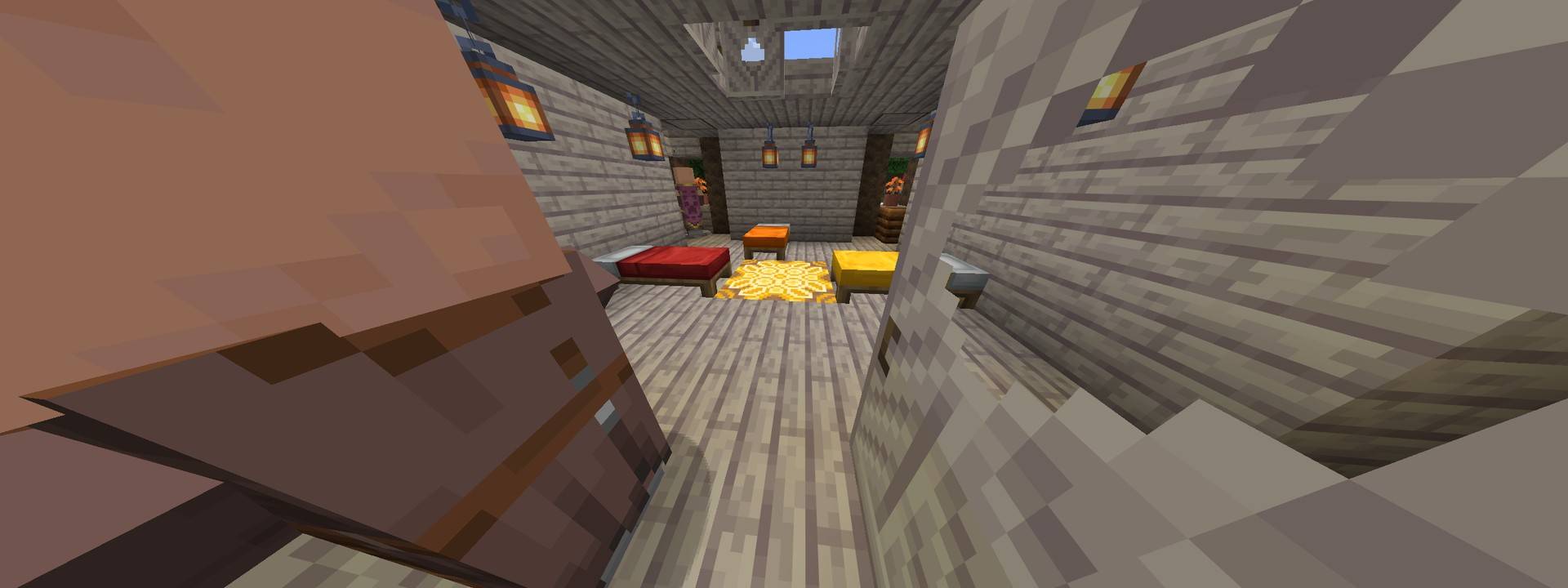
- The temple. Every village has exactly one, reached from the town centre. Inside is a red, orange or yellow glazed-terracotta medallion under an open trapdoor skylight, three beds (red, orange and yellow), three random workstations and poplar-log corner towers. Double doors open onto the square.
- The watch tower. It climbs above the canopy to a lookout with a bell on top, so you can see over the trees.
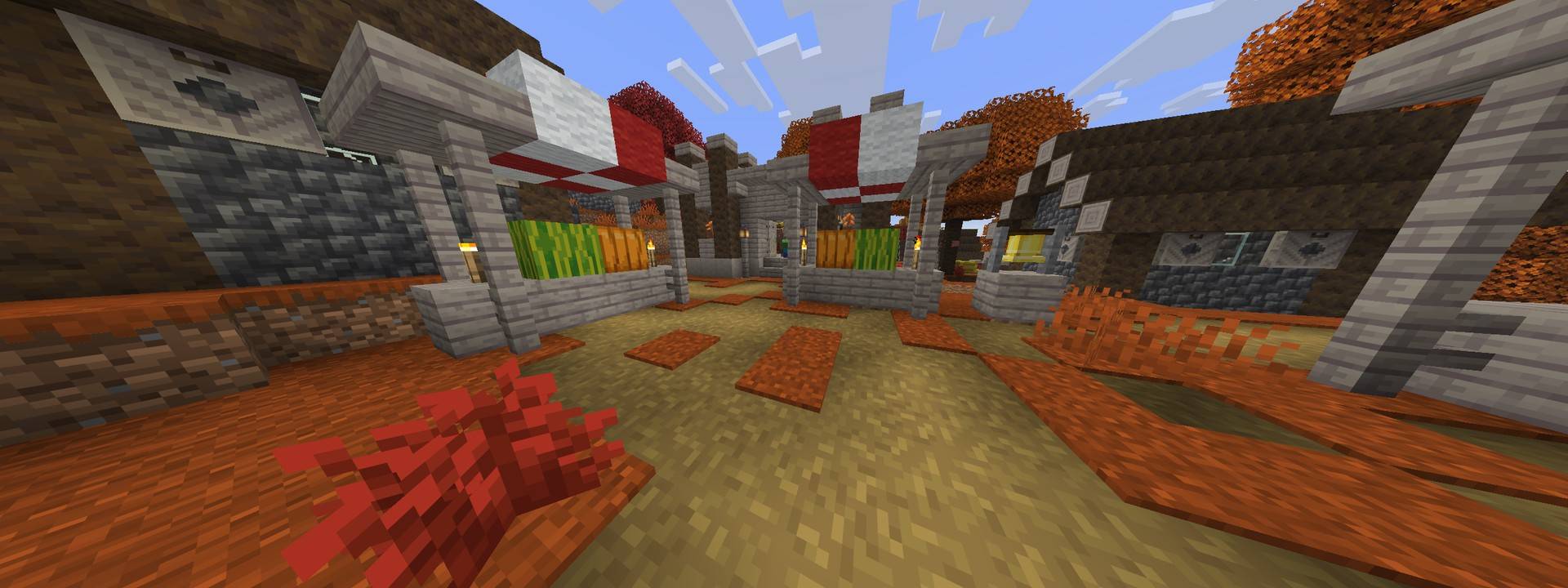
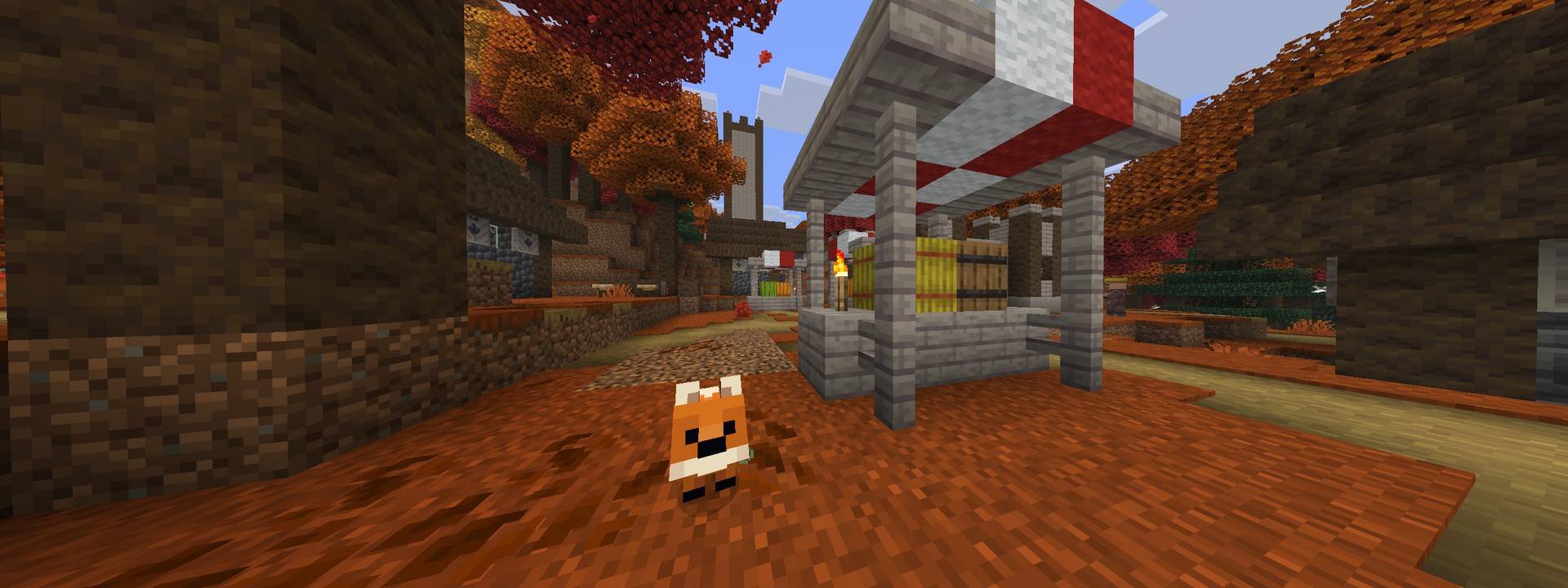
- The town centre. Either a taiga well or a checkered-wool market. The awnings are white with yellow, orange, red, blue, green or purple, and the stalls are stacked with melons and pumpkins.
- Homes and workshops. Taiga cottages, plains double-door houses (armorer, butcher, toolsmith), a savanna library, a taiga cartographer, a fletcher, a tannery and two barns. Beds come in autumn colours.
- Farms with fixed rows: melon and pumpkin on one side; beetroot, carrots, wheat and potatoes on the other.
- Roads of mud brick and dirt path, laid on real ground rather than on top of leaves. Lamp posts and hay, melon and pumpkin piles line them.
- Chests can hold all three coloured saplings.
Validated
- MCDDD certified. Every release zip is checked with MCDDD, the Minecraft data pack validator (syntax, schemas, references, structures and the command tree), and carries its certificate in
.mcddd/certificate.json. The certificate records a digest of the pack's contents, so anyone can confirm the zip is exactly what was validated: python -m mcddd verify <zip>.
- Village layout simulated with MCJIG, the jigsaw structure generation simulator, alongside real-server generation tests.
Requirements and compatibility
- Minecraft Java Edition 26.3 (data pack format 121). It does not work on earlier versions, because poplar blocks arrived in 26.3.
- Best on a new world. The pack changes where biomes generate. In an existing world only chunks you haven't visited change, which leaves sharp borders at the edge of explored land. Strongholds are also re-located, so an eye of ender can lead somewhere no stronghold was generated.
- The pack changes the overworld's biome layout, so creating a world shows Minecraft's experimental-settings warning. This is expected. It will conflict with other packs that also replace the overworld dimension or the dappled forest biome.
- No mods required. Works in single player and on servers.
Installation
- Create a world (or open an existing one) and open its
datapacks folder.
- Drop the zip in as it is. Don't unzip it.
- For a new world, add the pack on the Data Packs screen before creating the world, so the new biome layout applies from the first chunk.