Mineuniverse
Data Packs
EEEAB's Nameless Guardian Reimplementation Datapack

EEEAB's Nameless Guardian Reimplementation Datapack

DATA PACK
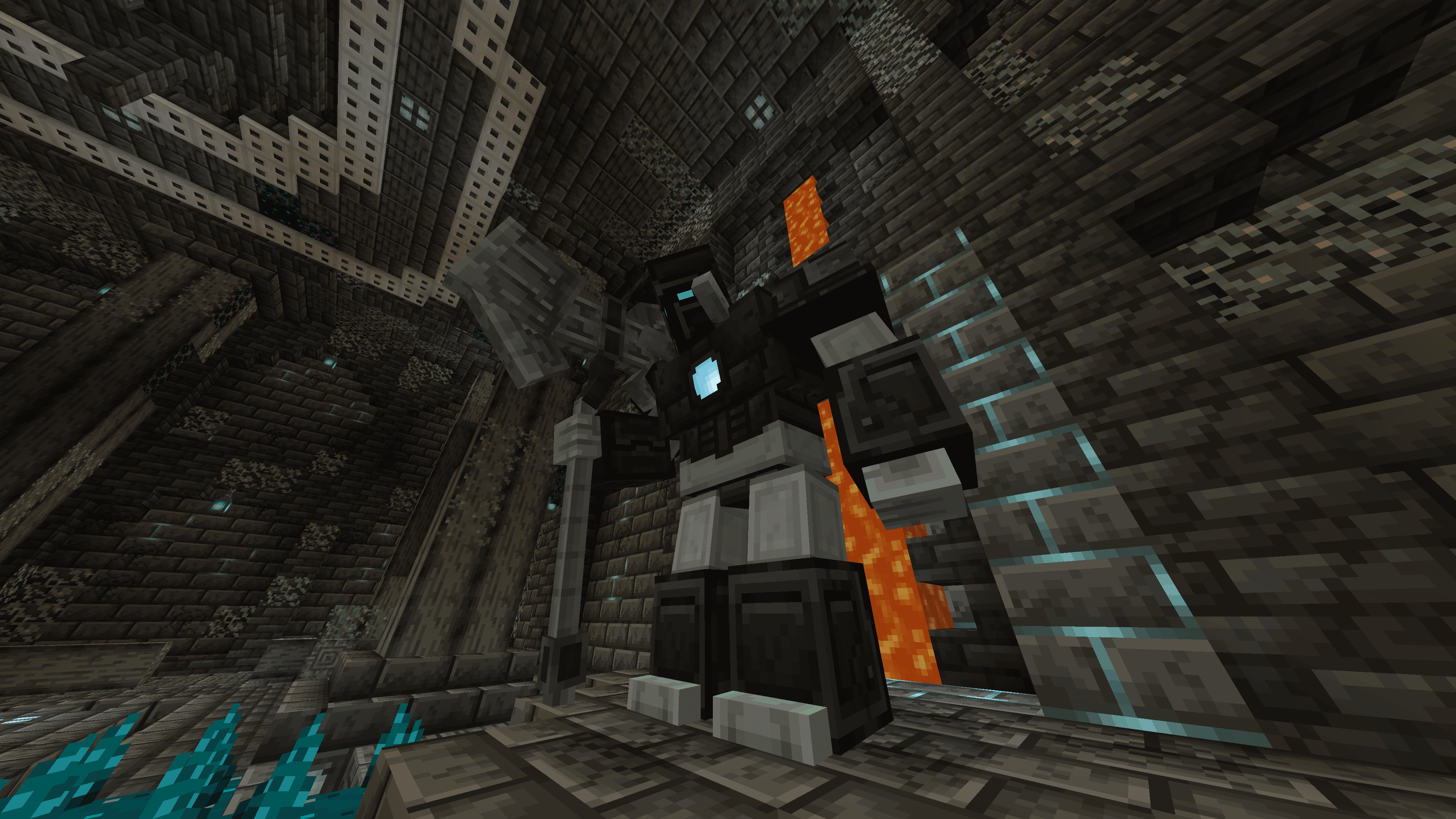
Reimplements the deprecated Nameless Guardian boss and structure from EEEAB's Mobs back in your worlds in latest version of the mod
by Dhaseal
Download Claim this project
114 downloads
0 likes
0 followers
Updated Oct 14, 2026
0 hypes
Follow0
Adventure Mod Support Utility
Advertisement Remove ads with Premium →

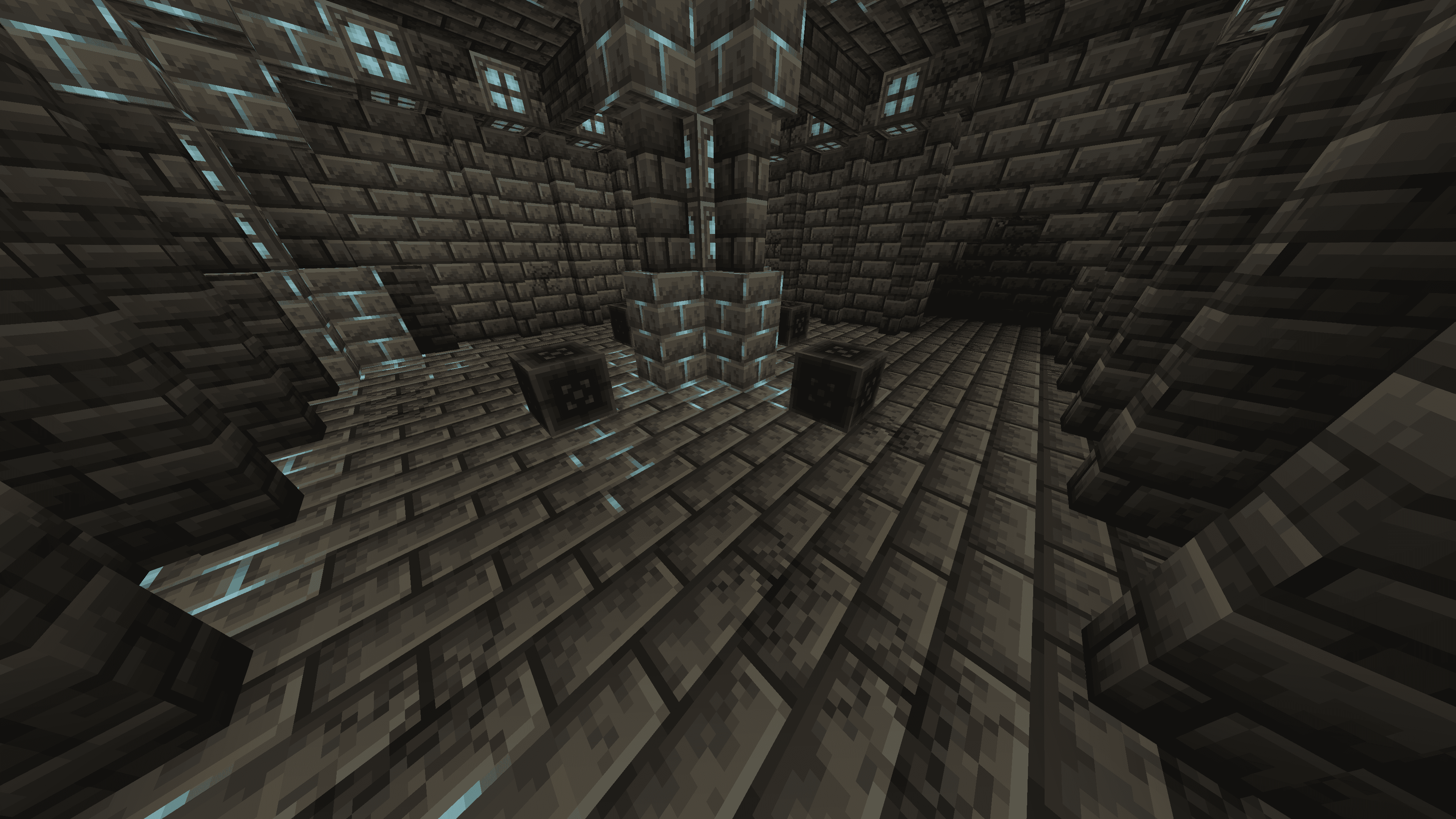
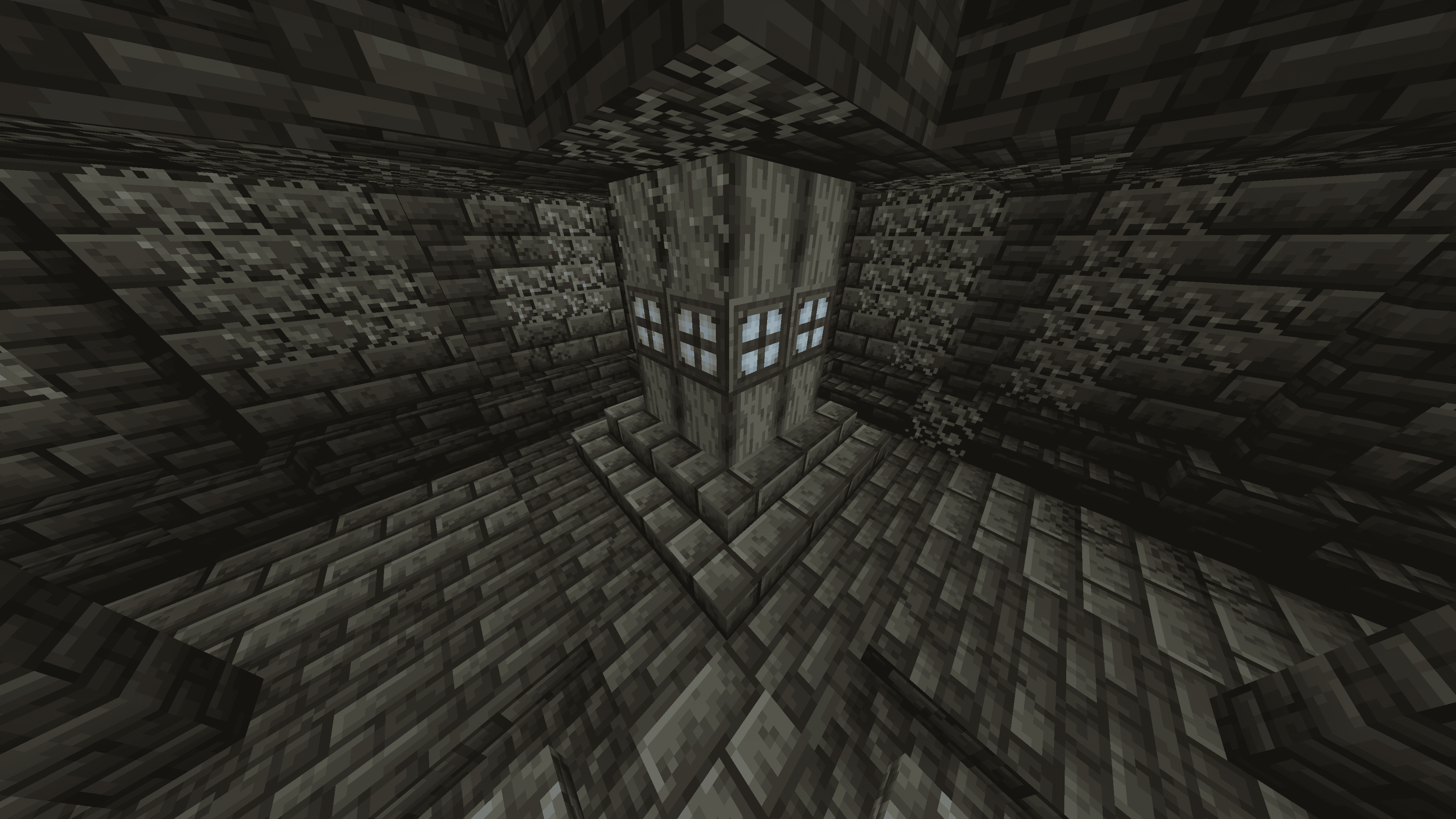
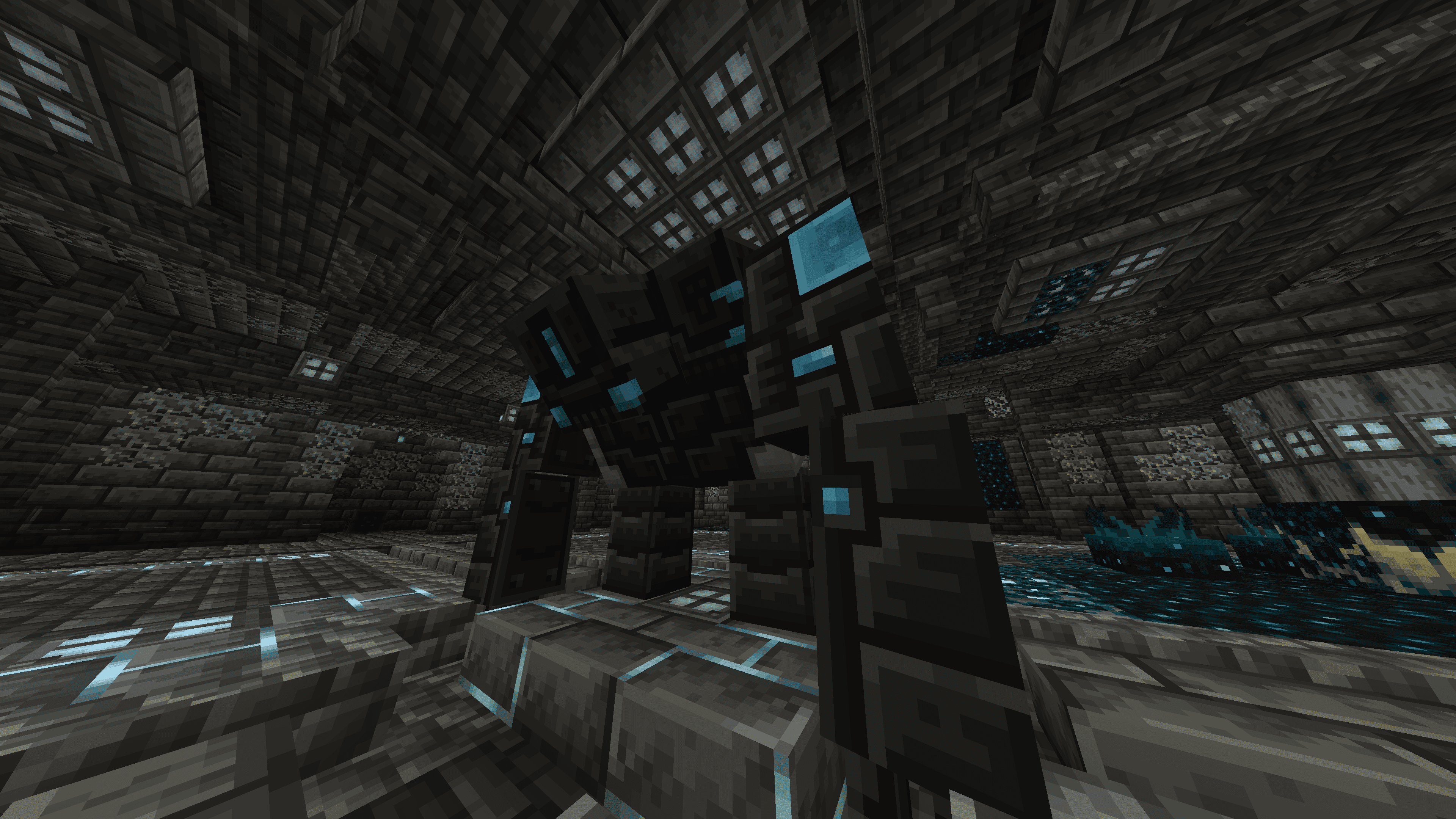
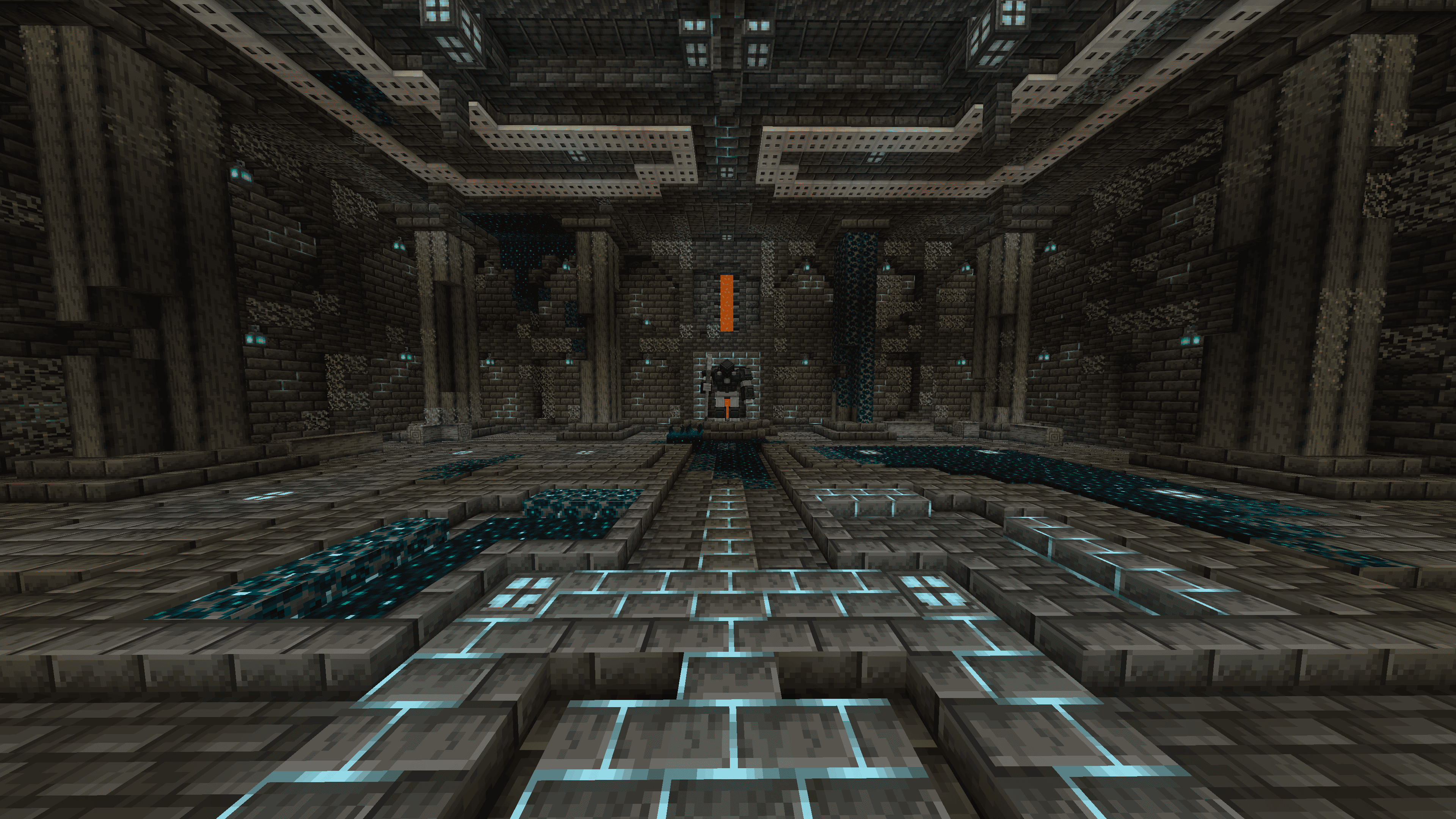
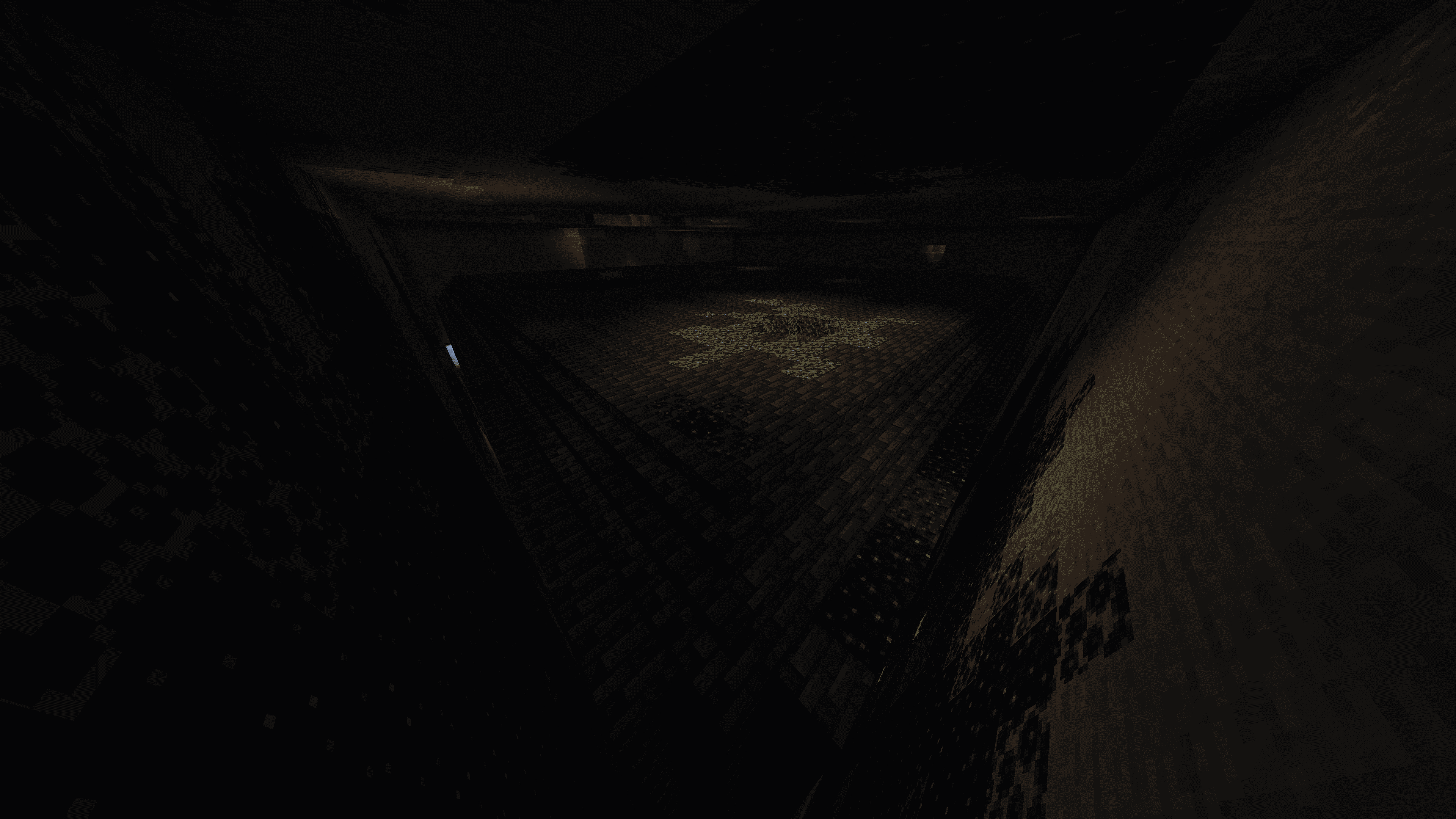
This is a UNOFFICIAL datapack for Minecraft 1.20.1 EEEAB's Mobs last version 0.98.1 that reimplements the deprecated boss Nameless Guardian that was replaced by Realmwarden boss, bringing also his structure "Guling" (which was also replaced by the Coreforge Ruins) back into your worlds.


Latest version of EEEAB's Mobs removed a lot of content from versions where Nameless Guardian was still a thing, so I had to "fix" it by implementing some of new blocks and new enemies from latest versions of the mod into Guling structure as similar as possible to his official version.


  DISCLAIMER  

This is a unofficial project I created only for my personal modpack. I'm not a programmer, I got a lot of help from AI assist. This project is not intended to supersede the work of the mod's official author. It's an amateur and imperfect attempt, only suitable for personal projects. Use this datapack at your own discretion.


If you don't know how to use datapacks, I recommend you to use Paxi or Open Loader.


Feel free to use it on your modpacks without my permission.

EEEABsMobs_Guling_Datapack.zip
MC 1.20.1
Release 2026-07-12 Get

Requirements & install

How to use this data pack in Minecraft
Mods needed
None, works in vanilla
Minecraft
1.20.1
Install folder
saves/<world>/datapacks

How to install data packs

  1. Download the data pack .zip file (do not extract it).
  2. New world: click Data Packs on the world creation screen and drop the .zip in. Existing world: open .minecraft/saves/<world>/datapacks.
  3. Put the .zip into the datapacks folder of the world (servers: world/datapacks).
  4. Run /reload in game (or rejoin the world) and check it with /datapack list.
Browse more: Data Packs for 1.20.1 All data packs

More from Dhaseal

Advertisement Remove ads with Premium →

You Might Also Like