Mineuniverse
Data Packs
Dynamic Lighting (Entities)

Dynamic Lighting (Entities)

DATA PACK
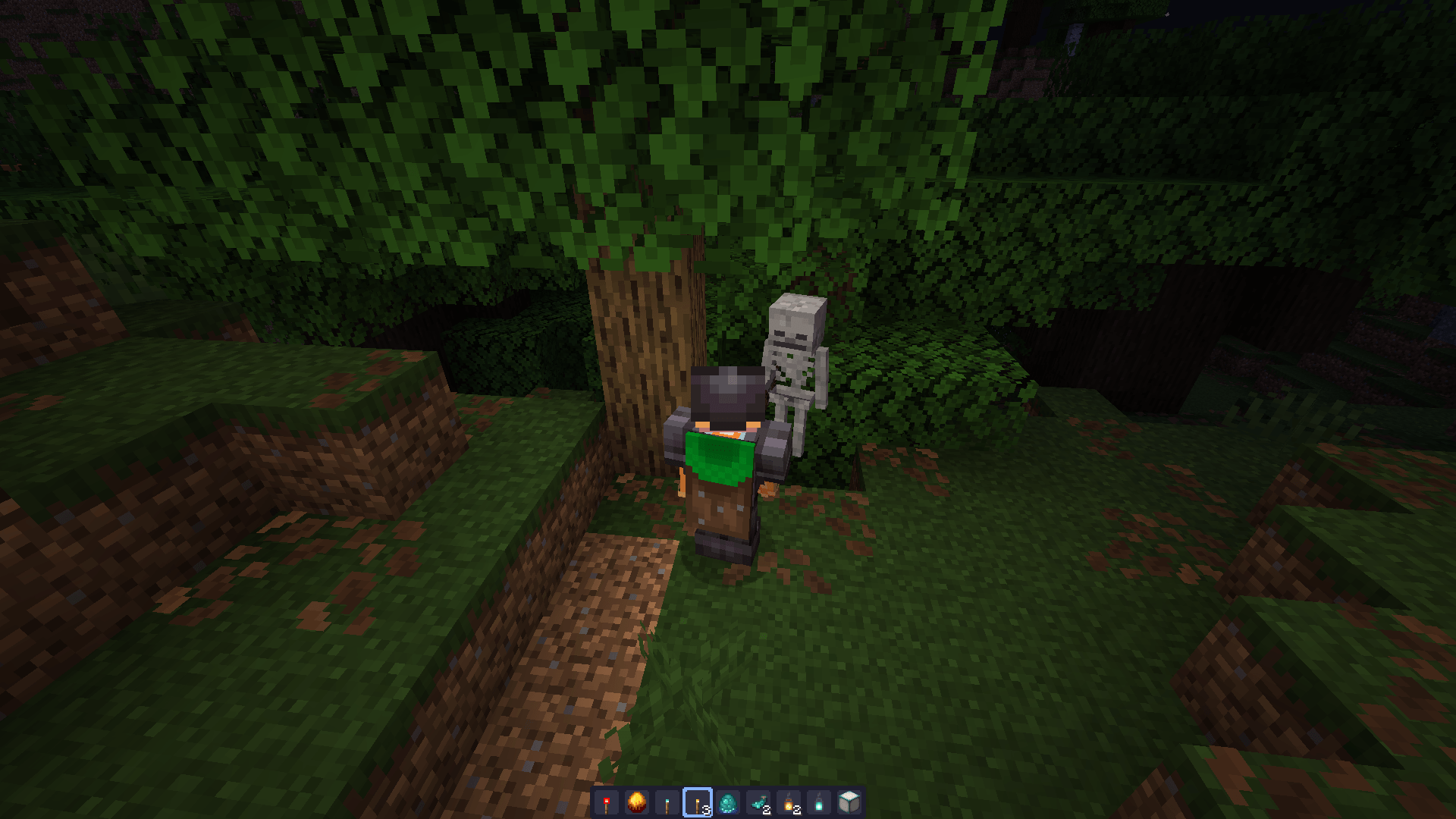
A dynamic light for all light-emitting items and glowing entities
by quillphen
Download Claim this project
15,475 downloads
0 likes
Updated Oct 14, 2026
0 hypes
Adventure Fantasy Tech Utility
Advertisement Remove ads with Premium →

Dynamic Lighting

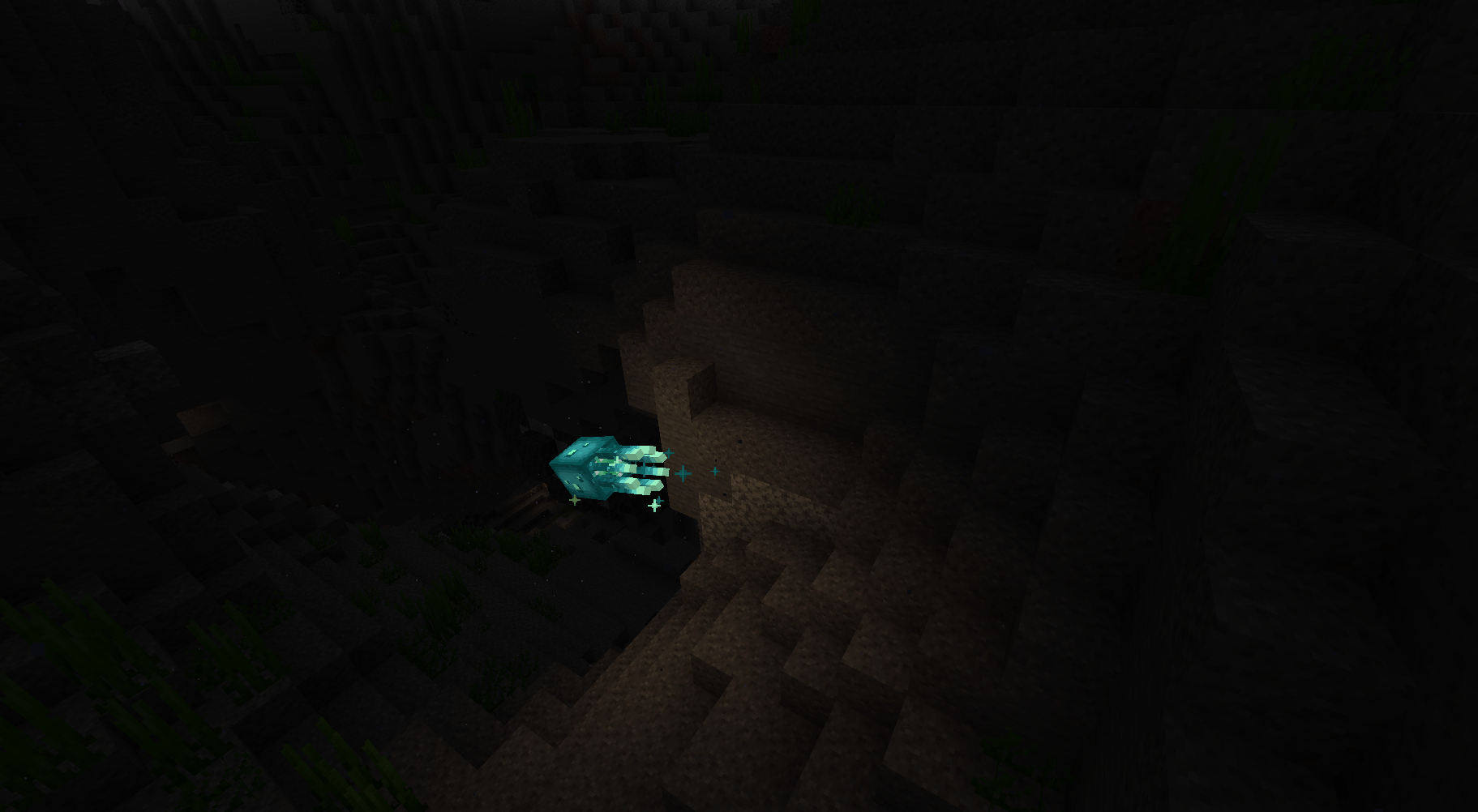
adds dynamic lighting to Minecraft, All light-emitting items and glowing entities produce light that follows them around

Patreon

1

Light Levels

Light Level Brightness Light Sources Entities
15 Brightest Glowstone, Sea Lantern, Lantern, Jack O'Lantern, Shroomlight, Beacon, All Froglights (Verdant, Pearlescent, Ochre) Blazes
14 Bright Torch, Campfire, Lava Bucket, End Rod —
10 Medium Soul Torch, Soul Lantern, Soul Campfire, Redstone Torch, Glow Berries Magma Cubes, Glow Squids
7 Dim Blaze Rod, Blaze Powder, Glowstone Dust, Glow Ink Sac —
DynamicLighting 1.17.zip
MC 1.17.1, 1.18.1, 1.20.2-Snapshot, 1.19-Snapshot, 1.19.3, 1.20.2, 1.19.4, 1.17, 1.19.4-Snapshot, 1.17-Snapshot, 1.18, 1.20.1, 1.20, 1.20-Snapshot, 1.19.1, 1.20.4, 1.18.2, 1.19.2
Release 2026-03-06 Get
DynamicLighting.zip
MC 1.21.2-Snapshot, 1.21, 1.21.6-snapshot, 1.20.5-Snapshot, 1.21.1-Snapshot, 1.21.8, 1.20.5, 1.21.5, 1.21.4, 1.21.5-Snapshot, 1.20.6, 1.21.1, 1.21.6, 1.21.3, 1.21.7, 1.21-Snapshot
Release 2026-03-06 Get

Requirements & install

How to use this data pack in Minecraft
Mods needed
None, works in vanilla
Minecraft
1.21.3 – 1.21.8
Install folder
saves/<world>/datapacks

How to install data packs

  1. Download the data pack .zip file (do not extract it).
  2. New world: click Data Packs on the world creation screen and drop the .zip in. Existing world: open .minecraft/saves/<world>/datapacks.
  3. Put the .zip into the datapacks folder of the world (servers: world/datapacks).
  4. Run /reload in game (or rejoin the world) and check it with /datapack list.
Browse more: Data Packs for 1.21.8 All data packs

More from quillphen

Advertisement Remove ads with Premium →

You Might Also Like