Close menu
Mods
Browse
Plugins
Bukkit, Spigot & Paper plugins
Maps
Adventure, parkour & survival maps
Resource Packs
Textures from 16x to 512x+
Data Packs
Vanilla-friendly game changes
Shaders
Iris & OptiFine shader packs
Mod Packs
Curated mod collections
Minecraft Versions
Everything for one version
Mod Compatibility
Find mods that work together
Search everything
Mods, packs, shaders & more
Browse
Plugins
Bukkit, Spigot & Paper plugins
Maps
Adventure, parkour & survival maps
Resource Packs
Textures from 16x to 512x+
Data Packs
Vanilla-friendly game changes
Shaders
Iris & OptiFine shader packs
Mod Packs
Curated mod collections
Minecraft Versions
Everything for one version
Mod Compatibility
Find mods that work together
Search everything
Mods, packs, shaders & more
Servers
Players
Wiki
Tools
Games
Farms
More
News
How to Craft
Mob Drops
Villager Trades
Biome Spawns
Minecraft Skins
Server of the Month
App
More
News
How to Craft
Mob Drops
Villager Trades
Biome Spawns
Minecraft Skins
Server of the Month
App
Log in
Register
Log in
Register
Data Packs
Custom old world in new
DATA PACK
A resourcepack with only a data folder.
by
djromrell
Download
Report
Claim this project
66 downloads
0 likes
0 followers
Updated Oct 14, 2026
0 hypes
Follow
0
Adventure
Miscellaneous
Utility
Share
Copy link
Copy for Discord
Reddit
X
Home
/
Data Packs
/
Miscellaneous
/
Custom old world in new
Advertisement
Remove ads with Premium →
Description
Files (1)
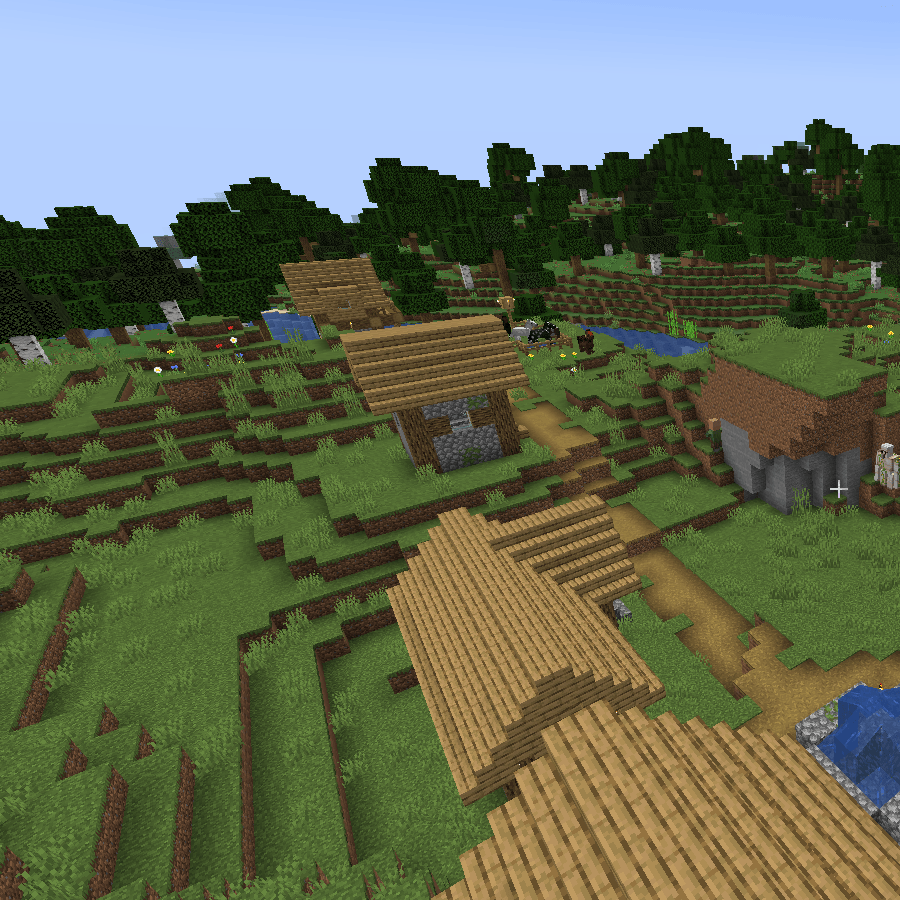
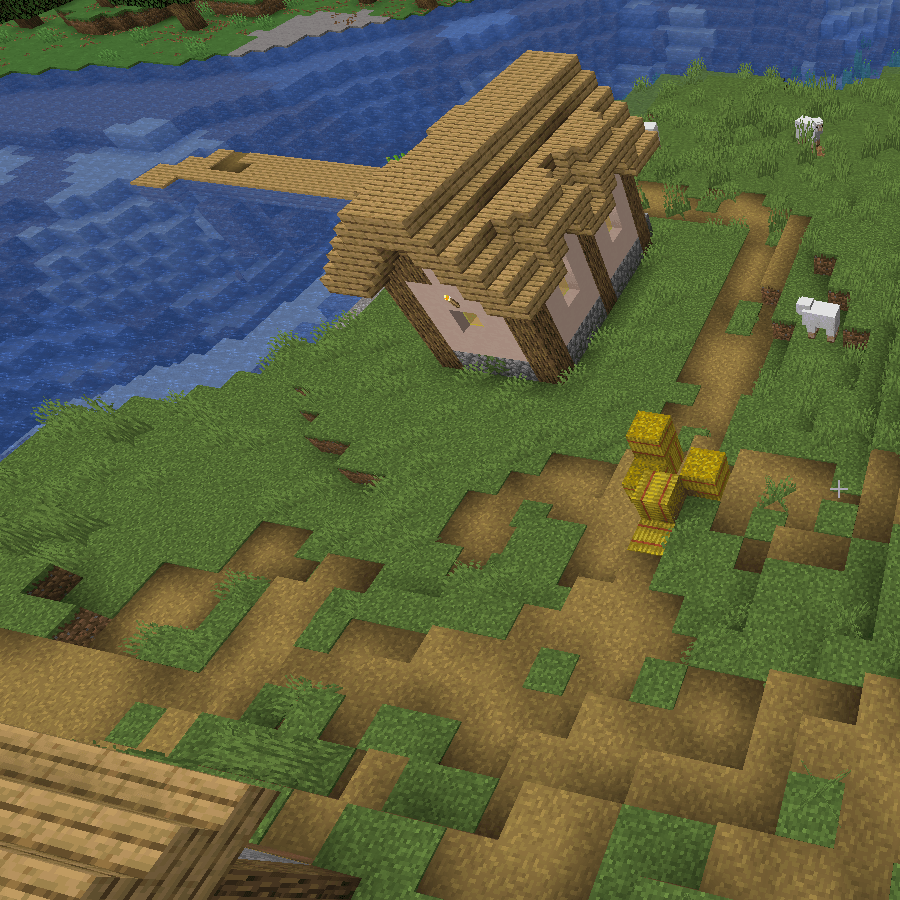
Screenshots (2)
Features:
Reintroduce customized 1.12.2 settings (It exposes all familiar settings)
Can be integrated into existing worlds and data-driven worldgen workflows
Somewhat user-friendly configuration Impacts to user: Provides a text file that shares the easy to configure settings in the json.
data.zip
MC 1.21.6-snapshot, 1.21.5
Release
2025-05-16
Get
Requirements & install
How to use this data pack in Minecraft
Mods needed
None, works in vanilla
Minecraft
1.21.5 – 1.21.6-snapshot
Install folder
saves/<world>/datapacks
How to install data packs
1
Download the data pack .zip file (do not extract it).
2
New world: click Data Packs on the world creation screen and drop the .zip in. Existing world: open .minecraft/saves/<world>/datapacks.
3
Put the .zip into the datapacks folder of the world (servers: world/datapacks).
4
Run /reload in game (or rejoin the world) and check it with /datapack list.
Browse more:
Data Packs for 1.21.6-snapshot
All data packs
Advertisement
Remove ads with Premium →
More from djromrell
QuantumCraft
54
Performant and Aesthetic
46,926
KillerWorld
46
aesthetic and performant
366
SlightlySaferKillerWorld
31
Commander
253
Advertisement
Remove ads with Premium →
You Might Also Like
Reduced Diamond Ore
Reduces Diamond Ore spawn by cutting the generation frequency of the new diamonds added in 1.20.2.
983
Boss Results {Data Pack}
Defeating a boss sends a clickable chat message that shows performance statistics for every participating player in that boss fight.
981
Berrymashing
A Cobblemon add-on which lets you craft berries into dyes.
966
Dynamic Trees: Sapling replacement
Replaces Dynamic Trees sapling with vanilla counterpart
961
Protogen Origin V1.0 Data/Resource
Data/Resource Pack Version, impact is 2
943
Recipefy
ow you can craft vNaluable, uncraftable items in Minecraft like the Trident and the Enchanted Golden Apple. Recipefy adds logical and fair crafting recipes for these items without breaking the game's balance.
934
Report Mod
Reason
Malicious content
Copyright violation
Broken download
Spam
Other
Your email (optional)
Details
Cancel
Submit Report