Mineuniverse
Data Packs
BottleCaps [Cobblemon]

BottleCaps [Cobblemon]

DATA PACK
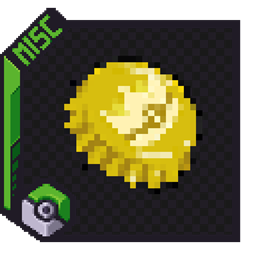
Bottle Caps adds recipes for bottle caps that let's you max out your Pokémon's IVs.
by Quim201
Download Claim this project
8,771 downloads
0 likes
Updated Oct 14, 2026
0 hypes
Adventure Magic Miscellaneous Utility
Advertisement Remove ads with Premium →


🔵 BottleCaps ⚪

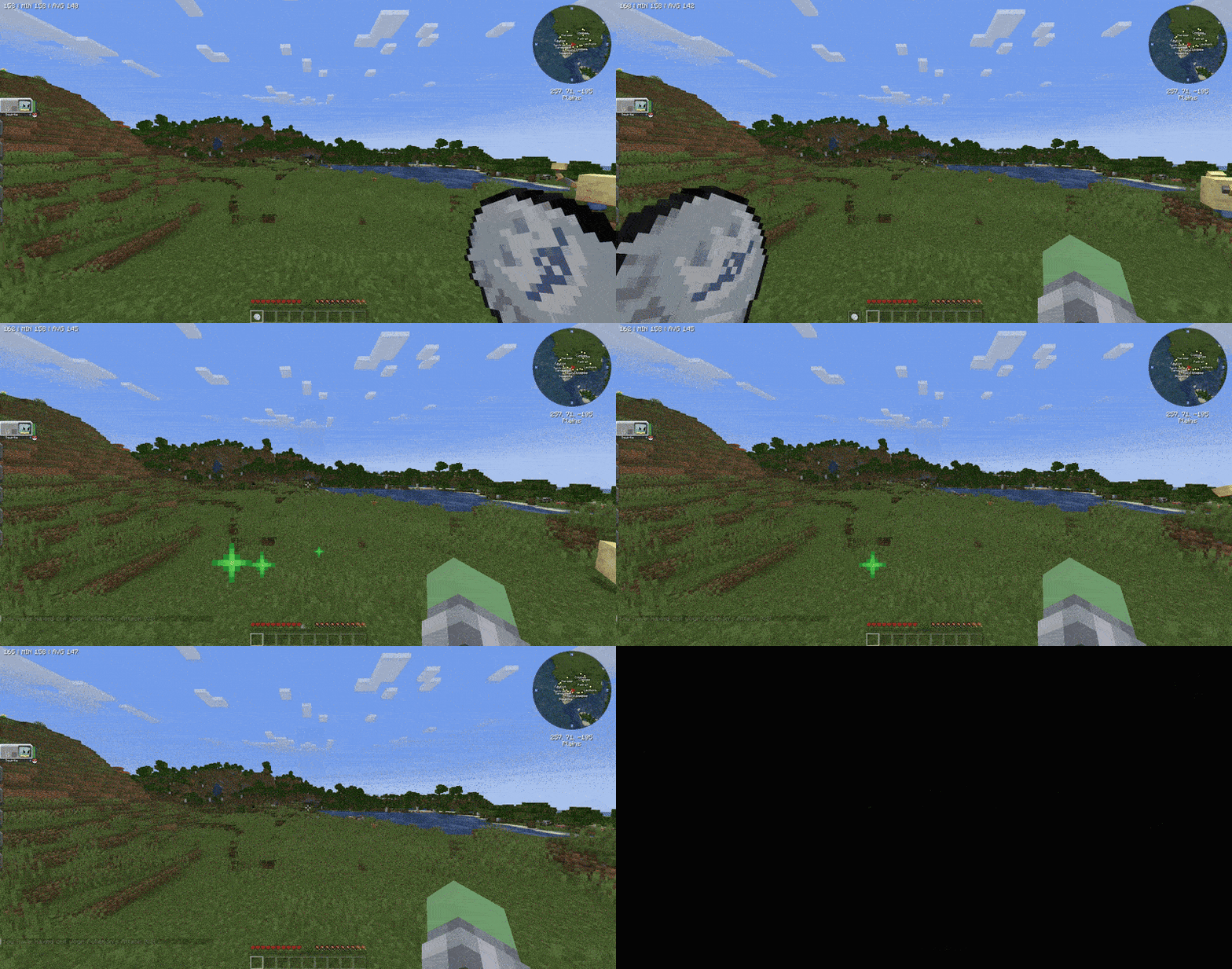
BottleCpas in the Cobblemon mod. This datapack introduces the concept of Silver and Golden Bottle Caps into Minecraft, inspired by Pokémon! Players can now use Silver Bottle Caps to maximize the IVS of a single stat or Golden Bottle Caps to maximize the IVS of all stats. To use this addon just download the zip and place it in the datapack's folder of your minecraft world and resourcepack folder of your game. Both Datapack and Resourcepack are in a single zip.

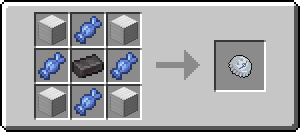
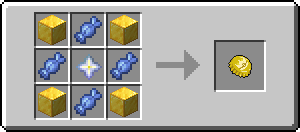
📋 Bottle Caps Recipe List 🍾

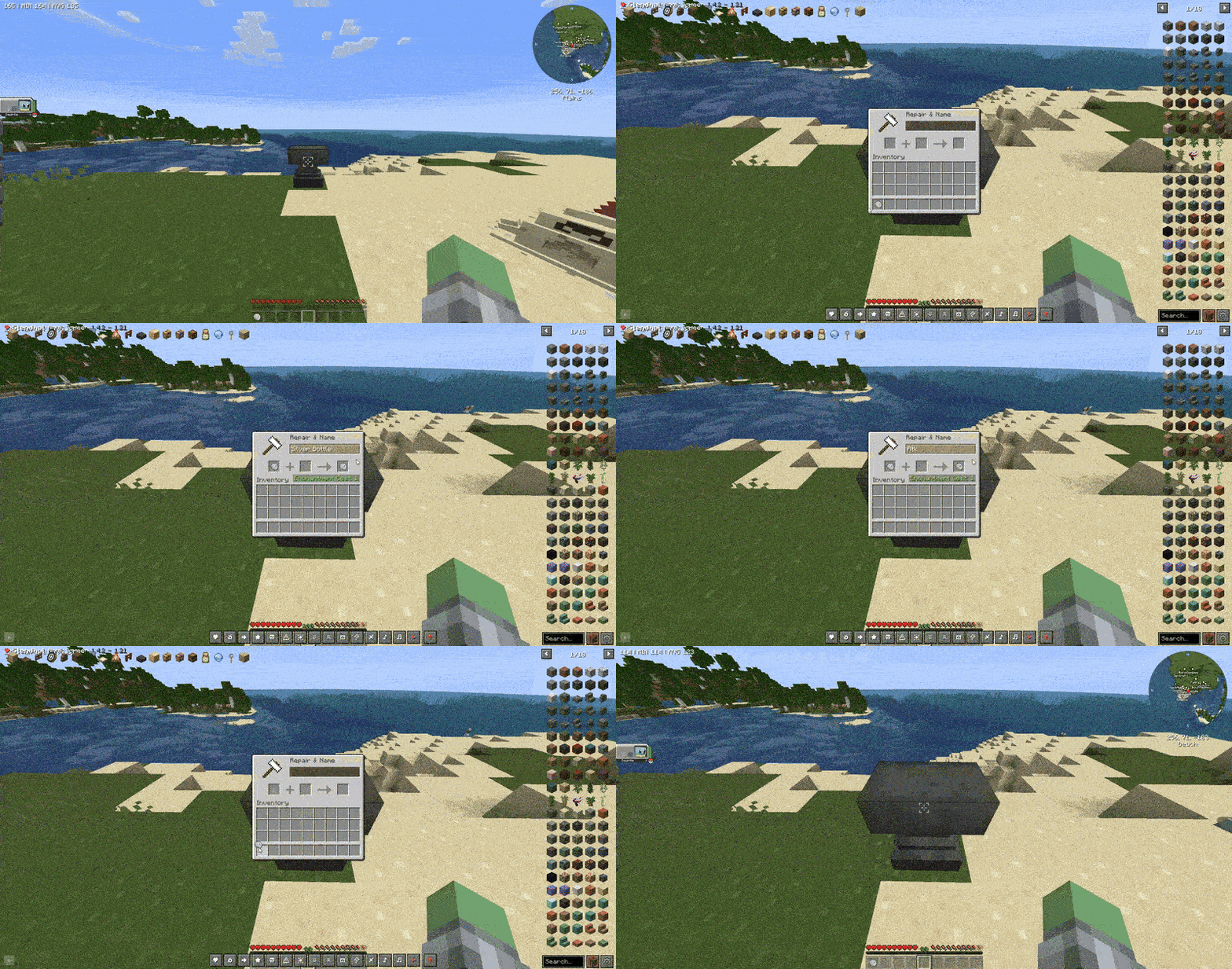
  • Silver Bottle Cap:

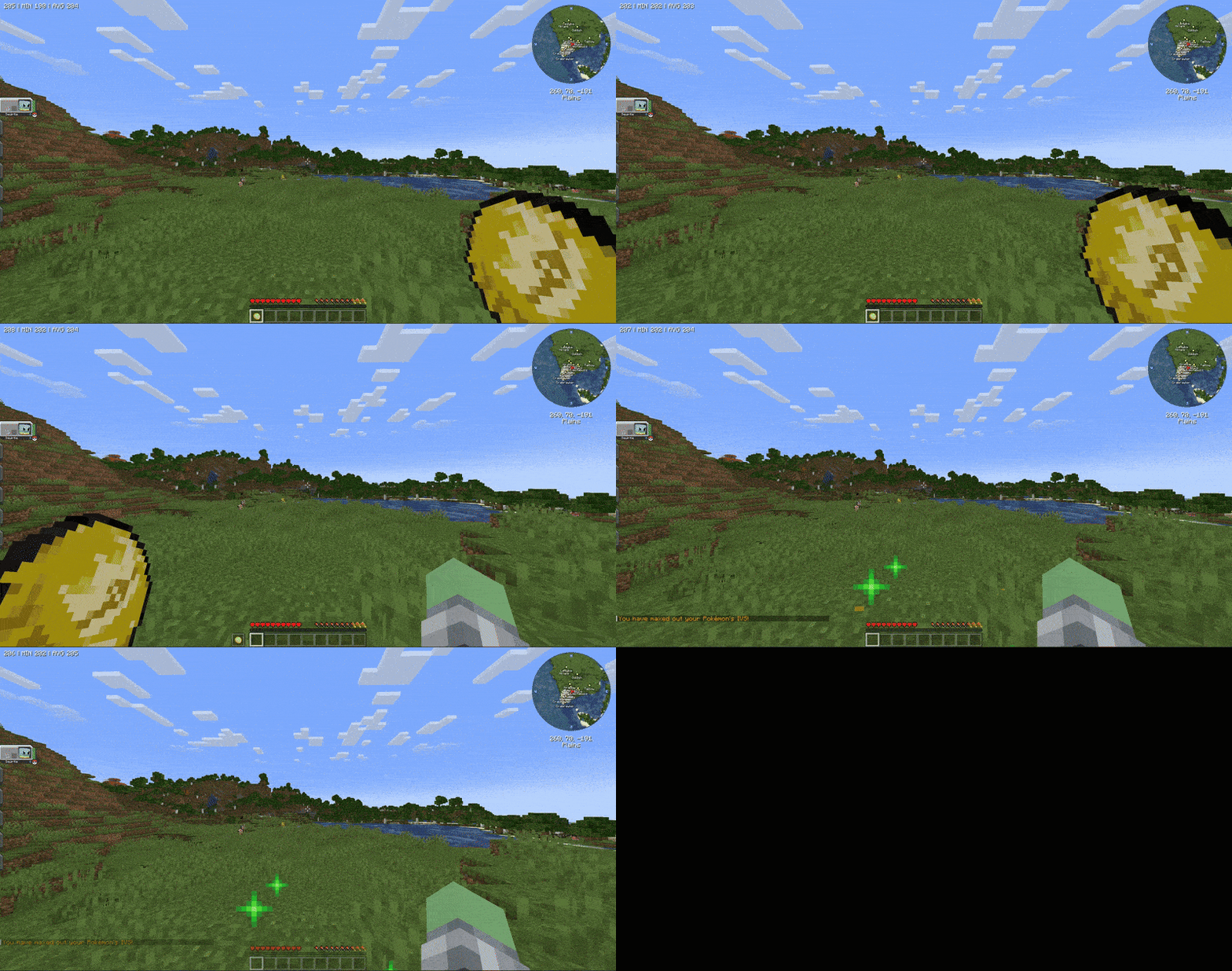
  • Golden Bottle Cap:

    ⚙️ How it works 📖


    Hold a Golden Bottle Cap in your off-hand. When you crouch, your first Pokémon will get all their IVS maxed. You can also use a Silver Bottle Cap by renaming it to any of the 6 stats you want to max out (rename them to the words inside the (parenthesis)): Attack (Atk), Defence (Def), Speed (Speed), HP (HP), Special Attack (Sp.Atk) and Special Defence (Sp.Def). You will have to rename the item to the correct stat or else the Bottle Cap will be consumed without giving out the stat.

    Have some issues? You can join the Official Cobblemon discord server, search for 'BottleCaps' and ask your questions there, or alternatively, you can DM me on discord.


BottleCaps 1.1.zip
MC 1.21.1
Release 2025-07-04 Get

Requirements & install

How to use this data pack in Minecraft
Mods needed
None, works in vanilla
Minecraft
1.21.1
Install folder
saves/<world>/datapacks

How to install data packs

  1. Download the data pack .zip file (do not extract it).
  2. New world: click Data Packs on the world creation screen and drop the .zip in. Existing world: open .minecraft/saves/<world>/datapacks.
  3. Put the .zip into the datapacks folder of the world (servers: world/datapacks).
  4. Run /reload in game (or rejoin the world) and check it with /datapack list.
Browse more: Data Packs for 1.21.1 All data packs

More from Quim201

Advertisement Remove ads with Premium →

You Might Also Like