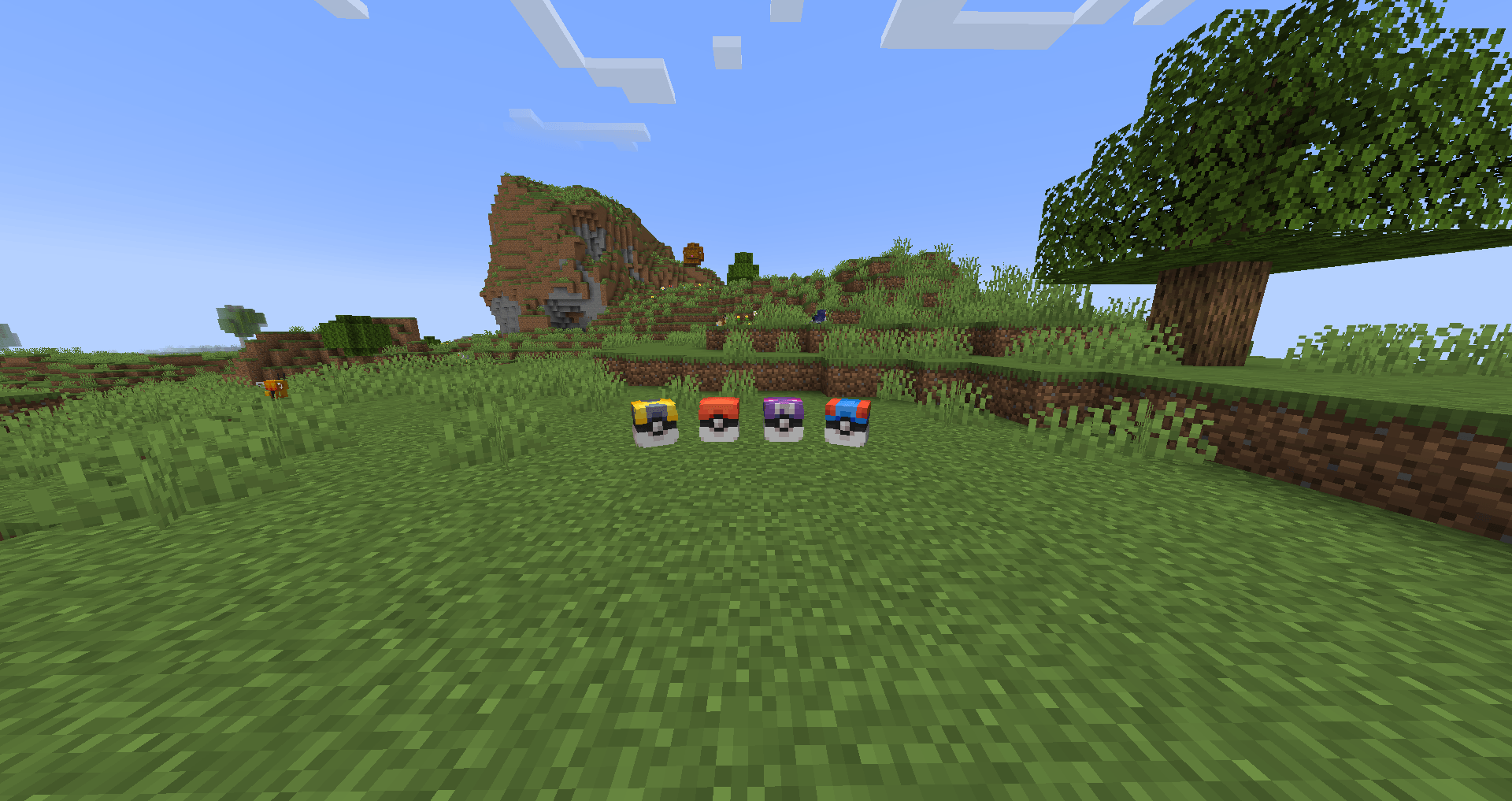
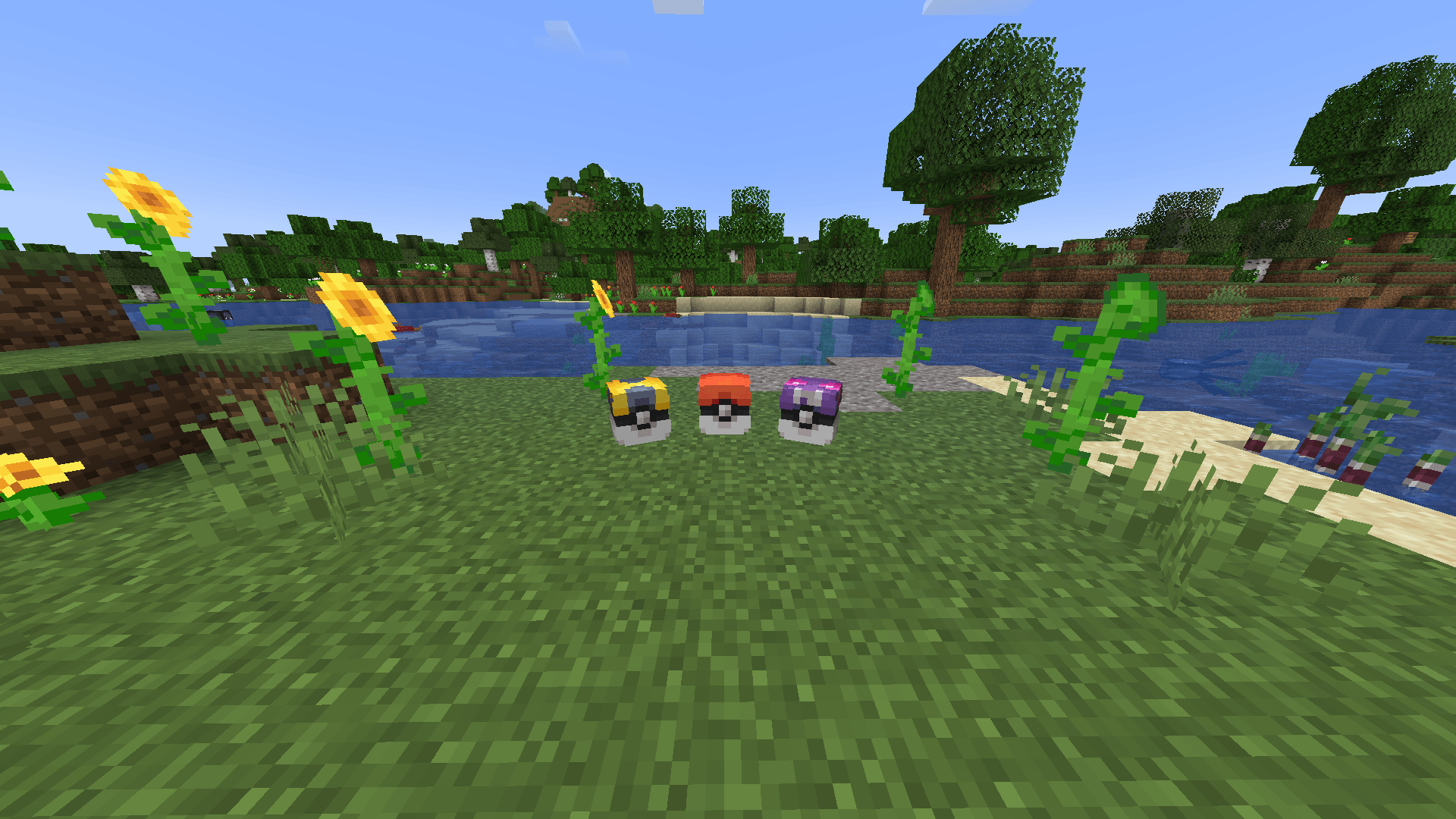
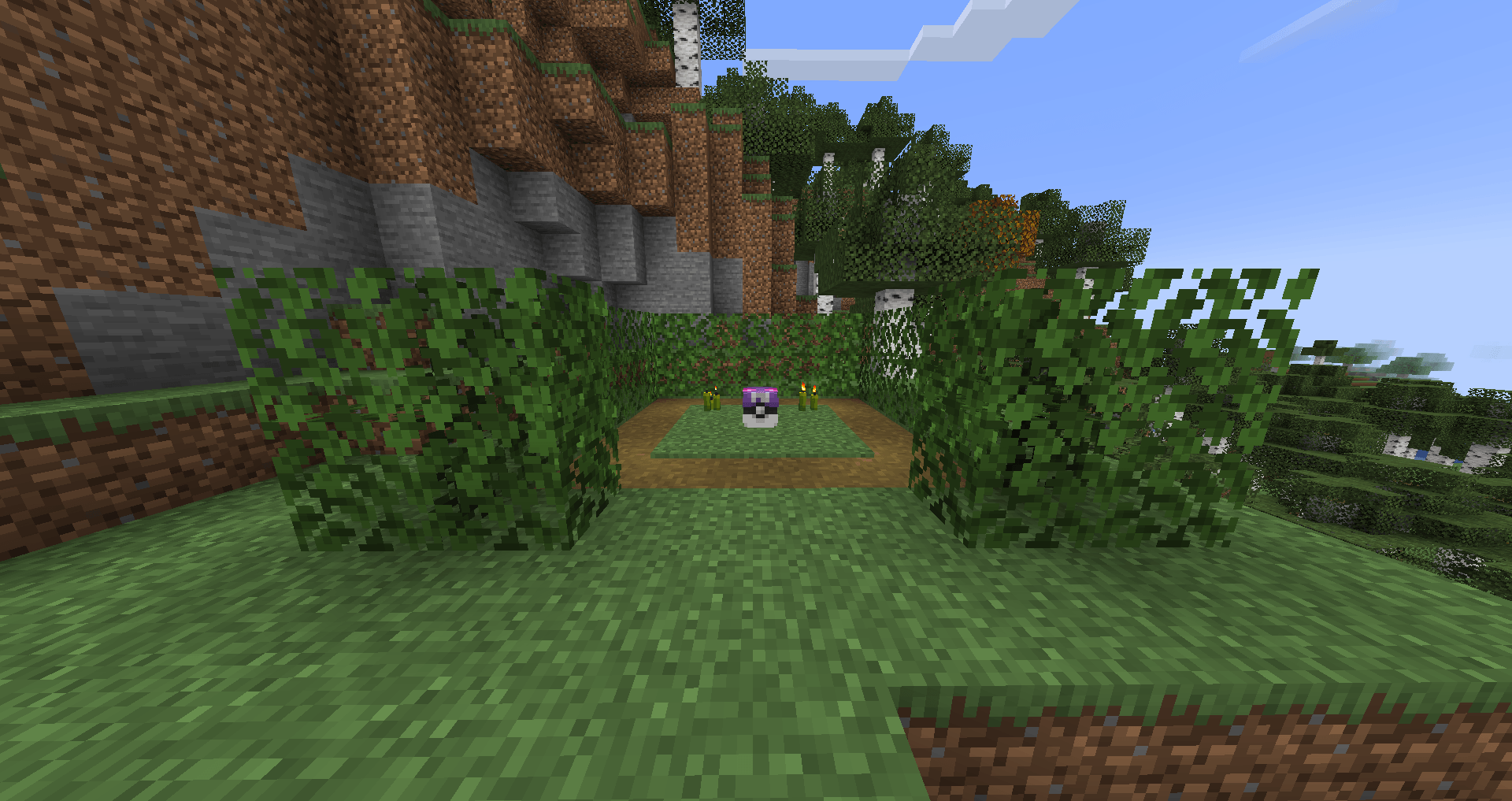
PokeLoot in the popular mod Cobblemon. This datapack adds small pokeloots that can be claimed for a small or big reward. It's pretty simple, just place the datapack inside your world and you're good to go!
Warning (⚠️) If you place the datapack in an existing world ONLY newly generated chunks will contain the pokeloots. To have a whole world with the pokeloot you'll need to place the datapack in the datapack option when creating a world.
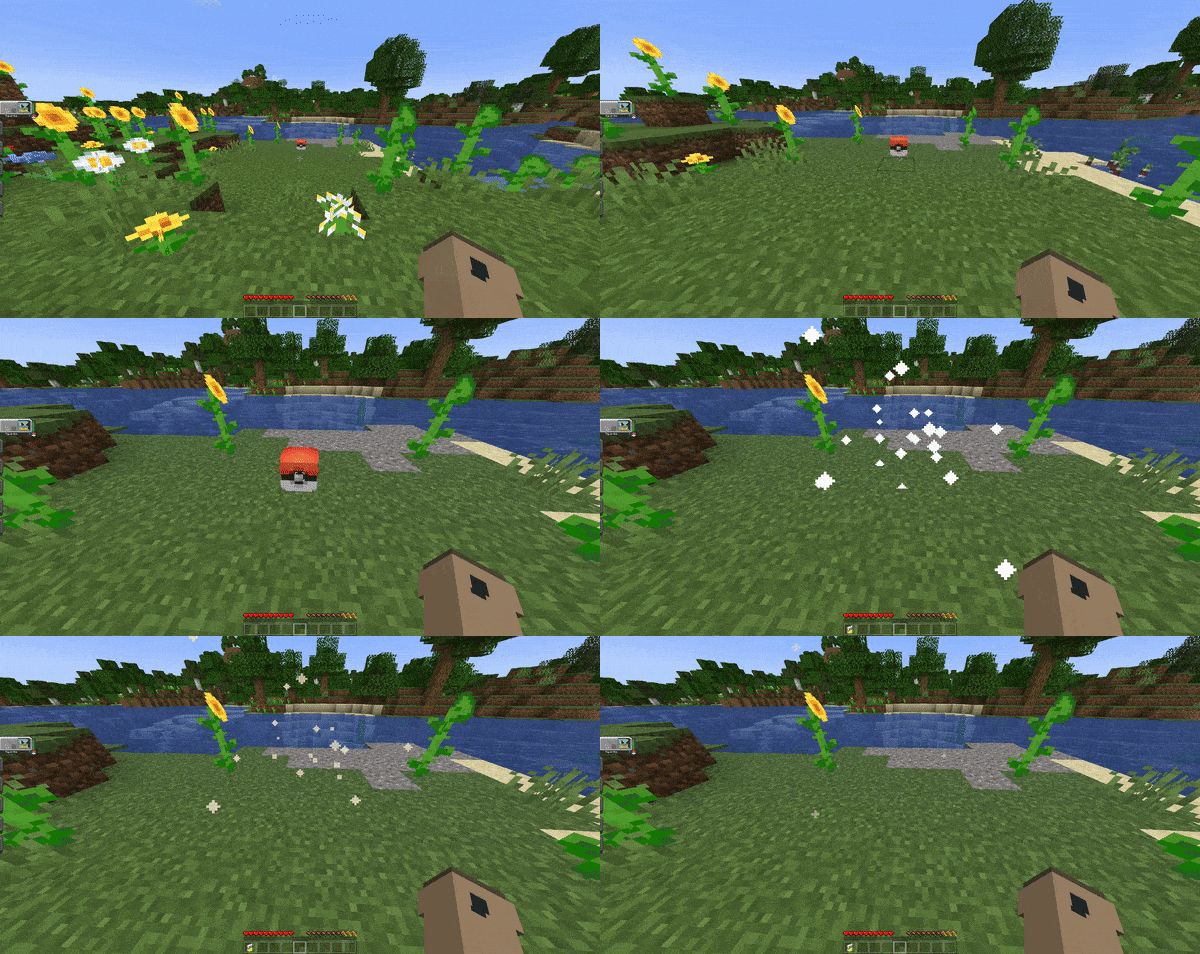
Here's a small showcase of the datapack in game:
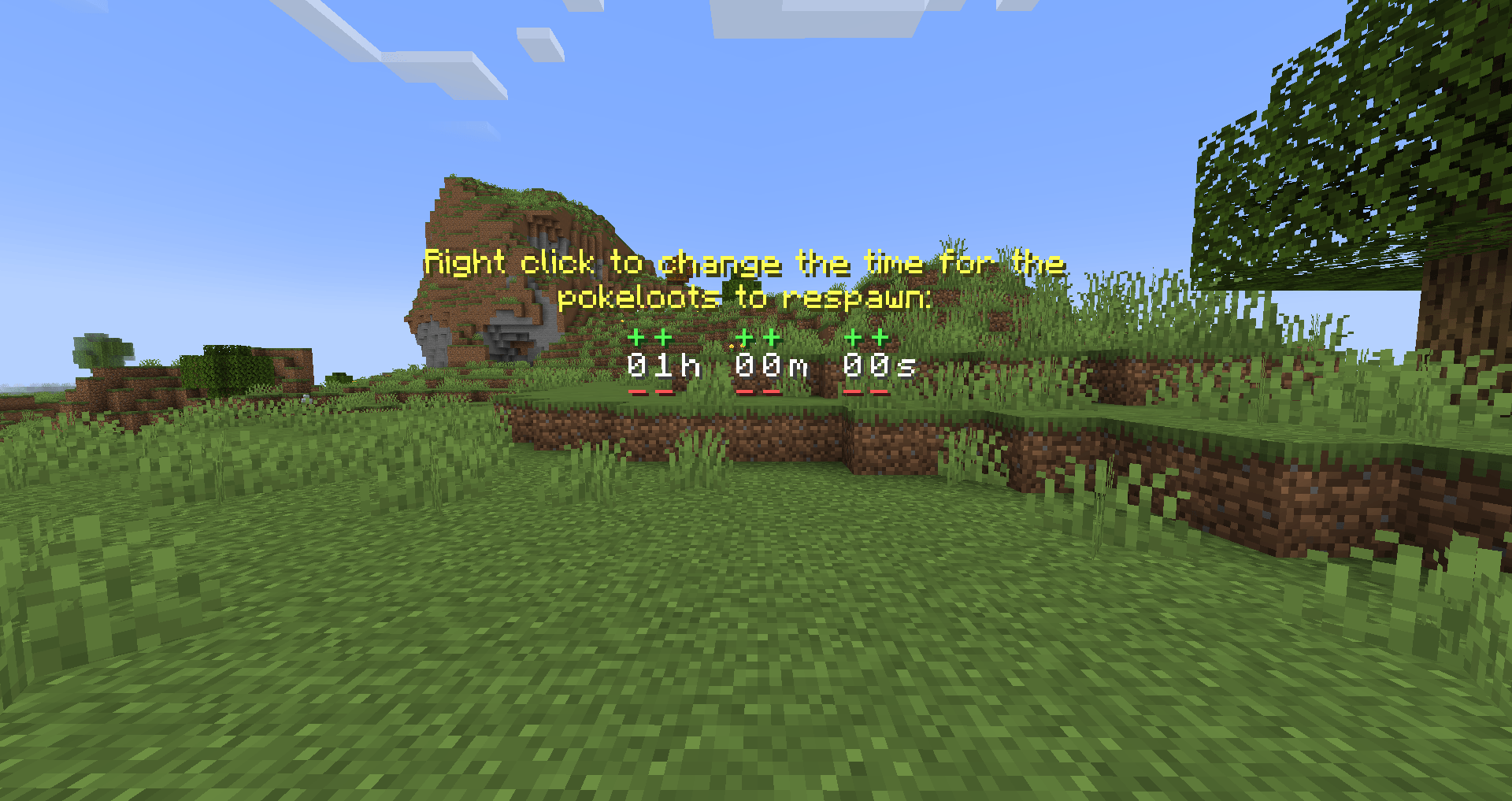
The datapack is configurable meaning you can change some settings:
 Poke Ball;
  Dive Ball;
  Dusk Ball;
  Fast Ball;
  Friend Ball;
  Great Ball;
  Heal Ball;
  Heavy Ball;
  Level Ball;
  Love Ball;
  Lure Ball;
  Luxury Ball;
  Moon Ball;
  Nest Ball;
  Net Ball;
  Premier Ball;
  Quick Ball;
  Repeat Ball;
  Safari Ball;
  Sport Ball;
  Timer Ball;
  Ultra Ball;
  Antidote;
  Awakening;
  Burn Heal;
  Dire hit;
  Elixir;
  Energy Root;
  Ether;
  Full Heal;
  Full Restore;
  Guard Spec;
  Heal Powder;
  Hyper Potion;
  Ice heal;
  Max Elixir;
  Max Ether;
  Max potion;
  Max Revive;
  Paralyze Heal;
  Potion;
  Revival Herb;
  Revive;
  Super Potion;
  X Accuracy;
  X Attack;
  X Defence;
  X Special Attack;
  X Special Defence;
  X Speed;
  Medicinal Leek;
  Metal powder;
  Quick powder;
  Rare Candy;
  Calcium;
  Carbos;
  HP Up;
  Iron;
Iron;  Protein;
  Zinc;
Zinc;  Big Root;
  Sachet;
  Whipped Dream;
  Absorb Bulb;
  Binding Band;
  Bug Gem;
  Cell Battery;
  Dark Gem;
  Dragon Gem;
  Electric Gem;
  Everstone;
  Fairy Gem;
  Fighting Gem;
  Fire Gem;
  Float Stone;
  Flying Gem;
  Ghost Gem;
  Grass Gem;
  Ground Gem;
  Ice Gem;
  Normal Gem;
  Poison Gem;
  Psychic Gem;
  Ring Target;
  Rock Gem;
  Snowball;
  Steel Gem;
  Water Gem;
 Cherish Ball;
  Black Augurite;
  Dawn Stone;
  Deep Sea Scale;
  Deep Sea Tooth;
  Dragon Scale;
  Dubious Disc;
  Dusk Stone;
  Electirizer;
  Fire Stone;
  Ice Stone;
  Leaf Stone;
  Magmarizer;
  Moon Stone;
  Oval Stone;
  Peat Block;
  Reaper Cloth;
  Shiny Stone;
  Sun Stone;
  Thunder Stone;
  Upgrade;
  Water Stone;
  Exp Share;
  Black Belt;
  Black Glasses;
  Black Sludge;
  Bright Powder;
  Charcoal Stick;
  Dragon Fang;
  Focus Band;
  Hard Stone;
  Heavy Duty Boots; Kings Rock;
  Light Clay;
  Magnet;
  Mental Herb;
  Metal Coat;
  Miracle Seed;
  Mystic Water;
  Never Melt Ice;
  Poison Barb;
  Power Herb;
  Prism Scale;
  Protector;
  Quick Claw;
  Razor Claw;
  Razor Fang;
  Safety Goggles;
  Sharp Beak;
  Silk Scarf;
  Silver Powder;
  Soft Sand;
  Spell Tag;
  Twisted Spoon;
  White Herb;
  PP Max;
  Leftovers;
  Lucky Egg;
  Power Anklet;
  Power Band;
  Power Belt;
  Power Bracer;
  Power Lens;
  Power Weight;
  Exp Candy XS;
  Exp Candy S;
  Exp Candy M;
  Galarica Cuff;
  Galarica Wreath;
  Sweet Apple;
  Tart Apple;
  PP Up;
  Link Cable;
  Air Balloon;
  Damp Rock;
  Eject Button;
  Flame Orb;
  Heat Rock;
  Icy Rock;
  Iron Ball;
  Light Ball;
  Red Card;
  Smoke Ball;
  Smooth Rock;
  Toxic Orb;
Cherish Ball; Black Augurite; Dawn Stone; Deep Sea Scale; Deep Sea Tooth; Dragon Scale; Dubious Disc; Dusk Stone; Electirizer; Fire Stone; Ice Stone; Leaf Stone; Magmarizer; Moon Stone; Oval Stone; Peat Block; Reaper Cloth; Shiny Stone; Sun Stone; Thunder Stone; Upgrade; Water Stone; Exp Share; Black Belt; Black Glasses; Black Sludge; Bright Powder; Charcoal Stick; Dragon Fang; Focus Band; Hard Stone; Heavy Duty Boots; Kings Rock; Light Clay; Magnet; Mental Herb; Metal Coat; Miracle Seed; Mystic Water; Never Melt Ice; Poison Barb; Power Herb; Prism Scale; Protector; Quick Claw; Razor Claw; Razor Fang; Safety Goggles; Sharp Beak; Silk Scarf; Silver Powder; Soft Sand; Spell Tag; Twisted Spoon; White Herb; PP Max; Leftovers; Lucky Egg; Power Anklet; Power Band; Power Belt; Power Bracer; Power Lens; Power Weight; Exp Candy XS; Exp Candy S; Exp Candy M; Galarica Cuff; Galarica Wreath; Sweet Apple; Tart Apple; PP Up; Link Cable; Air Balloon; Damp Rock; Eject Button; Flame Orb; Heat Rock; Icy Rock; Iron Ball; Light Ball; Red Card; Smoke Ball; Smooth Rock; Toxic Orb;
 Master Ball; PP Max;
  Assault Vest;
  Choice Band;
  Choice Scarf;
  Choice Specs;
  Destiny Knot; Heavy Duty Boots; Leftovers; Lucky Egg;
  Muscle Band; Power Anklet; Power Band; Power Belt; Power Bracer; Power Lens; Power Weight;
  Rocky Helmet;
  Wise Glasses; Exp Share; Exp Candy XS; Exp Candy S; Exp Candy M;
  Exp Candy L;
  Exp Candy XL; Rare Candy; Dubious Disc; Galarica Cuff; Galarica Wreath; Link Cable;
  Blunder Policy;
  Eviolite;
  Expert Belt;
  Focus Sash;
  Life Orb;
  Weakness Policy;
  Ability Capsule;
  Ability Patch;
  Beast Ball; Safety Goggles;
Important Note: Modifying datapacks can be challenging for beginners. Proceed with caution! ⚠️
To customize the items found in each pokeloot, you'll need to have the datapack folder unzipped and placed in your datapacks directory. Once unzipped, navigate to the following location:
PokeLootDatapack\data\pokeloot\loot_tables\blocks.
In this folder, you'll find JSON files for each type of loot, such as pokeballs, ultraballs, greatballs, and masterballs. These files contain the items they correspond to. To change an item, open the .json file of the pokeloot you'd like to change and locate an item which will look like this: "name": "cobblemon:poke_ball". For example, if you want to replace the pokeball drop with a rare candy, change "name": "cobblemon:poke_ball" to "name": "cobblemon:rare_candy".
You can find the namespaces for cobblemon items by pressing F3+H in-game and hovering your mouse over an item.
To remove items, simply delete the corresponding section:
{
    "type": "item",
    "weight": 1,
    "name": "cobblemon:poke_ball"
}
To add more items, simply add a new section:
{
    "type": "item",
    "weight": 1,
    "name": "cobblemon:poke_ball"
}
Remember to add a comma "," after each item (except the last one). Essentially, it's a JSON list separated by commas. If you've modified any of these .json files and the pokeloots stop working, you might have misspelled an item in the namespace or used an item that doesn't exist in Minecraft's namespace. Additionally, double-check that your .json file is properly formatted by using an online JSON formatter.
Have some issues? You can join the Official Cobblemon discord server, search for 'PokeLoot' and ask your questions there, or alternatively, you can DM me on discord.