Badges update automatically and link to the data pack page on MineUniverse.

A datapack designed to speed up resource gathering in Survival mode, giving you full control to easily enable or disable features via an interactive interface. It features a dynamic system that balances durability cost based on world difficulty to maintain game balance.

This project offers two options to suit your world or server needs:
Datapack Edition: Works directly on Vanilla worlds without requiring custom server software.
Plugin Edition: Specifically designed for Paper/Spigot servers, offering higher performance and advanced administrative controls.
------------------------- Plugin Edition ------------------------------------------------ Datapack Edition ---------------------------





Tree Feller & Vein Miner: Break entire trees or connected ore veins in a single strike.
Giant Shovel (3x3): Excavate a 3x3 area in a single strike.
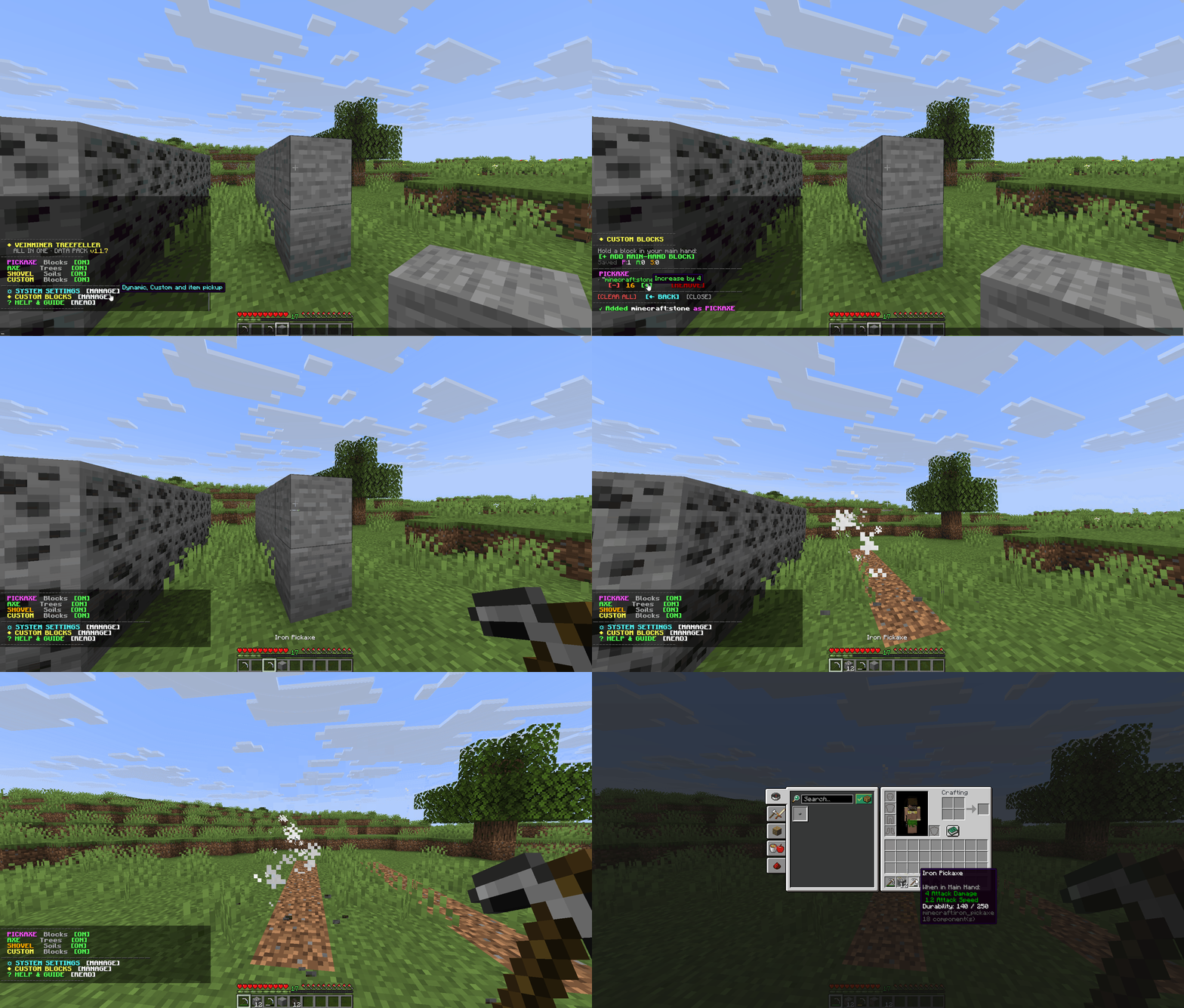
Custom Blocks & Difficulty: Apply chain-breaking to any block of your choice, with the ability to manually define difficulty values.
Anti-Break Protection: Automatically stops mining right before the tool breaks.
Focused Drops: Collects dropped items directly near the player.
Enchantment Support: Fully compatible with Fortune and Silk Touch.

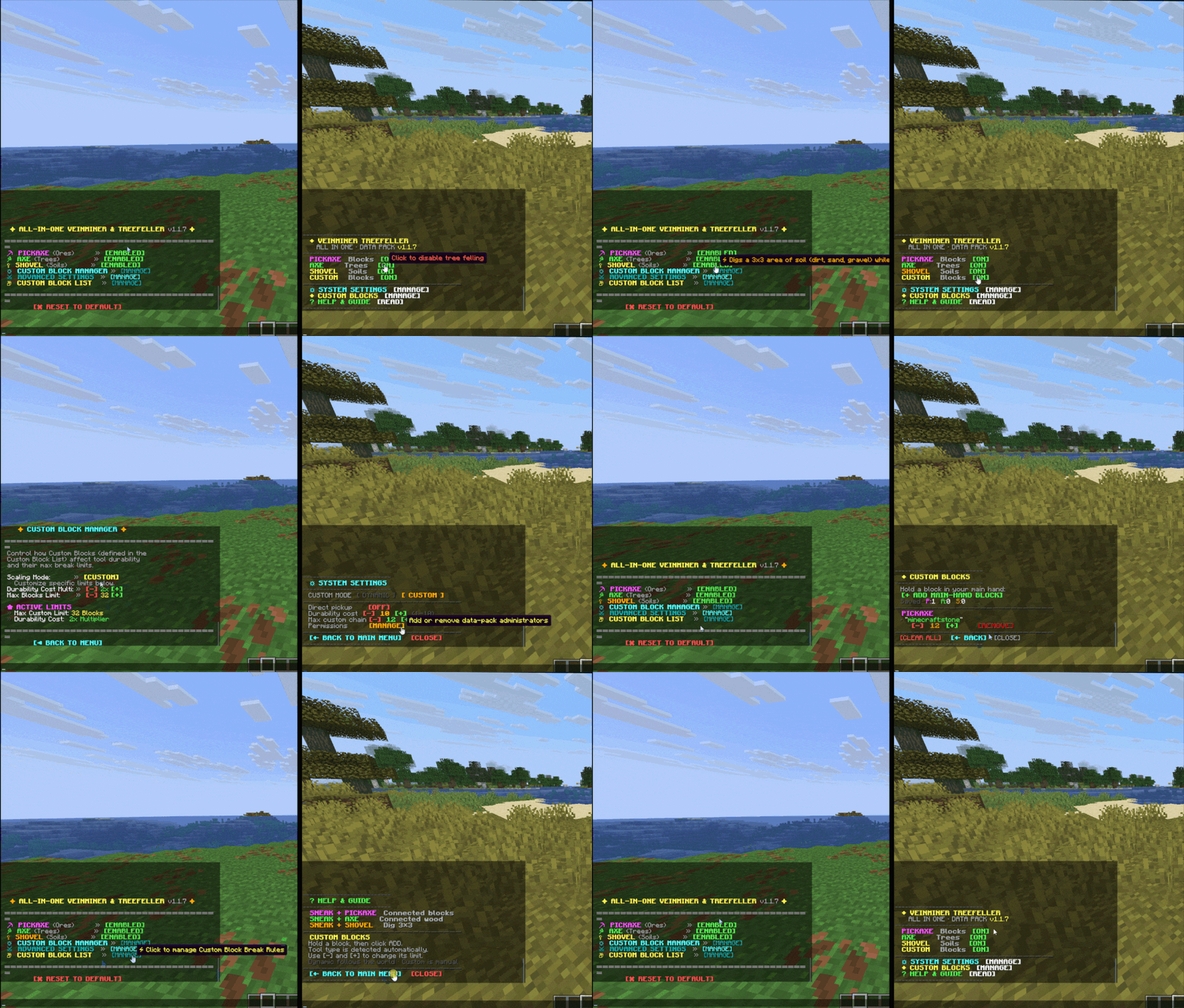
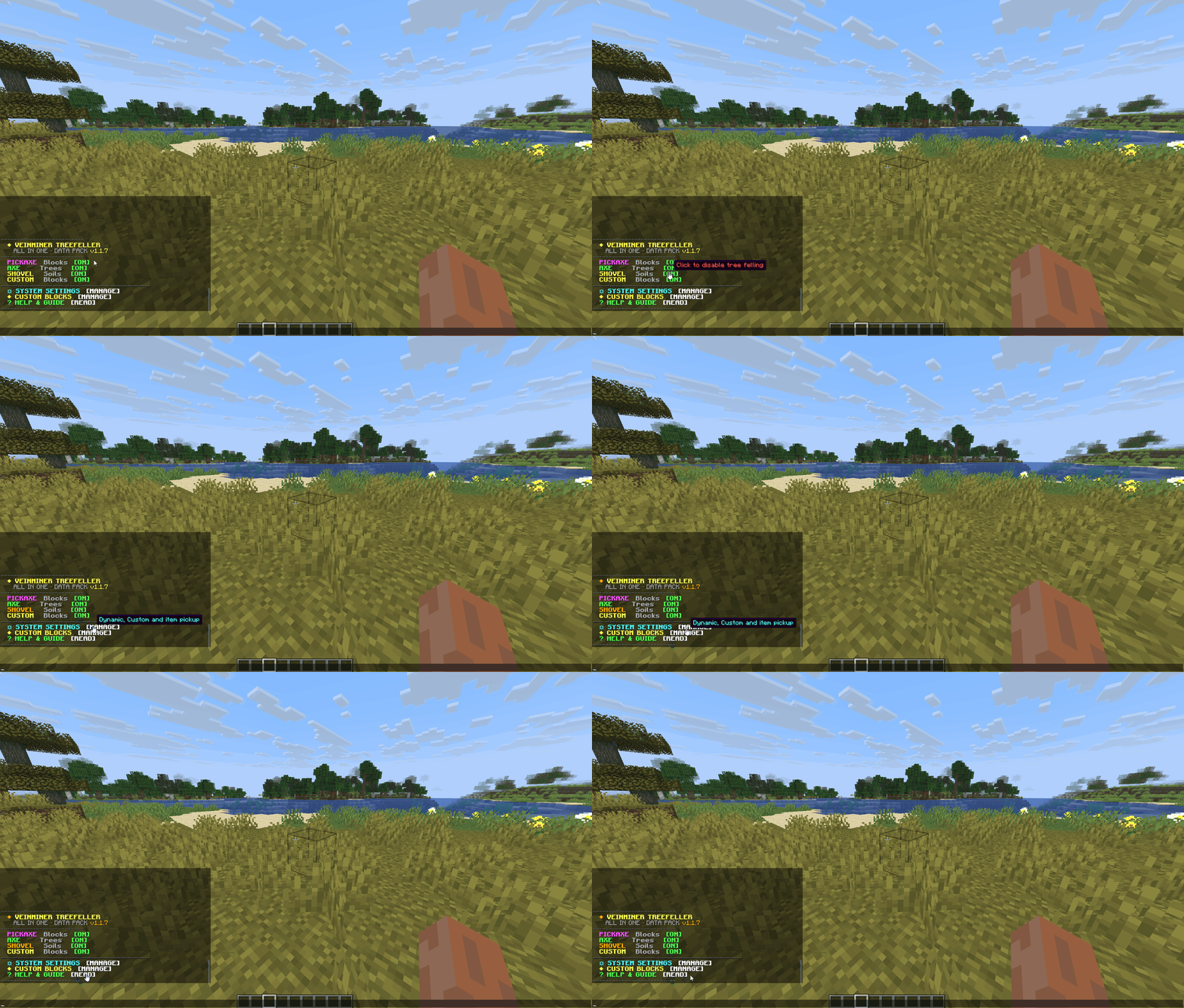
Interactive UI: A fully clickable chat menu to configure all settings.
First-Time Setup: Run the /trigger veinminer command once to get started.
Permissions Setup: After running the setup command, the system will prompt you to select either Single-Player or Server mode to fully manage the datapack permissions.

Installation Steps: Place the ZIP file into your world's datapacks folder, then run the /reload command in-game.
Mechanics: Chain-mining activates only when Sneaking (Holding Shift):

Supported Versions: Minecraft 26.1 and newer.
Developer: in2bubble
License: All Rights Reserved