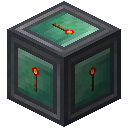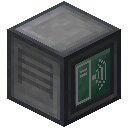
XNet moves items, fluids, energy and redstone information through one kind of cable. Each network has one Controller with up to eight channels; Connectors attach chests and machines to the cable, and the Controller's screen decides what moves where, with filters, priorities and redstone conditions. Routers and Wireless Routers link separate networks, even across long distances. Every recipe and number on these pages is read directly from the mod files and the default settings of XNet 7.0.7 for Minecraft 1.21.1 (NeoForge).
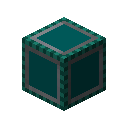 Advanced Blue ConnectorItem
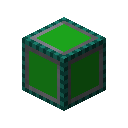 Advanced Green ConnectorItem
 Advanced Red ConnectorItem
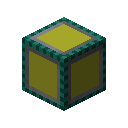 Advanced Yellow ConnectorItem
 Blue ConnectorItem
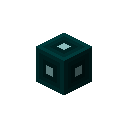 Blue Network CableItem
 Connector Upgrade KitItem
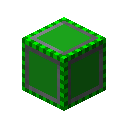 Green ConnectorItem
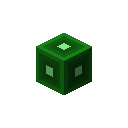 Green Network CableItem
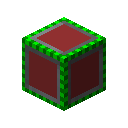 Red ConnectorItem
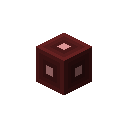 Red Network CableItem
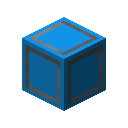 Routing ConnectorItem
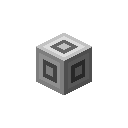 Routing Network CableItem
 Yellow ConnectorItem
 Yellow Network CableItem
Textures, models and item names © McJty and the XNet contributors.
Recipes, names and numbers are read from the mod files of XNet 1.21-7.0.7 for Minecraft 1.21.1 (NeoForge). Not affiliated with the mod authors, Mojang or Microsoft.