Mineuniverse
Shaders
Zomboid Shader: Top Down View

Zomboid Shader: Top Down View

SHADER
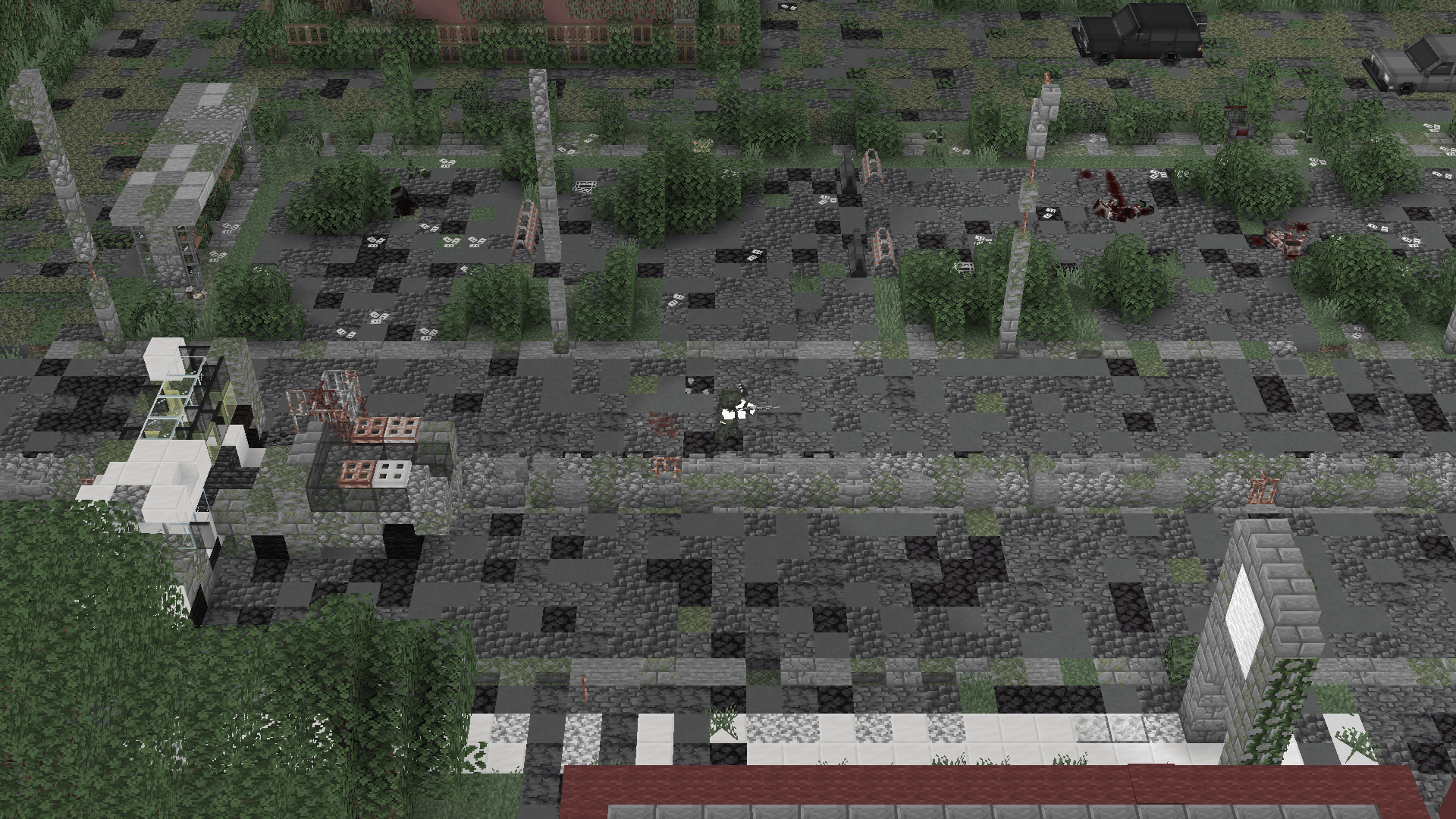
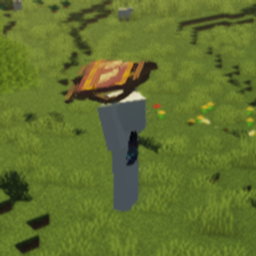
A shader that gives the Top-Down View mod a Project Zomboid-style look.
by user_ngg4142gmuhgs9z5
Download Claim this project
440 downloads
0 likes
0 followers
Updated Oct 14, 2026
0 hypes
Follow0
Fantasy
Advertisement Remove ads with Premium →

This shader pack is made for the Top-Down View MOD. I made this for my own use in zombie apocalypse modpacks, so I don't think it's suitable for regular survival play.

Key Features Just like Project Zomboid, it's a simple shader that darkens the area outside your field of view, hides unseen mobs, and lowers the screen saturation.

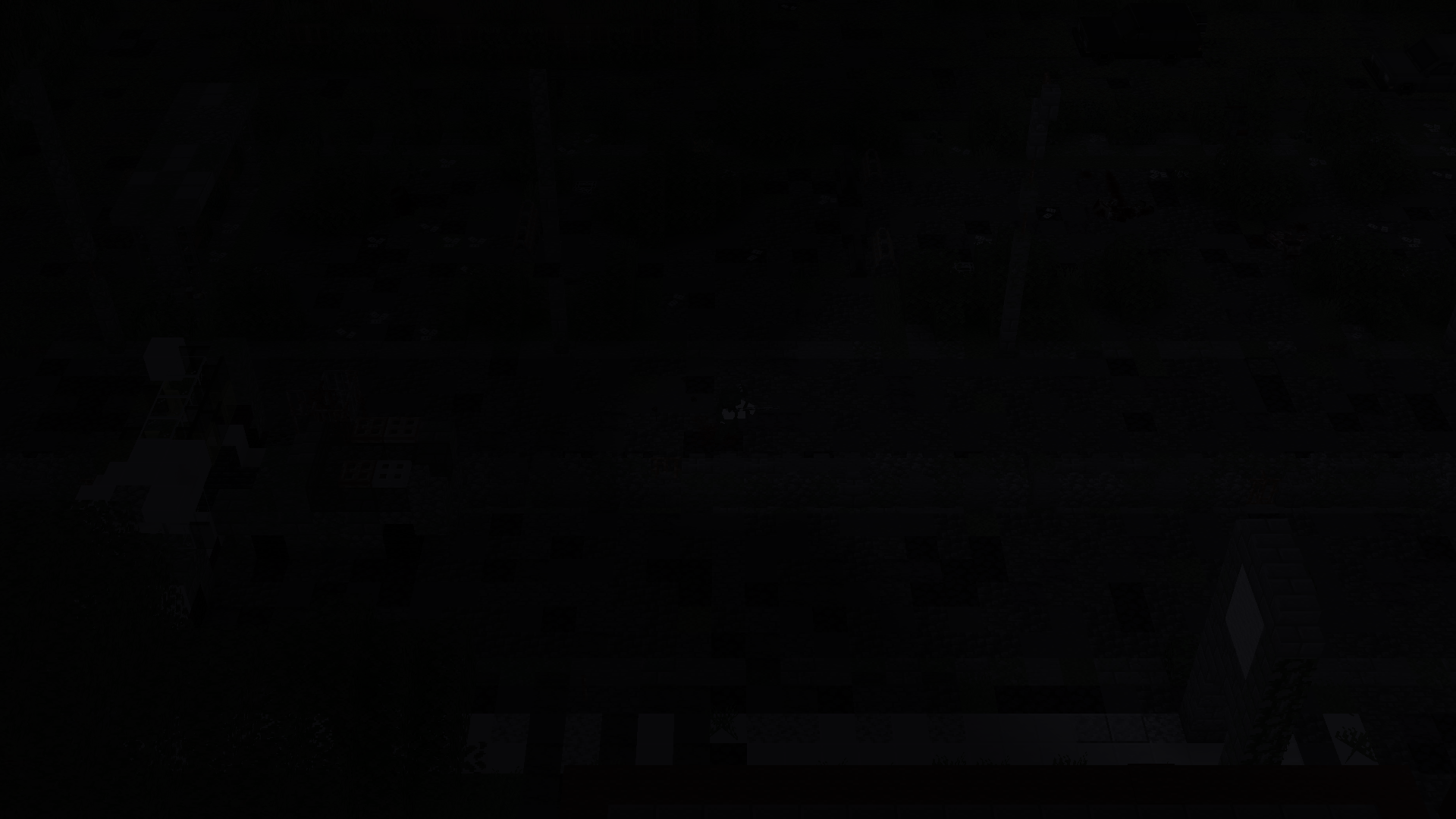
  • Fog of War: Darkens areas outside your line of sight.
  • Hide Unseen Mobs: Hides mobs you can't see.
  • Desaturation: Lowers the screen saturation for a post-apocalyptic atmosphere.
Zomboid_Shader_1.0.0.zip
MC 1.20.1
Release 2026-07-04 Get

Requirements & install

How to use this shader in Minecraft
Shader loader
Iris or OptiFine
Minecraft
1.20.1
Install folder
.minecraft/shaderpacks

How to install shaders

  1. Install a shader loader for your Minecraft version: Iris (with Sodium) or OptiFine.
  2. Download the shader pack .zip file (do not extract it).
  3. Put the .zip into the shaderpacks folder (.minecraft/shaderpacks).
  4. In game open Options → Video Settings → Shader Packs, select the pack and apply it.
Browse more: Iris shaders OptiFine shaders Shaders for 1.20.1 All shaders

More from user_ngg4142gmuhgs9z5

Advertisement Remove ads with Premium →

You Might Also Like