Mineuniverse
Shaders
Zero Shader

Zero Shader

SHADER
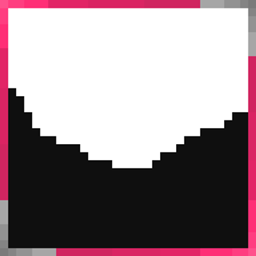
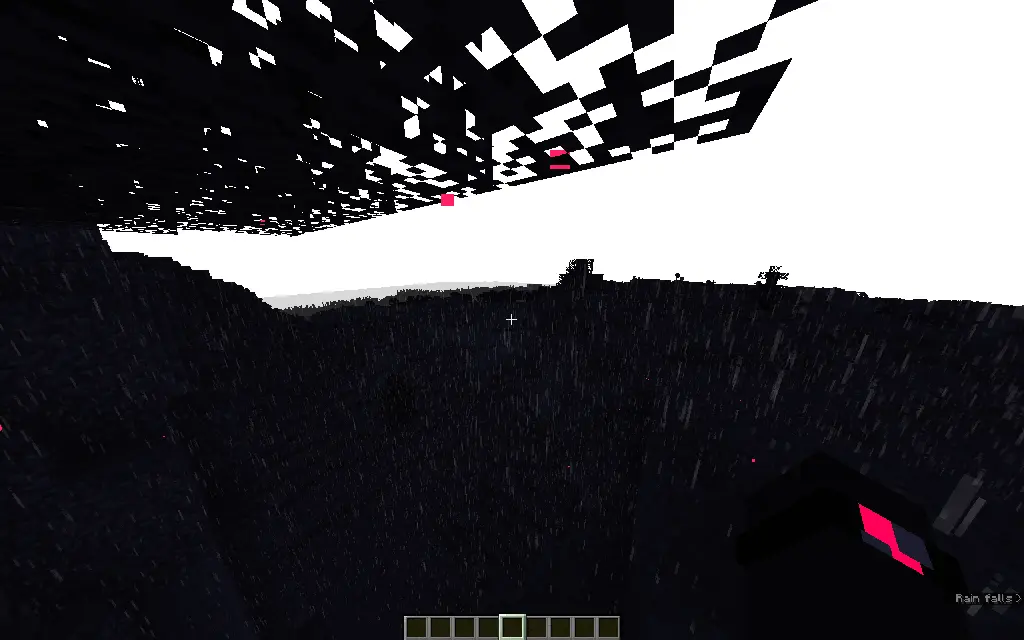
This shader pack makes everything except players, particles, arrows, and ender pearls gray.
by CryngelDust
Download Claim this project
8,621 downloads
0 likes
Updated Oct 14, 2026
0 hypes
Fantasy Vanilla
Advertisement Remove ads with Premium →

ZeroShader

visual

About the shader pack:

The "Zero Shader" turns everything except players, particles, arrows, and Ender Pearls gray.

More details: Bright elements on the player model have been replaced with a poisonous pink color (this also affects items and player armor).

Arrows are now white, and spectral arrows are a bright, poisonous pink.

The sky is completely white, both day and night.

Particles are also now a poisonous pink, which is very unusual for PvP.

FPS drops are minimal on medium settings.

This is a great option for those who enjoy dark themes and want to try something completely new.

Need: Optifine or Iris Shaders

Zero Shaders 0.1.zip
MC 1.21, 1.21.8, 1.21.5, 1.21.4, OptiFine, 1.21.1, 1.21.6, 1.21.3, 1.21.7, Iris, 1.21.2, 1.21.9, 1.21.10, 1.21.11, 26.1, 26.1.1, 26.1.2, 26.2, 26.3
Release 2026-06-26 Get

Requirements & install

How to use this shader in Minecraft
Shader loader
Iris OptiFine
Minecraft
1.21.9 – 26.3
Install folder
.minecraft/shaderpacks

How to install shaders

  1. Install a shader loader for your Minecraft version: Iris (with Sodium) or OptiFine.
  2. Download the shader pack .zip file (do not extract it).
  3. Put the .zip into the shaderpacks folder (.minecraft/shaderpacks).
  4. In game open Options → Video Settings → Shader Packs, select the pack and apply it.
Browse more: Iris shaders OptiFine shaders Shaders for 26.3 All shaders

More from CryngelDust

Advertisement Remove ads with Premium →

You Might Also Like