Mineuniverse
Shaders
Warped Memory

Warped Memory

SHADER
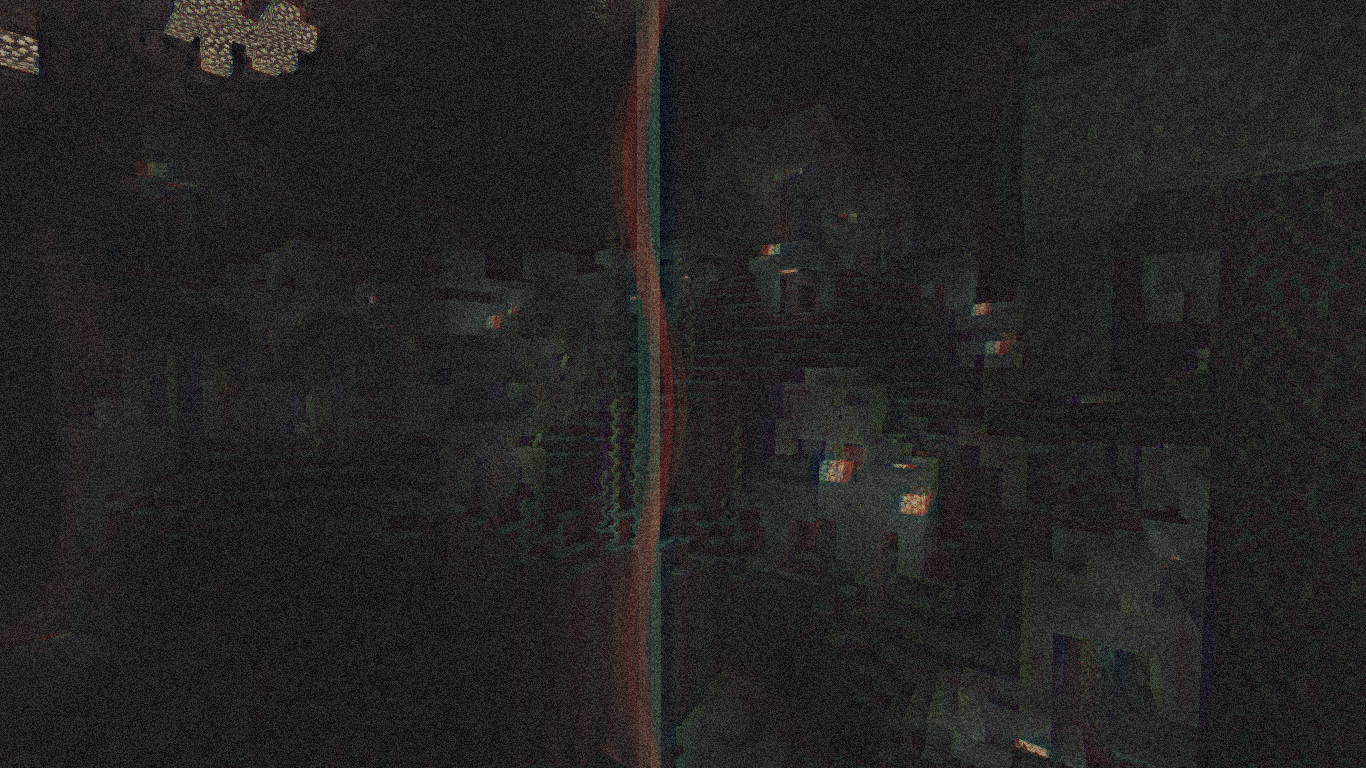
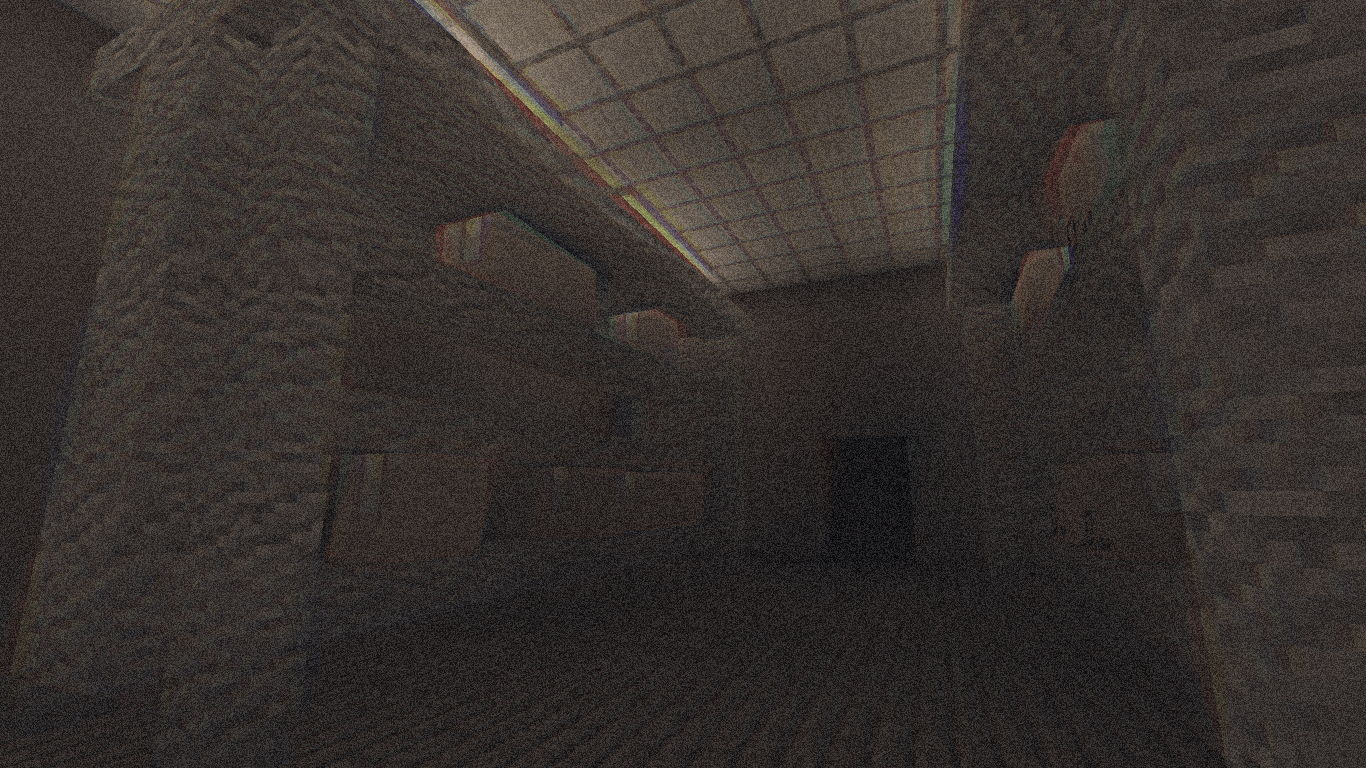
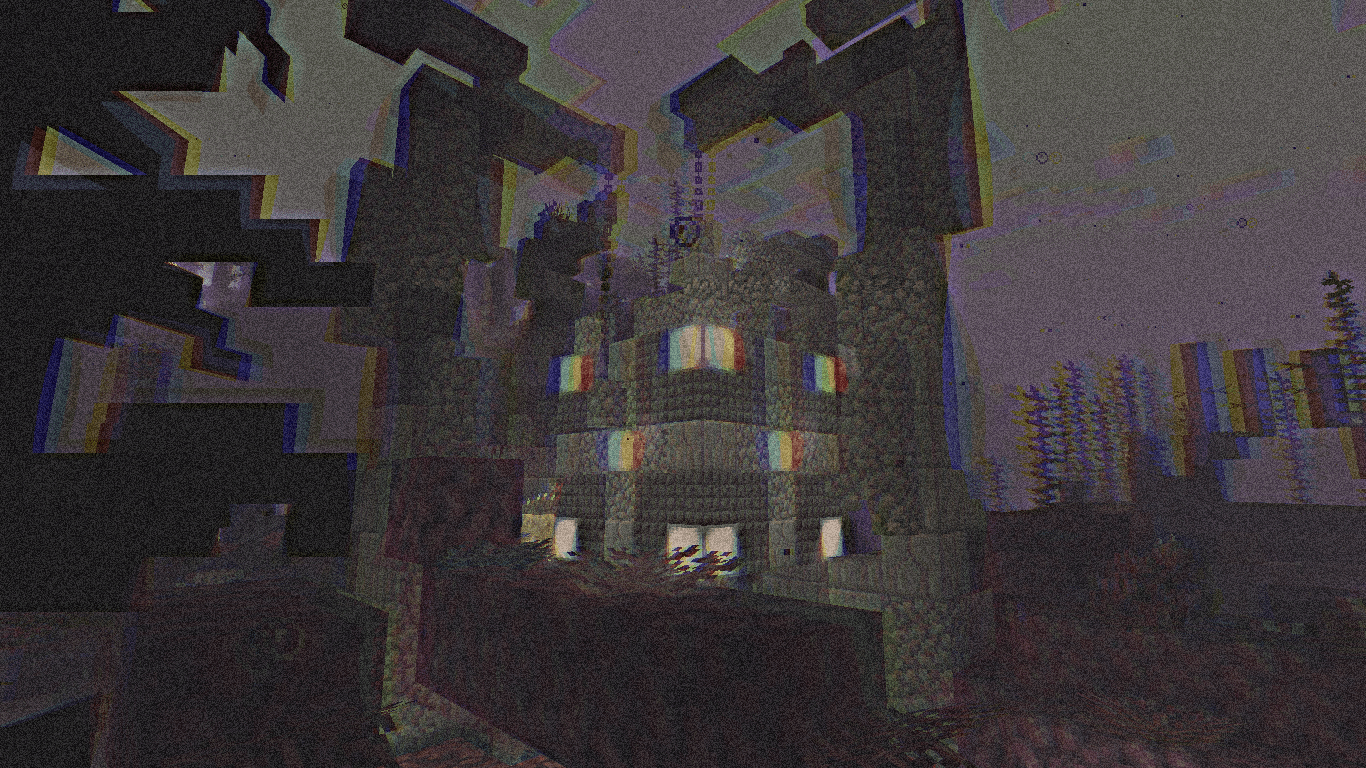
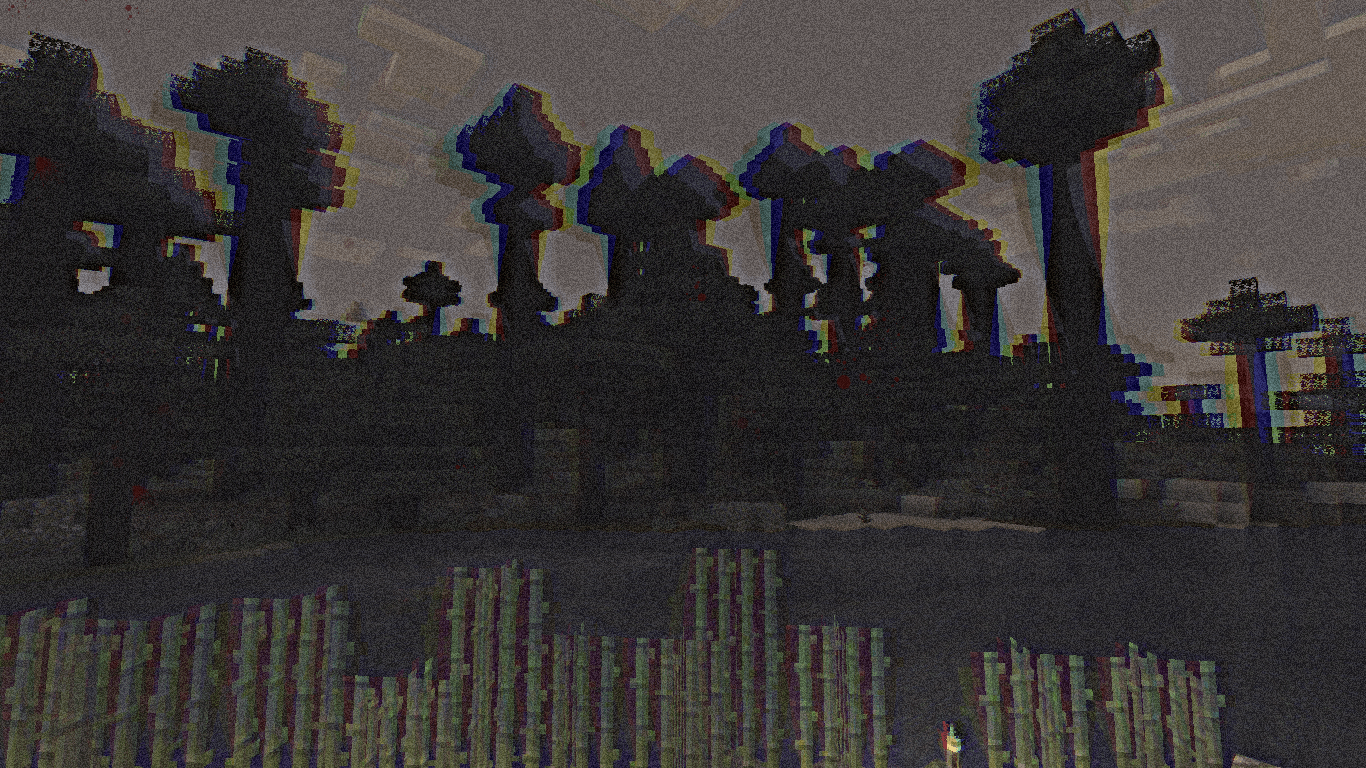
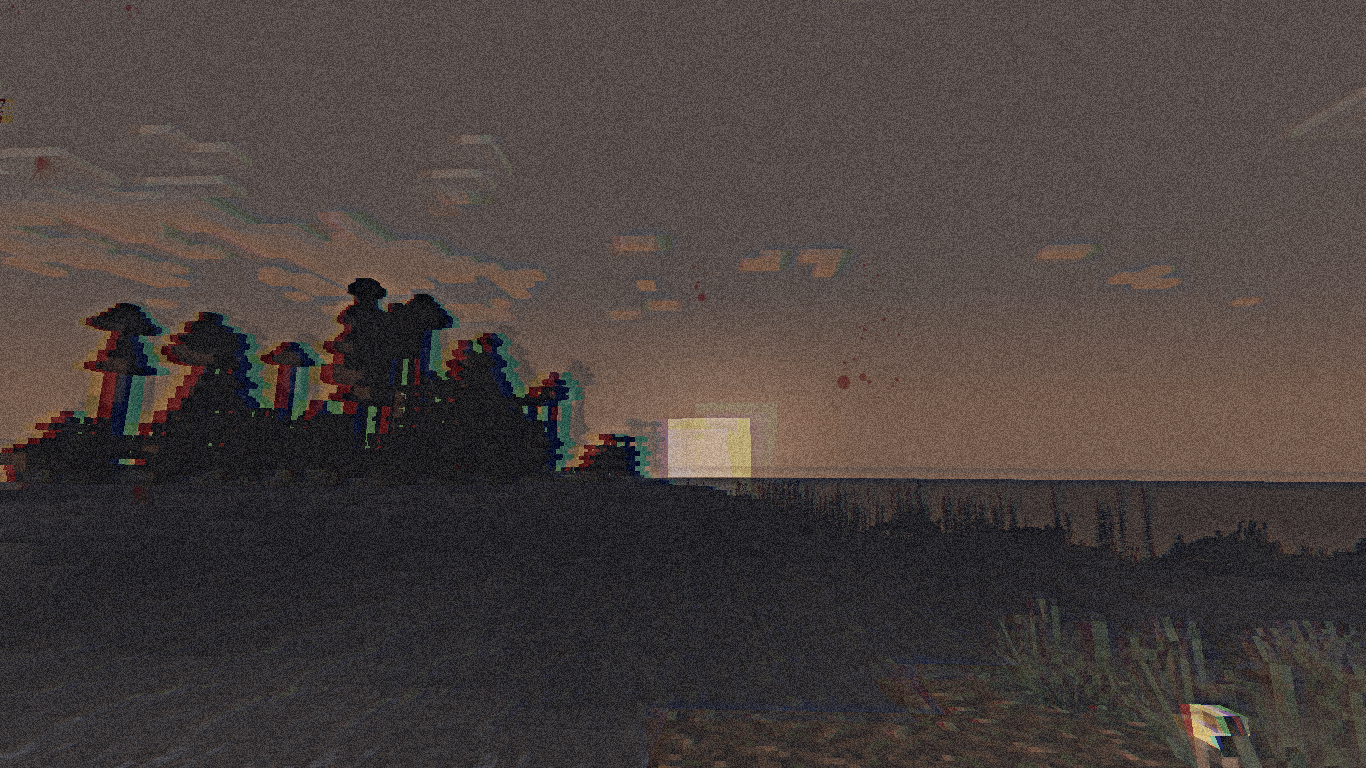
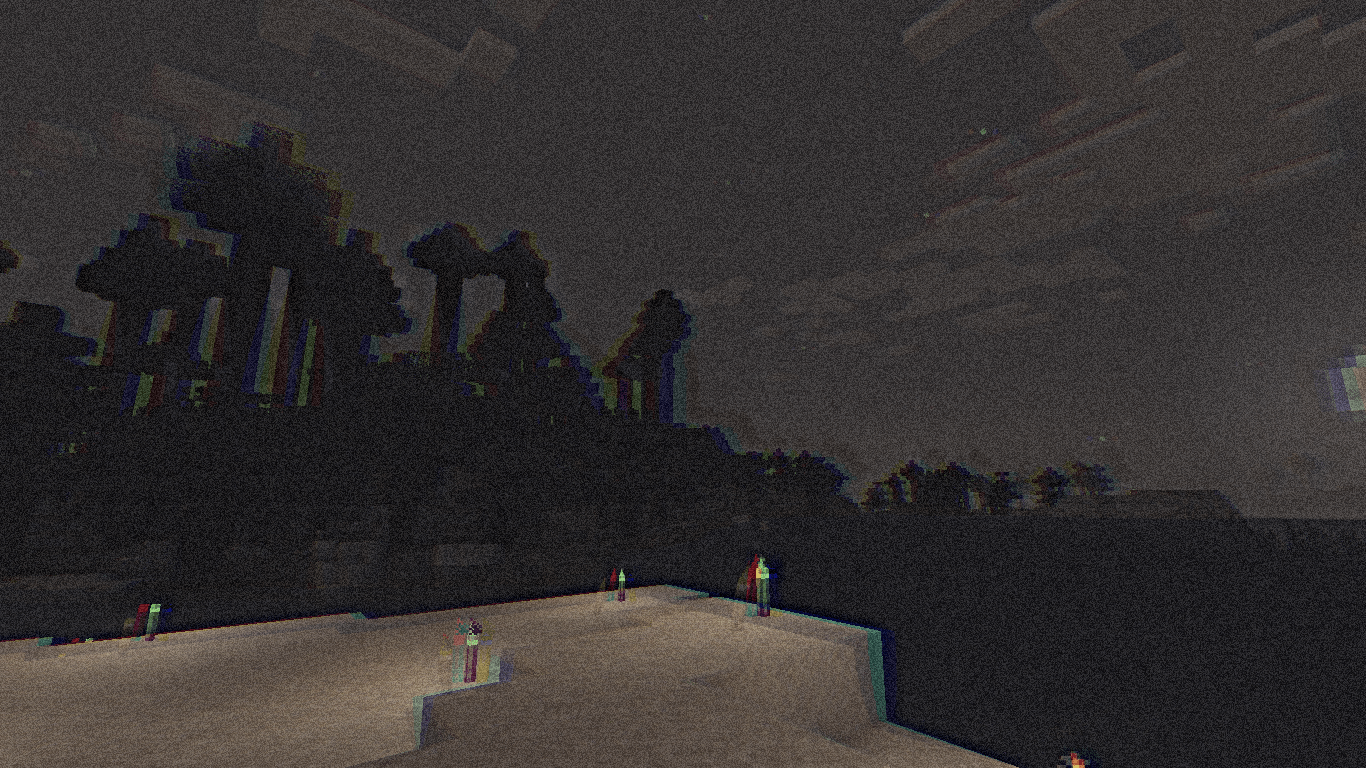
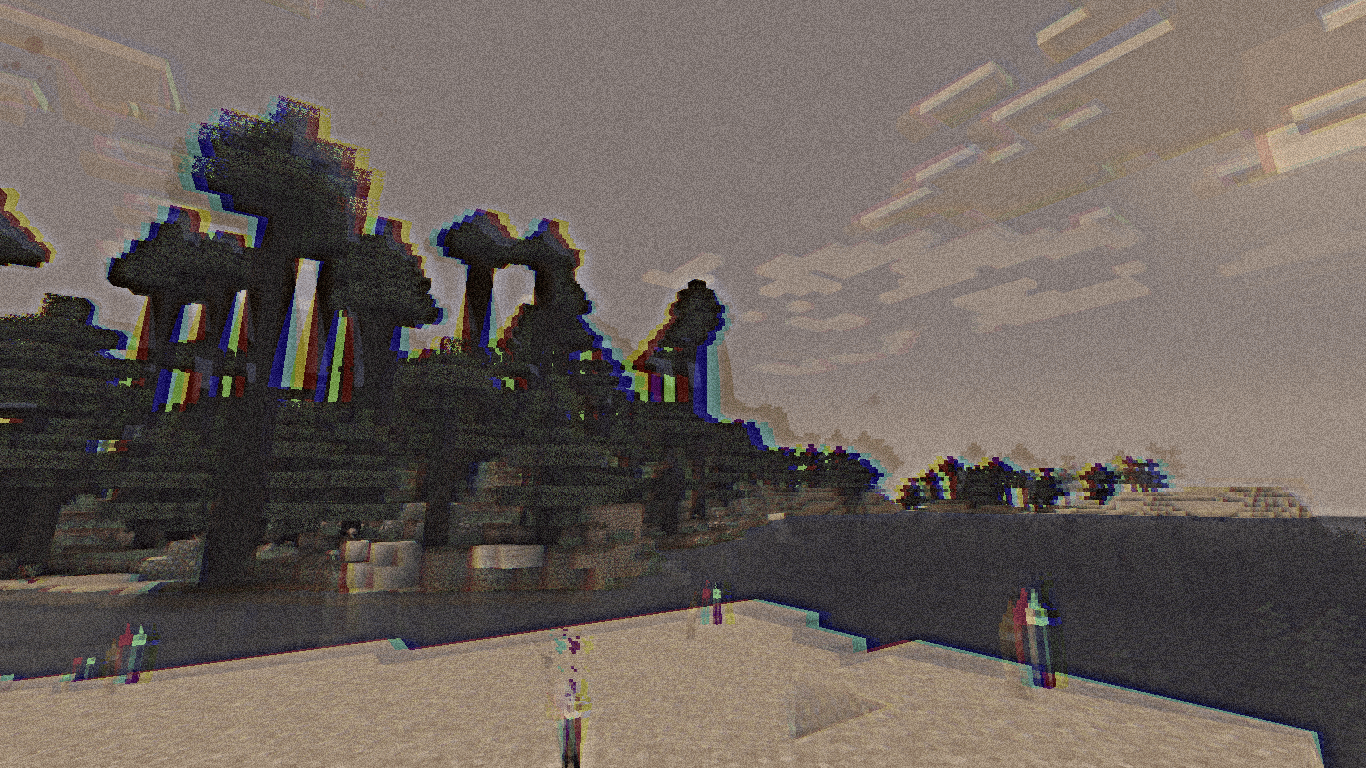
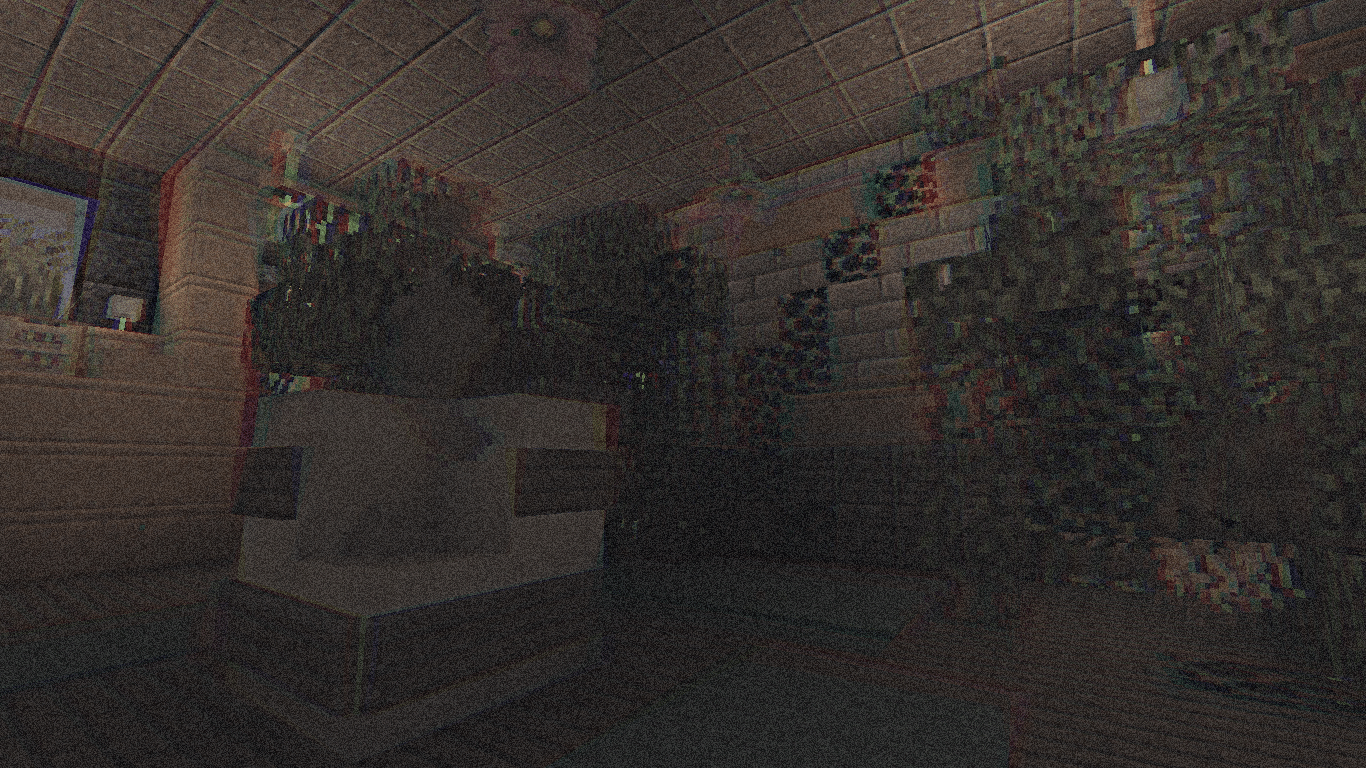
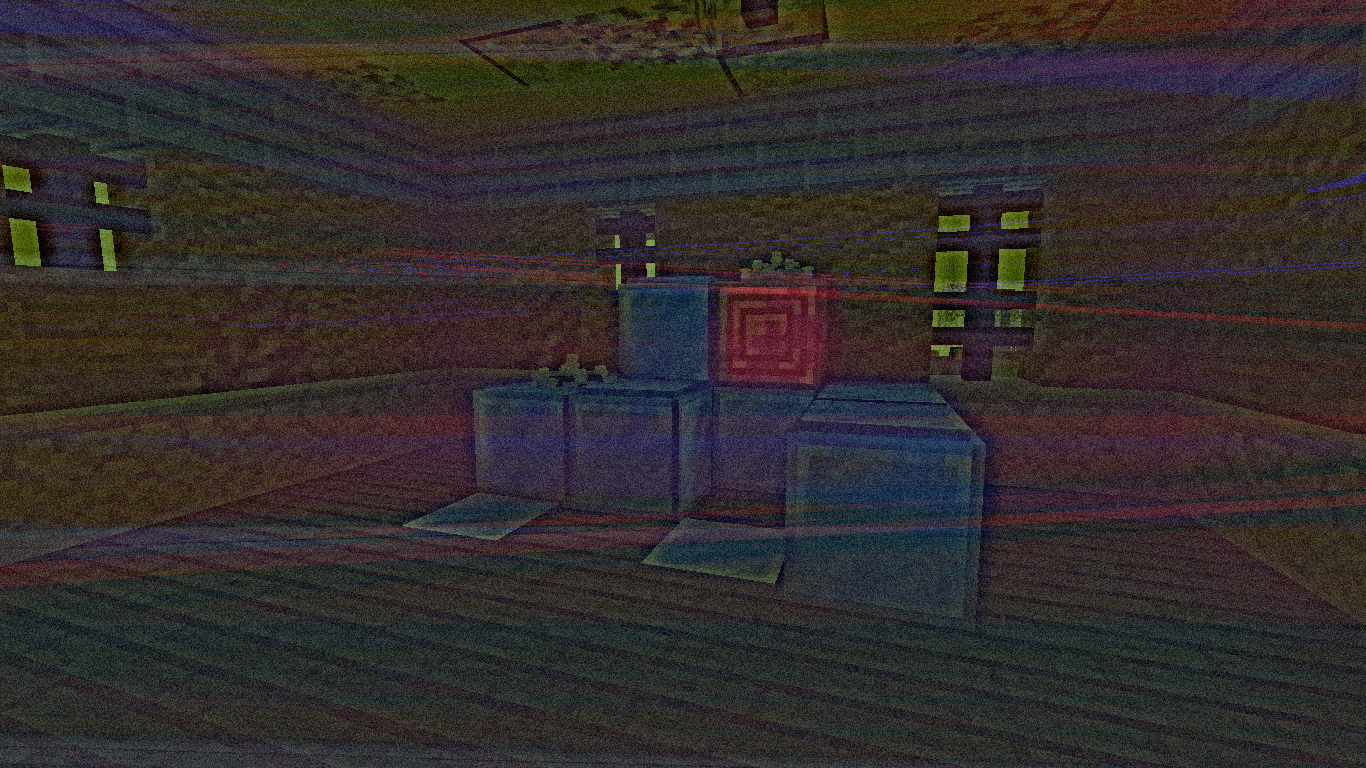
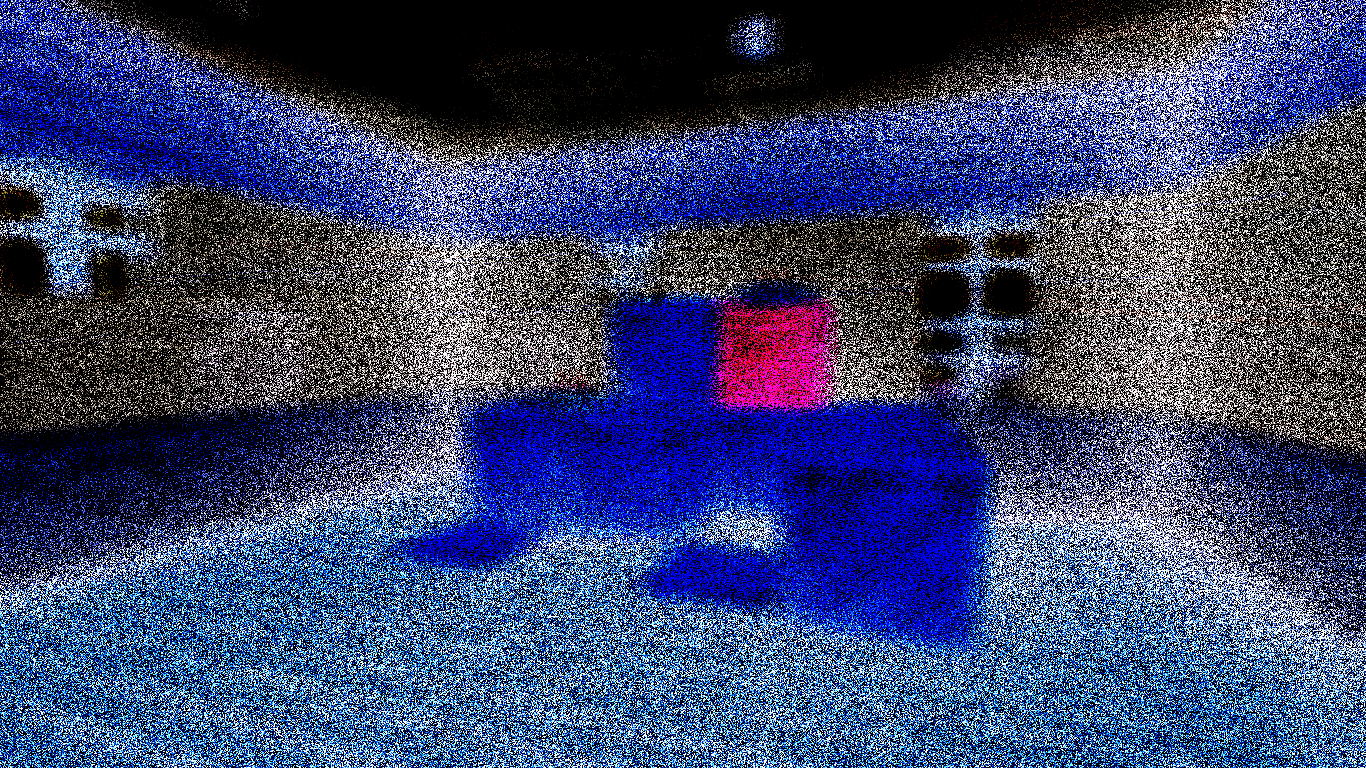
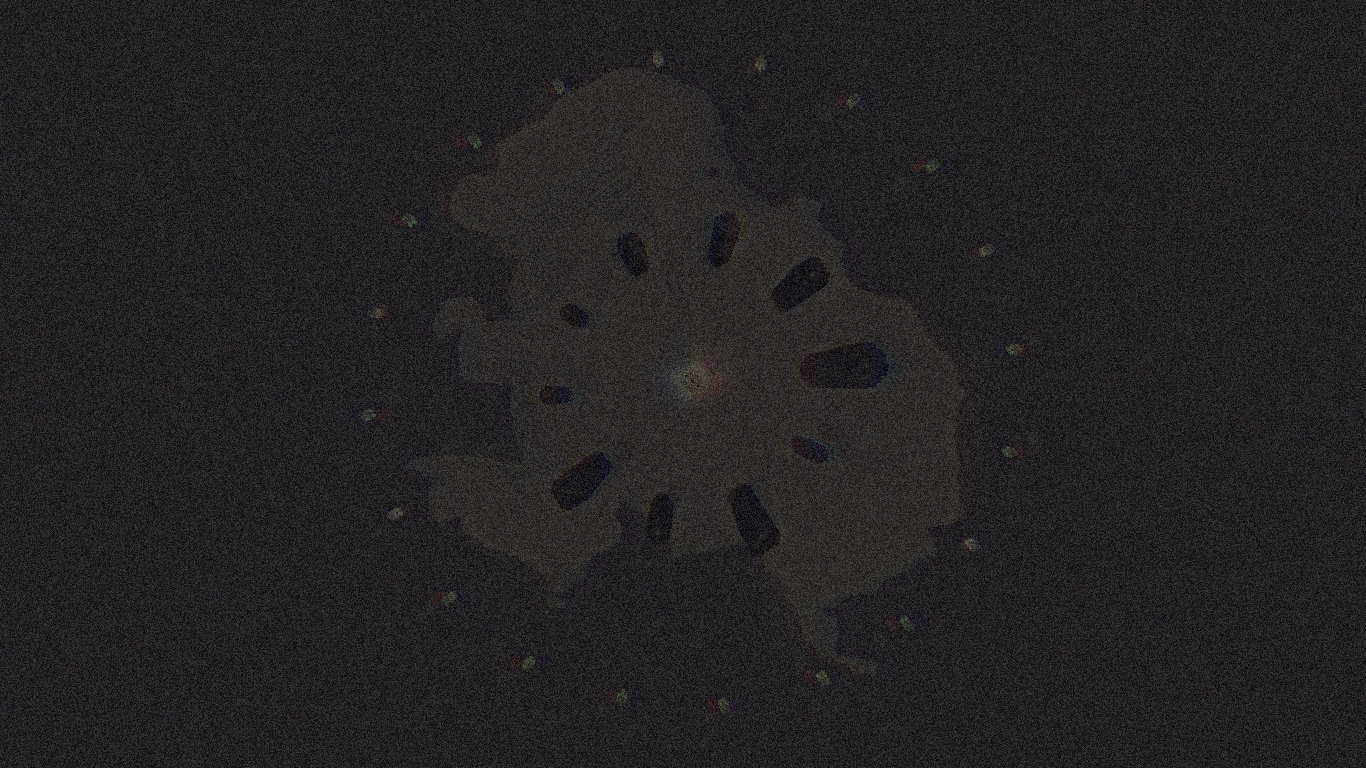
This shader, turns the game into a glitchy VHS tape. Distortions, noise, flickering and blurred colors create the effect of an old tape, immersing you in the atmosphere of a forgotten nightmare
by nxyzcio
Download Claim this project
17,919 downloads
0 likes
Updated Oct 14, 2026
0 hypes
Fantasy
Advertisement Remove ads with Premium →
  • 🎞️ Warped Memory

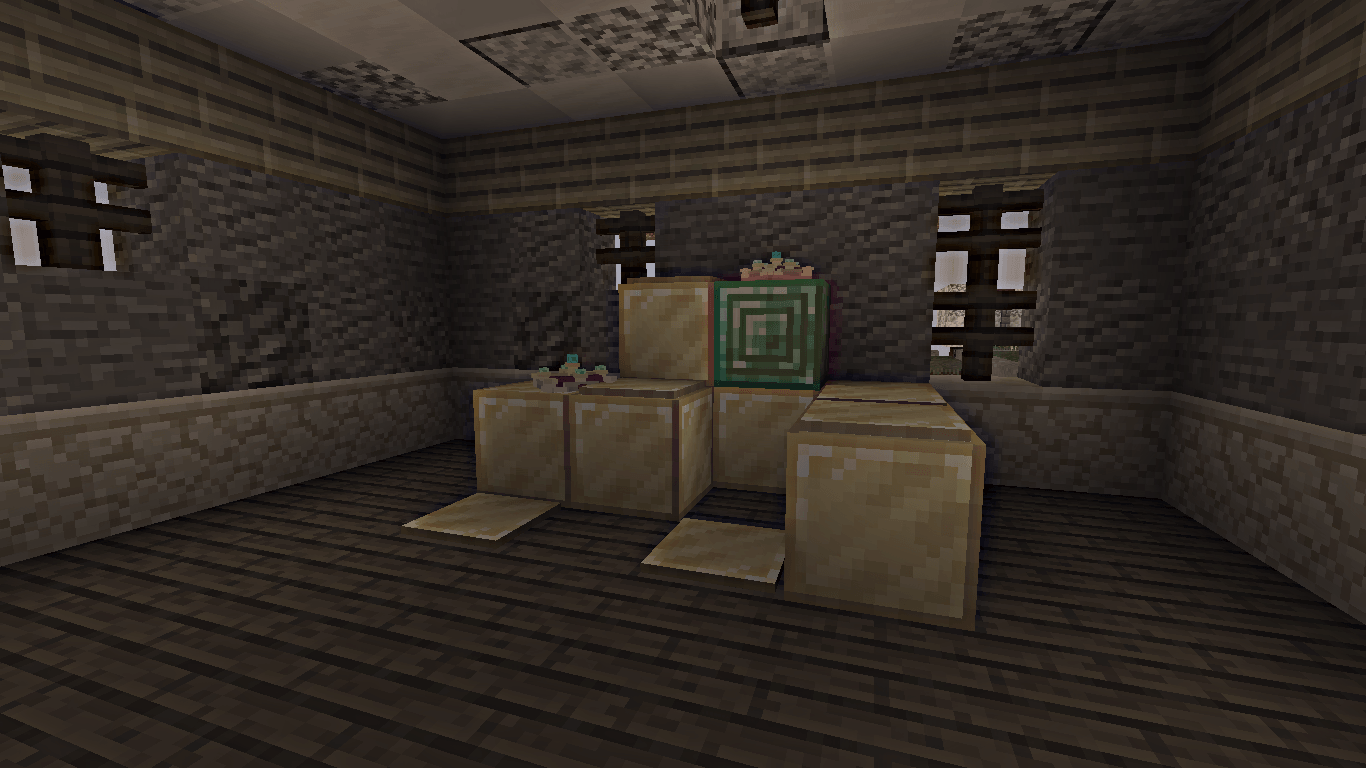
    Warped Memory - is a shader that gives the game a dark, distorted atmosphere with the effect of an old VHS tape. It is inspired by the style of "Bendy and the Dark Revival" and is great for creating creepy screenshots or just playing with a horror-effect.

  • ✨ What does a shader do?

    • 📼 Gives the picture the effect of an old VHS tape with noise, interference and distortion;
    • 🎨 Makes colors dull and slightly faded, like old film;
    • 🖼️ Adds split image and glitches as if the recording is corrupted;
    • 🧩 Makes the image slightly blurred and “shaky” as if it were a recording from a damaged film.
  • 🛠️ Do you have any ideas or have you found a bug?

    Then - welcome to my Discord server.
Warped Memory [Release-0.3]
MC 1.21, 1.19.3, 1.20.2, 1.19.4, 1.21.8, 1.20.5, 1.21.5, 1.21.4, 1.20.1, 1.20, OptiFine, 1.20.6, 1.21.1, 1.21.6, 1.21.3, 1.21.7, 1.19.1, 1.20.4, 1.19.2, 1.20.3, Iris, 1.19
Release 2026-06-28 Get

Requirements & install

How to use this shader in Minecraft
Shader loader
Iris OptiFine
Minecraft
1.21 – 1.21.8
Install folder
.minecraft/shaderpacks

How to install shaders

  1. Install a shader loader for your Minecraft version: Iris (with Sodium) or OptiFine.
  2. Download the shader pack .zip file (do not extract it).
  3. Put the .zip into the shaderpacks folder (.minecraft/shaderpacks).
  4. In game open Options → Video Settings → Shader Packs, select the pack and apply it.
Browse more: Iris shaders OptiFine shaders Shaders for 1.21.8 All shaders
Advertisement Remove ads with Premium →

You Might Also Like