Mineuniverse
Shaders
TOONSHADE

TOONSHADE

SHADER
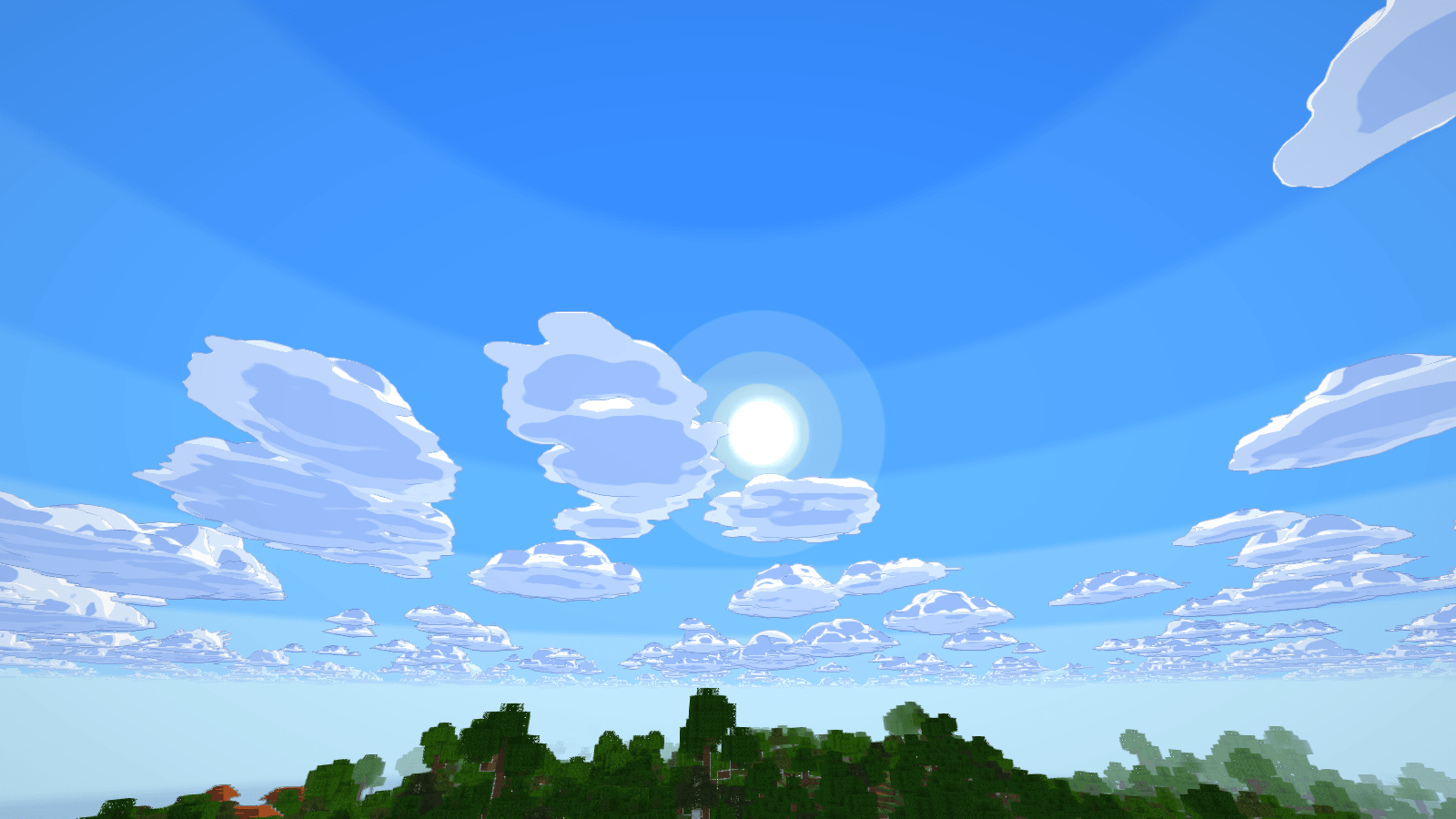
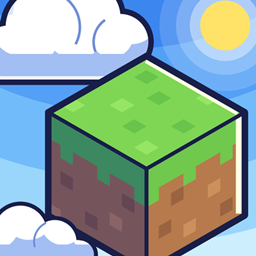
Cel-shaded lighting, crisp rim lights, ink outlines and puffy cartoon clouds for Iris on Minecraft 1.21.11.
by user_t1apdz4tkevz6kbk
Download Claim this project
Add a badge to your pageLink to TOONSHADE from a README, website or forum post.
Preview: Badge

Badges update automatically and link to the shader page on MineUniverse.

54 downloads
0 likes
0 followers
Updated Nov 10, 2026
0 hypes
Follow0
Fantasy
Advertisement Remove ads with Premium →

Give Minecraft the look of an animated film. This pack swaps realistic lighting for flat bands of color, clean ink lines and painted skies.

What it adds

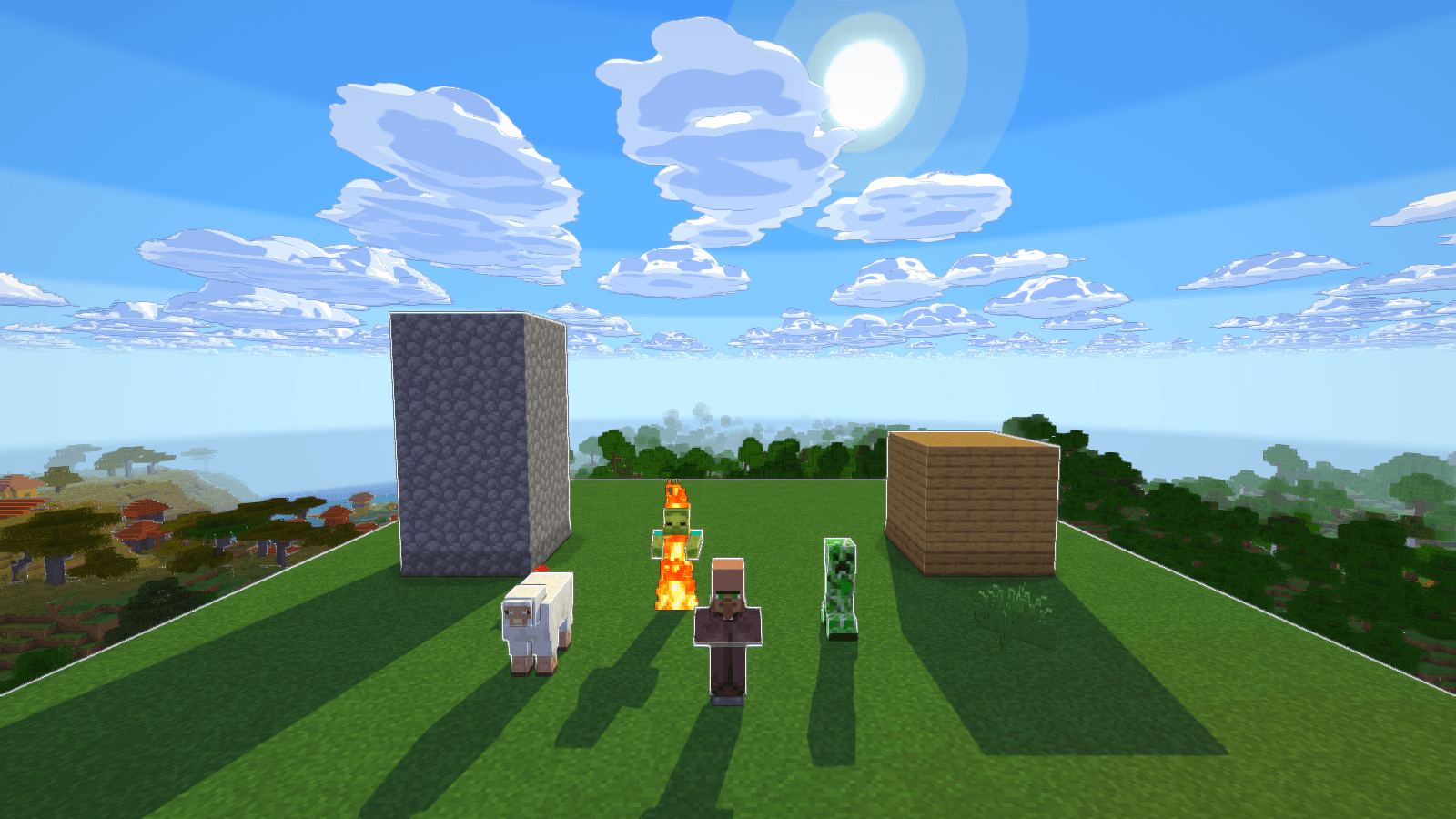
  • Cel shading: flat bands of light, cool shadows and crisp sun shadows
  • Rim lights: bright edges on anything facing the sun or moon, including mobs and flat block faces
  • Ink outlines: lines around objects and where block faces meet
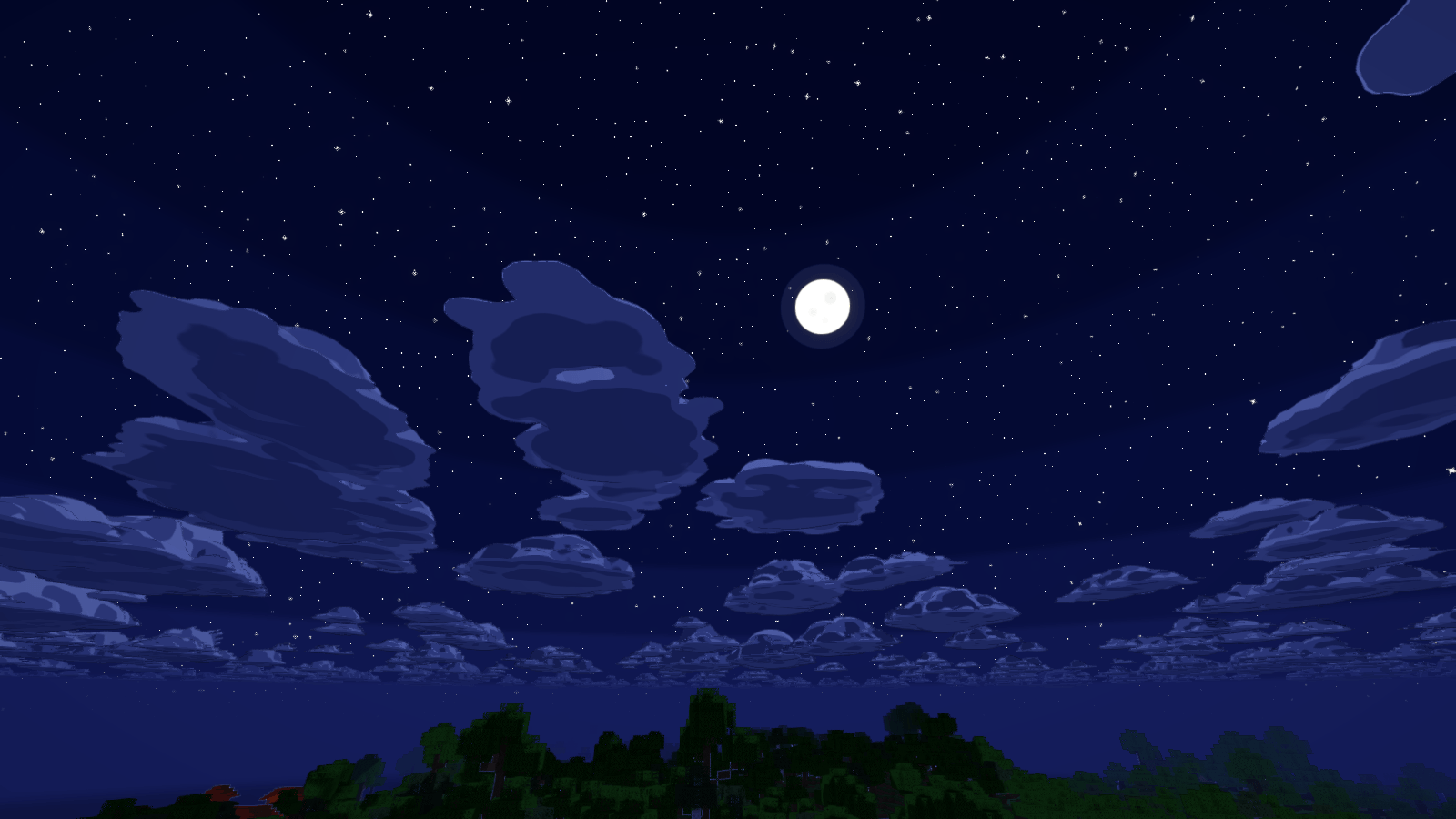
  • Cartoon clouds: puffy, flat-shaded clouds with ink lines and moving shadows on the ground. They replace vanilla clouds and fill the sky when it rains
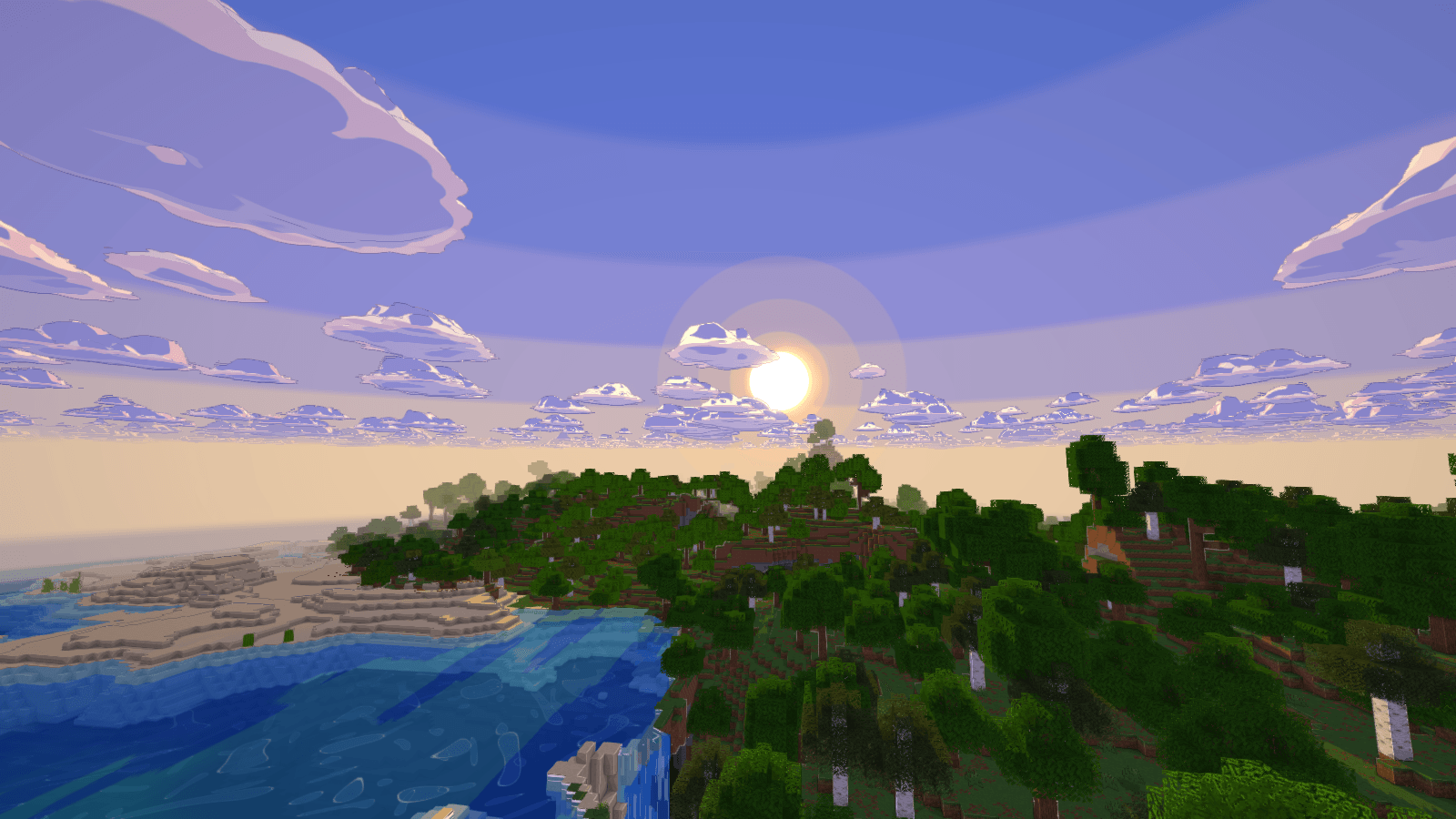
  • Toon sky: banded colors, a sun with halo rings, a moon that follows the real phases, and sparkling stars
  • Toon water: stepped depth colors, painted ripples, shore foam and sun sparkle
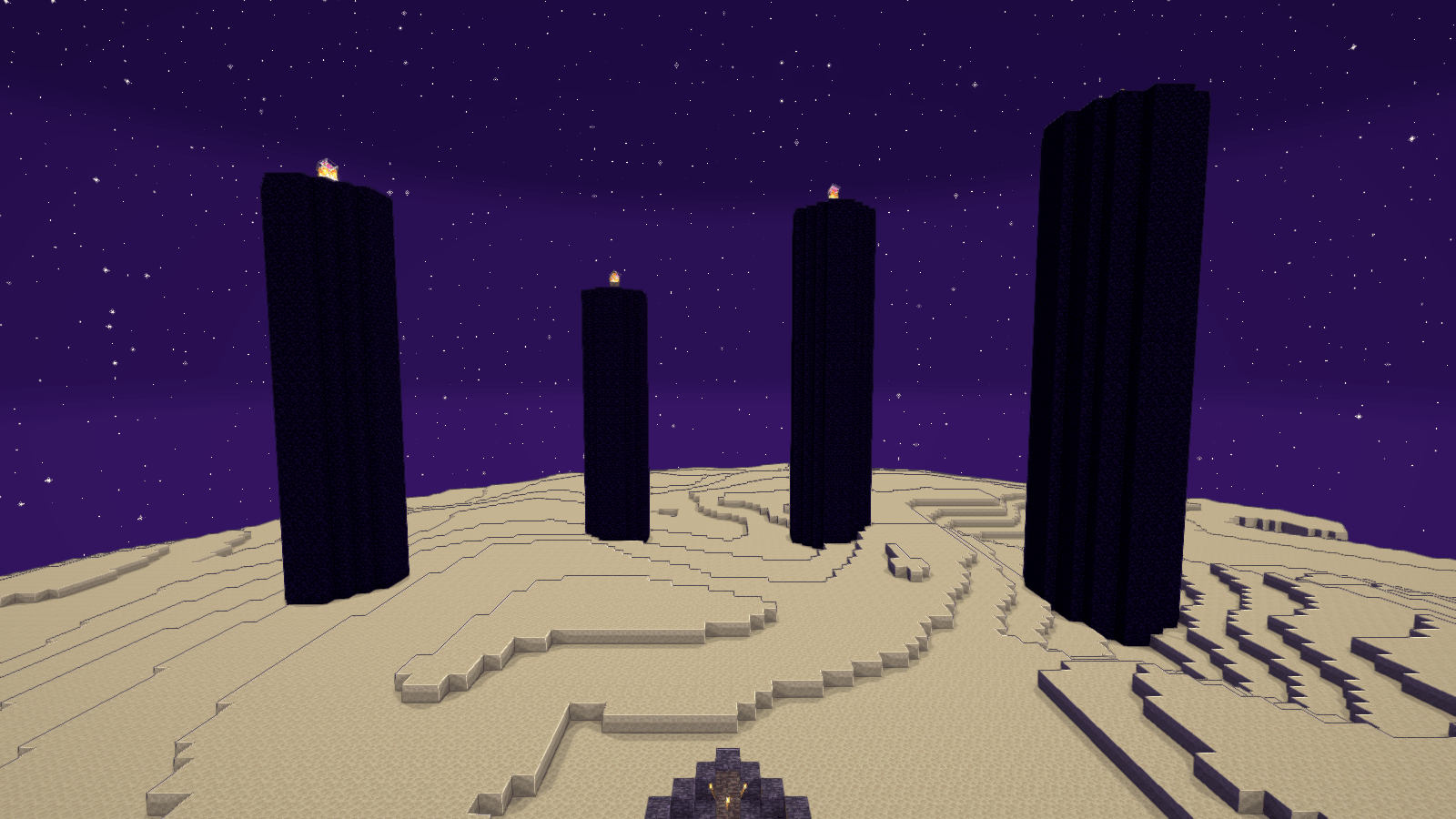
  • Nether and End: their own lighting, plus a starry purple sky in the End

Settings

Open Shader Pack Settings to change rim width, outline strength, cloud amount, light bands and more. Every option has a tooltip. There are four performance profiles: LOW, MEDIUM, HIGH and ULTRA.

Requirements

Minecraft 1.21.11 with Fabric and Iris. Tested with Iris 1.10.7 and Sodium 0.8.12 on an NVIDIA RTX 3060 Ti. It hasn't been tested on AMD or Intel graphics, and Distant Horizons isn't supported.

ToonShader_v1.3.1.zip
MC 1.21, 1.20.2, 1.21.8, 1.20.5, 1.21.5, 1.21.4, 1.20.1, 1.20, OptiFine, 1.20.6, 1.21.1, 1.21.6, 1.21.3, 1.21.7, 1.20.4, 1.20.3, Iris, 1.21.2, 1.21.9, 1.21.10, 1.21.11, 26.1
Release 2026-11-09 Get

Requirements & install

How to use this shader in Minecraft
Shader loader
Iris OptiFine
Minecraft
1.21.5 – 26.1
Install folder
.minecraft/shaderpacks

How to install shaders

  1. Install a shader loader for your Minecraft version: Iris (with Sodium) or OptiFine.
  2. Download the shader pack .zip file (do not extract it).
  3. Put the .zip into the shaderpacks folder (.minecraft/shaderpacks).
  4. In game open Options → Video Settings → Shader Packs, select the pack and apply it.
Browse more: Iris shaders OptiFine shaders Shaders for 26.1 All shaders

More from user_t1apdz4tkevz6kbk

Advertisement Remove ads with Premium →

You Might Also Like