Mineuniverse
Shaders
Toonlamentry

Toonlamentry

SHADER
A cartoon / anime stylized shaderpack meant to forget about themed limitations and just make the game look as cool as possible.
by CyeBeem
Download Claim this project
61 downloads
0 likes
Updated Oct 14, 2026
0 hypes
Fantasy
Advertisement Remove ads with Premium →

Built with Complementary Unbound by EminGT as a base

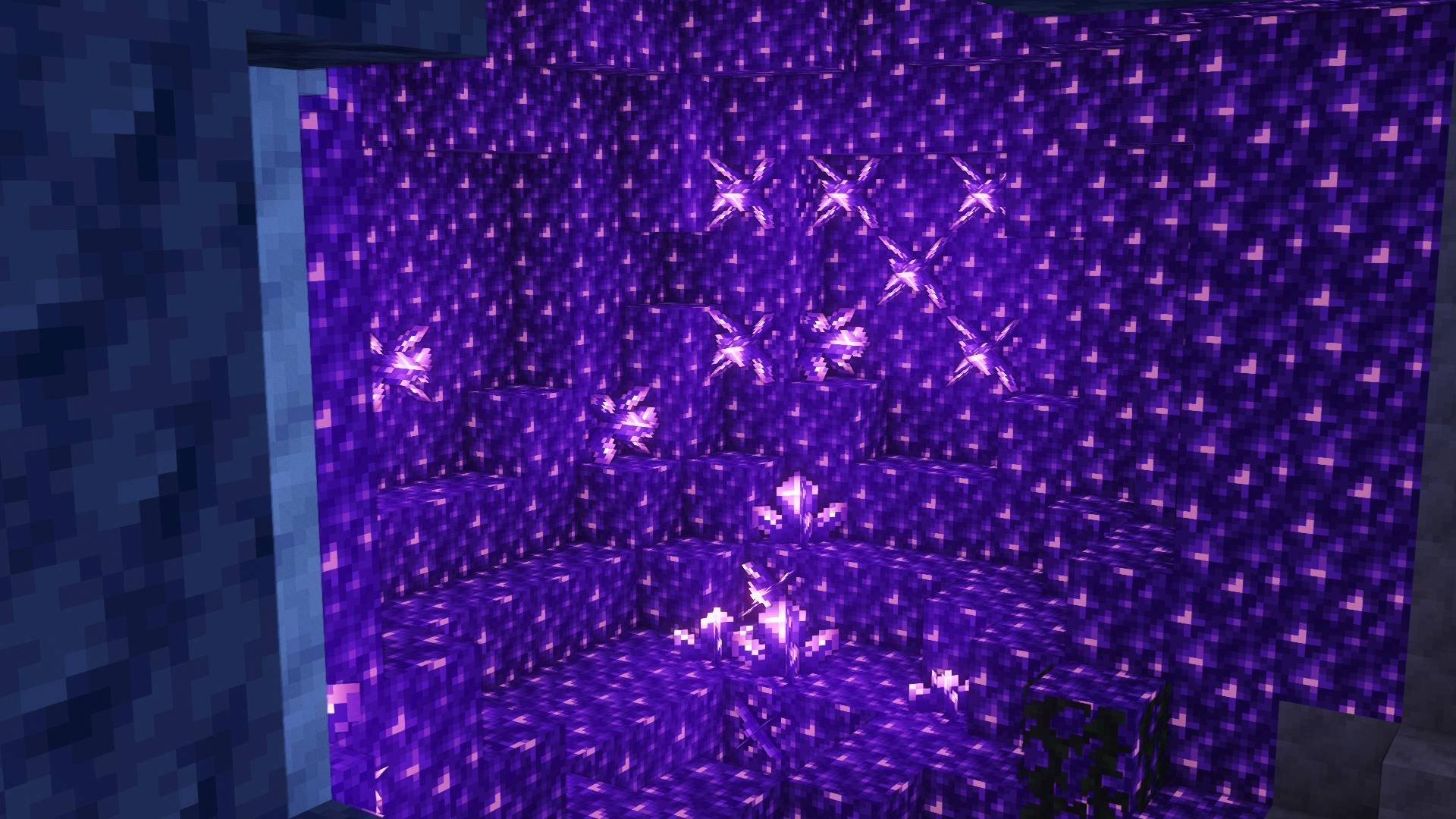
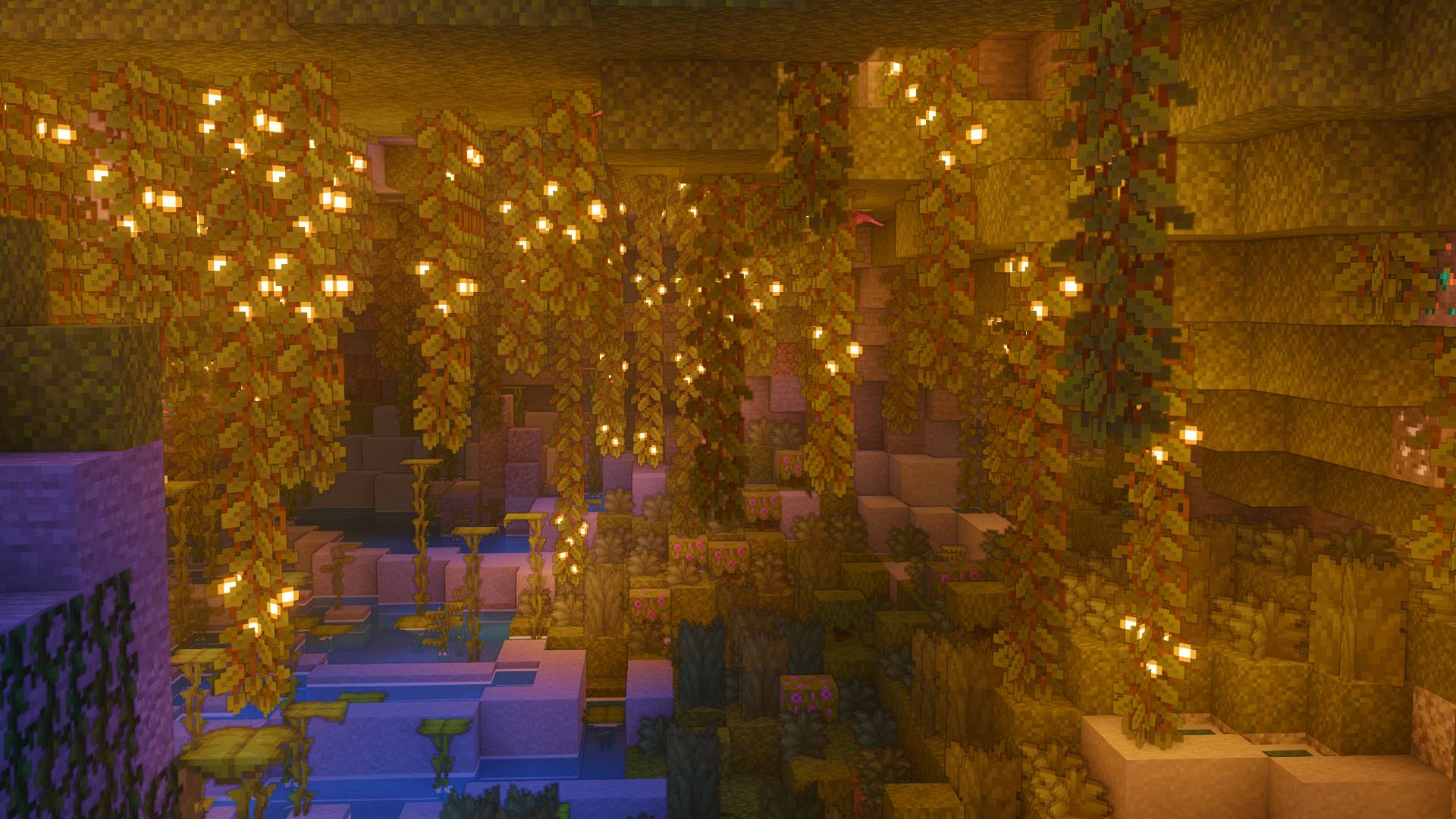
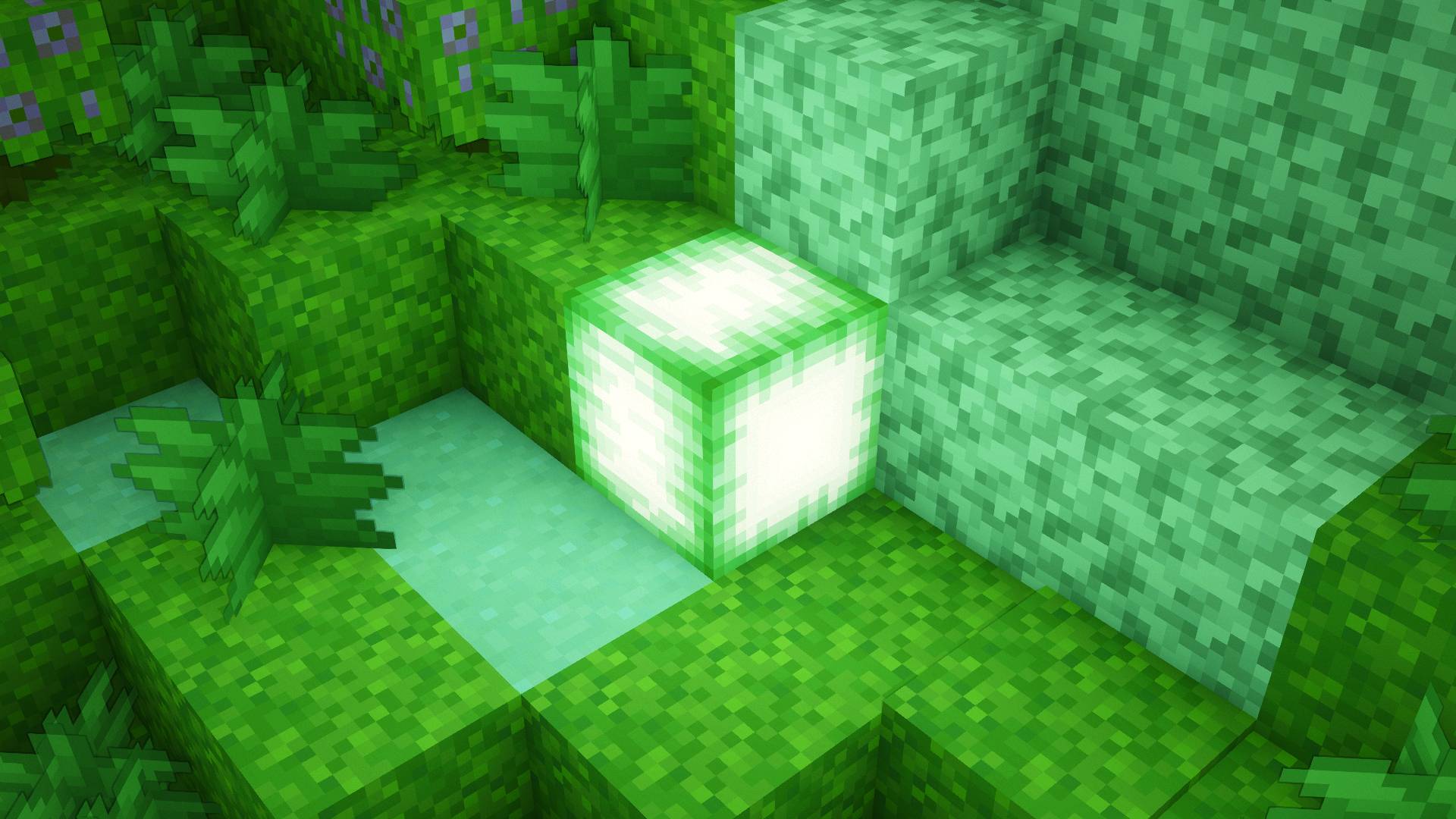
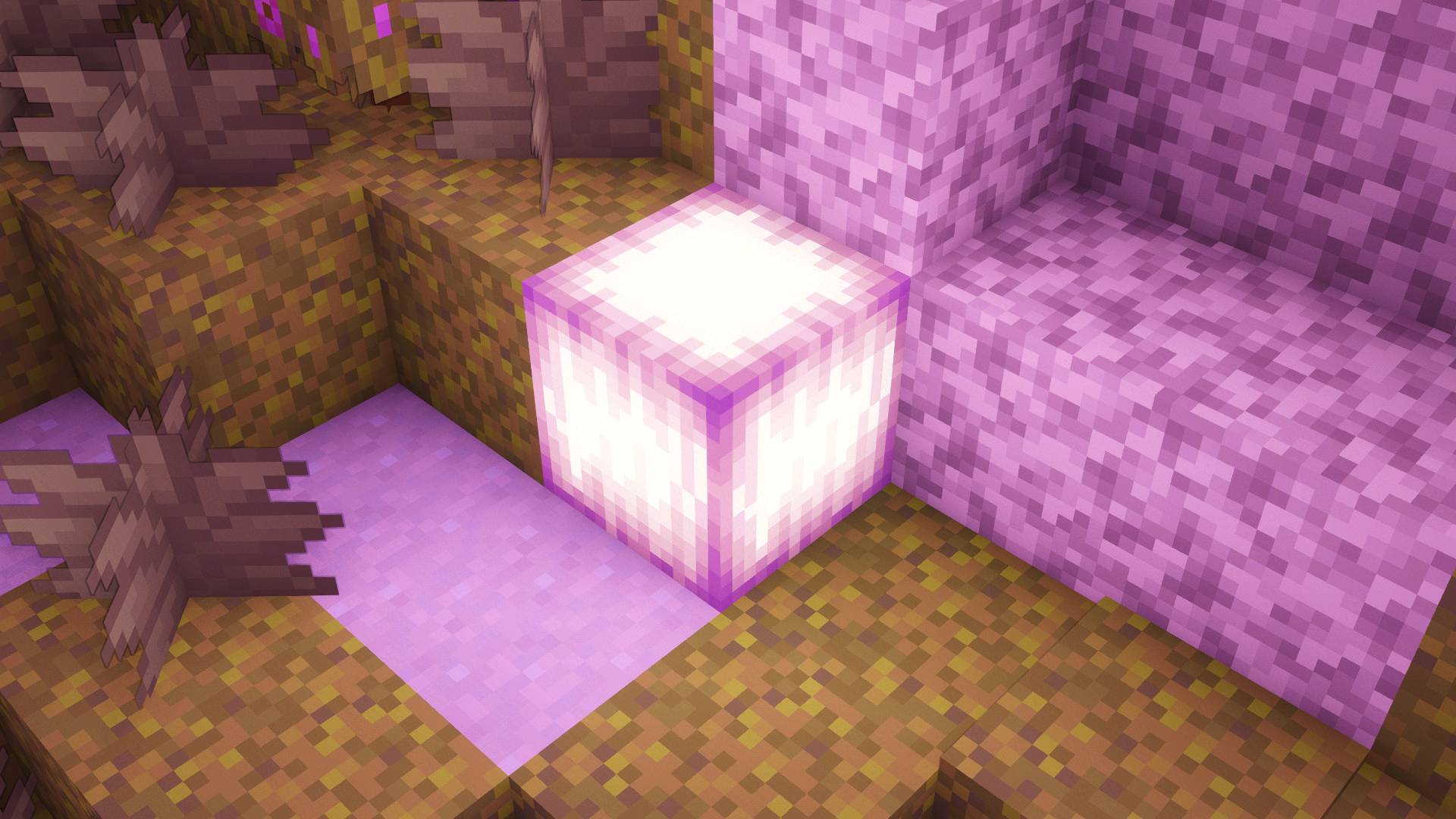
Toonlamentary is a stylized shader pack that aims to bring Minecraft a beautiful, stylized, and not overbearing cartoon/anime aesthetic.

What it changes:


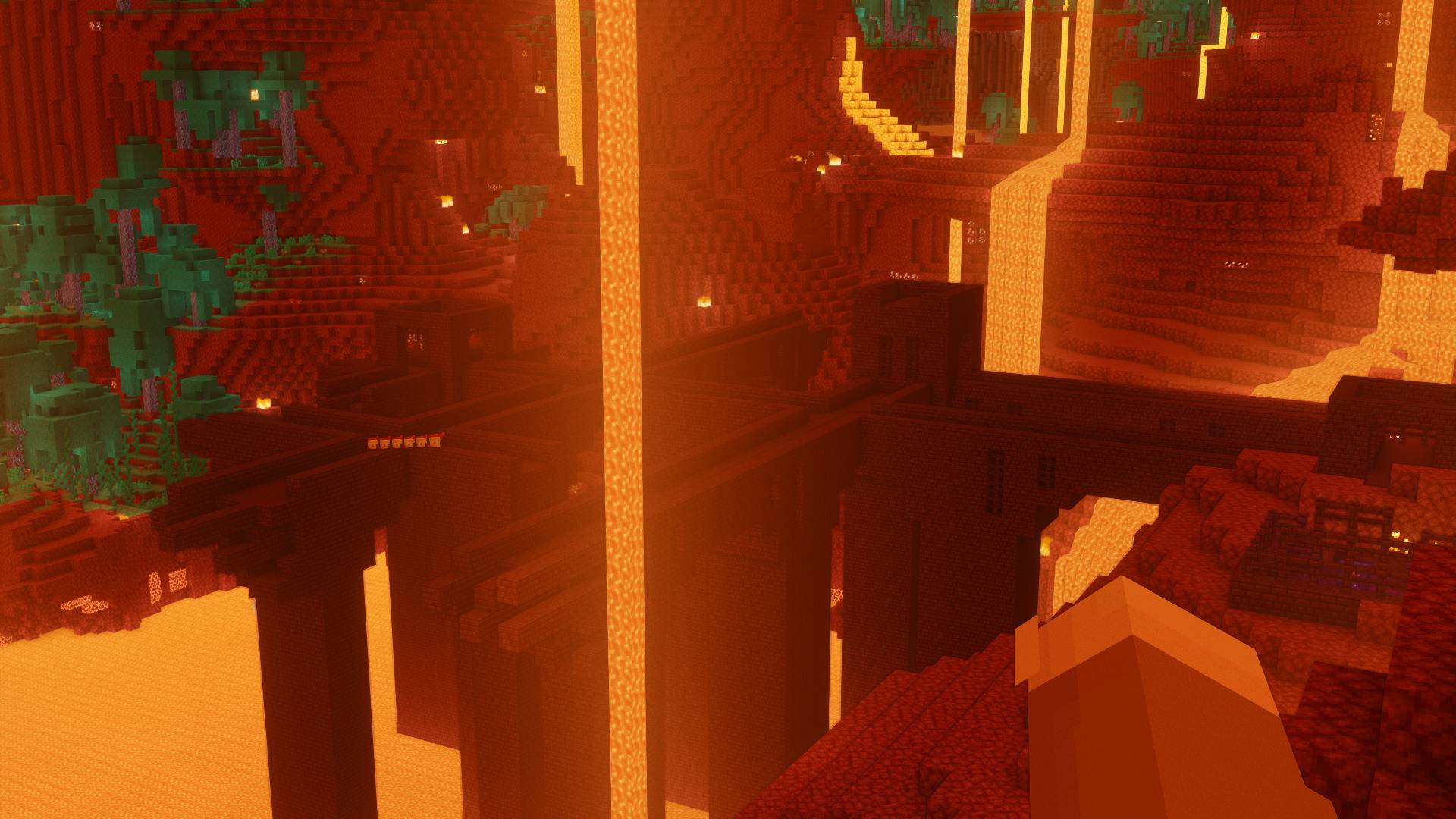
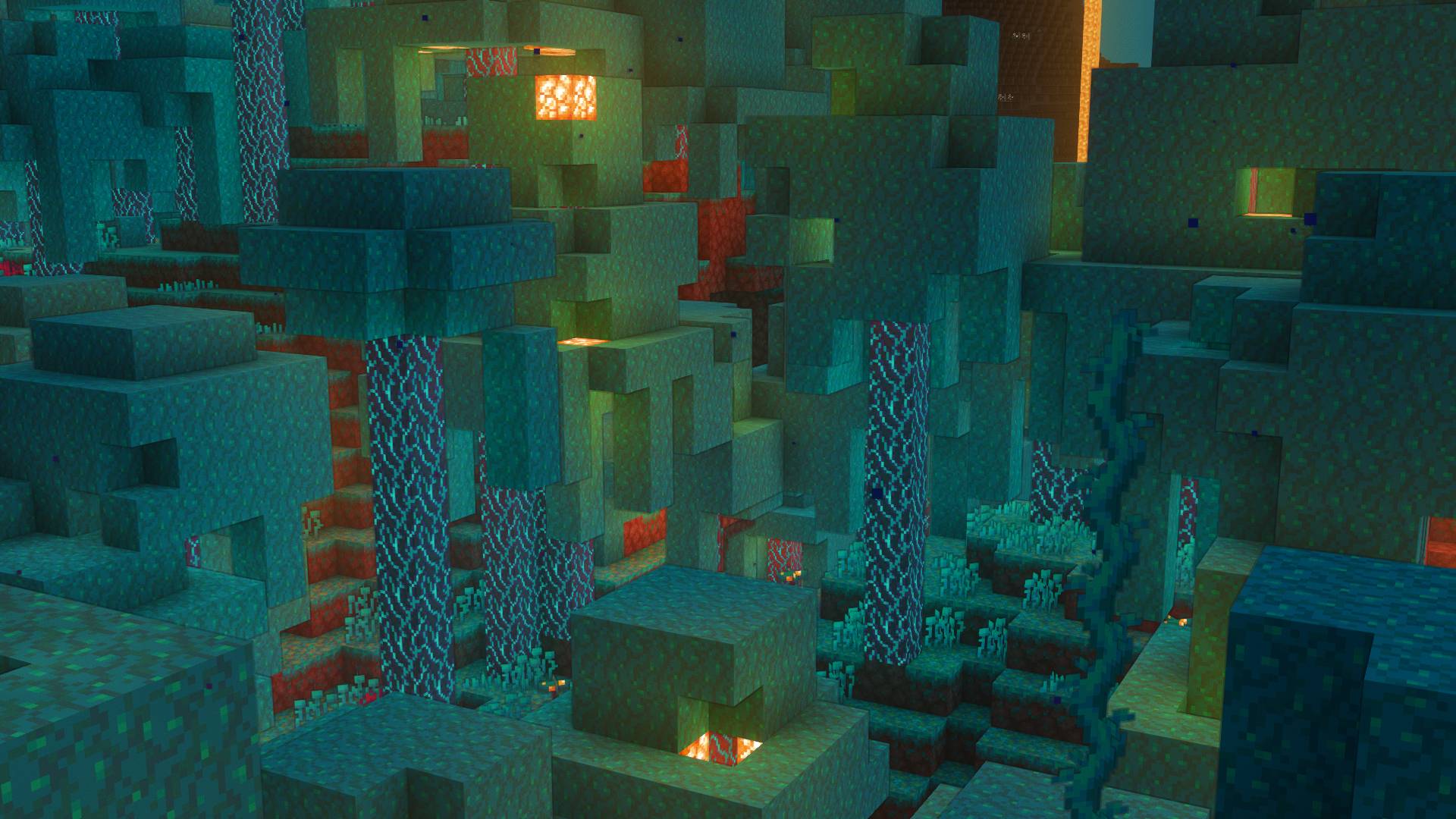
  • Dimensional Atmospherics: Toonlamentary completely overhauls the visuals of all dimensions, so nether, end and overworld.
  • Colored lighting: reworks colored lighting, bringing out a lot of color without dulling down other colors.
  • Weather: All effects adapts to weather and improves overall immersion
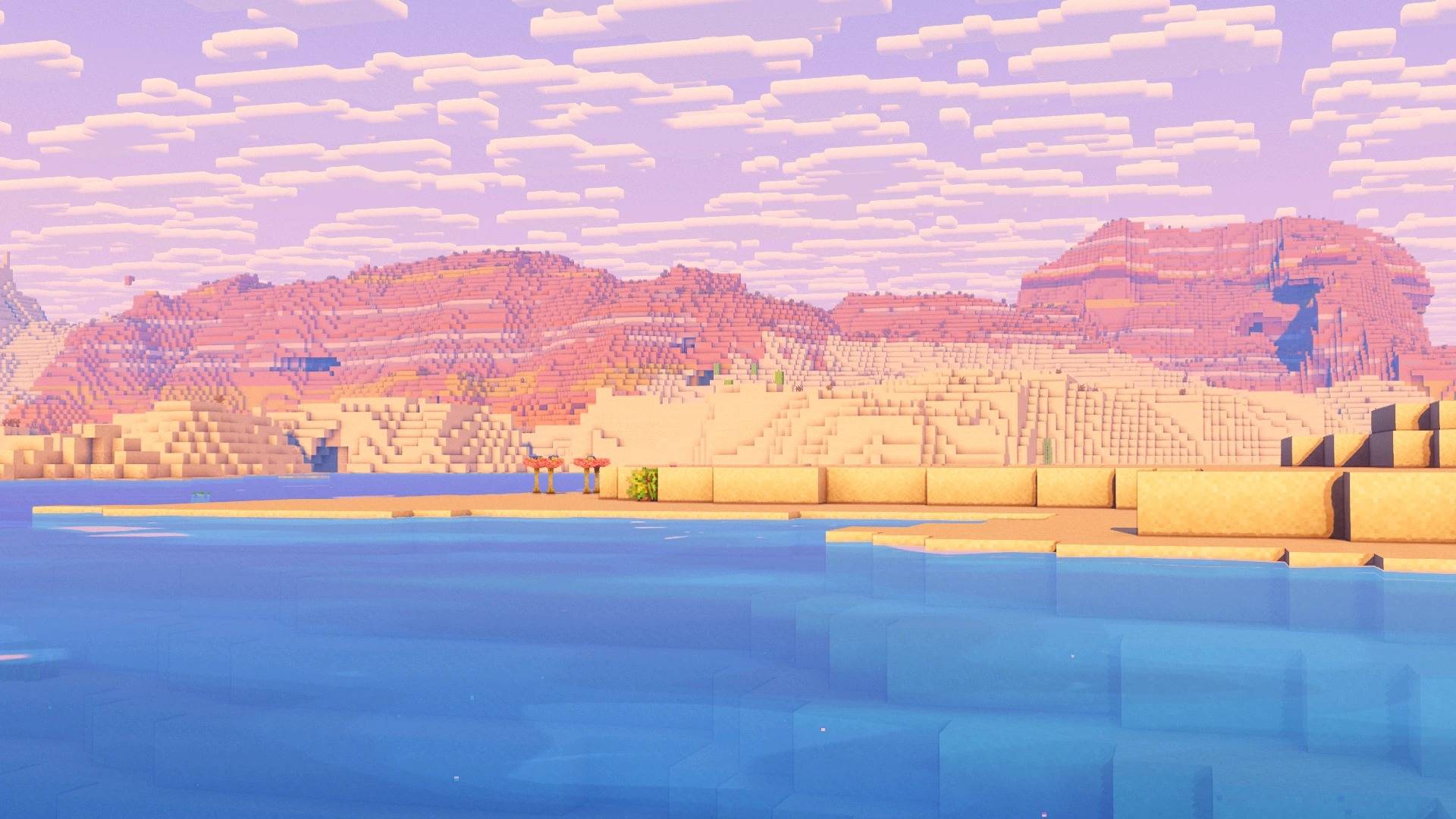
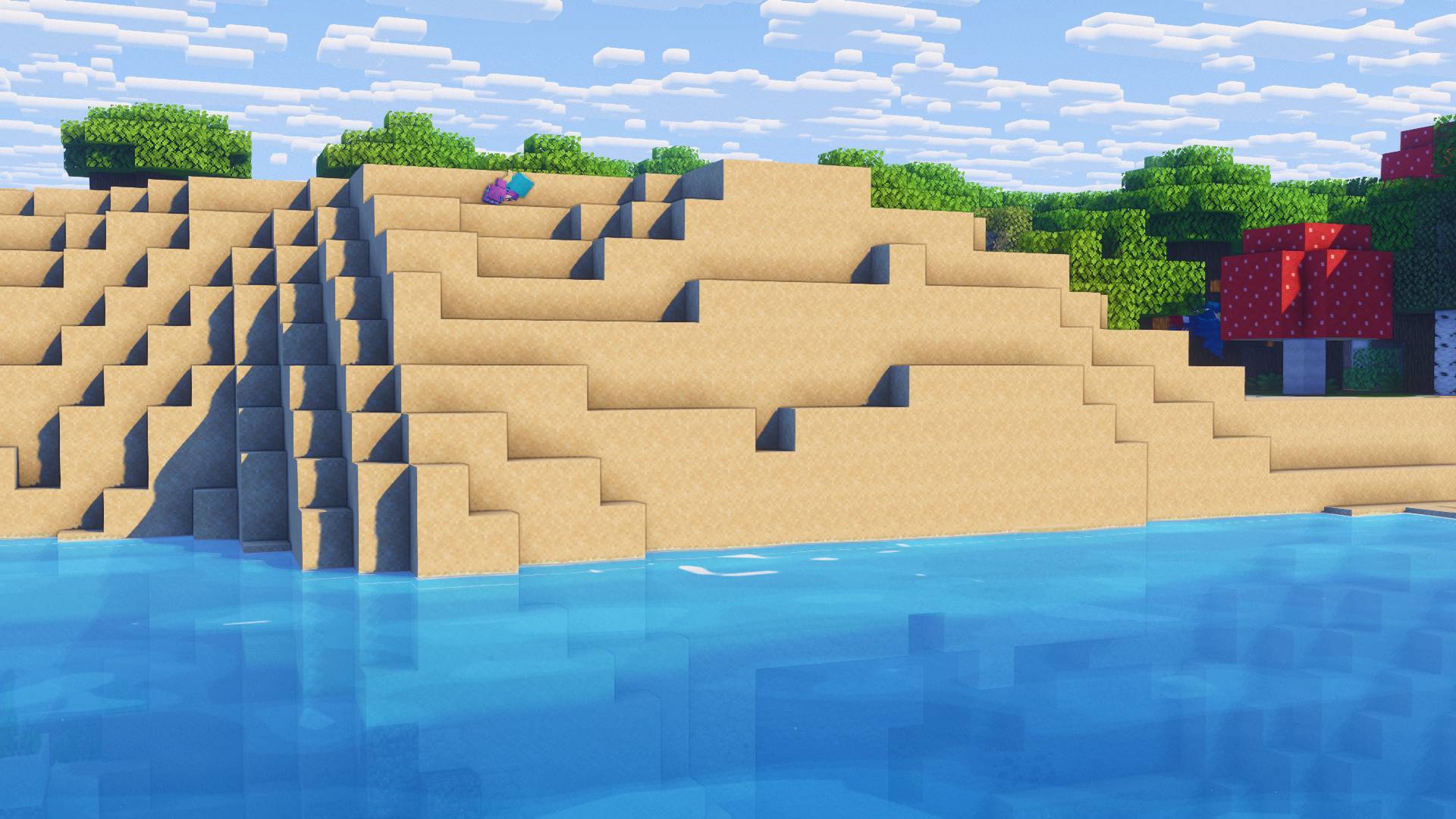
  • Water: Water was completely redone from the ground up, from waves to textures to theming. Water now has that ghibli style. Underwater visuals were also redone to bring underwater more life and immersion.
  • Shadows/Shading: Shadows/shading systems were transformed to work with the new lighting systems implemented.
  • Color grading: Colors were meticulously redone to make things pop without flushing out or blowing out other colors.

How it is different from other shaders:


I created this shaderpack because all other cartoony shaderpacks just completely overdid the cartoony look. Whether it was overdoingit on shading or blowing colors out or proprsion. I genuinely feel this shaderpack makes Minecraft look better in every scenario, whether it's combined with cobblemon, rlcraft, or vanilla. This shaderpack just makes Minecraft perfectly breathtaking. It forgets about trying to make Minecraft realistic or trying look like a page out of a comic book, and instead just makes it look really cool and forgets about themed boundaries, Minecraft doesn't have to be washed out, it is good to embrace the playful nature of the game.

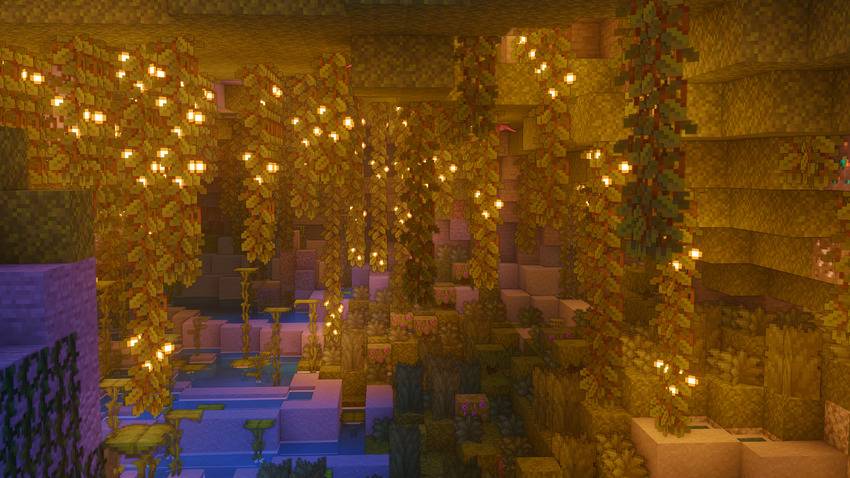
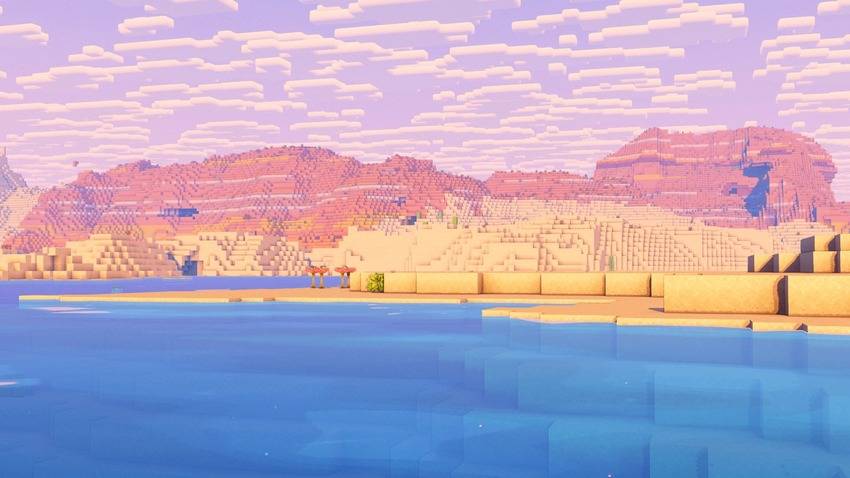
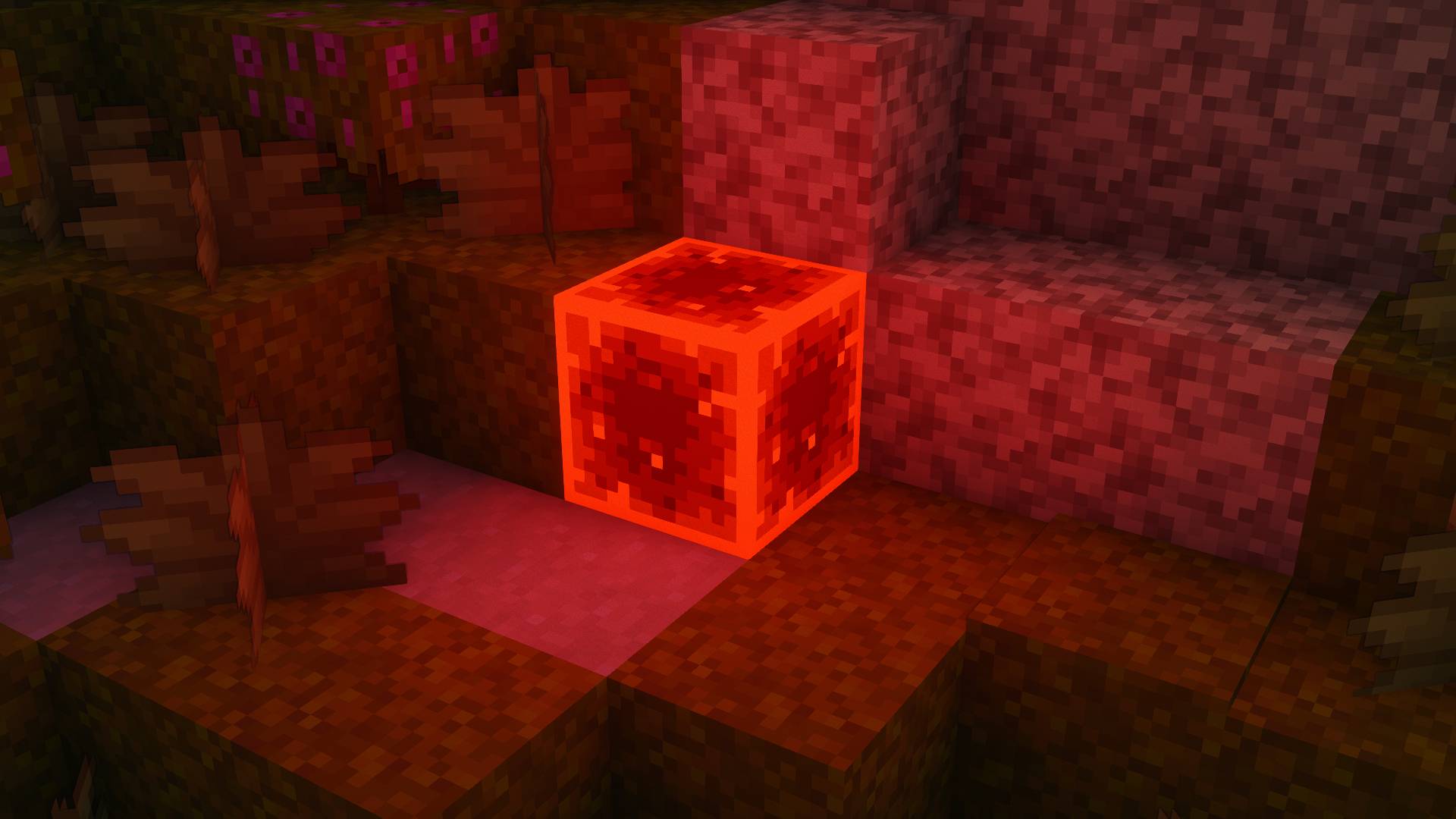
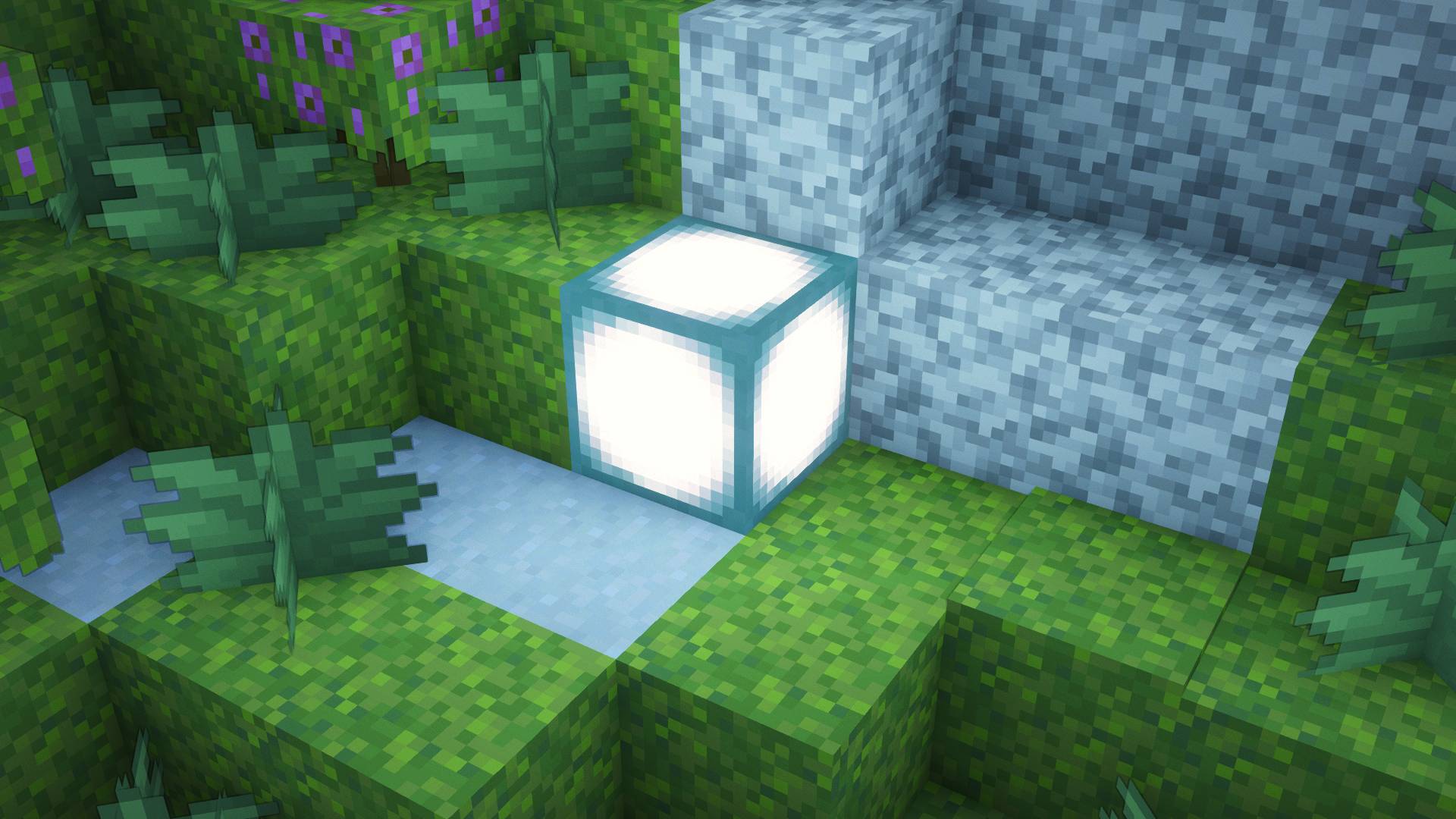
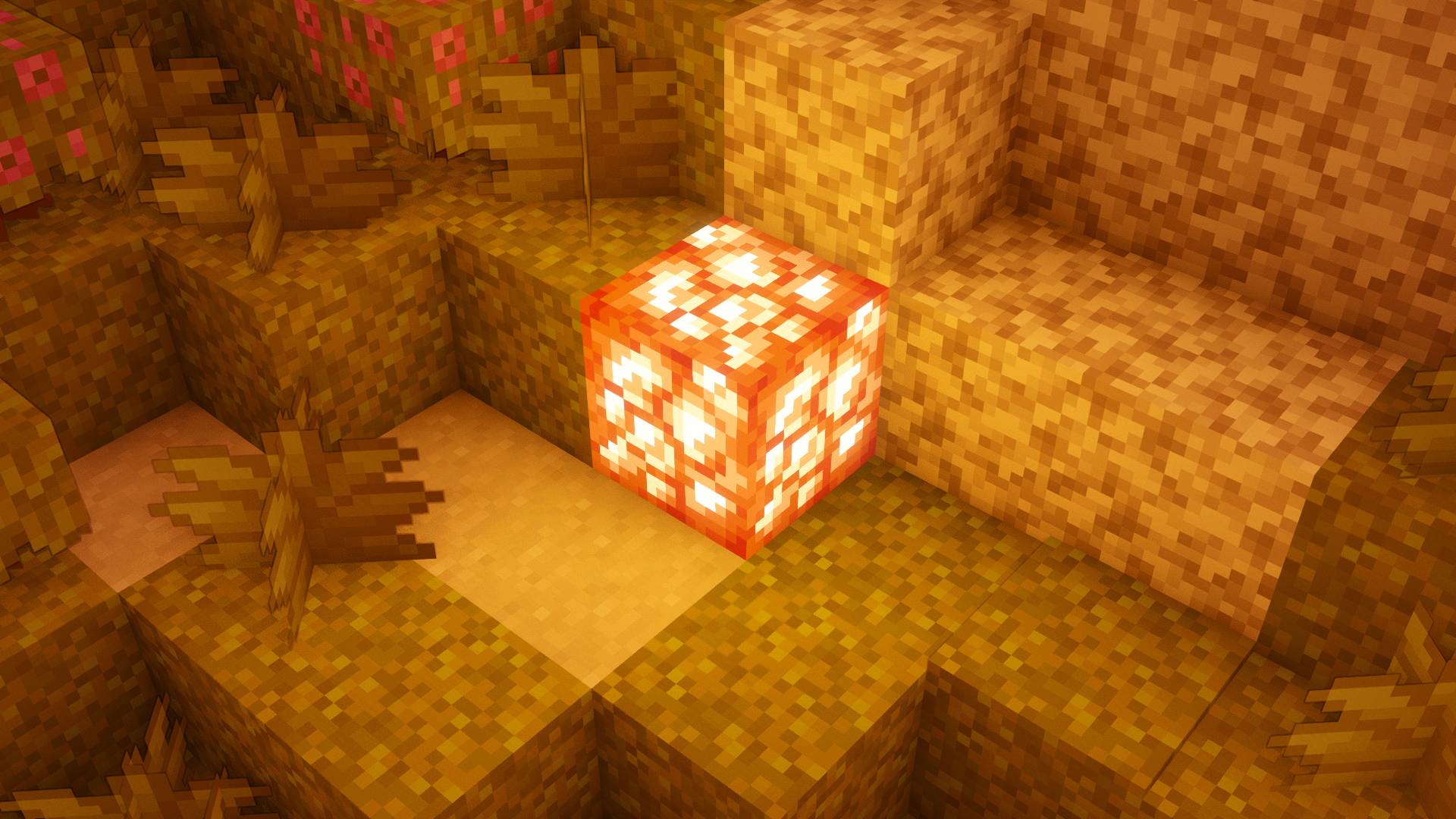
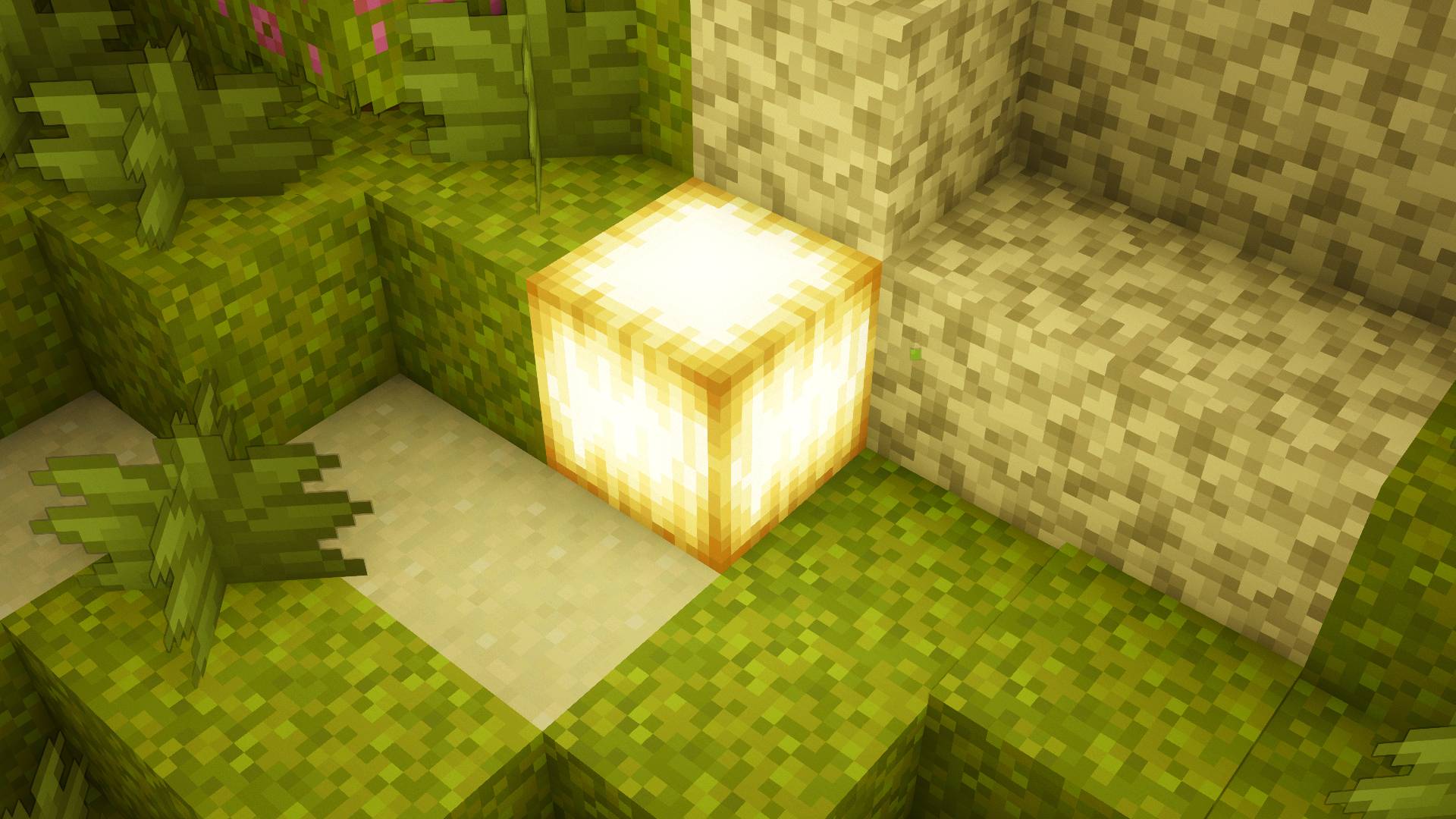
Toonlamentry Screenshots:
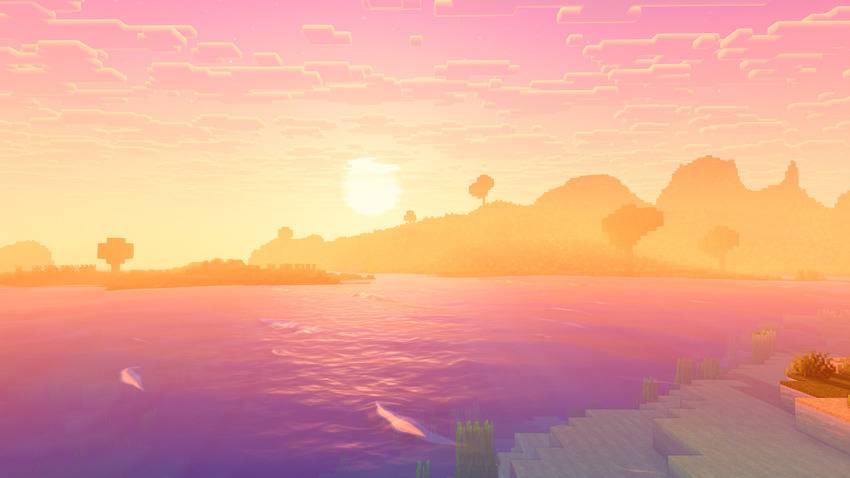
CaveCoast

How it abides to the licences:

1.3a, Credit Complementary on the page with a link to https://www.complementary.dev: Credits EminGT and links https://www.complementary.dev


1.3b, The license file is included unchanged: ComplementaryLicense.txt in the zip has exactly the same SHA-256 fingerprint as Complementary’s own License.txt (510c239b…bfc607), so not one character differs. It’s version 1.6, the license that ships with r5.8.1, the version Toonlamentry is built on.


1.3c, “Complementary” isn’t in the name, and the name differs by 3+ letters: “Toonlamentry” passes both.


 1.3d, It looks noticeably different, including daytime overworld: The whole look has been reworked: lighting, color grade, water, sky. Can be seen in gallery.


 1.3e, No other license or terms: The zip holds only shaders/ and ComplementaryLicense.txt. The only other license notice is in anisotropicFiltering.glsl, which is Complementary’s own file, untouched; the license itself (section 2.1) allows files that carry their own license notice.

Toonlamentry.zip
MC 1.16.3, 1.13.1, 1.9.3, 1.8.7, 1.16-Snapshot, 1.17.1, 1.9.1, 1.21.2-Snapshot, 1.21, 1.21.6-snapshot, 1.15-Snapshot, 1.16.1, 1.18.1, 1.20.2-Snapshot, 1.20.5-Snapshot, 1.14.3, 1.15
Release 2026-10-13 Get
Toonlamentry.zip
MC 1.16.3, 1.13.1, 1.9.3, 1.8.7, 1.16-Snapshot, 1.17.1, 1.9.1, 1.21.2-Snapshot, 1.21, 1.21.6-snapshot, 1.15-Snapshot, 1.16.1, 1.18.1, 1.20.2-Snapshot, 1.20.5-Snapshot, 1.14.3, 1.15
Release 2026-10-11 Get
Toonlamentry.zip
MC 1.16.3, 1.13.1, 1.9.3, 1.8.7, 1.16-Snapshot, 1.17.1, 1.9.1, 1.21.2-Snapshot, 1.21, 1.21.6-snapshot, 1.15-Snapshot, 1.16.1, 1.18.1, 1.20.2-Snapshot, 1.20.5-Snapshot, 1.14.3, 1.15
Release 2026-10-10 Get

Requirements & install

How to use this shader in Minecraft
Shader loader
Iris or OptiFine
Minecraft
1.16.3 – 1.21.6-snapshot
Install folder
.minecraft/shaderpacks

How to install shaders

  1. Install a shader loader for your Minecraft version: Iris (with Sodium) or OptiFine.
  2. Download the shader pack .zip file (do not extract it).
  3. Put the .zip into the shaderpacks folder (.minecraft/shaderpacks).
  4. In game open Options → Video Settings → Shader Packs, select the pack and apply it.
Browse more: Iris shaders OptiFine shaders Shaders for 1.21.6-snapshot All shaders

More from CyeBeem

Advertisement Remove ads with Premium →

You Might Also Like