Mineuniverse
Shaders
Rankoos Custom PSX MCSX Shader

Rankoos Custom PSX MCSX Shader

SHADER
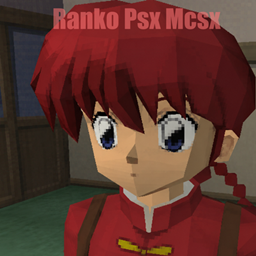
Customized PSX_MCSX shader by with PS1-style pixelation, affine warp, colored lighting, clean safe-distance snapping, and day/night sky and light controls. Modified Shader by NinjaMica.
by Rankoo
Download Claim this project
Add a badge to your pageLink to Rankoos Custom PSX MCSX Shader from a README, website or forum post.
Preview: Badge

Badges update automatically and link to the shader page on MineUniverse.

571 downloads
0 likes
0 followers
Updated Oct 14, 2026
0 hypes
Follow0
Fantasy
Advertisement Remove ads with Premium →

Ranko Custom PSX MCSX

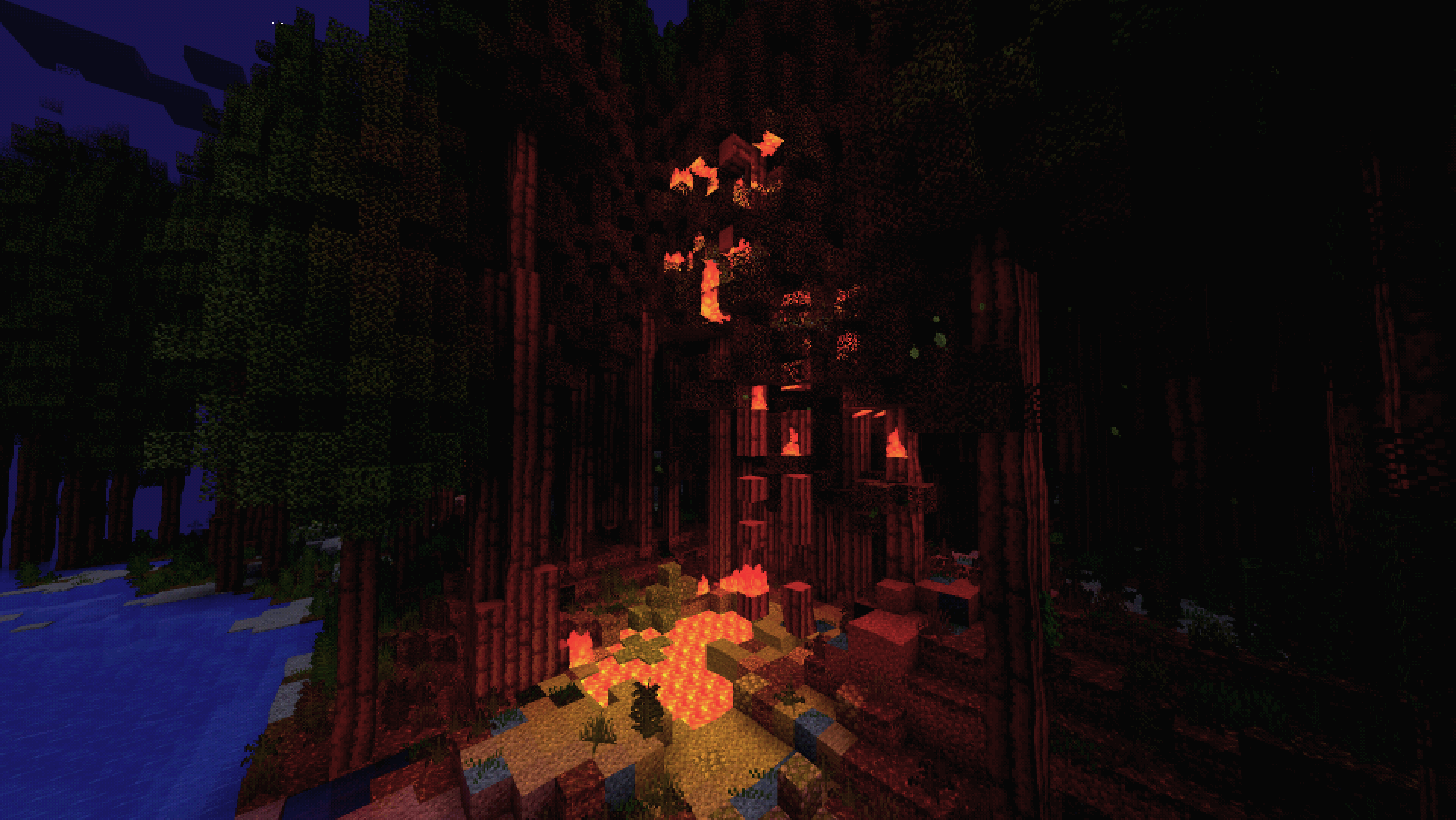
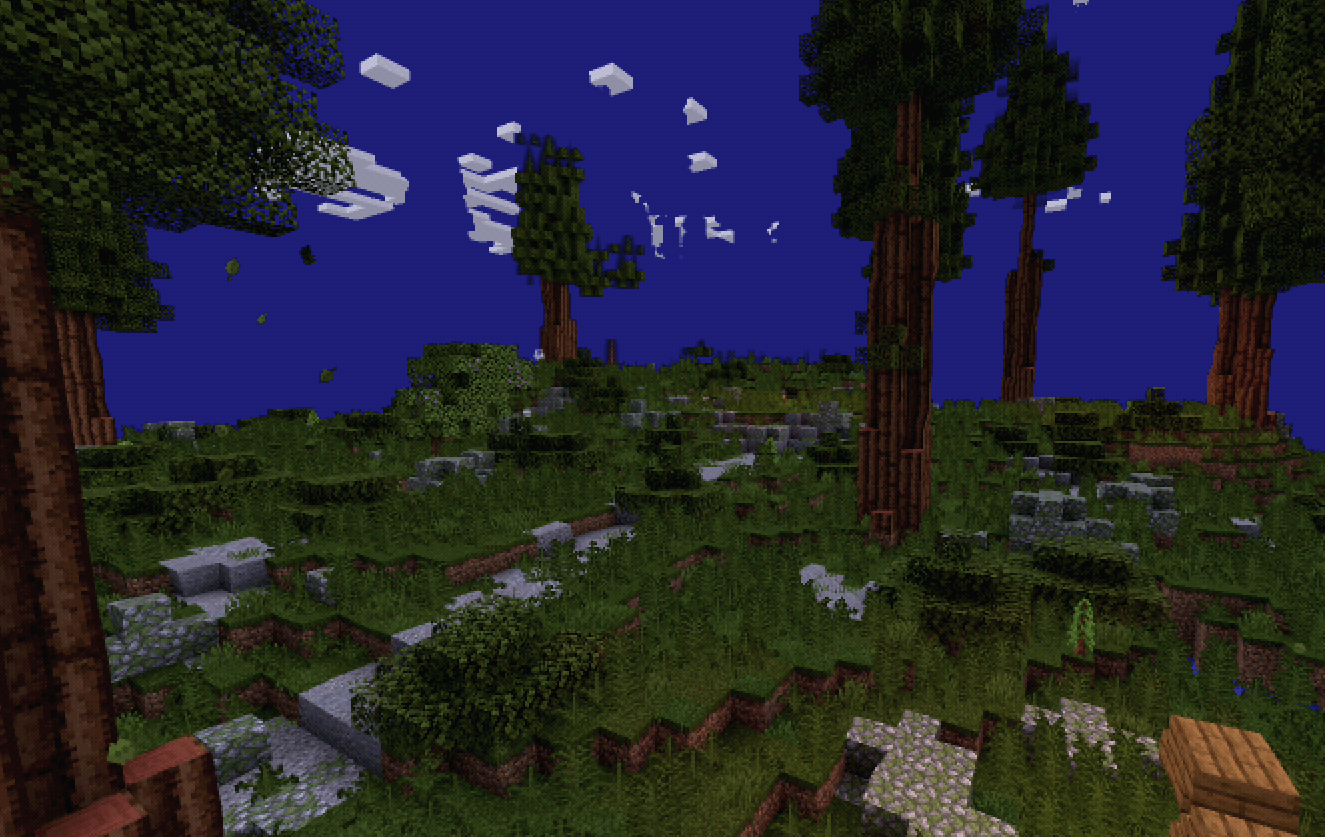
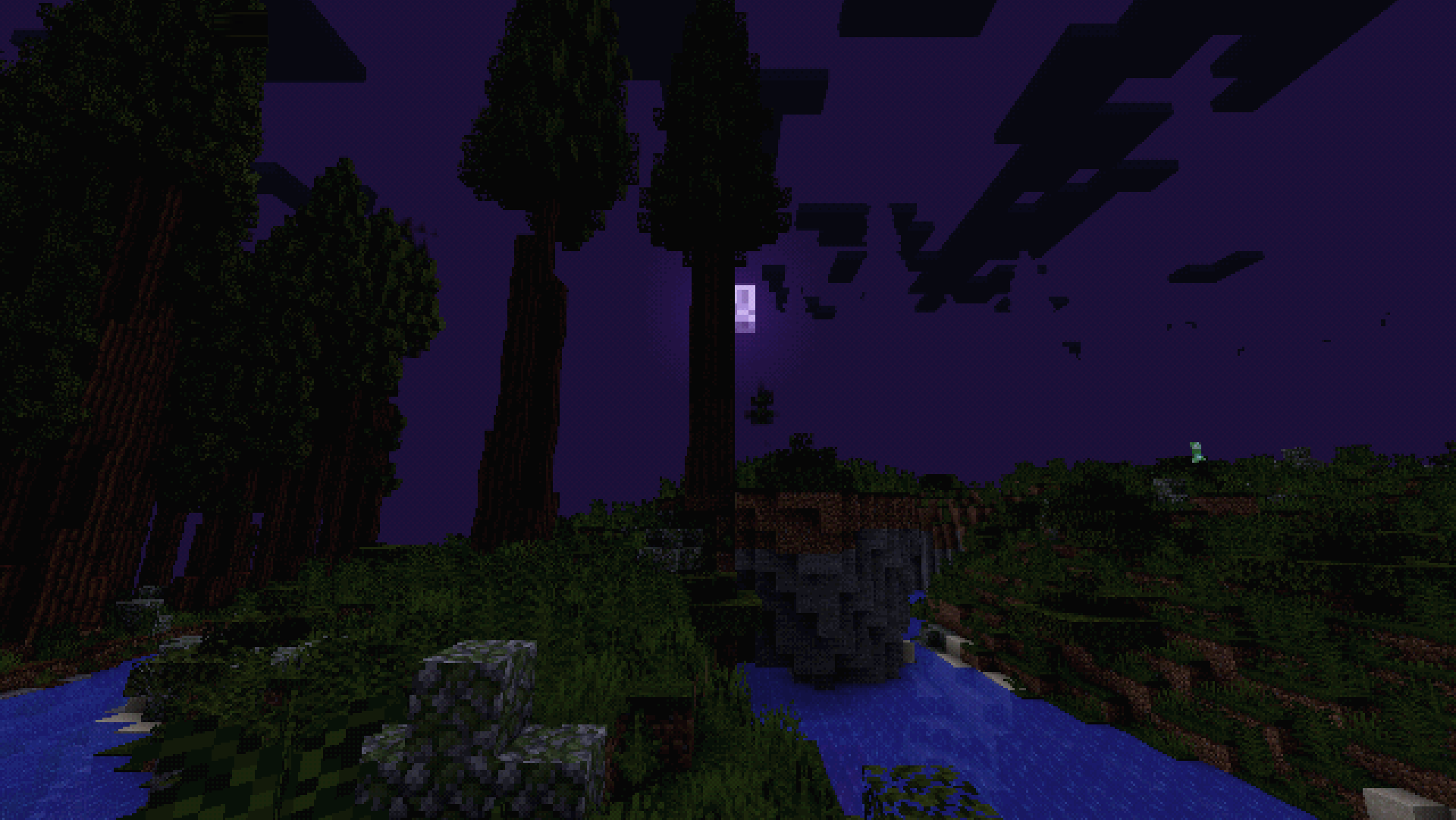
Ranko Custom PSX MCSX is a modified version of PSX_MCSX that keeps the original PS1-style rendering pipeline while adding extra controls and stability tweaks for practical gameplay use.

The shader is built around a retro post-processing stack: low-resolution pixel scaling, dithering, color grading, affine-style texture distortion, CRT-style image treatment, fog, sky tinting, and stylized lighting. This custom edit focuses on making those effects easier to tune without removing the original PSX identity of the pack.

Technical Summary

This version extends the original PSX_MCSX shader with additional control over vertex snapping, close-range clipping behavior, fog, sky color, lighting color, brightness, and saturation. The goal is to keep the unstable PS1-style look while reducing the most disruptive artifacts during normal gameplay.

Rendering Features

  • PSX-style pixelated final image pass.
  • Dithering and reduced-color retro post-processing.
  • Affine-style texture warping for a classic low-precision look.
  • Vertex snapping / vertex inaccuracy controls.
  • CRT-style post effects.
  • Fog and atmospheric color blending.
  • Stylized sky tinting.
  • Colored floodfill-style lighting.
  • Water and lava wave effects.
  • MCSX-oriented visual tweaks.

Custom Changes

  • Added adjustable vertex safe distance to reduce severe clipping when the camera is close to blocks.
  • Added smoother safe-distance fading so the vertex effect transitions more cleanly around the player.
  • Improved close-range handling for snapped geometry to make block edges less aggressive during movement.
  • Added expanded fog distance and atmosphere controls.
  • Added custom day and night sky color controls.
  • Added separate day and night sky brightness controls.
  • Added sky saturation controls for stronger or softer stylized skies.
  • Added custom day and night lighting color controls.
  • Added separate lighting brightness and saturation tuning.
  • Added broader color customization for dark fantasy, retro, saturated, or muted visual setups.
  • Preserved the original shader settings structure where possible so existing configs remain usable.

Intended Use

This edit is meant for players who want a stronger PSX/MCSX visual style but still want control over readability, lighting, fog, and atmosphere. It works especially well for stylized survival, dark fantasy packs, horror-themed setups, low-resolution retro worlds, or modpacks that need a more aggressive PS1-inspired presentation.

Credits

Original shader: PSX_MCSX by ninjamike1211
Based on ckosmic's Minecraft PSX shader:
https://github.com/ckosmic/minecraft-psx

Custom modifications made for my Minecraft Dark Fantasy modpack.

License

PSX_MCSX is licensed under the MIT License by ninjamike1211.

The original LICENSE file is included in the shaderpack and should remain included when modifying or sharing the pack. Please keep visible credit to the original creators.

Ranko Custom PSX MCSX Shader
MC 1.21, 1.21.8, 1.21.5, 1.21.4, OptiFine, 1.21.1, 1.21.6, 1.21.3, 1.21.7, Iris, 1.21.2, 1.21.9, 1.21.10, 1.21.11
Release 2026-07-26 Get

Requirements & install

How to use this shader in Minecraft
Shader loader
Iris OptiFine
Minecraft
1.21.4 – 1.21.11
Install folder
.minecraft/shaderpacks

How to install shaders

  1. Install a shader loader for your Minecraft version: Iris (with Sodium) or OptiFine.
  2. Download the shader pack .zip file (do not extract it).
  3. Put the .zip into the shaderpacks folder (.minecraft/shaderpacks).
  4. In game open Options → Video Settings → Shader Packs, select the pack and apply it.
Browse more: Iris shaders OptiFine shaders Shaders for 1.21.11 All shaders

More from Rankoo

Advertisement Remove ads with Premium →

You Might Also Like