Mineuniverse
Shaders
PureCraft Shader

PureCraft Shader

SHADER
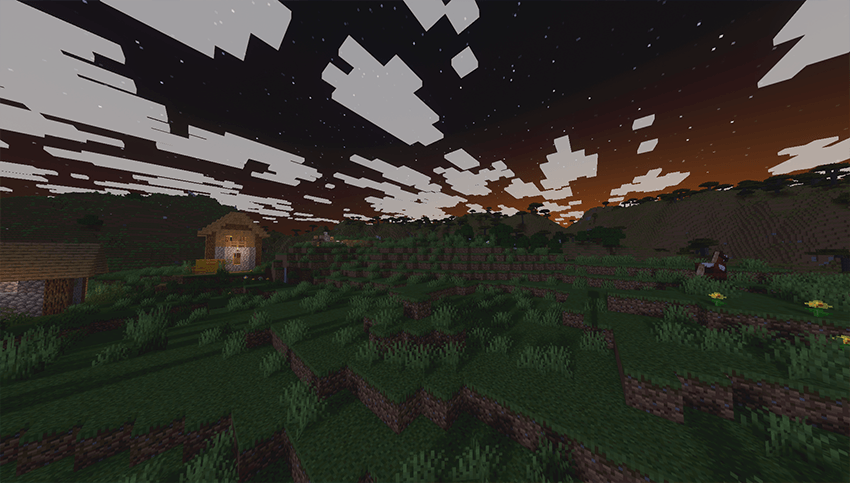
Performance-optimized visual enhancement for Minecraft. Preserves vanilla gameplay with subtle improvements: natural white clouds, Pure vanilla feel with better performance for all
by IXSG
Download Claim this project
124,593 downloads
0 likes
Updated Oct 14, 2026
0 hypes
Fantasy Realistic Vanilla
Advertisement Remove ads with Premium →

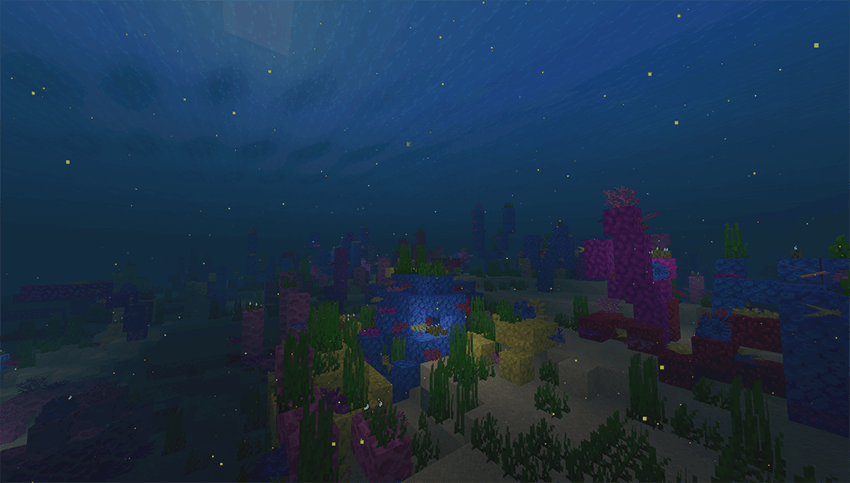
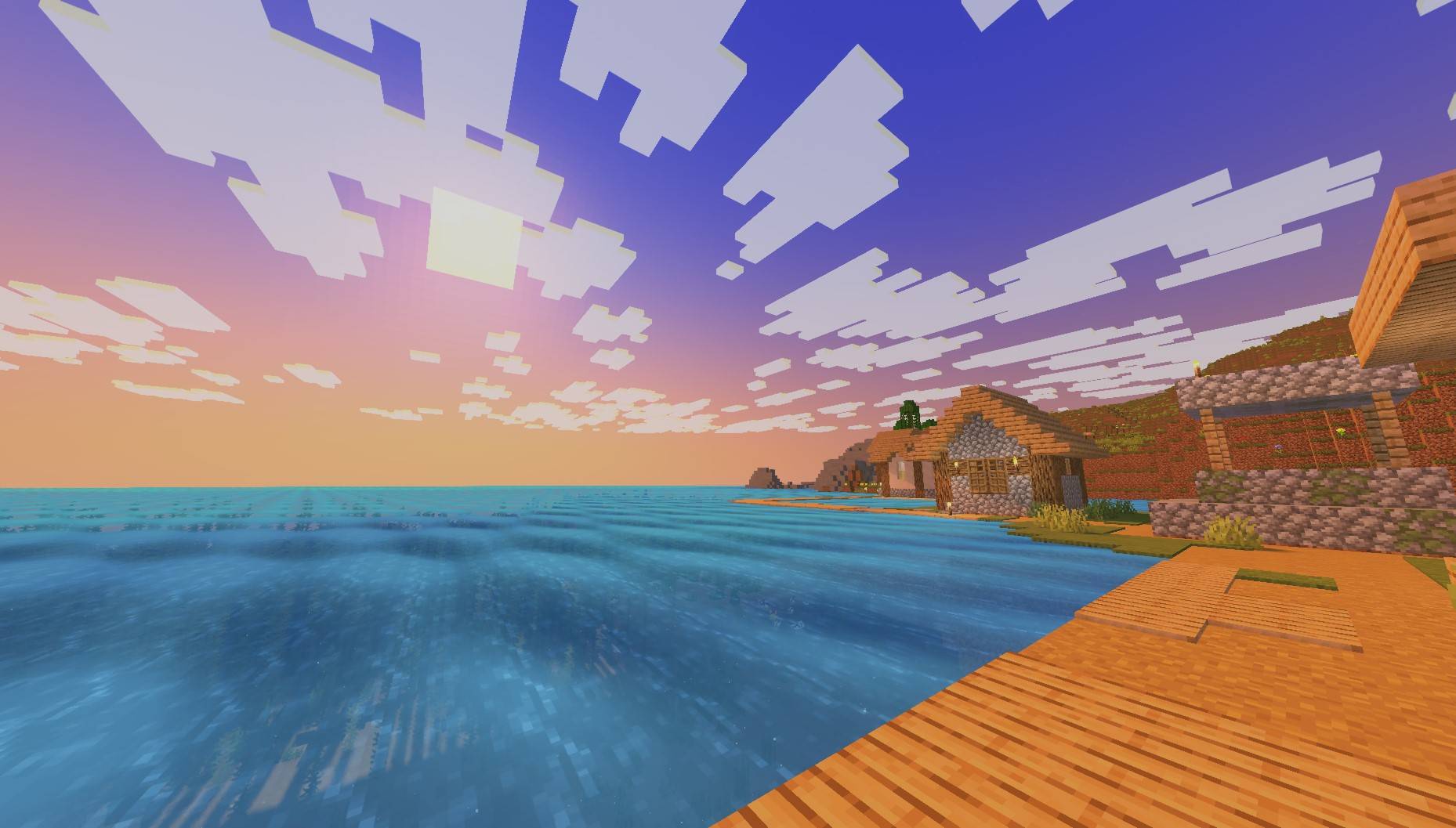
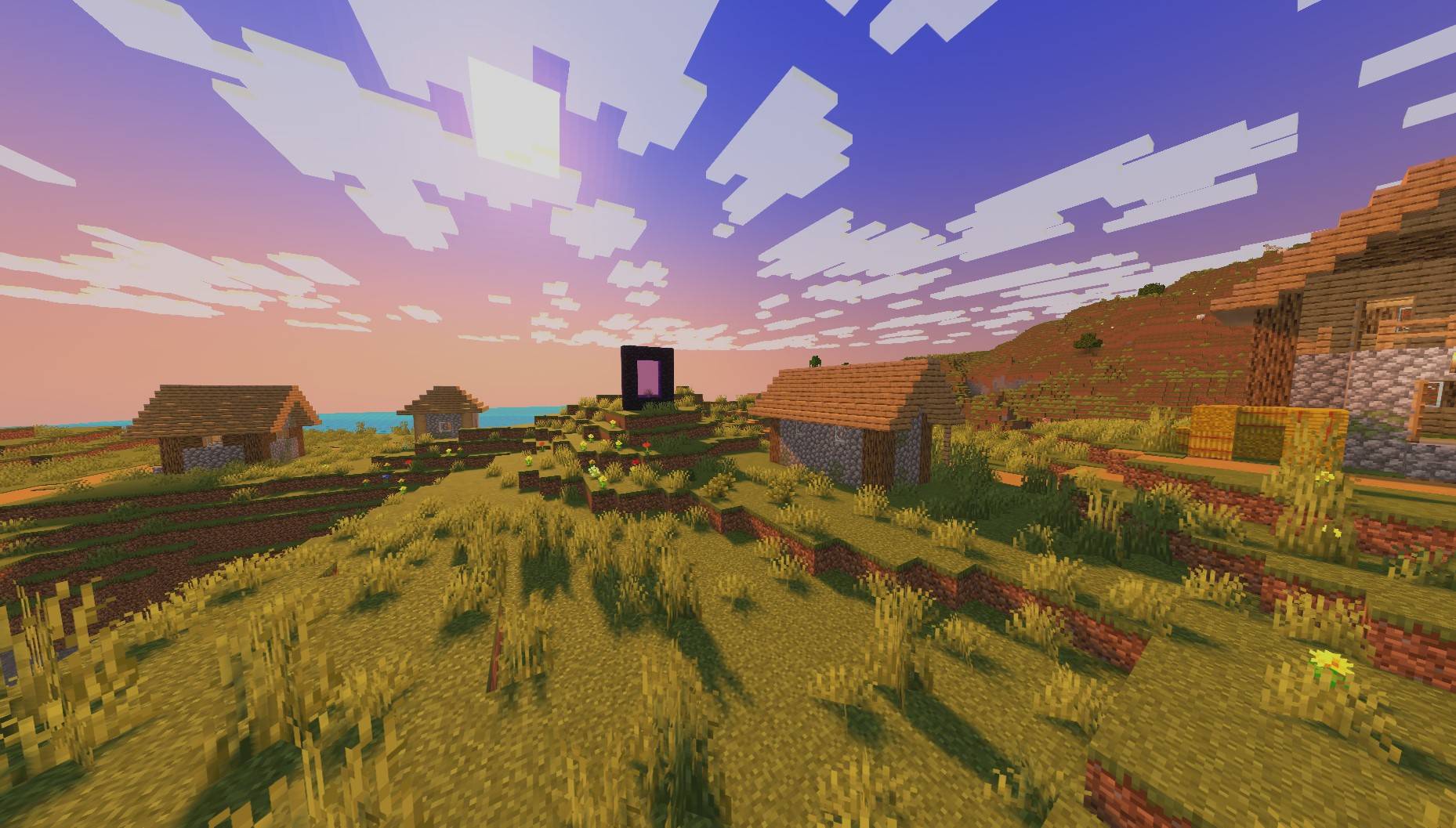
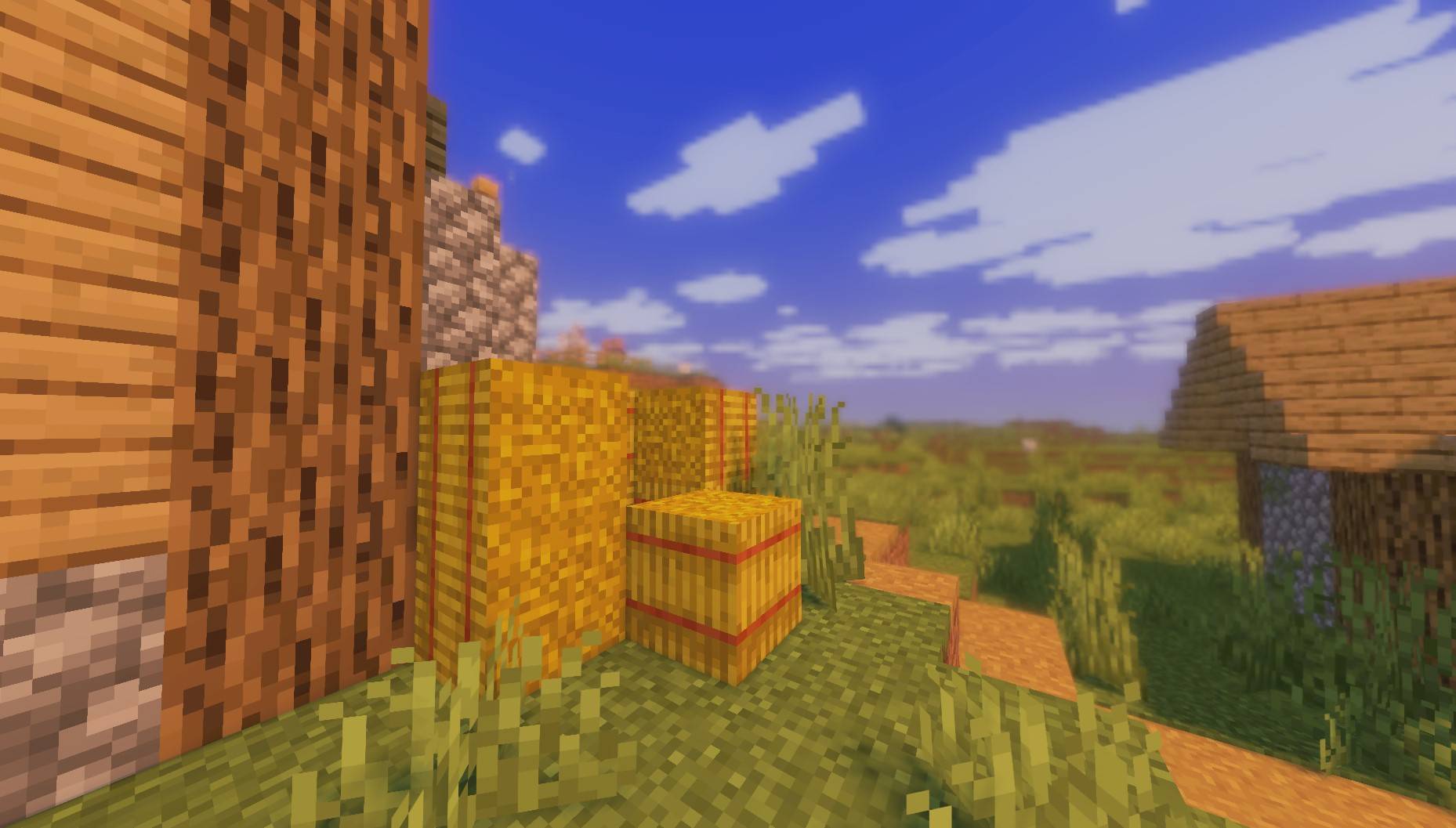
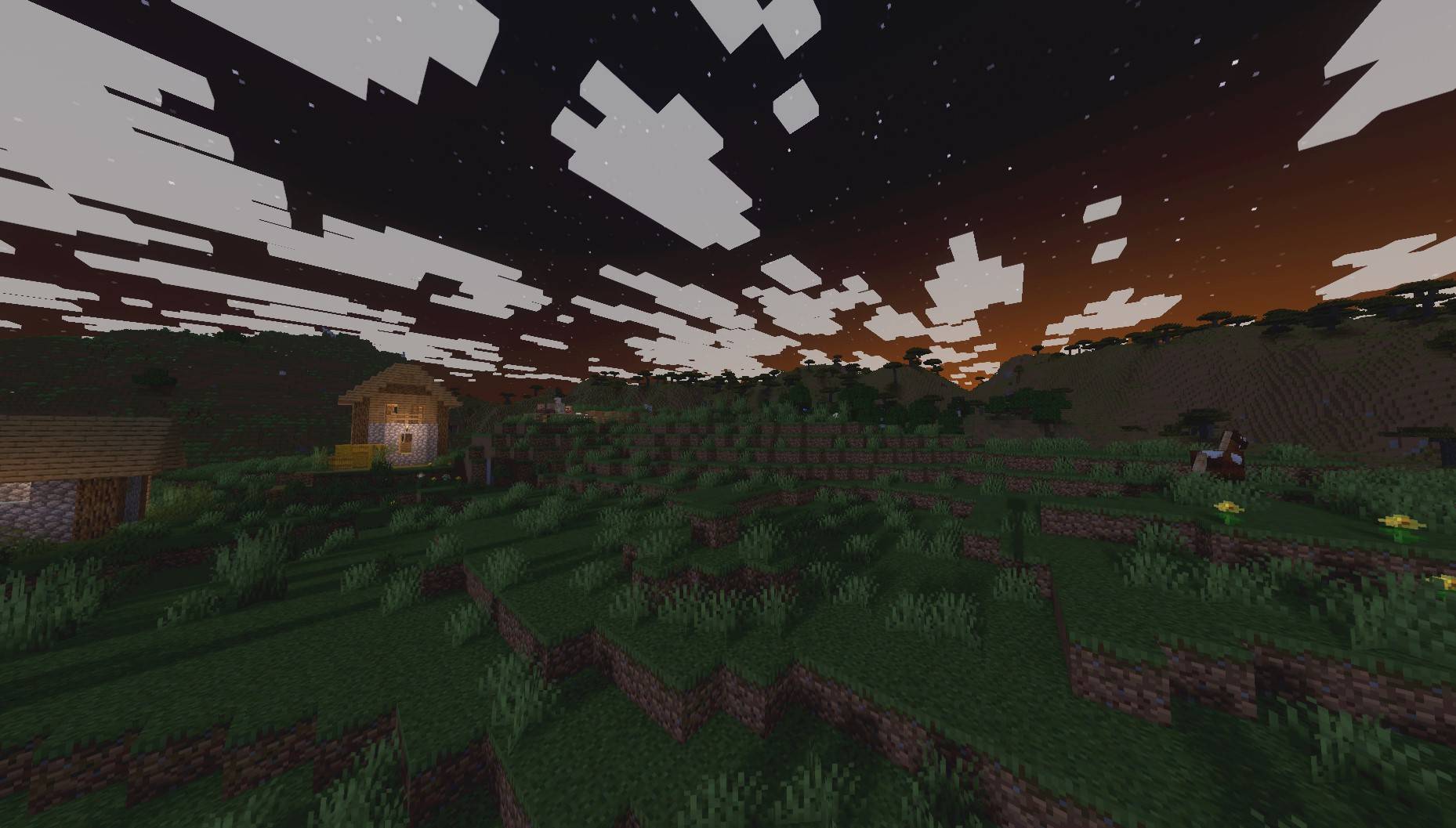
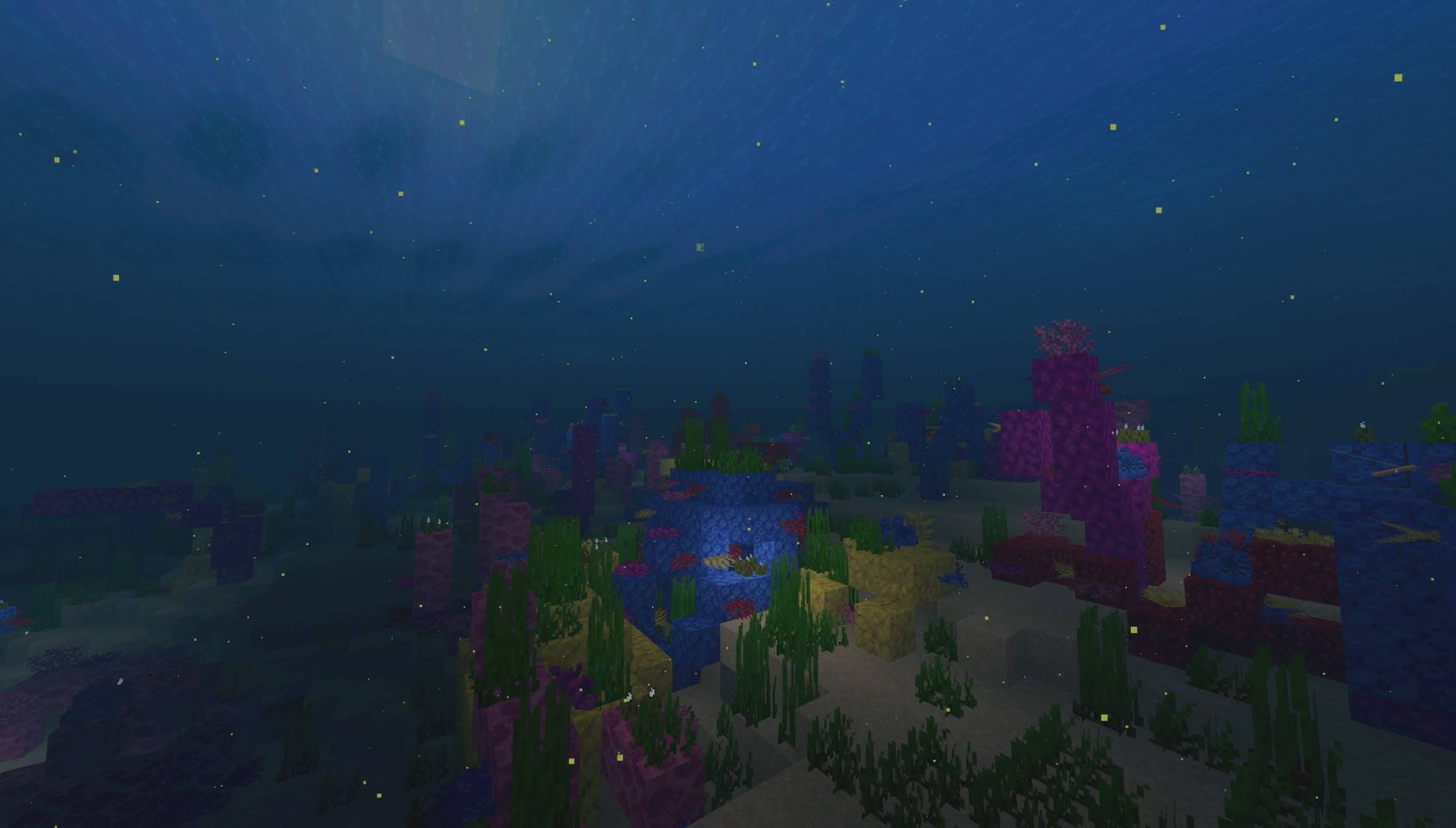
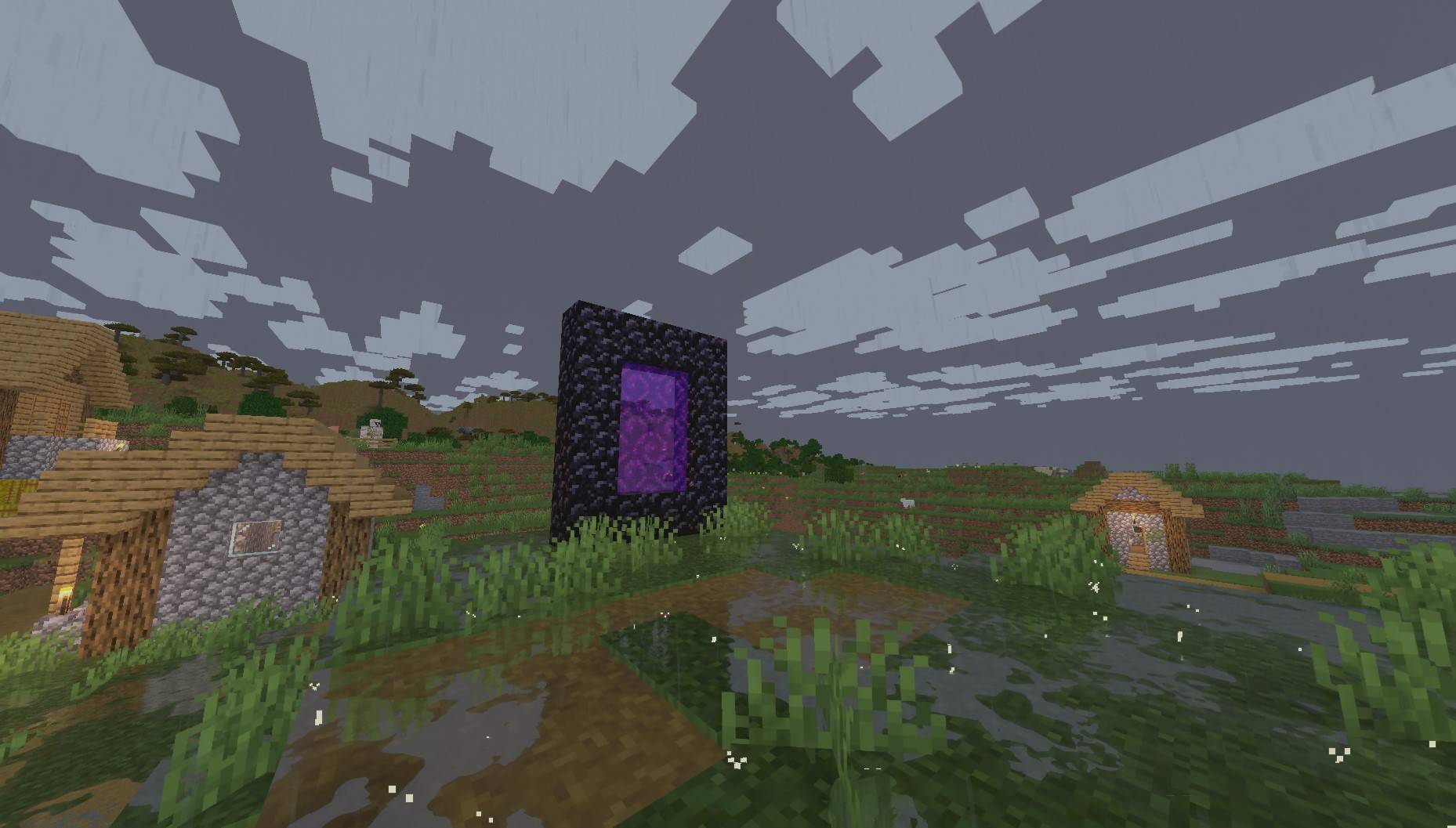
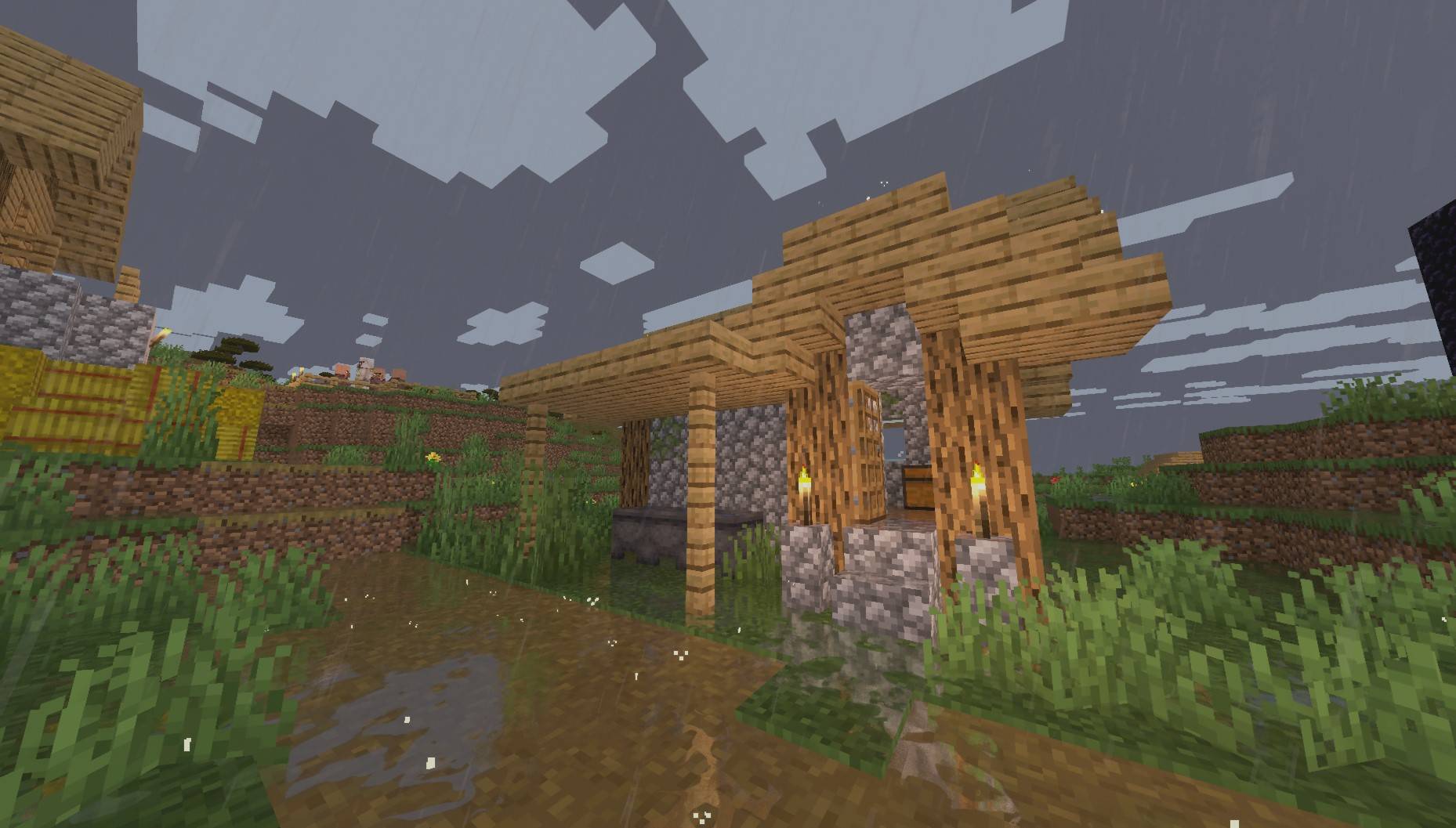
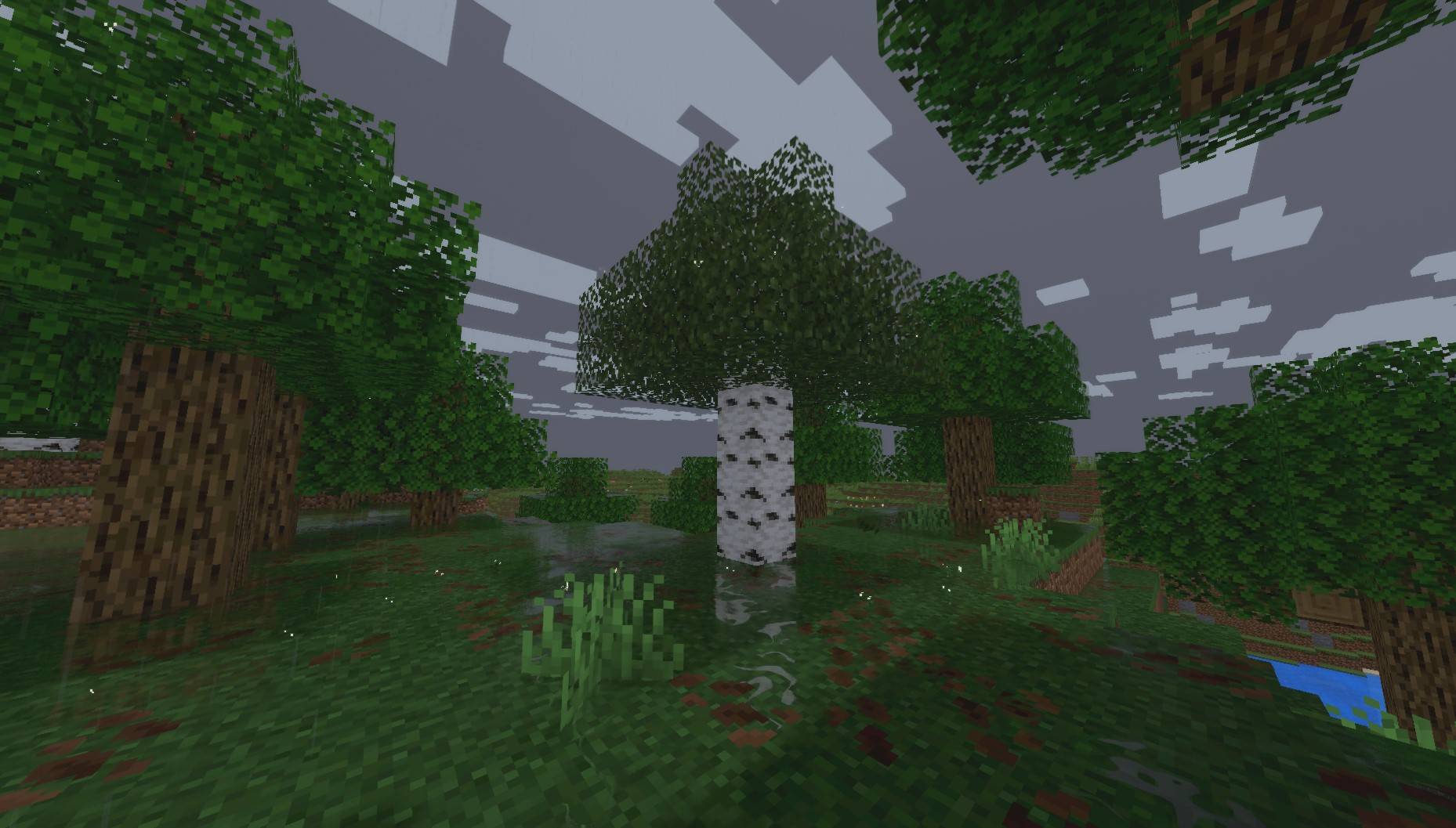
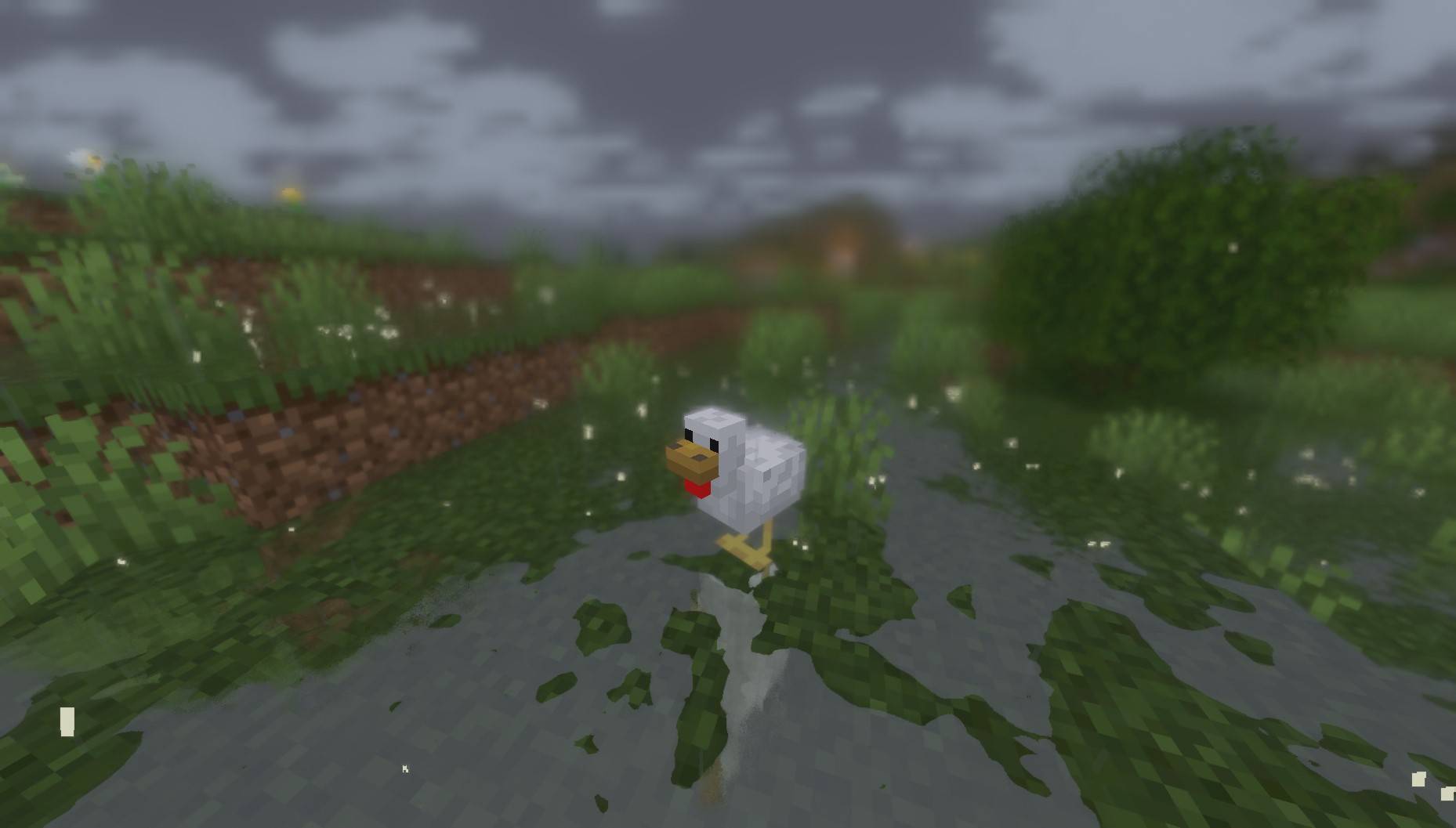
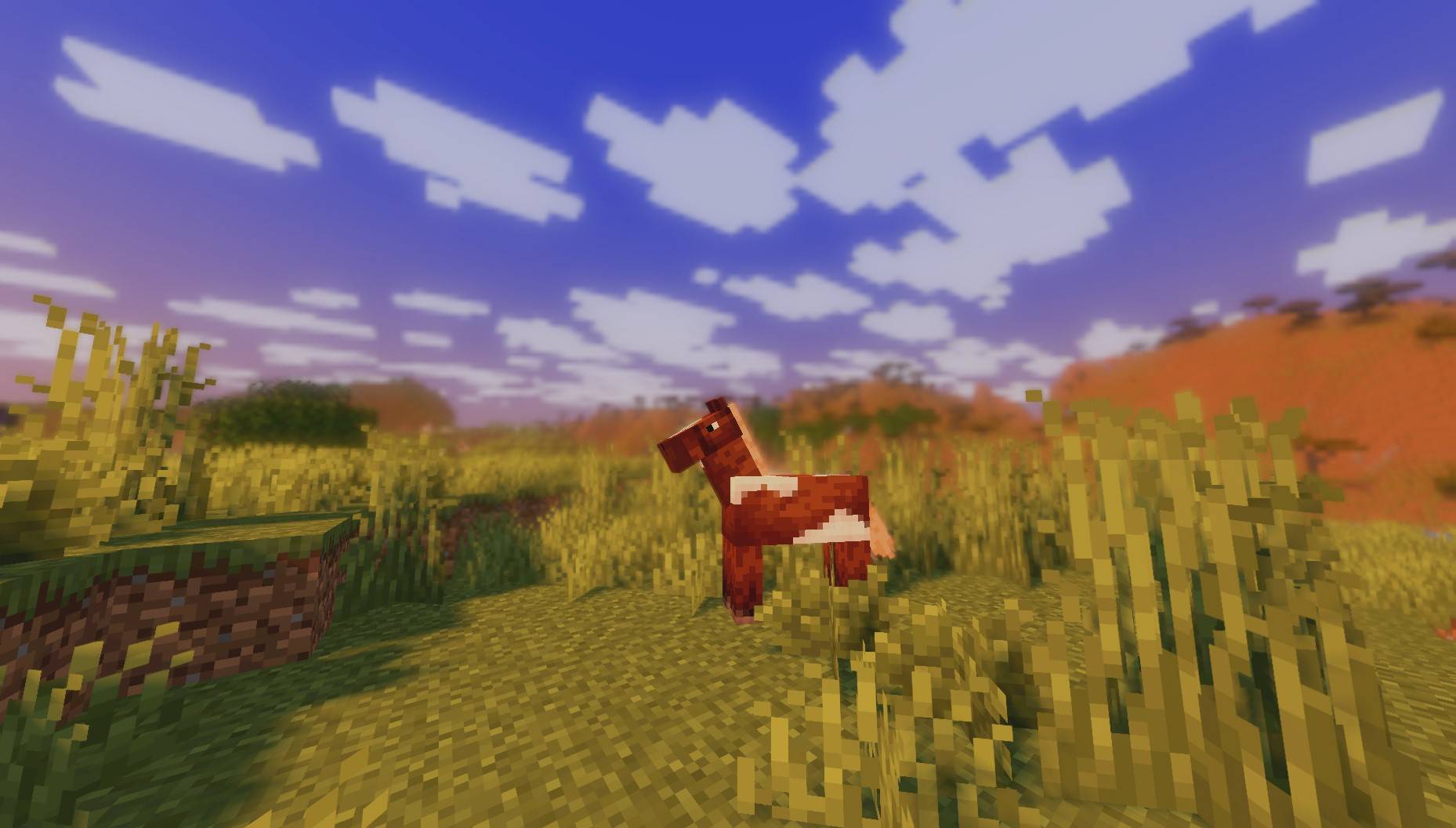
PureCraft is a visual enhancement designed to upgrade the Minecraft experience with a "Refined Vanilla" style. The project focuses on making the game more pleasant to the eye and visually clear without compromising the original identity or the classic feel of the game. It provides a balanced visual experience that combines simplicity with modern beauty.

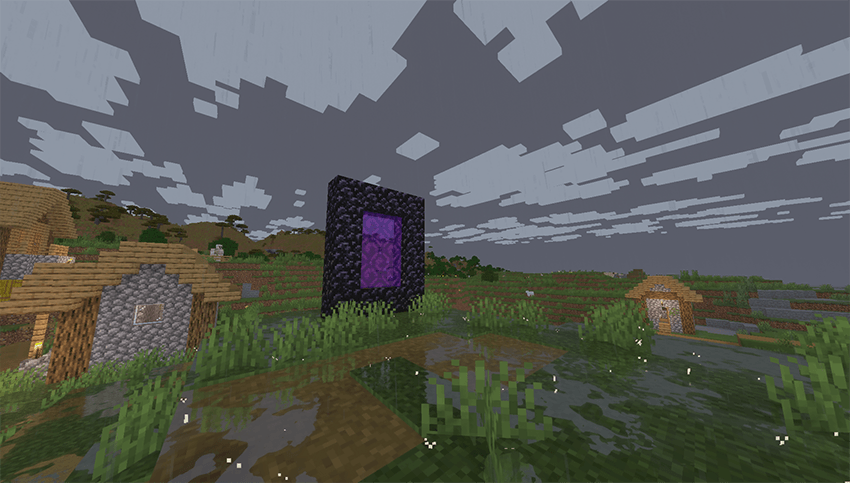
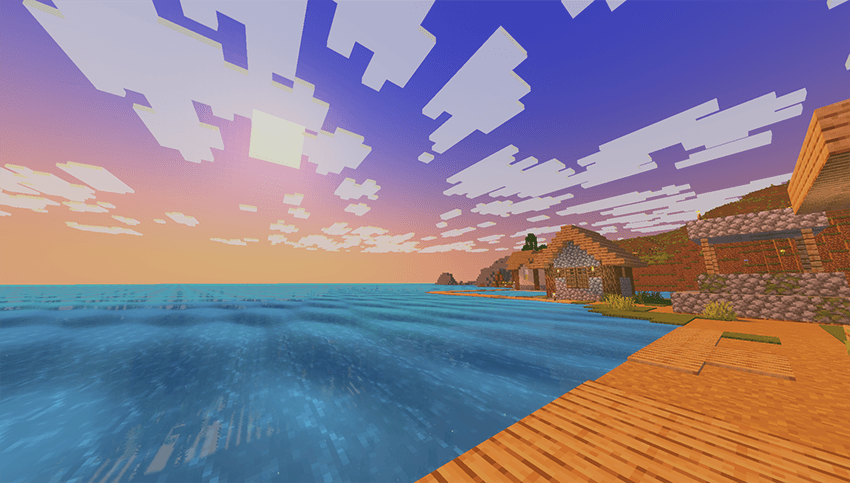
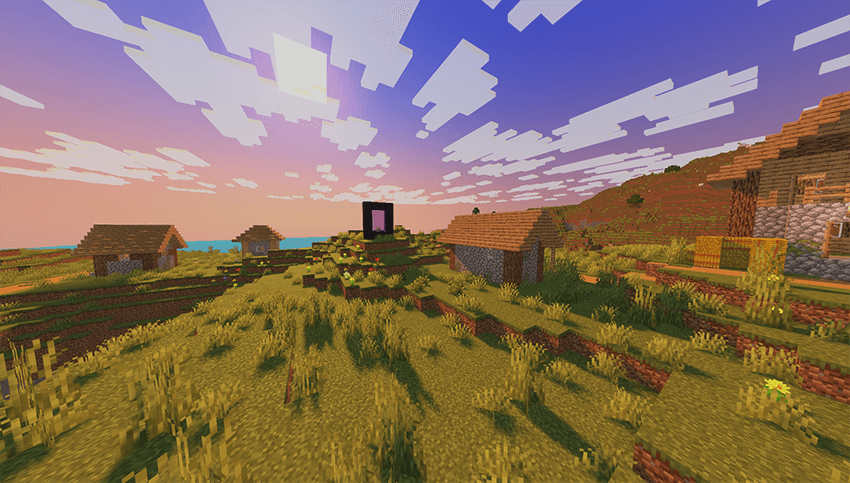
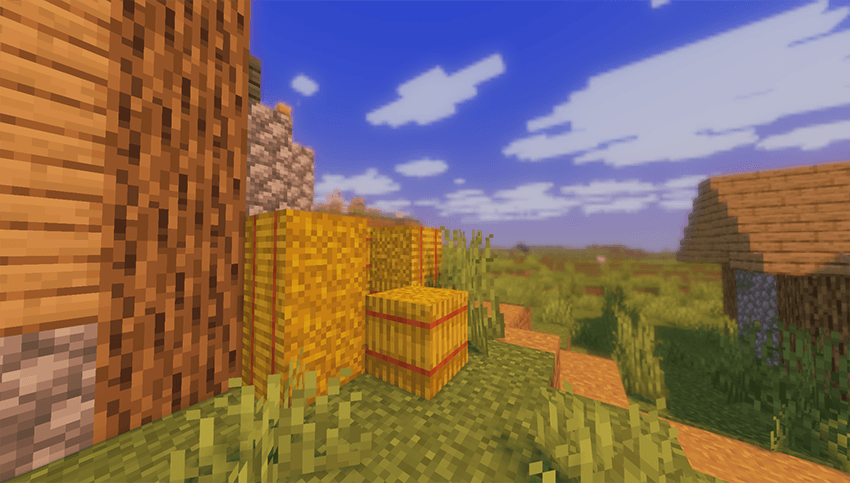
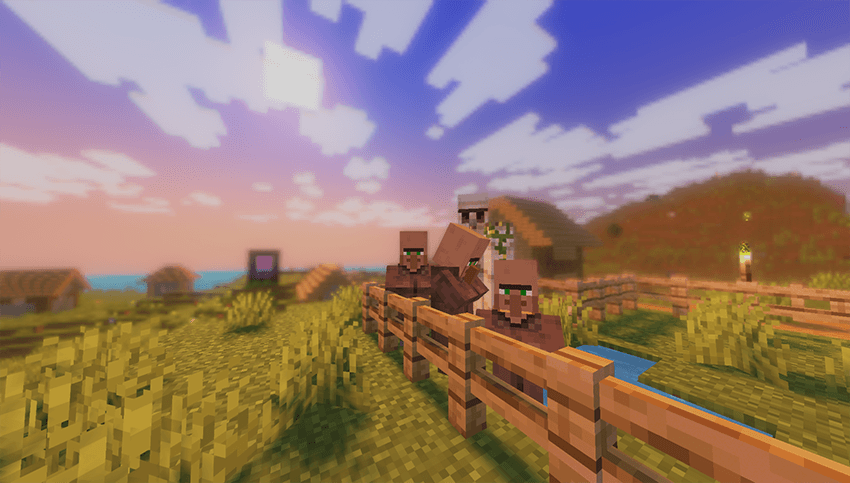
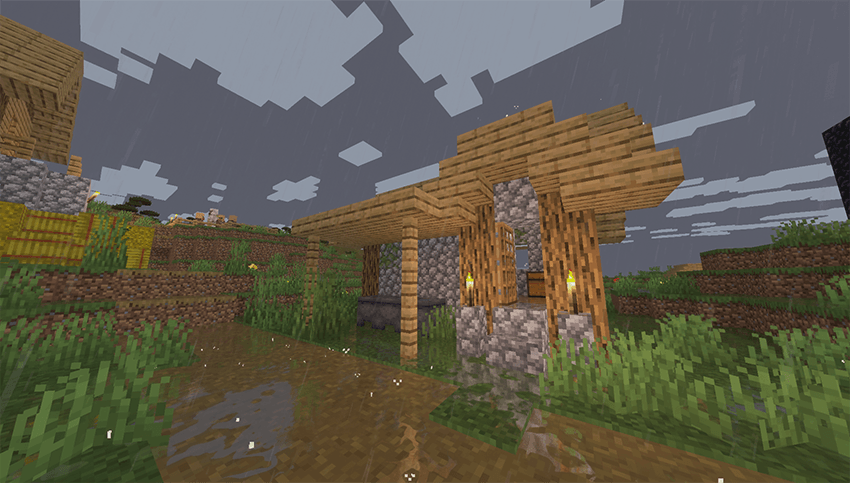
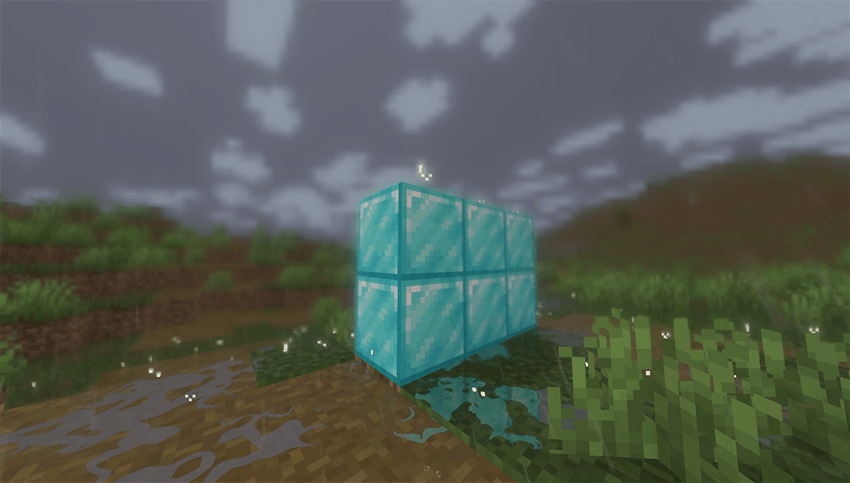
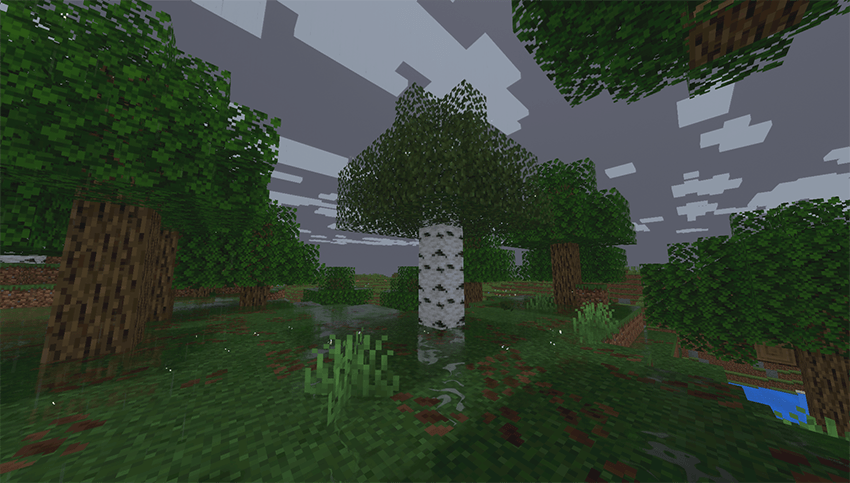
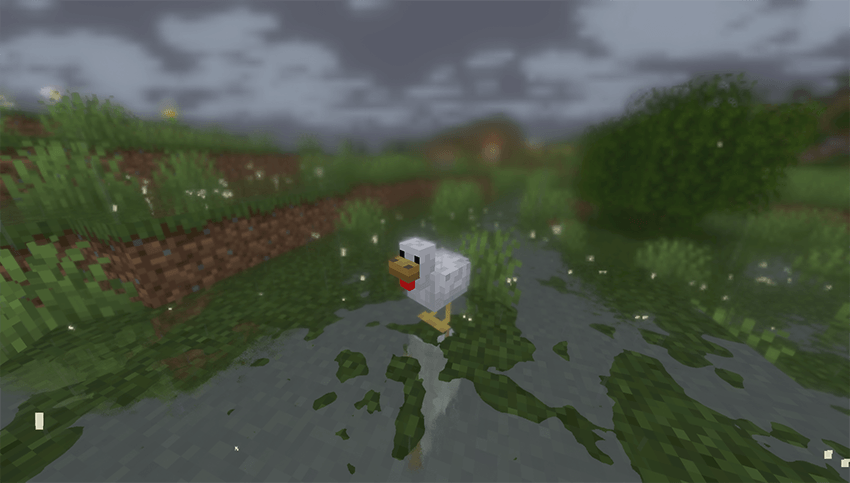
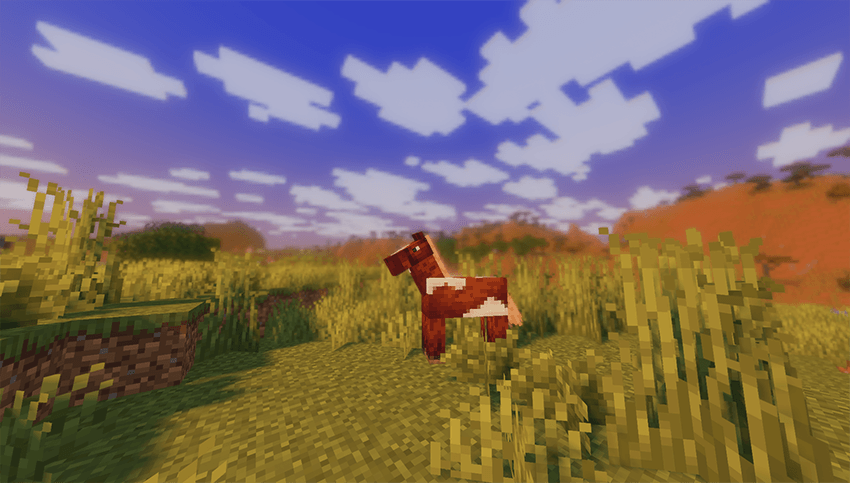
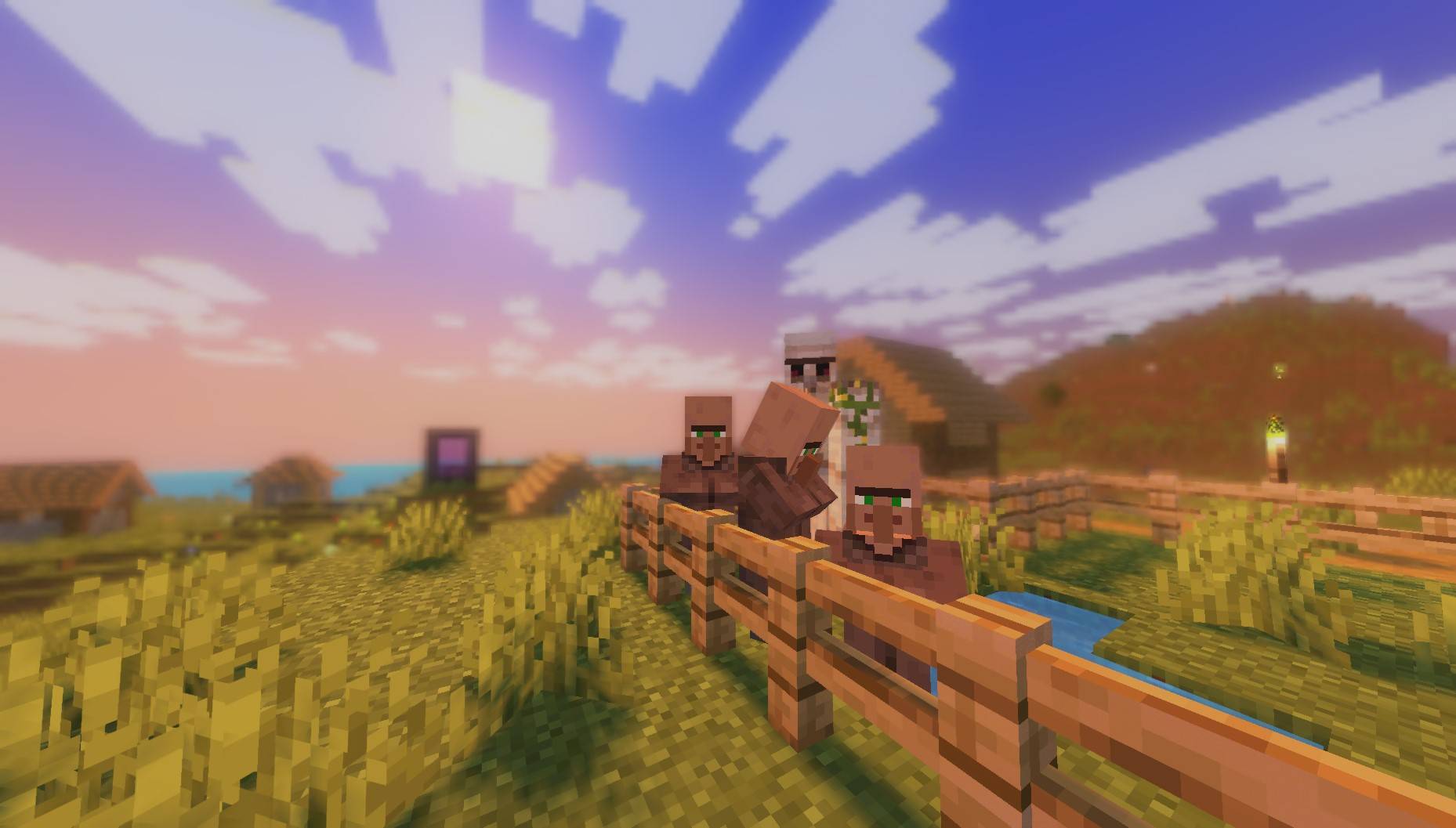
🌤️ Atmospheric Enhancements: Improved visuals for rain, sunrises, and sunsets, providing a more immersive and natural environmental feel.

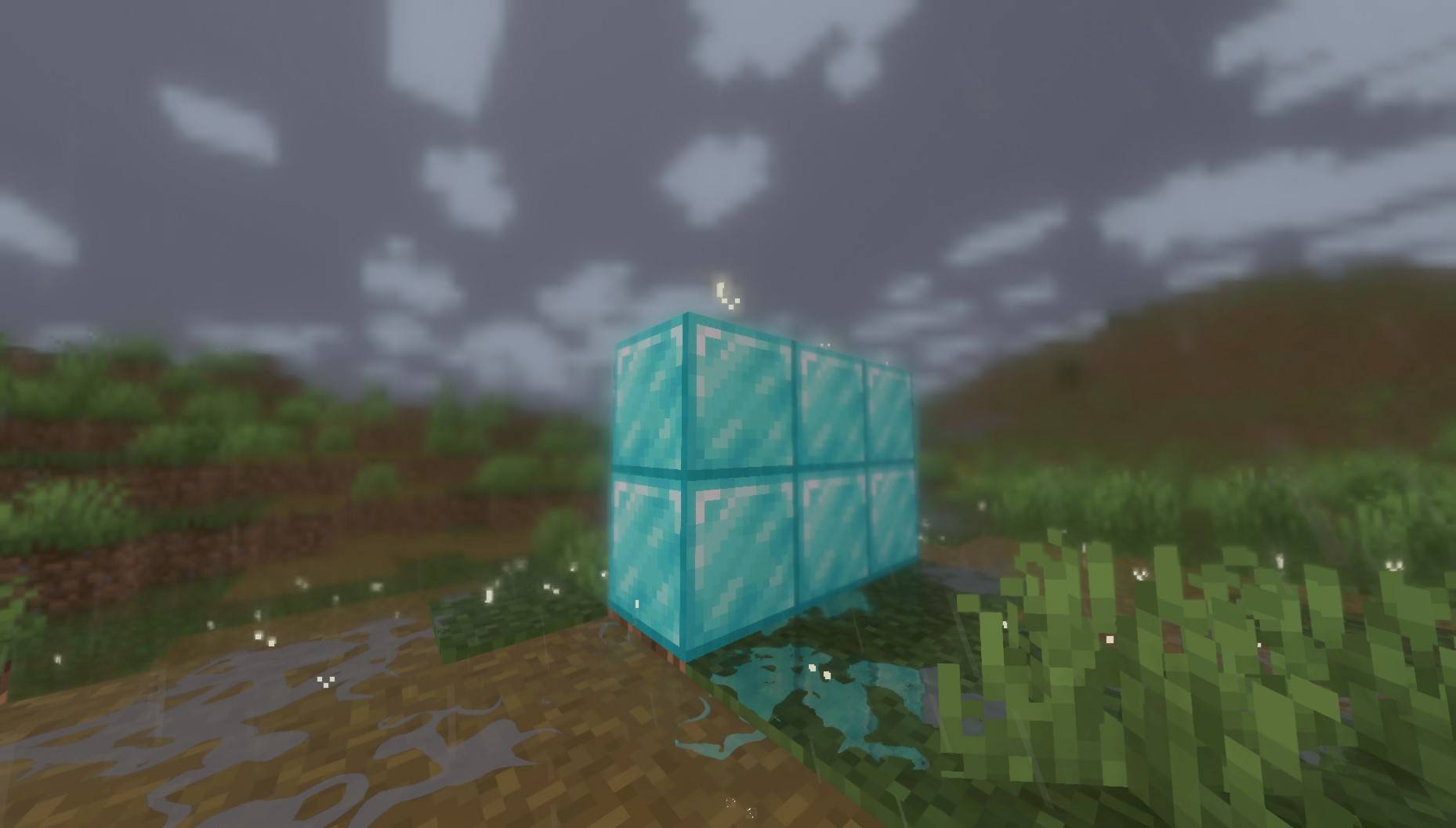
🔍 Depth of Field: A subtle "focus" effect that activates when looking at objects closely, increasing immersion and attention to detail.

✨ Edge Smoothing: Advanced anti-aliasing techniques to ensure a sharp, clean image free from distracting jagged lines.

📦 Refined Vanilla Experience: Comprehensive improvements aimed at polishing the original look while maintaining high performance and the classic aesthetic.



PureCraft has been extensively tested on a GTX 1050 to ensure stable performance. This shader is lightweight and specifically optimized for low-end hardware. It is expected to run smoothly even on weaker dedicated cards and most modern Integrated Graphics.

License & Credits


Original Developer:
EminGT

Original Shader: Complementary Shaders

Modified & Developed by: Haider

This shader is a modified version built upon the Complementary Shaders foundation. It has been customized and refined to offer the unique PureCraft experience while adhering to the original license requirements.

PureCraft Shader.zip
MC 1.21, 1.20.2, 1.21.8, 1.20.5, 1.21.5, 1.21.4, 1.20.1, 1.20, OptiFine, 1.20.6, 1.21.1, 1.21.6, 1.21.3, 1.21.7, 1.20.4, 1.20.3, Iris, 1.21.2, 1.21.9, 1.21.10, 1.21.11, 26.1
Release 2026-04-14 Get
PureCraft Shader 1.1.zip
MC 1.21, 1.20.2, 1.21.8, 1.20.5, 1.21.5, 1.21.4, 1.20.1, 1.20, OptiFine, 1.20.6, 1.21.1, 1.21.6, 1.21.3, 1.21.7, 1.20.4, 1.20.3, Iris, 1.21.2, 1.21.9, 1.21.10, 1.21.11, 26.1
Alpha 2026-01-08 Get
PureCraft Shader.zip
MC 1.21, 1.20.2, 1.21.8, 1.20.5, 1.21.5, 1.21.4, 1.20.1, 1.20, OptiFine, 1.20.6, 1.21.1, 1.21.6, 1.21.3, 1.21.7, 1.20.4, 1.20.3, Iris, 1.21.2, 1.21.9, 1.21.10, 1.21.11, 26.1
Alpha 2025-11-14 Get

Requirements & install

How to use this shader in Minecraft
Shader loader
Iris OptiFine
Minecraft
1.21.5 – 26.1
Install folder
.minecraft/shaderpacks

How to install shaders

  1. Install a shader loader for your Minecraft version: Iris (with Sodium) or OptiFine.
  2. Download the shader pack .zip file (do not extract it).
  3. Put the .zip into the shaderpacks folder (.minecraft/shaderpacks).
  4. In game open Options → Video Settings → Shader Packs, select the pack and apply it.
Browse more: Iris shaders OptiFine shaders Shaders for 26.1 All shaders

More from IXSG

Advertisement Remove ads with Premium →

You Might Also Like