Mineuniverse
Shaders
๐Ÿ–Œ๏ธPaintBound

๐Ÿ–Œ๏ธPaintBound

SHADER
Painterly shader with brushstroke shading!
by TheGentooGamer
Download Claim this project
13,053 downloads
0 likes
Updated Oct 14, 2026
0 hypes
Fantasy Vanilla
Advertisement Remove ads with Premium →

๐Ÿ–Œ๏ธ PaintBound Shader

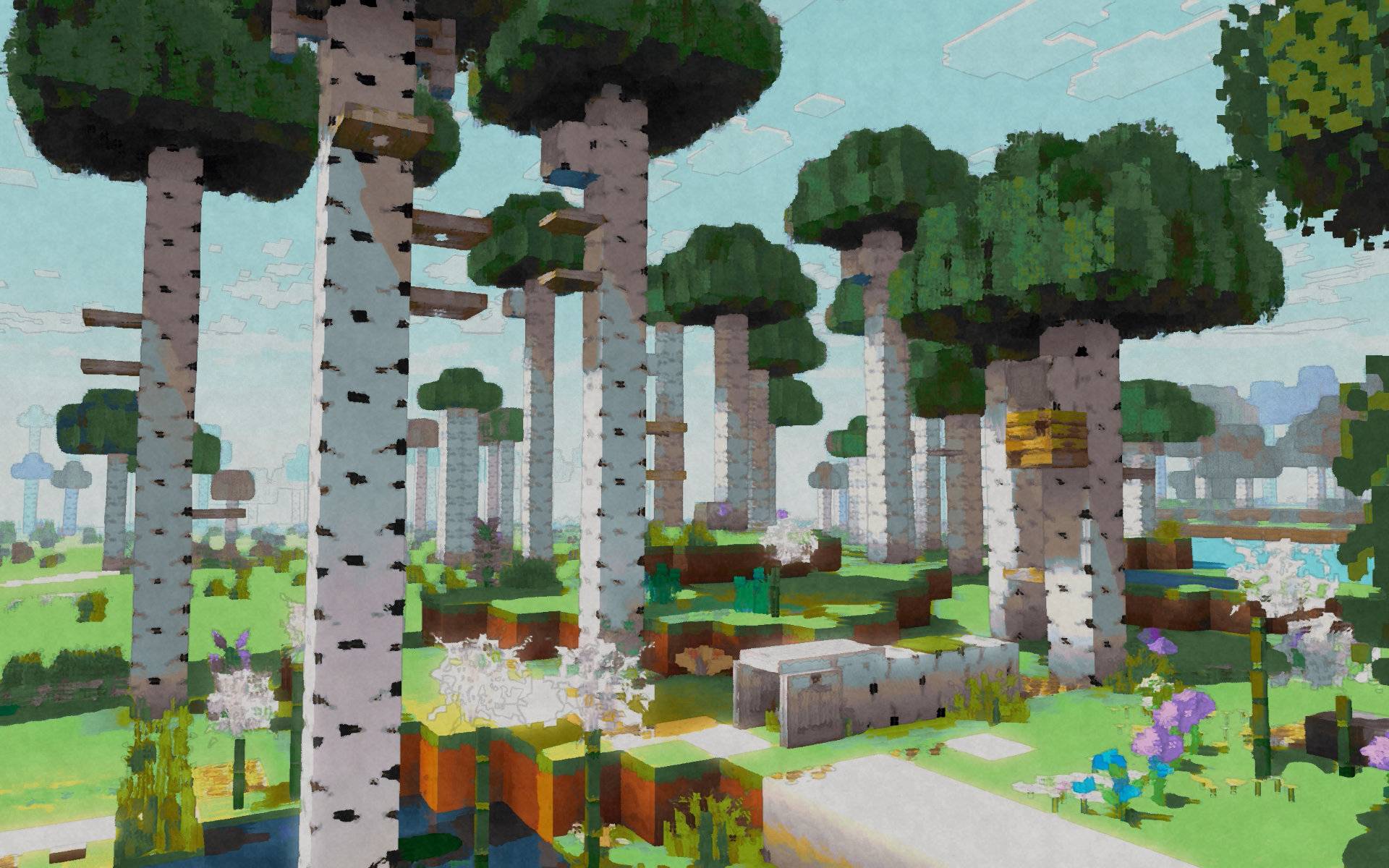
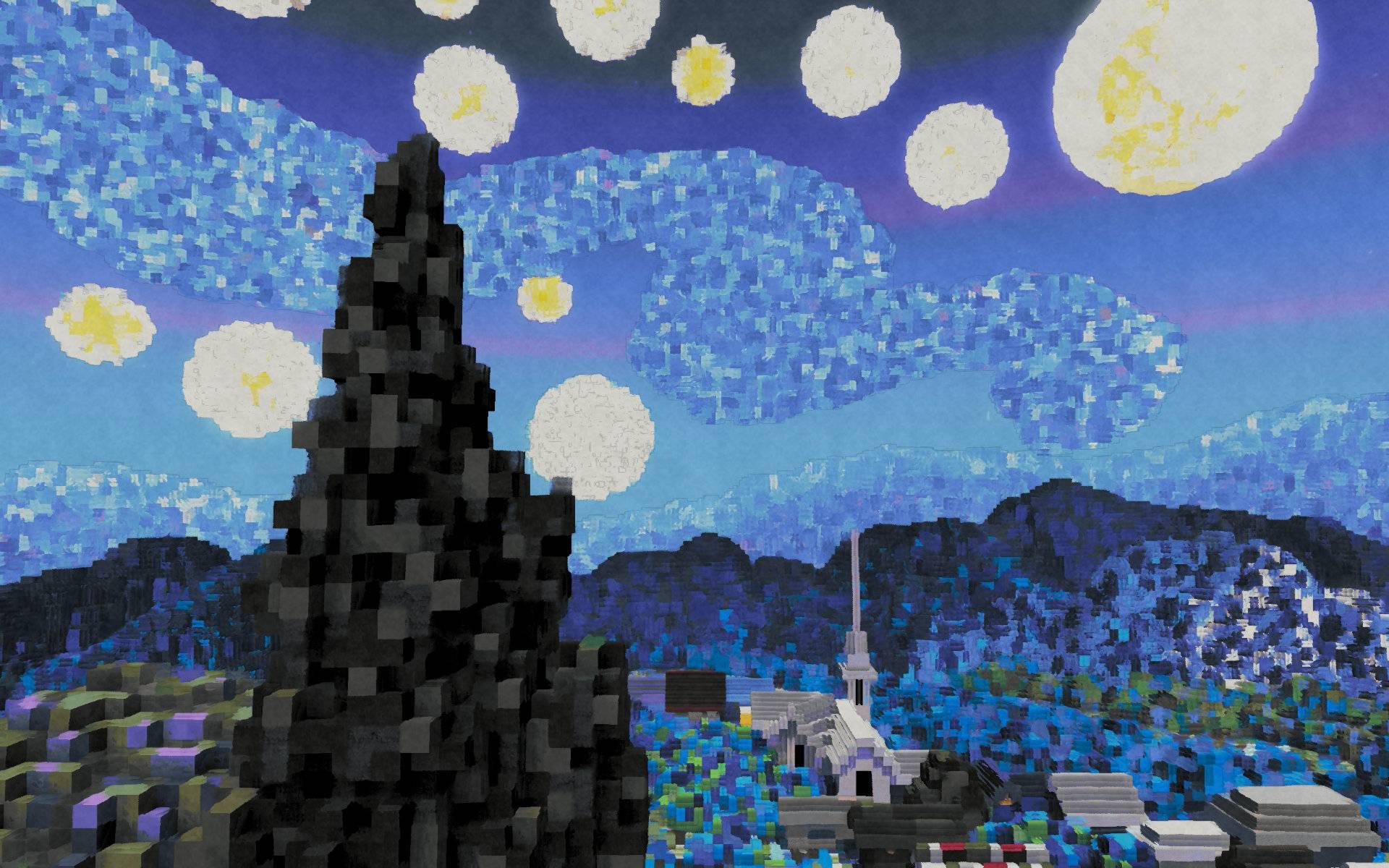
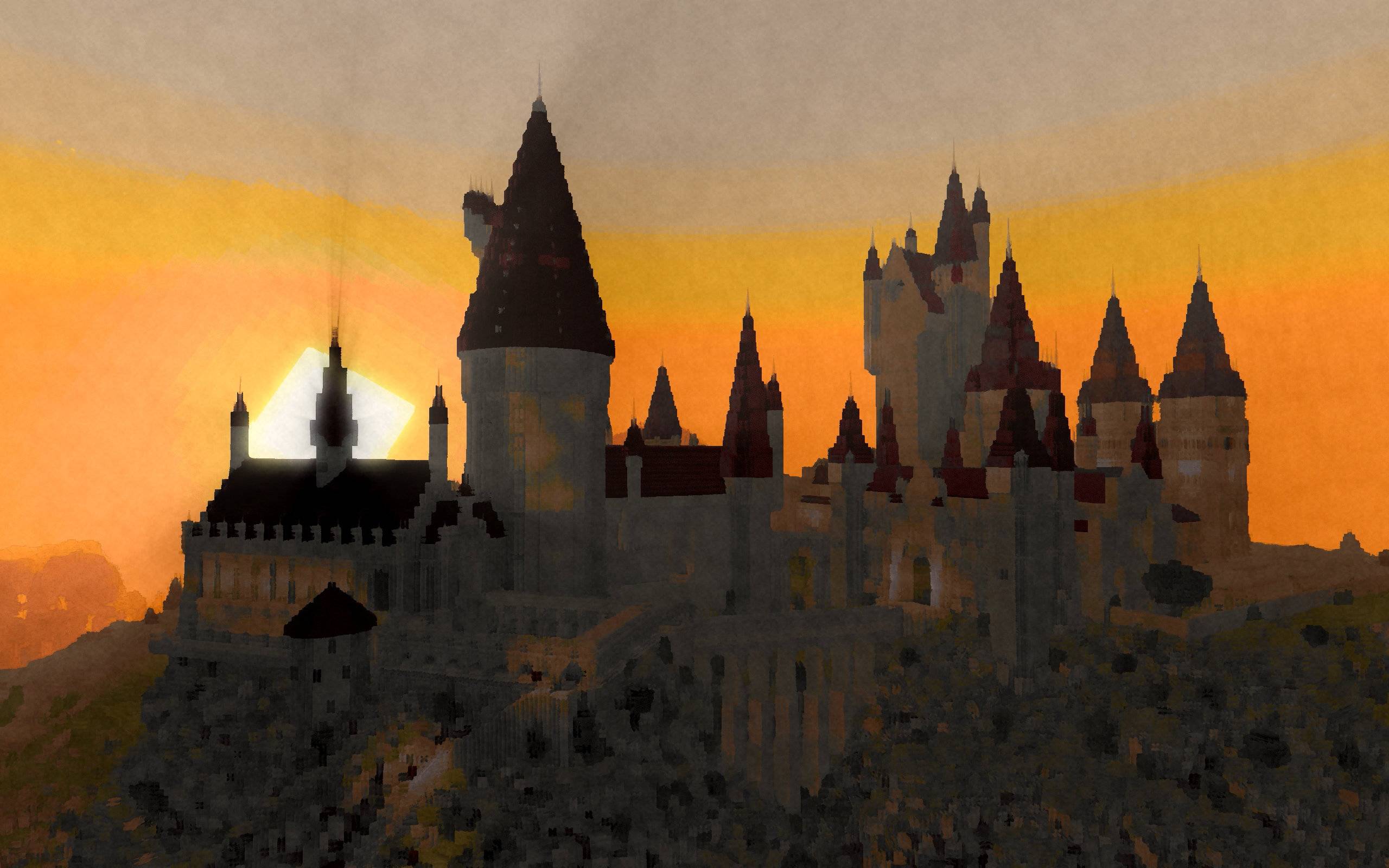
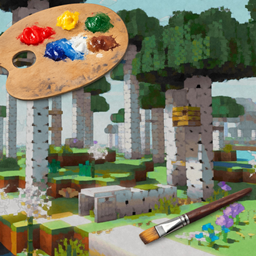
Transform your Minecraft world into a living painting! This unique stylized rendering shader brings an artistic painted aesthetic to your gameplay, featuring hand-drawn style outlines and dynamic paintwork that makes every block look like it was painted by an artist.


๐Ÿ“บ Trailer


โœจ Features

๐Ÿ–Œ๏ธ Paint filter - A Kuwahara filter adds splotches of paint to the image
โœ๏ธ Pencil-style outlines - Give everything a hand-drawn appearance
๐ŸŽจ Color Palette - Choose between two defaults or add your own custom color palettes
โš™๏ธ Extensive customization - Tweak settings to match your artistic vision


๐ŸŽจ Included Styles

Switch between 9 built-in drawing styles right from the shader settings:

  • Pencil on Paper - Classic graphite sketch look
  • Colorful Sketch - A looser, more colorful pencil style
  • Blue Pen - Ballpoint-pen style linework
  • Painterly - Soft painted brushstrokes via a Kuwahara filter
  • Outline Pencil on Paper - Heavier pencil outlines over the sketch base
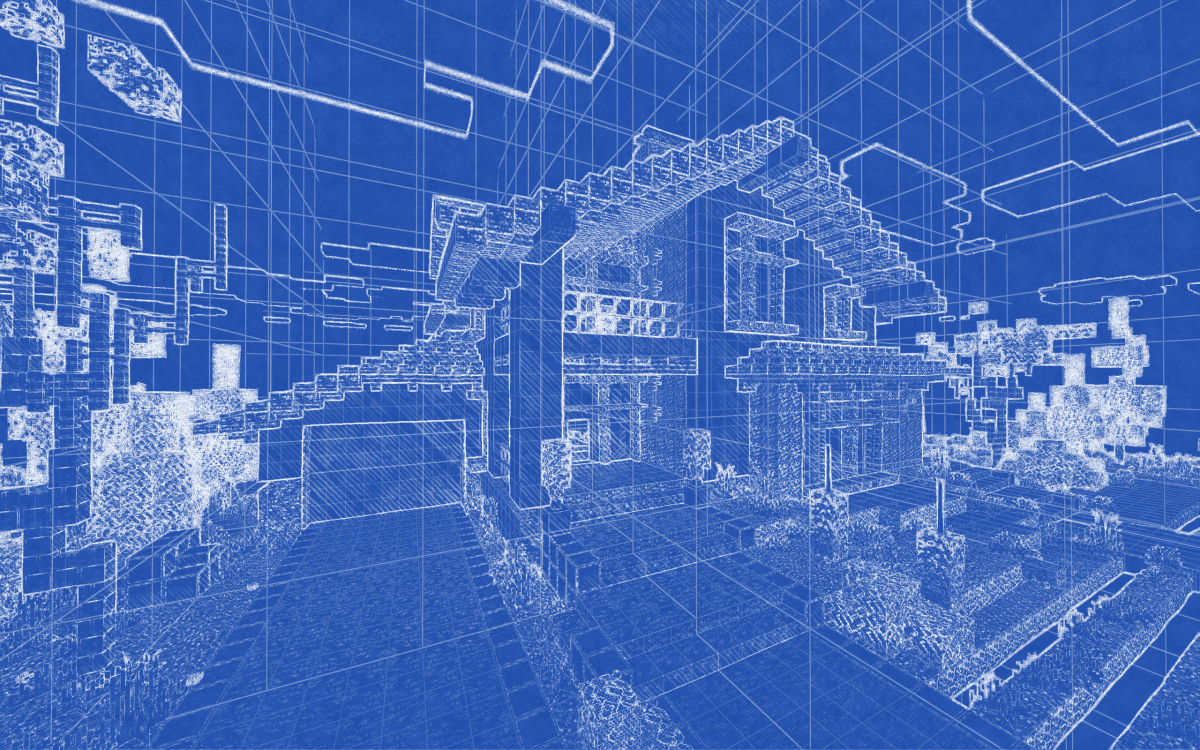
  • Blueprint - Technical drawing look with grid overlays
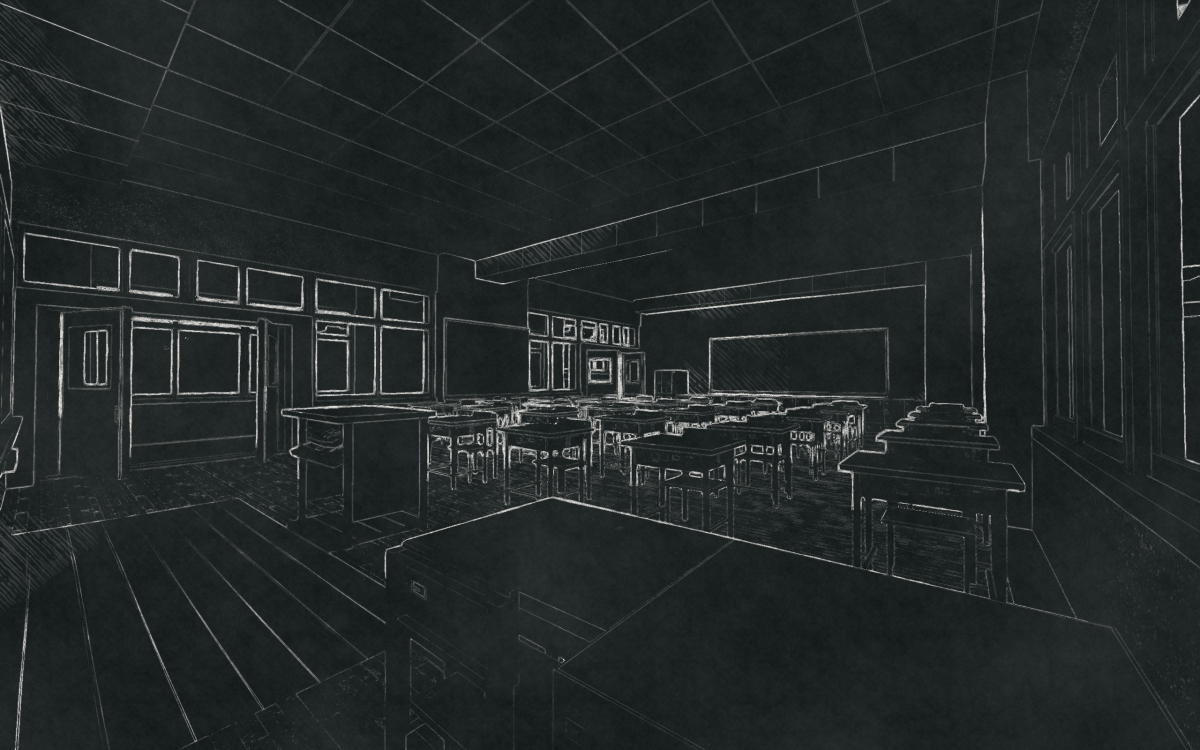
  • Chalkboard - Chalk-on-slate aesthetic
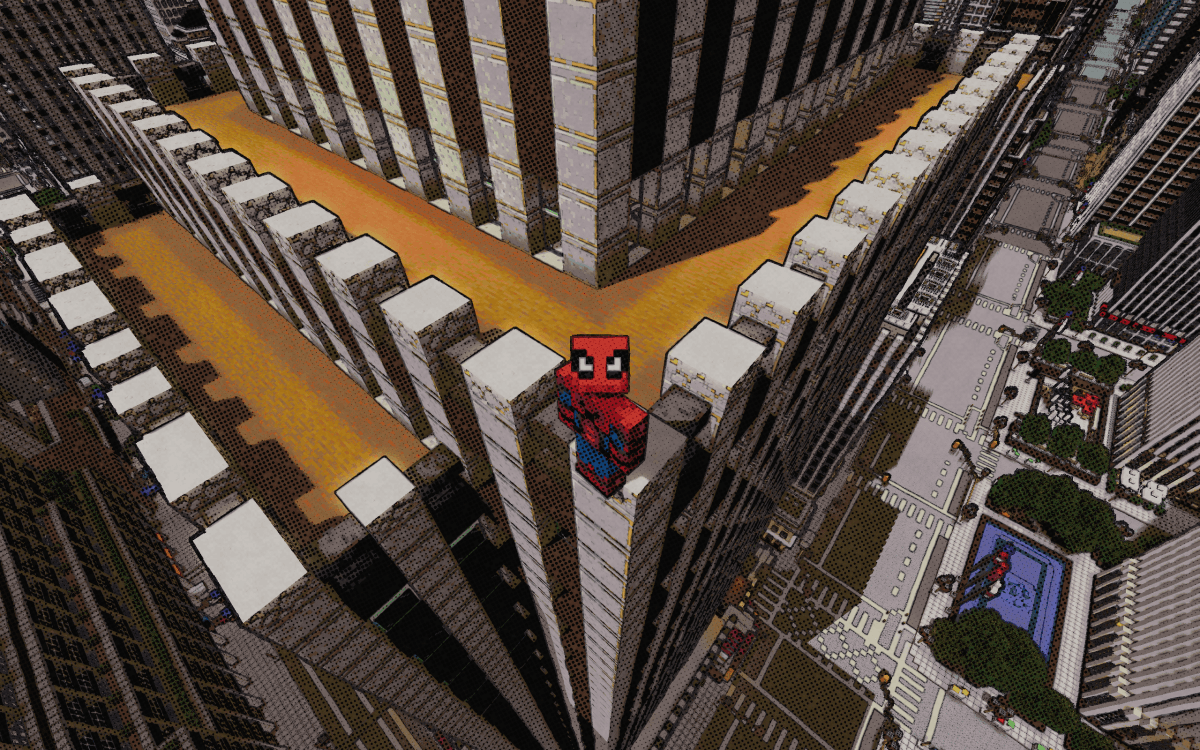
  • Comic - Halftone Ben-Day dot comic book look
  • Textureless Comic - Comic style without paper texture

๐Ÿ’ฌ Community & Support

Discord Join our Discord

Share screenshots, suggest features, or get help with the shader! Your feedback helps make PaintBound even better.


๐Ÿ™ Credits

Special thanks to XorDev for allowing the use of block model distortion, Voronoi texture effects, and water glare techniques from the Unsquare Shaderpack that help bring this artistic vision to life!

PaintBound-V3.1.zip
MC 1.17.1, 1.21, 1.18.1, 1.19.3, 1.20.2, 1.19.4, 1.21.8, 1.17, 1.20.5, 1.21.5, 1.18, 1.21.4, 1.20.1, 1.20, OptiFine, 1.20.6, 1.21.1, 1.21.6, 1.21.3, 1.21.7, 1.19.1, 1.20.4
Release 2026-08-31 Get
PaintBoundV3.0.zip
MC 1.17.1, 1.21, 1.18.1, 1.19.3, 1.20.2, 1.19.4, 1.21.8, 1.17, 1.20.5, 1.21.5, 1.18, 1.21.4, 1.20.1, 1.20, OptiFine, 1.20.6, 1.21.1, 1.21.6, 1.21.3, 1.21.7, 1.19.1, 1.20.4
Release 2026-08-08 Get
PaintBound-V2.4.zip
MC 1.17.1, 1.21, 1.18.1, 1.19.3, 1.20.2, 1.19.4, 1.21.8, 1.17, 1.20.5, 1.21.5, 1.18, 1.21.4, 1.20.1, 1.20, OptiFine, 1.20.6, 1.21.1, 1.21.6, 1.21.3, 1.21.7, 1.19.1, 1.20.4
Release 2026-05-25 Get
PaintBound-V2.3.zip
MC 1.17.1, 1.21, 1.18.1, 1.19.3, 1.20.2, 1.19.4, 1.21.8, 1.17, 1.20.5, 1.21.5, 1.18, 1.21.4, 1.20.1, 1.20, OptiFine, 1.20.6, 1.21.1, 1.21.6, 1.21.3, 1.21.7, 1.19.1, 1.20.4
Release 2026-04-24 Get
PaintBound-V2.2.zip
MC 1.17.1, 1.21, 1.18.1, 1.19.3, 1.20.2, 1.19.4, 1.21.8, 1.17, 1.20.5, 1.21.5, 1.18, 1.21.4, 1.20.1, 1.20, OptiFine, 1.20.6, 1.21.1, 1.21.6, 1.21.3, 1.21.7, 1.19.1, 1.20.4
Release 2026-04-10 Get
PaintBound-V2.1.zip
MC 1.17.1, 1.21, 1.18.1, Vanilla, 1.19.3, 1.20.2, 1.19.4, 1.21.8, 1.17, 1.20.5, 1.21.5, 1.18, 1.21.4, 1.20.1, 1.20, OptiFine, 1.20.6, 1.21.1, 1.21.6, 1.21.3, 1.21.7, 1.19.1
Release 2026-04-03 Get

Requirements & install

How to use this shader in Minecraft
Shader loader
OptiFine
Minecraft
1.21 โ€“ 1.21.8
Install folder
.minecraft/shaderpacks

Install with OptiFine

  1. Install OptiFine for your Minecraft version (optifine.net) and start it once.
  2. Download the shader pack .zip (do not extract it).
  3. Put the .zip into .minecraft/shaderpacks.
  4. In game open Options โ†’ Video Settings โ†’ Shaders and select the pack.
Browse more: Iris shaders OptiFine shaders Shaders for 1.21.8 All shaders

More from TheGentooGamer

Advertisement Remove ads with Premium →

You Might Also Like