Mineuniverse
Shaders
Mr Pixel Shaders

Mr Pixel Shaders

SHADER
A pixelated shader based on vibrant visuals, mojang renders, and unique pixel based art
by Matrakalero
Download Claim this project
Add a badge to your pageLink to Mr Pixel Shaders from a README, website or forum post.
Preview: Badge

Badges update automatically and link to the shader page on MineUniverse.

12 downloads
0 likes
0 followers
Updated Nov 10, 2026
0 hypes
Follow0
Fantasy Realistic Vanilla
Advertisement Remove ads with Premium →

Introducing Mr. Pixel Shaders

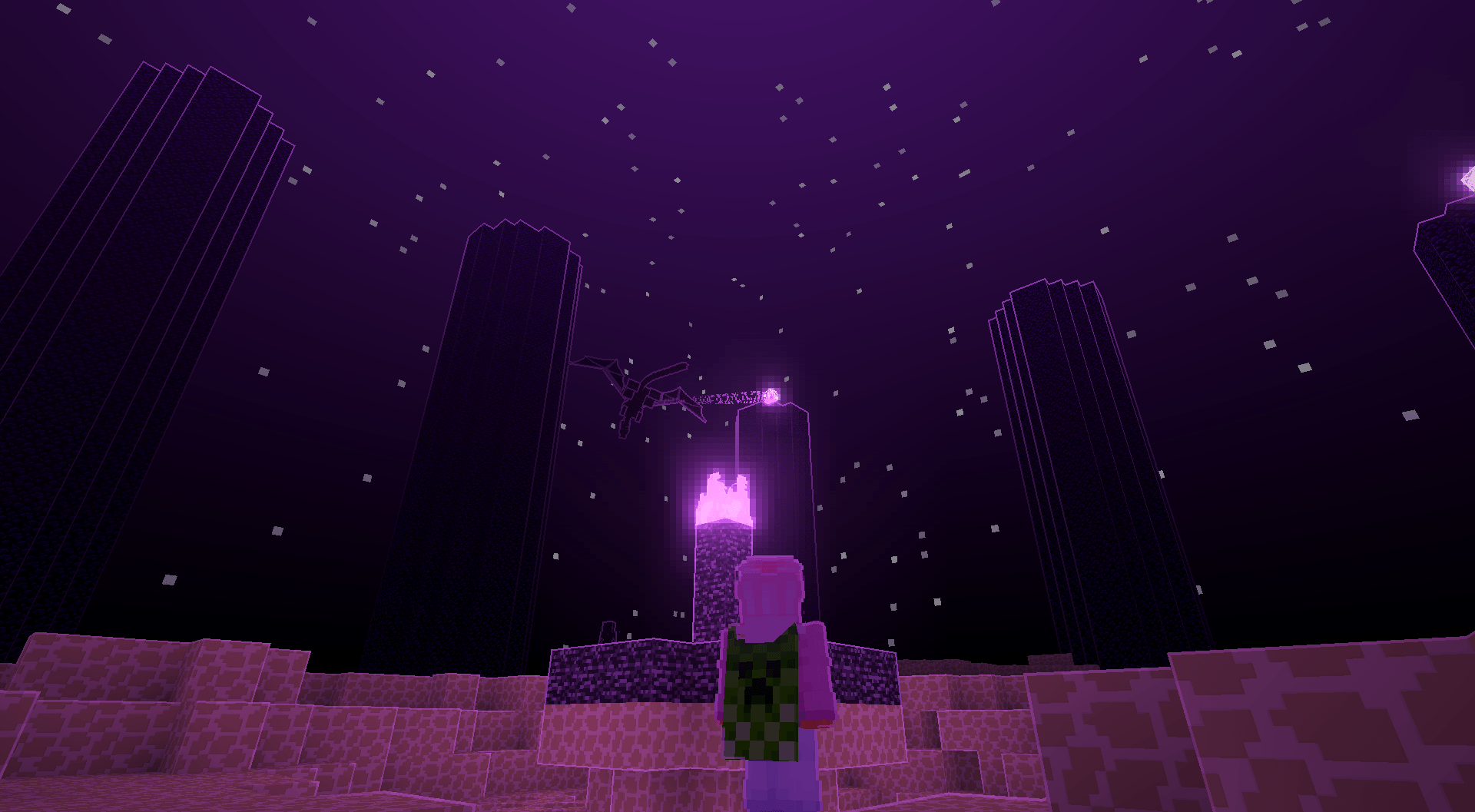
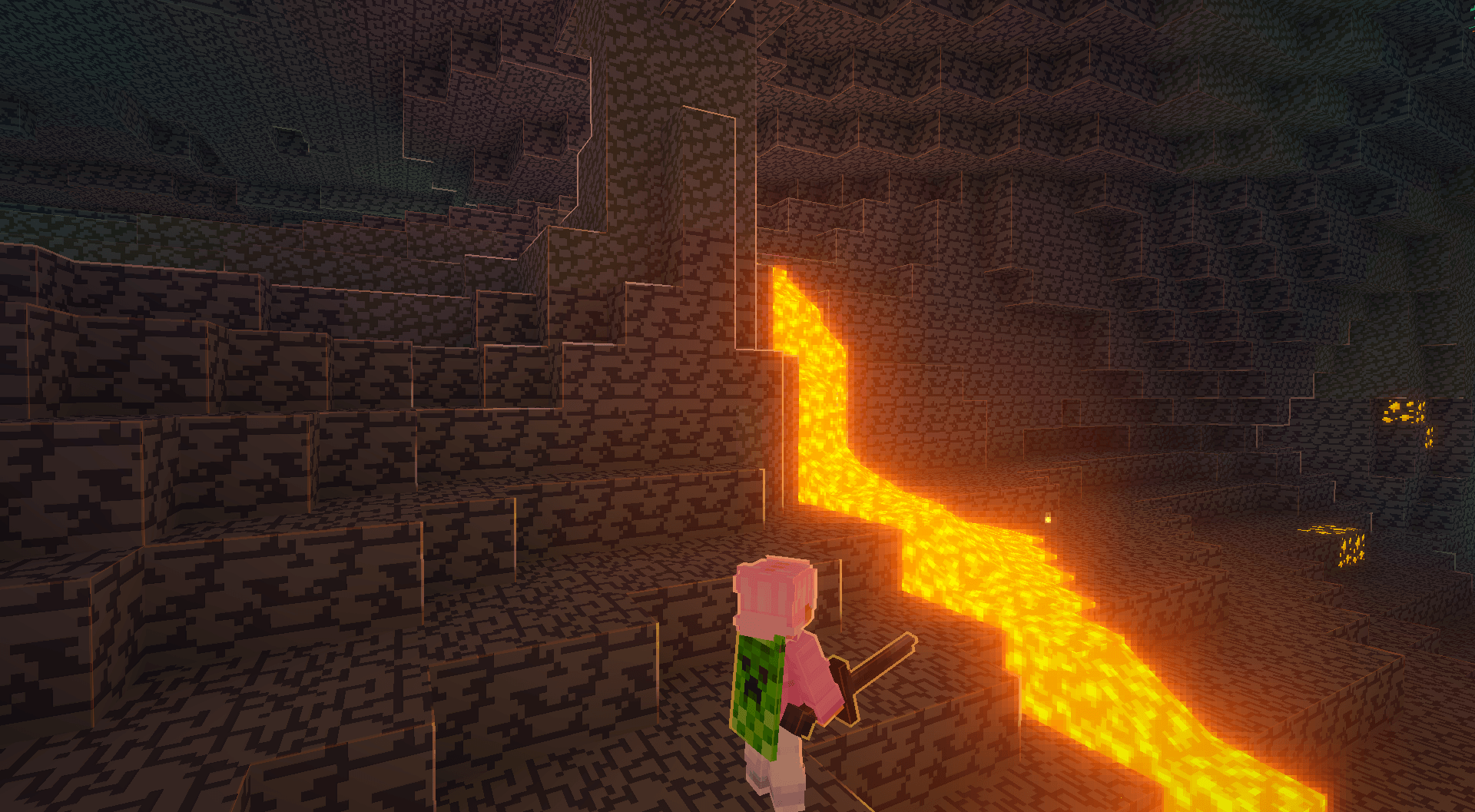
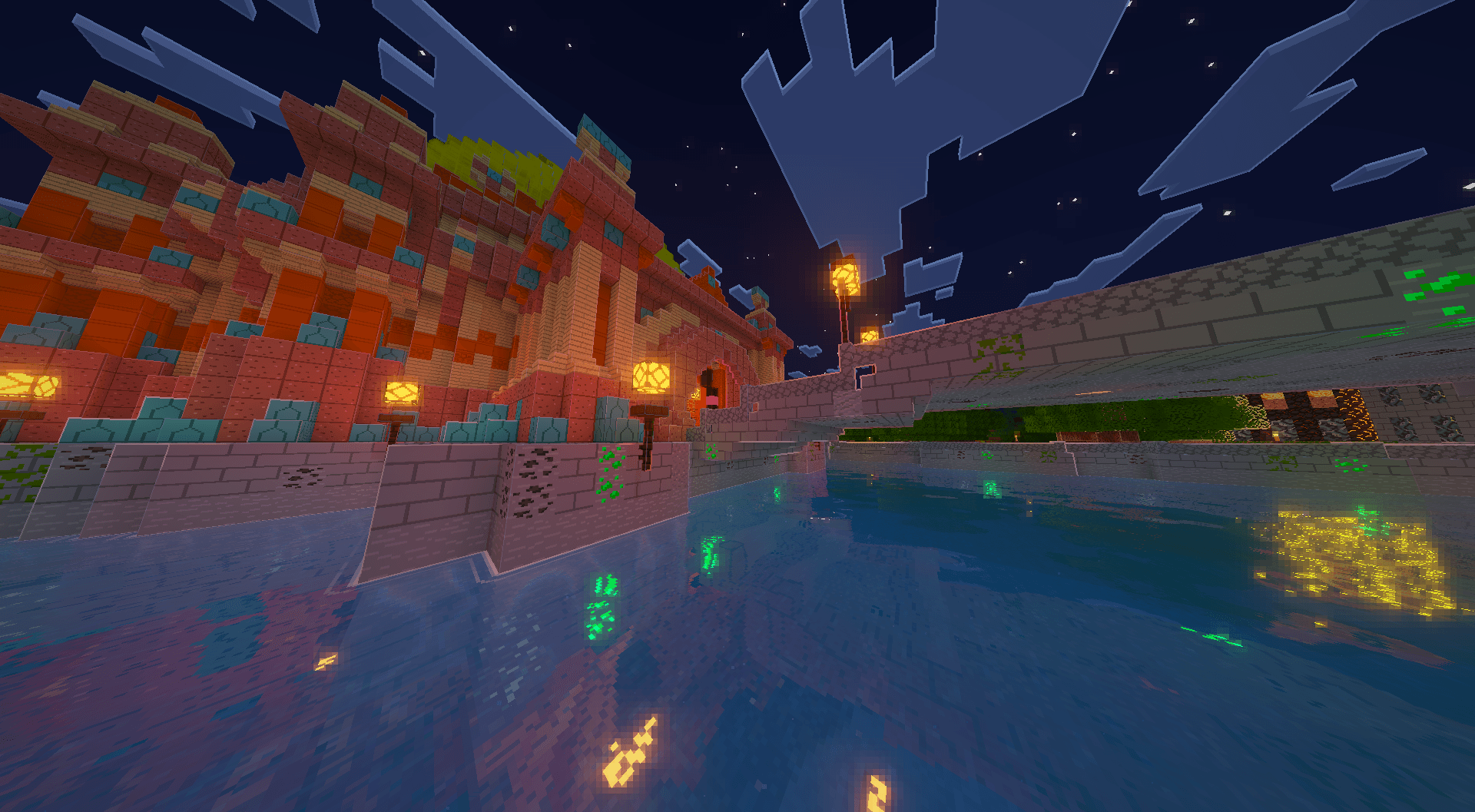
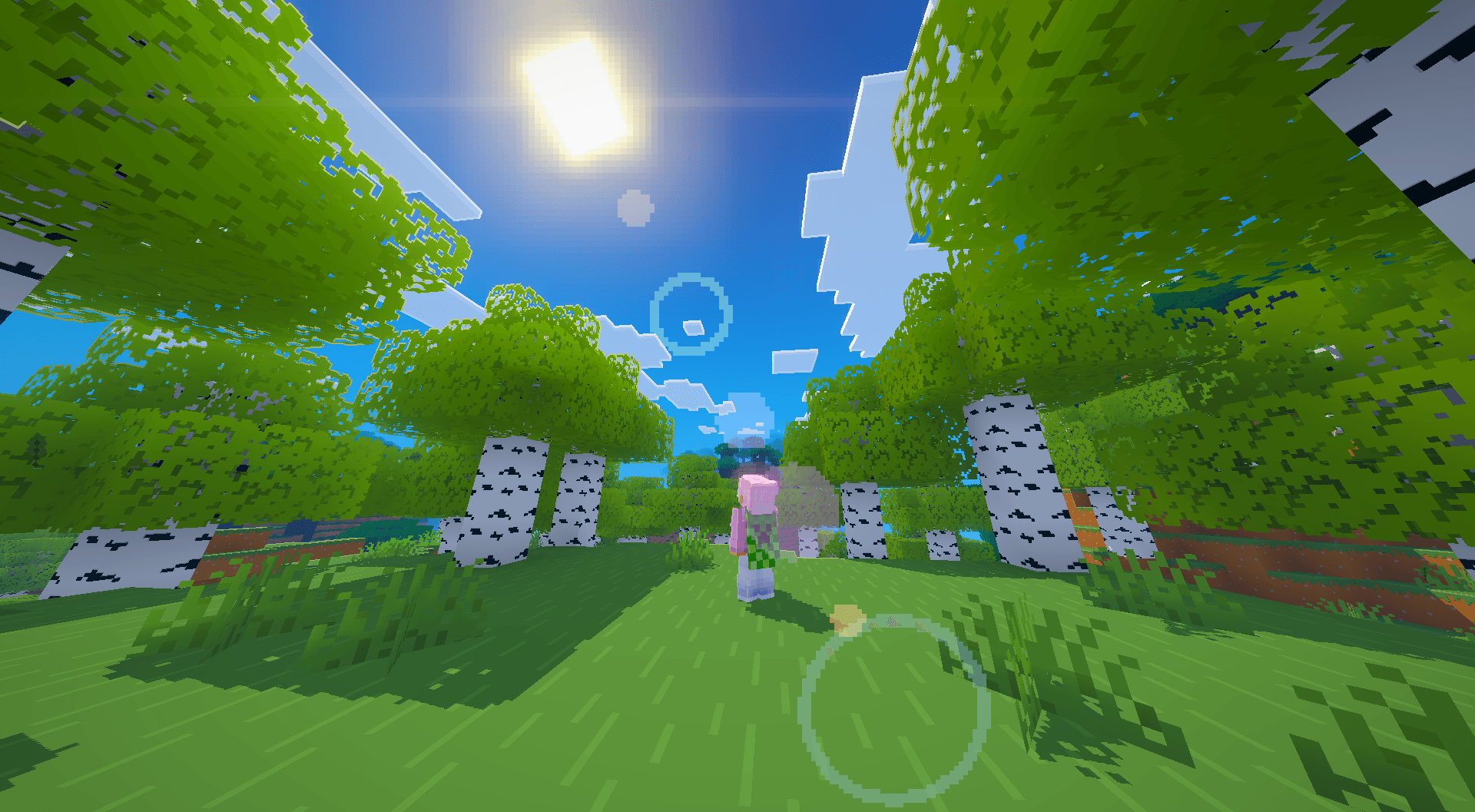
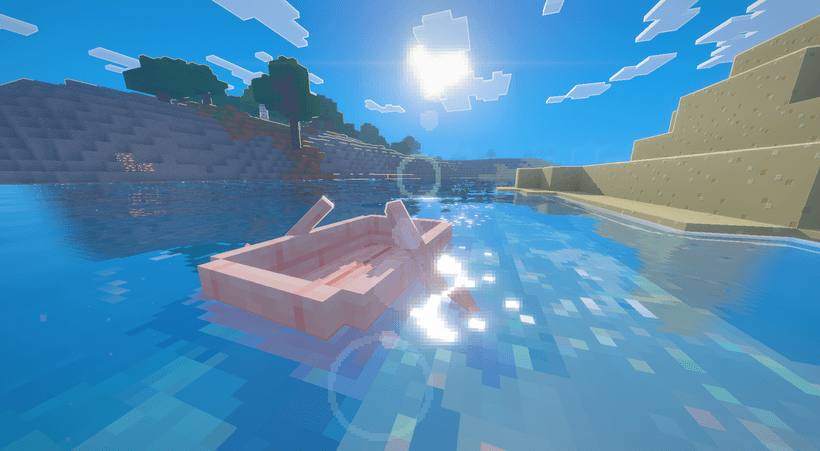
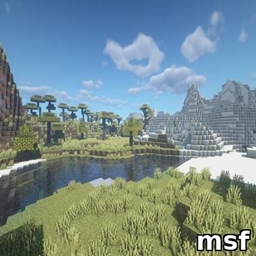
Hi I'd like to introduce you to a project I've been working on for a while now: a small shader that aims to mimic the style of Mojang's renders and Vibrant Visuals, featuring pixelated shadows, pixelated water, highlights, and a unique pixelated aesthetic.

The Important Features:

  • Cool highlights around the blocks sss highlights and reflection highlights
  • Pixel glow, reflections, caustics, and refractions
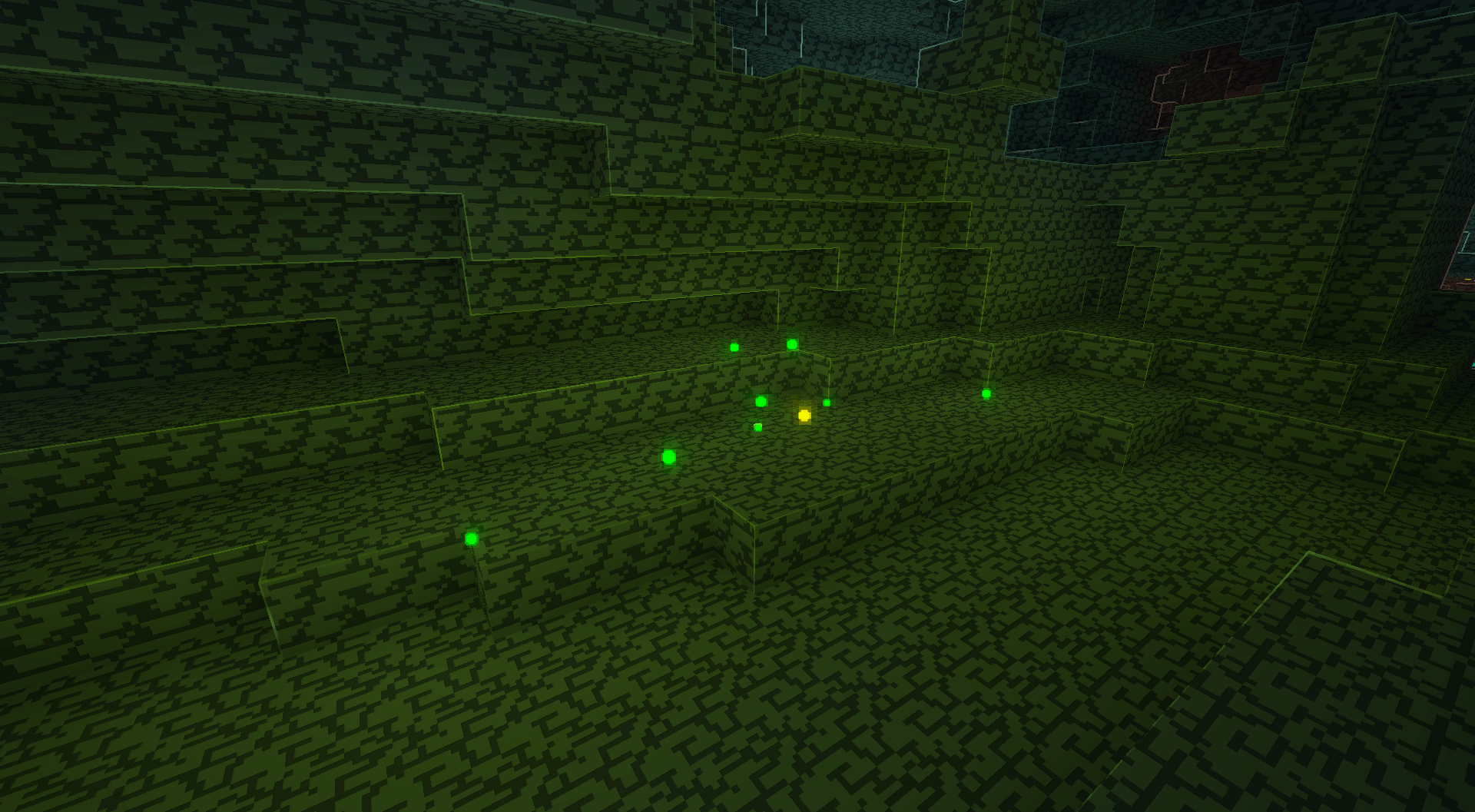
  • Floodfill and Voxel based colored lighting and reflections
  • Impact Frames

I use this shader myself to play Minecraft every day, so I'm making sure it's actually enjoyable and practical for survival gameplay. This includes features like:

  • See underwater easily
  • No excesive FOG
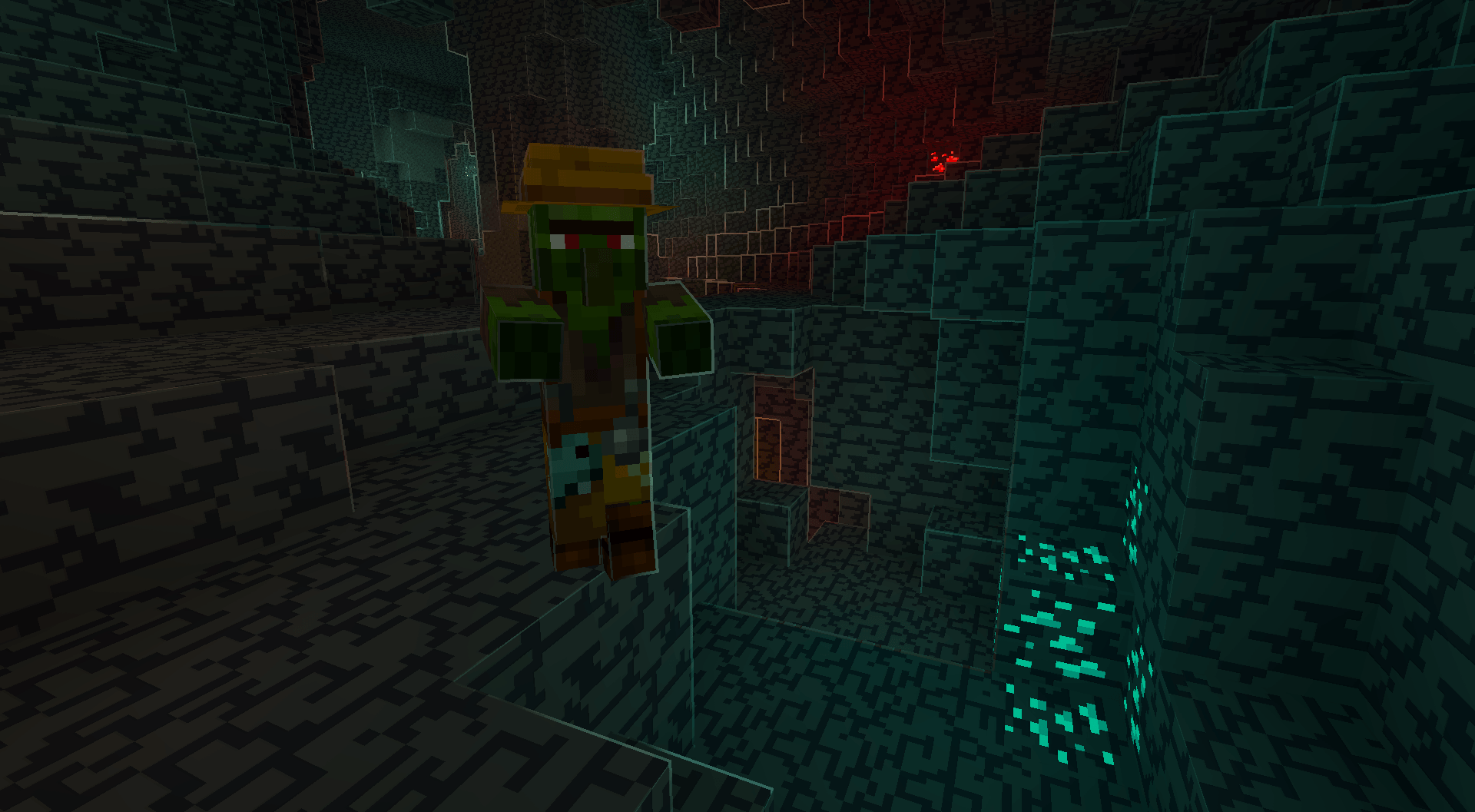
  • Good visibility under caves
  • See entities clearly

A lot of the shader is customizable and you can tweak for more contrasty look or a softer look

BEFORE U INSTALL: This shader has only been tested in the version 26.3, with some mods, do not expect compatibilty with mods like Physics mods, voxy, distant horizons, or any mods I need to build the support for that in later updates

Overview

Mesa de crafteo Boat Waves Horse looking at the sun Village Torch

If you like the shader or interested in my projects, you can support me on my patreon

Patreon

MrPixel Shaders 1.0.zip
MC OptiFine, Iris, 26.1, 26.1.1, 26.1.2, 26.2, 26.3
Release 2026-11-04 Get

Requirements & install

How to use this shader in Minecraft
Shader loader
Iris OptiFine
Minecraft
26.1 – 26.3
Install folder
.minecraft/shaderpacks

How to install shaders

  1. Install a shader loader for your Minecraft version: Iris (with Sodium) or OptiFine.
  2. Download the shader pack .zip file (do not extract it).
  3. Put the .zip into the shaderpacks folder (.minecraft/shaderpacks).
  4. In game open Options → Video Settings → Shader Packs, select the pack and apply it.
Browse more: Iris shaders OptiFine shaders Shaders for 26.3 All shaders
Advertisement Remove ads with Premium →

You Might Also Like