Mineuniverse
Shaders
Litevisuals

Litevisuals

SHADER
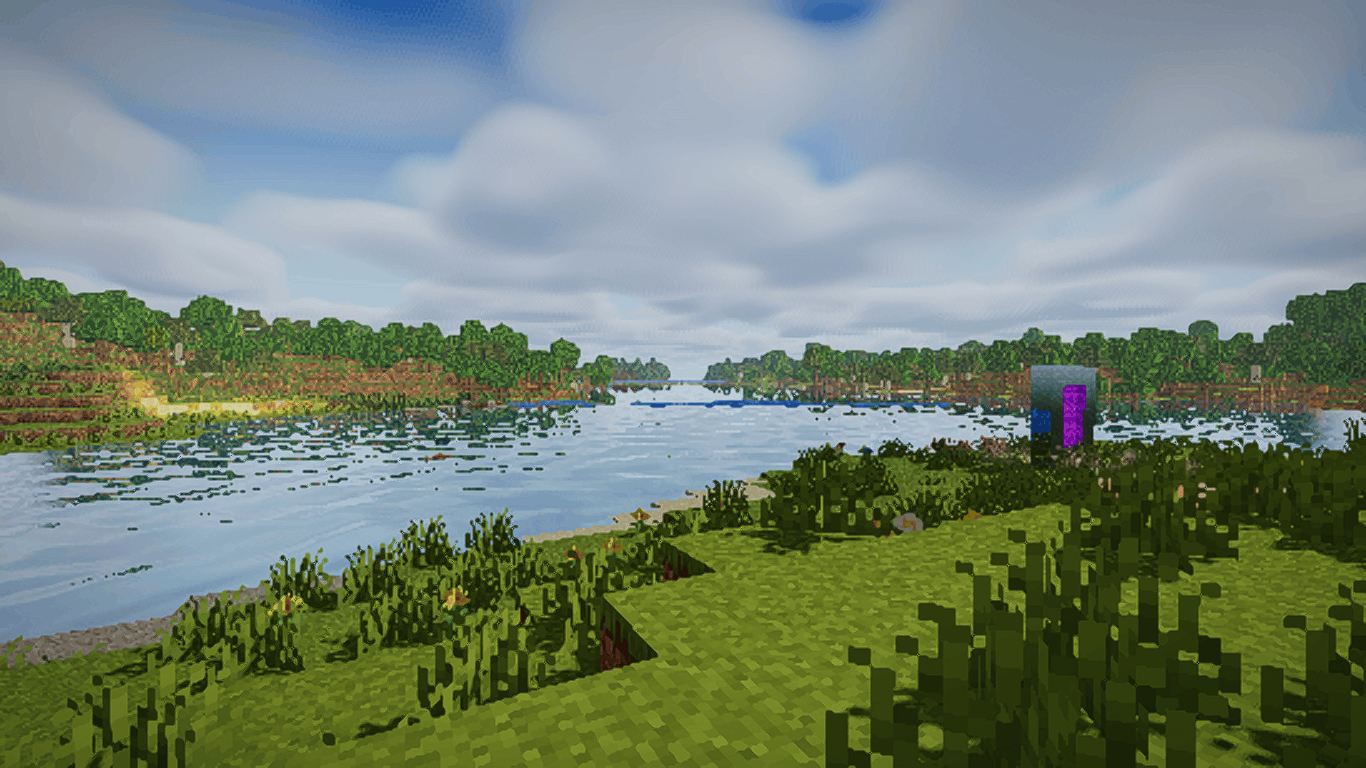
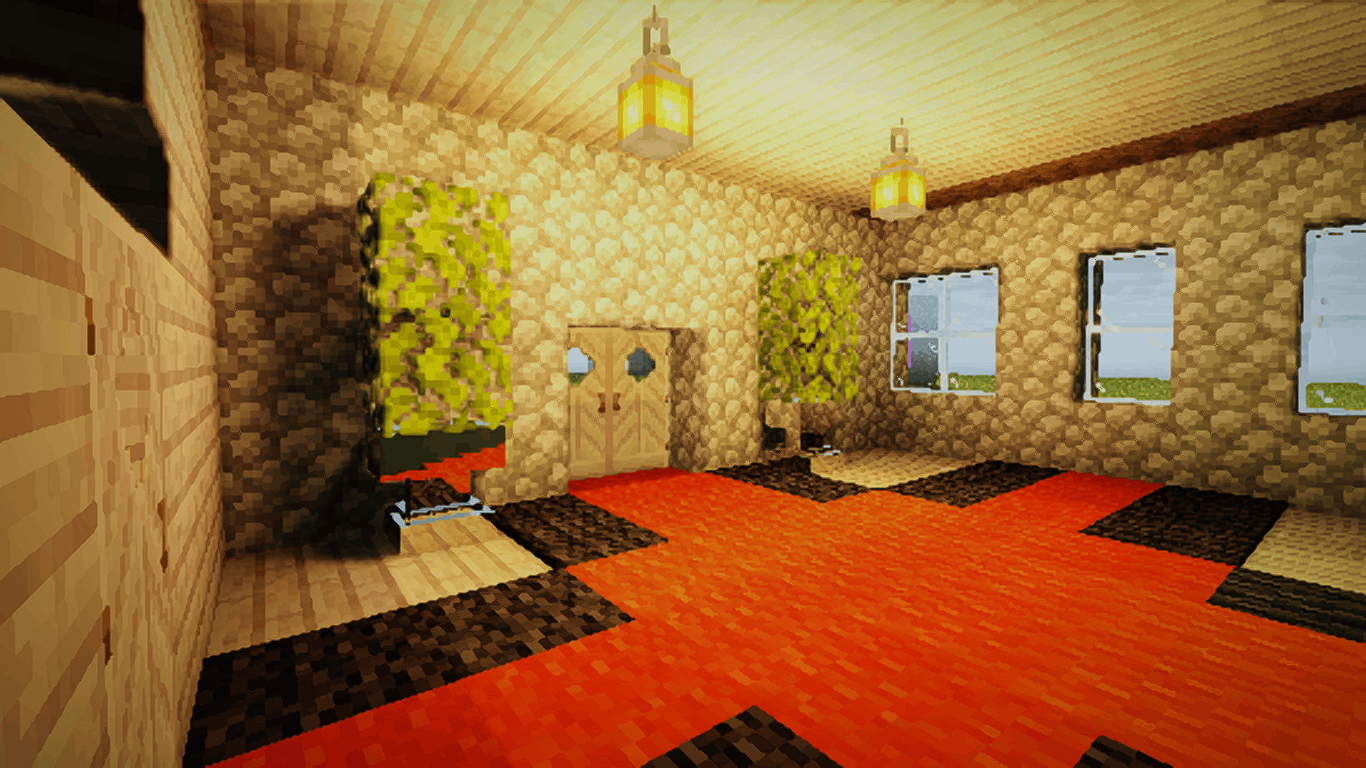
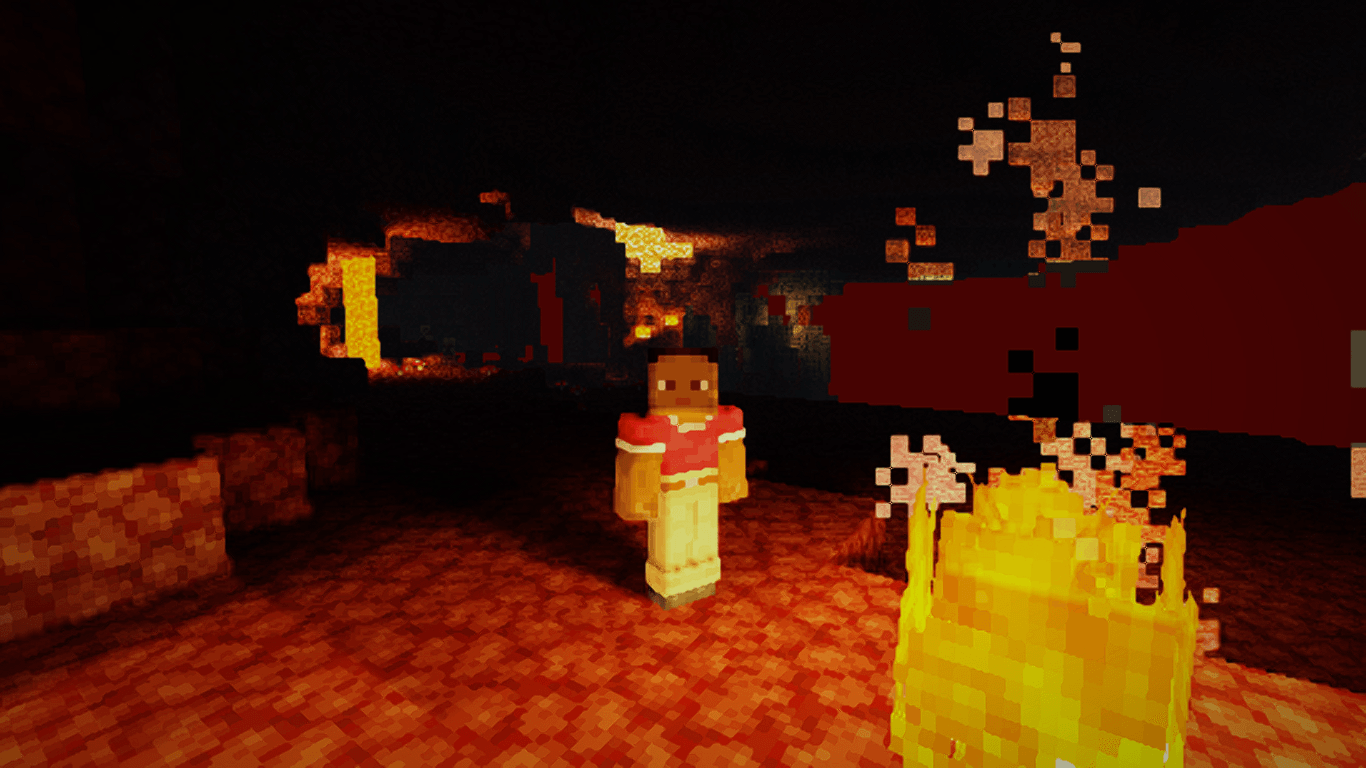
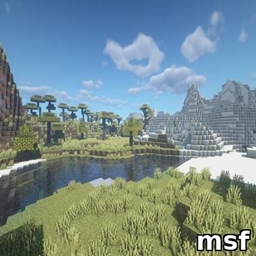
A low-High End shader with point light shadows
by ChefKazne
Download Claim this project
Add a badge to your pageLink to Litevisuals from a README, website or forum post.
Preview: Badge

Badges update automatically and link to the shader page on MineUniverse.

24 downloads
0 likes
0 followers
Updated Nov 10, 2026
0 hypes
Follow0
Fantasy Realistic
Advertisement Remove ads with Premium →

This Shader Consists of,

  • Shadows (NEWPCF Filter)
  • Water Reflection(Improved)
  • God Rays(Improved)
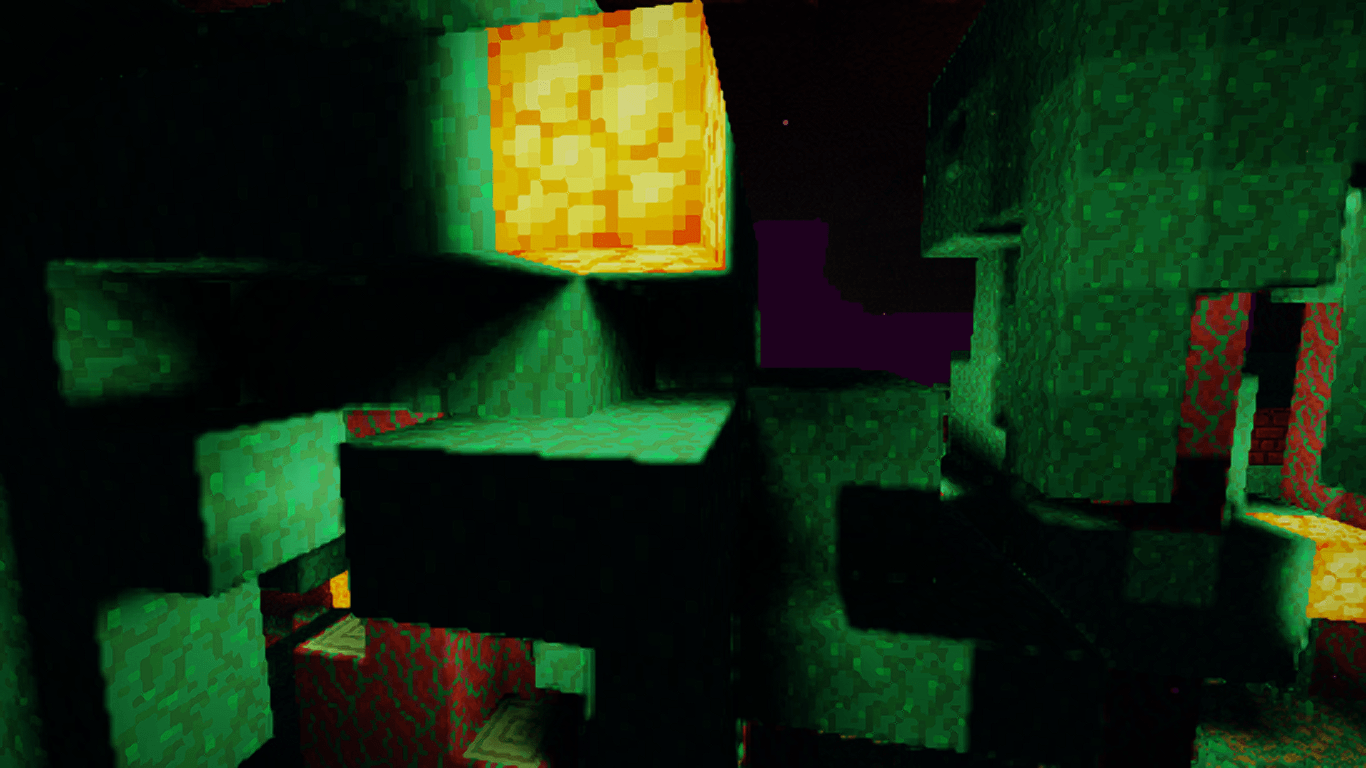
  • Point Light Shadows
  • Voxel Coloured Lightings
  • Voxy support with Distant Water and miniral Reflection
  • modded coloured Lights(untested)

Many More Will Be added soon
Like Cmaera effects like depth of field, and many more

GPU Minimun Requirement.
Intal HD Graphics 4600
GPU Reccomended Requirement.
AMD Radeon R7 250 Or Nvidia Gt 740.

Reccomended To use Render Scale

Been Working on this For Six Months Hope everyone enjoys
Next Update LabPBR Support Stay Tuned.

This shader was already released at 7 months age modrinth so do not this this is full ai slop shader

there were use of ai but only for bug fixes

Lite Mc.zip
MC Iris, 26.2, 26.3
Release 2026-10-26 Get

Requirements & install

How to use this shader in Minecraft
Shader loader
Iris
Minecraft
26.2 – 26.3
Install folder
.minecraft/shaderpacks

Install with Iris

  1. Install Iris with the Iris installer (irisshaders.dev); it sets up Fabric and Sodium for you.
  2. Download the shader pack .zip (do not extract it).
  3. Put the .zip into .minecraft/shaderpacks.
  4. In game open Options → Video Settings → Shader Packs, select the pack and click Apply.
Browse more: Iris shaders OptiFine shaders Shaders for 26.3 All shaders
Advertisement Remove ads with Premium →

You Might Also Like