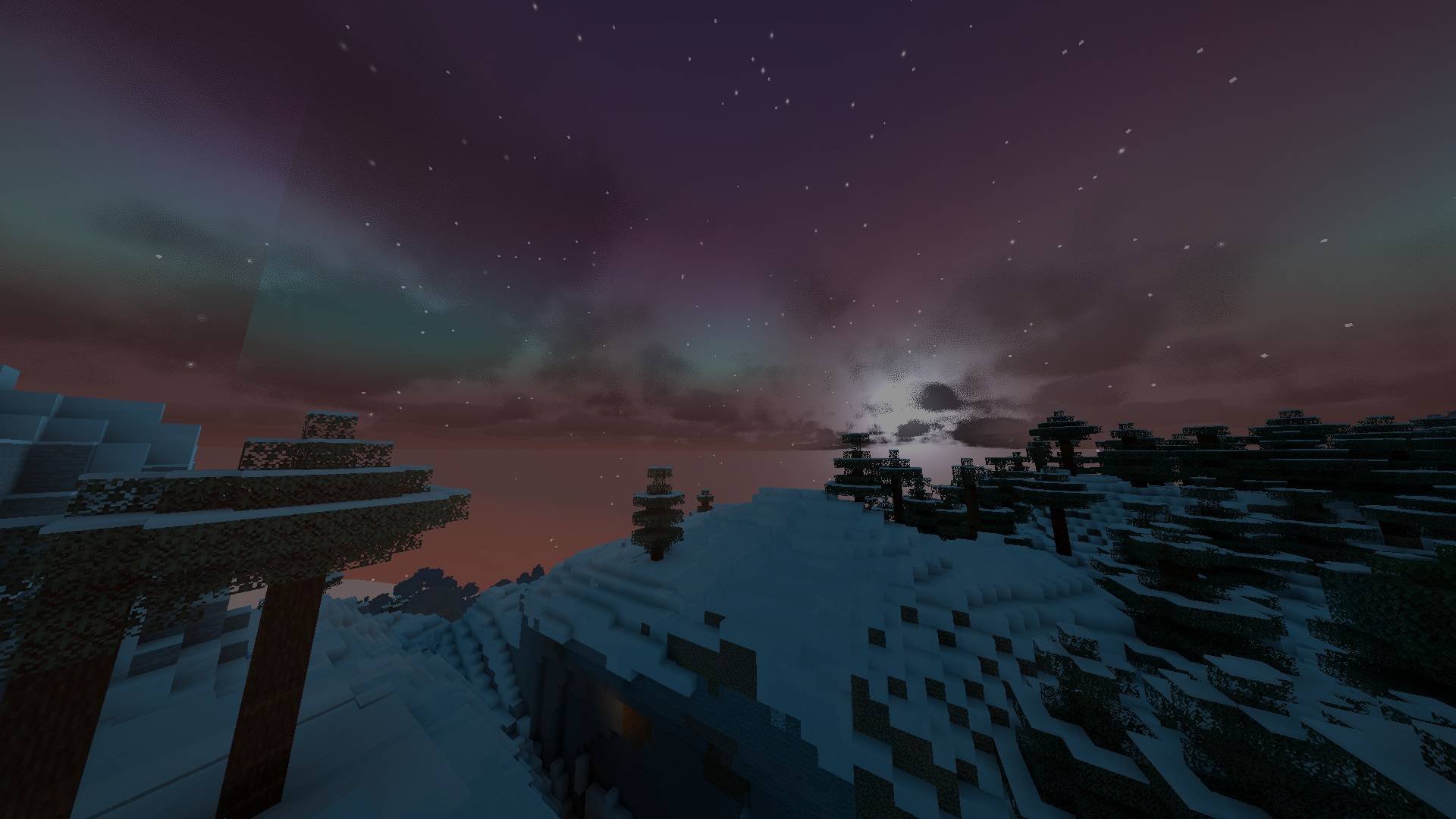
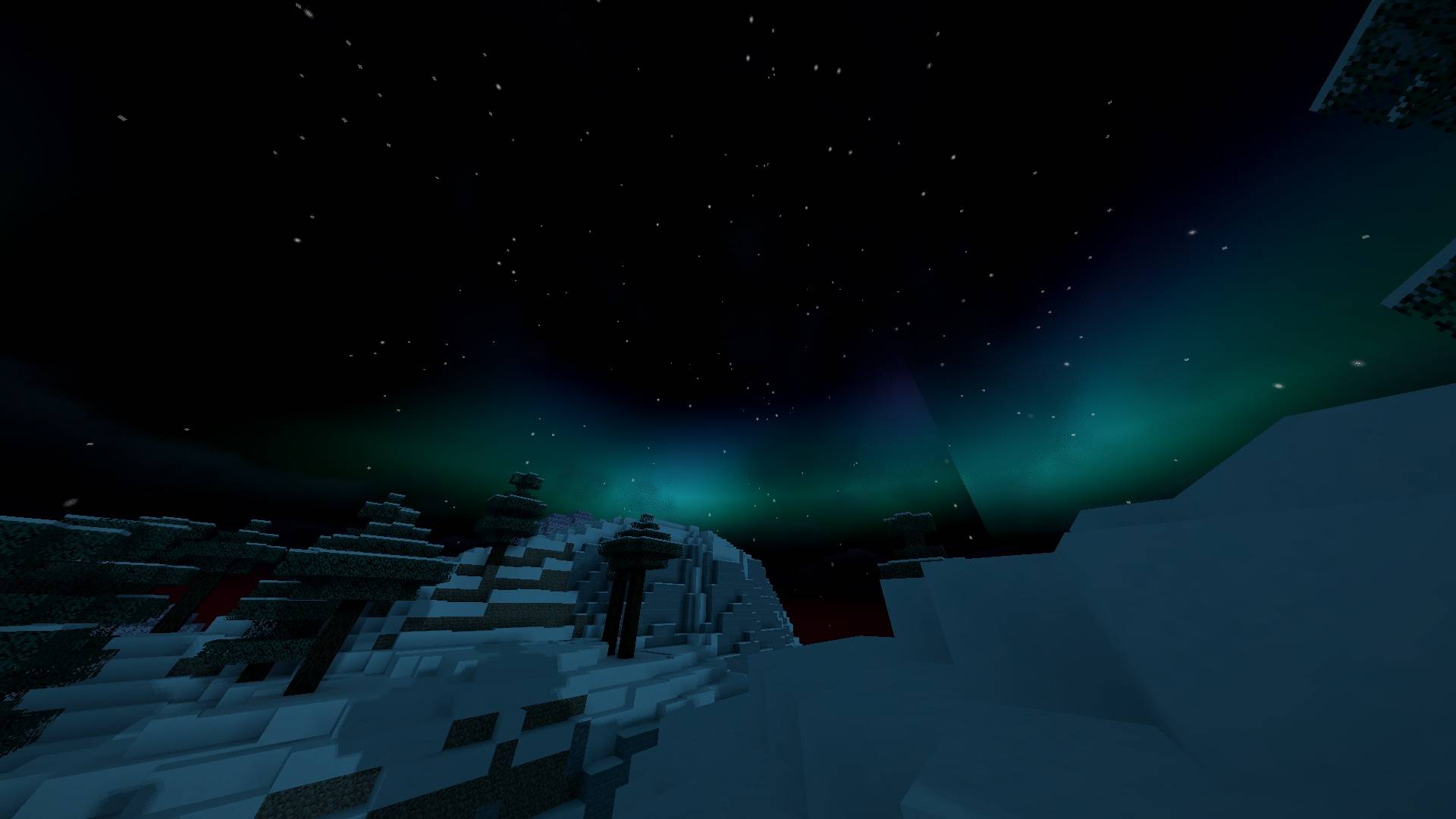
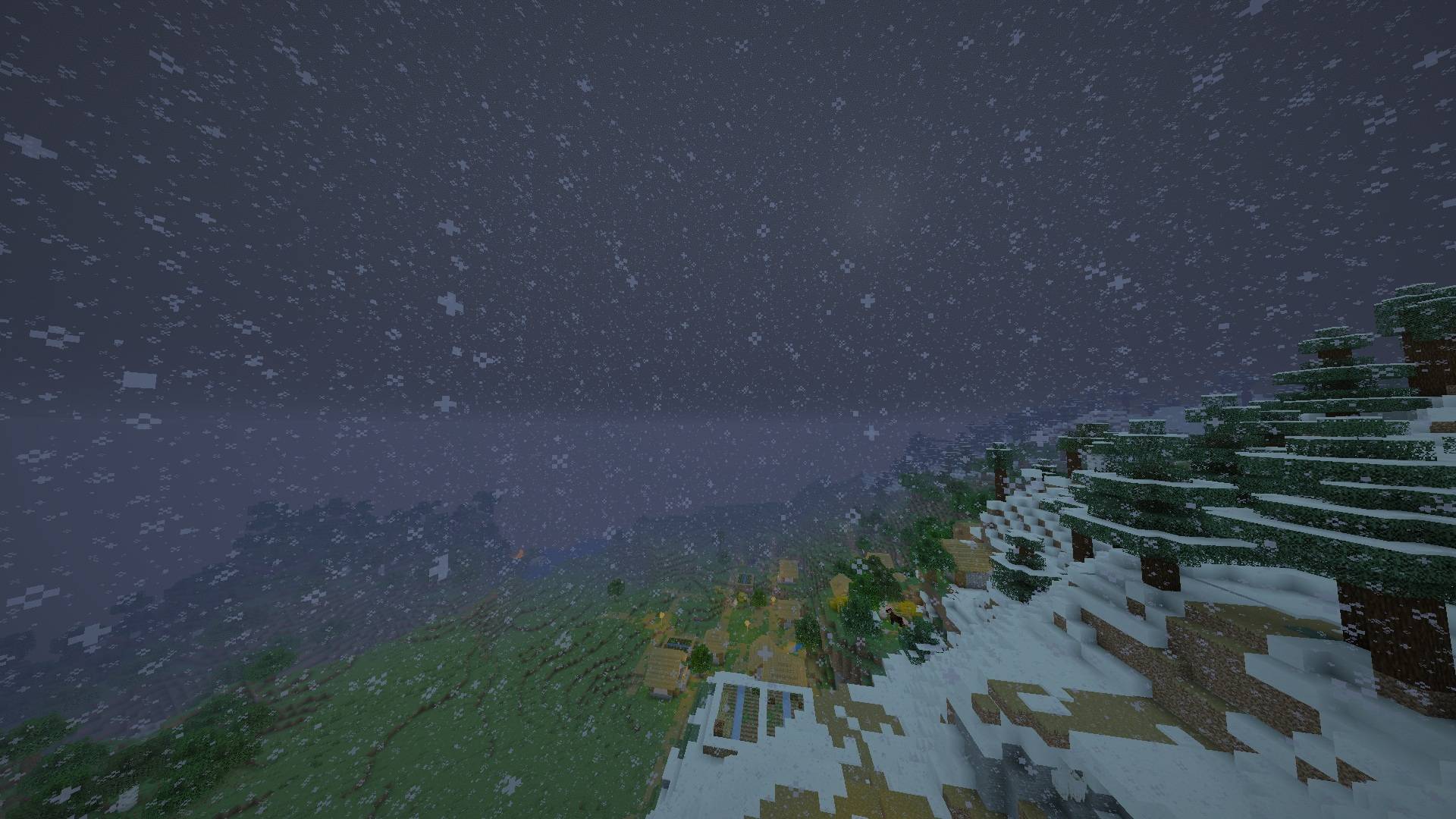
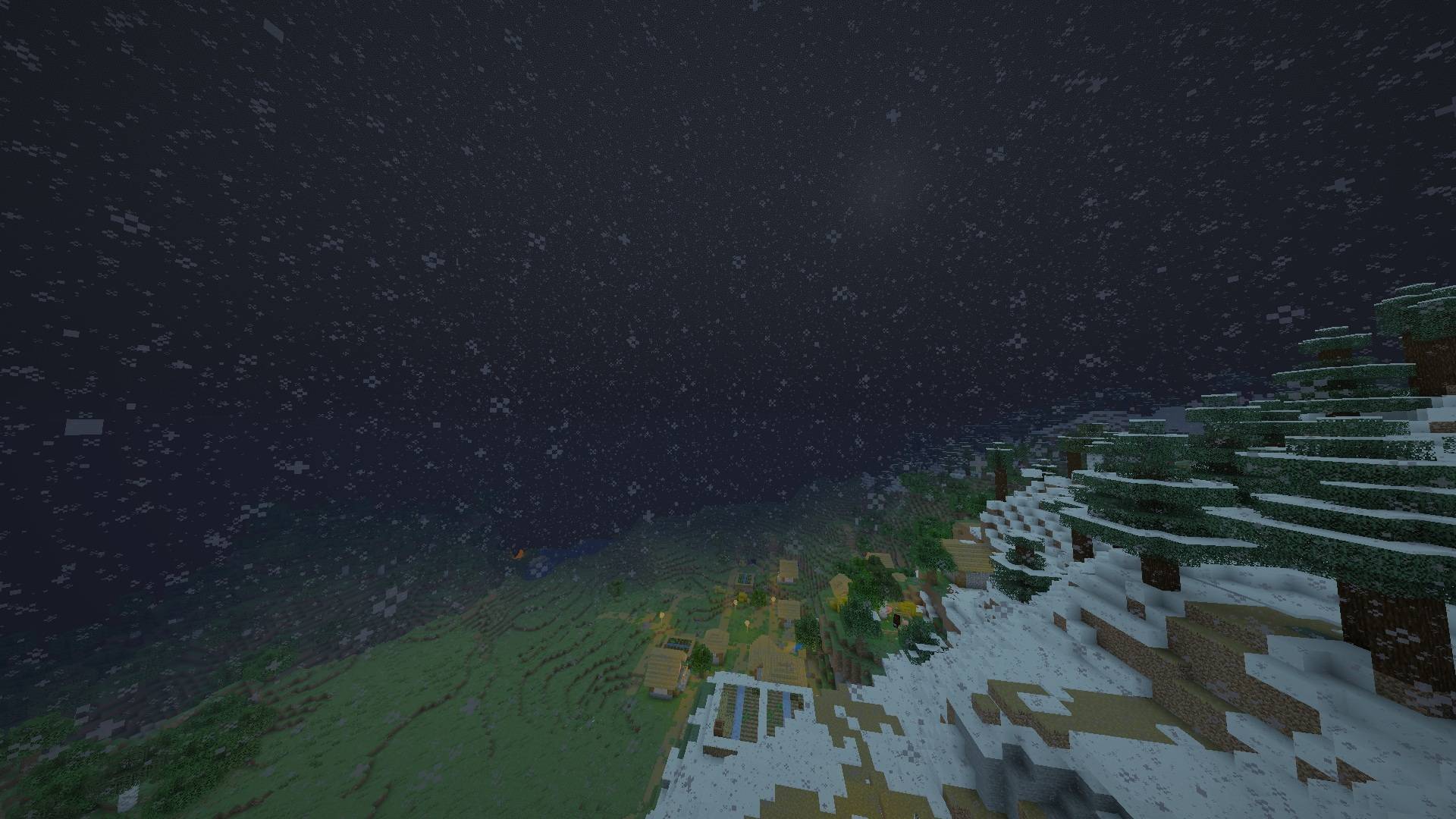
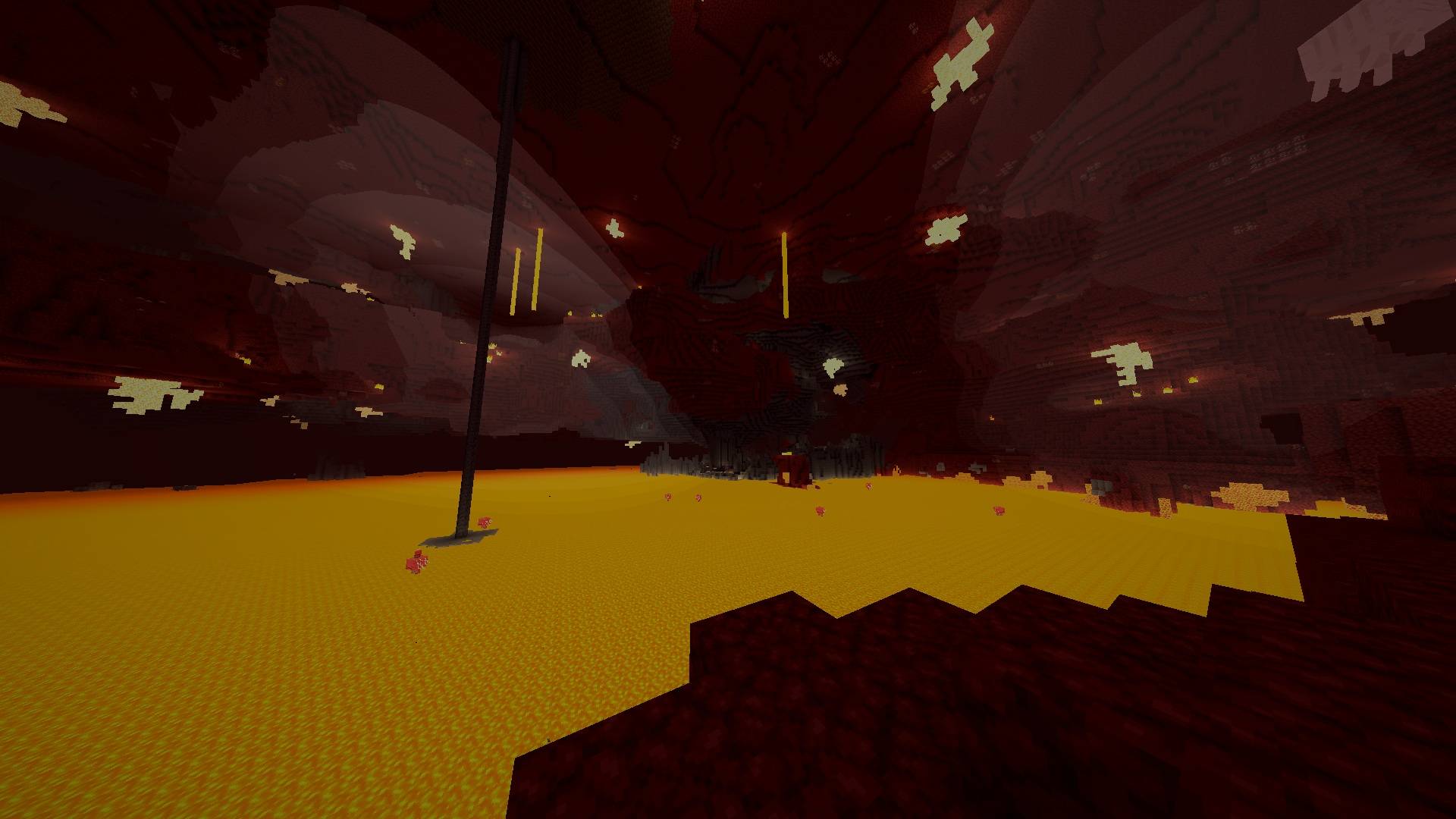
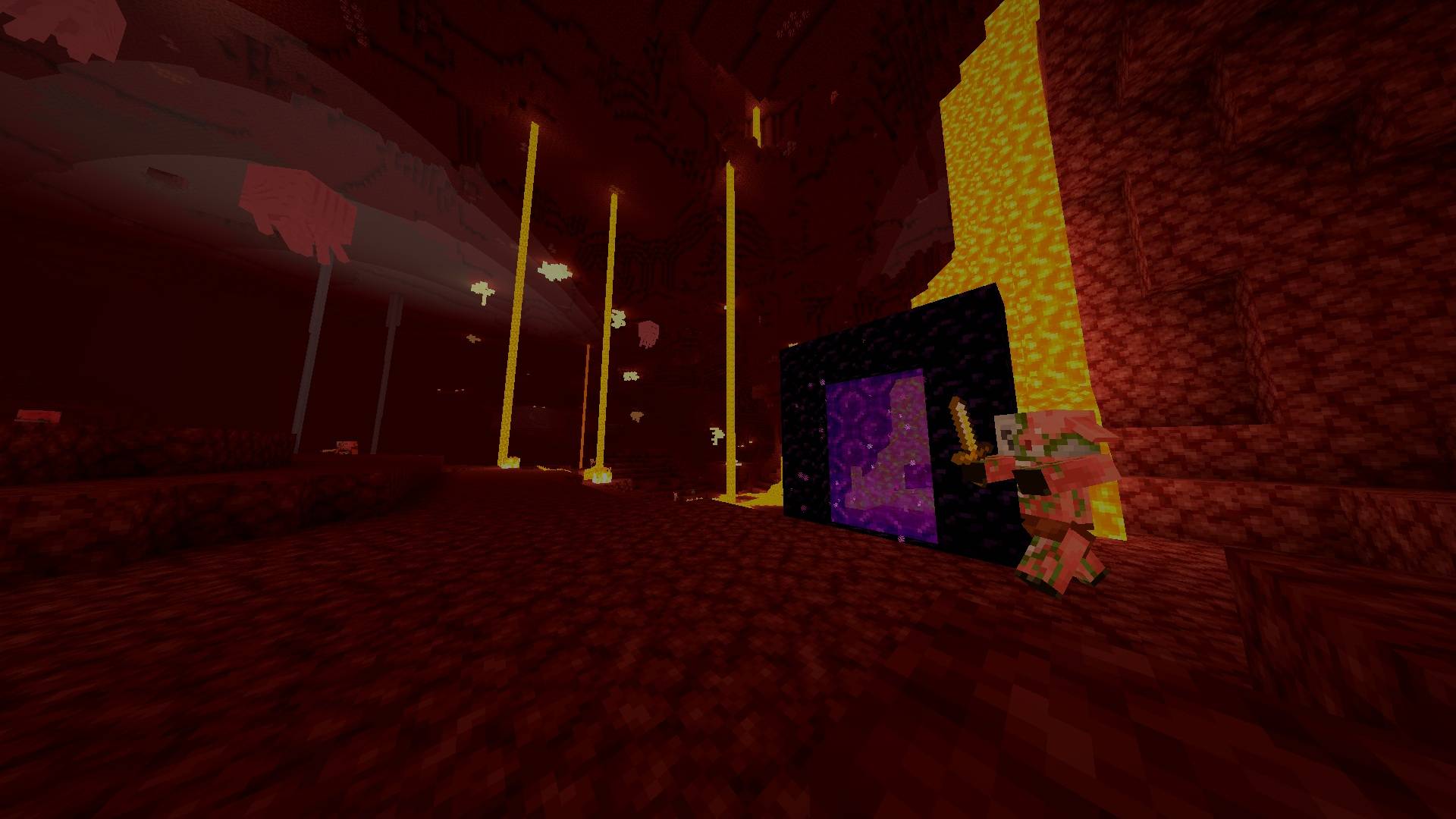
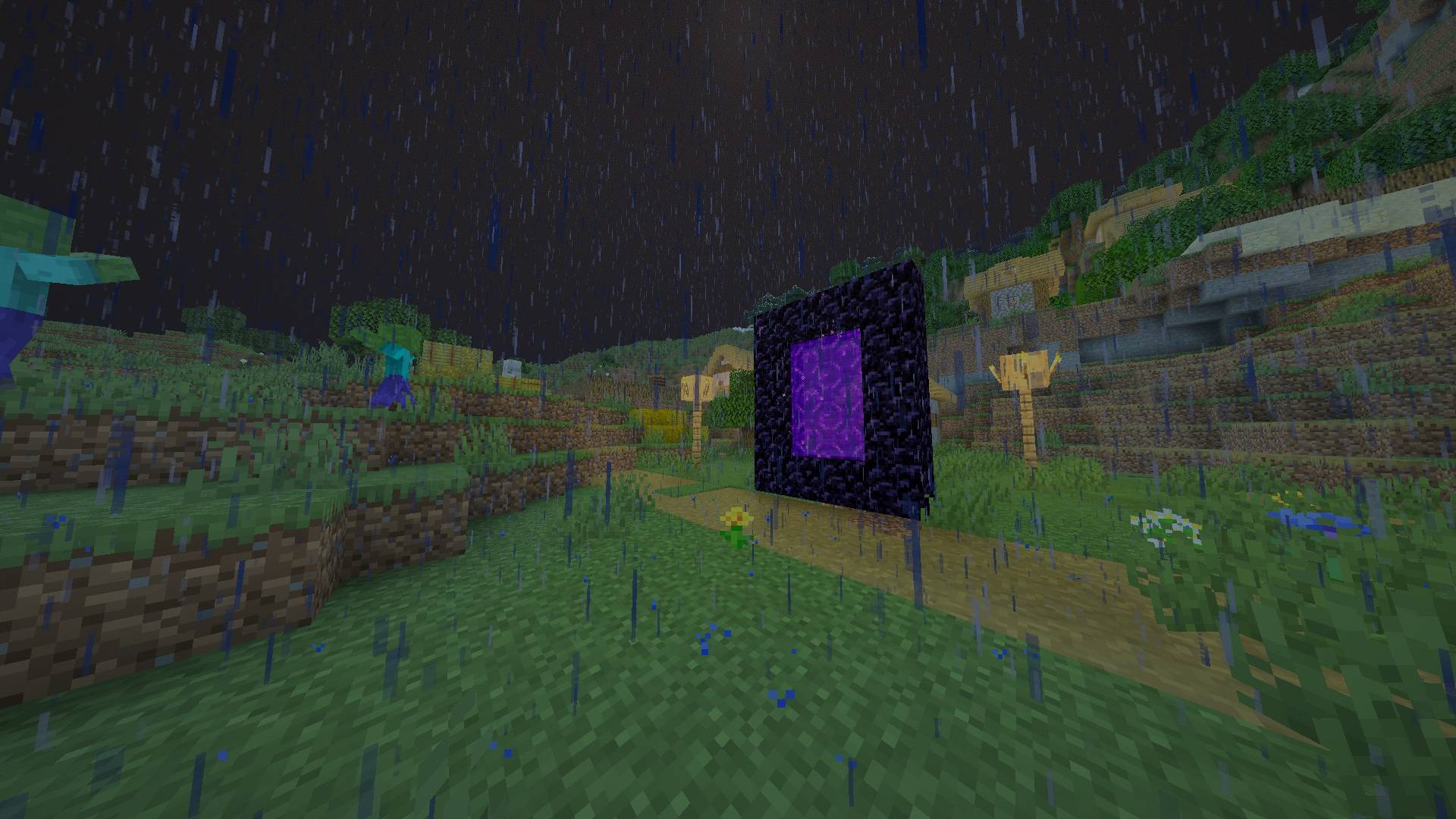
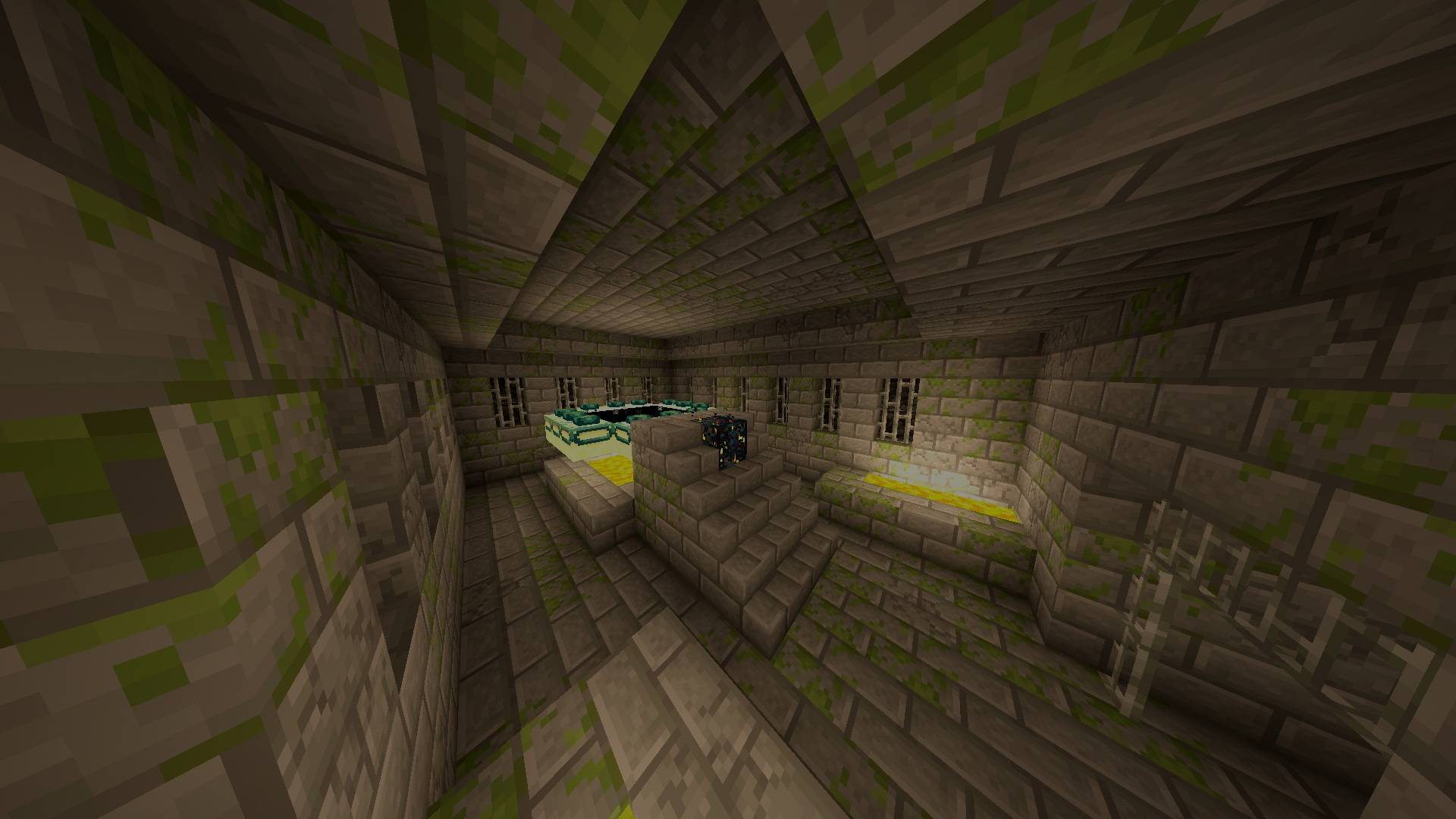
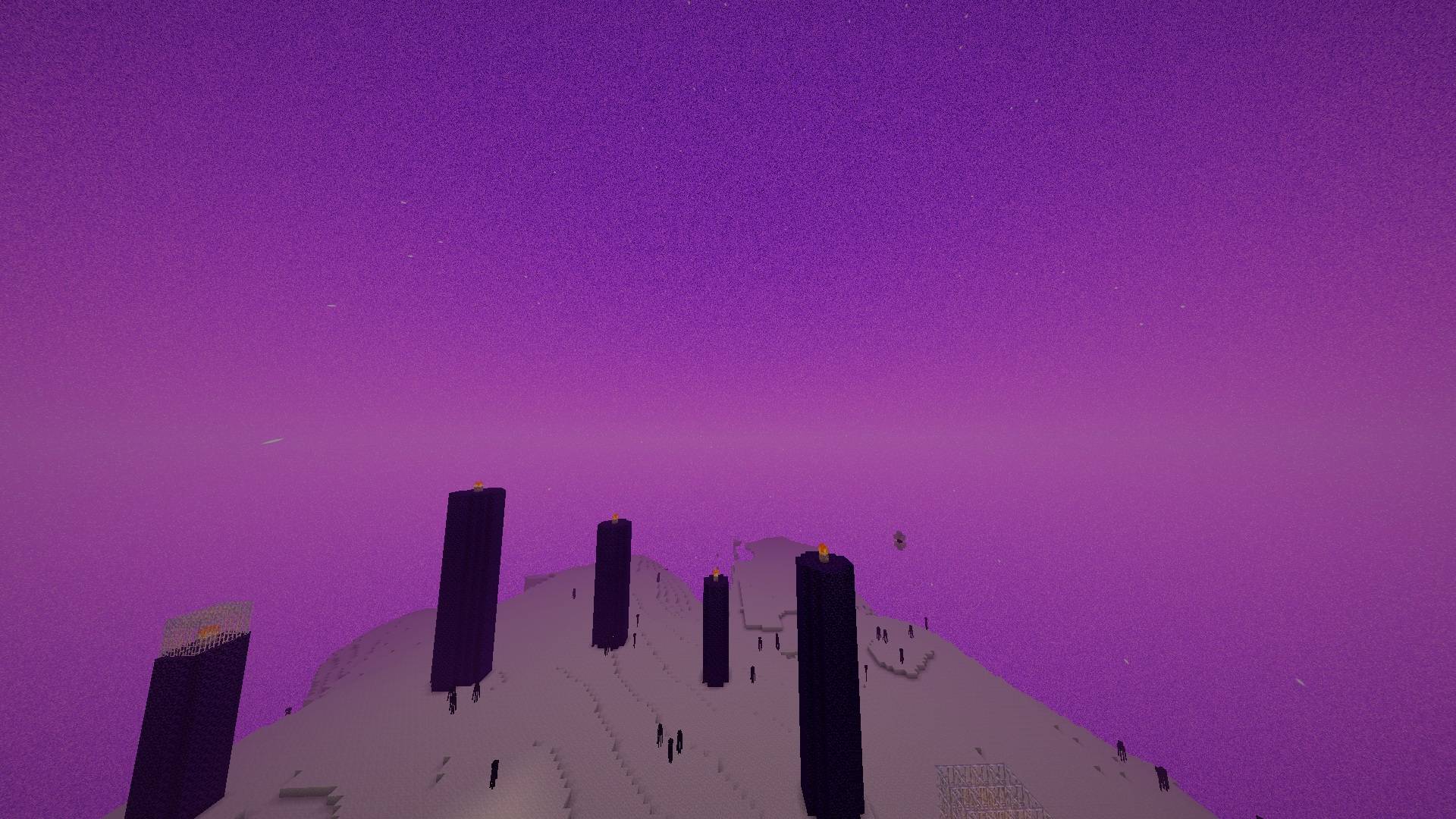
LiteCraft Shaders is a Minecraft Java shader pack for Iris on Fabric. The zip is named v1.3, but the pack inside is v3.1. It is built for weak graphics cards, such as a GeForce GT 730 with about 2 GB of video memory. It uses only one shadow pass and one post-processing pass, so it stays lighter than a full multi-pass pack.
Lighting follows a natural day cycle. Morning and evening are orange, noon is white-blue, and night is blue, with deeper blue shadows. Torch and block light are bright up close and fall off quickly. Colors lose saturation in darkness, at night, and in rain. Exposure is fixed, not automatic: day stays readable, and night, caves, and rain get a small boost. The End is left as before. The Nether takes its light color from the biome fog.
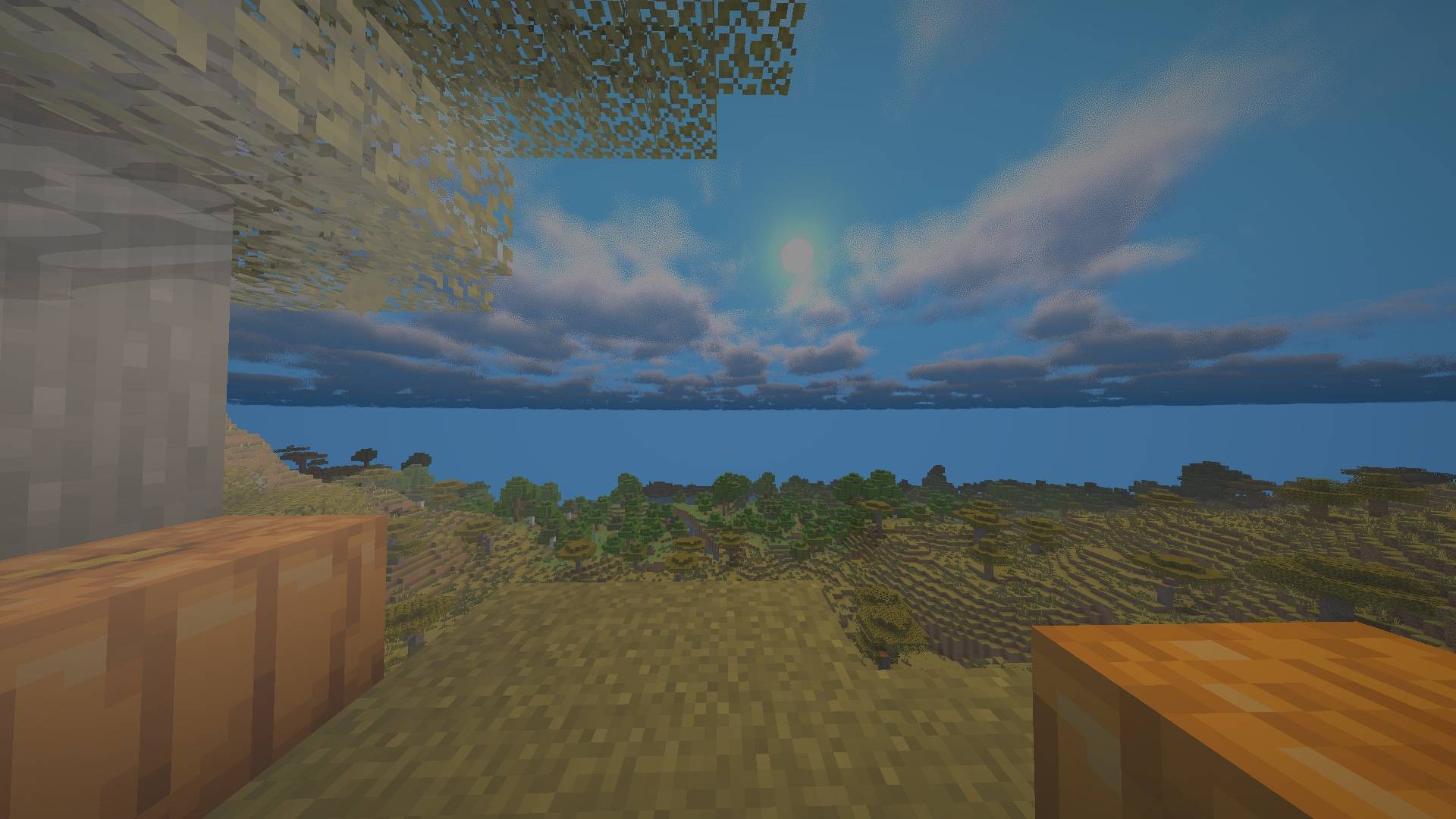
The sky has a shaded sun and moon that redden near the horizon, with real moon phases. Night stars are brighter and denser, meteors appear sometimes, and snowy biomes can show a green-blue-purple aurora at night. Version 3.1 fixes a white sheet behind the horizon. Minecraft’s sky dome used to stop a little above the horizon, so fog color showed through as a blank white band. The dome is now drawn below the horizon and filled with the shader’s own horizon color. Below the horizon the sky is no longer mirrored, and clouds are only calculated above it.
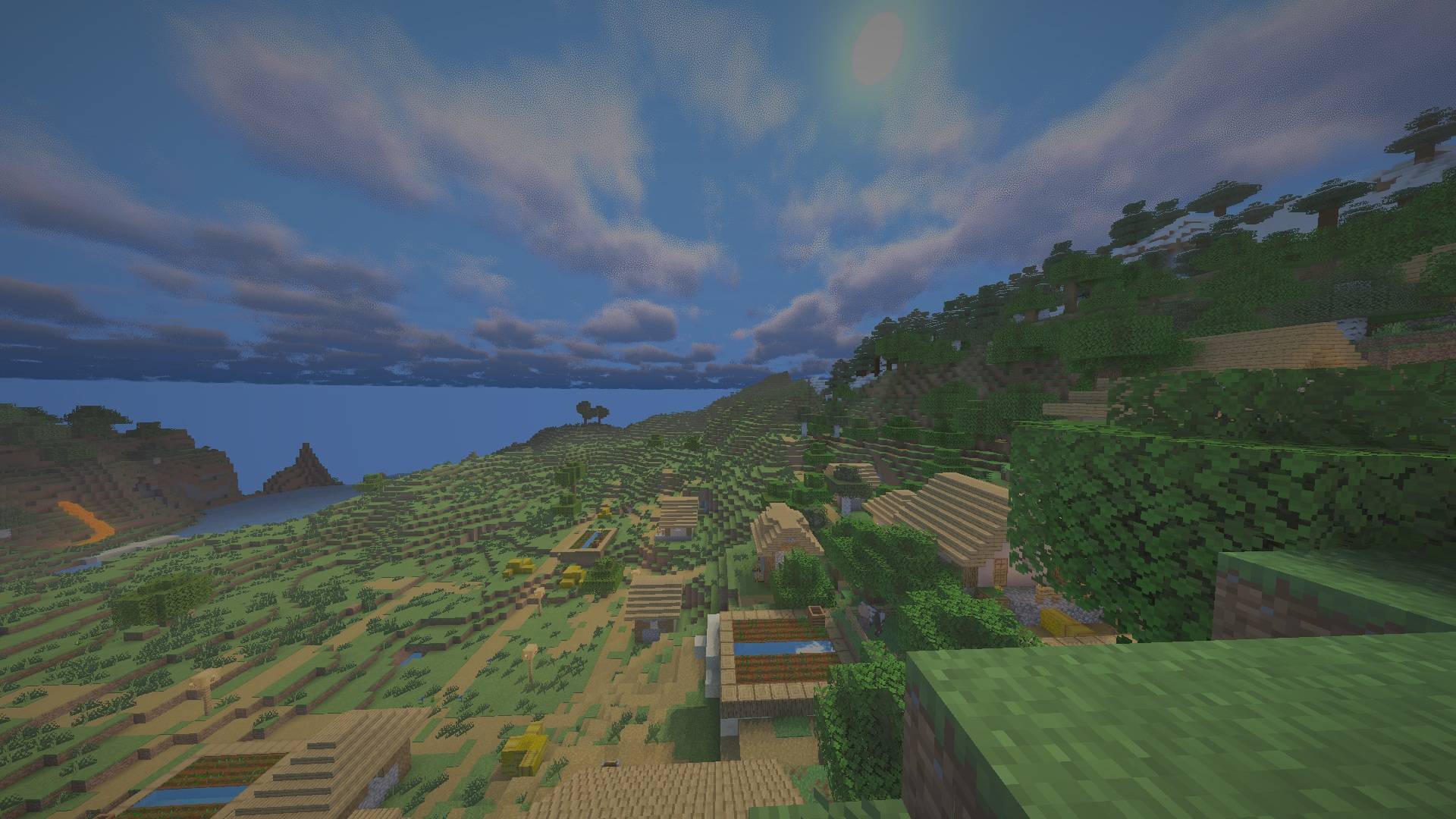
Clouds are volumetric and drawn on the sky dome, not on vanilla cloud cubes. The default style is a layered, puffy look. A second style is available, plus the older LiteCraft mesh clouds (style 50) and plain vanilla clouds (style 0). They react to clear weather, rain, thunder, snow biomes, and dry biomes, and blend into one gray sheet in rain. Fancy clouds in the video settings are not required for the volumetric styles.
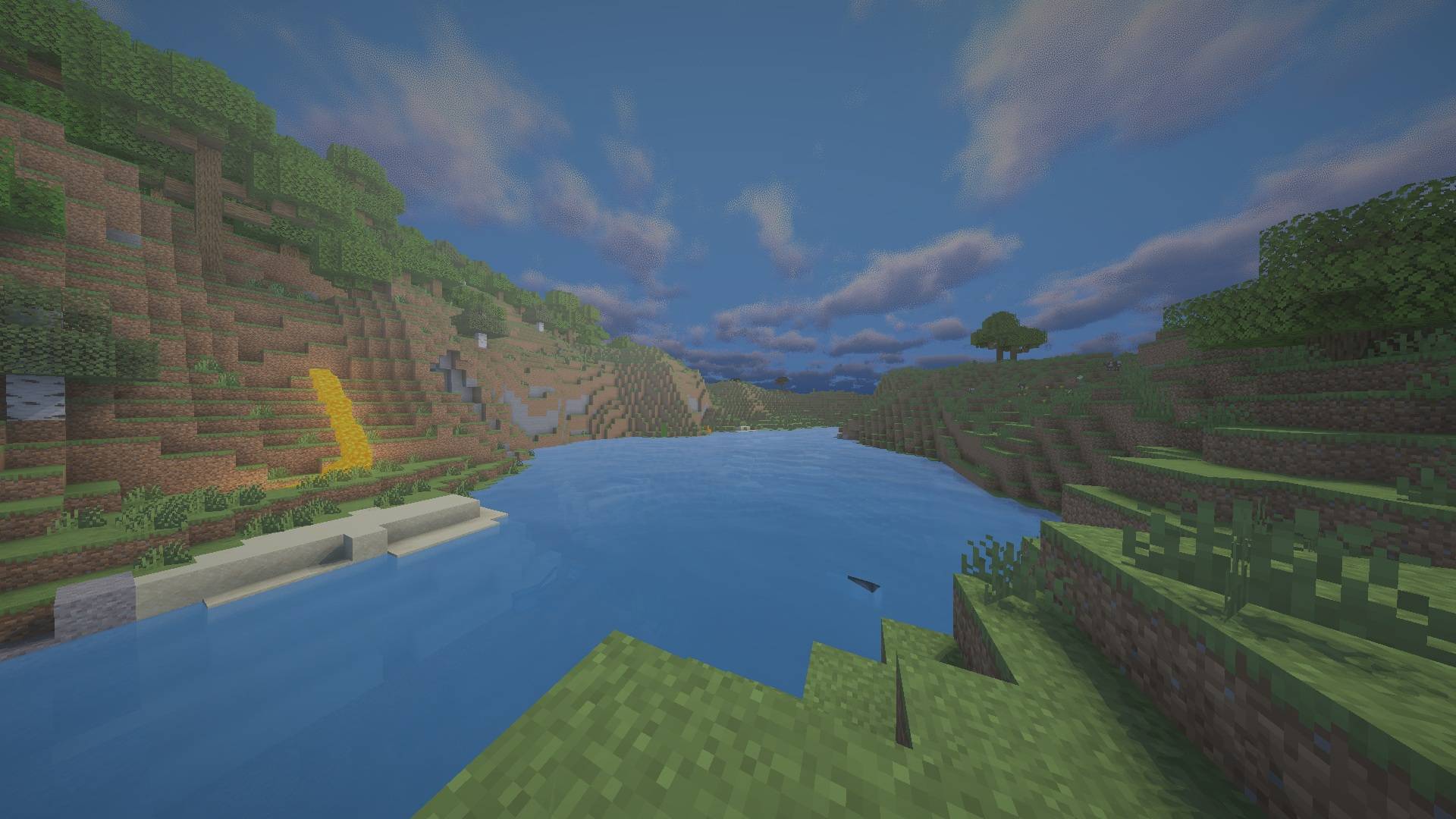
Water has fine waves from a noise texture, optional parallax, surface motion, its own color and transparency, water fog, sun and moon glints, and underwater distortion. Sky reflections use a Fresnel term and show only the LiteCraft sky, without clouds or aurora. Refraction, screen-space reflections, caustics, and colored water shadows are left out on purpose, because they need extra passes.
Other effects: soft sun and moon shadows, waving grass, crops, and leaves, rain streaks with a glass-like highlight and a little wind drift, snow sparkle in direct sun, light rays through trees and fog (stronger and bluer underwater), a light vignette, optional motion blur, and glowing mob eyes — enderman purple, spider red, phantom green.
From lightest to heaviest, in Shader Pack Settings:
Menus cover shadows, sky and sun, clouds, light brightness (exposure, sunlight, moonlight, ambient, torch, dark desaturation), waving and water, water surface, water color, rays and sparkle, camera and atmosphere, and color grading. The menu language files are English and Persian.
Do not unzip it. Put the zip in %appdata%\.minecraft\shaderpacks. Then open Options, Video Settings, Shader Packs, and select LiteCraft. In Shader Pack Settings, set the profile to Fast.
If you are under about 50–60 FPS: use Potato, set render distance to 6–8 chunks, set graphics to Fast, lower entity distance, install Sodium, and give the game about 3–4 GB of RAM. Fog no longer depends on render distance, so lowering it should not fog the whole sky.
Shader programs are in shaders: terrain, water, sky, clouds, entities, weather, glowing eyes, the shadow pass, and one final post pass. Shared code is in shaders/lib (light.glsl, water.glsl, clouds.glsl, postfx.glsl, common.glsl, wave.glsl), with noise textures for water and clouds. This copy of the zip does not include the readme or the license text.