Mineuniverse
Shaders
Katamari Damashaders

Katamari Damashaders

SHADER
a shaderpack that aims to recreate the look of KF/KDT to minecraft
by Nailotsot
Download Claim this project
589 downloads
0 likes
Updated Oct 14, 2026
0 hypes
Fantasy
Advertisement Remove ads with Premium →

What is this?

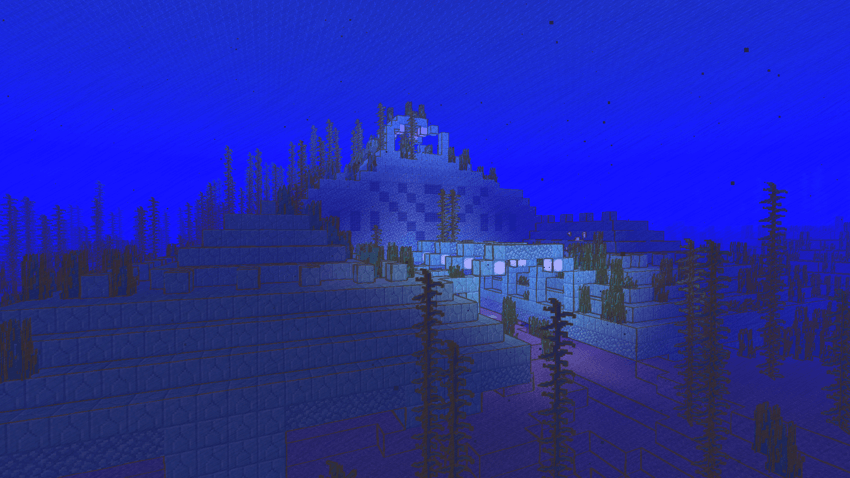
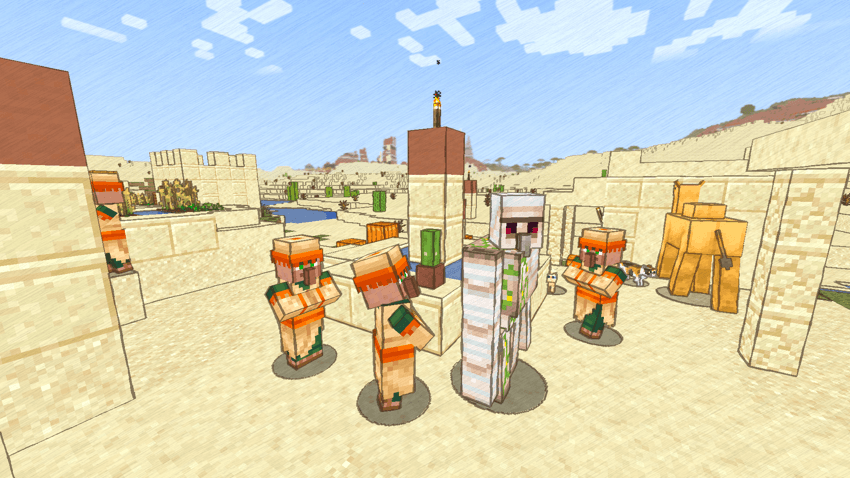
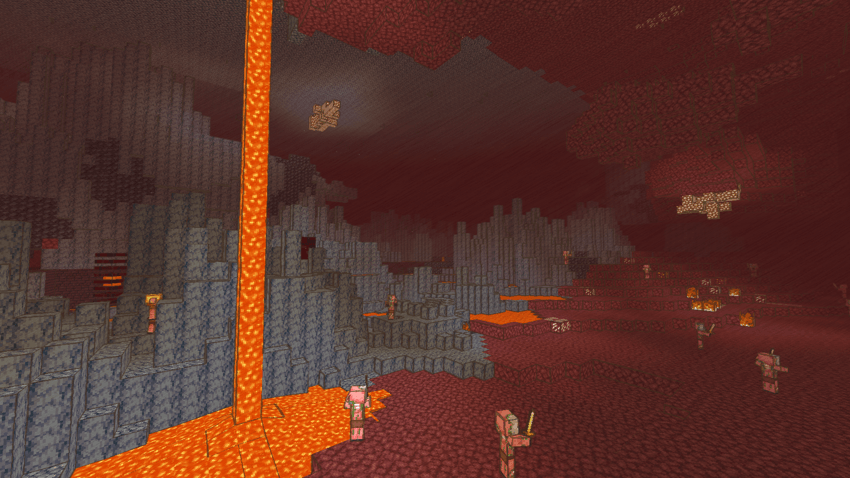
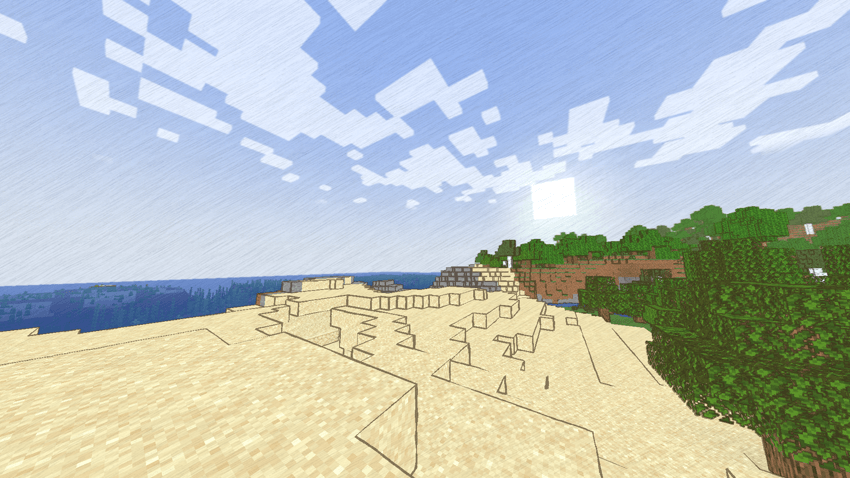
   This is a shaderpack that aims to port the look of Katamari Forever / Katamari Damashii Tribute into Minecraft.


Screenshots!


Special thanks & credits!

   This is my first time working with glsl, and this shader pack wouldn't have been possible without these tutorials

   and code snippets, so thank you!


   Helpful tutorials I used

      · https://www.youtube.com/watch?v=RjyNVmsTBmA&t=1787s

      · https://www.youtube.com/watch?v=XLBPEQwTE4E

   Base-330 shader files

      · https://github.com/shaderLABS/Base-330/

   HSV to RGB code

      · https://gist.github.com/983/e170a24ae8eba2cd174f

   GLSL sobel edge detection code

      · https://gist.github.com/Hebali/6ebfc66106459aacee6a9fac029d0115

   Gaussian blur code

      · https://www.shadertoy.com/view/Xltfzj

Katamari_Damashaders_v1.0.zip
MC 1.21.4, Iris
Release 2025-08-13 Get

Requirements & install

How to use this shader in Minecraft
Shader loader
Iris
Minecraft
1.21.4
Install folder
.minecraft/shaderpacks

Install with Iris

  1. Install Iris with the Iris installer (irisshaders.dev); it sets up Fabric and Sodium for you.
  2. Download the shader pack .zip (do not extract it).
  3. Put the .zip into .minecraft/shaderpacks.
  4. In game open Options → Video Settings → Shader Packs, select the pack and click Apply.
Browse more: Iris shaders OptiFine shaders Shaders for 1.21.4 All shaders
Advertisement Remove ads with Premium →

You Might Also Like