Mineuniverse
Shaders
Gameboy Shader

Gameboy Shader

SHADER
A Minecraft shader to replicate the Nintendo Gameboy
by MrGlockenspiel_
Download Claim this project
8,423 downloads
0 likes
Updated Oct 14, 2026
0 hypes
Fantasy
Advertisement Remove ads with Premium →

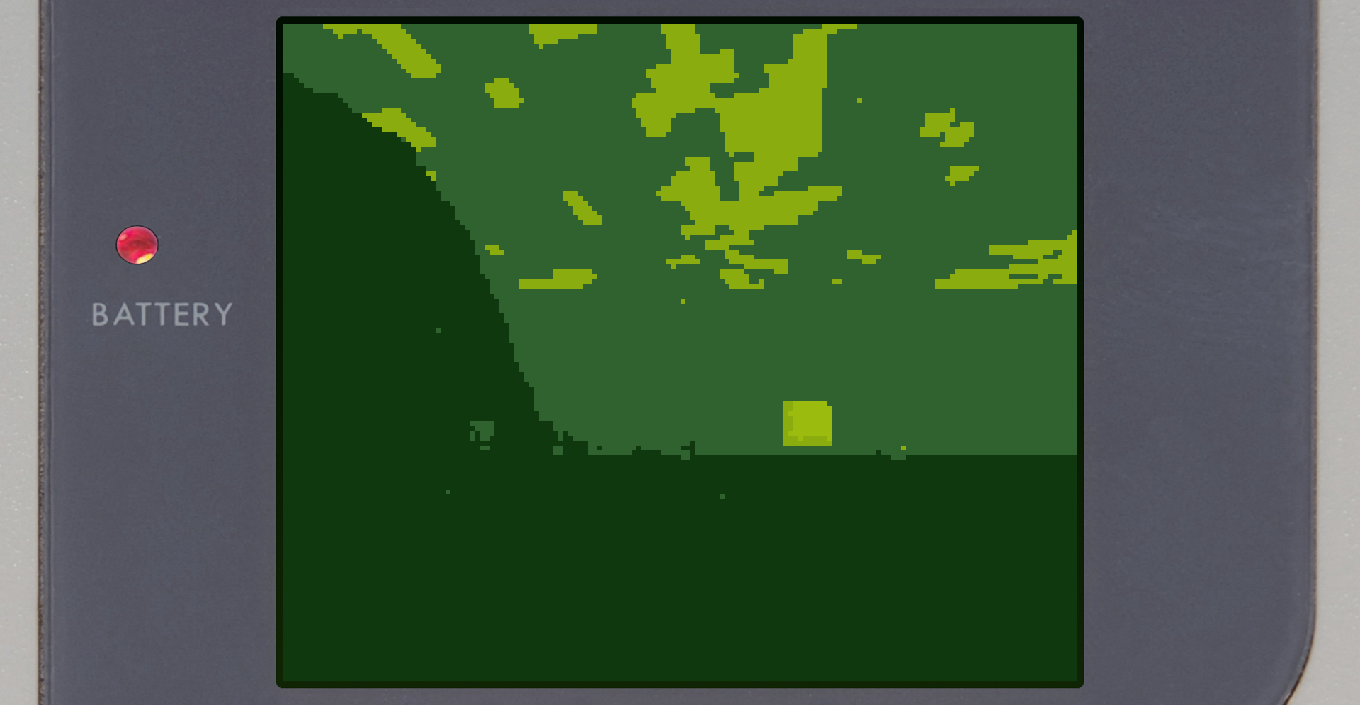
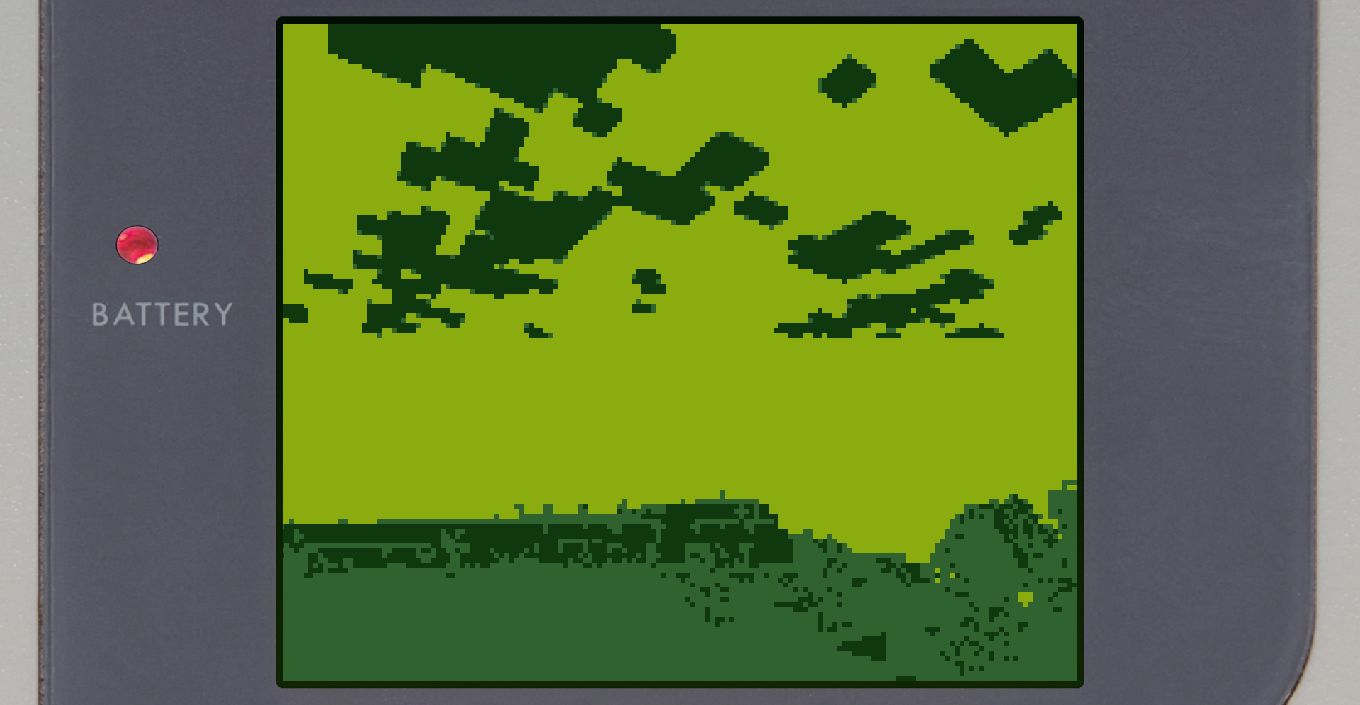
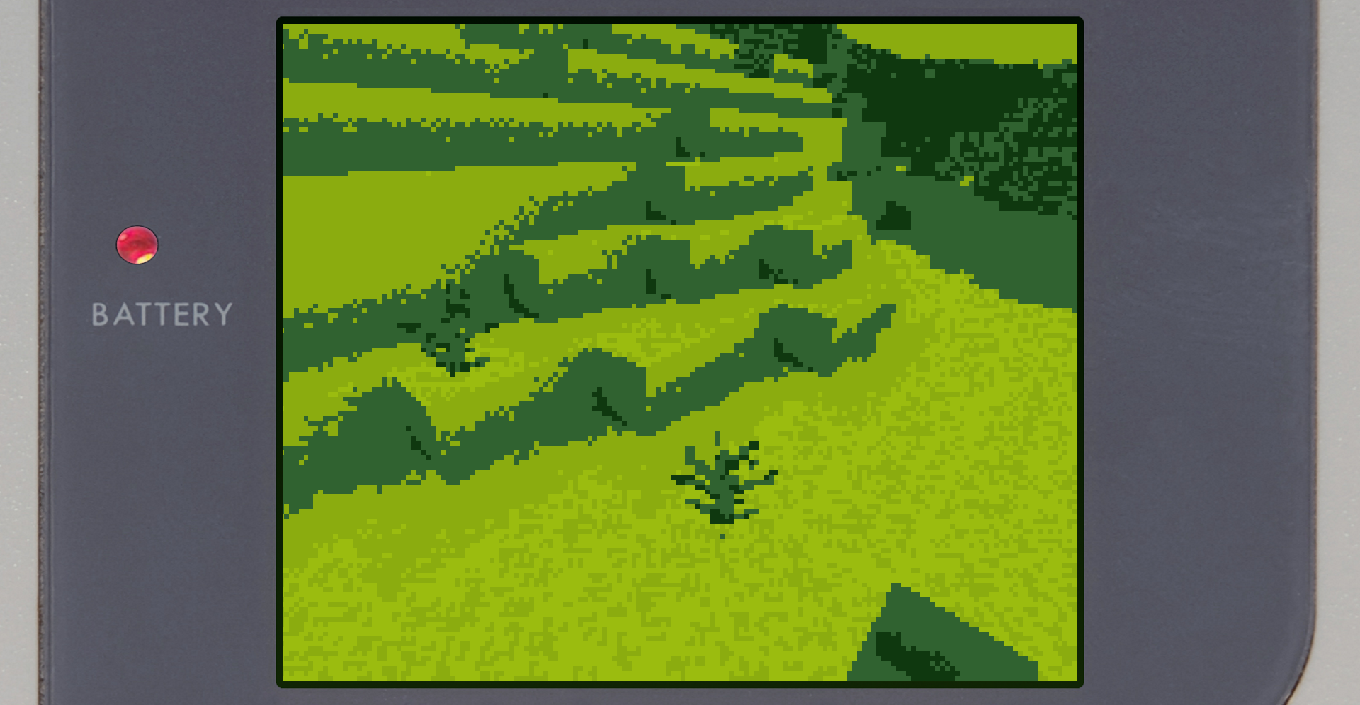
The Gameboy OptiFine Shader for Minecraft Java Edition applies a green filter to your screen to look like the Classic Gameboy, even goes as far to add the plastic screen around the outside to make the game fit the original resolution of the Gameboy.

Version 1.2.0
MC 1.9.1, 1.16.3, 1.13.1, 1.9.3, 1.16.1, 1.9.4, 1.9.2, 1.14.4, 1.14.1, 1.12.1, 1.12, 1.14.3, 1.15, 1.16, 1.13, 1.16.5, 1.10.2, 1.11, 1.15.2, 1.14, 1.10, 1.10.1, 1.16.4, 1.14.2
Release 2021-04-26 Get

Requirements & install

How to use this shader in Minecraft
Shader loader
Iris or OptiFine
Minecraft
1.14.4 – 1.16.5
Install folder
.minecraft/shaderpacks

How to install shaders

  1. Install a shader loader for your Minecraft version: Iris (with Sodium) or OptiFine.
  2. Download the shader pack .zip file (do not extract it).
  3. Put the .zip into the shaderpacks folder (.minecraft/shaderpacks).
  4. In game open Options → Video Settings → Shader Packs, select the pack and apply it.
Browse more: Iris shaders OptiFine shaders Shaders for 1.16.5 All shaders
Advertisement Remove ads with Premium →

You Might Also Like