Mineuniverse
Shaders
Escheridia

Escheridia

SHADER
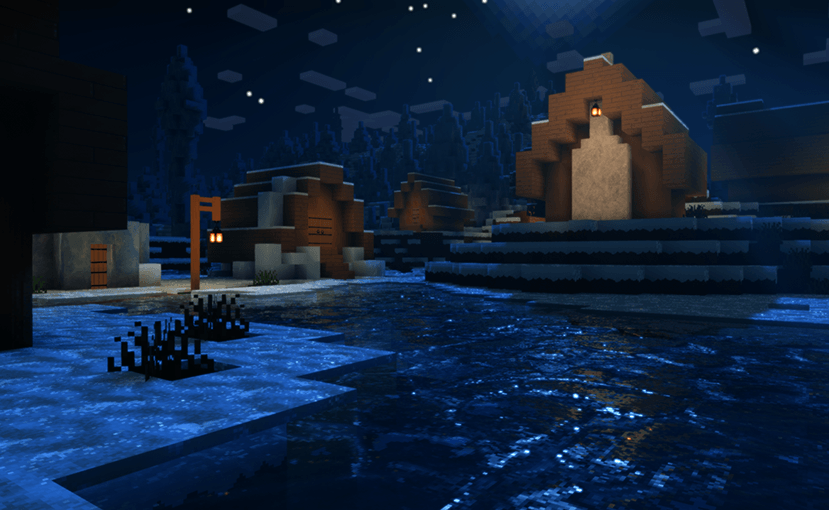
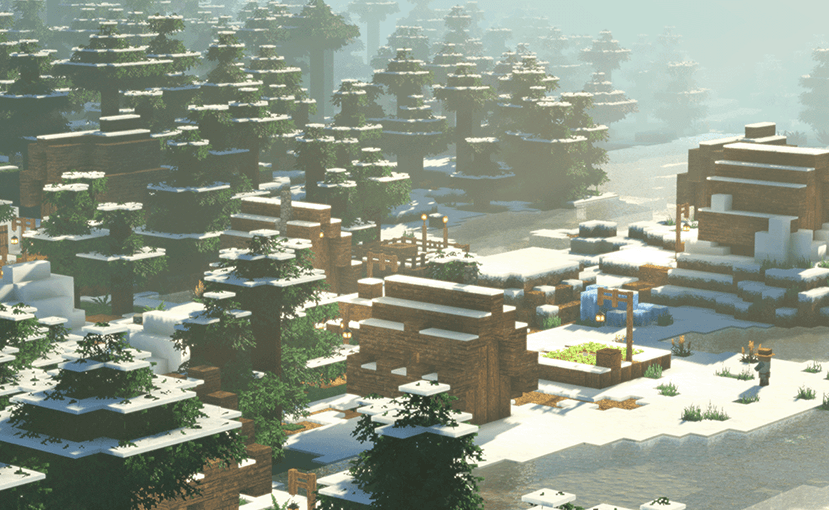
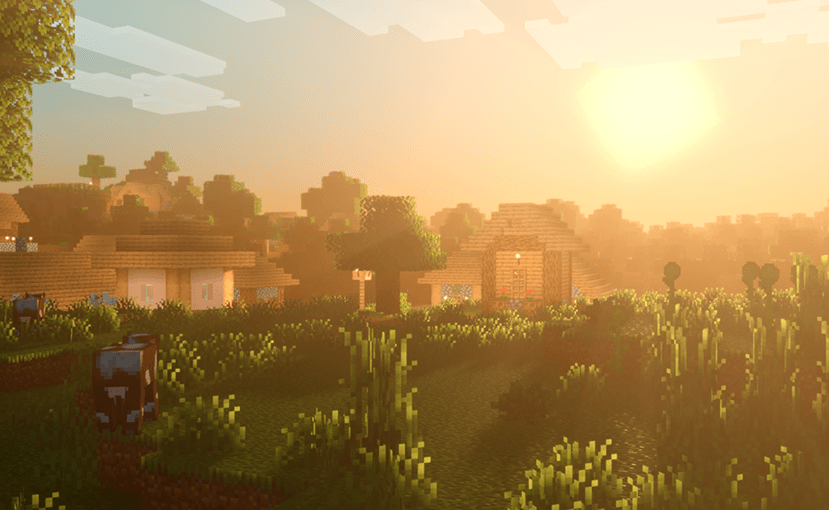
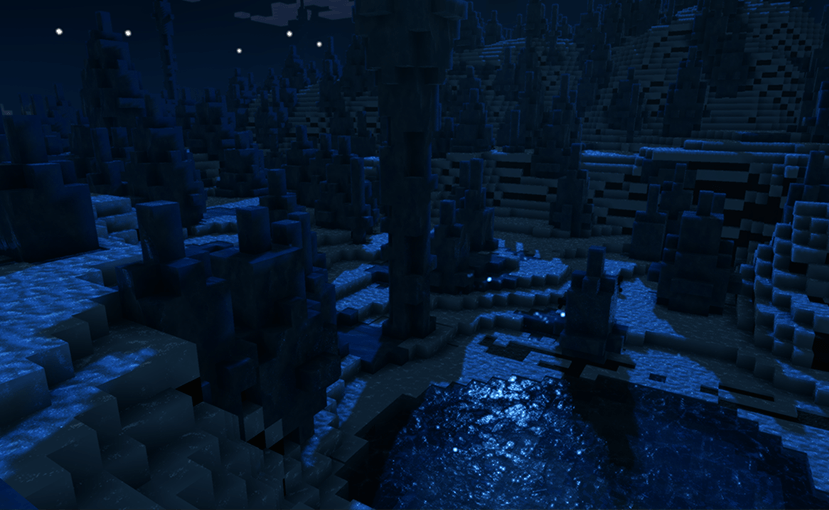
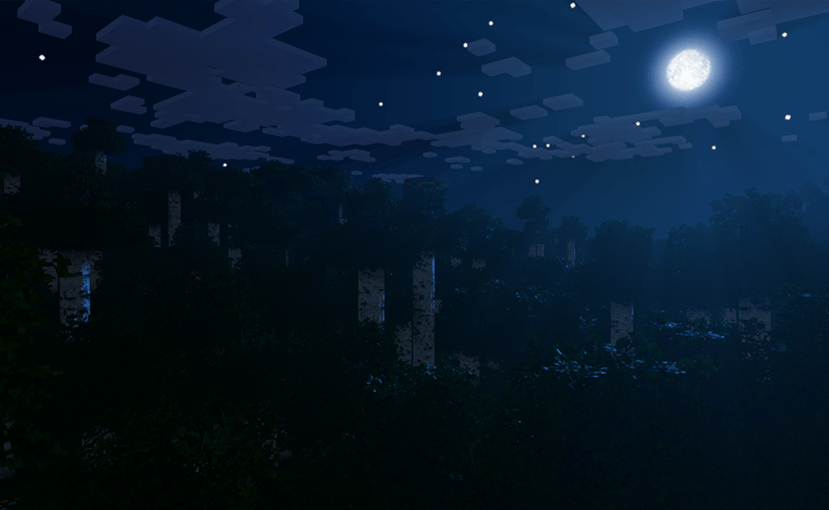
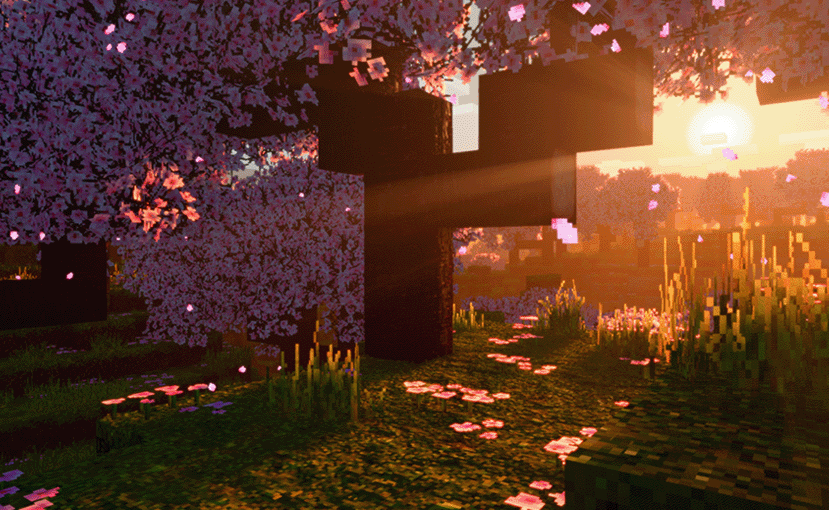
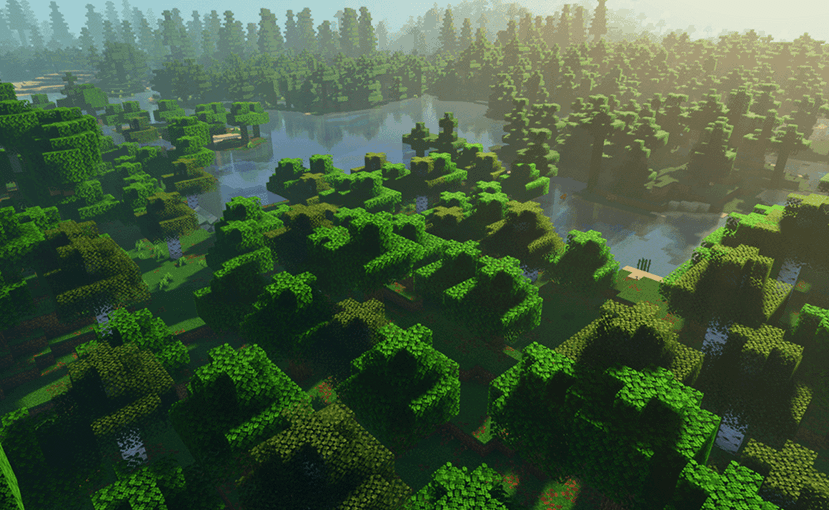
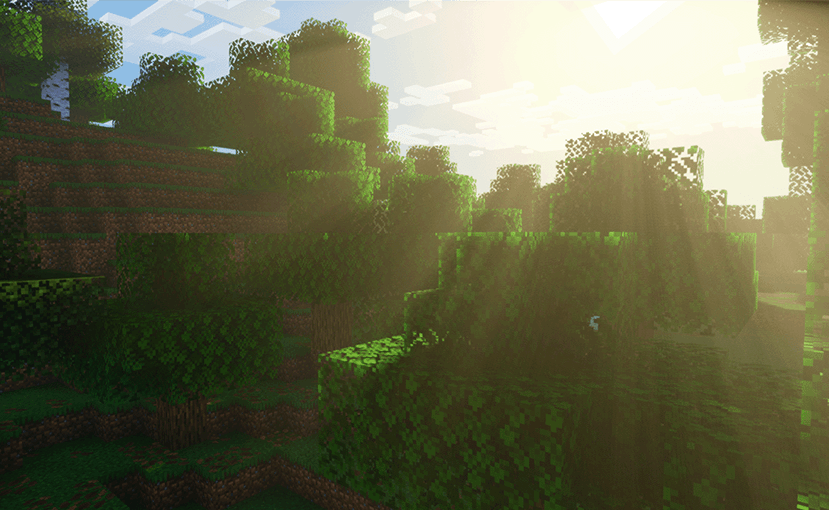
Stylized fantasy shader designed to revitalize your mc world (very work in progress)
by QuirkyPlague
Download Claim this project
135,373 downloads
0 likes
Updated Oct 14, 2026
0 hypes
Fantasy Vanilla
Advertisement Remove ads with Premium →

Stylized fantasy shader designed to revitalize your mc world (very work in progress)

Escheridia V4.1
MC 1.21, 1.21.8, 1.21.5, 1.21.4, 1.21.1, 1.21.6, 1.21.3, 1.21.7, Iris, 1.21.2, 1.21.9, 1.21.10, 1.21.11
Release 2026-04-13 Get
Escheridia V4.0
MC 1.21, 1.21.8, 1.21.5, 1.21.4, 1.21.1, 1.21.6, 1.21.3, 1.21.7, Iris, 1.21.2, 1.21.9, 1.21.10, 1.21.11
Release 2026-02-07 Get
EscheridiaV2.3.3.1.zip
MC 1.21, 1.21.5, 1.21.8, 1.21.4, 1.21.3, 1.21.7, 1.21.1, 1.21.6, Iris, 1.21.2
Release 2025-07-28 Get
Escheridia V2.3.1.zip
MC 1.21, 1.21.5, 1.21.8, 1.21.4, 1.21.3, 1.21.7, 1.21.1, 1.21.6, Iris, 1.21.2
Release 2025-07-20 Get
Escheridia V2.2.0
MC 1.21, 1.21.5, 1.21.4, 1.21.3, 1.21.1, Iris, 1.21.2
Release 2025-07-06 Get
Escheridia
MC 1.21, 1.21.5, 1.21.4, 1.21.3, 1.21.1, Iris, 1.21.2
Release 2025-06-30 Get

Requirements & install

How to use this shader in Minecraft
Shader loader
Iris
Minecraft
1.21.4 – 1.21.11
Install folder
.minecraft/shaderpacks

Install with Iris

  1. Install Iris with the Iris installer (irisshaders.dev); it sets up Fabric and Sodium for you.
  2. Download the shader pack .zip (do not extract it).
  3. Put the .zip into .minecraft/shaderpacks.
  4. In game open Options → Video Settings → Shader Packs, select the pack and click Apply.
Browse more: Iris shaders OptiFine shaders Shaders for 1.21.11 All shaders
Advertisement Remove ads with Premium →

You Might Also Like