Mineuniverse
Shaders
DMS

DMS

SHADER
Atmospheric, dark and horror styled shader
by Faentum
Download Claim this project
Add a badge to your pageLink to DMS from a README, website or forum post.
Preview: Badge

Badges update automatically and link to the shader page on MineUniverse.
10,379 downloads
0 likes
0 followers
Updated Oct 14, 2026
0 hypes
Follow0
Fantasy Vanilla
Advertisement Remove ads with Premium →

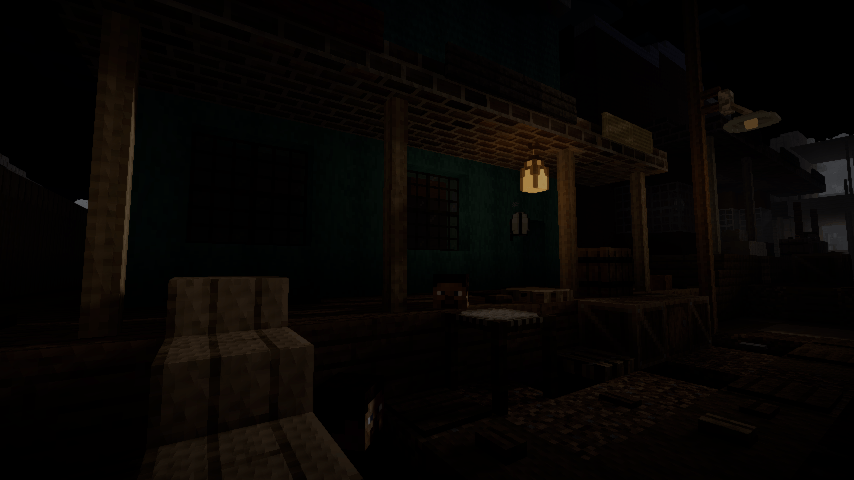
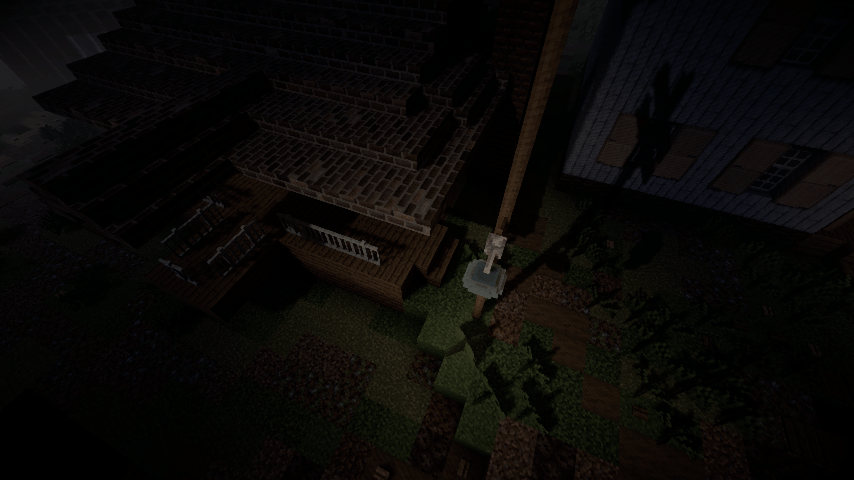
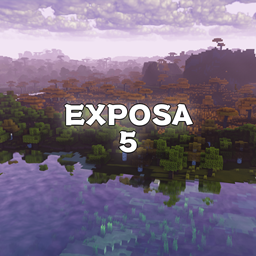
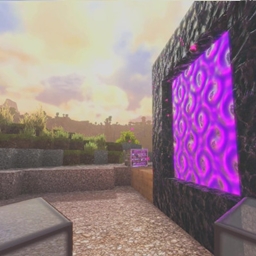
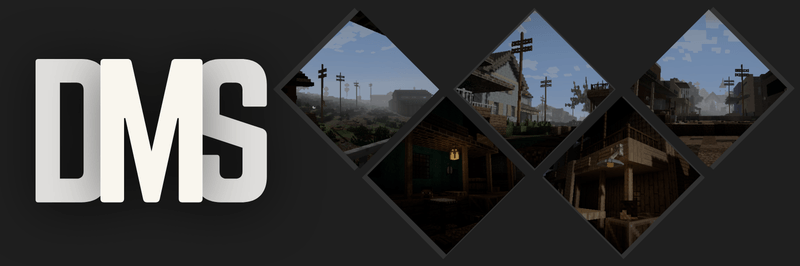
A gritty, desaturated, and deeply atmospheric overhaul for Minecraft, designed to transform your world into a dark fantasy or survival horror experience.


DMS completely strips away the vibrant, saturated look of vanilla Minecraft, replacing it with a bleak, weathered color palette and harsh dynamic lighting.



Features


  • Gritty, Realistic Colors: No more bright, radioactive vanilla greens. The world is shifted to a weathered, cinematic palette.
  • Heavy, Atmospheric Fog: Distance fog rolls in cleanly to give you that perfect, moody, overcast weather vibe.
  • Immersive Border Shadows: A clean vignette darkens the corners of your screen, making you feel completely locked into your surroundings.
  • Harsh, Deep Shadows: Underneath trees, cliffs, and hillsides, the shadows get realistically dark and intense.
  • Pitch-Black Nights: True survival nights where navigating without torches is nearly impossible.
  • Realistic Torches: Torchlight doesn't artificially light up a massive area; it gives off a cozy, highly localized glow.
DMS_1.0.3.zip
MC 1.16.3, 1.16-Snapshot, 1.17.1, 1.21.2-Snapshot, 1.21, 1.21.6-snapshot, 1.16.1, 1.18.1, 1.20.2-Snapshot, 1.20.5-Snapshot, 1.16, 1.19-Snapshot, 1.21.1-Snapshot, 1.16.5, 1.19.3, 1.20.2
Release 2026-09-11 Get
DMS_1.0.1.zip
MC 1.21.2-Snapshot, 1.21, 1.21.6-snapshot, 1.20.2-Snapshot, 1.20.5-Snapshot, 1.21.1-Snapshot, 1.20.2, 1.21.8, 1.20.5, 1.21.5, 1.21.4, 1.21.5-Snapshot, 1.20.1, 1.20, OptiFine, 1.20.6
Release 2026-07-15 Get
DMS.zip
MC 1.20.2-Snapshot, 1.20.5-Snapshot, 1.20.2, 1.20.5, 1.20.1, 1.20, OptiFine, 1.20.6, 1.20-Snapshot, 1.20.4, 1.20.3-Snapshot, 1.20.3, Iris
Release 2026-06-28 Get

Requirements & install

How to use this shader in Minecraft
Shader loader
Iris OptiFine
Minecraft
1.21 – 1.21.8
Install folder
.minecraft/shaderpacks

How to install shaders

  1. Install a shader loader for your Minecraft version: Iris (with Sodium) or OptiFine.
  2. Download the shader pack .zip file (do not extract it).
  3. Put the .zip into the shaderpacks folder (.minecraft/shaderpacks).
  4. In game open Options → Video Settings → Shader Packs, select the pack and apply it.
Browse more: Iris shaders OptiFine shaders Shaders for 1.21.8 All shaders

More from Faentum

Advertisement Remove ads with Premium →

You Might Also Like