Mineuniverse
Shaders
Dithered Shader

Dithered Shader

SHADER
A Minecraft shader with multiple dithering styles to stylize your game!
by BouncingElf100
Download Claim this project
9,903 downloads
0 likes
Updated Oct 14, 2026
0 hypes
Fantasy Vanilla
Advertisement Remove ads with Premium →

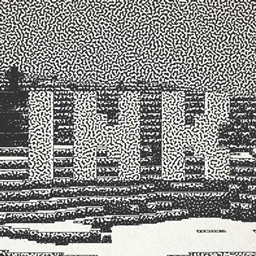
Dithering Shader

A Minecraft shader aimed to stylize your game using dithering effects

Features

6 dithering styles:

  • Ordered (Bayer)
  • Blue Noise
  • Triangular Noise
  • IGN Noise
  • Random Channels
  • Halftone

6 Ordered Dithering (Bayer) Styles

  • Monochrome
  • Per-Channel
  • Original Color
  • Adjusted Threshold
  • Hue-Preserving
  • Smooth Gradient

Multiple Bayer matrix sizes (2×2, 4×4, 8×8, 16×16, 32×32), Adjustable posterization, Adjustable scaling factor (pixelation)

Pictures

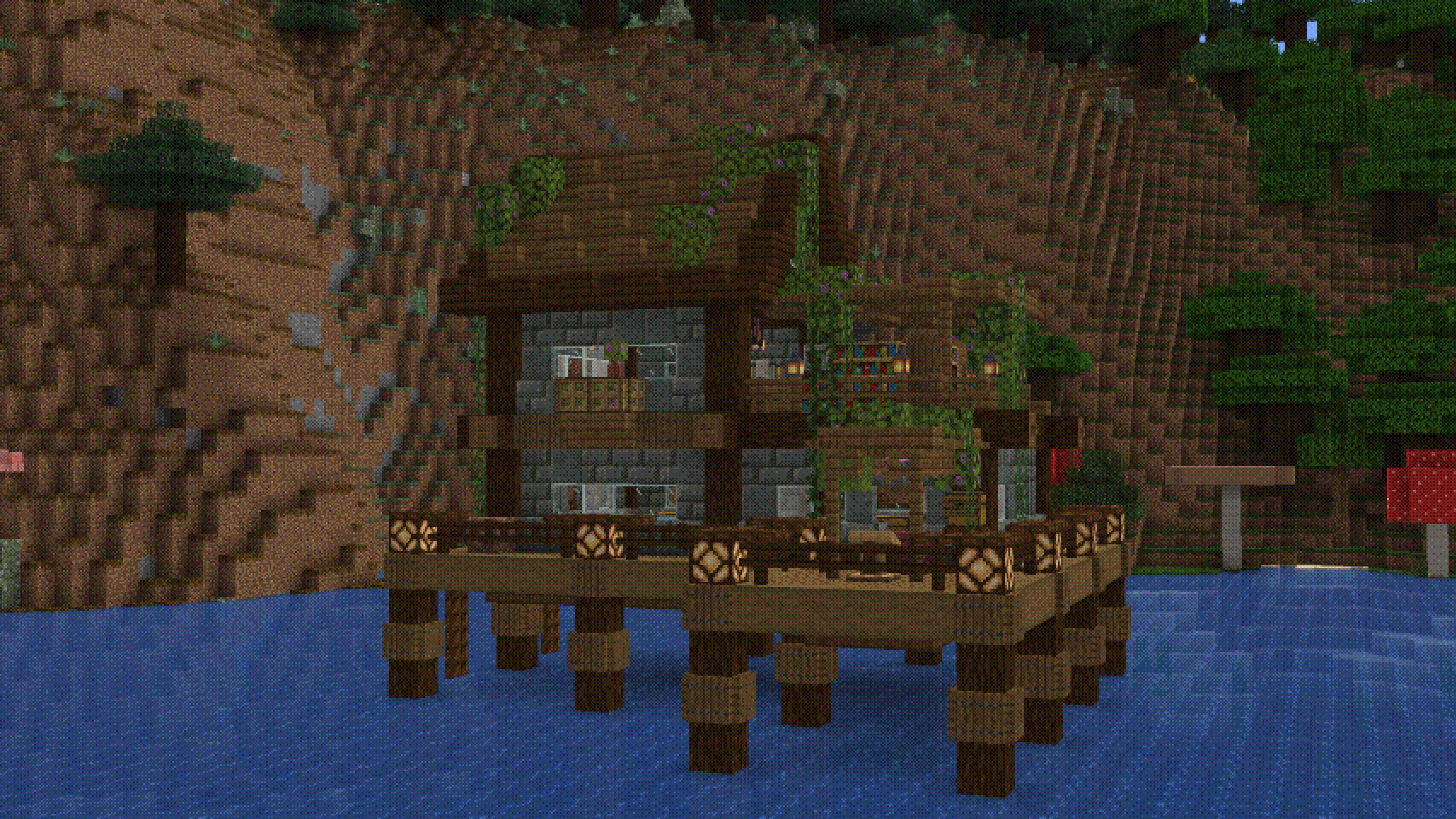
Ordered (Bayer) Dithering, 3x scale, Original Color, 8x8 2025-05-02_16 47 32

Ordered (Bayer) Dithering, 3x scale, Monochrome, 8x8 2025-05-02_16 48 10

Ordered (Bayer) Dithering, 3x scale, Adjusted Threshold, 8x8 2025-05-02_16 48 43

Ordered (Bayer) Dithering, 3x scale, Per-Channel, 8x8 2025-05-02_16 49 04

Blue Noise Dithering, 3x scale 2025-05-02_16 49 29

Triangular Noise, 3x scale 2025-05-02_16 49 51

IGN Noise, 3x scale 2025-05-02_16 50 00

Random Channels, 3x scale 2025-05-02_16 51 12 2025-05-02_16 51 18

Halftone, 3x scale 2025-05-02_16 51 29 Halftone, 6x scale 2025-05-02_16 52 33

Installation

  1. First you need to install either OptiFine or the Iris mod to be able to load shaderpacks. (Choose Iris if you are unsure)
  2. Then you need to launch the game, and get to the Shaderpacks/Shaders menu in Video Settings.
  3. Open the shaderpacks folder by clicking the button in the menu. Download the Dithered Shader and put it in the shaderpacks folder.
  4. Get back in the game, and choose Dithered_Shader in the shaderpacks menu. (Refresh the menu if it doesn't appear)

Dithered Shader V1.0
MC 1.17.1, 1.19.3, 1.20.2, 1.21, 1.18.1, 1.20.5, 1.17, 1.19.4, 1.21.4, 1.18.2, 1.19.2, 1.20.3, 1.20.1, 1.20, OptiFine, 1.20.6, 1.19.1, 1.20.4, 1.21.3, 1.21.1, 1.18, Iris, 1.19
Release 2025-05-02 Get

Requirements & install

How to use this shader in Minecraft
Shader loader
Iris OptiFine
Minecraft
1.20.3 – 1.21.4
Install folder
.minecraft/shaderpacks

How to install shaders

  1. Install a shader loader for your Minecraft version: Iris (with Sodium) or OptiFine.
  2. Download the shader pack .zip file (do not extract it).
  3. Put the .zip into the shaderpacks folder (.minecraft/shaderpacks).
  4. In game open Options → Video Settings → Shader Packs, select the pack and apply it.
Browse more: Iris shaders OptiFine shaders Shaders for 1.21.4 All shaders

More from BouncingElf100

Advertisement Remove ads with Premium →

You Might Also Like