Mineuniverse
Shaders
Crownlight Shader

Crownlight Shader

SHADER
Bright Iris shader with a real sky, realistic water, glowing ores, rainy weather, desert and snow storms, and 60+ settings including a My Own Shader menu. Low to Ultra profiles for any PC.
by spiderbuildsx
Download Claim this project
206 downloads
0 likes
0 followers
Updated Oct 14, 2026
0 hypes
Follow0
Fantasy Realistic Vanilla
Advertisement Remove ads with Premium →

👑 Crownlight Shaders


✨ A bright, clean shader pack with a real sky, living water, glowing ores and a menu built around YOU.

  • 🌅 Custom sky and clouds
  • 🌊 Realistic water
  • 💎 Glowing ores
  • 🔦 Coloured torch light
  • 🎛️ Make your own look

🌟 Why Crownlight?

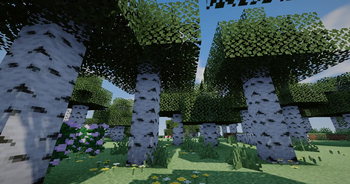
Vanilla Minecraft looks flat. Crownlight gives it a real sky, soft light, moving water and glowing details, and it still runs well, because you pick a quality profile and tune only what you like.


🔥 Highlights

🌅 Sky and Atmosphere

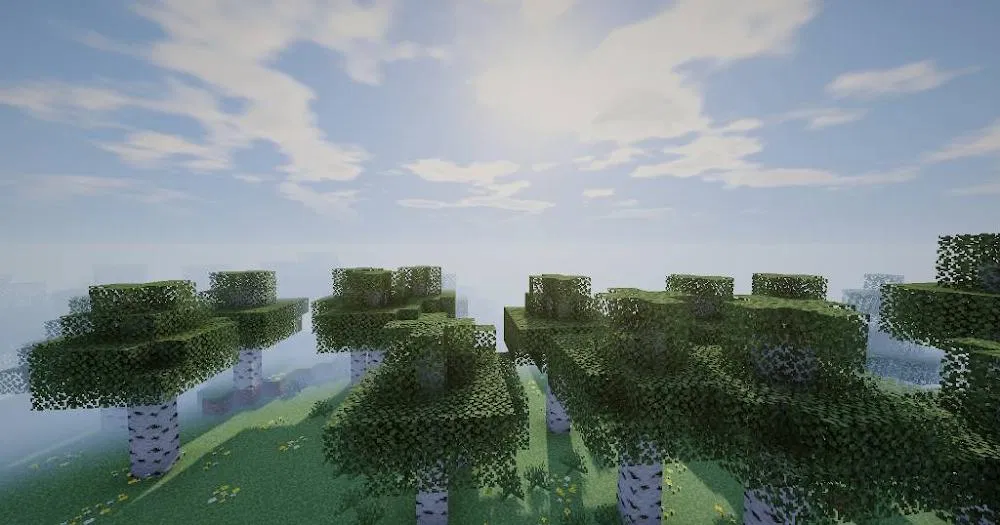
  • Custom blue sky with orange sunrises and sunsets
  • Soft clouds lit by the sun
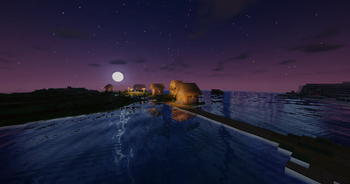
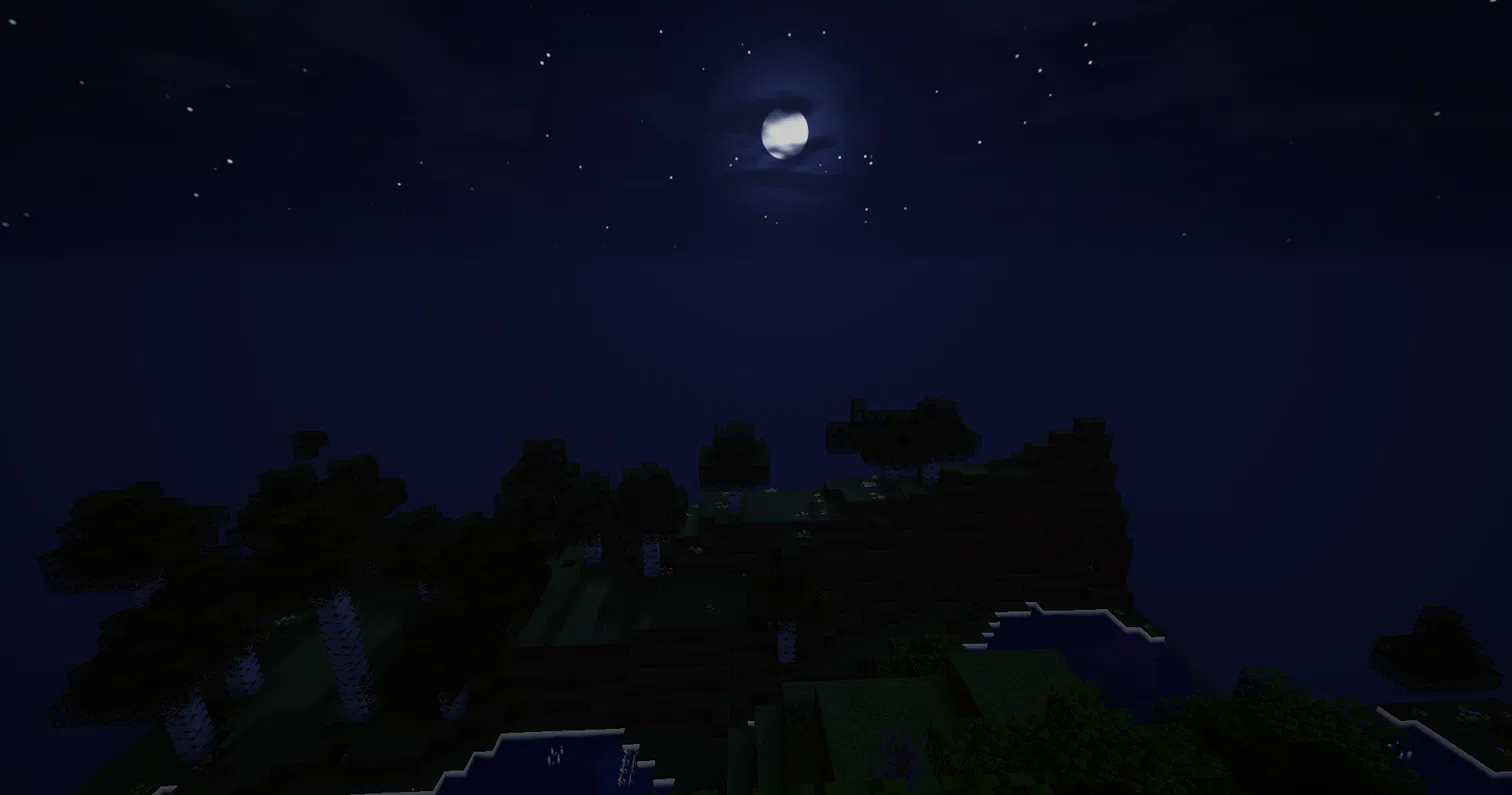
  • Glowing sun, moon and twinkling stars
  • ☀️ Light rays through trees and clouds
  • Distant land fades into the real horizon colour (no ugly flat fog)

🌊 Water

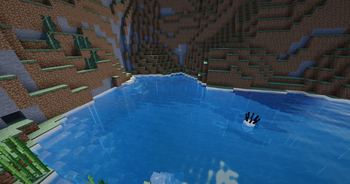
  • Ocean-style waves
  • Sky reflections
  • White foam on shallow shores
  • Light patterns on the sea floor
  • Clear, natural-looking underwater view

🌧️ Rain and Weather

  • Raindrop ripples on wet, glossy ground
  • Rain that slants in the wind
  • Extra weather settings for desert, savanna and snowy biomes

💎 Ores, Metals and Lights

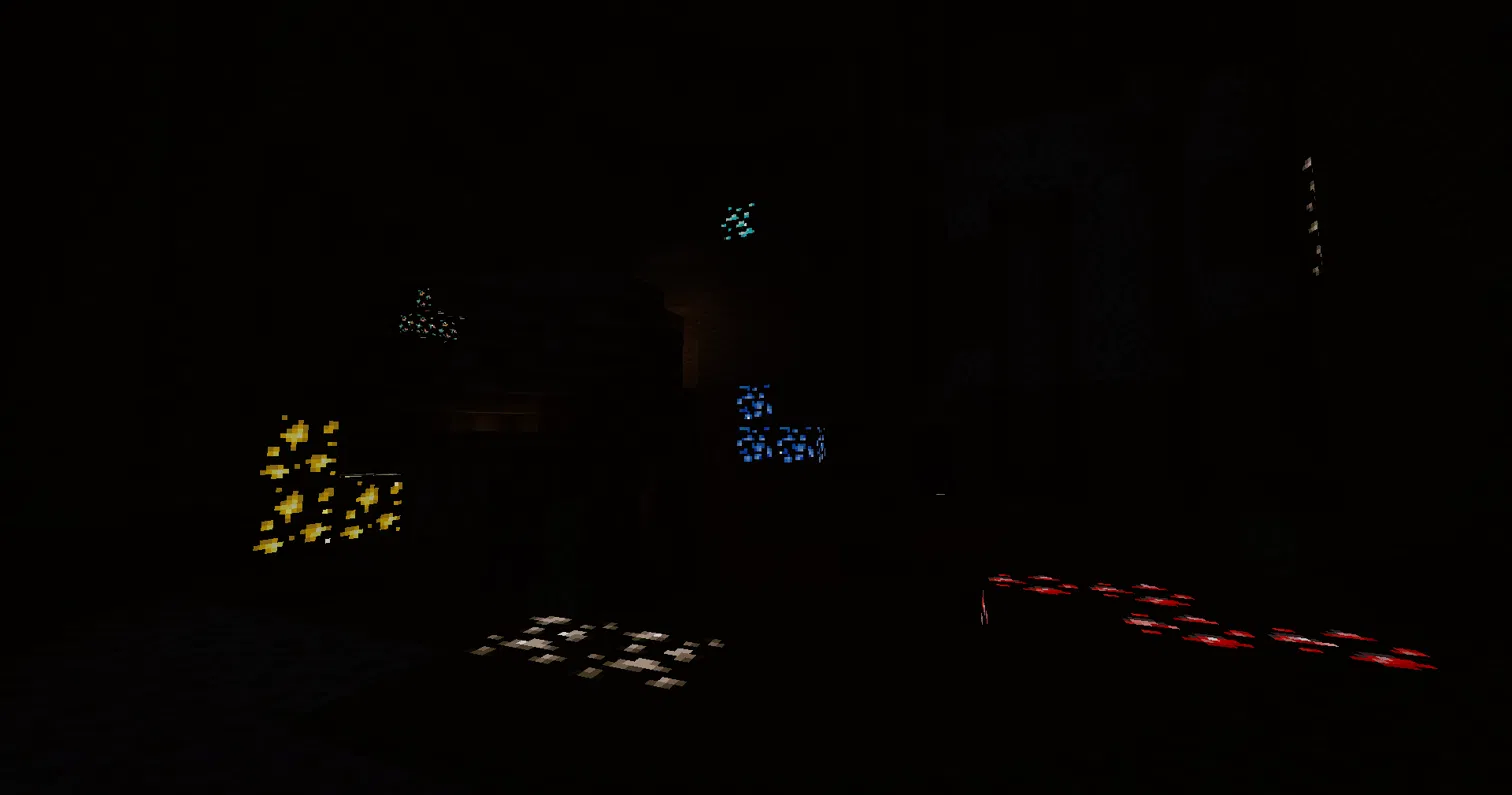
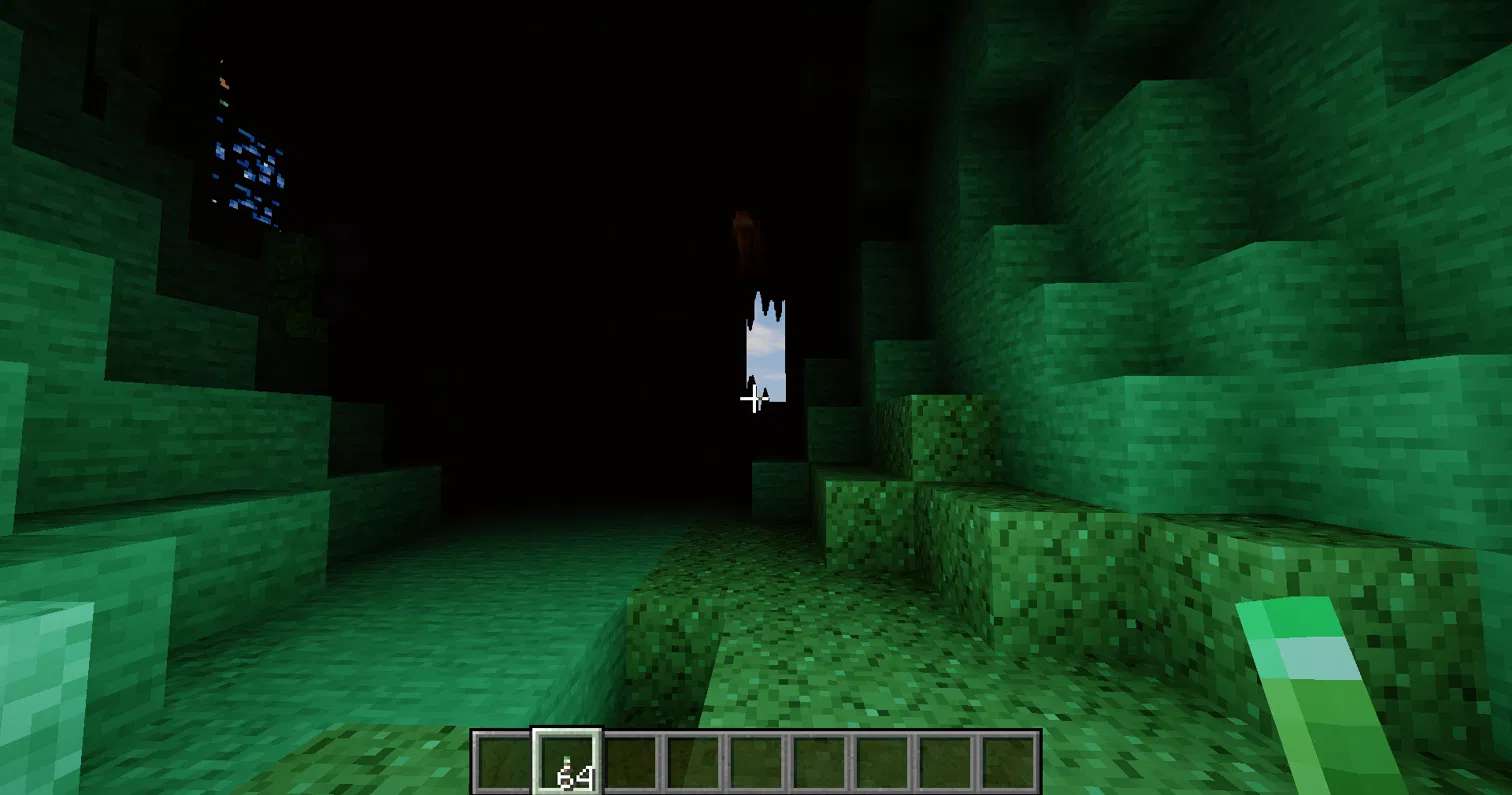
  • ⛏️ Ores glow in their own colours, even in total darkness
  • ✨ Shiny gold, diamond, emerald, iron, netherite and copper blocks
  • 💠 Gems and ingots sparkle in your hand and on the ground
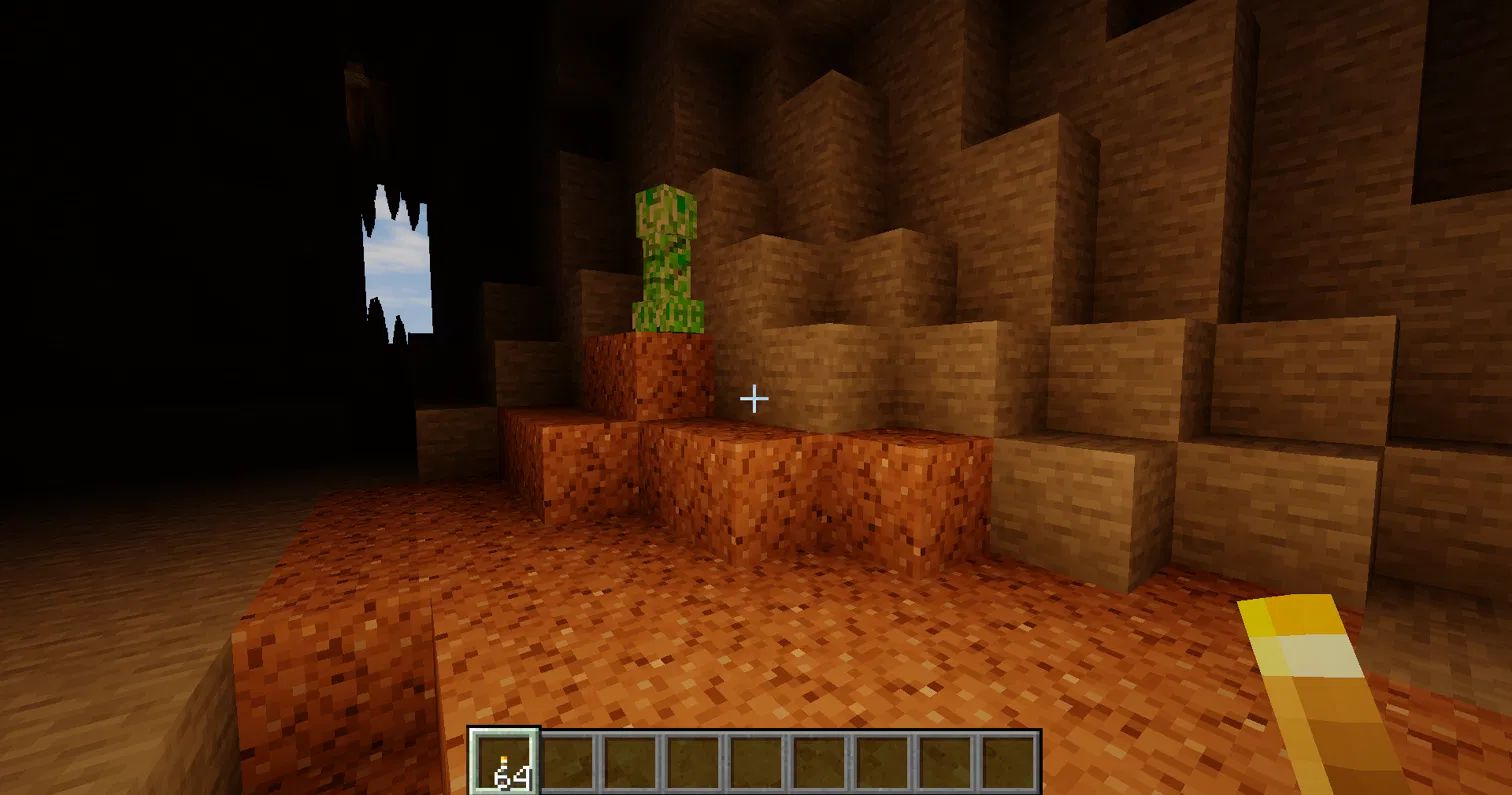
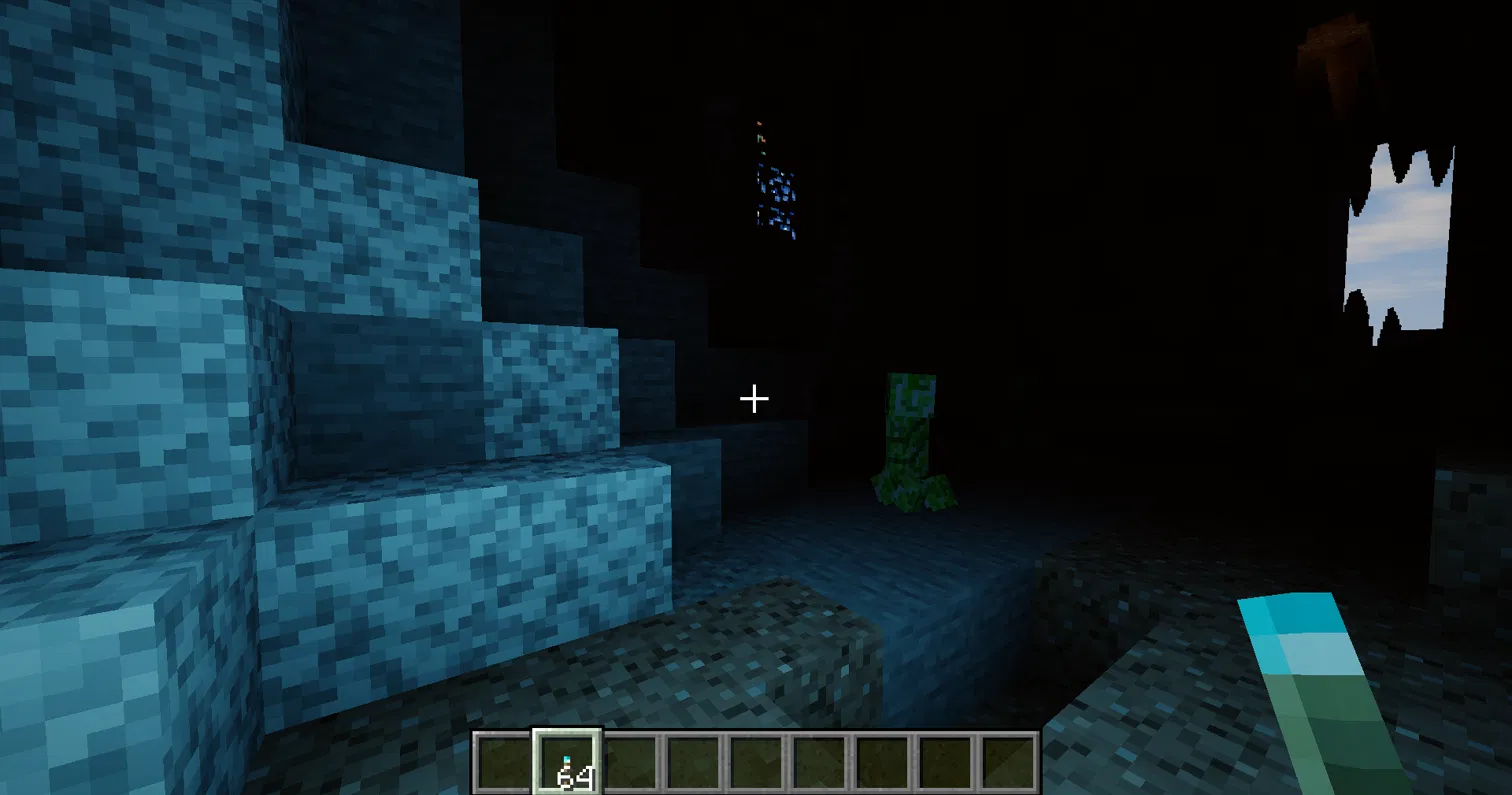
  • 🔦 The light you hold changes colour: torch (warm), soul torch (blue), redstone torch (red), copper torch (green) and more

  • 🔥 Torch light flickers softly
  • 🌋 Balanced lava glow that keeps its detail

🔴 Nether and 🟣 The End

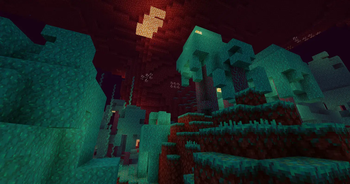
  • Nether biomes each get their own colours
  • A dark, colourful End sky with a soft aurora

🚀 Motion

  • A speed effect when you glide fast with an Elytra
  • Boats and Water Motion settings

🎨 Look and Feel

  • Soft shadows
  • Bloom, tonemapping, exposure, saturation, contrast, warmth, sharpen, vignette and film grain

🎛️ My Own Shader

Do not like a setting? Make it yours.

  1. Open the shader menu and go to My Own Shader
  2. Turn USE MY OWN SHADER on
  3. Choose a Style
  4. Move the sliders you want: Brightness, Colour Strength, Contrast, Warm / Cool Tint, Glow, Dark Corners, Sunlight, Shade Brightness, Torch Light, Fog, Cloud Amount and Water Colour

💾 Iris saves your settings automatically, so your look is there next time you play.


🧭 Best Way to Play

Profile Best for
🟢 Low Older PCs and laptops, or if you want the highest FPS
🟡 Medium Balanced looks and speed
🔵 High Recommended for most gaming PCs
🟣 Ultra Strong GPUs and screenshots

⭐ Recommended setup

  • Use Iris with Sodium
  • Start with the High profile, then lower it if you lag
  • Render distance 12 to 16 chunks looks great and stays smooth
  • Use the vanilla texture pack for the best look. Other packs can change how the shader looks
  • 🌇 Best moments to look around: sunrise, sunset and night with a torch in your hand

⚡ If You Lag (Quick Fixes)

  1. Switch the profile to Medium or Low
  2. Lower Shadow Quality (the biggest FPS cost)
  3. Turn off Water Reflections
  4. Turn off Light Rays
  5. Lower your render distance

📥 Installation

  1. Install Iris (and Sodium)
  2. Put the downloaded .zip into .minecraft/shaderpacks. Do not unzip it.
  3. In game: Options > Video Settings > Shader Packs
  4. Select Crownlight Shaders and click Apply

✅ Compatibility

  • 🧪 Tested with Iris 1.11.6 on Minecraft 26.3
  • 🌍 Works in the Overworld, Nether and End
  • ⚠️ Made for Iris. OptiFine has not been tested.

🛠️ Troubleshooting

  • Black screen or an error? Update Iris and Sodium to the latest version for your Minecraft version
  • Looks too bright or dark? Use the Colors and Post Effects menu or My Own Shader
  • Something looks wrong with another texture pack? Try the vanilla textures first

💬 Feedback and Bugs

Found a bug or have an idea? Leave a comment or open an issue. Please include:

  • Your Minecraft version
  • Your Iris version
  • A screenshot
  • You can join you official discord server too like in below... JOIN DISCORD SERVER

⭐ If you enjoy Crownlight, please follow and leave a review. It helps a lot!


📜 Project License

Copyright © 2026 Kingofall. All Rights Reserved (ARR). No parts of this shader pack may be redistributed, modified, re-uploaded, or used in other projects without the explicit written permission of the original creator.

Crownlight_Shaders_v1.2_for_1.21.4 .zip
MC 1.21.4, Iris
Release 2026-10-07 Get
Crownlight_Shaders_v1.2_for_1.21.5.zip
MC 1.21.5, Iris
Release 2026-10-07 Get
Crownlight_Shaders_v1.2_for_1.21.6.zip
MC 1.21.6, Iris
Release 2026-10-07 Get
Crownlight_Shaders_v1.2_for_1.21.7 .zip
MC 1.21.7, Iris
Release 2026-10-07 Get
Crownlight_Shaders_v1.2_for_1.21.8 .zip
MC 1.21.8, Iris
Release 2026-10-07 Get
Crownlight_Shaders_v1.2_for_1.21.9.zip
MC Iris, 1.21.9
Release 2026-10-07 Get
Crownlight_Shaders_v1.2_for_1.21.10 .zip
MC Iris, 1.21.10
Release 2026-10-07 Get
Crownlight_Shaders_v1.2_for_1.21.11.zip
MC Iris, 1.21.11
Release 2026-10-07 Get
Crownlight_Shaders_v1.2_for_26.1.zip
MC Iris, 26.1
Release 2026-10-07 Get
Crownlight_Shaders_v1.2_for_26.1.1.zip
MC Iris, 26.1.1
Release 2026-10-07 Get
Crownlight_Shaders_v1.2_for_26.1.2.zip
MC Iris, 26.1.2
Release 2026-10-07 Get
Crownlight_Shaders_v1.2_for_26.2.zip
MC Iris, 26.2
Release 2026-10-07 Get
Crownlight_Shaders_v1_2.zip
MC Iris, 26.3
Release 2026-10-07 Get

Requirements & install

How to use this shader in Minecraft
Shader loader
Iris
Minecraft
1.21.9 – 26.3
Install folder
.minecraft/shaderpacks

Install with Iris

  1. Install Iris with the Iris installer (irisshaders.dev); it sets up Fabric and Sodium for you.
  2. Download the shader pack .zip (do not extract it).
  3. Put the .zip into .minecraft/shaderpacks.
  4. In game open Options → Video Settings → Shader Packs, select the pack and click Apply.
Browse more: Iris shaders OptiFine shaders Shaders for 26.3 All shaders
Advertisement Remove ads with Premium →

You Might Also Like