✦ Celestial ✦
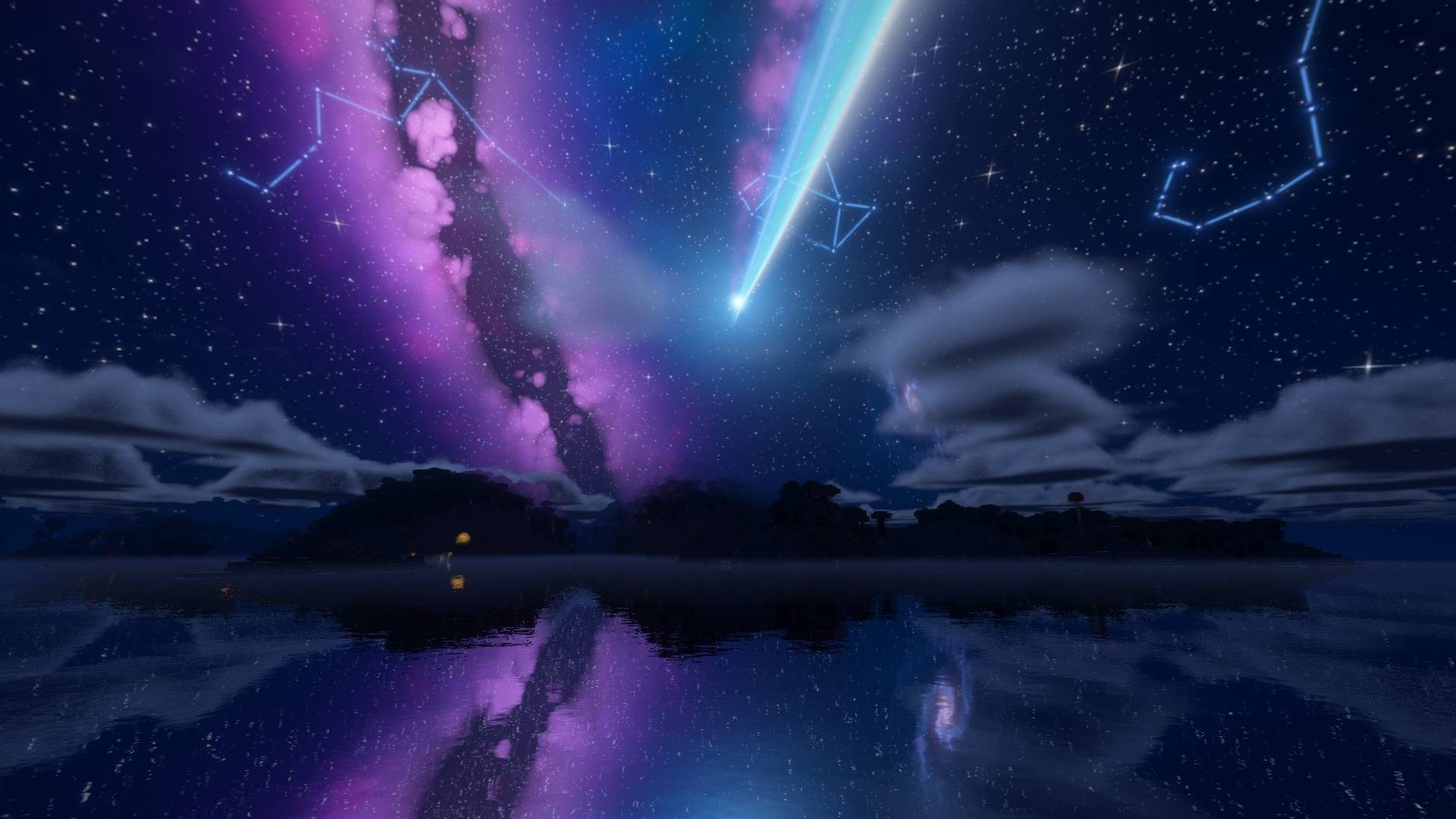
A dreamy night-sky shader pack for Minecraft with an optional 💎 RTX-style ray tracing mode — plus real coloured lighting and coloured shadows, a sky full of constellations, a giant glowing comet and cosmic events that turn some nights into a show.
Works with Iris + Sodium (Fabric) and Oculus + Embeddium (Forge).
💎 RTX-Style Ray Tracing
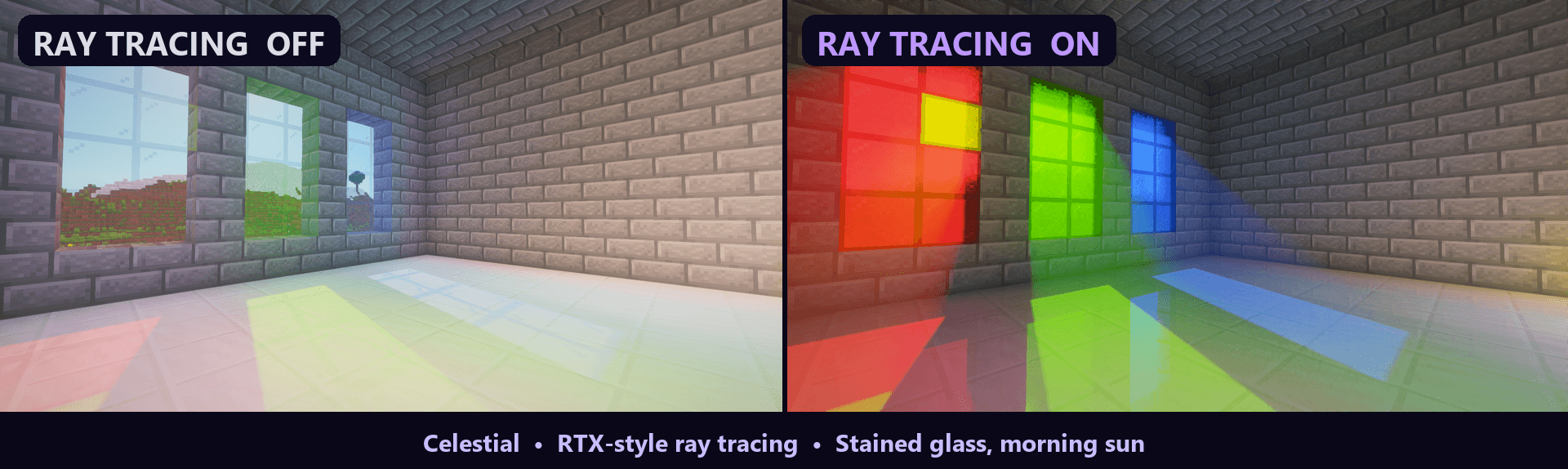
One switch turns Celestial into a ray-traced shader. Turn on Shader Options → Ray Tracing and it's a night-and-day difference — see the Ray Tracing OFF vs ON pictures in the gallery. It's off by default (it needs Iris 1.6+ and a strong graphics card), and with it off Celestial looks and runs exactly as before.
- Real stained glass: windows glow like cathedral glass and throw deep-coloured beams through the dusty air and rich coloured light across the floor.
- Light beams through windows: sunlight coming through windows, doors and holes in roofs shines as beams in the air inside.
- Rays are traced through the actual blocks around you, so rooms and caves are lit only by the sky they can really see through their windows, doors and openings, plus the light bounced in.
- Sunlight bounces off every block in its colour: a sunny floor lights the room behind the window, grass throws green light up into the trees, a red wall tints whatever faces it.
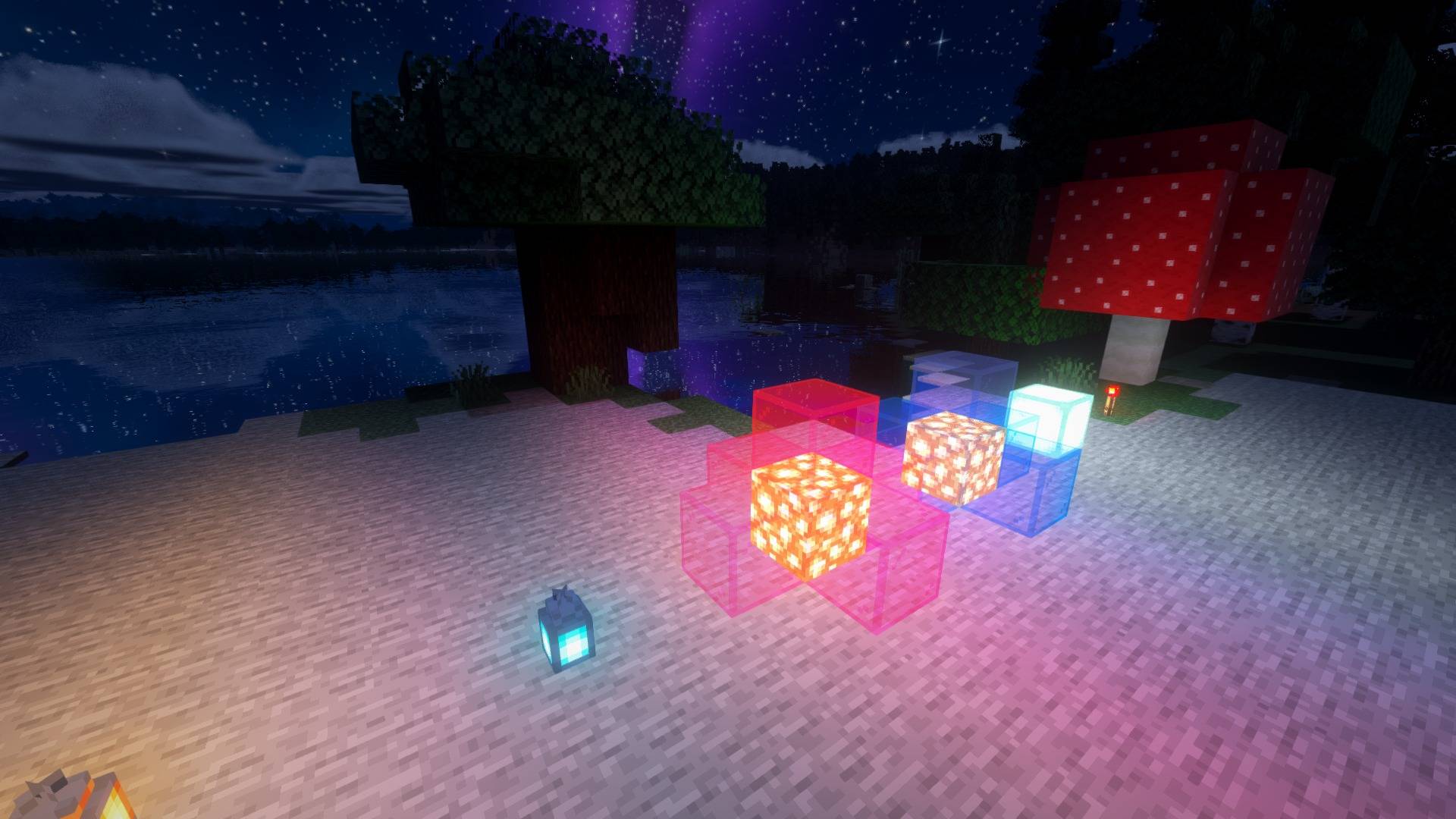
- Glowing blocks become real lights with soft shadows and their own coloured pools, and bounced light carries colour: a red-lit floor tints the walls around it.
- Ray-traced reflections on polished blocks: quartz, polished stone, glazed terracotta, ice and metal blocks shine like polished floors, reflecting glowing blocks and coloured light, even ones behind you. Everything else stays matte.
- Smoothed over time, so the lighting stays clean while you move. Rays per pixel and ray length are adjustable.
🌈 Real Coloured Lighting
Light finally has colour.
- Soul torches glow cyan, redstone glows red, amethyst and crying obsidian glow purple, sea lanterns and end rods shine cool white, froglights and glowstone each cast their own colour, and the new copper torches and lanterns burn lime green while copper bulbs give a warm amber glow.
- Stained glass colours the light shining through it. Put red glass over one light and blue over another, and they mix into purple where they meet.
- Coloured lights fill the room: line a room with soul lanterns and the walls, floor and ceiling glow blue, like LED strips.
- Hold a coloured light and it lights your way in its colour: a soul lantern in your hand turns the ground around you blue.
- Light spreads around corners and is blocked by walls, just like Minecraft's own light.
- On Iris 1.6+ the pack tracks every light and block in 3D all around you, so coloured light, shadows and ray tracing stay put whichever way you look. Other loaders use a lighter on-screen version.
🪟 Coloured Shadows
Sunlight and moonlight shining through stained glass, ice, slime or honey take on its colour. A stained-glass window throws a patch of vivid coloured light across the floor, and the god rays streaming through it glow in the same colours.
🌌 A Sky Worth Staying Up For
- A deep blue-black sky packed with fine twinkling stars
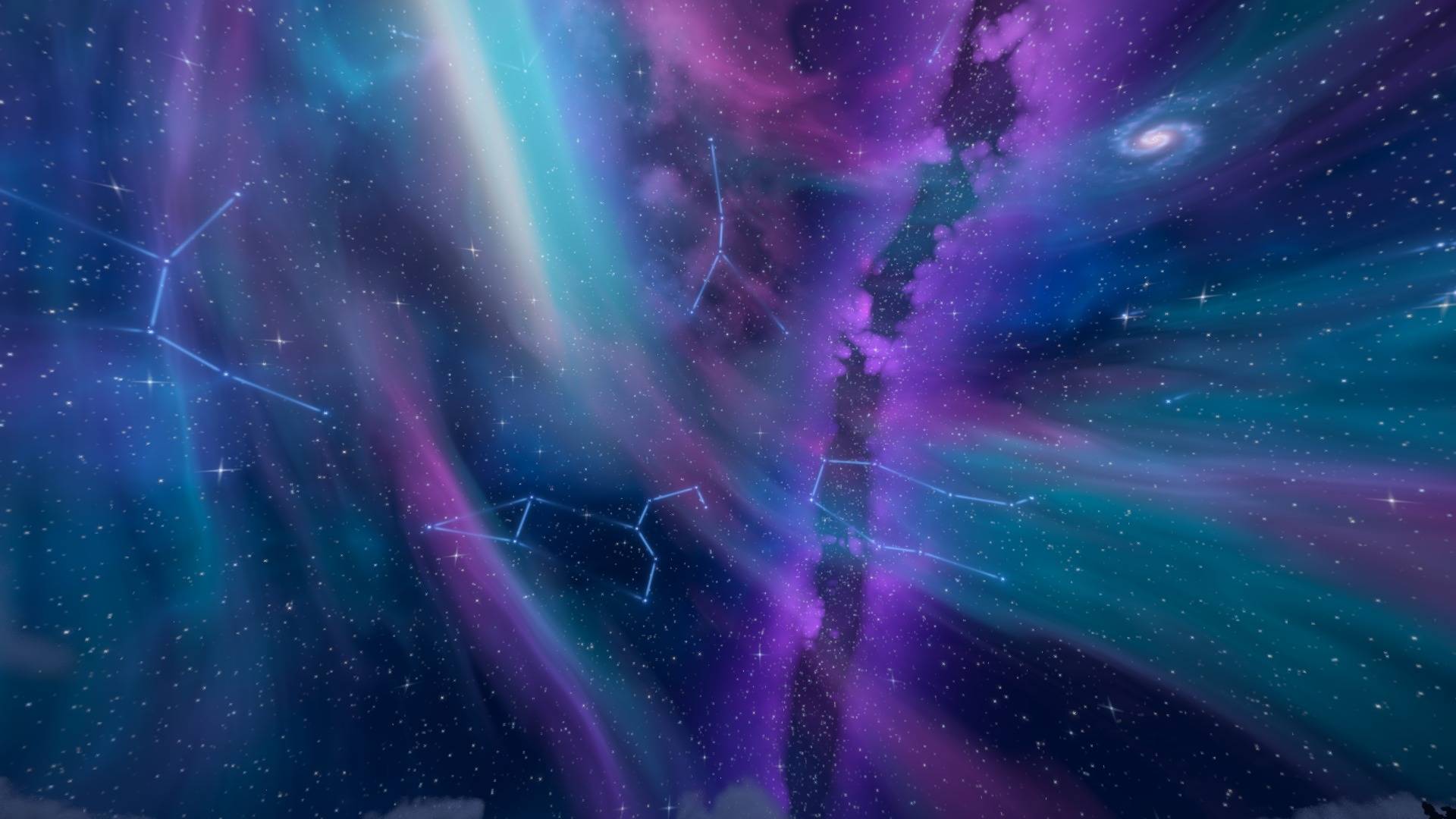
- A violet Milky Way with dark dust lanes, two spiral galaxies and soft nebulae
- A round glowing pixel moon that keeps the classic Minecraft charm (or pick the vanilla or realistic moon)
- Shooting stars streaking past
- Night skies are dark and high contrast without turning the world into a black void
☄️ Comet Tiamat
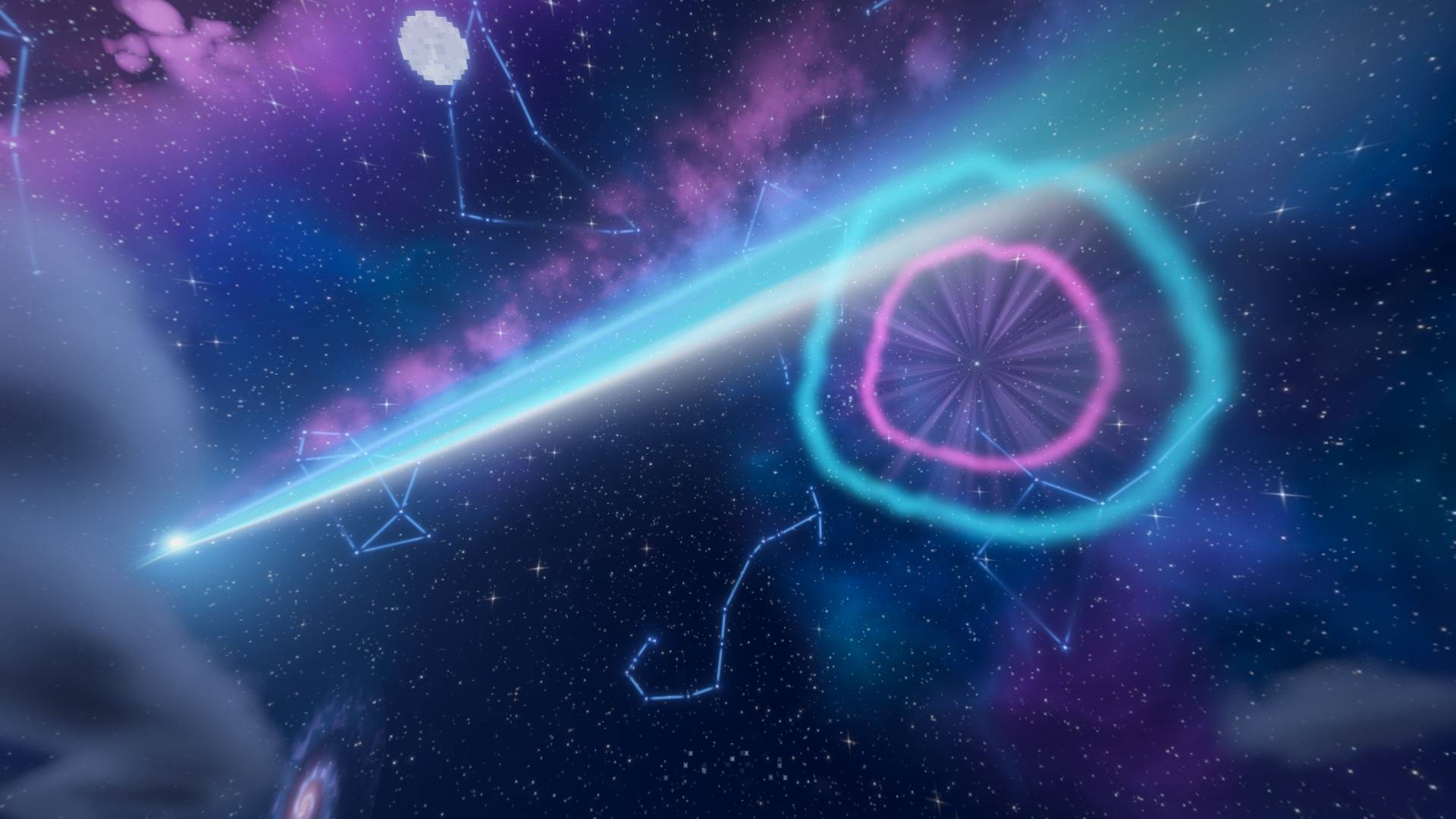
Inspired by the comet from Your Name: a huge comet fixed across the night sky with a white-hot edge, an electric cyan and blue tail and soft violet-pink clouds, plus a faint second tail. It appears on 1 night in 10 by default, so spotting it feels special. You can make it more common, all the way up to every night, and change its size and brightness.
✨ Constellations — Pick Your Sky
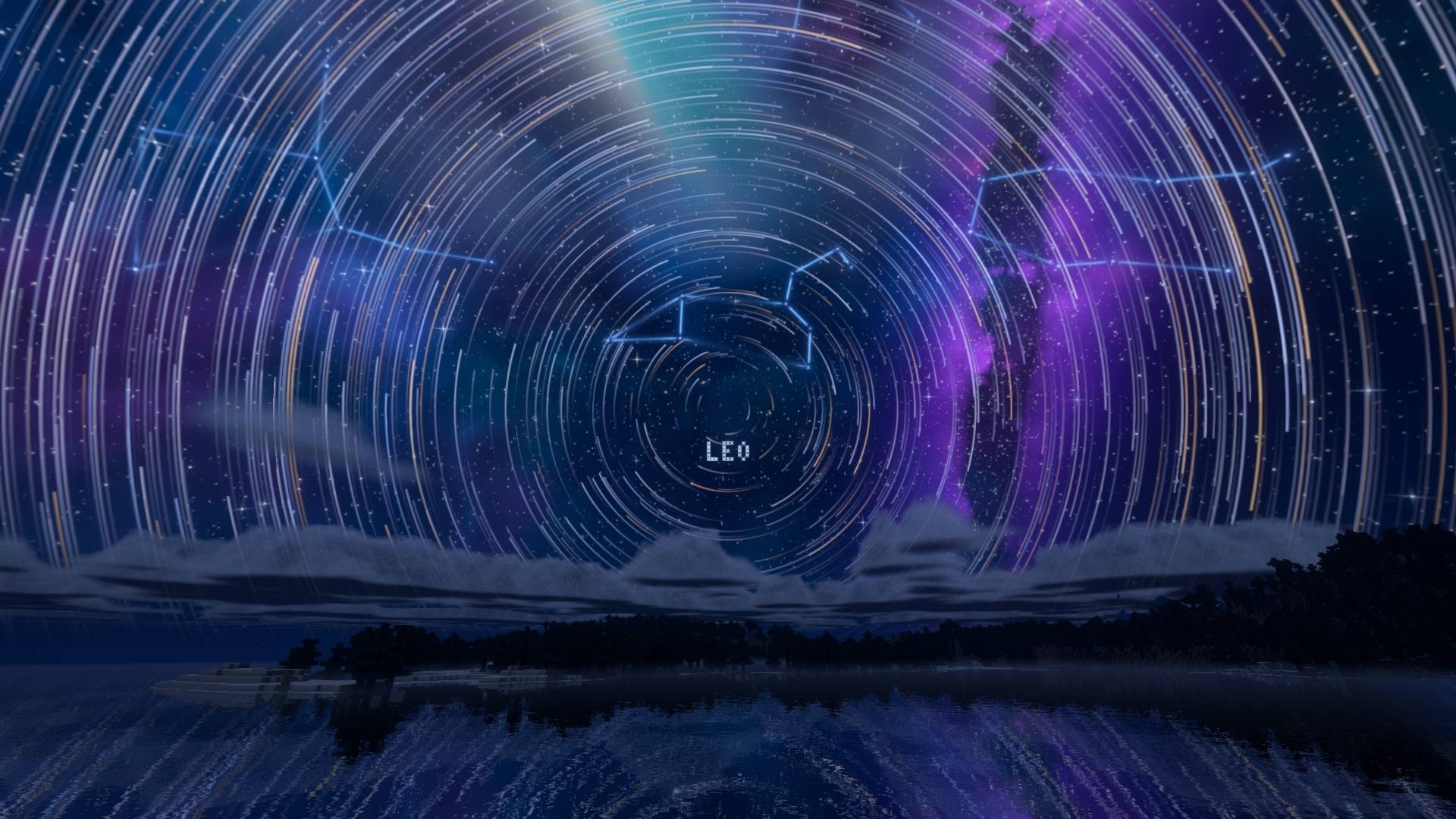
Blue constellation lines with glowing stars. Look at one and its name appears in pixel letters (or show names all the time, or never).
Seven constellation themes to choose from. What's hiding in them is for you to find: head out on a clear night and look up.
🌠 Cosmic Events
Every so often (1 night in 10 by default) a night brings a show that lasts until dawn. Everyone on the same world sees the same one:
- Meteor Storm: dozens of cyan, pink, violet and gold meteors pouring out of one point in the sky
- Star Vortex: the whole sky spins into glowing star trails around the pole, like a long-exposure photo
- Cosmic Bloom: glowing magenta, violet and cyan veils swirl slowly across the sky
- Supernova: a star flares up and throws off glowing rings that grow through the night
Change how often they happen, or pick one to see every night.
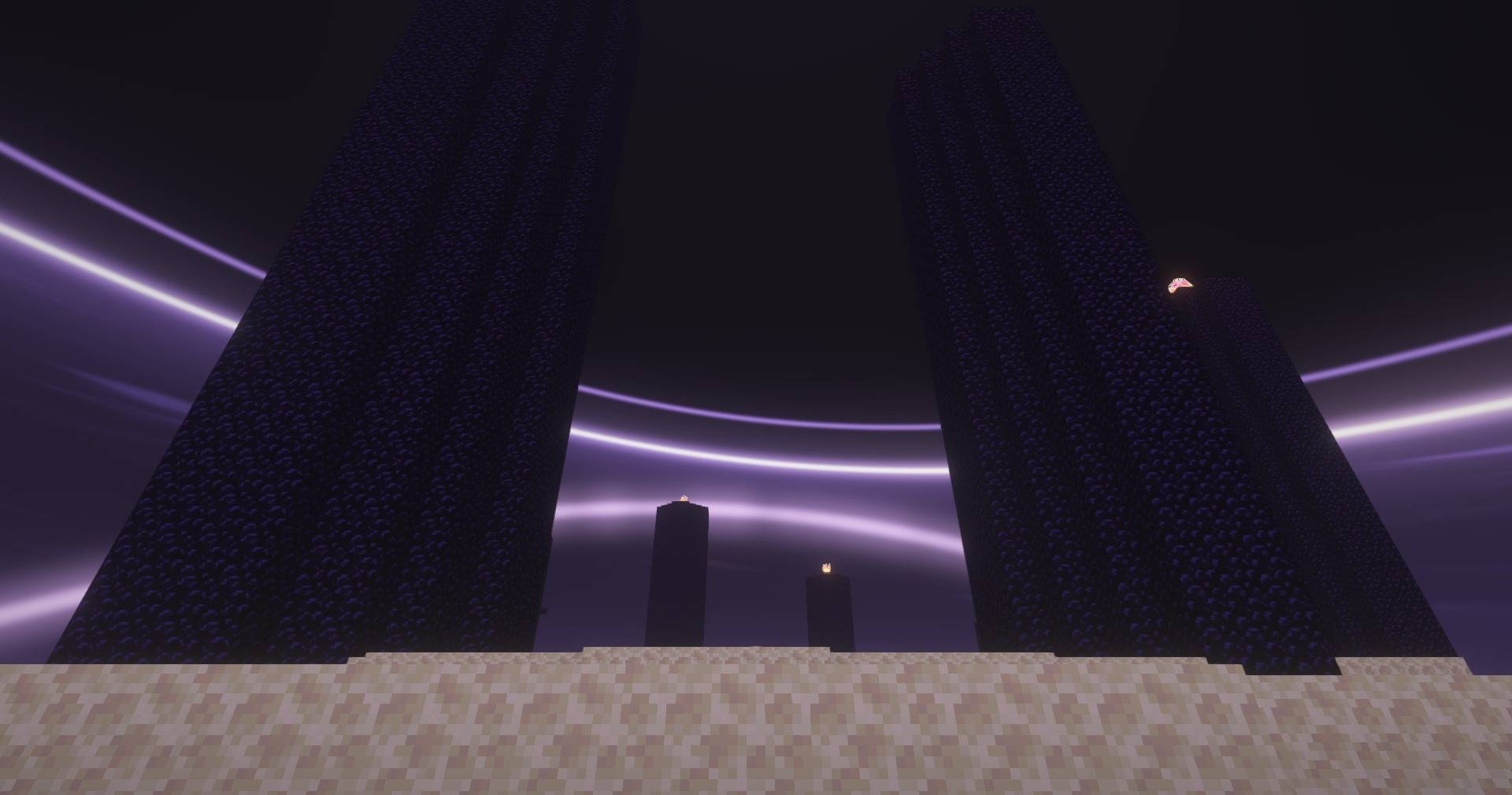
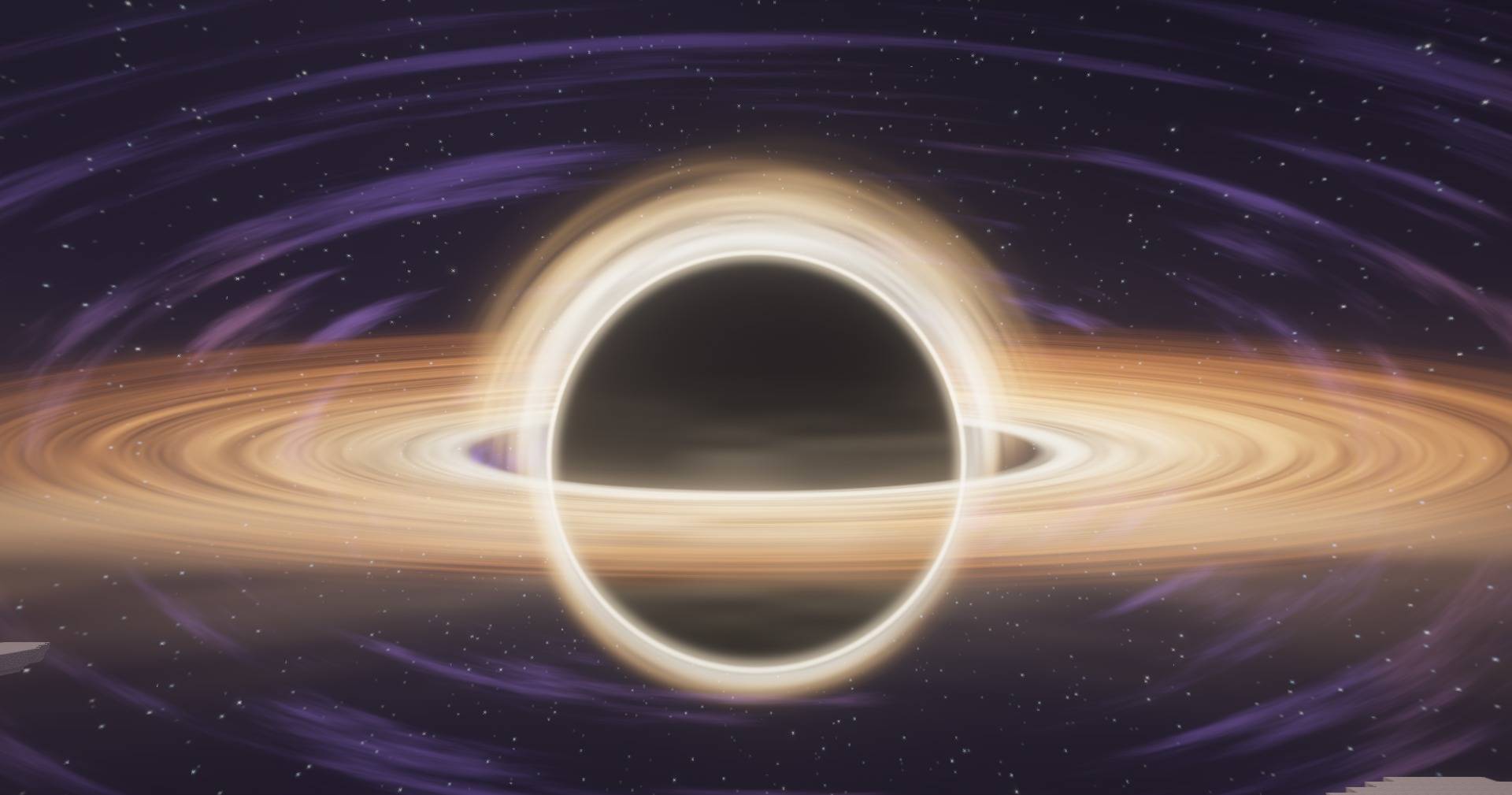
🕳️ The End, Bound Within a Black Hole
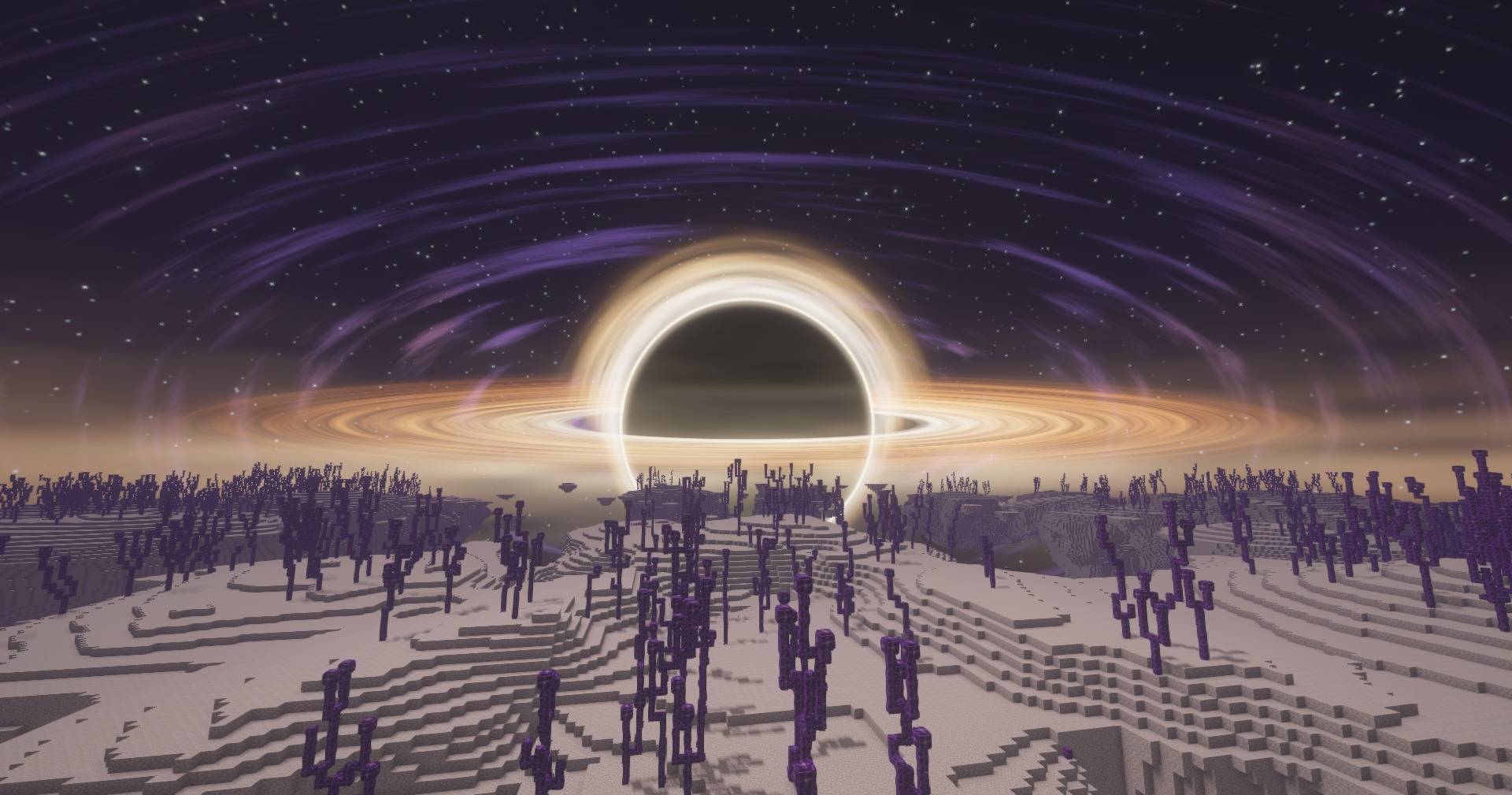
The End is rebuilt around a colossal black hole centred on the main island.
- Fight the dragon inside it. The hole's vast black shadow wraps the sky above you, ringed by a blazing violet photon ring, and past the island's edge there is nothing but darkness.
- Take the gateway and you're out on its rings. You stand on the black hole's blazing golden accretion disk, the hole towering over the horizon towards the centre of the End with its lensed light bent up and over the top. The closer you are, the bigger it looms.
- Three styles to pick from: Journey (default), Gargantua and Photon Ring, plus a size and ring-brightness slider.
💧 Glassy Night Water
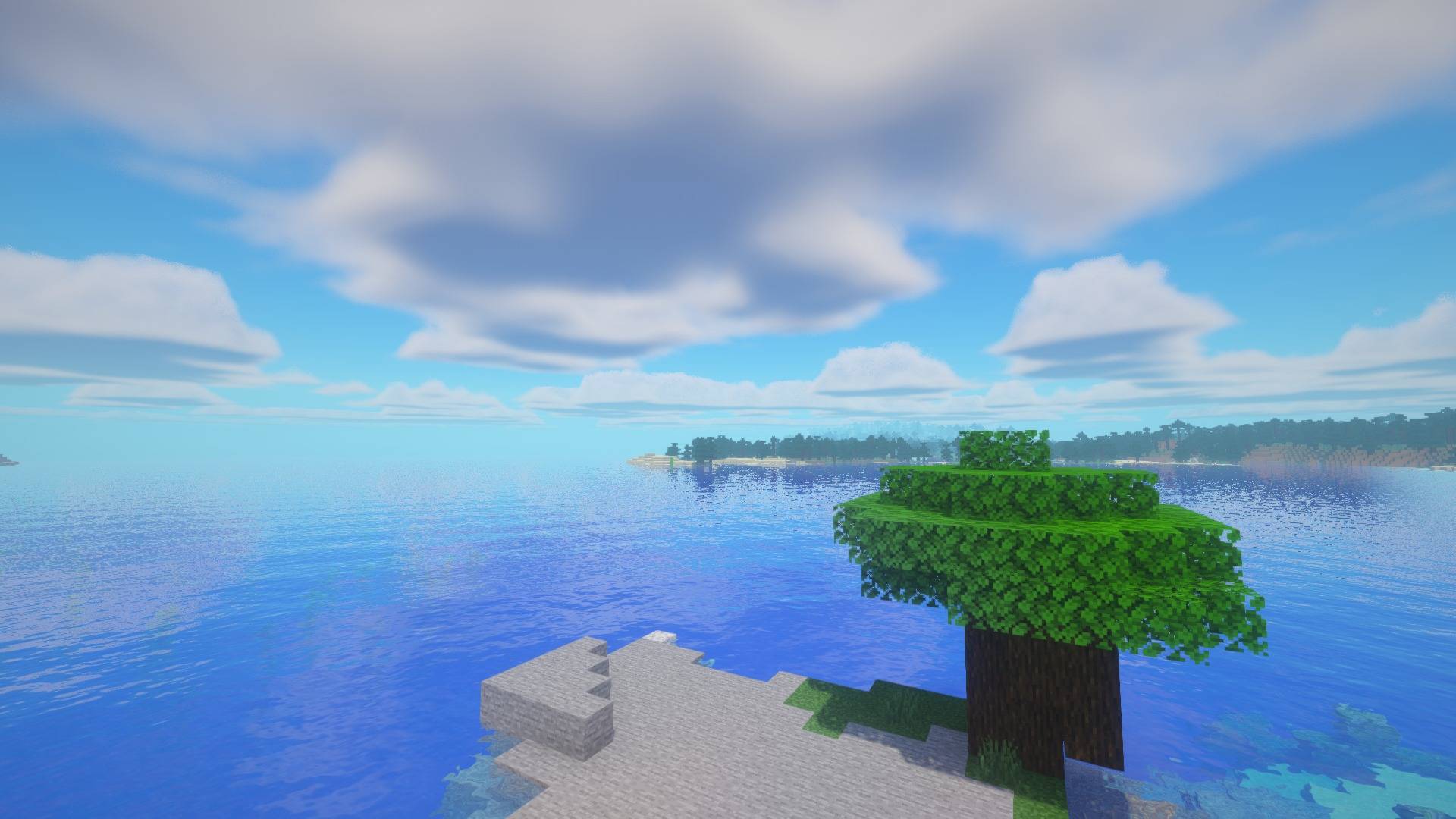
Lakes turn into a near-perfect mirror of the night sky: the Milky Way, constellations, comet and moon, with the stars turning into fine stardust in the water. By day, water has real colour, waves and refraction.
🌄 The Rest of the World
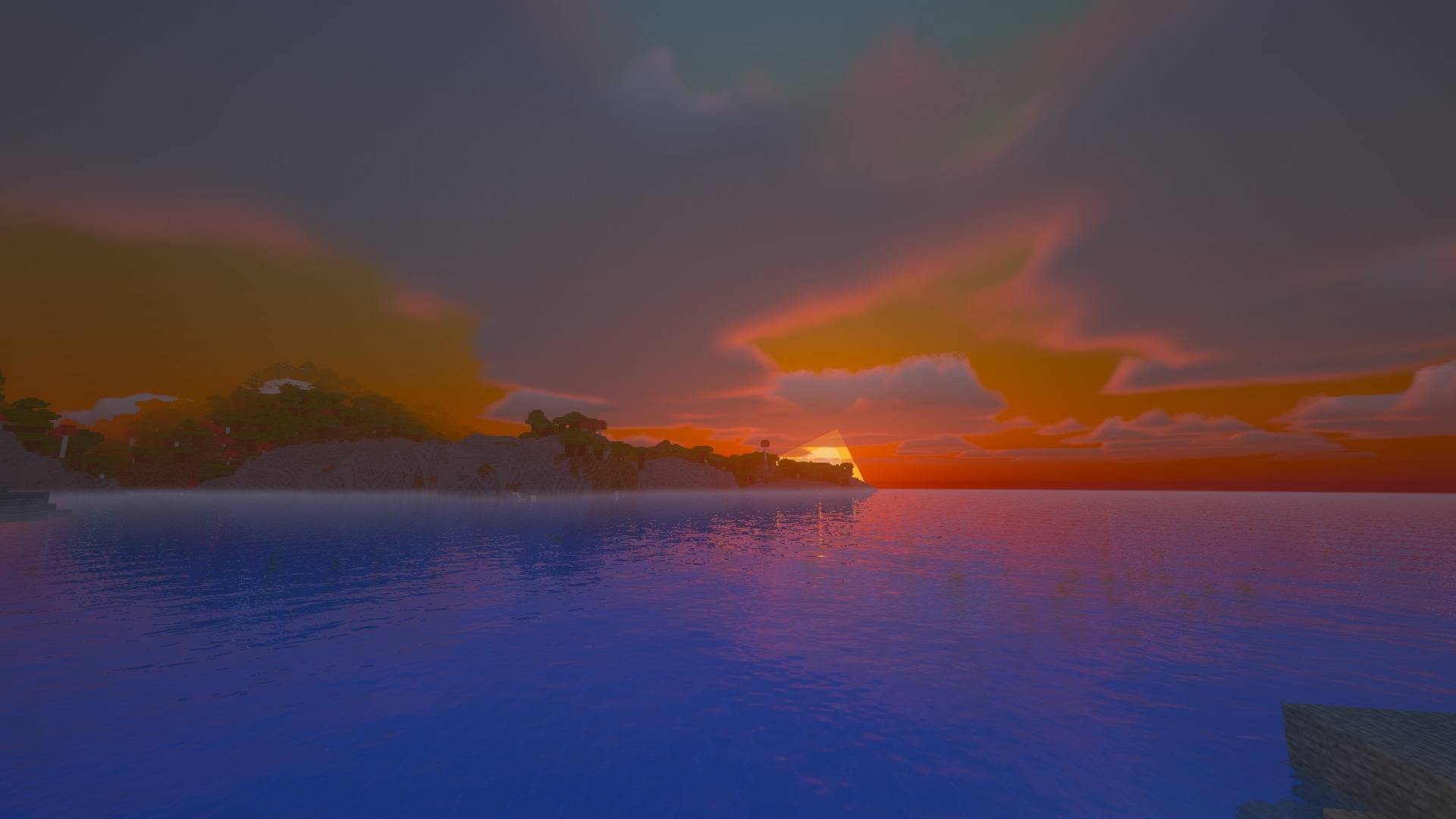
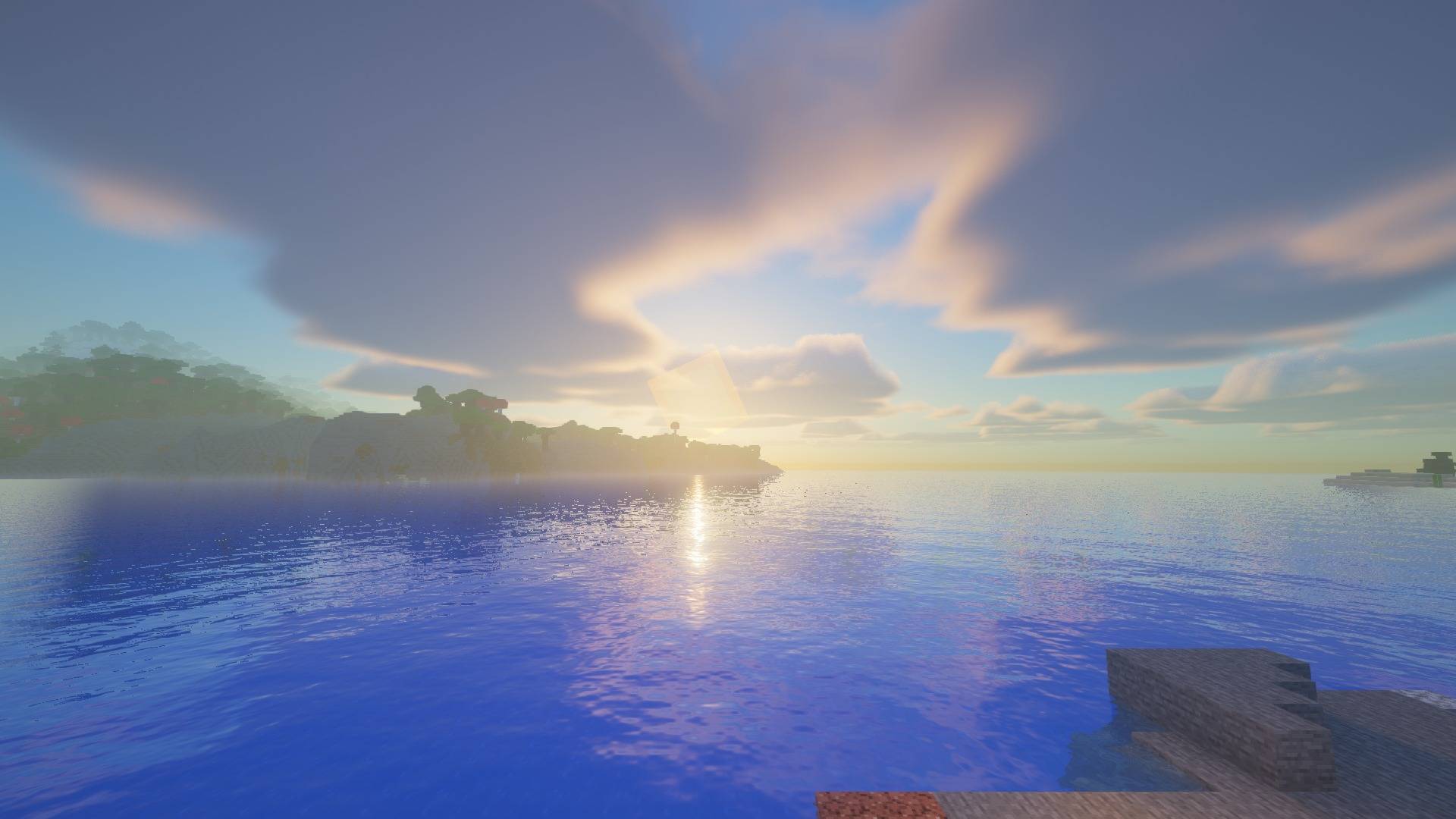
- Warm, nostalgic sunlight that turns golden through the afternoon, vivid sunsets and an afterglow that lingers into dusk
- On rare evenings, a green flash lights up the horizon the moment the sun disappears
- Soft shadows
- God rays: sun shafts streaming between trees and hills, glowing light in the air at sunrise and sunset, moonbeams through the mist, and shafts of light slanting down through the water when you swim
- Mist that settles over distant lakes and valleys without hiding the land
- Puffy volumetric clouds that part at night to leave the sky clear (classic blocky clouds optional)
- Glowing ores: diamond specks glow cyan, emerald green, gold yellow, redstone red, lapis blue, copper orange, iron peach and nether quartz white
- Waving grass, flowers, crops and leaves
- Nether with warm biome fog; End portals that open onto deep space
⚙️ Settings
Everything can be tuned in Shader Options, and every option has a tooltip. Use the Low / Medium / High / Ultra profiles to match your PC.
📥 Installing
- Install Iris + Sodium (Fabric) or Oculus + Embeddium (Forge) for your Minecraft version (1.20.1 or newer).
- Drop the .zip into your
shaderpacks folder. Don't unzip it.
- In game: Options → Video Settings → Shader Packs → Celestial.
Too dark at night? Raise Lighting → Moonlight or Camera & Colour → Night Exposure. Low FPS? Try the Medium profile, or turn off God Rays or Screen Space Reflections.
Celestial isn't affiliated with Mojang or with the makers of any of the films, shows, games, mods or creators featured in the constellation themes. They're fan tributes.