Mineuniverse
Shaders
CARTUX SHADER

CARTUX SHADER

SHADER
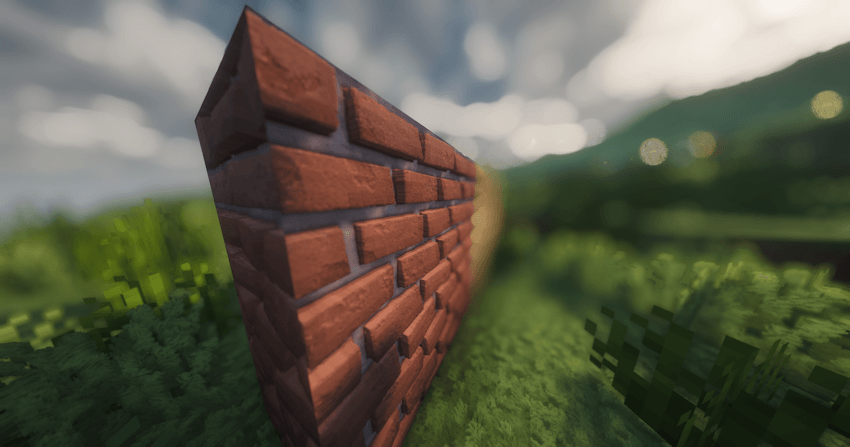
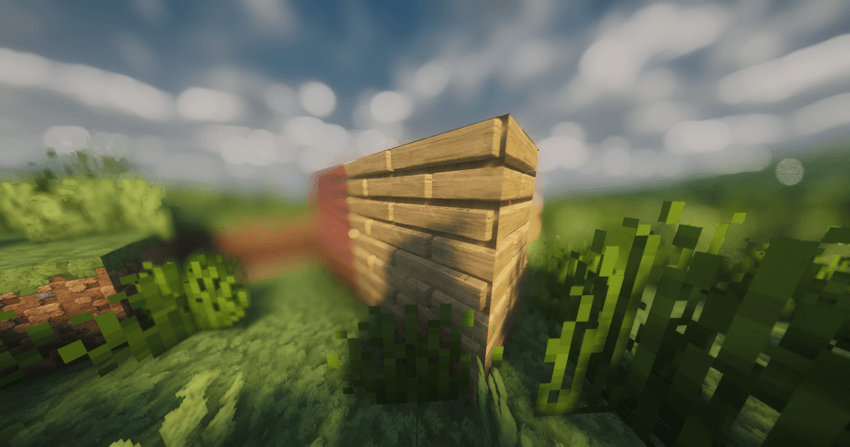
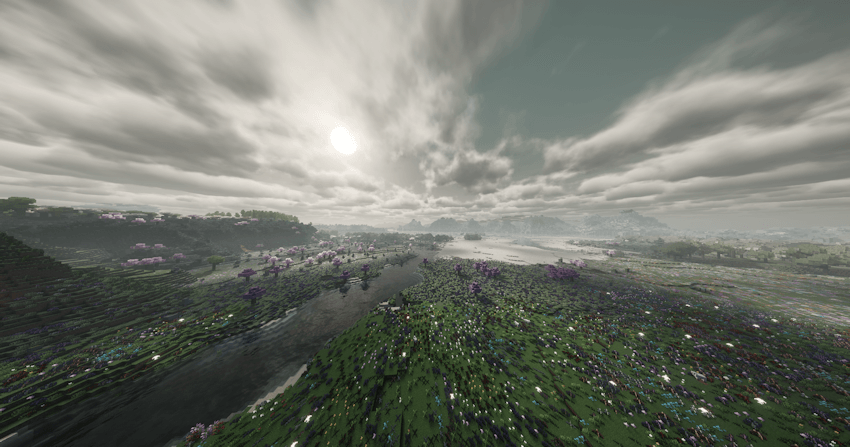
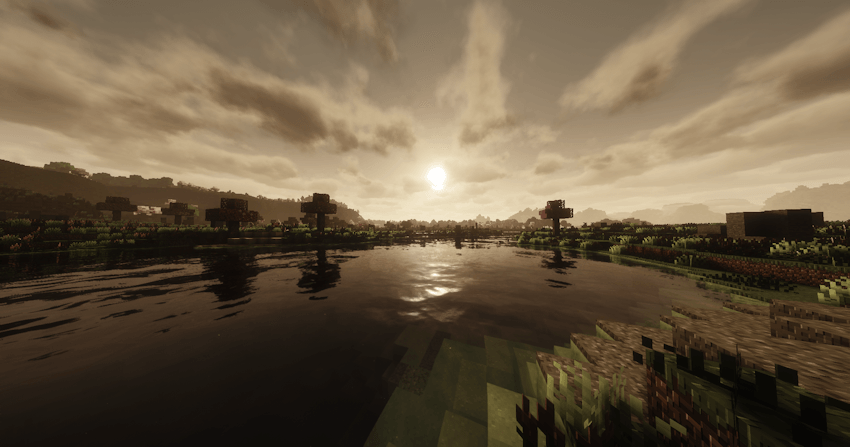
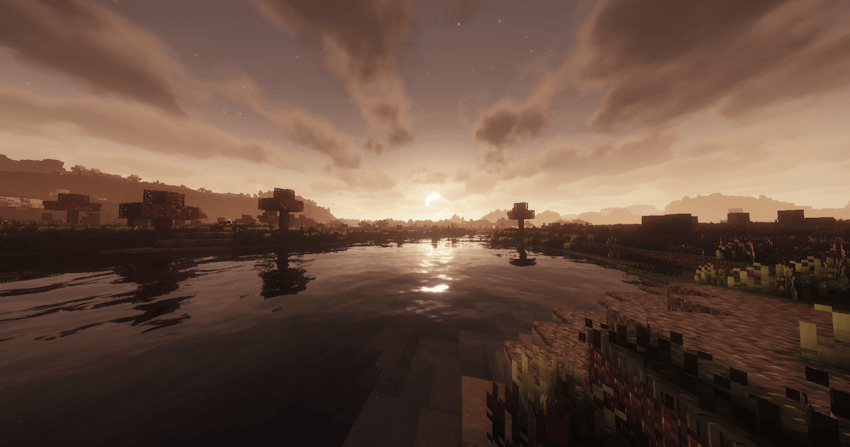
Cartoon fantasy shaders: colorful, vivid and semi-realistic
by R3Gulxr_
Download Claim this project
8,242 downloads
0 likes
0 followers
Updated Oct 14, 2026
0 hypes
Follow0
Fantasy Realistic
Advertisement Remove ads with Premium →

WARNING WHEN DOWNLOADING VERSIONS OLDER THAN 5.0: These versions were created 100% by me from scratch and usually have lighting and shadow bugs.

I RECOMMEND USING VERSIONS 5.0 OR HIGHER. THESE VERSIONS ARE BASED ON THE COMPLEMENTARY SHADER BY EminGT!!!

"To everyone who already downloaded Cartutx 5.0, please update to version 5.1! The profile-switching bug has been fixed."


presentation:

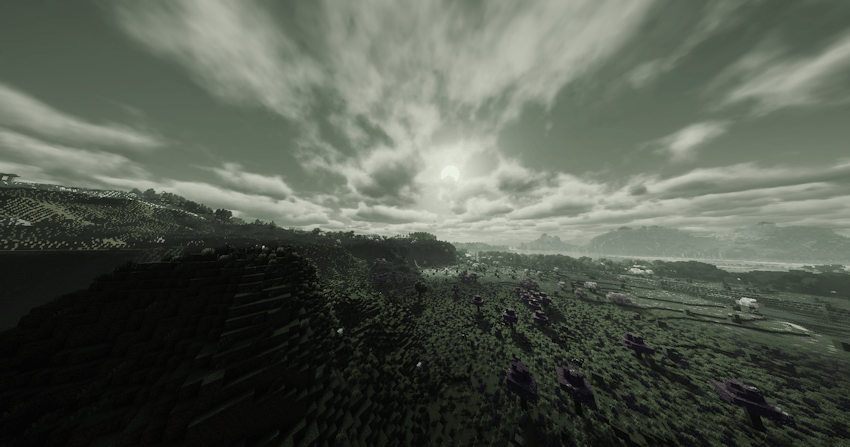
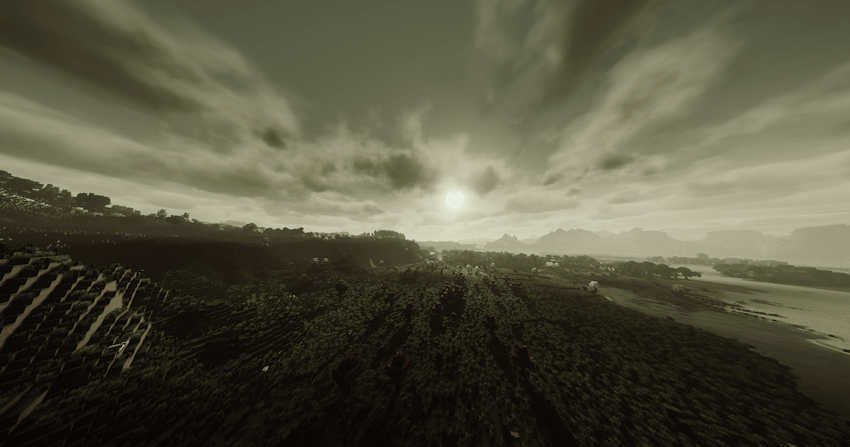
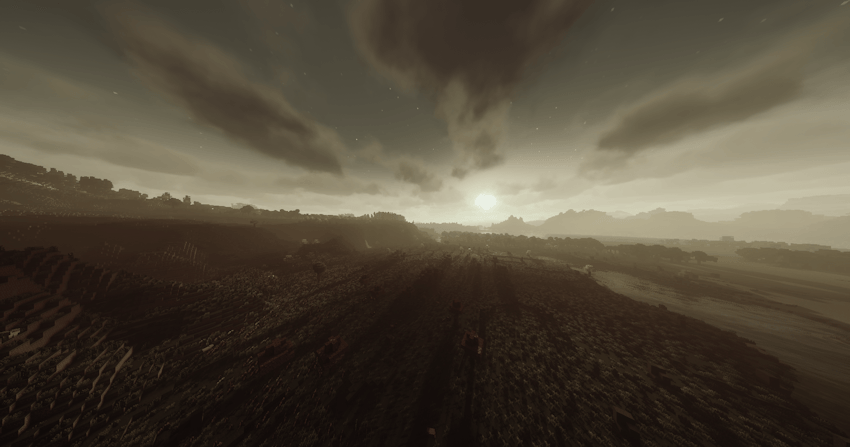
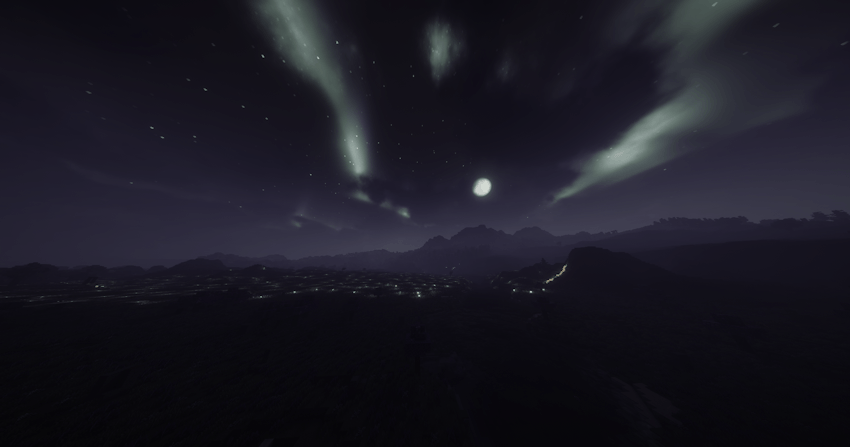
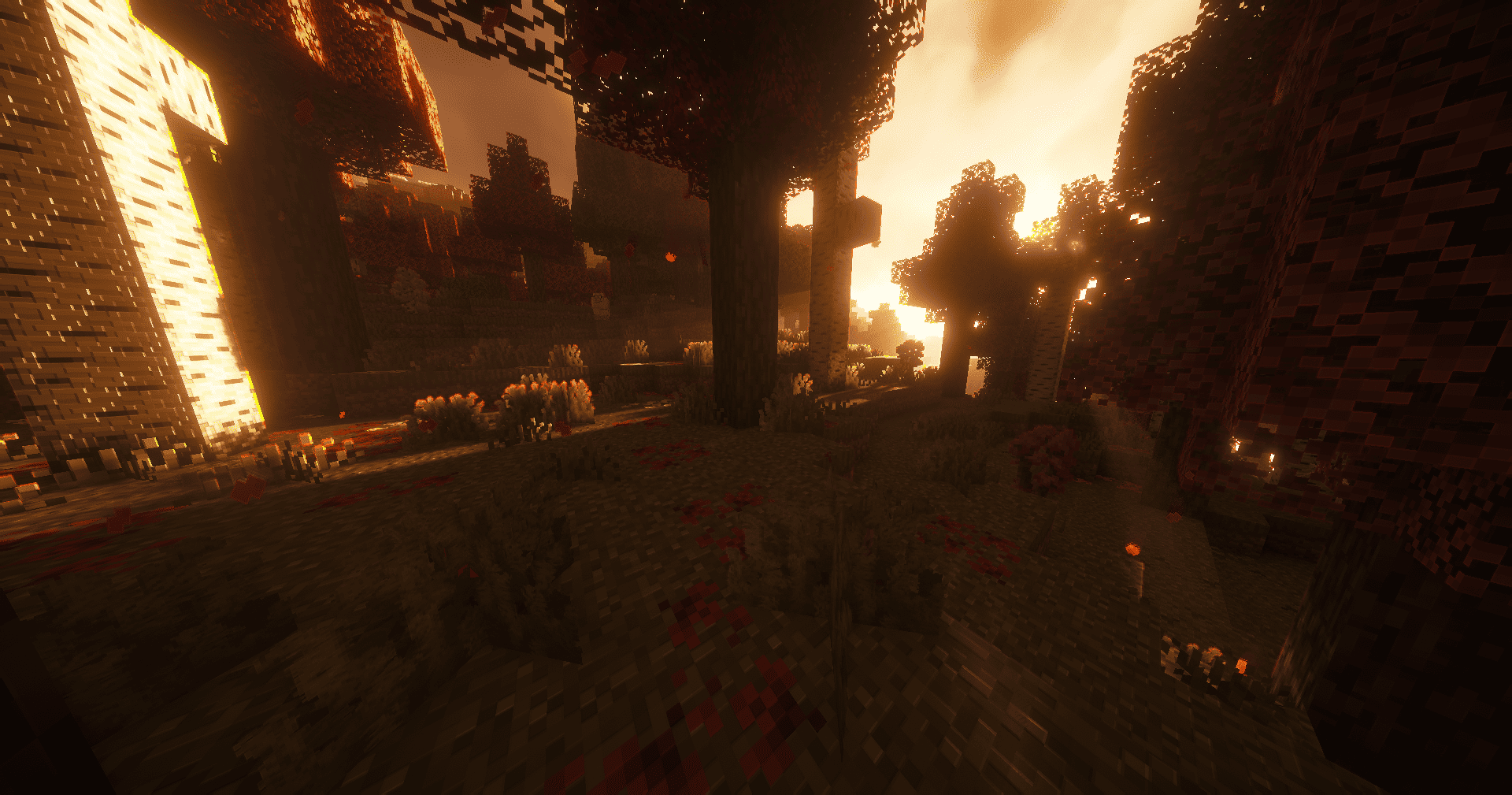
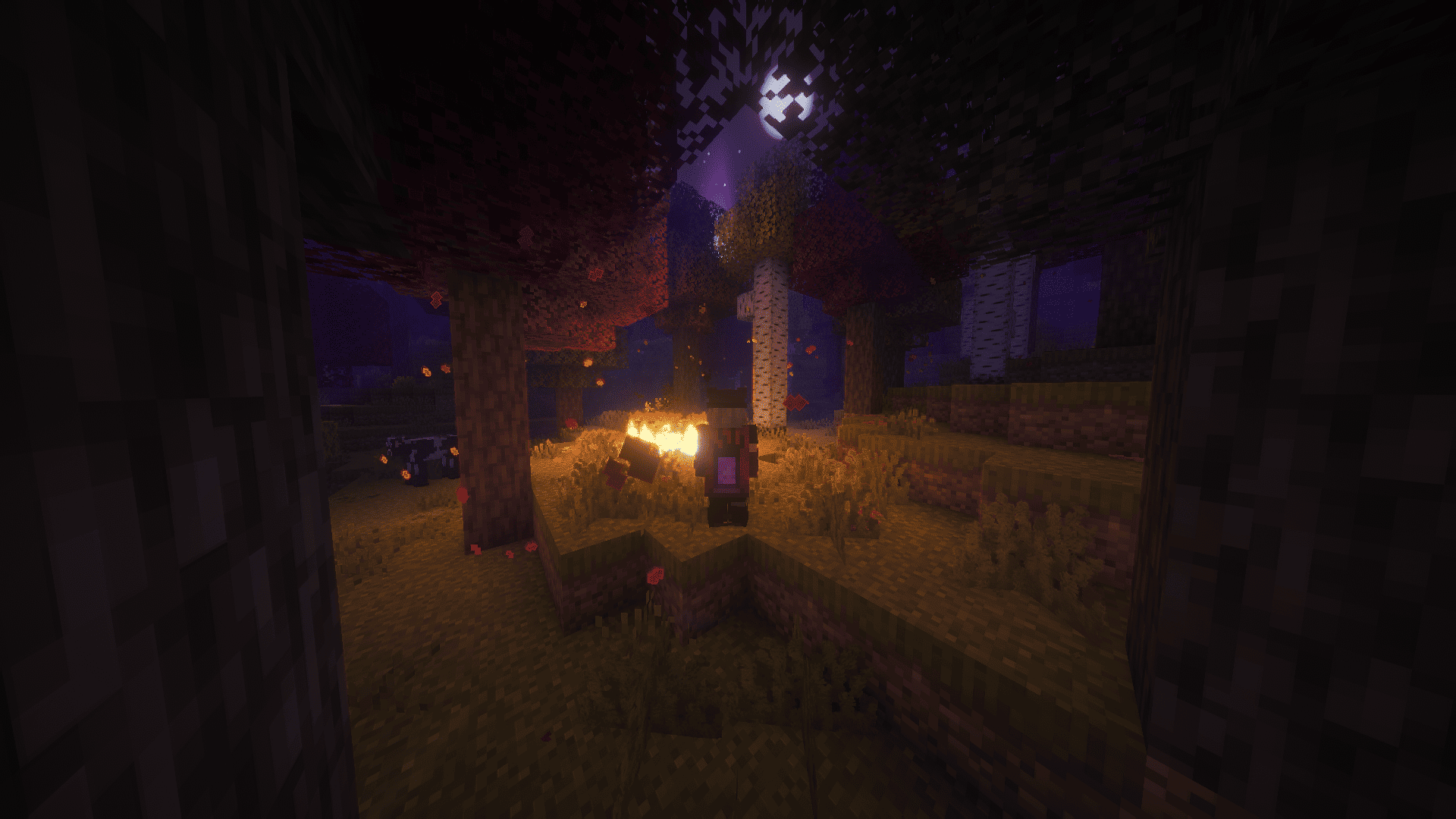
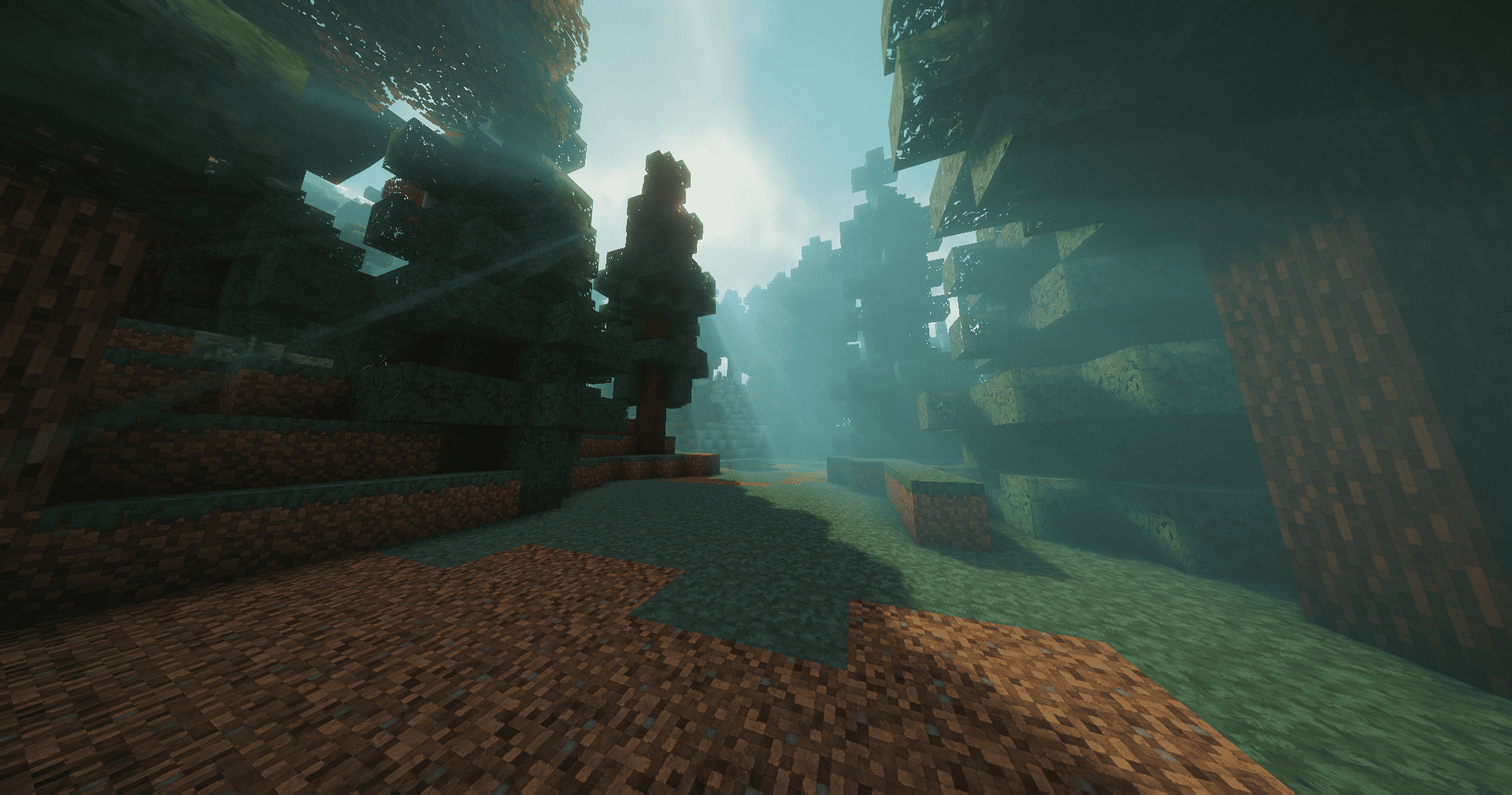
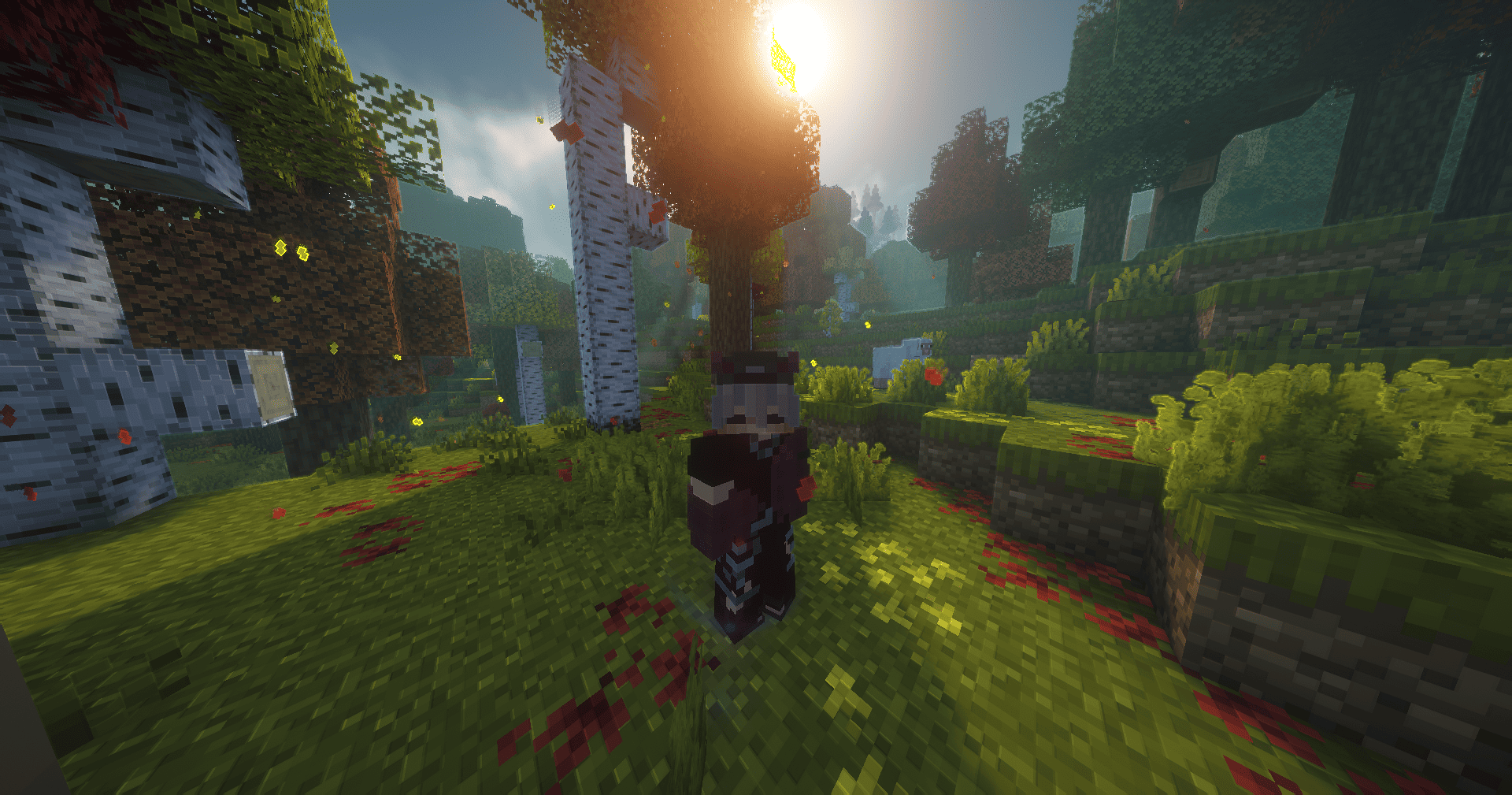
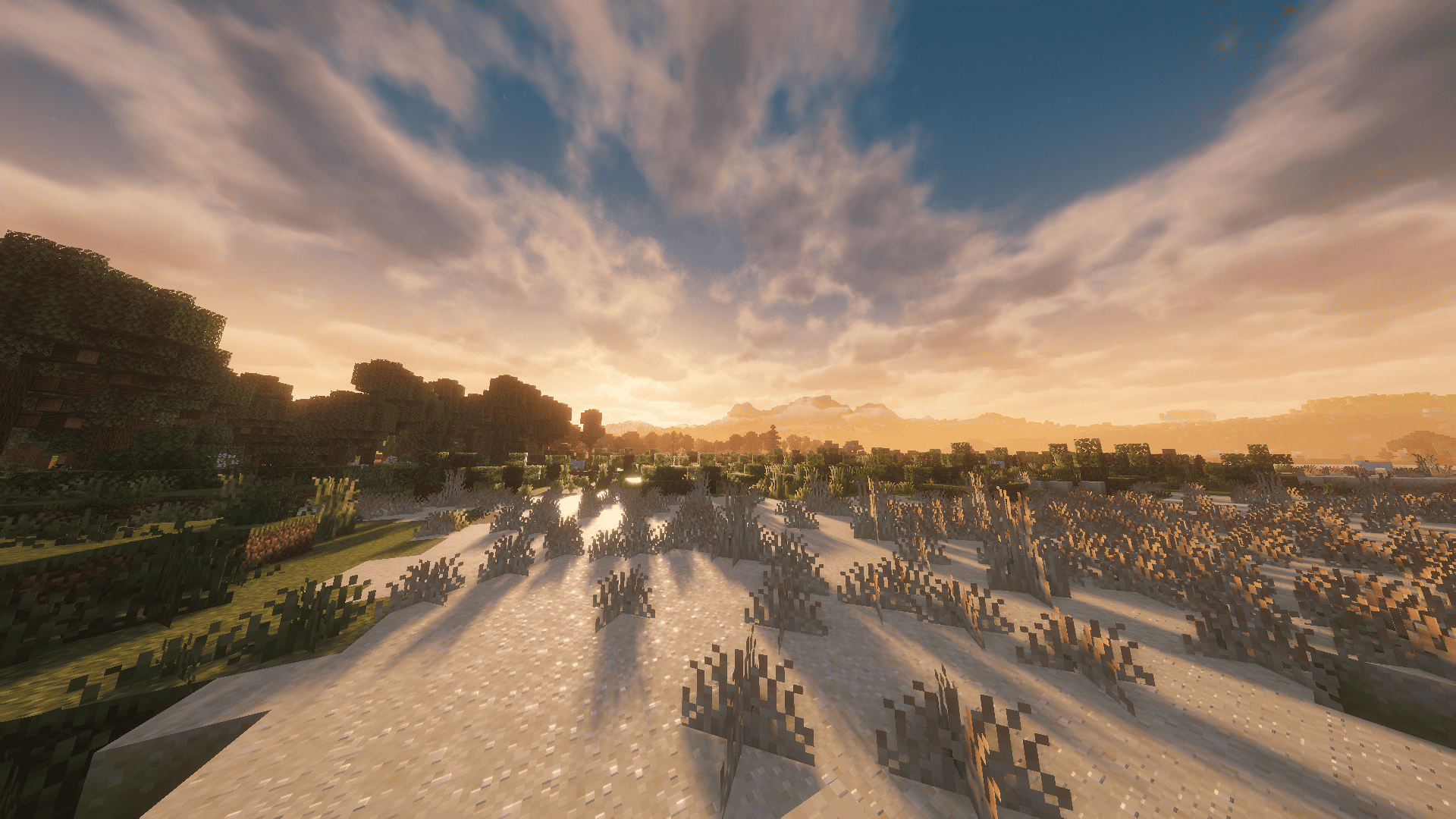
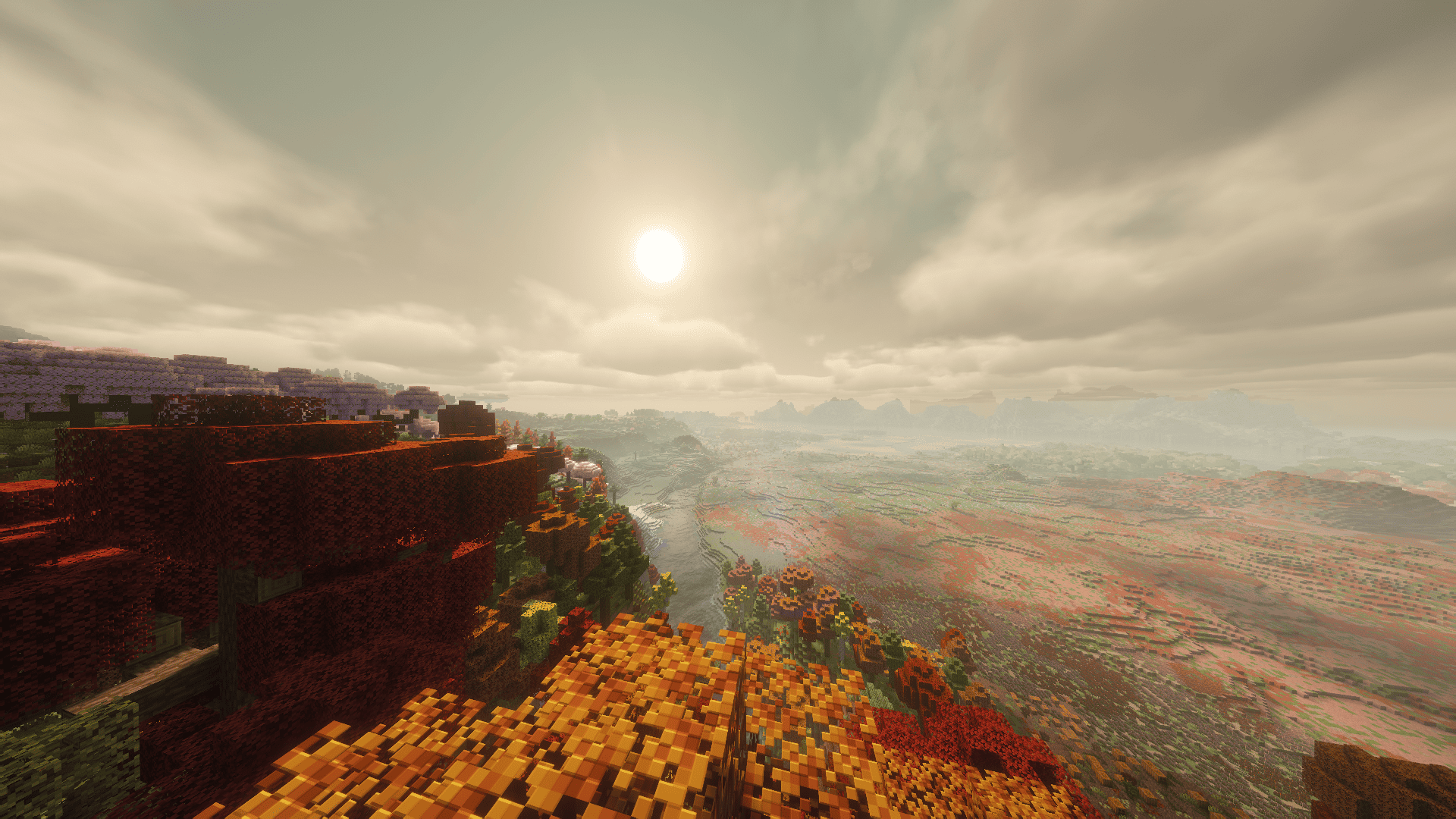
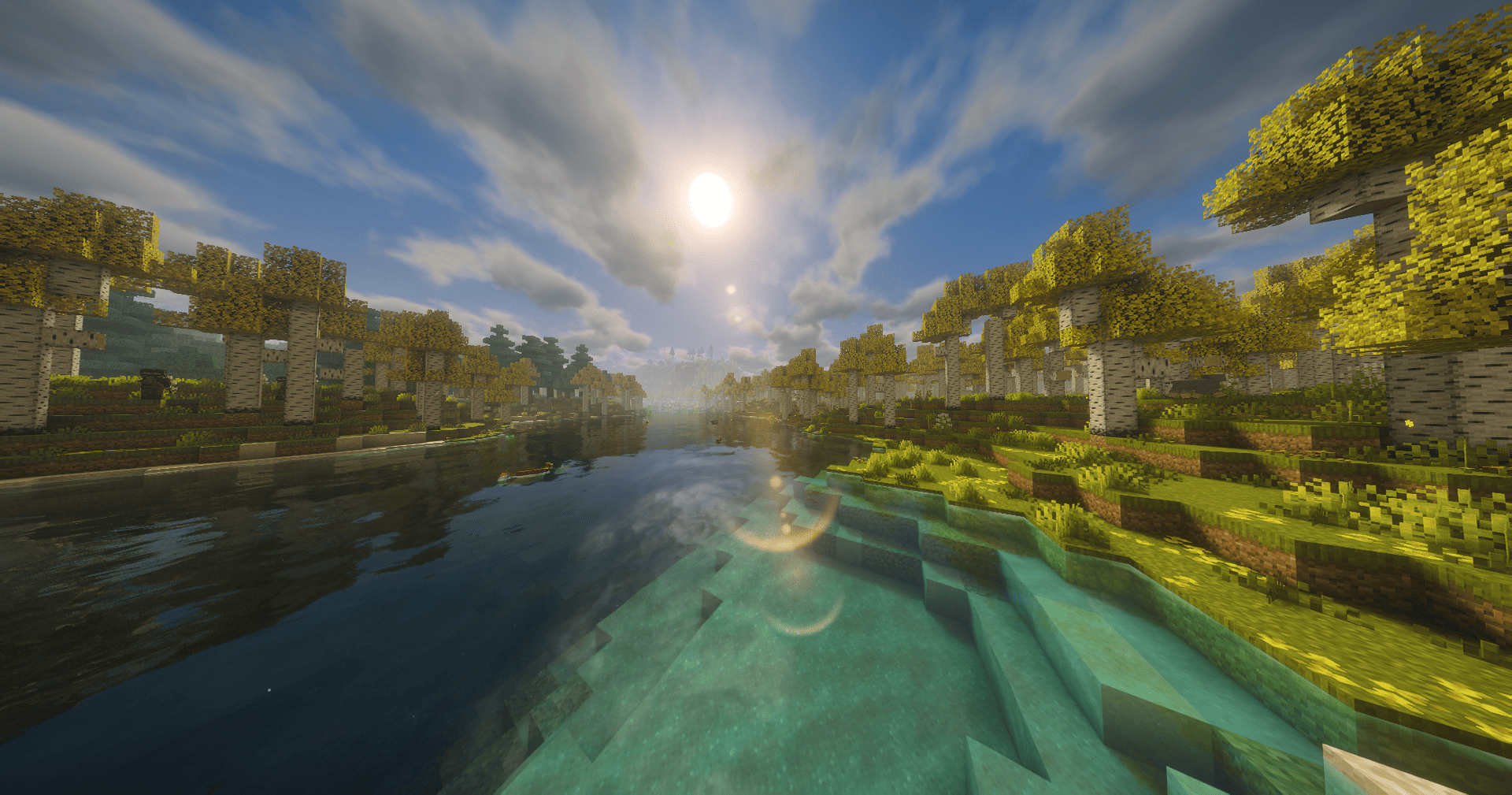
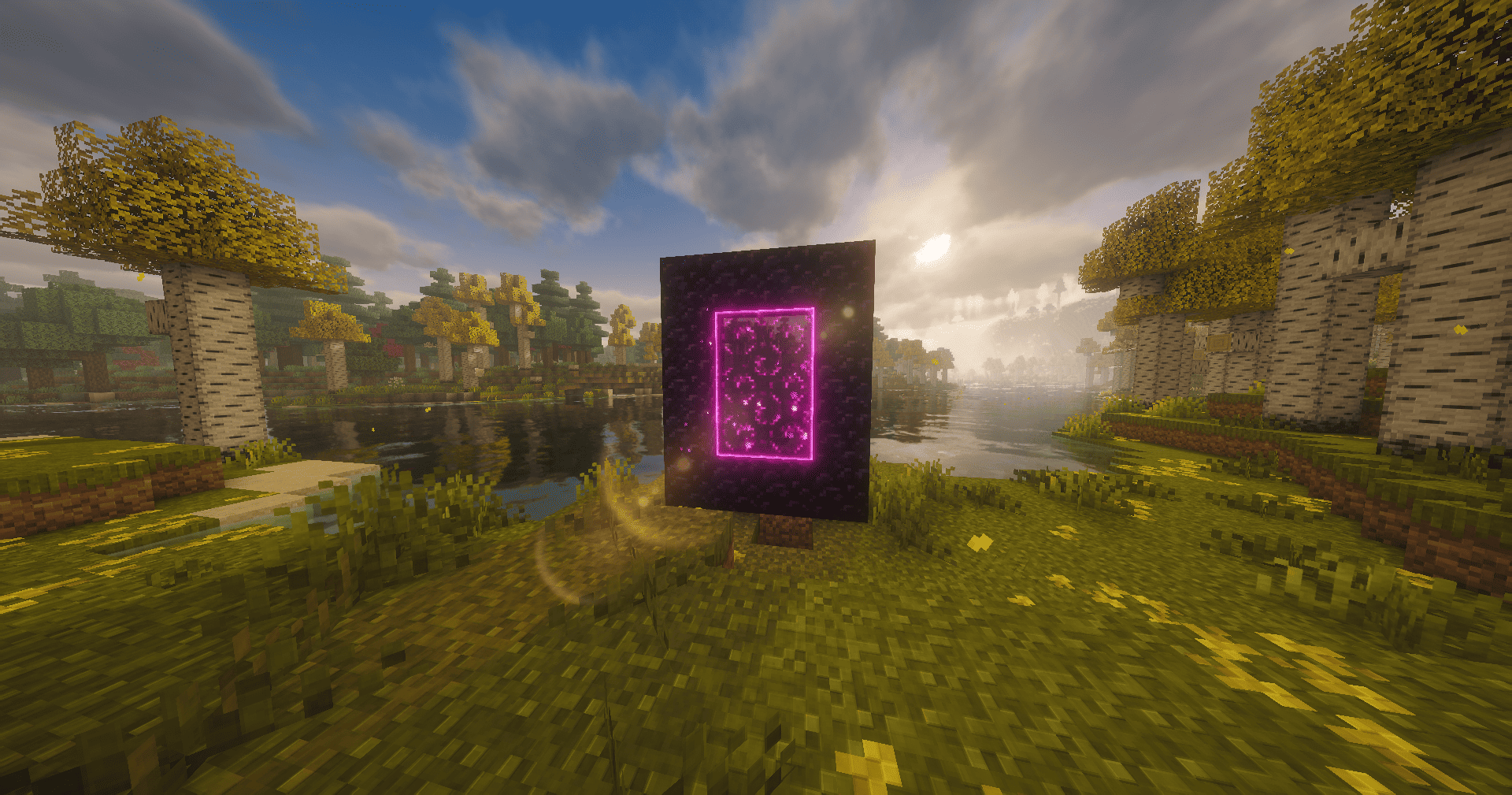
CARTUX SHADER — not just another pretty shader, it's an atmosphere with attitude.

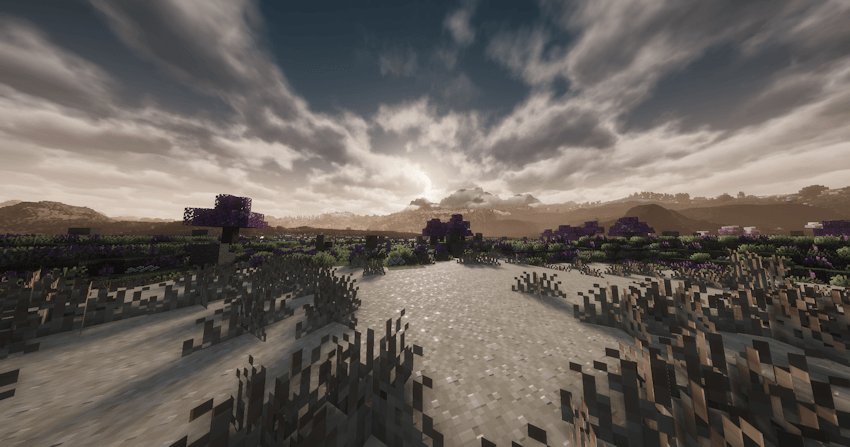
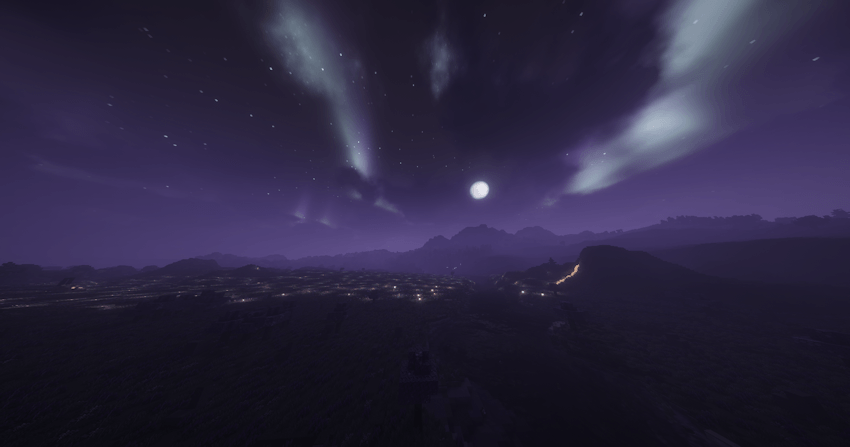
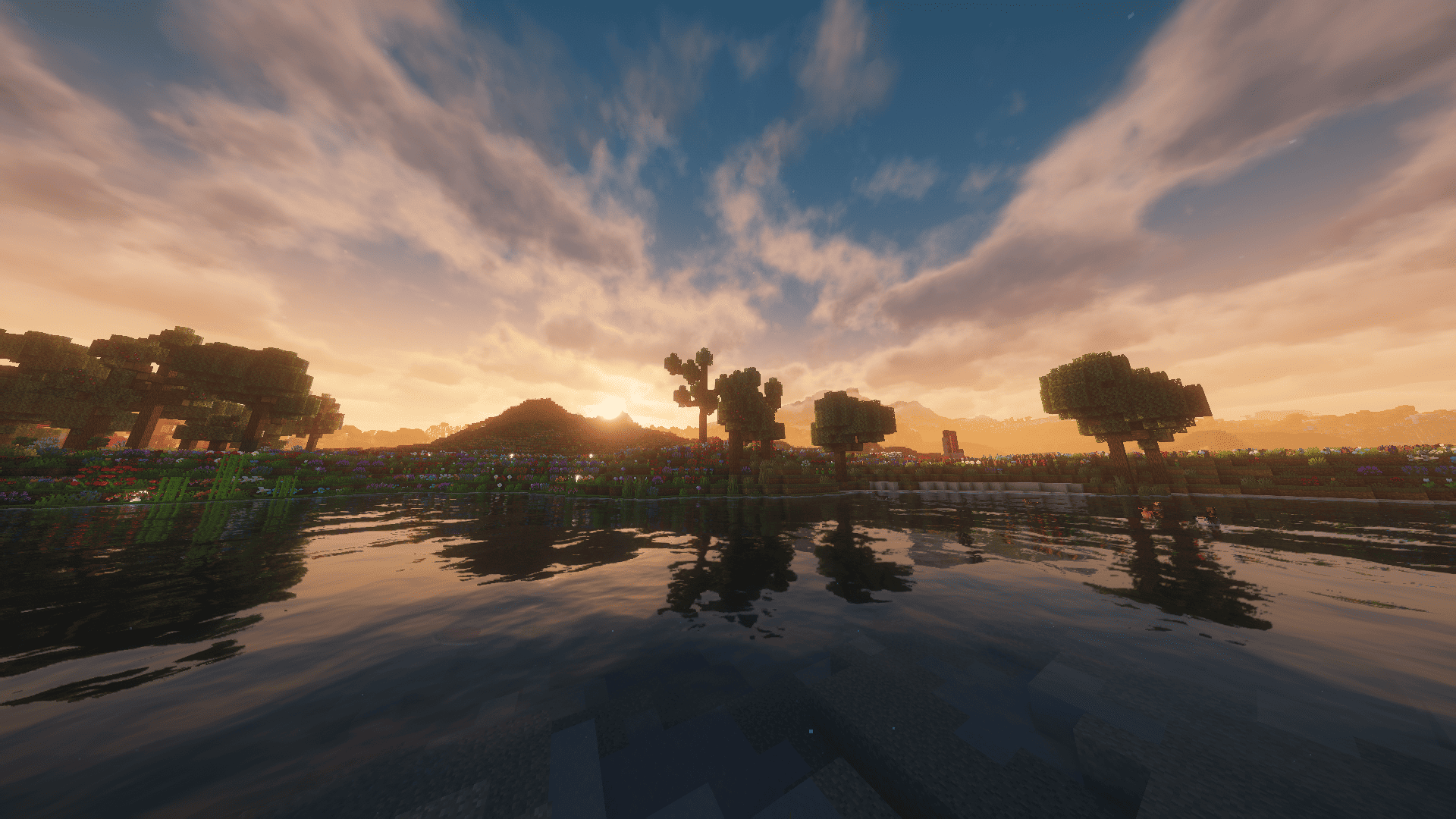
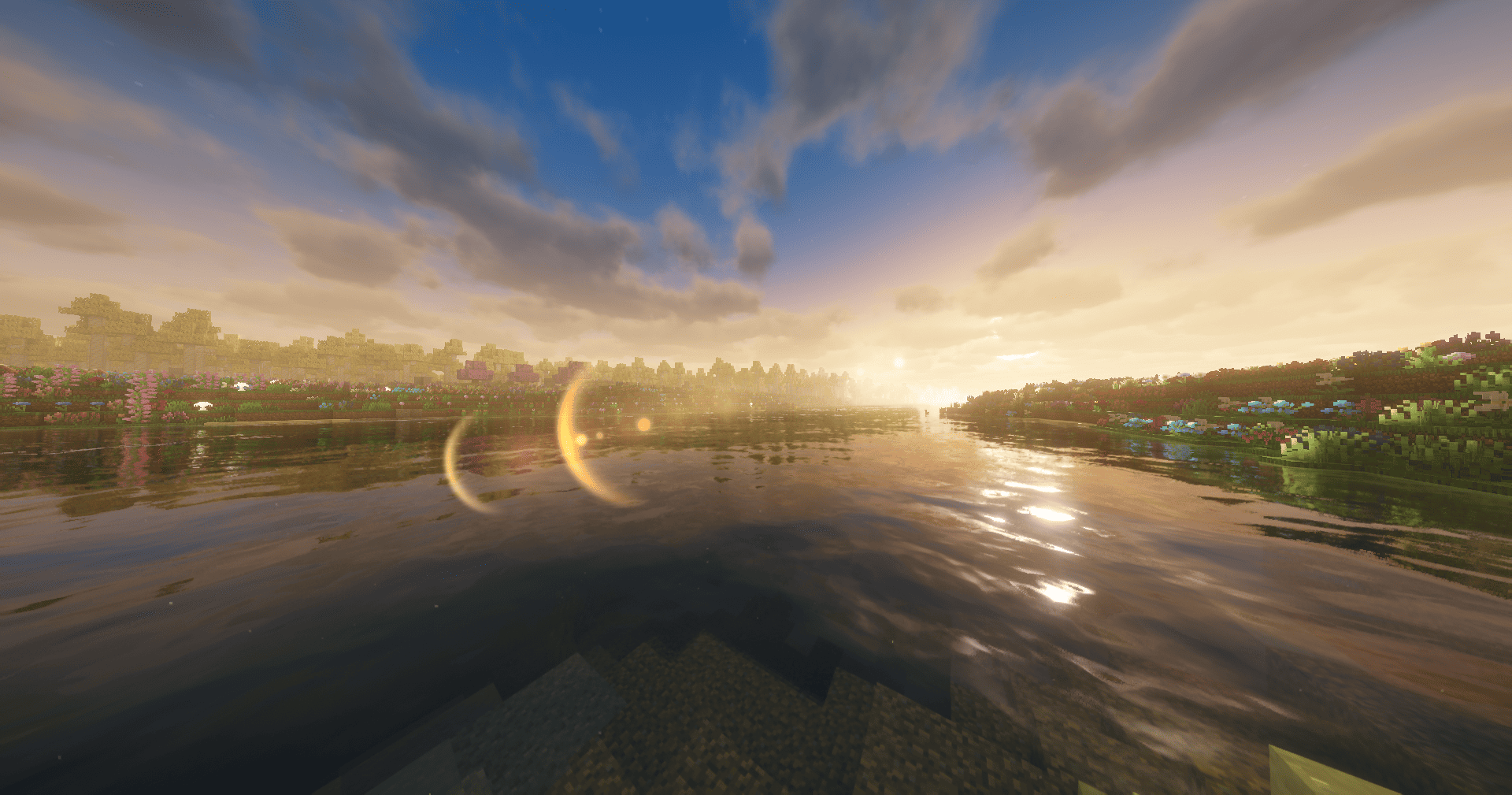
Every hour of the day gets its own palette: warm sunrises, clean middays, and sunsets that actually feel like something. I recalibrated the ambient colors hour by hour so the light tells a story, not just lights up blocks.

But what sets it apart are the **extra modes**:

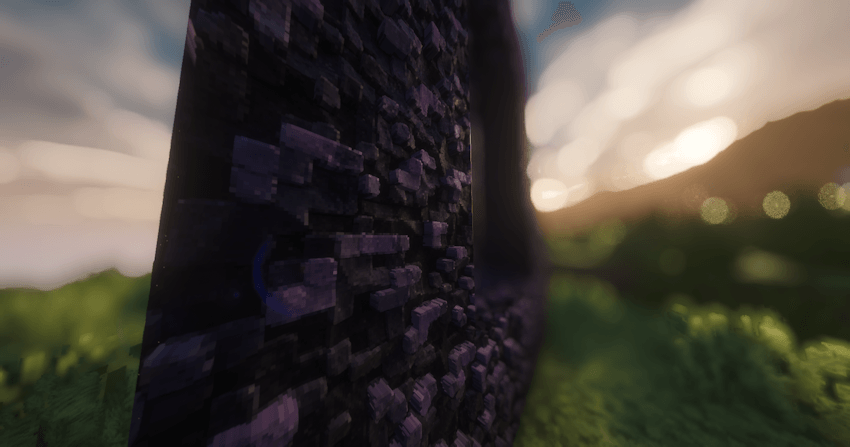
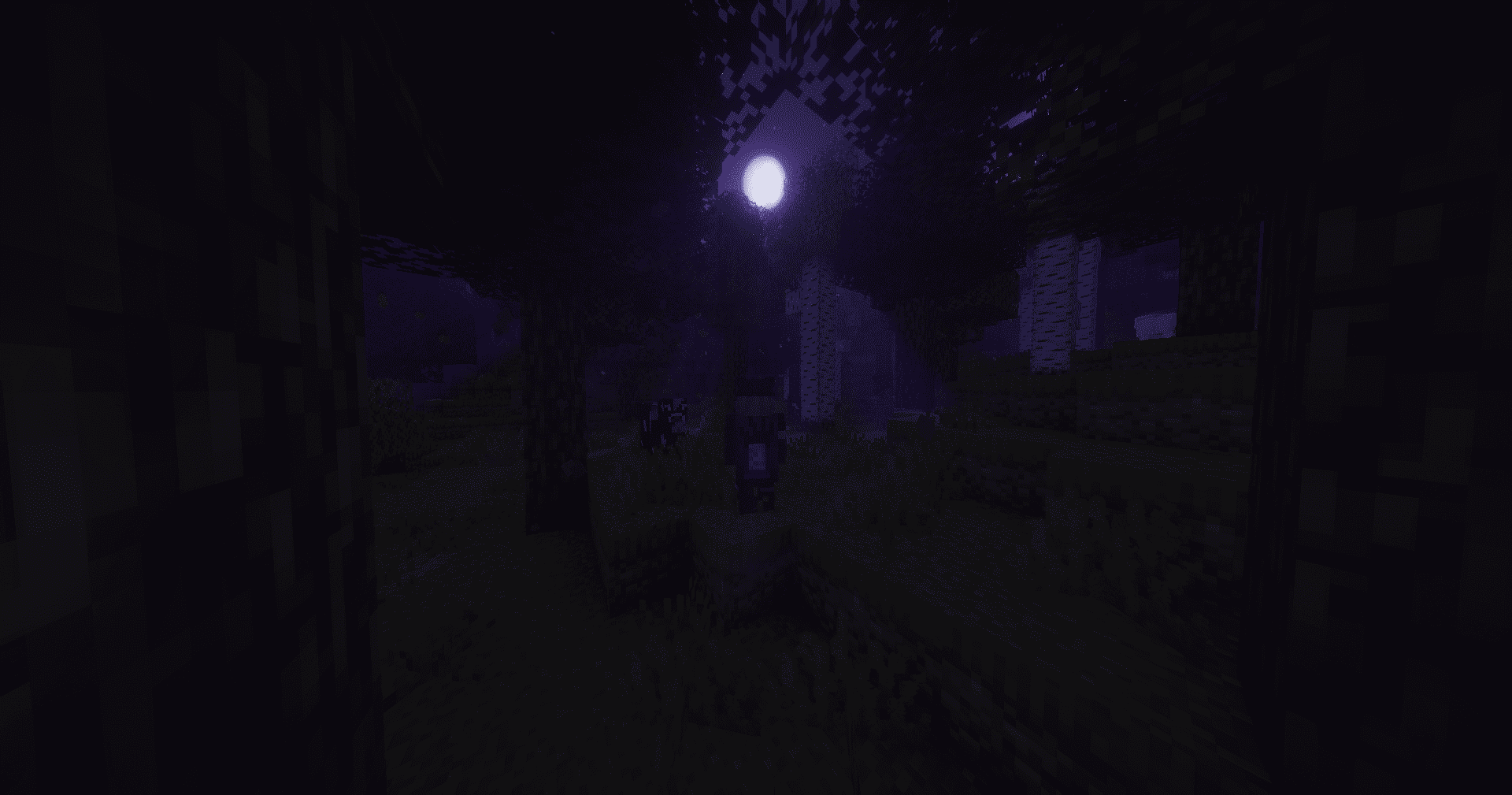
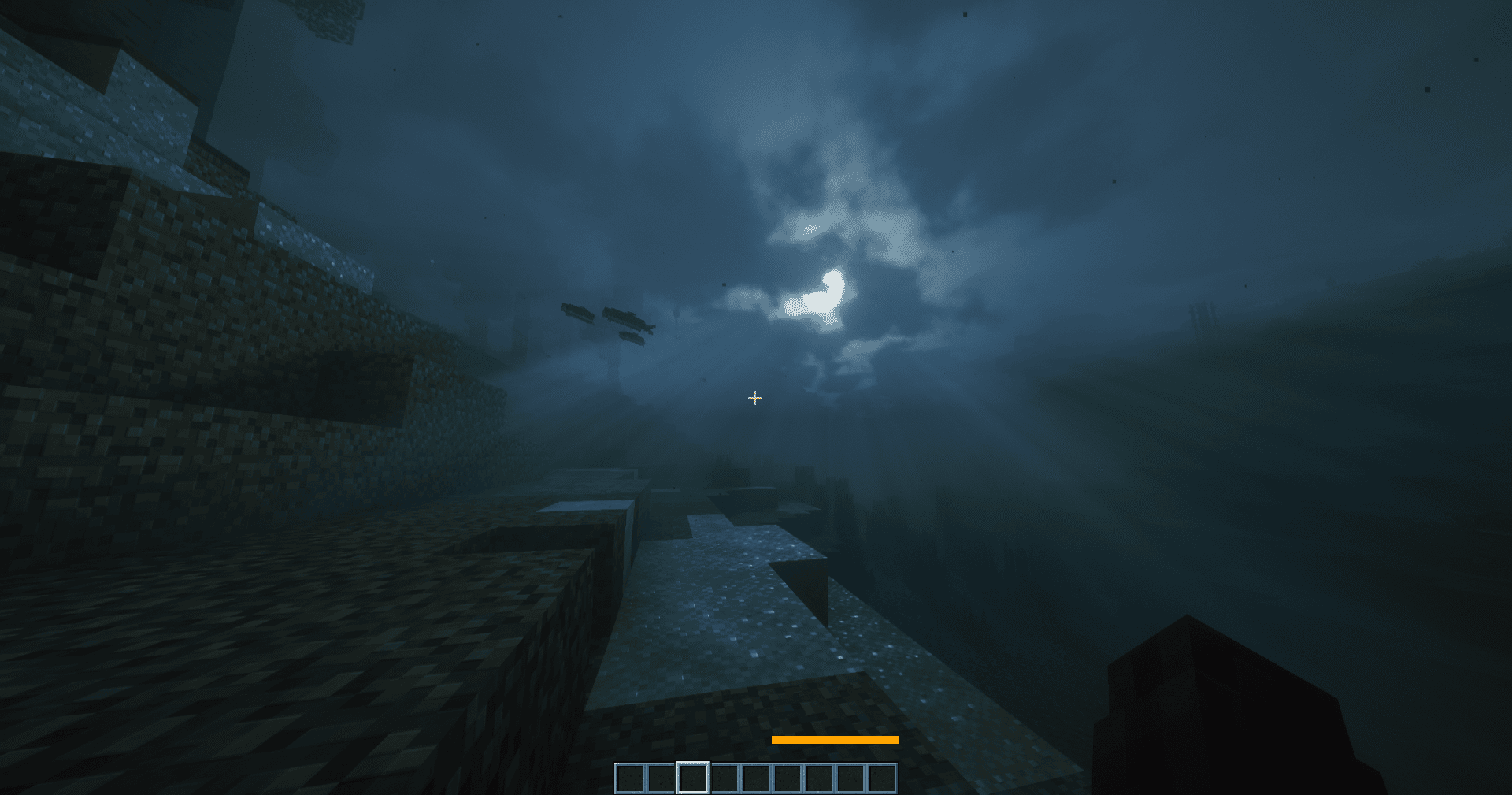
DARK MODE — for when you want your world to breathe tension. Deeper shadows, a heavier mood, that feeling that something's lurking behind the tree.

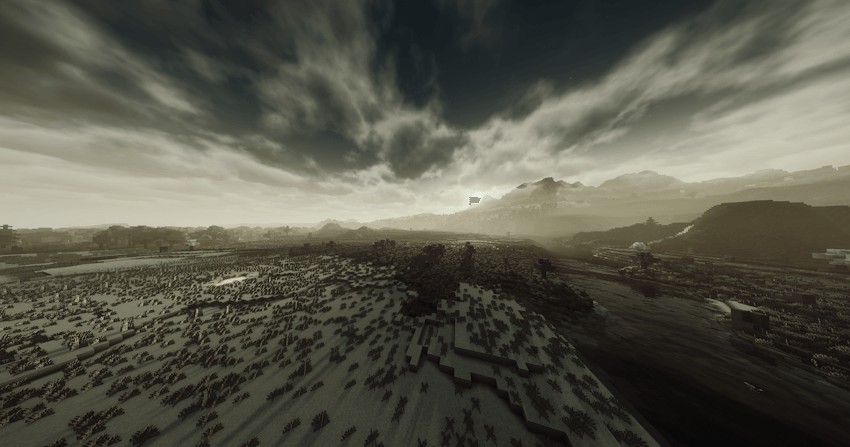
DARK Fantasy FILTER — gothic desaturation, morbid contrast, and that air of epic decay. Your survival becomes a defeated, beautiful world. Prepare to die… in style.

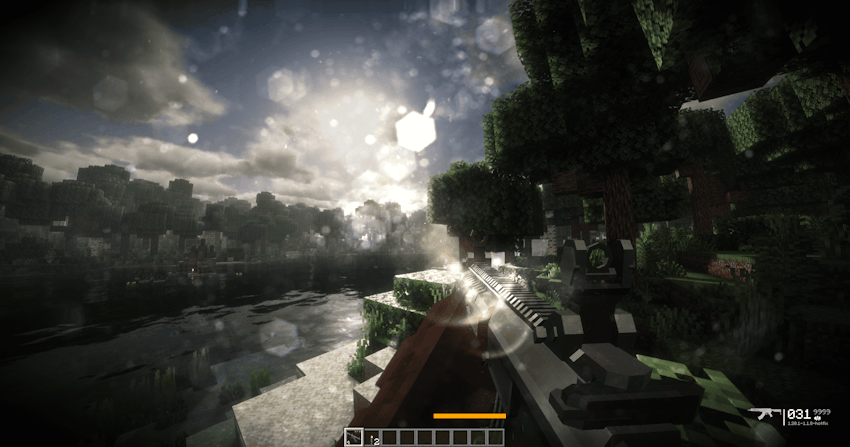
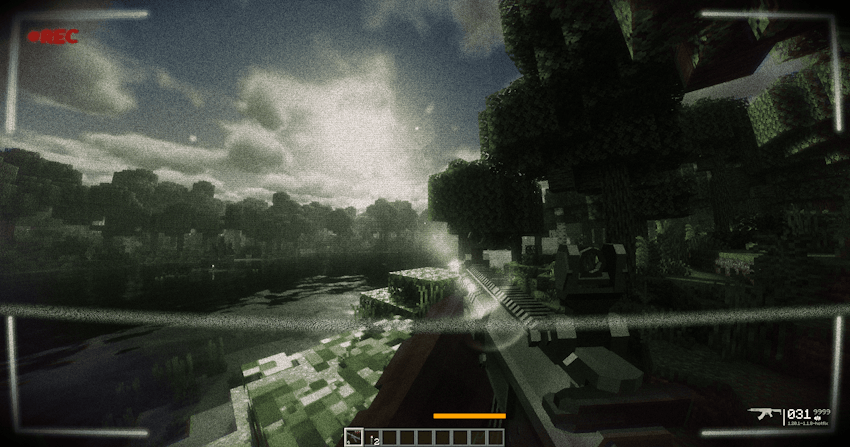
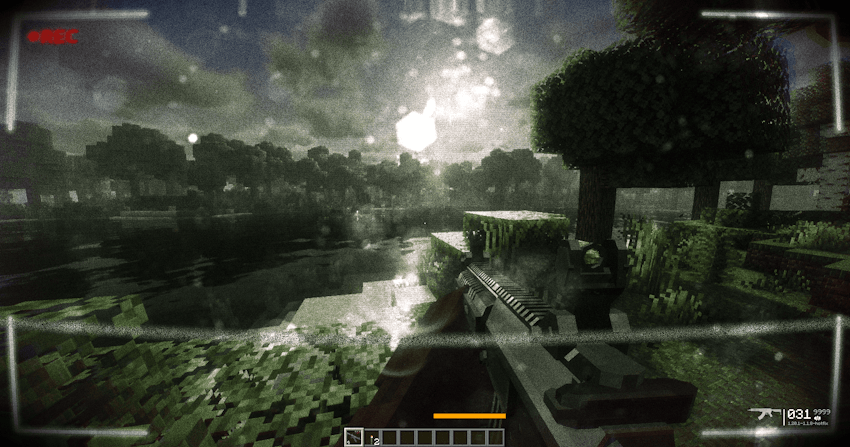
[ BODYCAM ] MODE — for the shooter lovers. Fully configurable: lens vignette, camera shake, wide-angle warp, and the REC overlay blinking on screen. It feels like recording real combat footage.

STATIC · INTERFERENCE · VHS — sensor noise, scanlines, tracking bars sliding across, and analog grain. From creepy found-footage to gritty military footage, you're in control.

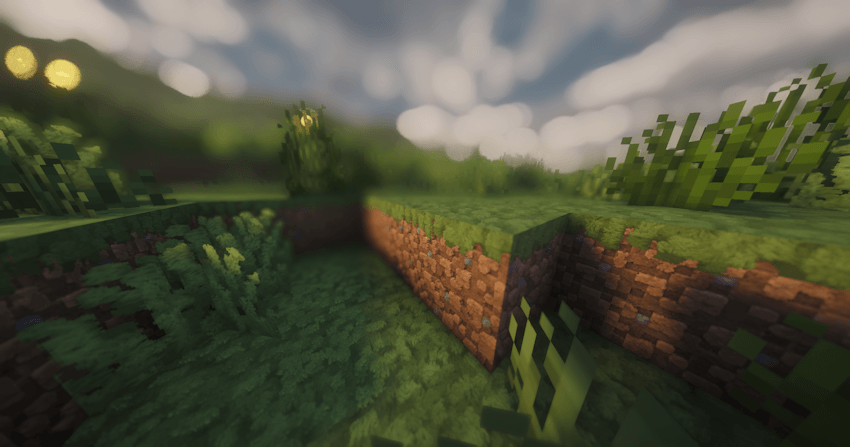
DYNAMIC LENS DUST & DIRT — the grime reacts to real light: it clears up under open sky and builds up in the shadows. A detail almost nobody notices… until they see it.

Fully modular, clean menus throughout, all built so you can craft YOUR look — from clean cinematic to apocalypse shot on a broken camera.
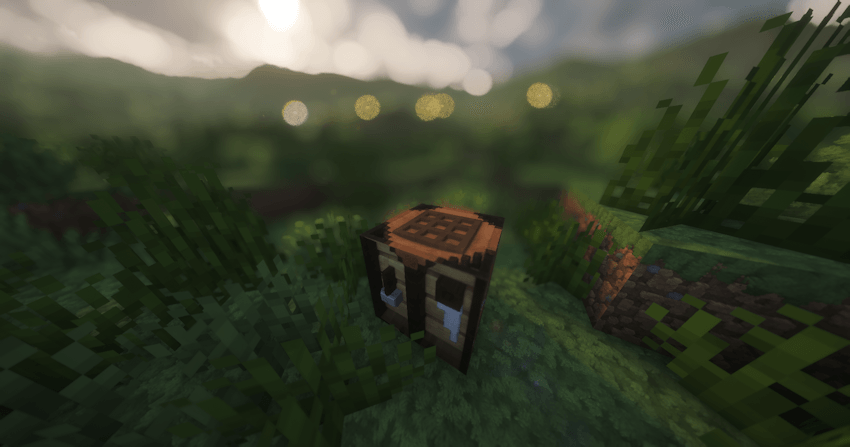
CARTUX SHADER. Choose your world. Choose your chaos.


COMPATIBILITY WITH TEXTURES PACK LabPBR and Integrated PBR:


ADDITIONAL EFFECTS THAT YOU CAN ACTIVATE AND COMBINE ACCORDING TO YOUR SHADING PREFERENCES!:



§1§lC§f§lARTUX §4§lS§f§lHADER §6§lv6.2.zip
MC 1.16.3, 1.13.1, 1.17.1, 1.21, 1.16.1, 1.18.1, 1.14.3, 1.15, 1.16, 1.13, 1.16.5, 1.19.3, 1.20.2, 1.19.4, 1.21.8, 1.14.4, 1.14.1, 1.17, 1.20.5, 1.21.5, 1.18, 1.21.4, 1.20.1
Release 2026-08-08 Get
§1§lC§f§lARTUX §4§lS§f§lHADER §6§lv6.1.zip
MC 1.16.3, 1.13.1, 1.17.1, 1.21, 1.16.1, 1.18.1, 1.14.3, 1.15, 1.16, 1.13, 1.16.5, 1.19.3, 1.20.2, 1.19.4, 1.21.8, 1.14.4, 1.14.1, 1.17, 1.20.5, 1.21.5, 1.18, 1.21.4, 1.20.1
Release 2026-08-04 Get
§1§lC§f§lARTUX §6§lS§f§lHADER §4§lv6.0.zip
MC 1.16.3, 1.13.1, 1.17.1, 1.21, 1.16.1, 1.18.1, 1.14.3, 1.15, 1.16, 1.13, 1.16.5, 1.19.3, 1.20.2, 1.19.4, 1.21.8, 1.14.4, 1.14.1, 1.17, 1.20.5, 1.21.5, 1.18, 1.21.4, 1.20.1
Release 2026-08-01 Get
§1§lC§f§lARTUX §6§lS§f§lHADER §3§lv5.§4§l1.zip
MC 1.16.3, 1.13.1, 1.17.1, 1.21, 1.16.1, 1.18.1, 1.14.3, 1.15, 1.16, 1.13, 1.16.5, 1.19.3, 1.20.2, 1.19.4, 1.21.8, 1.14.4, 1.14.1, 1.17, 1.20.5, 1.21.5, 1.18, 1.21.4, 1.20.1
Release 2026-07-26 Get
§4§lC§f§lARTUX SHADER v5.0-REALISTIC.zip
MC 1.16.3, 1.13.1, 1.17.1, 1.21, 1.16.1, 1.18.1, 1.14.3, 1.15, 1.16, 1.13, 1.16.5, 1.19.3, 1.20.2, 1.19.4, 1.21.8, 1.14.4, 1.14.1, 1.17, 1.20.5, 1.21.5, 1.18, 1.21.4, 1.20.1
Release 2026-07-25 Get
§1§lCAR§3§lTUX §6§lSHA§5§lDER - §4§l4.0.zip
MC 1.21, 1.18.1, 1.19.3, 1.20.2, 1.19.4, 1.21.8, 1.20.5, 1.21.5, 1.18, 1.21.4, 1.20.1, 1.20, 1.20.6, 1.21.1, 1.21.6, 1.21.3, 1.21.7, 1.19.1, 1.20.4, 1.18.2, 1.19.2, 1.20.3, Iris
Release 2026-07-18 Get
§2§lCAR§3§lTUX §9§lSHA§5§lDER - §e§l3.0-§4§lALFA.zip
MC 1.20.2, 1.20.5, 1.20.1, 1.20, 1.20.6, 1.20.4, 1.20.3, Iris
Release 2026-07-09 Get
§3§lCARTUX §6§lSHADER - §3§l2.0 §4§nBETA.zip
MC 1.21, 1.20.2, 1.20.5, 1.20.1, 1.20, 1.20.6, 1.21.1, 1.20.4, 1.20.3, Iris
Release 2026-06-07 Get

Requirements & install

How to use this shader in Minecraft
Shader loader
Iris
Minecraft
1.21 – 1.21.8
Install folder
.minecraft/shaderpacks

Install with Iris

  1. Install Iris with the Iris installer (irisshaders.dev); it sets up Fabric and Sodium for you.
  2. Download the shader pack .zip (do not extract it).
  3. Put the .zip into .minecraft/shaderpacks.
  4. In game open Options → Video Settings → Shader Packs, select the pack and click Apply.
Browse more: Iris shaders OptiFine shaders Shaders for 1.21.8 All shaders
Advertisement Remove ads with Premium →

You Might Also Like