Borealis Shaders
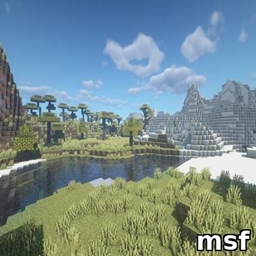
A sky full of shooting stars and northern lights, a real sun and moon, soft 3D clouds, blazing lava, and a black hole over the End.
Borealis is a shader pack for Iris that makes Minecraft's skies come alive, while keeping the game's blocky charm: even the shadows step along the blocks' own pixels. It has four presets, so it runs on an average gaming PC as well as a fast one.
Features
The sky
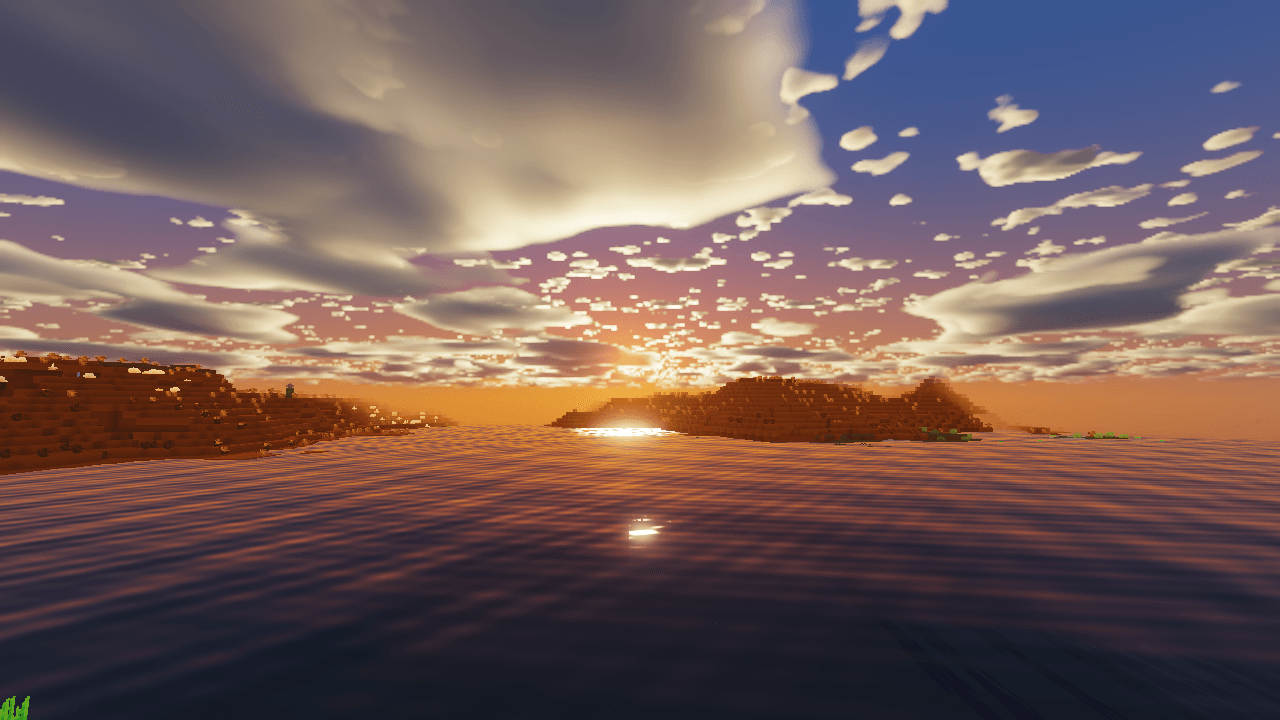
- A real sun: a small, blazing white sun with glare, turning golden and then deep red as it sets, under orange sunsets and a pink glow on the far side of the sky.
- A realistic moon: craters and dark seas drawn by the shader, with all eight of Minecraft's phases.
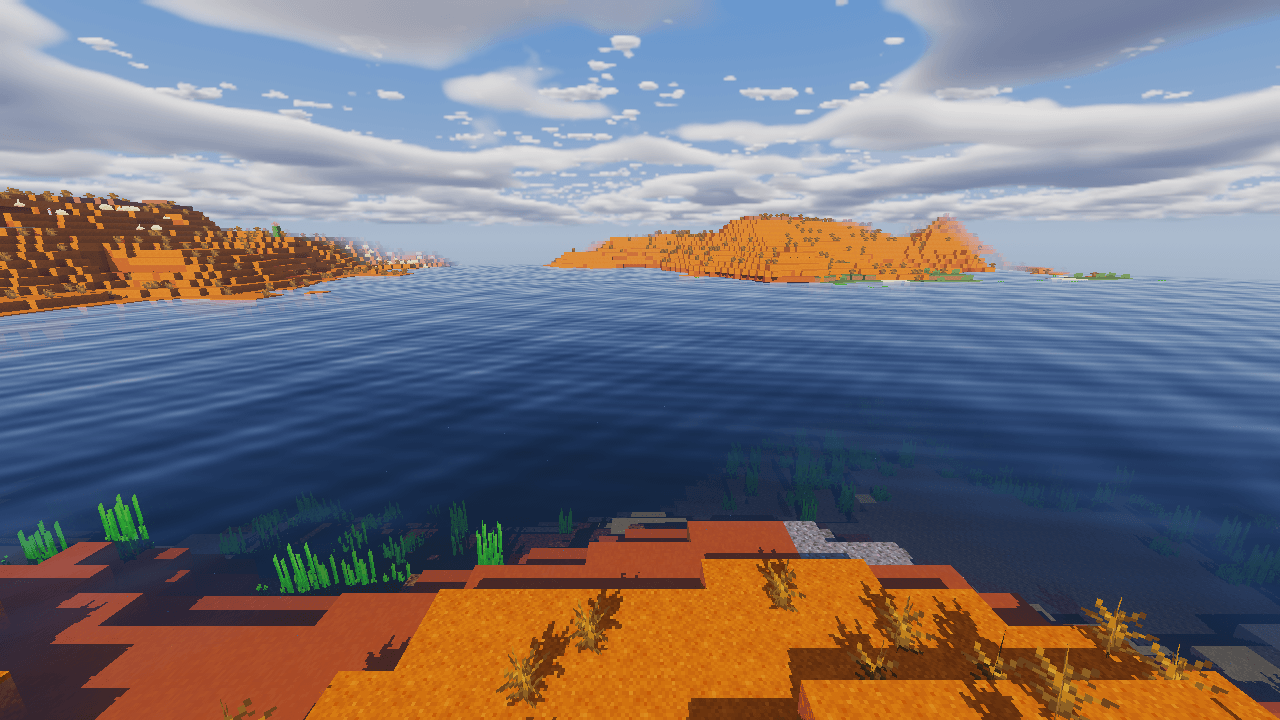
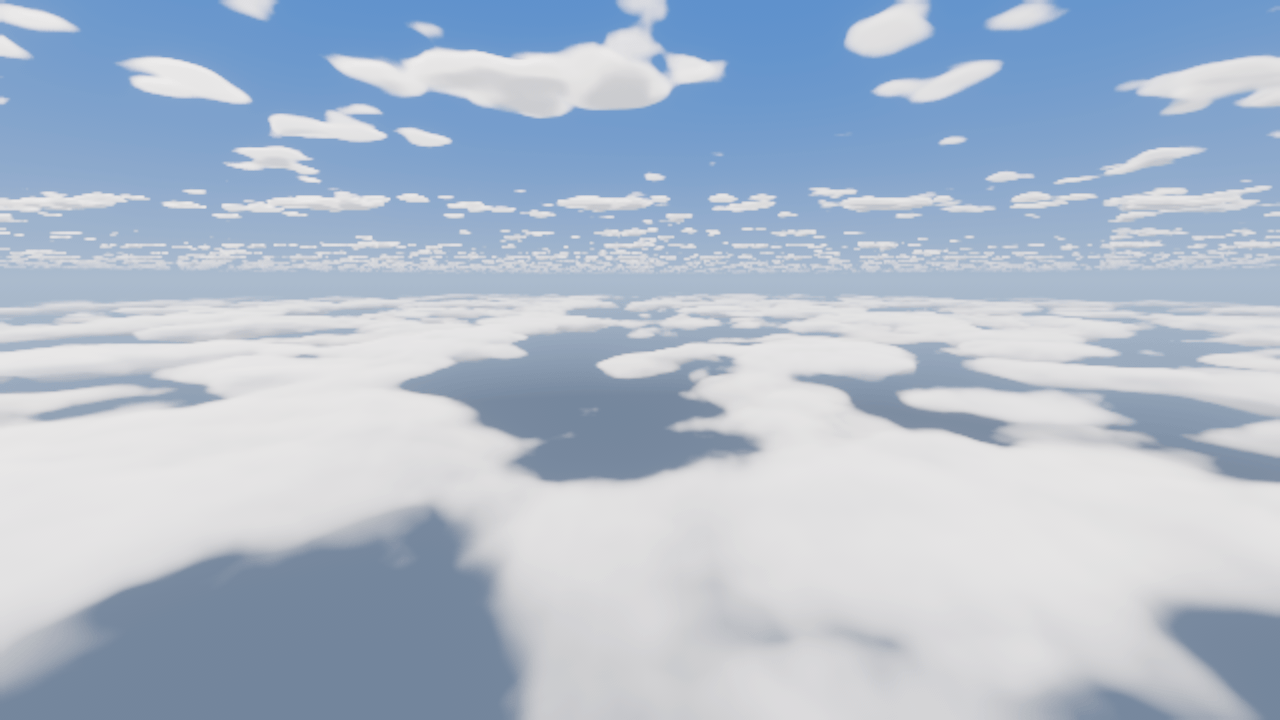
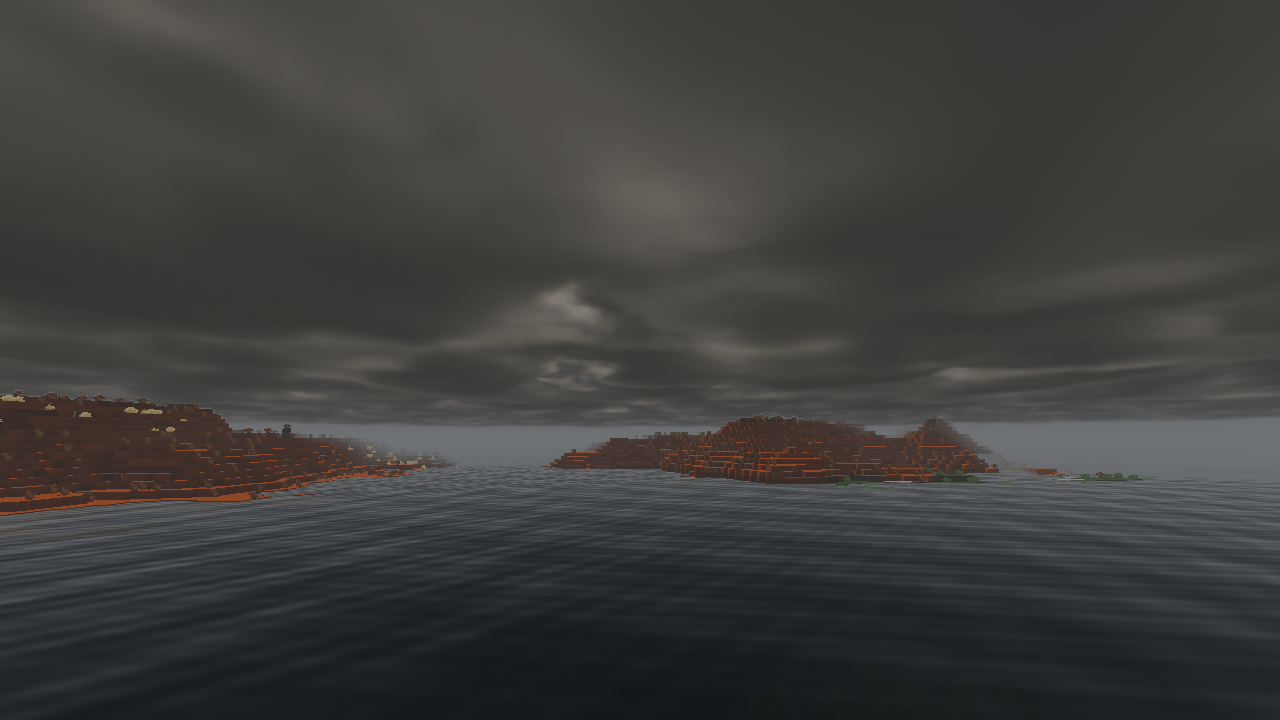
- Soft 3D clouds: two layers of puffy clouds (fly into the low one with an elytra), with thin wisps far above. Fair weather brings scattered clouds, rain covers the sky in grey, and thunderstorms pile up towering clouds.
The night sky
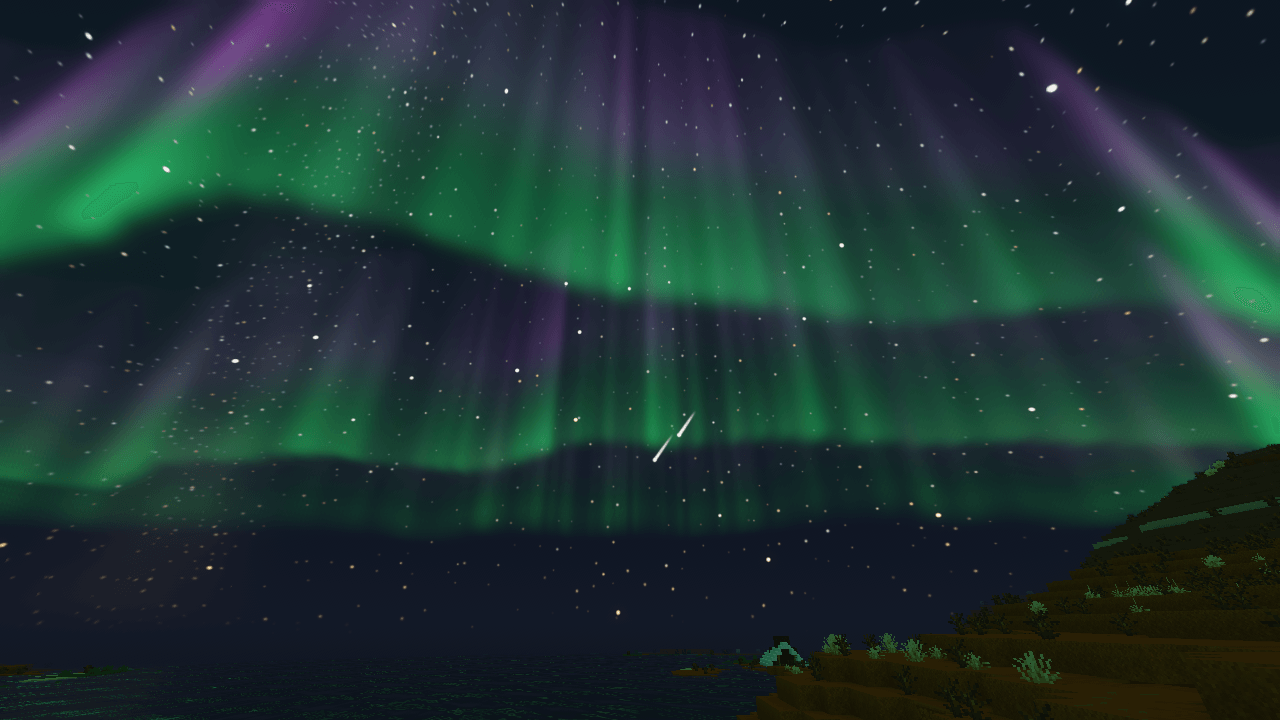
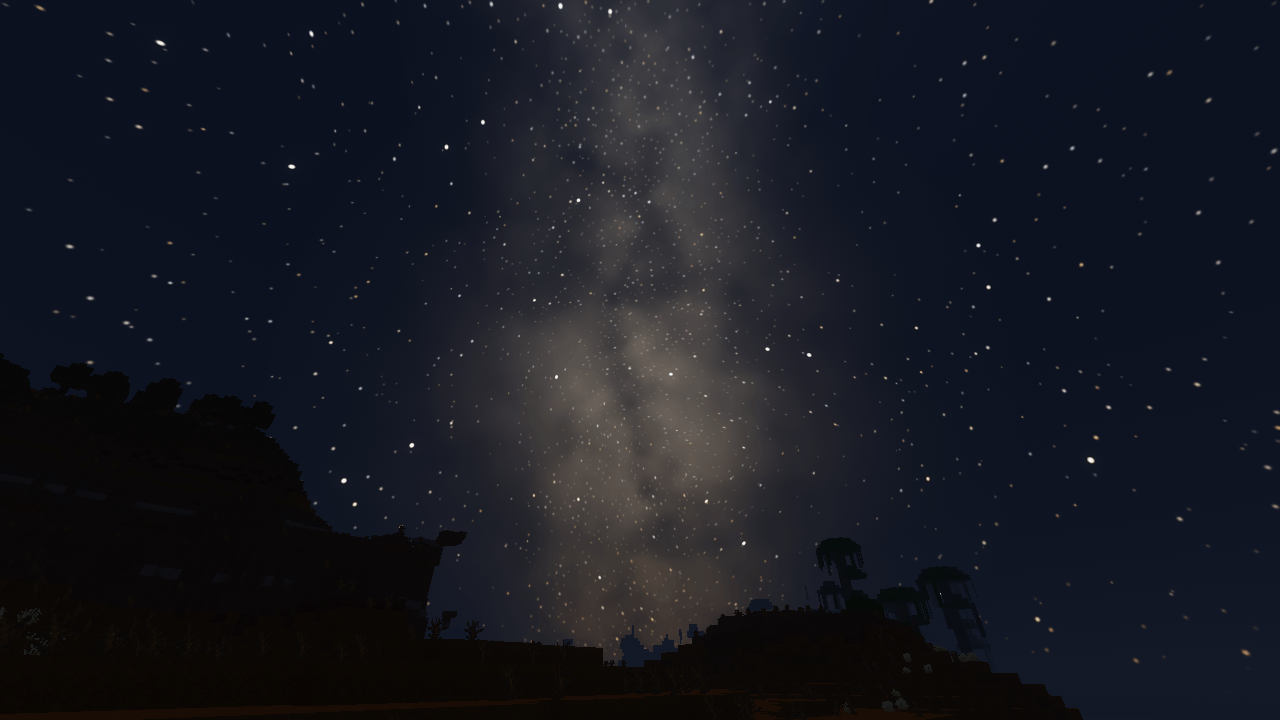
- Thousands of stars in different colours, twinkling near the horizon and wheeling slowly across the sky through the night.
- The Milky Way: a glowing band of stars with dark dust lanes, brightest on moonless nights.
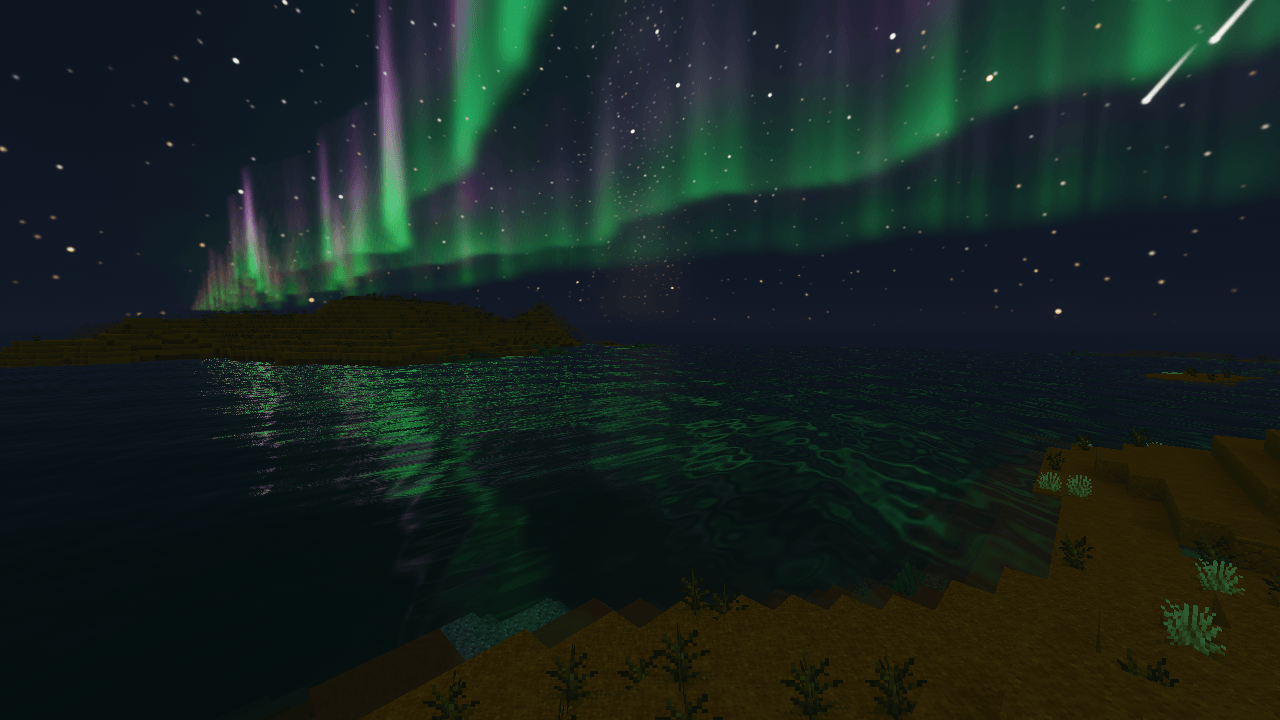
- Shooting stars: a few a minute, now and then a bright green-orange fireball, and some nights a meteor shower with dozens a minute, all flying out from one point in the sky.
- Northern lights: on some nights, slowly waving green curtains with purple and pink tops. On strong nights they arch overhead, light the land faintly green and shine in the water.
Light and shadows
- Sun and moon shadows that move with the sun.
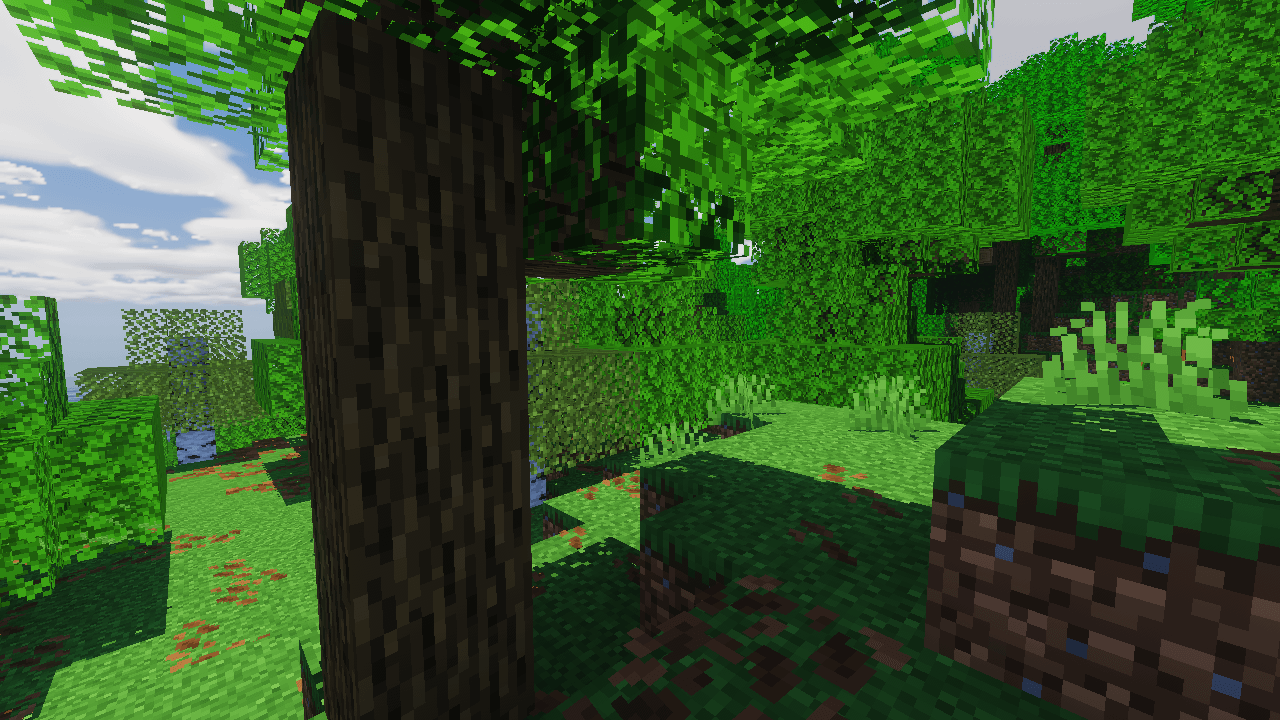
- Blocky shadows: shadow edges follow the pixels of the textures, so shadows look like part of Minecraft's pixel art. (Can be switched to smooth.)
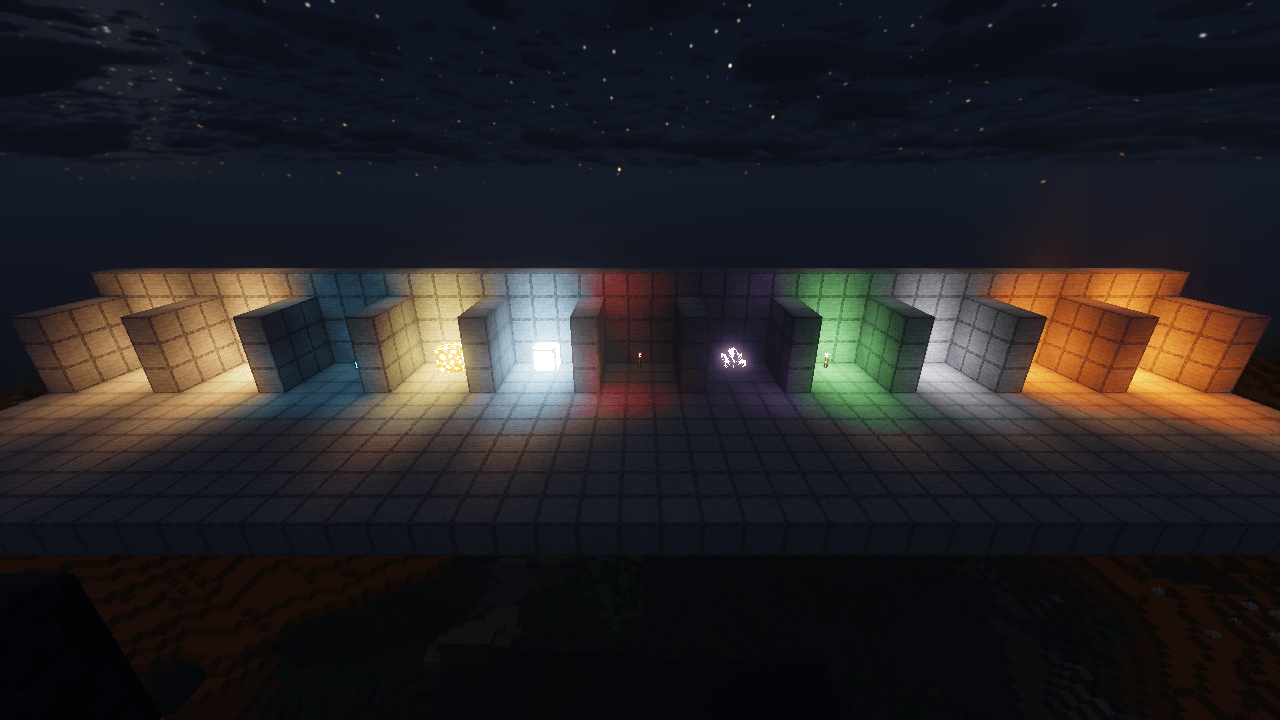
- Coloured light: every glowing block lights its surroundings in its own colour: lava and fire deep orange-red, torches warm yellow, soul fire blue, glowstone gold, sea lanterns pale blue, redstone red, and more.
- Realistic but playable nights and caves: dark blue nights, brighter under a full moon, pitch-black caves away from torches.
Lava
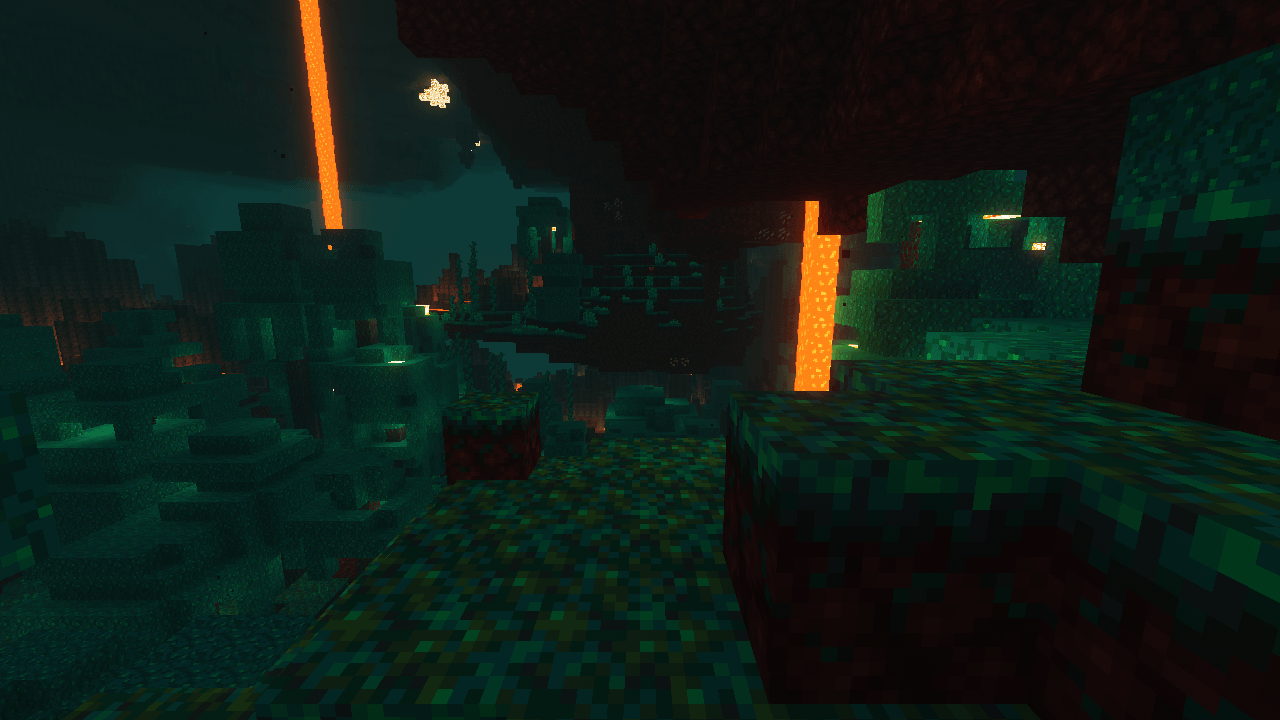
- Blazing lava in deep orange with yellow-orange hot spots, glowing strongly.
- Heat haze: the air shimmers above lava and fire, and glows orange over lava lakes, so a lava sea glows from far away.
Metal and gems
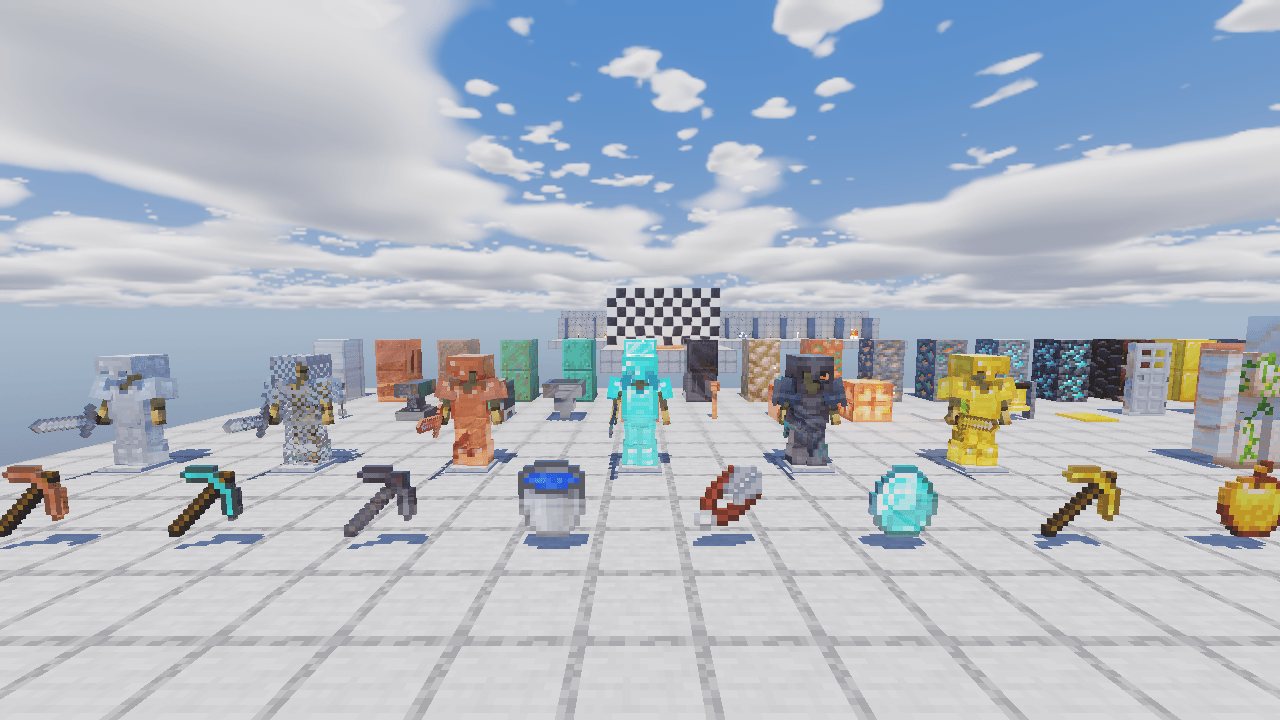
- Everything made of iron, copper, gold, diamond and netherite reflects, each in its own way: armour, tools, blocks, bars, doors, bells, rails...
- Copper dulls as it turns green (waxed copper keeps its shine), diamonds sparkle, netherite is dark and glossy.
- The flecks in ores glint as your torch passes them in a cave.
- On High and Ultra, metal reflects the world around it too.
Water and plants
- Rippling water that reflects the sky (and on Ultra the world around it), with sun glints and murky blue-green depths.
- Leaves, grass, flowers and crops sway in the wind, more in storms.
The Nether and the End
- The Nether: each biome has its own coloured air (red crimson forests, teal warped forests, blue soul sand valleys, grey basalt deltas, orange wastes), with a dim red glow so you can see.
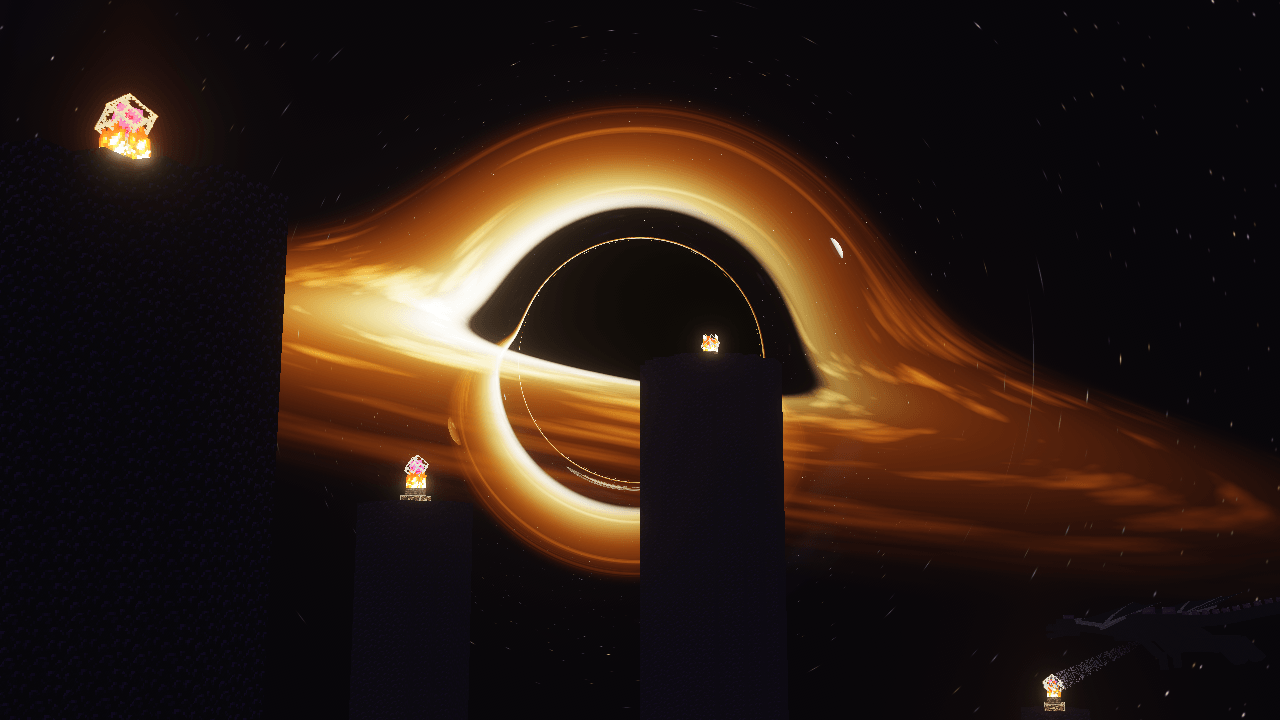
- The End: a huge black hole hangs over the western horizon, its blazing gold-orange disk wrapping over and under the black middle and bending the stars behind it, in black space full of stars, a purple nebula and planets. Its warm light falls across the islands, with long shadows from the obsidian pillars.
The V0id Dimension
Works with The V0id Dimension (by the same author): The Void gets dim dusk light with no clouds, and each Rift Realm keeps its own sky and fog colours.
Presets
- Low: for laptops and older computers. Everything still looks like Borealis, with blurrier, shorter-range shadows and simpler water and clouds.
- Medium: for an average computer.
- High: for a good gaming computer. Metal reflects the world around it.
- Ultra: for a fast gaming computer. The sharpest shadows, soft shadow edges, and the world reflected in water and metal.
Every effect can also be adjusted on its own in the shader settings.
What you need
- Minecraft 26.3
- Iris 1.11.7 or newer and Sodium (Fabric or NeoForge)
- Graphics API set to OpenGL. Iris can't run on Vulkan. In Video Settings, set Graphics API to OpenGL (the "Default" setting usually picks OpenGL already).
- A graphics card with OpenGL 4.3: any Windows or Linux graphics card from about the last ten years. macOS is not supported (it stops at OpenGL 4.1).
How to install
- Install Iris and Sodium.
- Download Borealis Shaders and put the zip (don't unzip it) into your
.minecraft/shaderpacks folder.
- In game: Options, Video Settings, Shader Packs, pick Borealis.
- Choose a preset (Low, Medium, High or Ultra) in the shader pack's settings.
Everything in Borealis is drawn by the shader itself: no textures from Minecraft are included.