Mineuniverse
Shaders
BloodyShaders

BloodyShaders

SHADER
Basically, a Minecraft shader to create a darker, bloodier atmosphere
by trece313
Download Claim this project
40,333 downloads
0 likes
Updated Oct 14, 2026
0 hypes
Fantasy
Advertisement Remove ads with Premium →

## Bloody Shaders

image ### Description
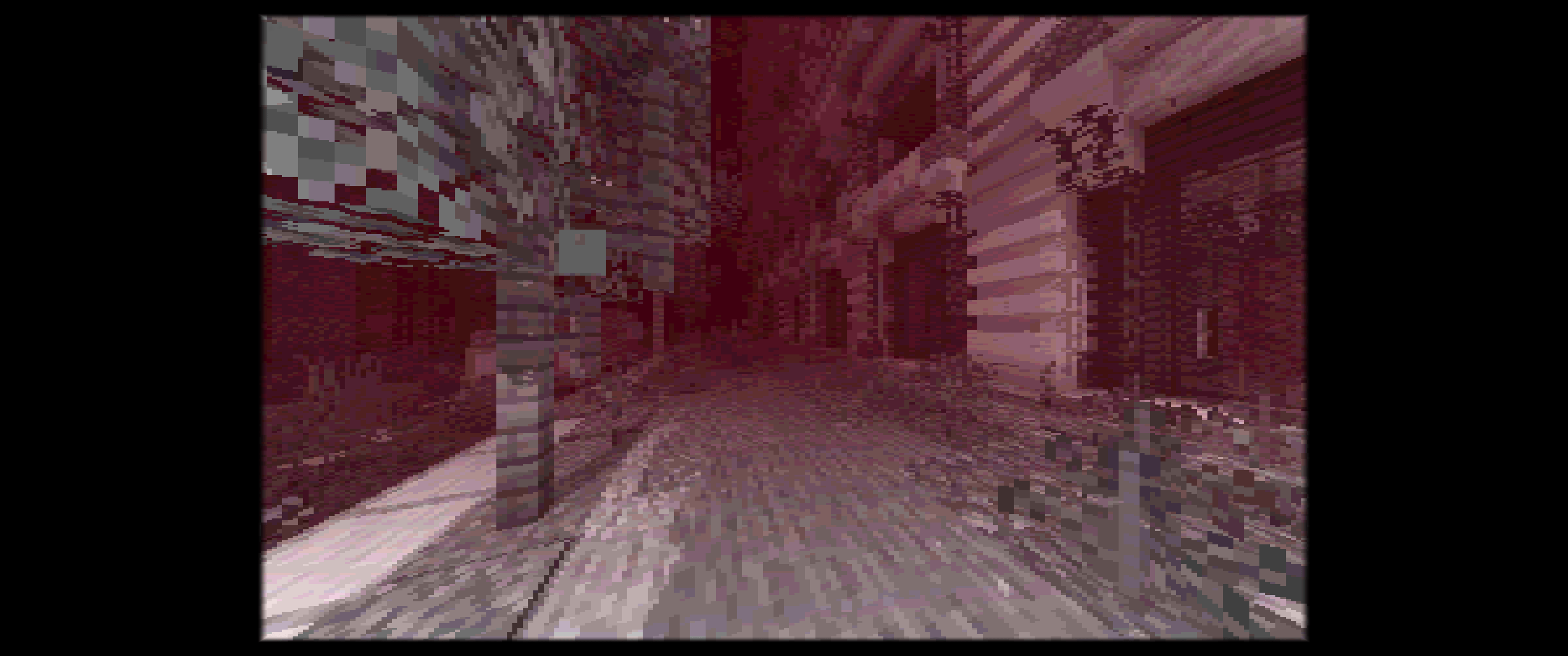
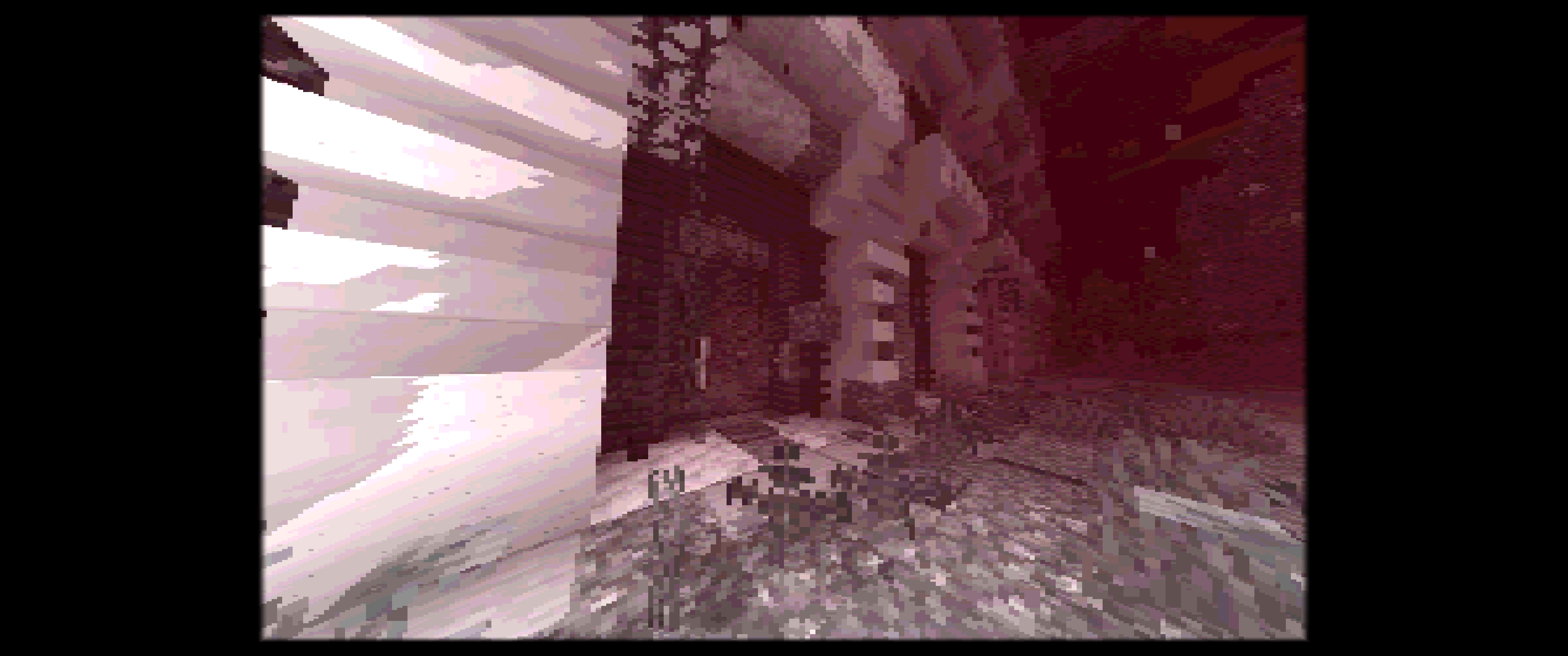
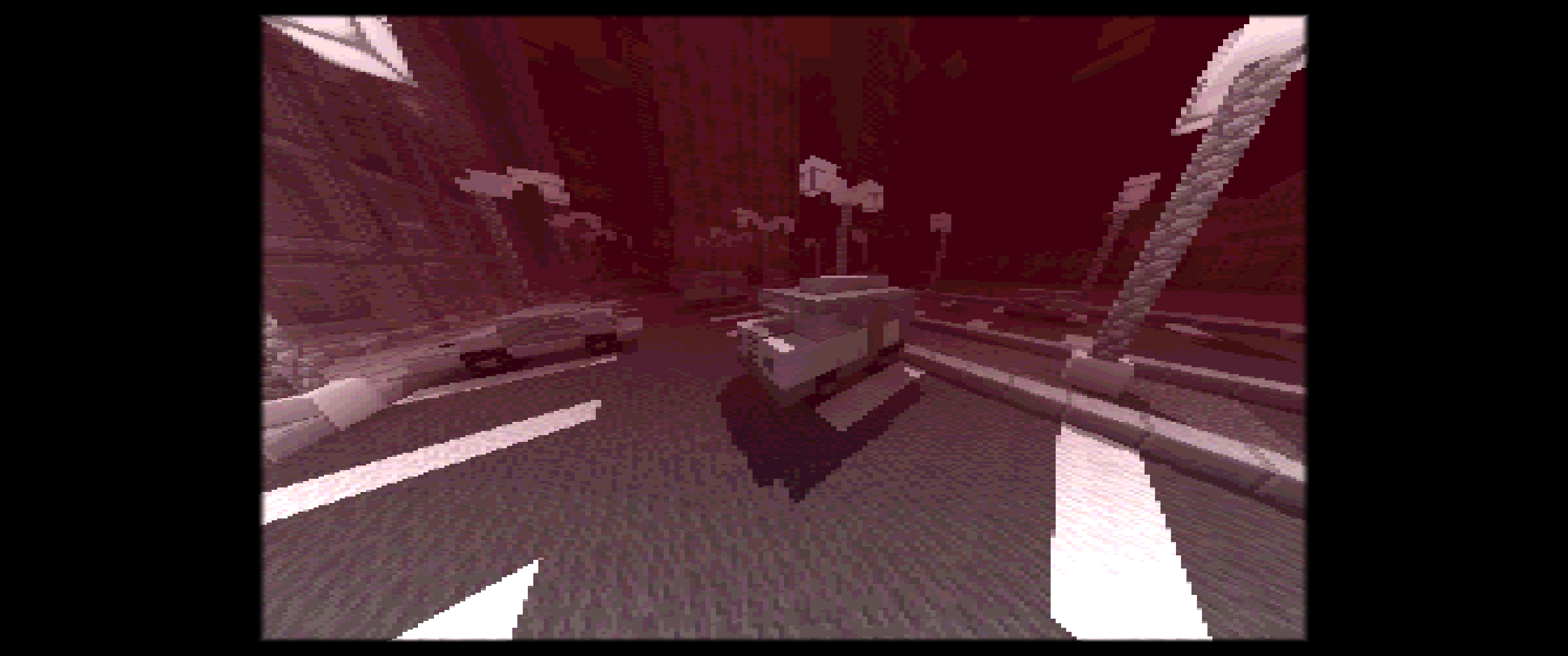
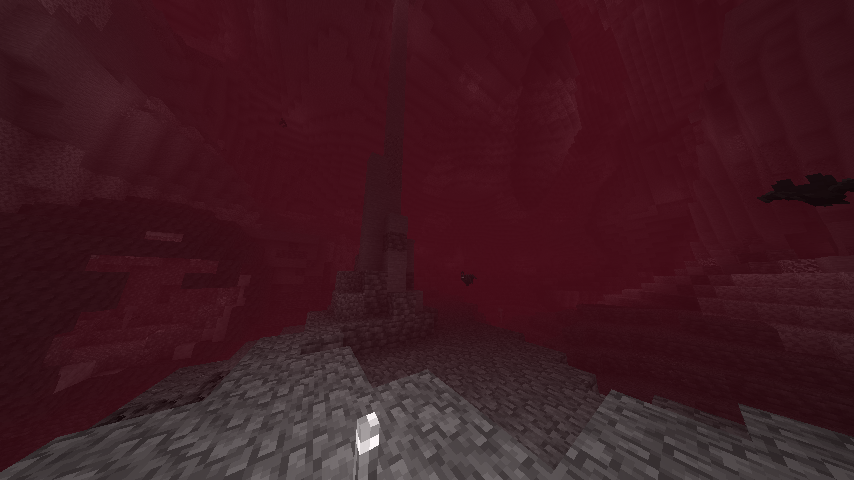
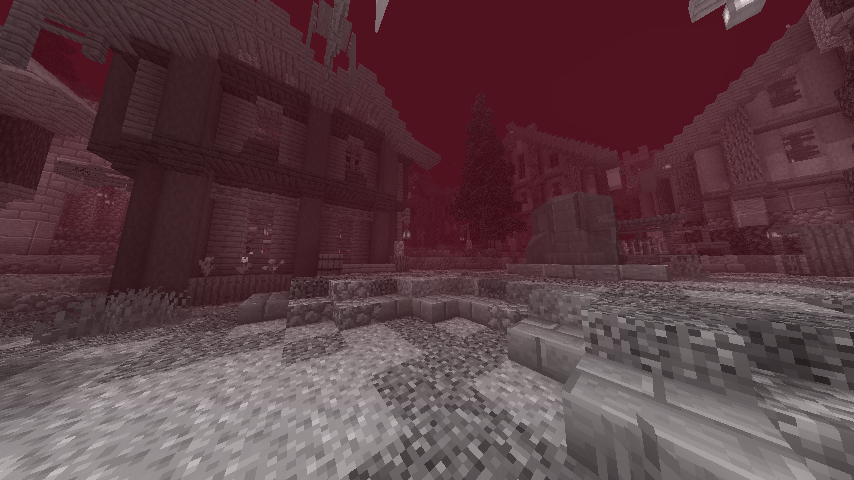
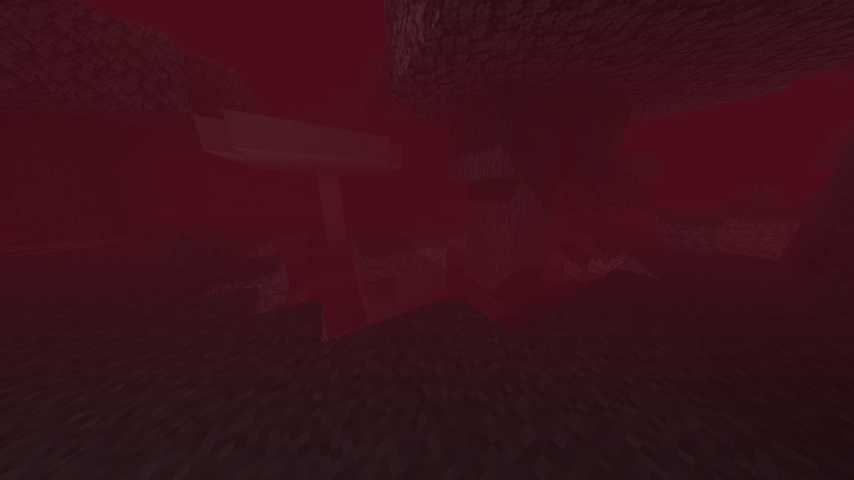
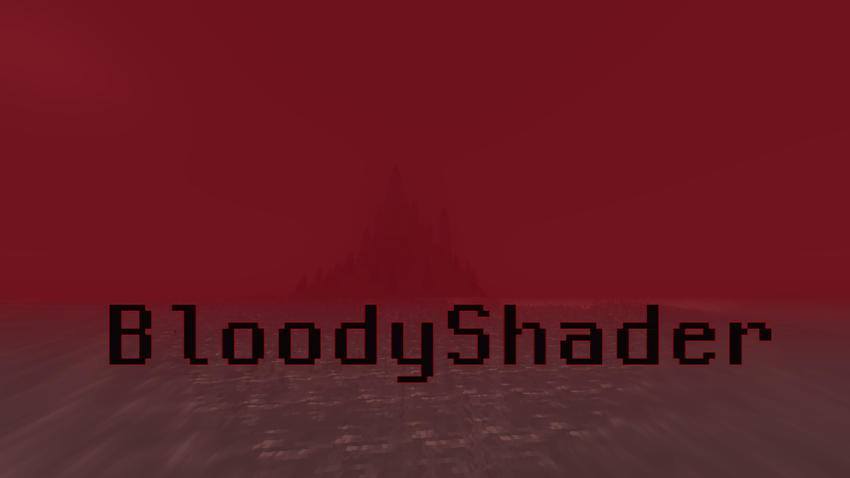
Bloody Shaders is designed to give Minecraft a darker, more apocalyptic atmosphere. By adding a red-tinted fog, this shader brings a gloomy, somber touch to the game, perfect for those who want an eerie and unsettling experience.

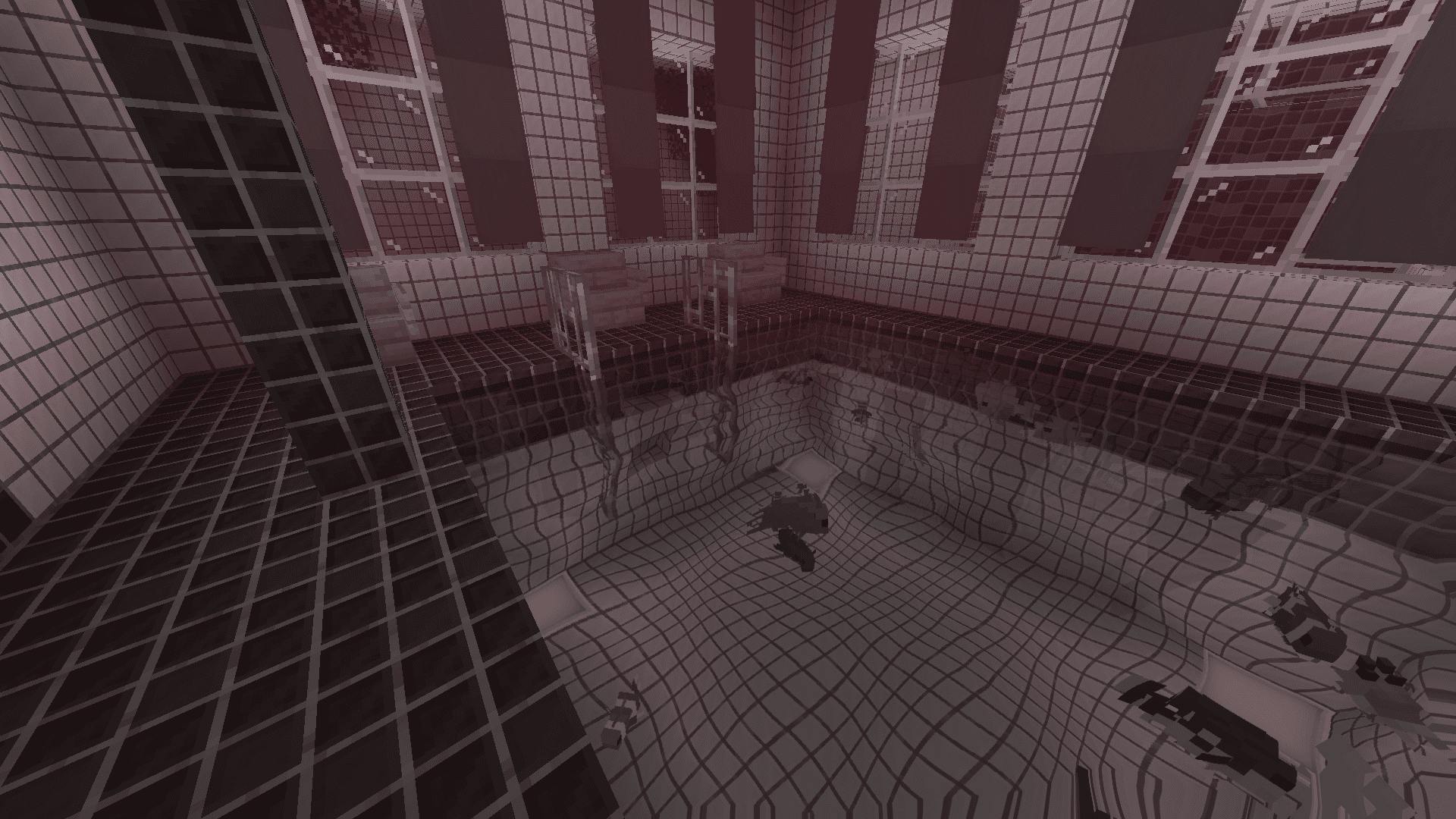
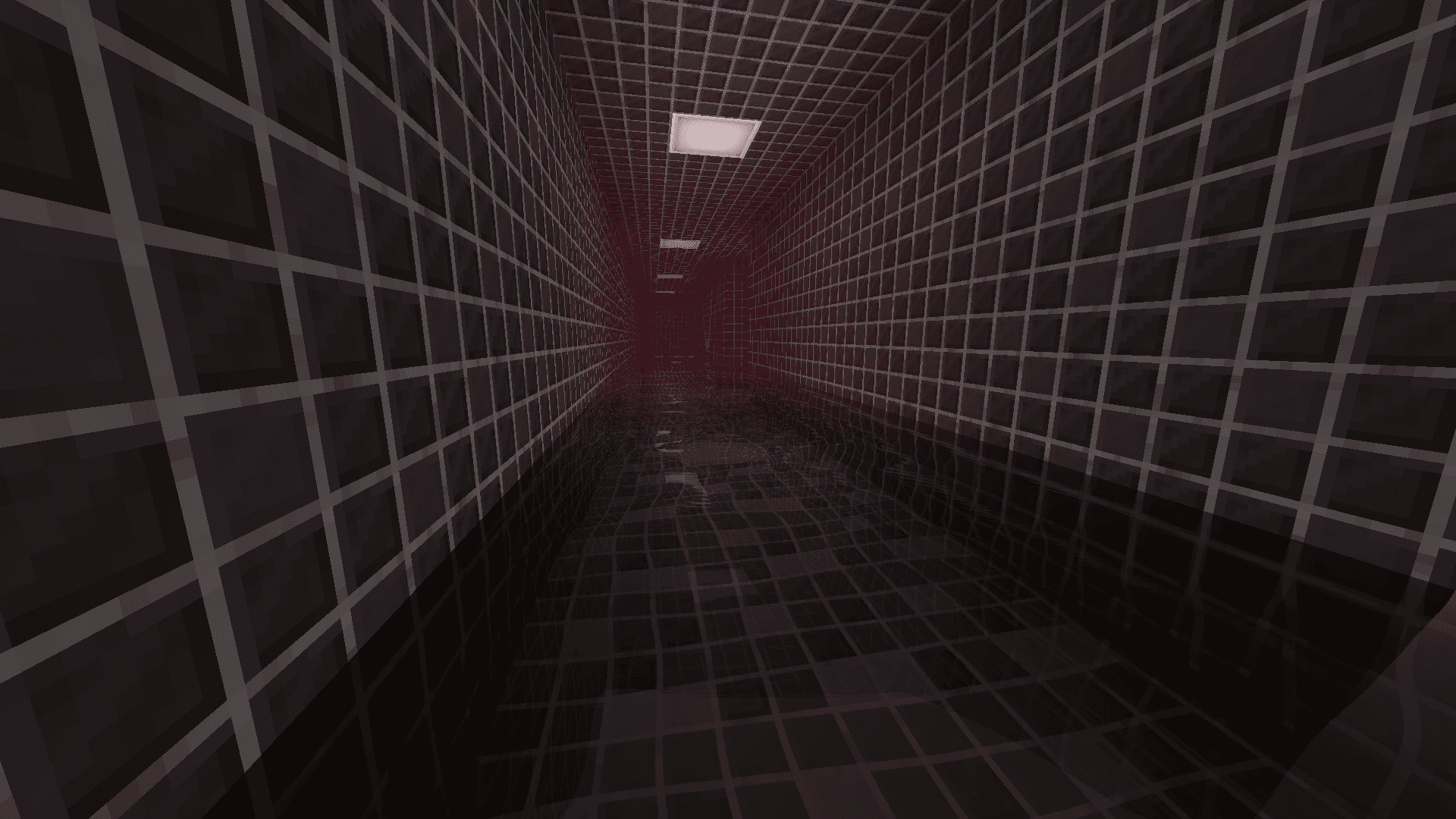
Realistic Water: Replaces vanilla water with a highly optimized, realistic water effect, adding a more immersive experience.

Pixelated Shadows: New pixelated shadows for a more atmospheric and unsettling vibe.

Red Fog Effect: The shader adds a red fog that creates a haunting, end-of-the-world vibe across landscapes, making the game feel eerie and melancholic.

Future Features:
Stay tuned for upcoming updates, which will include:

Additional lighting and shadow improvements.
New fog colors and effects to further enhance the atmosphere.

Note:
Feedback and suggestions are very welcome! Let me know what you’d like to see improved or added in future updates :)

BloodyShader[1.3]
MC 1.21, 1.16, 1.20.2, 1.19.4, 1.17, 1.20.5, 1.20.1, 1.20, OptiFine, 1.20.6, 1.21.1, 1.20.4, 1.19.2, 1.20.3, Iris, 1.19
Release 2026-04-14 Get
BloodyShader PSX (ps1 graphics)
MC 1.21, 1.19.3, 1.20.2, 1.19.4, 1.20.5, 1.20.1, 1.20, OptiFine, 1.20.6, 1.21.1, 1.19.1, 1.20.4, 1.19.2, 1.20.3, Iris, 1.19
Release 2026-04-11 Get
BloodyShader
MC 1.20.2, 1.21, 1.20.5, 1.17, 1.16, 1.19.2, 1.20.3, 1.20.1, 1.20, OptiFine, 1.20.6, 1.20.4, 1.21.1, 1.18, Iris, 1.19
Release 2024-11-06 Get
BloodyShader[1.1]
MC 1.20.2, 1.21, 1.20.5, 1.17, 1.16, 1.19.2, 1.20.3, 1.20.1, 1.20, OptiFine, 1.20.6, 1.20.4, 1.21.1, 1.18, Iris, 1.19
Release 2024-11-06 Get
BloodyShader[1.2]
MC 1.21, 1.16, 1.20.2, 1.17, 1.20.5, 1.18, 1.20.1, 1.20, OptiFine, 1.20.6, 1.21.1, 1.20.4, 1.19.2, 1.20.3, Iris, 1.19
Release 2024-11-06 Get

Requirements & install

How to use this shader in Minecraft
Shader loader
Iris OptiFine
Minecraft
1.20.1 – 1.21.1
Install folder
.minecraft/shaderpacks

How to install shaders

  1. Install a shader loader for your Minecraft version: Iris (with Sodium) or OptiFine.
  2. Download the shader pack .zip file (do not extract it).
  3. Put the .zip into the shaderpacks folder (.minecraft/shaderpacks).
  4. In game open Options → Video Settings → Shader Packs, select the pack and apply it.
Browse more: Iris shaders OptiFine shaders Shaders for 1.21.1 All shaders
Advertisement Remove ads with Premium →

You Might Also Like