Mineuniverse
Shaders
Author87668's LIGHT Shaders

Author87668's LIGHT Shaders

SHADER
As light as light, as beautiful as painting. Make you have both high FPS and good image quality.
by Author87668
Download Claim this project
149,480 downloads
0 likes
0 followers
Updated Oct 14, 2026
0 hypes
Follow0
Fantasy Realistic Vanilla
Advertisement Remove ads with Premium →

LIGHT Shaders

As light as light, as beautiful as painting.

Make you have both high FPS and good image quality.


Extended version with PBR and GI: LIGHT Ray Shaders


Gallery

gallery


Features

FPS in your hands.

Optimized based on Chocapic13's Shaders,

Removed some unnecessary features,

Some bugs have also been fixed,

Let you have an excellent FPS.

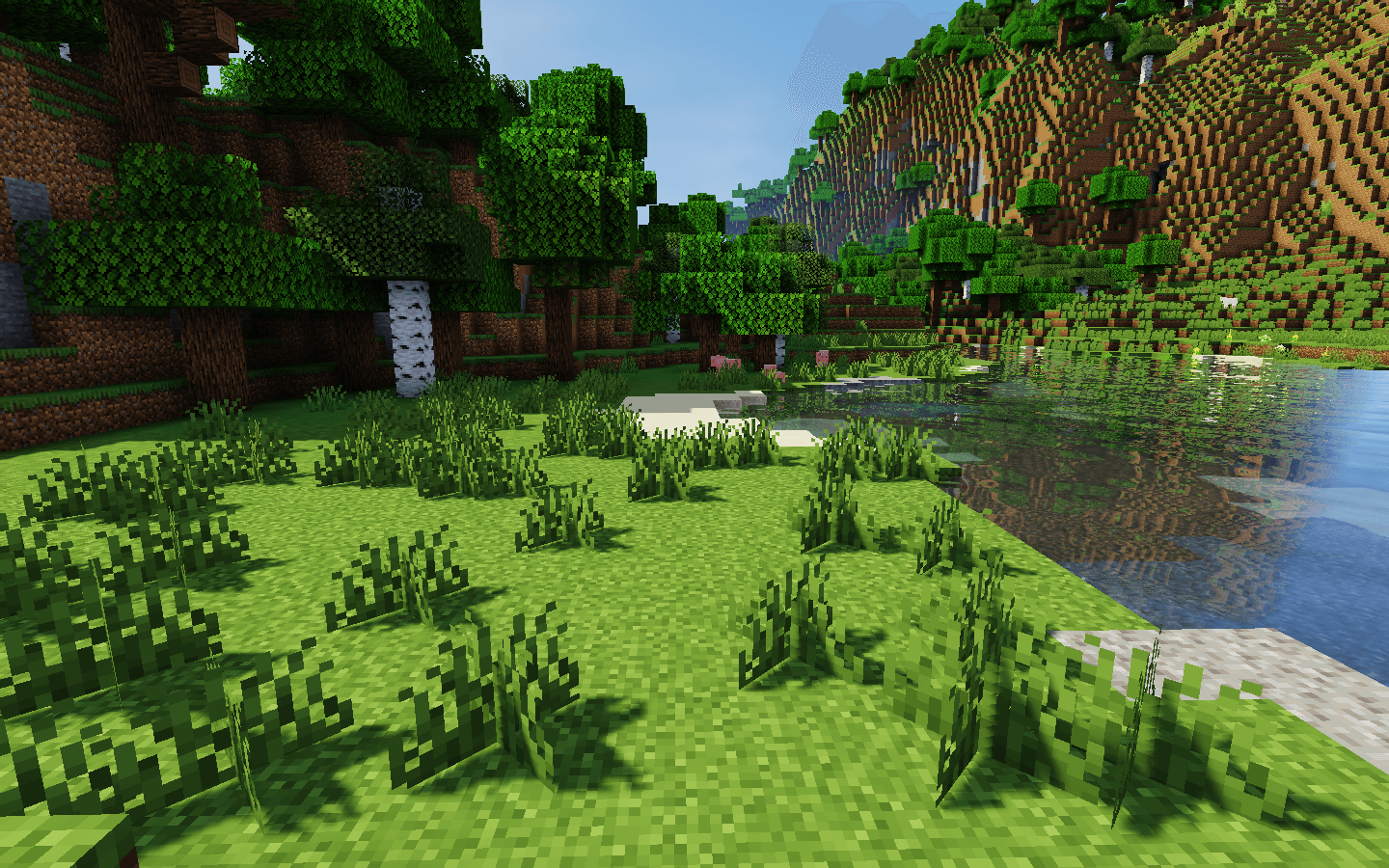
Crisp and bright picture.

Removed some features of Chocapic13's Shaders,

But it's not one-size-fits-all like some shaders,

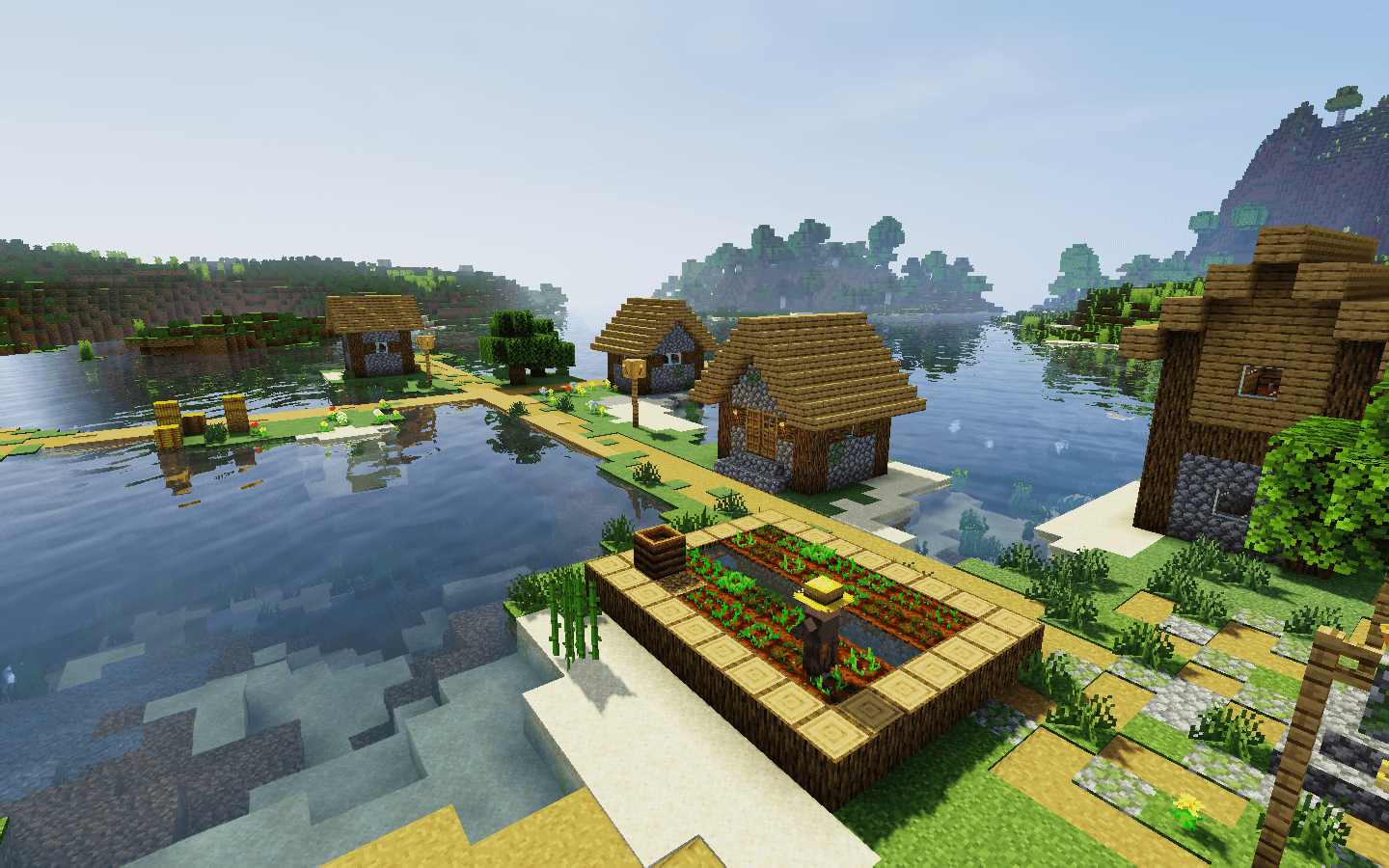
Instead, it retains excellent picture manifestation:

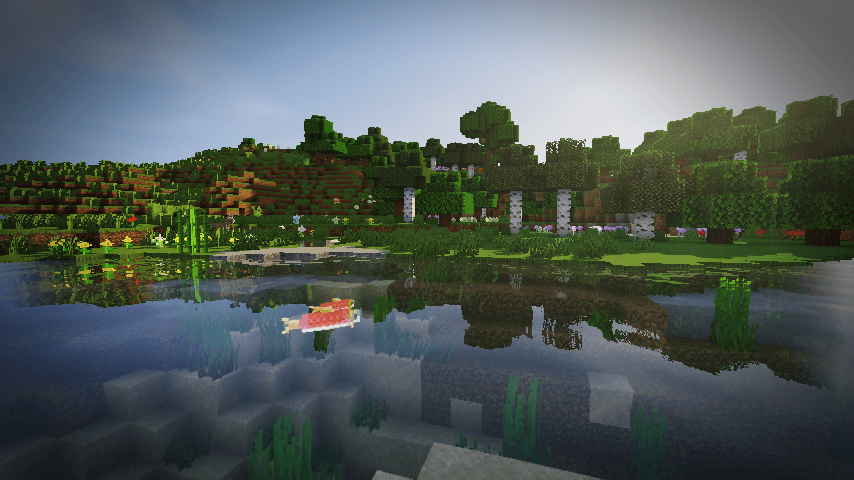
  • Water reflections
  • Water surface ripples
  • Good shadows
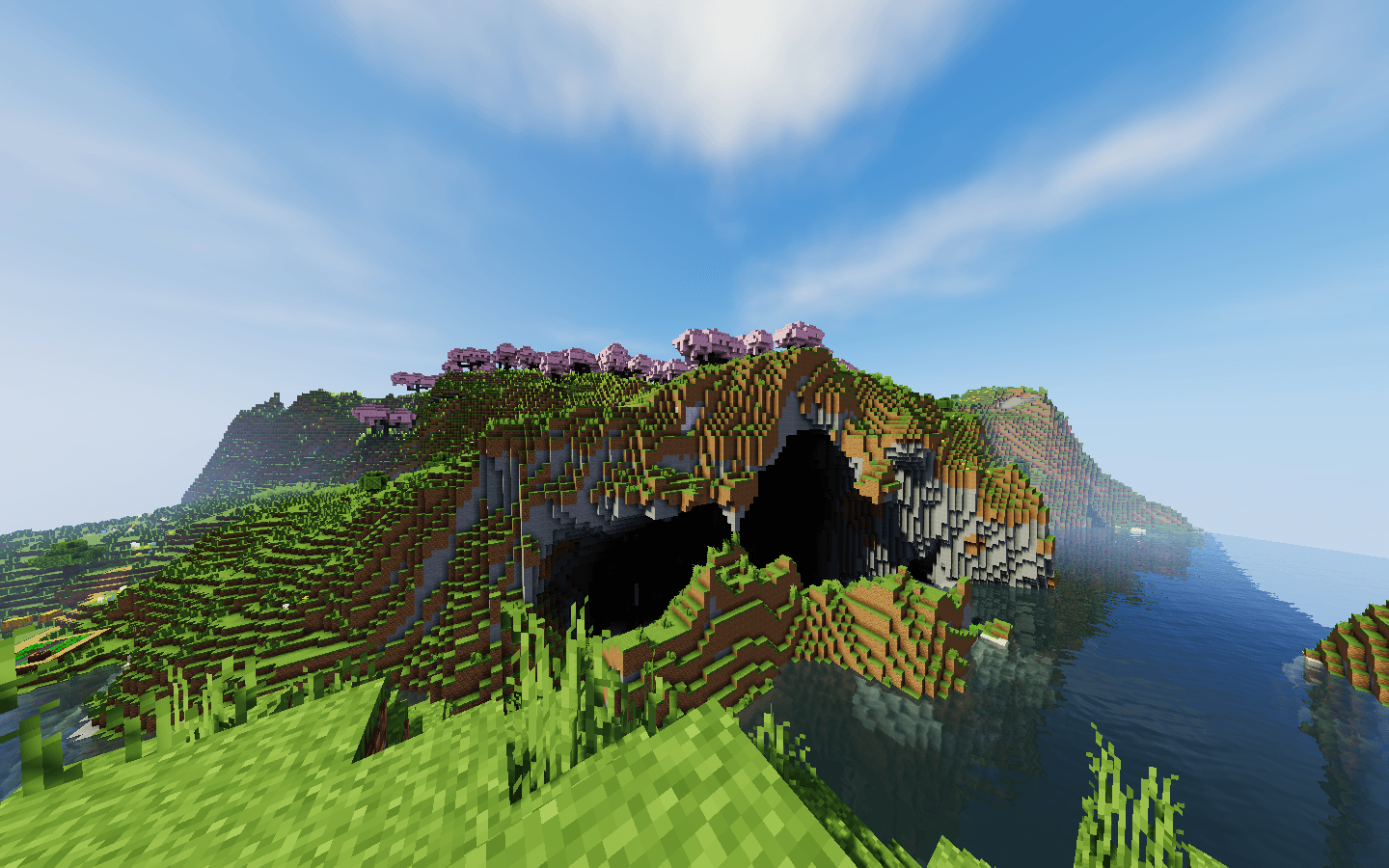
  • Outstanding performance in different weather
  • Clouds that move with the wind
  • TAA anti-aliasing (optional)
  • and more…

And added a few features of it own.

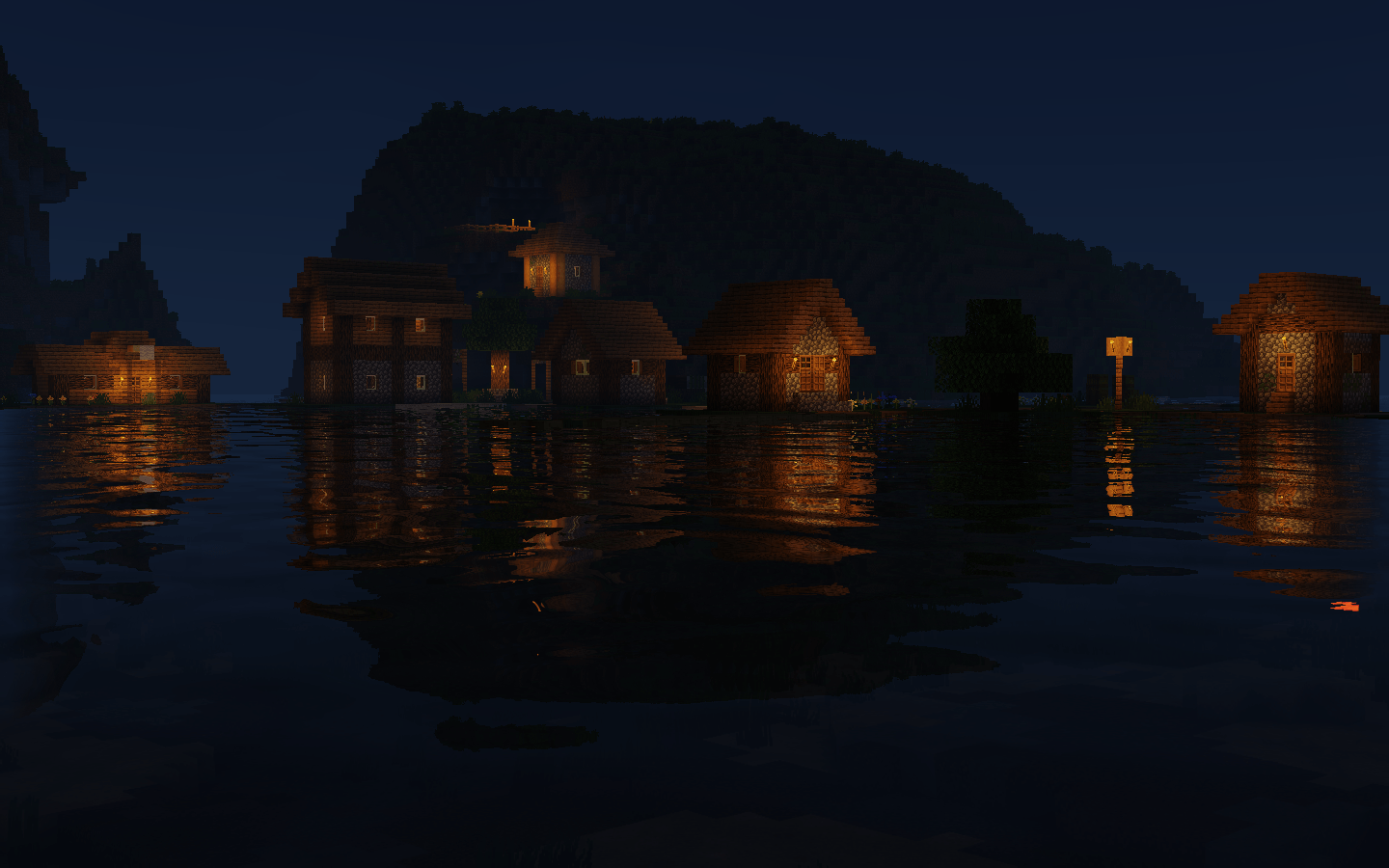
Exclusive Atmosphere.

Gives you a unique atmosphere.

Excellent field of view brightness.

Doesn't make you feel so dark in the Nether instead of you can't see anything like the usual shaders.


Requirements

  • Iris Shaders, Oculus Shaders or OptiFine.
  • OpenGL 1.2 support.
  • An ordinary GPU. (even extremely below average)

If you want to support my work, you can subscribe my Patreon membership.

1.8.0 - Physics Mod Support & TAA Fix
MC 1.16.3, 1.13.1, 1.9.3, 1.8.7, 1.17.1, 1.9.1, 1.21, 1.16.1, 1.18.1, 1.14.3, 1.15, 1.16, 1.13, 1.16.5, 1.10.2, 1.19.3, 1.20.2, 1.19.4, 1.21.8, 1.8.8, 1.9.4, 1.9.2, 1.8.4
Release 2026-08-23 Get
1.7.1 - Squre Sun
MC 1.16.3, 1.13.1, 1.9.3, 1.8.7, 1.17.1, 1.9.1, 1.21, 1.16.1, 1.18.1, 1.14.3, 1.15, 1.16, 1.13, 1.16.5, 1.10.2, 1.19.3, 1.20.2, 1.19.4, 1.21.8, 1.8.8, 1.9.4, 1.9.2, 1.8.4
Release 2026-08-22 Get
1.7.0 - TAA Support
MC 1.16.3, 1.13.1, 1.9.3, 1.8.7, 1.17.1, 1.9.1, 1.21, 1.16.1, 1.18.1, 1.14.3, 1.15, 1.16, 1.13, 1.16.5, 1.10.2, 1.19.3, 1.20.2, 1.19.4, 1.21.8, 1.8.8, 1.9.4, 1.9.2, 1.8.4
Release 2026-08-11 Get
1.6.0 - Configurability Optimization
MC 1.16.3, 1.13.1, 1.9.3, 1.8.7, 1.17.1, 1.9.1, 1.21, 1.16.1, 1.18.1, 1.14.3, 1.15, 1.16, 1.13, 1.16.5, 1.10.2, 1.19.3, 1.20.2, 1.19.4, 1.21.8, 1.8.8, 1.9.4, 1.9.2, 1.8.4
Release 2026-08-10 Get
1.5.0 - Render Fix
MC 1.16.3, 1.13.1, 1.9.3, 1.8.7, 1.17.1, 1.9.1, 1.21, 1.16.1, 1.18.1, 1.14.3, 1.15, 1.16, 1.13, 1.16.5, 1.10.2, 1.19.3, 1.20.2, 1.19.4, 1.21.8, 1.8.8, 1.9.4, 1.9.2, 1.8.4
Release 2026-08-06 Get
1.4.0 - Lightmap Calculation Optimization
MC 1.16.3, 1.13.1, 1.9.3, 1.8.7, 1.17.1, 1.9.1, 1.21, 1.16.1, 1.18.1, 1.14.3, 1.15, 1.16, 1.13, 1.16.5, 1.10.2, 1.19.3, 1.20.2, 1.19.4, 1.21.8, 1.8.8, 1.9.4, 1.9.2, 1.8.4
Release 2026-04-05 Get
1.3.1 - Performance Optimize
MC 1.16.3, 1.13.1, 1.9.3, 1.8.7, 1.17.1, 1.9.1, 1.21, 1.16.1, 1.18.1, 1.14.3, 1.15, 1.16, 1.13, 1.16.5, 1.10.2, 1.19.3, 1.20.2, 1.19.4, 1.21.8, 1.8.8, 1.9.4, 1.9.2, 1.8.4
Release 2026-01-30 Get
1.3.0 - OptiFine Fix
MC 1.16.3, 1.13.1, 1.9.3, 1.8.7, 1.17.1, 1.9.1, 1.21, 1.16.1, 1.18.1, 1.14.3, 1.15, 1.16, 1.13, 1.16.5, 1.10.2, 1.19.3, 1.20.2, 1.19.4, 1.21.8, 1.8.8, 1.9.4, 1.9.2, 1.8.4
Release 2026-01-09 Get

Requirements & install

How to use this shader in Minecraft
Shader loader
Iris or OptiFine
Minecraft
1.16.5 – 1.21.8
Install folder
.minecraft/shaderpacks

How to install shaders

  1. Install a shader loader for your Minecraft version: Iris (with Sodium) or OptiFine.
  2. Download the shader pack .zip file (do not extract it).
  3. Put the .zip into the shaderpacks folder (.minecraft/shaderpacks).
  4. In game open Options → Video Settings → Shader Packs, select the pack and apply it.
Browse more: Iris shaders OptiFine shaders Shaders for 1.21.8 All shaders

More from Author87668

Advertisement Remove ads with Premium →

You Might Also Like