Mineuniverse
Shaders
ARTShade

ARTShade

SHADER
Stylized, bright fantasy atmosphere
by Arthiya
Download Claim this project
77,832 downloads
0 likes
Updated Oct 14, 2026
0 hypes
Fantasy Realistic Vanilla
Advertisement Remove ads with Premium →

Banner

Patreon Discord YouTube

SHOWCASE

ABOUT

This shaderpack is currently a Work In Progress
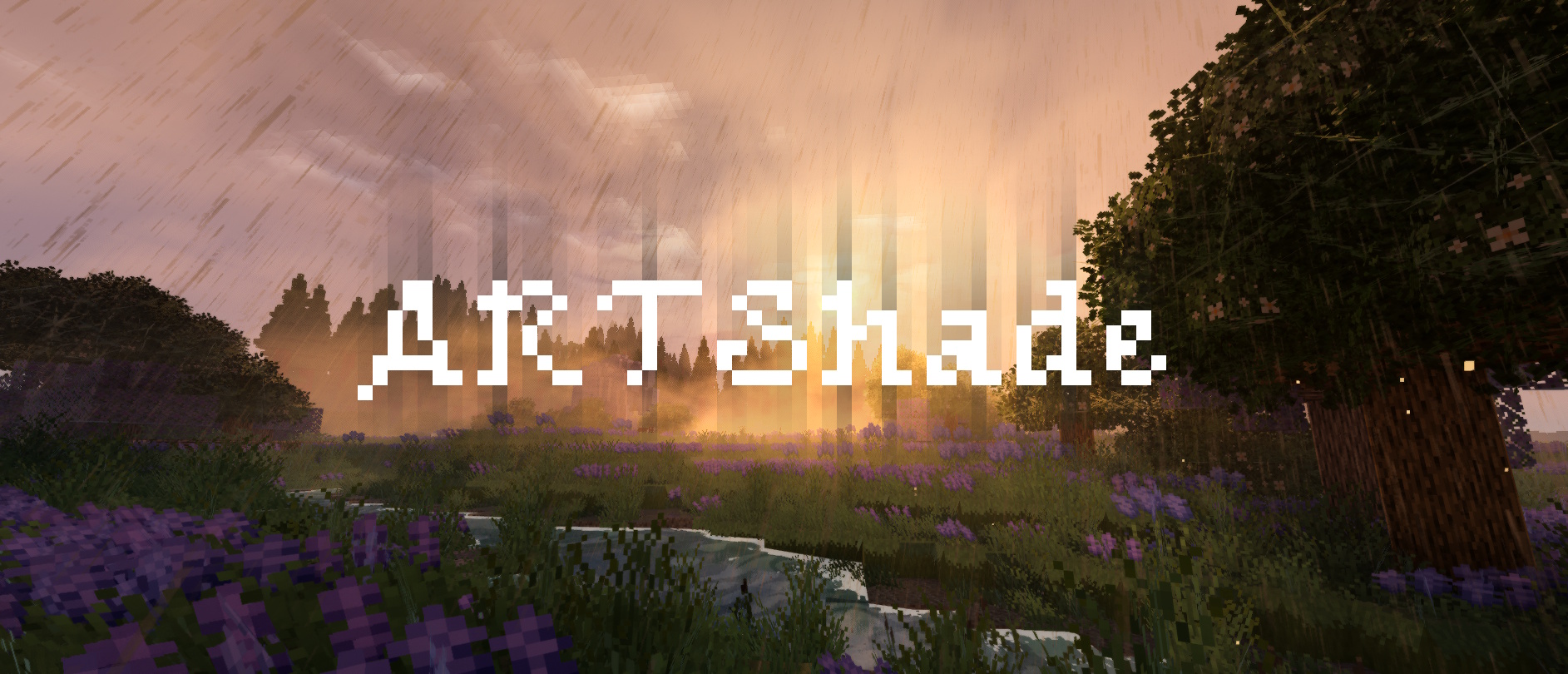
and aims to bring a stylized, bright fantasy atmosphere.

Main Features:

  • Full Nether & End Support: each dimension with its own lighting and mood.
  • Reworked Clouds: high-fidelity clouds that cast shadows over the world.
  • Stylized Water: foam, caustics, and colors that shift with depth and weather.
  • Dynamic Wind: grass, plants and foliage moving together under passing gusts.
  • Ambient Particles: falling leaves, dust, birds and ground mist.
  • Biome-Based Colors: sky, water and particles tinted by the biome you're in.
  • Advanced Lighting: godrays, screen space shadows and subsurface scattering.
  • Stylized Bloom & Glow: full support for emissives and underwater effects.
  • Dynamic Wet Ground: reflective surfaces during rain.
  • Multiple Visual Presets: Bright Fantasy, Dark Fantasy, Realistic, Pastel and Vanilla.
  • 4 Performance Tiers: independent from the visual preset you pick.
  • Mod Compatibility: Voxy, Distant Horizons and RenoDX (HDR).

Please be patient, the shaderpack is in progress. I take note of all feedback.
ARTShade V0.4B
MC 1.21, 1.19.3, 1.20.2, 1.19.4, 1.21.8, 1.20.5, 1.21.5, 1.21.4, 1.20.1, 1.20, 1.20.6, 1.21.1, 1.21.6, 1.21.3, 1.21.7, 1.19.1, 1.20.4, 1.19.2, 1.20.3, Iris, 1.19, 1.21.2, 1.21.9
Release 2026-09-07 Get
ARTShade V0.3.0FIX
MC 1.21, 1.19.3, 1.20.2, 1.19.4, 1.21.8, 1.20.5, 1.21.5, 1.21.4, 1.20.1, 1.20, 1.20.6, 1.21.1, 1.21.6, 1.21.3, 1.21.7, 1.19.1, 1.20.4, 1.19.2, 1.20.3, Iris, 1.19, 1.21.2, 1.21.9
Release 2026-05-08 Get

Requirements & install

How to use this shader in Minecraft
Shader loader
Iris
Minecraft
1.21.2 – 1.21.9
Install folder
.minecraft/shaderpacks

Install with Iris

  1. Install Iris with the Iris installer (irisshaders.dev); it sets up Fabric and Sodium for you.
  2. Download the shader pack .zip (do not extract it).
  3. Put the .zip into .minecraft/shaderpacks.
  4. In game open Options → Video Settings → Shader Packs, select the pack and click Apply.
Browse more: Iris shaders OptiFine shaders Shaders for 1.21.9 All shaders

More from Arthiya

Advertisement Remove ads with Premium →

You Might Also Like