Mineuniverse
Shaders
Animtr

Animtr

SHADER
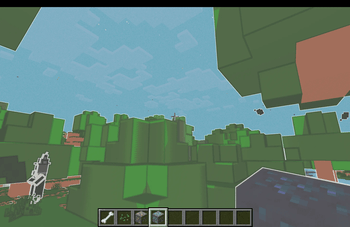
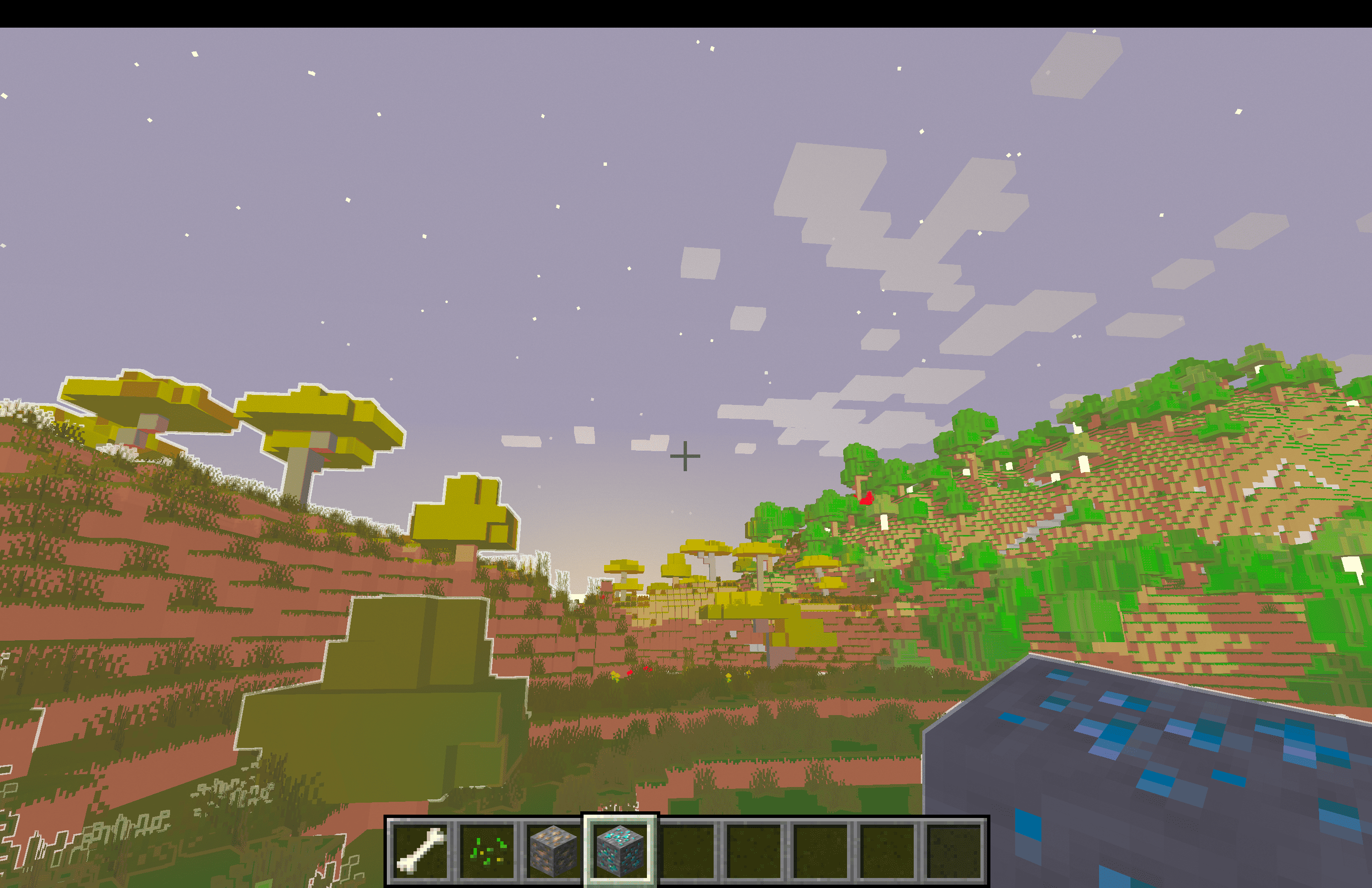
This shader adds more popping colours, anime-style borders and a dedicated separate candy mode for exploring in.
by user_3hzv2nz6hn2mxo0j
Download Claim this project
146 downloads
0 likes
Updated Oct 14, 2026
0 hypes
Fantasy Vanilla
Advertisement Remove ads with Premium →

A customizable Minecraft shaderpack that transforms the game into a polished anime aesthetic. This shader features crisp white sticker borders with soft edges, vibrant pastel color grading, and smooth cartoon shading with configurable levels. It includes material-dependent palette corrections for water, sand, and dirt, plus optional glow effects for glowing entities and ore blocks. You can toggle on extra detail to preserve texture clarity, or enable Candy Mode for biome-specifc color boosts on foliage and water. Everything is adjustable from border thickness and opacity to hand-drawn grain and warmth—fully configurable from Minecraft's shader settings menu.

Animtr.zip
MC 1.21.5, 1.21.5-Snapshot, OptiFine, Iris
Release 2026-05-17 Get

Requirements & install

How to use this shader in Minecraft
Shader loader
Iris OptiFine
Minecraft
1.21.5-Snapshot – 1.21.5
Install folder
.minecraft/shaderpacks

How to install shaders

  1. Install a shader loader for your Minecraft version: Iris (with Sodium) or OptiFine.
  2. Download the shader pack .zip file (do not extract it).
  3. Put the .zip into the shaderpacks folder (.minecraft/shaderpacks).
  4. In game open Options → Video Settings → Shader Packs, select the pack and apply it.
Browse more: Iris shaders OptiFine shaders Shaders for 1.21.5 All shaders

More from user_3hzv2nz6hn2mxo0j

Advertisement Remove ads with Premium →

You Might Also Like