Mineuniverse
Resource Packs
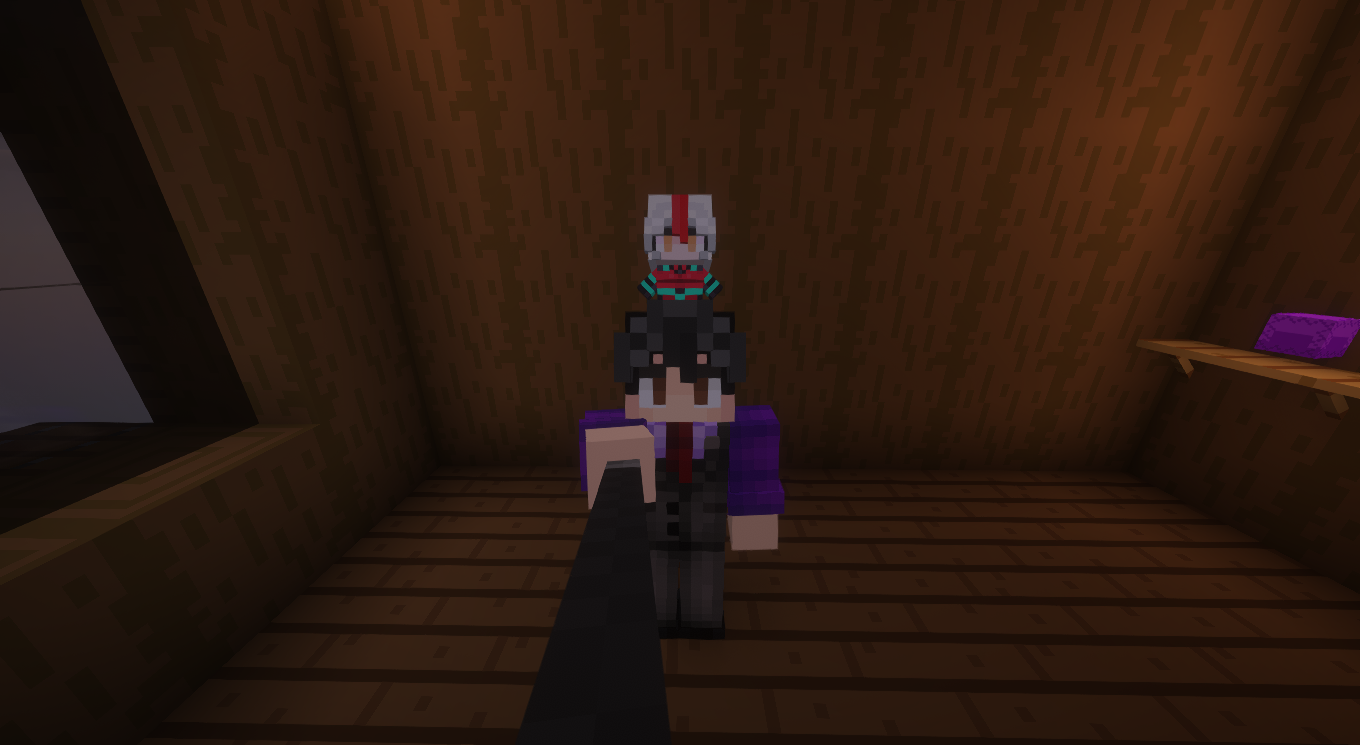
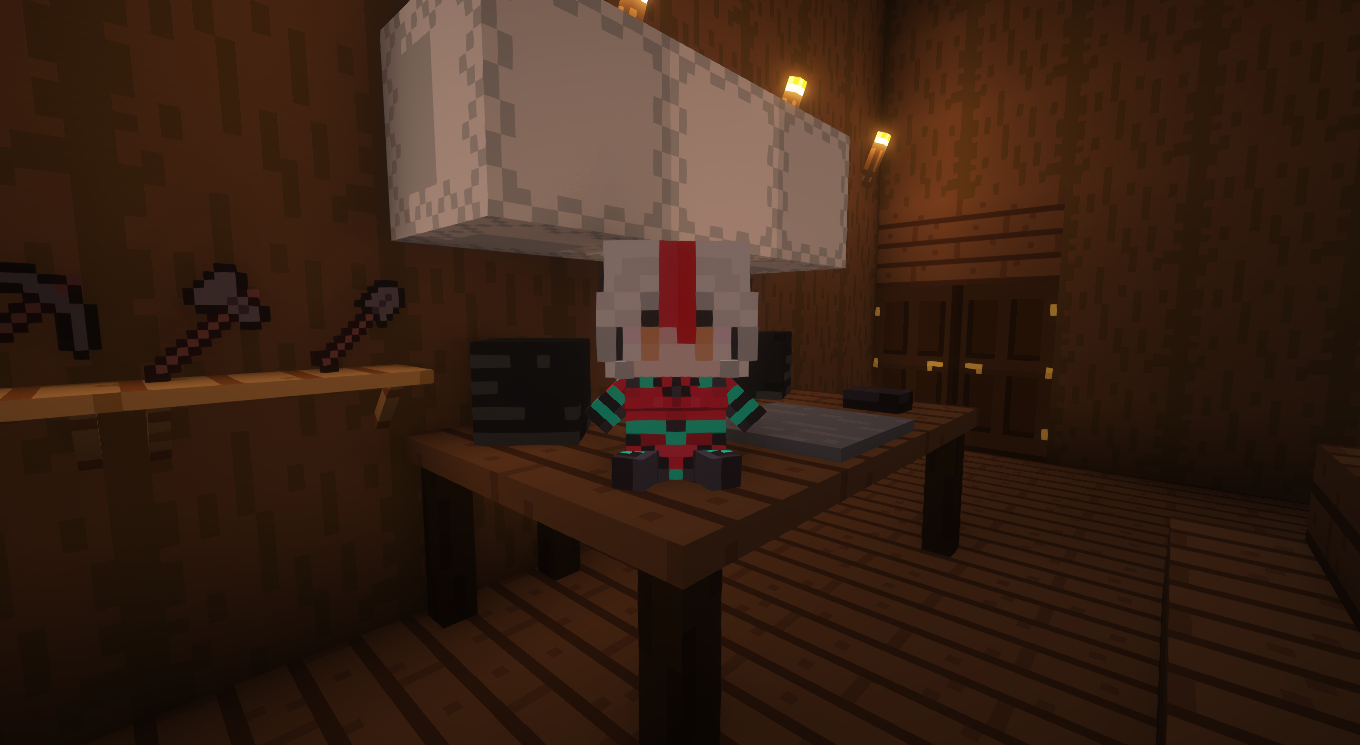
Zentreya plushies.

Zentreya plushies.

RESOURCE PACK
A small project of some Zen plushies and several sono geckos, made by a fan, for the fans.
by Time_Evans
Download Claim this project
Add a badge to your pageLink to Zentreya plushies. from a README, website or forum post.
Preview: Badge

Badges update automatically and link to the resource pack page on MineUniverse.

709 downloads
0 likes
0 followers
Updated Oct 14, 2026
0 hypes
Follow0
64x
Advertisement Remove ads with Premium →

🐉 Zentreya & Gecko Gang Plushies – Minecraft Texture Pack

Turn your Minecraft world into a soft and cozy sanctuary with the Zentreya & Gecko Gang Plushies texture pack! Inspired by the iconic VTuber Zentreya and various members of her community with adorable gecko sonas, this pack transforms in-game plushies (and select other items) into ultra-cute versions of your favorite characters.

🎁 Pack Features:

  • Custom plushies of Zentreya and community members with gecko sona designs.

  • Unique, colorful art style that stays true to the VTuber aesthetic.

  • Perfect for base decorations, custom maps, or simply showing your love for Zen and her community.

  • Compatible with [your Minecraft version] and designed to work seamlessly with other visual packs.

🦎 What Are Gecko Sonas?
Gecko sonas are vibrant, charming avatars representing fans and creators in Zentreya’s community. This pack is a heartfelt tribute to the special bond between a VTuber and her audience—celebrating their creativity, humor, and warmth.

📦 Installation:

  • Download the ZIP file
  • Download CIT Resewn (Fabric) or Optifine (Forge) Required.
  • Place it into your Minecraft resourcepacks folder. 
  • Enable it from the Resource Packs menu and enjoy! 

❤️ Credits:
Made by me and with the help of several community members who allowed me to include their gecko sonas.

Plushie collection 1.20.1
MC 1.20.1
Beta 2025-05-20 Get
Plushie collection 1.16
MC 1.16.1, 1.16
Beta 2025-05-20 Get
Plushie collection 1.12
MC 1.12.1, 1.12, 1.12.2
Beta 2025-05-20 Get
Plushie collection 1.8.9
MC 1.8.9
Beta 2025-05-20 Get

Requirements & install

How to use this resource pack in Minecraft
Resolution
64x
Minecraft
1.8.9 – 1.20.1
Install folder
.minecraft/resourcepacks

How to install resource packs

  1. Download the resource pack .zip file (do not extract it).
  2. In Minecraft open Options → Resource Packs → Open Pack Folder.
  3. Drop the .zip into the resourcepacks folder (.minecraft/resourcepacks).
  4. Move the pack to the Selected column and click Done.
Browse more: 16x resource packs 32x resource packs 64x resource packs 128x resource packs 256x resource packs 512x+ resource packs Resource Packs for 1.20.1 All resource packs
Advertisement Remove ads with Premium →

You Might Also Like