Mineuniverse
Resource Packs
Zenith PvP

Zenith PvP

RESOURCE PACK
A smooth, FPS-boosted PvP texture pack featuring clean swords, animated 3D totems, and lag-free visuals for competitive players.
by CDPockcom
Download Claim this project
3,038 downloads
0 likes
Updated Oct 14, 2026
0 hypes
256x Animated Mod Support Photo Realistic
Advertisement Remove ads with Premium →

## 🌌 Zenith PvP — Smooth | Optimized | Competitive
**Zenith PvP** is a lightweight, FPS-friendly Minecraft texture pack designed for smooth, crystal-clear PvP battles.  
It enhances your visuals, keeps performance high, and adds animated 3D elements without any lag.

---

### ⚔️ Features
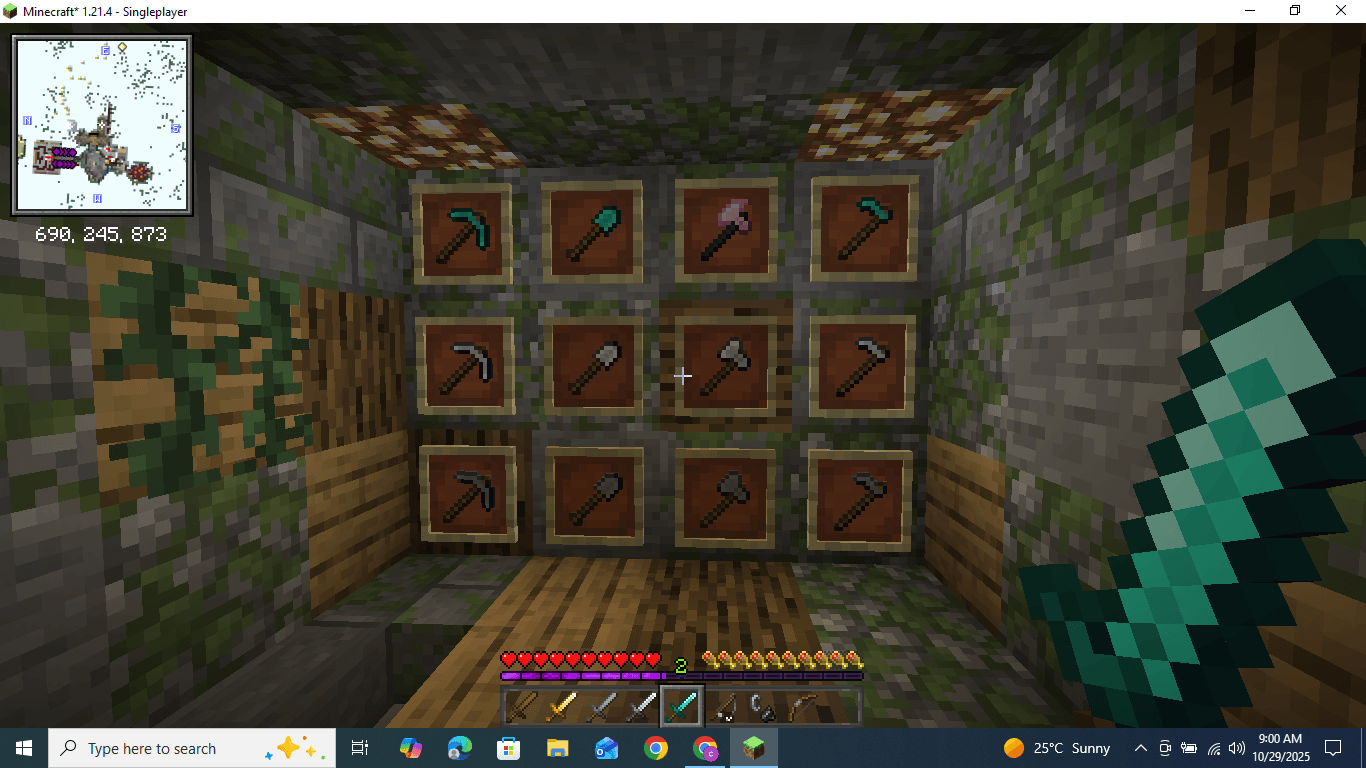
- **FPS Boosted:** clean textures and optimized blocks for better performance  
- **Animated 3D Totems:** stylish animations that pop during fights  
- **Sharp PvP Swords:** short, balanced blades for precise combat  
- **Improved Particles:** clear hit indicators and critical particles  
- **Lag-Free GUI & Blocks:** minimal visuals for faster gameplay response  

---

### 💡 Why Use Zenith PvP?
Whether you play **Survival**, **PVP**, or **LifeSteal**, Zenith PvP gives you smoother frames, faster reactions, and a cleaner look—perfect for both casual and competitive players.  
No clutter, no distractions—just pure performance and style.

---

### 🧱 Compatibility
✔ Works on **Minecraft 1.21 – 1.21.8**  
✔ Compatible with **OptiFine & Fabric**  
✔ Ideal for **low-end PCs & PvP servers**

---

### 📩 Feedback
If you enjoy the pack, leave feedback or share suggestions for future updates!

### 💳 Credit 
Some textures are adapted from [Original Creator]

Zenith PvP.zip
MC 1.21.11
Release 2026-03-01 Get
Zenith PvP 1.21.9
MC 1.21.9
Release 2025-11-18 Get
Zenith PvP
MC 1.21, 1.21.8, 1.21.5, 1.21.4, 1.21.1, 1.21.6, 1.21.3, 1.21.7, 1.21.2
Release 2025-11-09 Get

Requirements & install

How to use this resource pack in Minecraft
Resolution
256x
Minecraft
1.21.3 – 1.21.11
Install folder
.minecraft/resourcepacks

How to install resource packs

  1. Download the resource pack .zip file (do not extract it).
  2. In Minecraft open Options → Resource Packs → Open Pack Folder.
  3. Drop the .zip into the resourcepacks folder (.minecraft/resourcepacks).
  4. Move the pack to the Selected column and click Done.

Packs from 128x upwards need more video memory: install a performance mod such as Sodium for smooth frame rates.

Browse more: 16x resource packs 32x resource packs 64x resource packs 128x resource packs 256x resource packs 512x+ resource packs Resource Packs for 1.21.11 All resource packs
Advertisement Remove ads with Premium →

You Might Also Like