Mineuniverse
Resource Packs
X3 - Pixel Realism 64x

X3 - Pixel Realism 64x

RESOURCE PACK
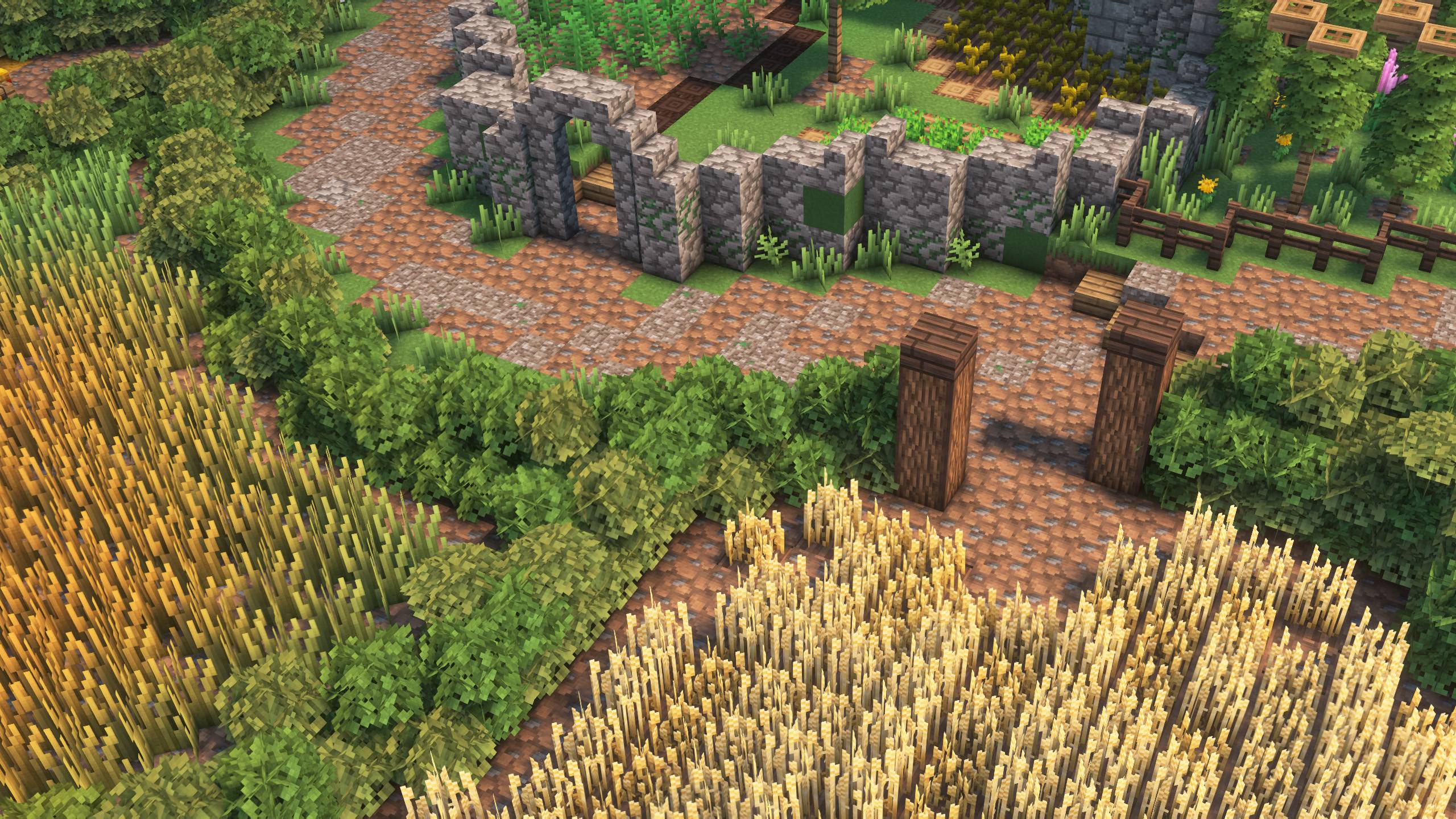
Detailed pixel-style texturepack
by heatswish
Download Claim this project
2,272 downloads
0 likes
0 followers
Updated Oct 14, 2026
0 hypes
Follow0
64x Medieval Miscellaneous Modern
Advertisement Remove ads with Premium →

Visual Style
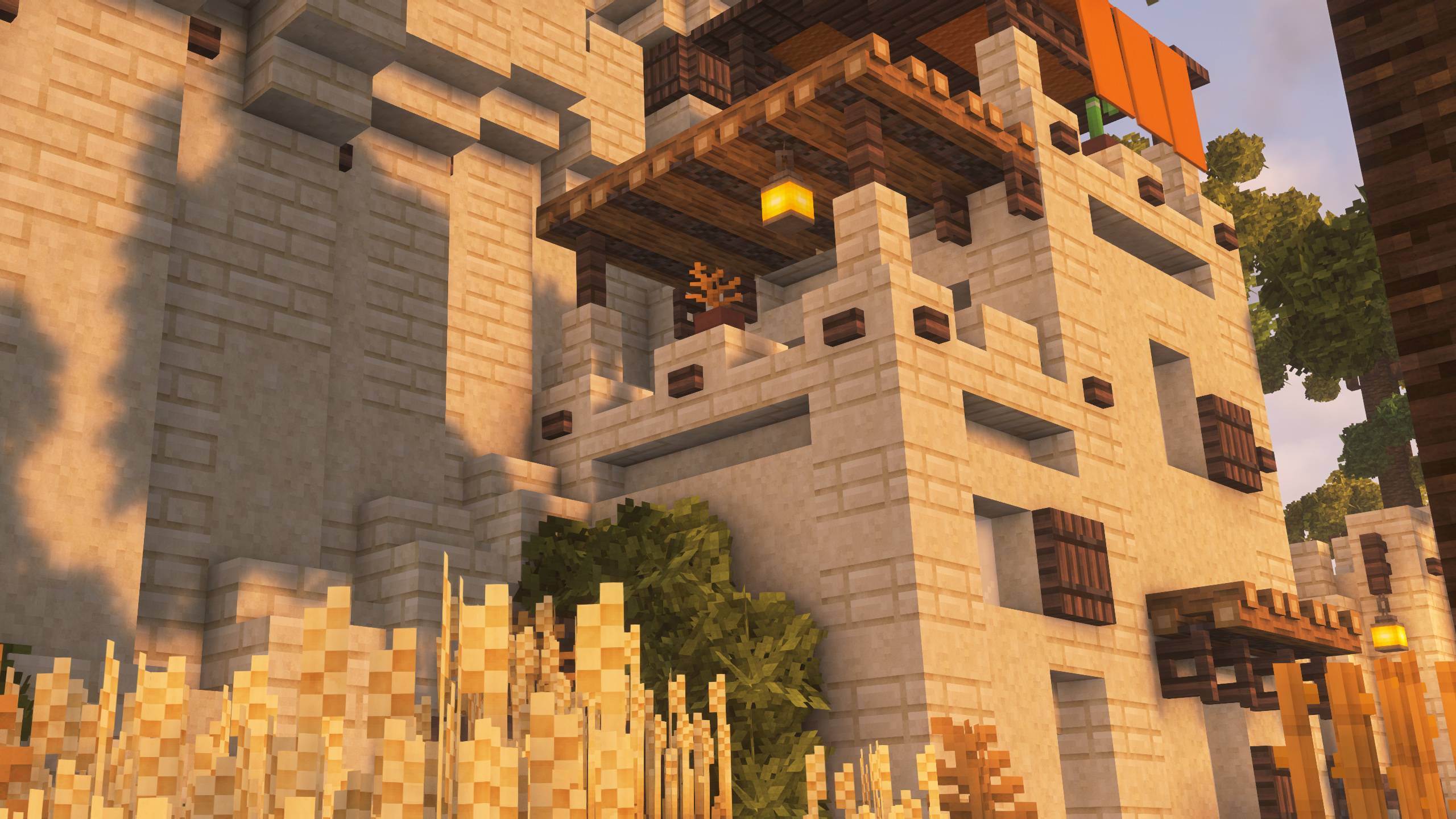
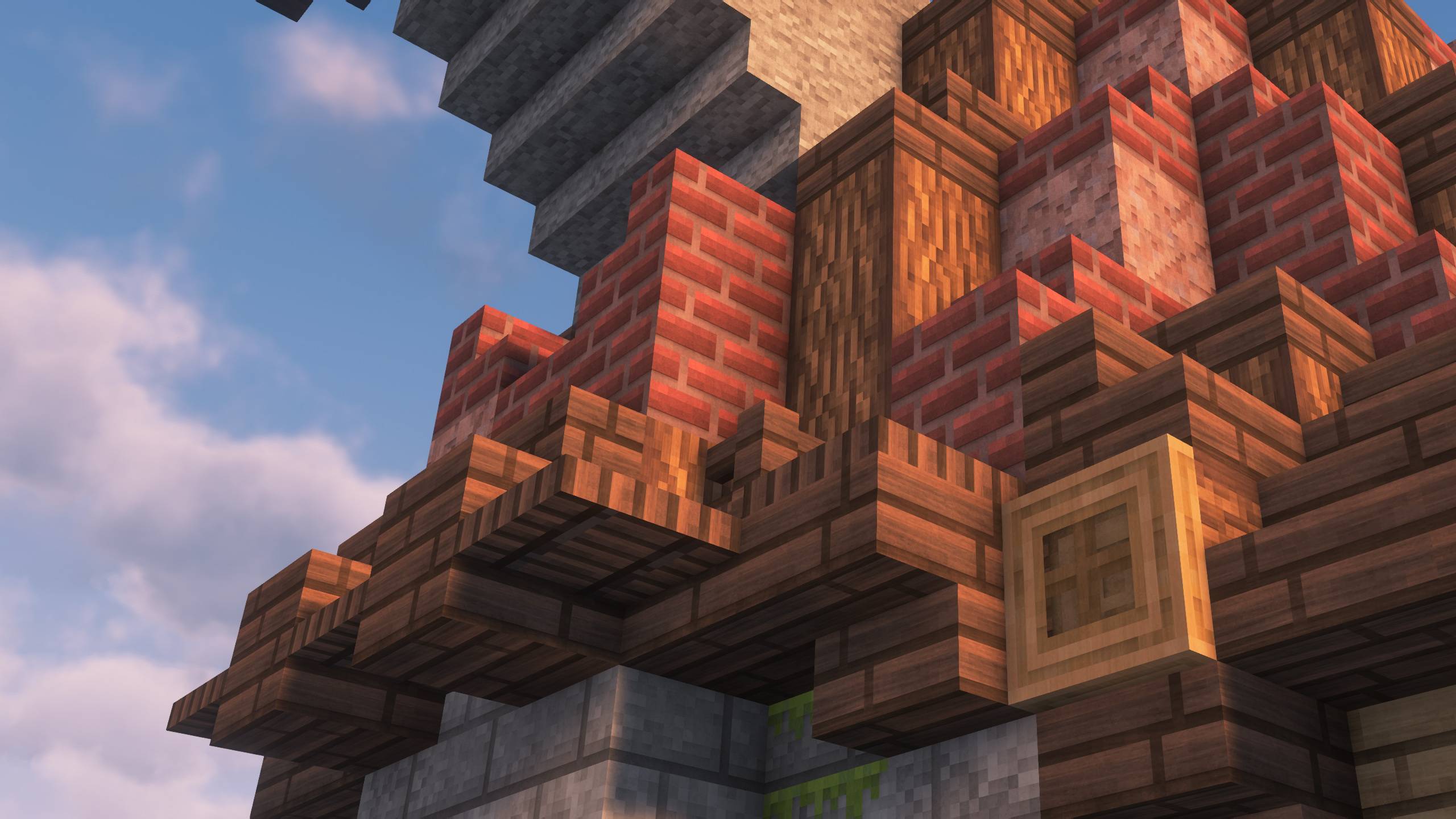
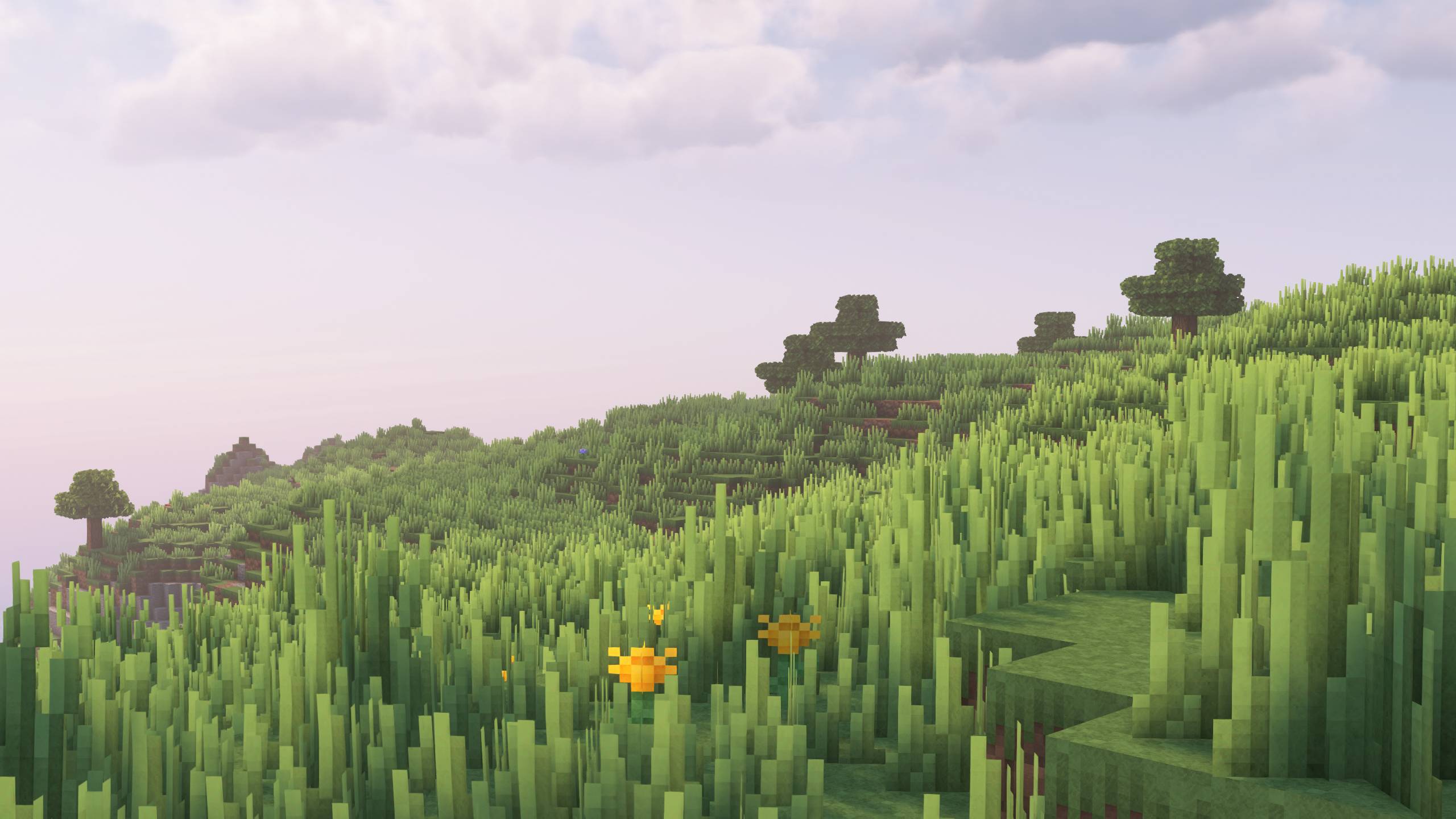
X3 is the spiritual successor of such packs as R3D craft.
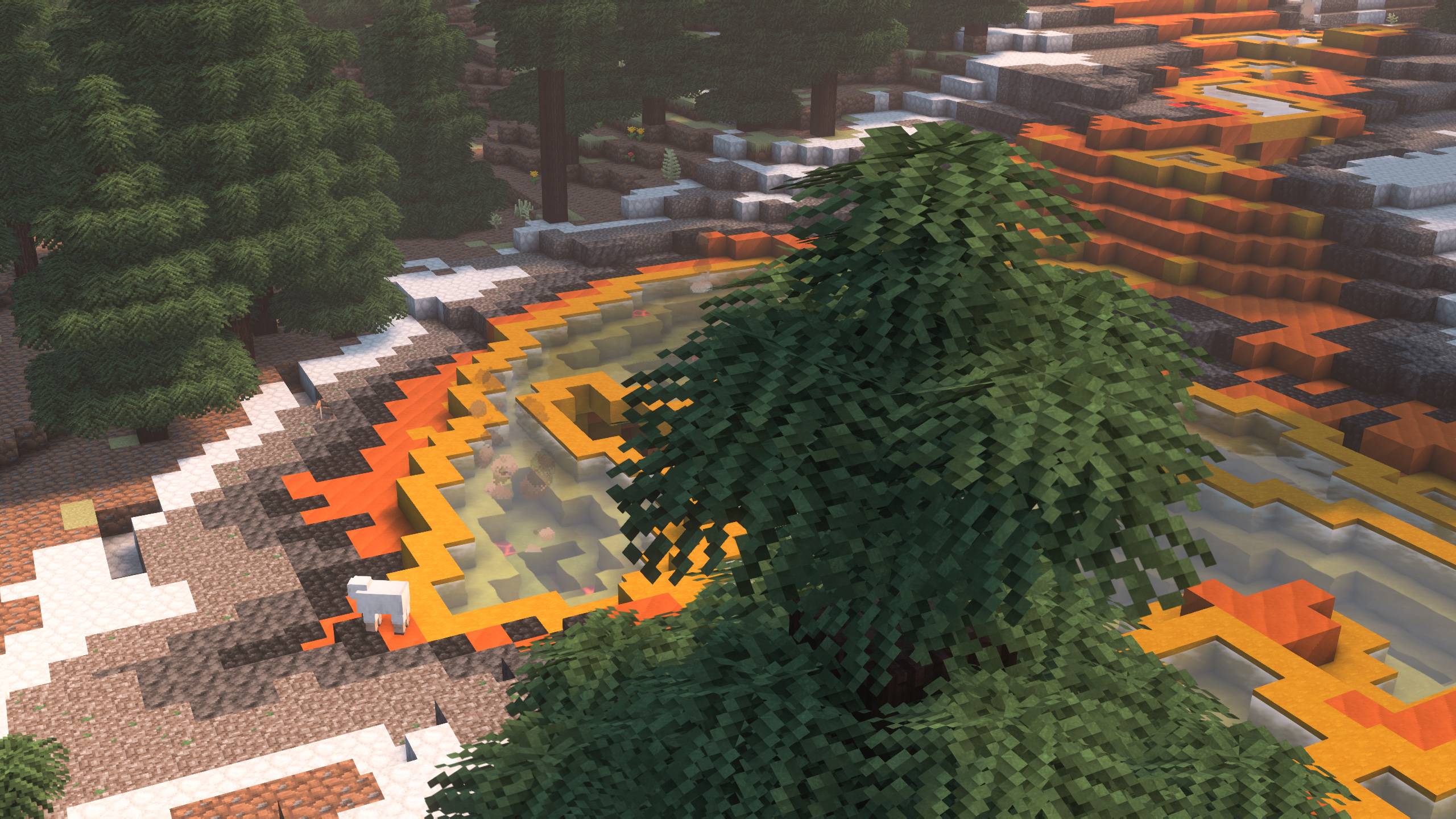
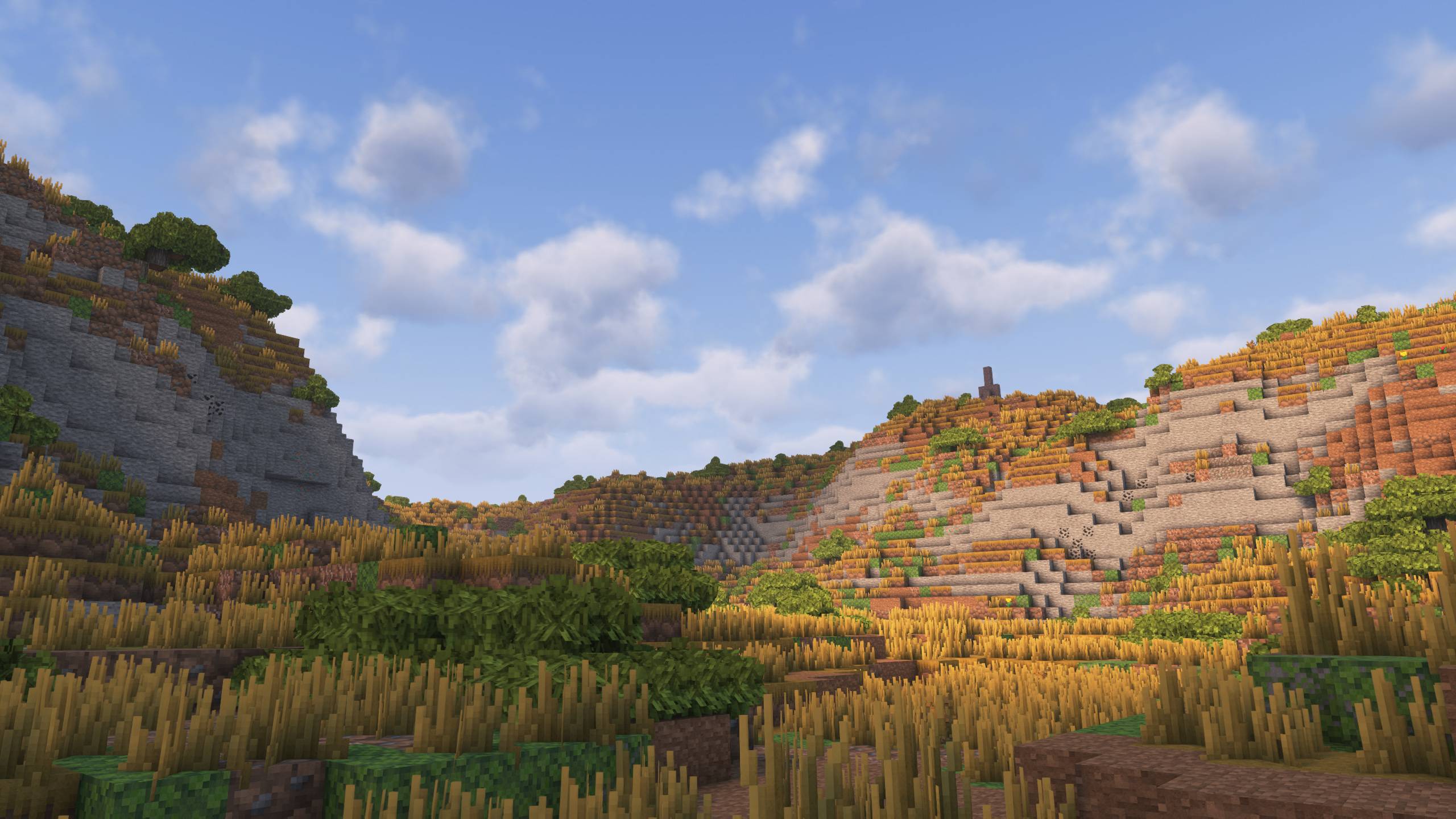
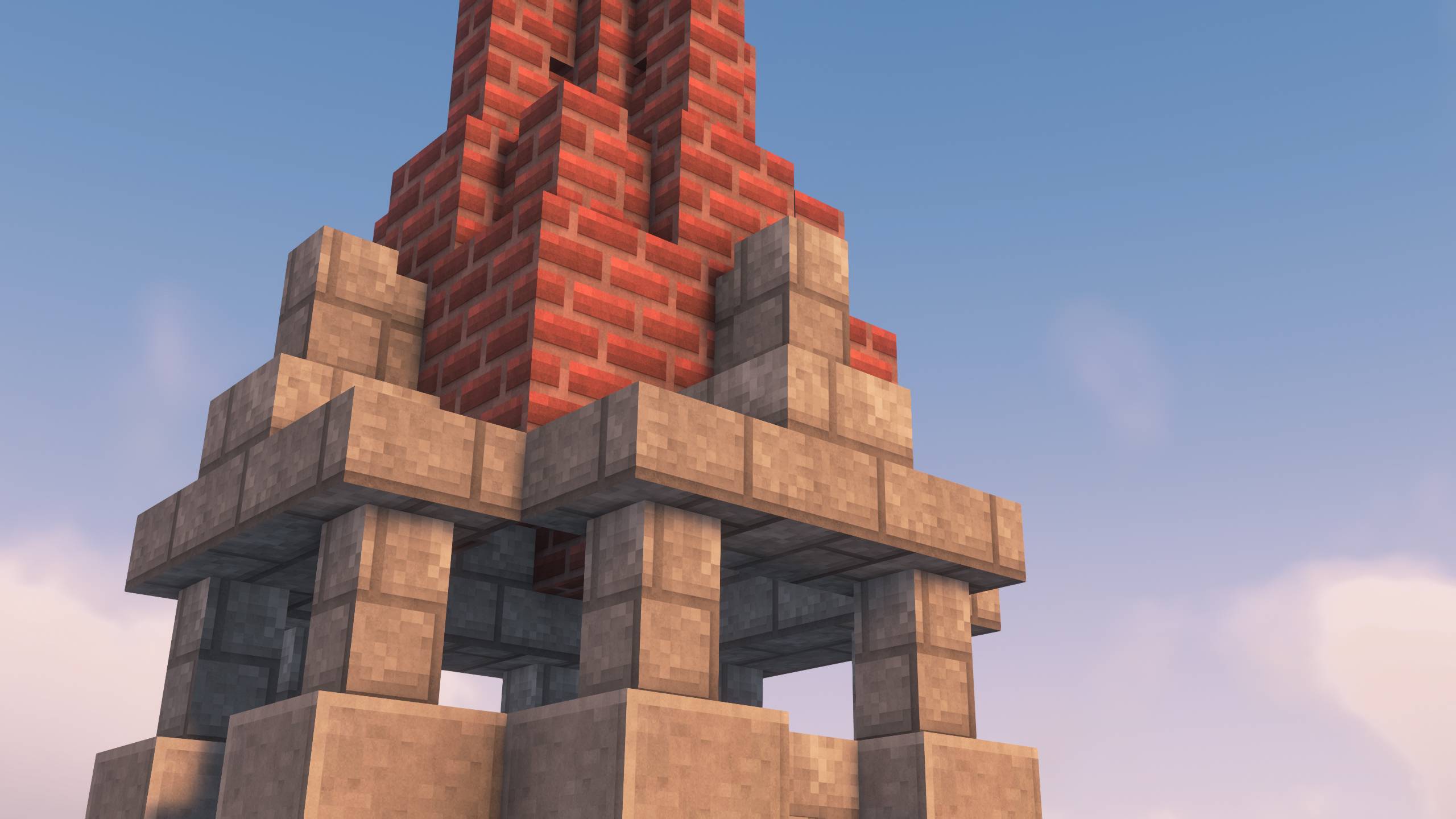
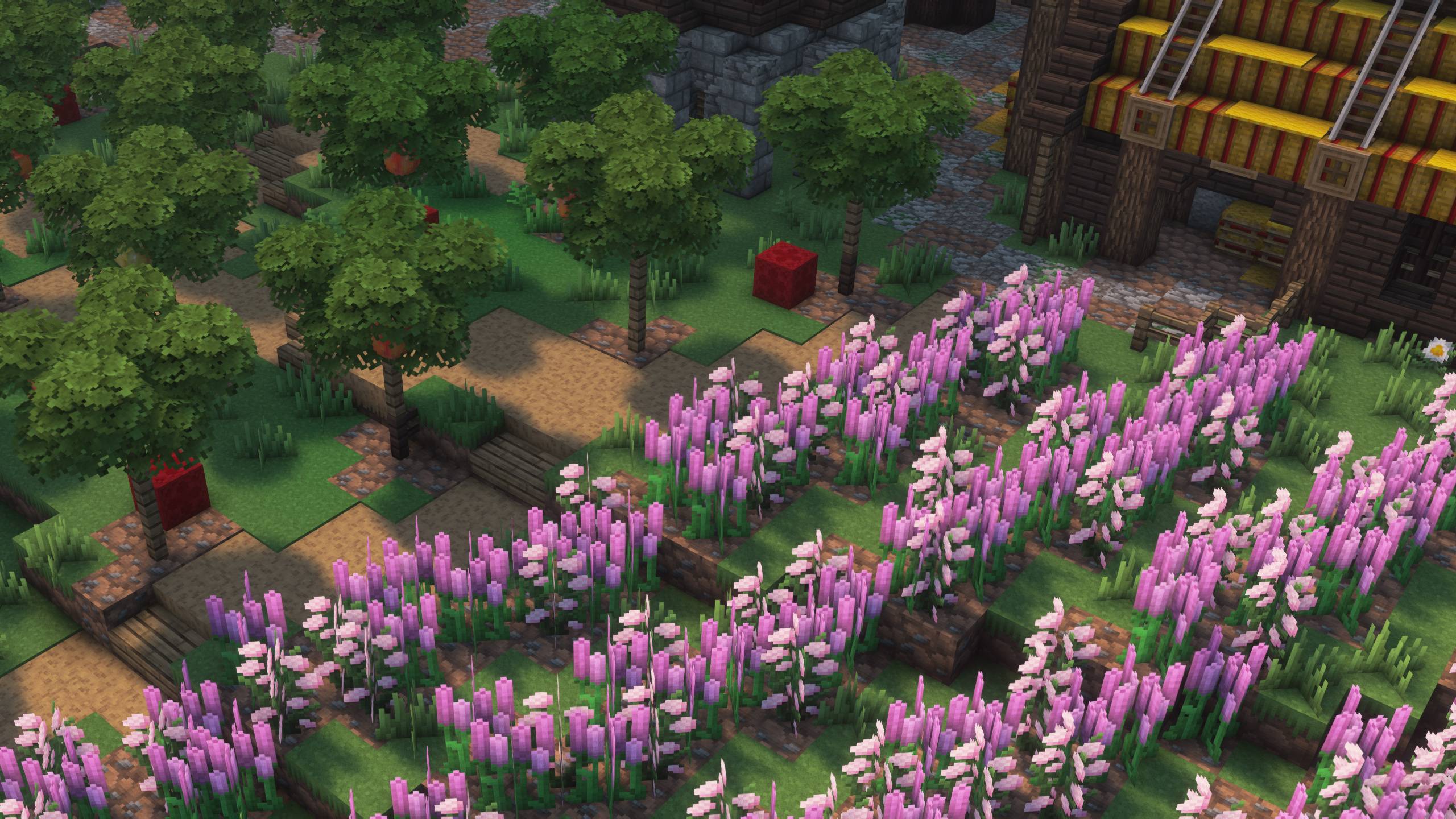
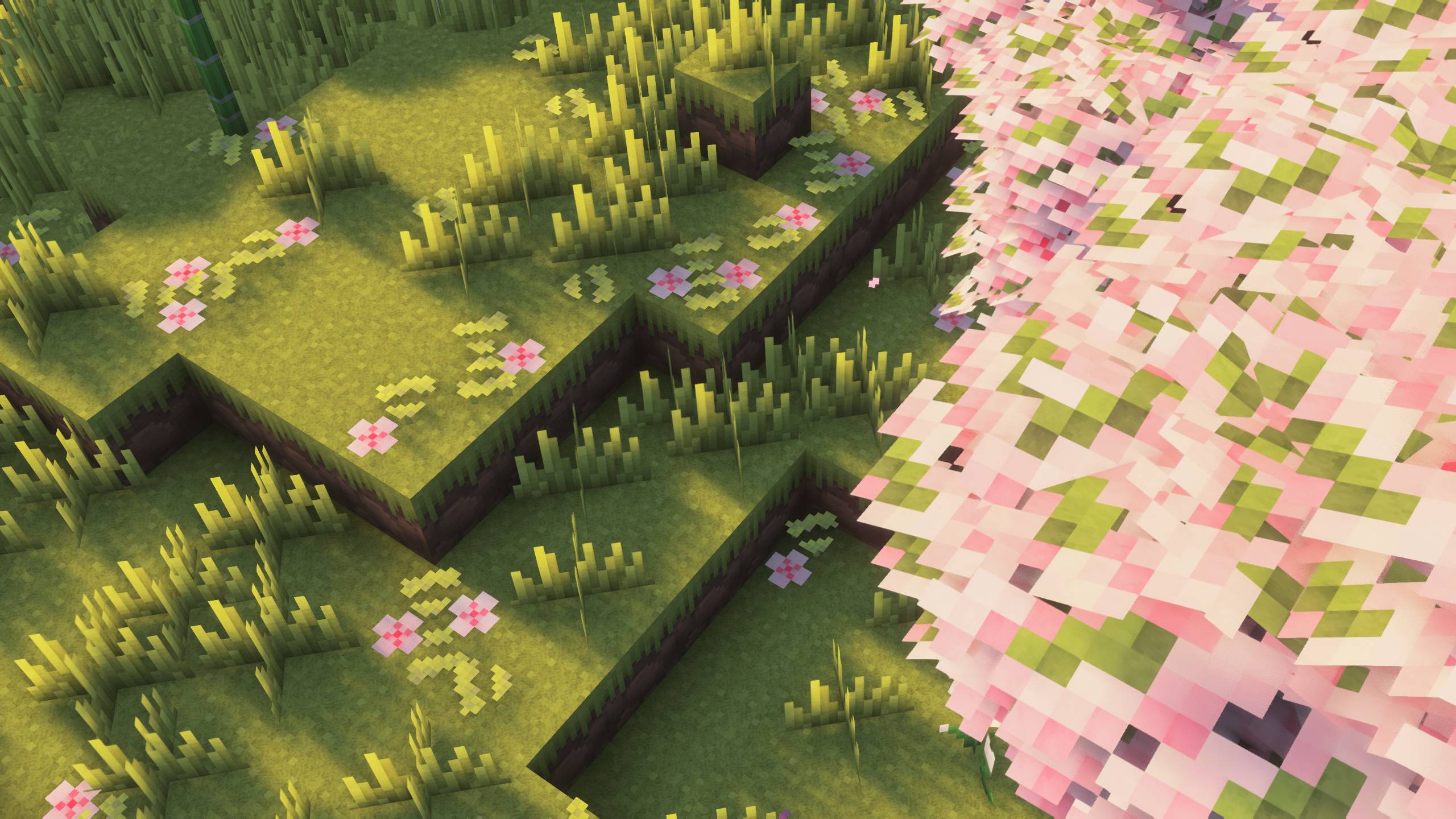
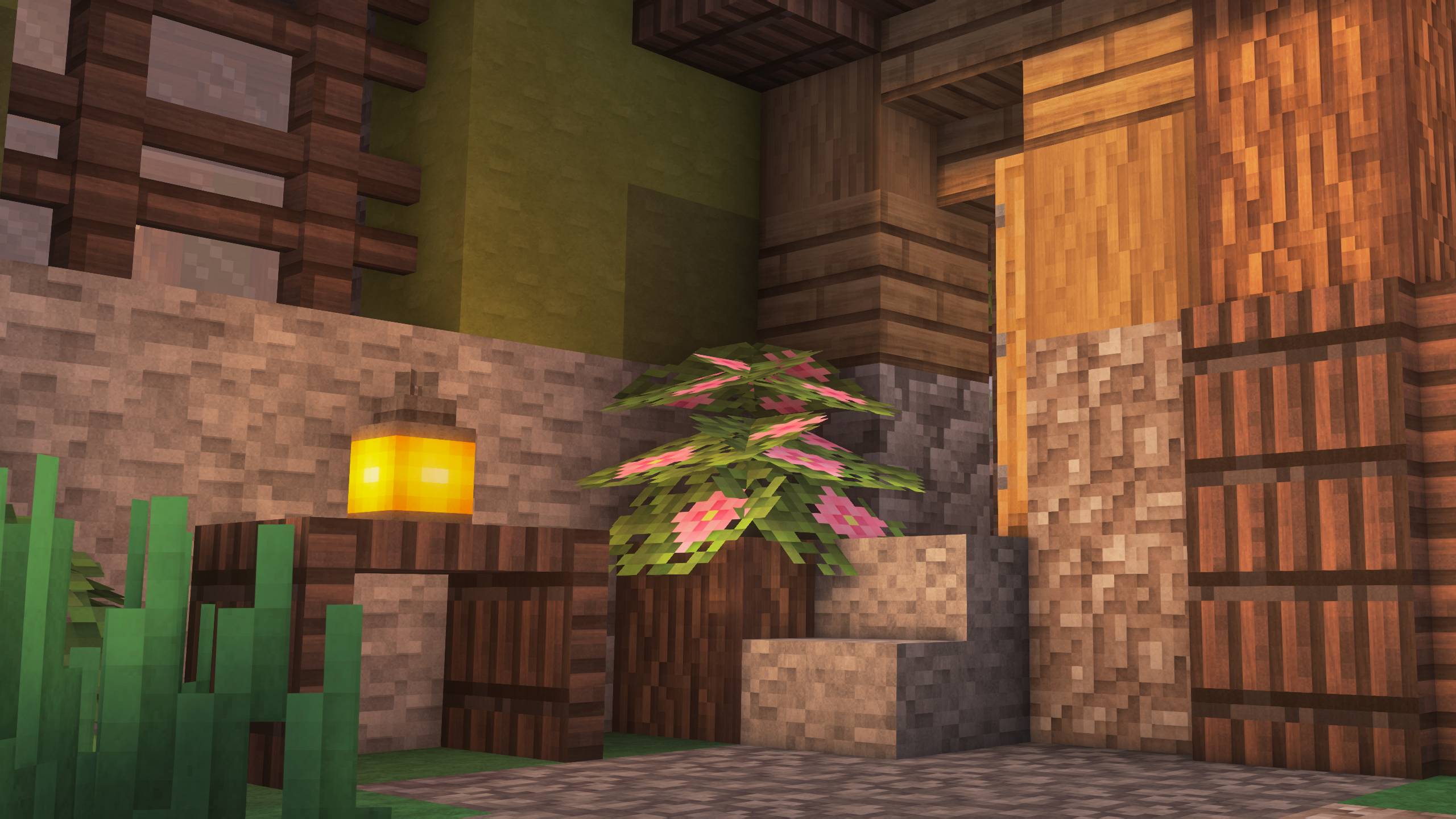
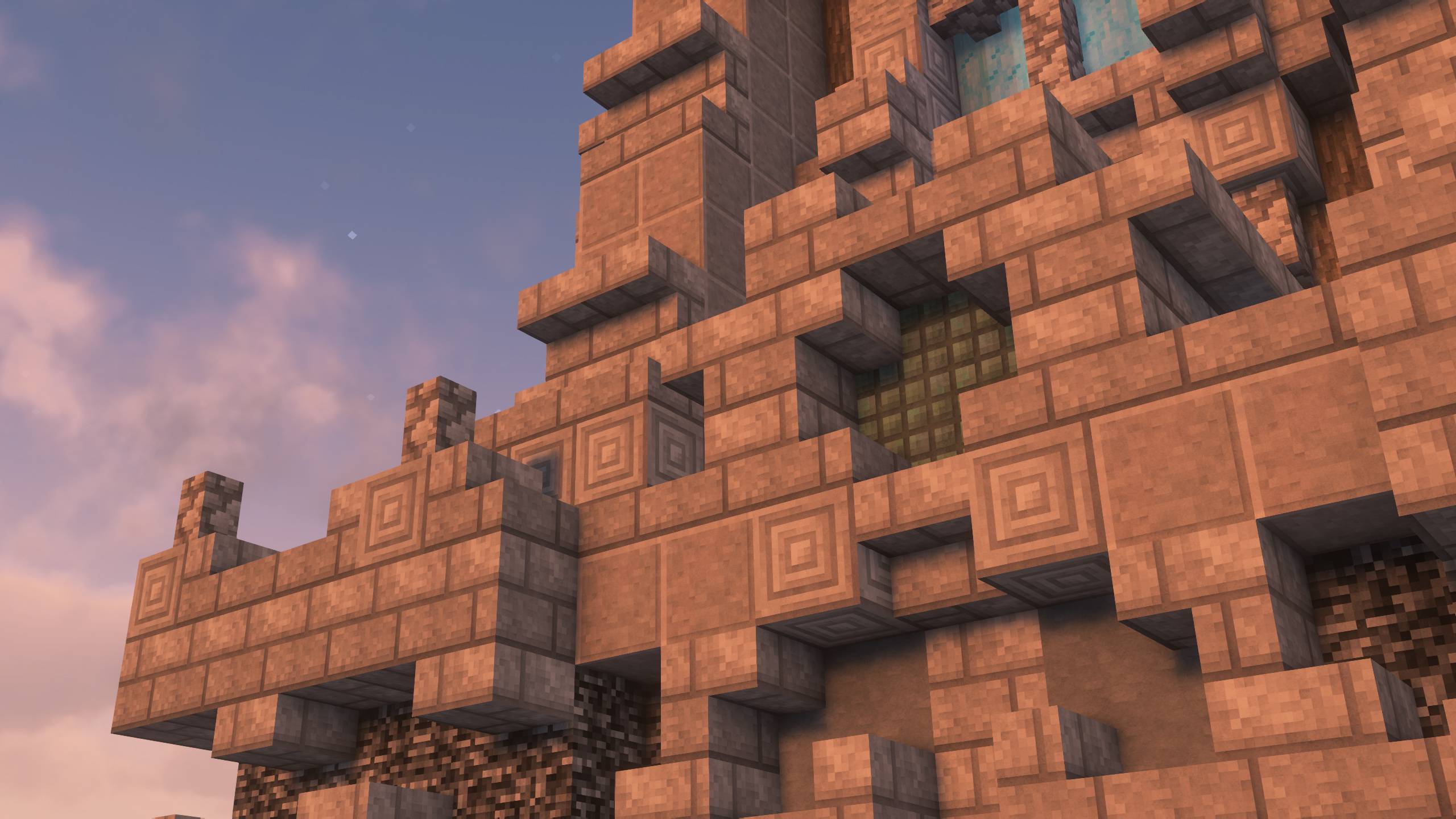
The visual style is based on simple pixel textures with the addition of glowing elements, soft shadows and material textures. It has vanilla-like colors and clean appearance, everything you need for long play sessions.

Features 
- All blocks and entities covered
- Texture variations
- Custom leaves models

Planned features
- PBR support
- Other resolutions
- More custom models

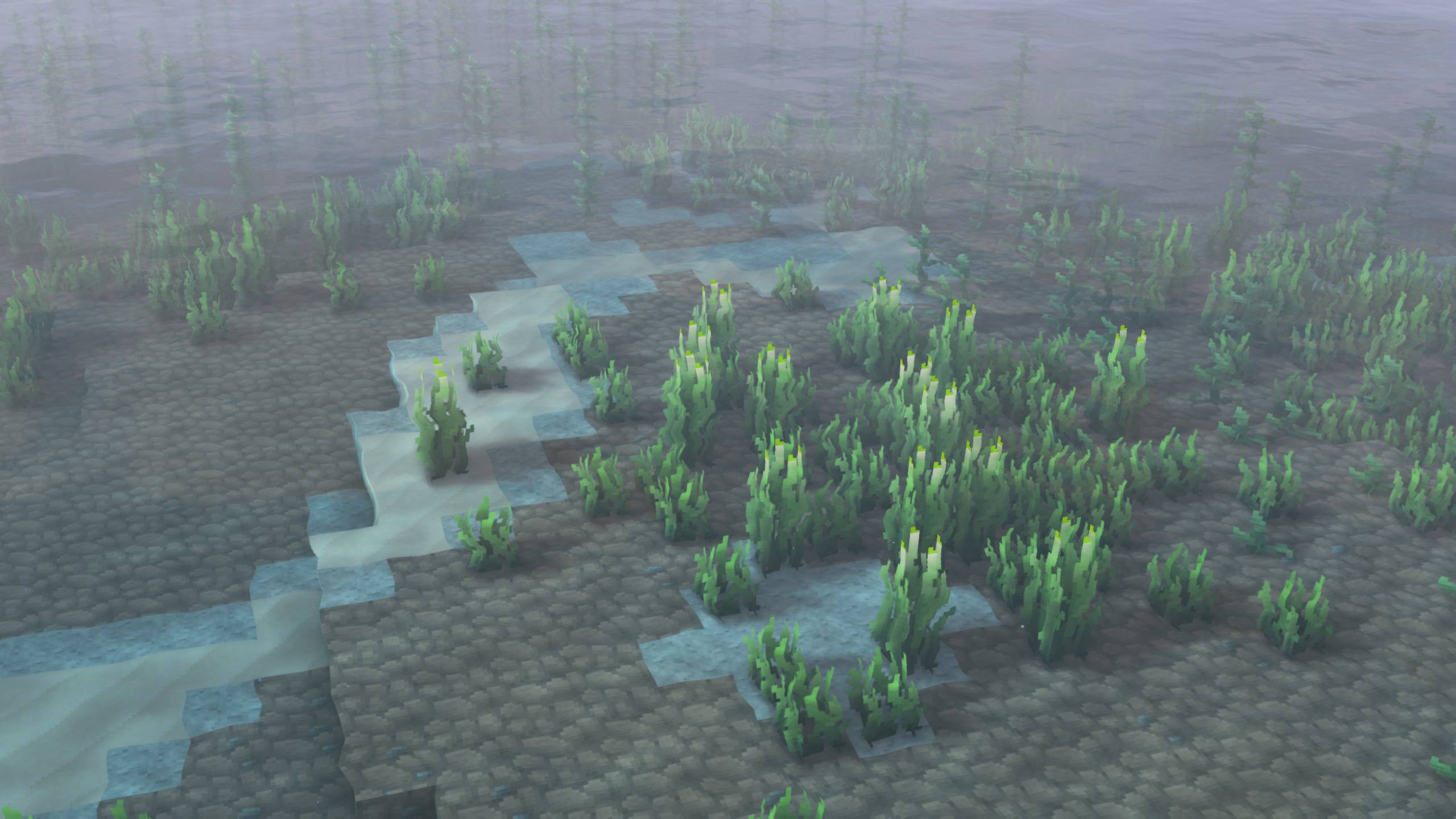
PBR support preview (Frames caught in Minecraft Bedrock Edition using Vibrant Visuals)


This pack is available on Minecraft Marketplace as a mash-up with renewed world generation, animated plants, 3d tools, custom VFX and much more!


Bedrock Edition changelog and info

First update is live on the Marketplace — featuring various fixes and Happy Ghasts textures! And there’s more content on the way!

Until I can create a website or another platform for updates, I’ll be posting the changelog for the project here.

Version 1.0.1
Status: Released

- Happy ghasts!
- Added comparator and repeater 3D items
- Improved oaks generation in forest biome
- Bee nests now spawns correctly
- Oak sapling spawns oak trees correctly
- Archive size optimizations
- Fixed glitchy crosshair

Version 1.0.2
Status: In Progress

X3 Java Edition pages

- Planet Minecraft
- Modrinth


Stay tuned for updates and follow my X.com account!

This is my solo project, so I'll glad if you consider to support me on my way!

Big thanks to Lexon and KriseHevette for contributing to the development.

X3 0.93 64x
MC 1.21.8, 1.21.7, 1.21.6
Release 2025-08-27 Get
X3 0.92 64x
MC 1.21.8, 1.21.7, 1.21.6
Release 2025-08-18 Get
X3 0.91 64x
MC 1.21.8, 1.21.7, 1.21.6
Release 2025-08-12 Get
X3 v0.9 64x
MC 1.21.8, 1.21.7, 1.21.6
Release 2025-08-08 Get

Requirements & install

How to use this resource pack in Minecraft
Resolution
64x
Minecraft
1.21.6 – 1.21.8
Install folder
.minecraft/resourcepacks

How to install resource packs

  1. Download the resource pack .zip file (do not extract it).
  2. In Minecraft open Options → Resource Packs → Open Pack Folder.
  3. Drop the .zip into the resourcepacks folder (.minecraft/resourcepacks).
  4. Move the pack to the Selected column and click Done.
Browse more: 16x resource packs 32x resource packs 64x resource packs 128x resource packs 256x resource packs 512x+ resource packs Resource Packs for 1.21.8 All resource packs

More from heatswish

Advertisement Remove ads with Premium →

You Might Also Like