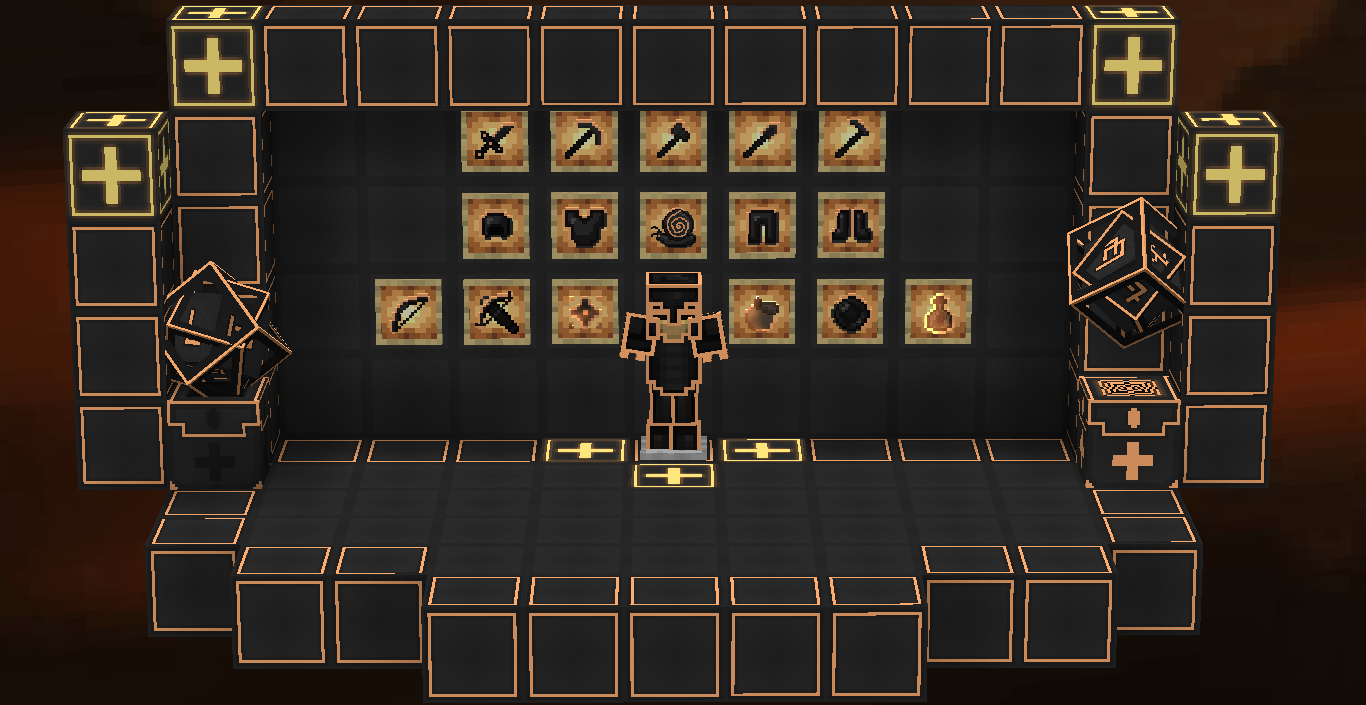
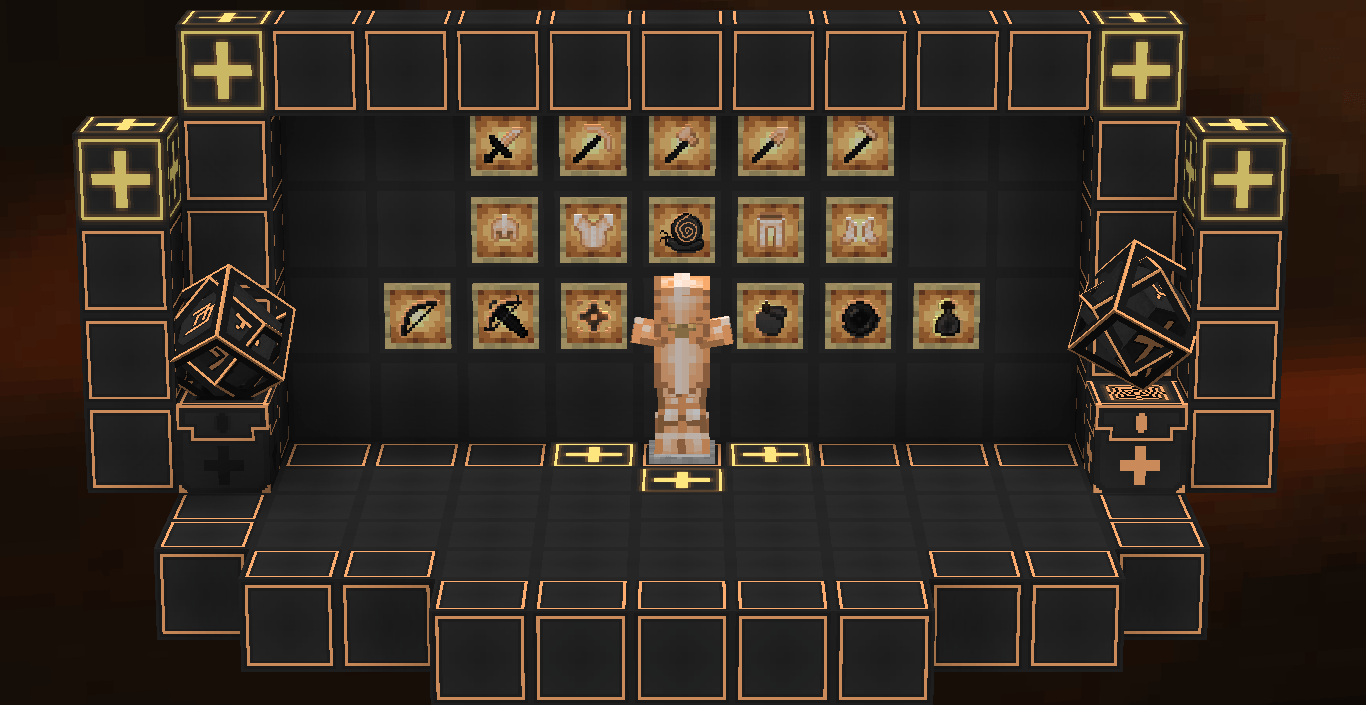
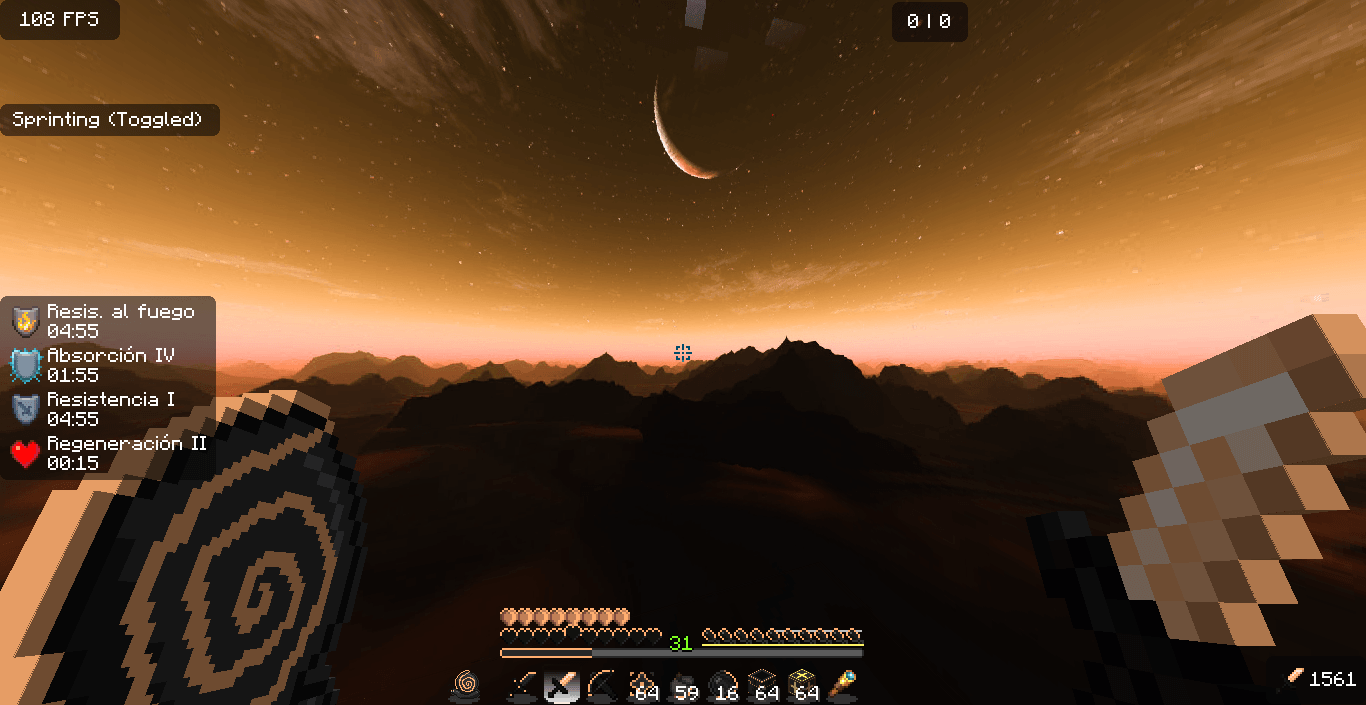
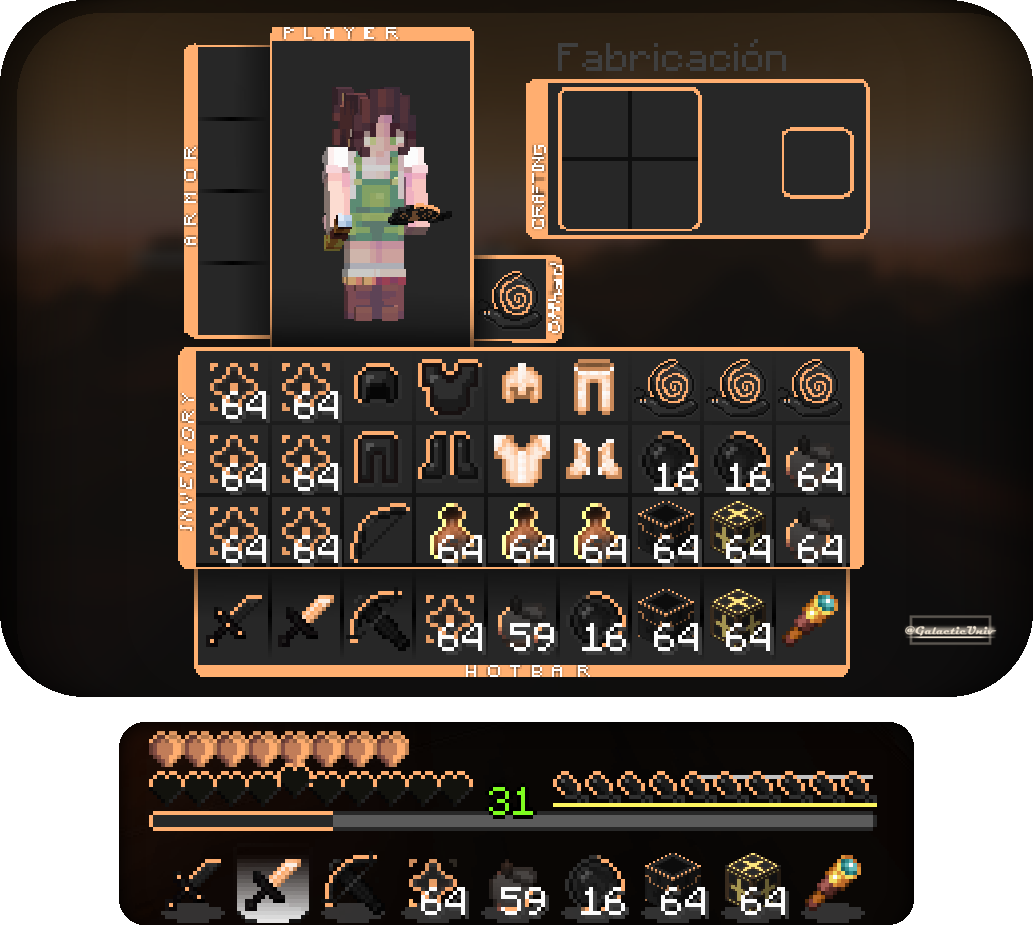
 Pack Version (Last): v3.1
Created by:
Me ( @GalacticUniv )
Available in the following versions:
1.12.2 | 1.16 - 1.20.1 | 1.20.2+
Tags:
Custom, Black, Custom Color, 16x, Client
Description:
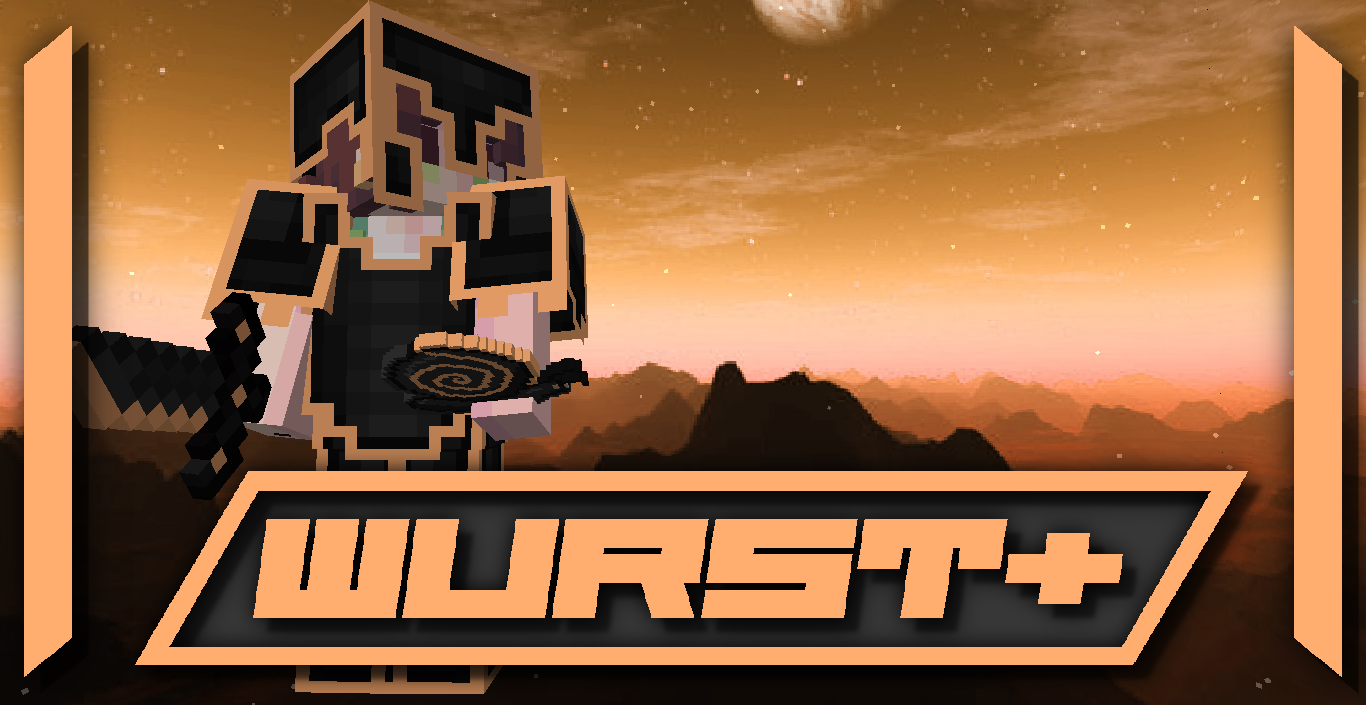
Wurst+, another texture pack I originally created for 1.12.2, stands out for being inspired by one of the clients used to enhance the gameplay experience. Inspired by what exactly? Its design, which was genuinely one of the most visually appealing clients of its time. While the 1.12.2 version was somewhat limited, the updated version for 1.20.1 and 1.20.2 introduces plenty of new features! That said, the original 1.12.2 version is still available if you’d like to give it a try. ;)
- Note: I’m not affiliated with this client. I created the texture pack simply because I liked its design. I do not endorse downloading this or any other clients.
Don't forget that downloading the texture pack from the official sources (In PlanetMinecraft) is a huge way to support us! <3
If you have any questions or want to report a bug, feel free to do so through our official Discord: https://discord.gg/72dHTWJr6R
You can also follow us on social media! :D https://solo.to/galacticuniv