Mineuniverse
Resource Packs
ByMystery

ByMystery

RESOURCE PACK
Purple CrystalPvP Texture Pack
by GalacticUniv
Download Claim this project
6,334 downloads
0 likes
Updated Oct 14, 2026
0 hypes
16x Animated Miscellaneous Traditional
Advertisement Remove ads with Premium →

Logo Pack Version (Last): v1.1

Created by:

Me ( @GalacticUniv )

Available in the following versions:

1.12.2 | 1.16 - 1.20.1 | 1.20.2+

Tags:

Custom, Colors, Black, Purple, 16x, Mystery

**Description: **

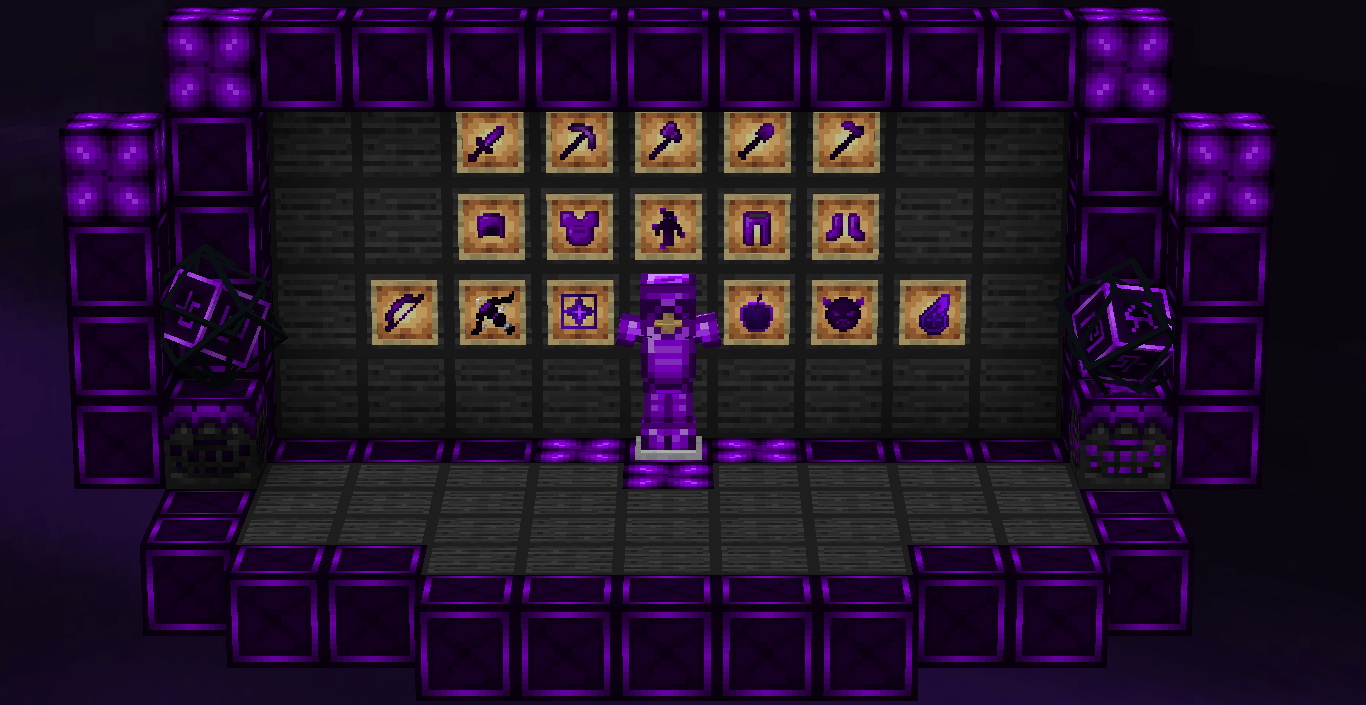
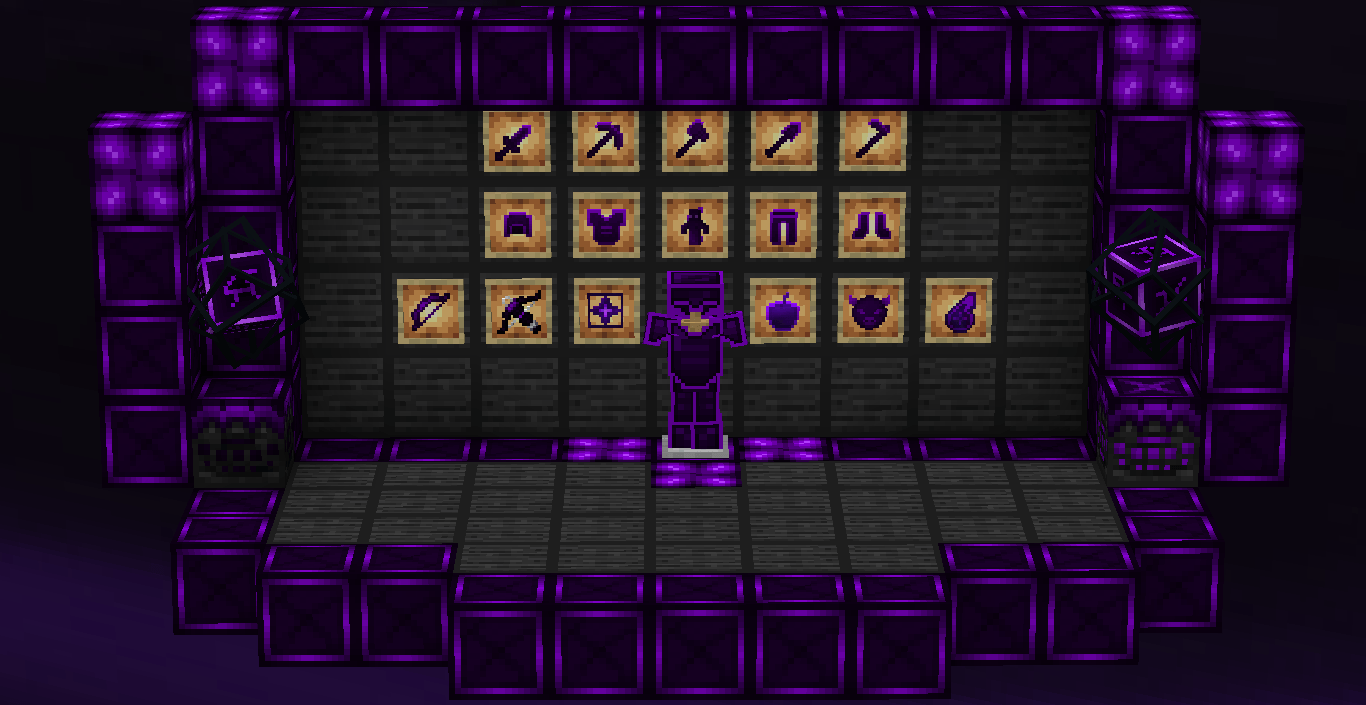
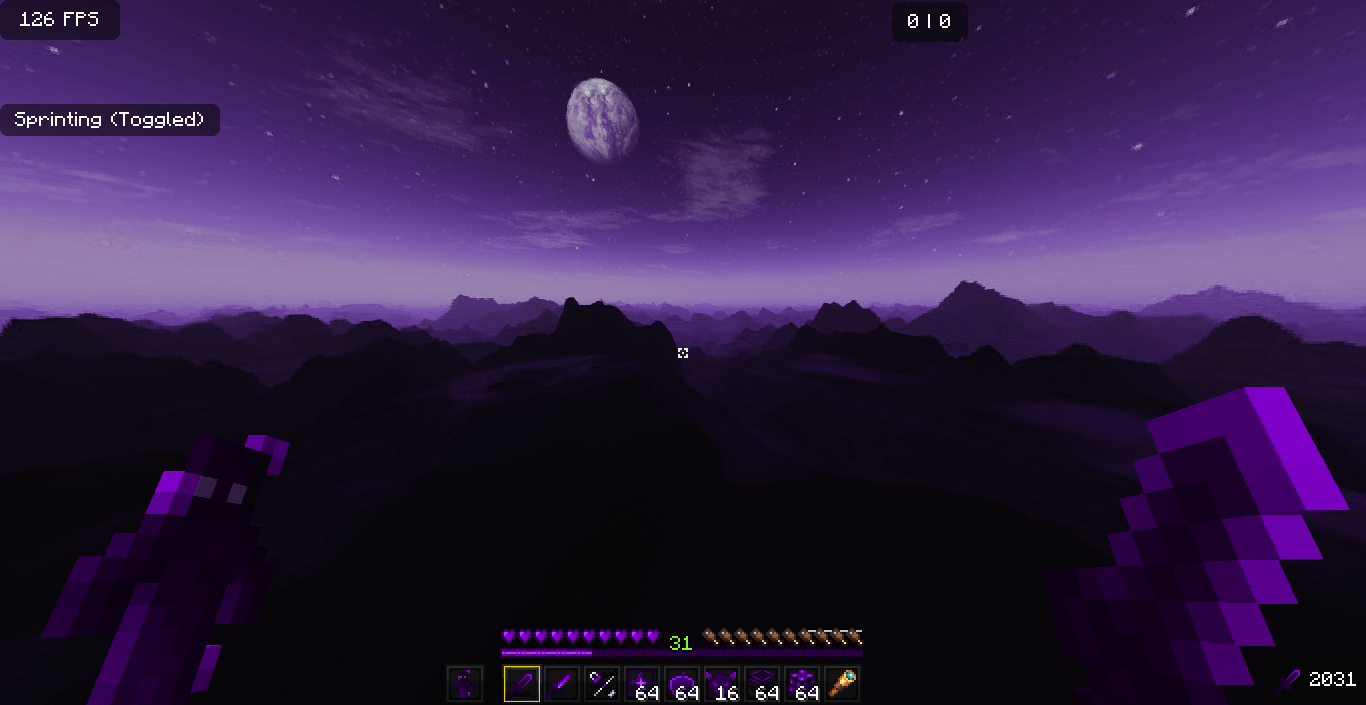
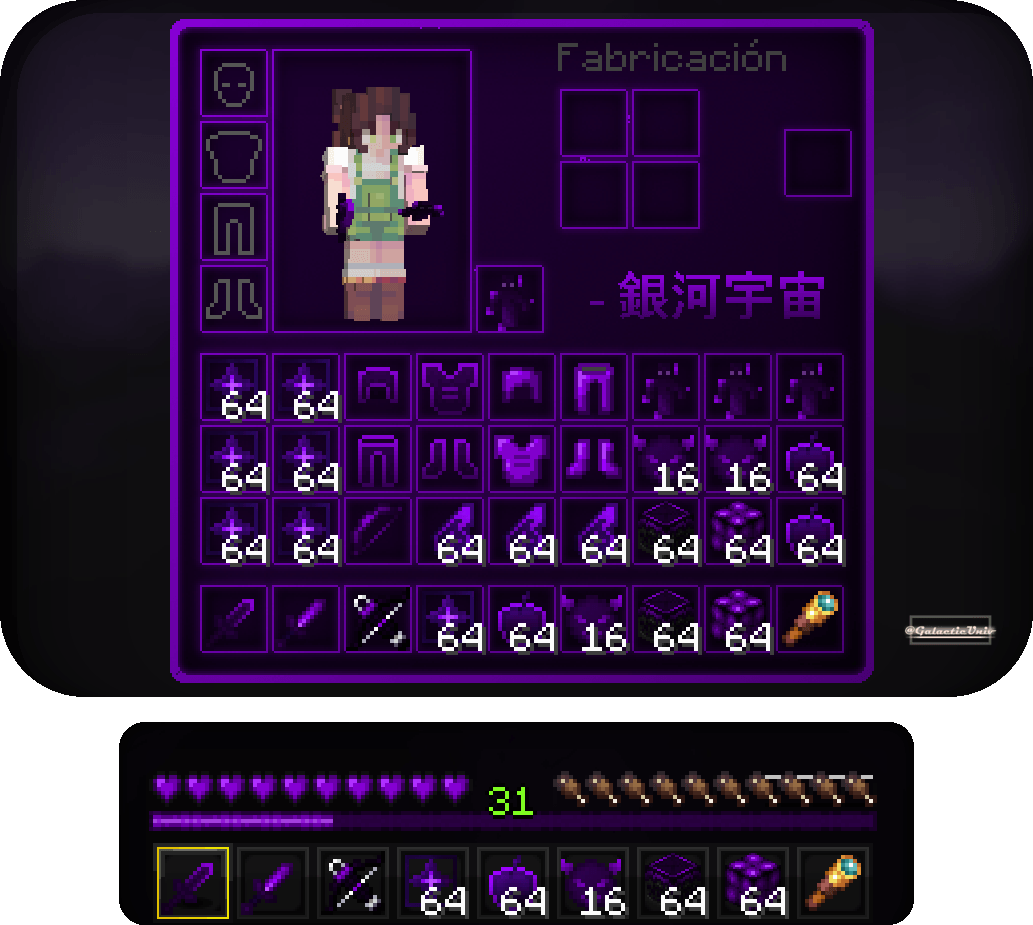
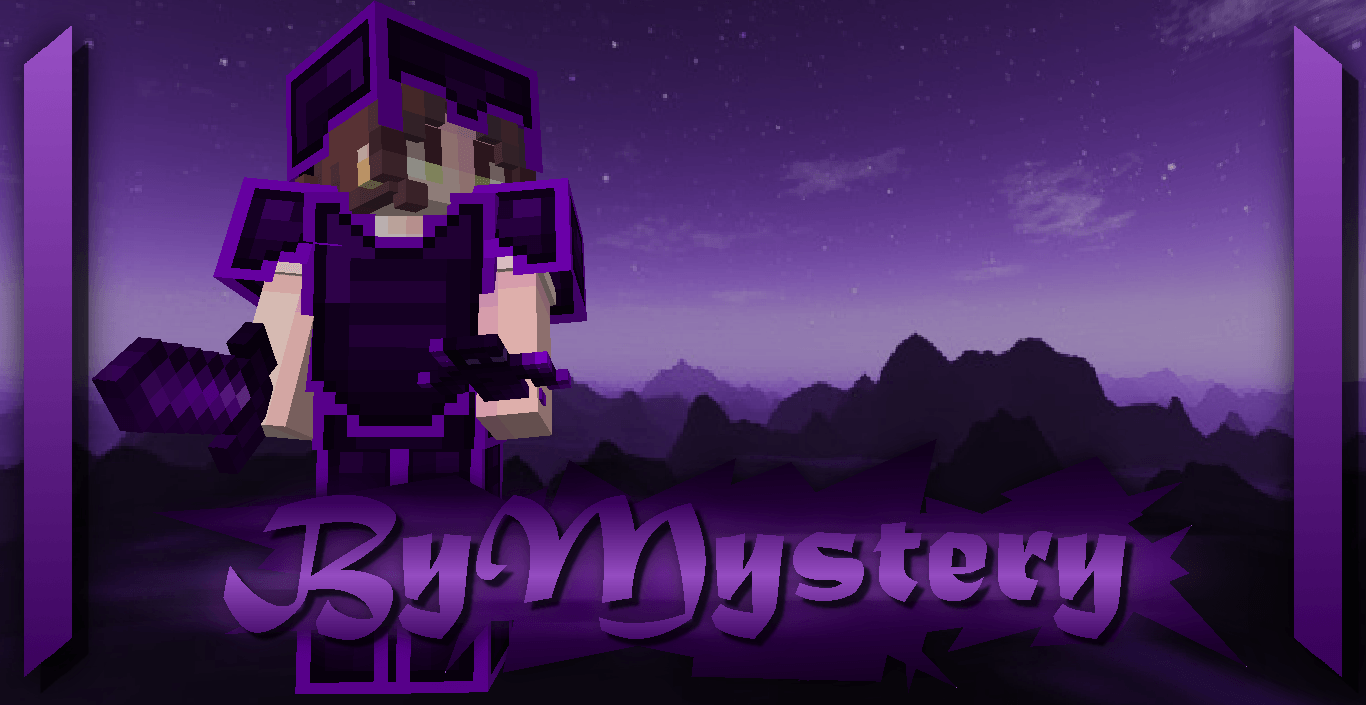
ByMystery, part of the "Colors" collection, is based on the color purple. While it doesn’t have a clear main theme, since it’s a continuation of an older texture pack called Moloch.Su, its beauty led it to be updated and transformed into one of my favorite packs. Purple is one of the colors I like the most, because is my favorite color

While it doesn’t have a specific theme, the concept is mystery, and what better color to represent that than purple?

This texture pack includes both diamond and netherite in one pack, so you don’t have to worry! Both textures are tailored to match the theme, including tools, swords, and more.

Don't forget that downloading the texture pack from the official sources (In PlanetMinecraft) is a huge way to support us! <3

If you have any questions or want to report a bug, feel free to do so through our official Discord: https://discord.gg/72dHTWJr6R

You can also follow us on social media! :D https://solo.to/galacticuniv

Compatible with

ByMystery For 1.20.2 - 1.21.4
MC 1.20.2, 1.21.4
Release 2025-02-12 Get
ByMystery for 1.16-1.20.1
MC 1.17.1, 1.19.4, 1.16.5, 1.18.2, 1.20.1
Release 2025-01-24 Get
ByMystery 16x.zip
MC 1.17.1, 1.19.3, 1.16.5, 1.18.2
Release 2023-01-21 Get

Requirements & install

How to use this resource pack in Minecraft
Resolution
16x
Minecraft
1.16.5 – 1.21.4
Install folder
.minecraft/resourcepacks

How to install resource packs

  1. Download the resource pack .zip file (do not extract it).
  2. In Minecraft open Options → Resource Packs → Open Pack Folder.
  3. Drop the .zip into the resourcepacks folder (.minecraft/resourcepacks).
  4. Move the pack to the Selected column and click Done.
Browse more: 16x resource packs 32x resource packs 64x resource packs 128x resource packs 256x resource packs 512x+ resource packs Resource Packs for 1.21.4 All resource packs

More from GalacticUniv

Advertisement Remove ads with Premium →

You Might Also Like