Mineuniverse
Resource Packs
Wolfhound Dungeon

Wolfhound Dungeon

RESOURCE PACK
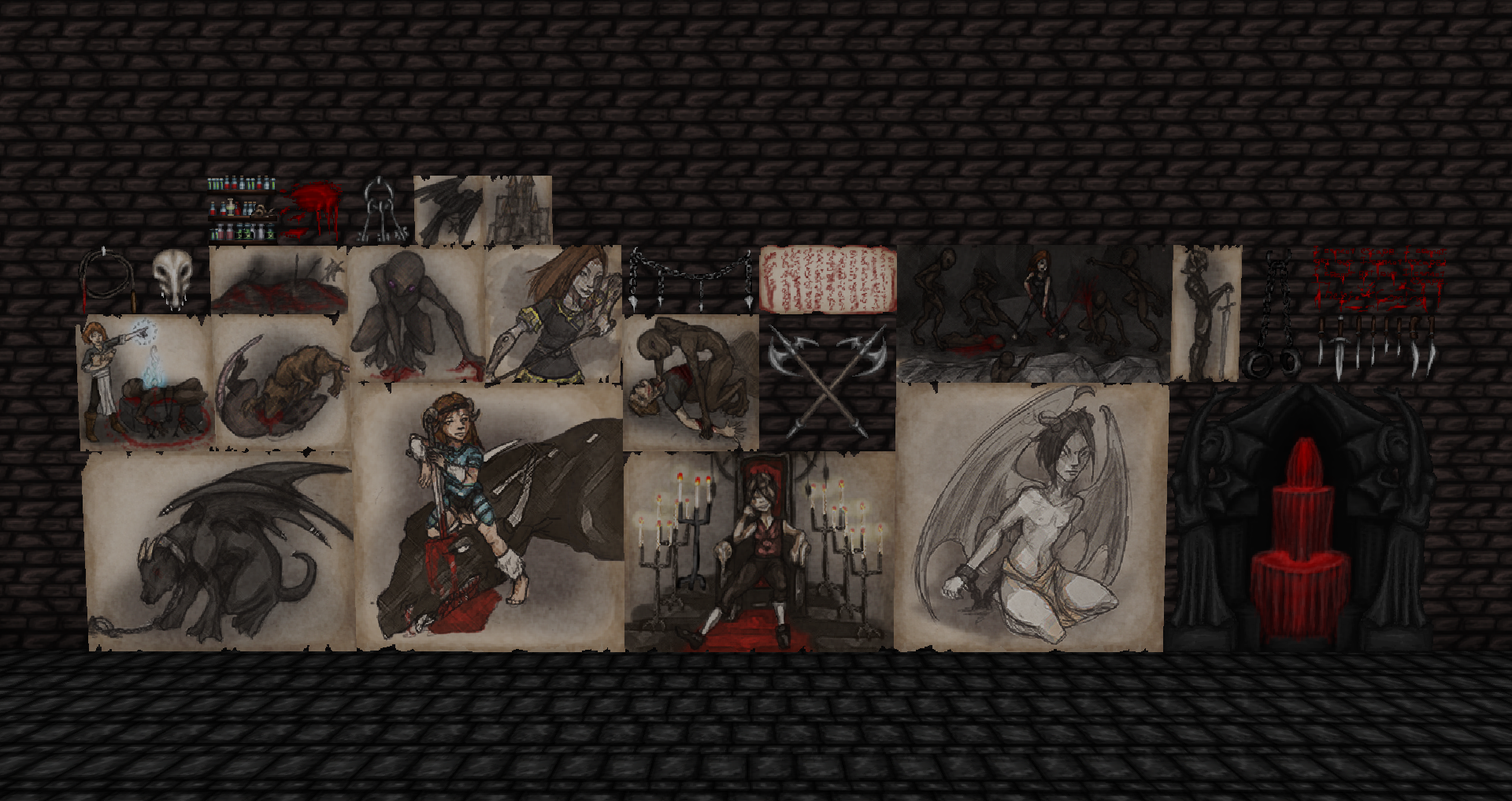
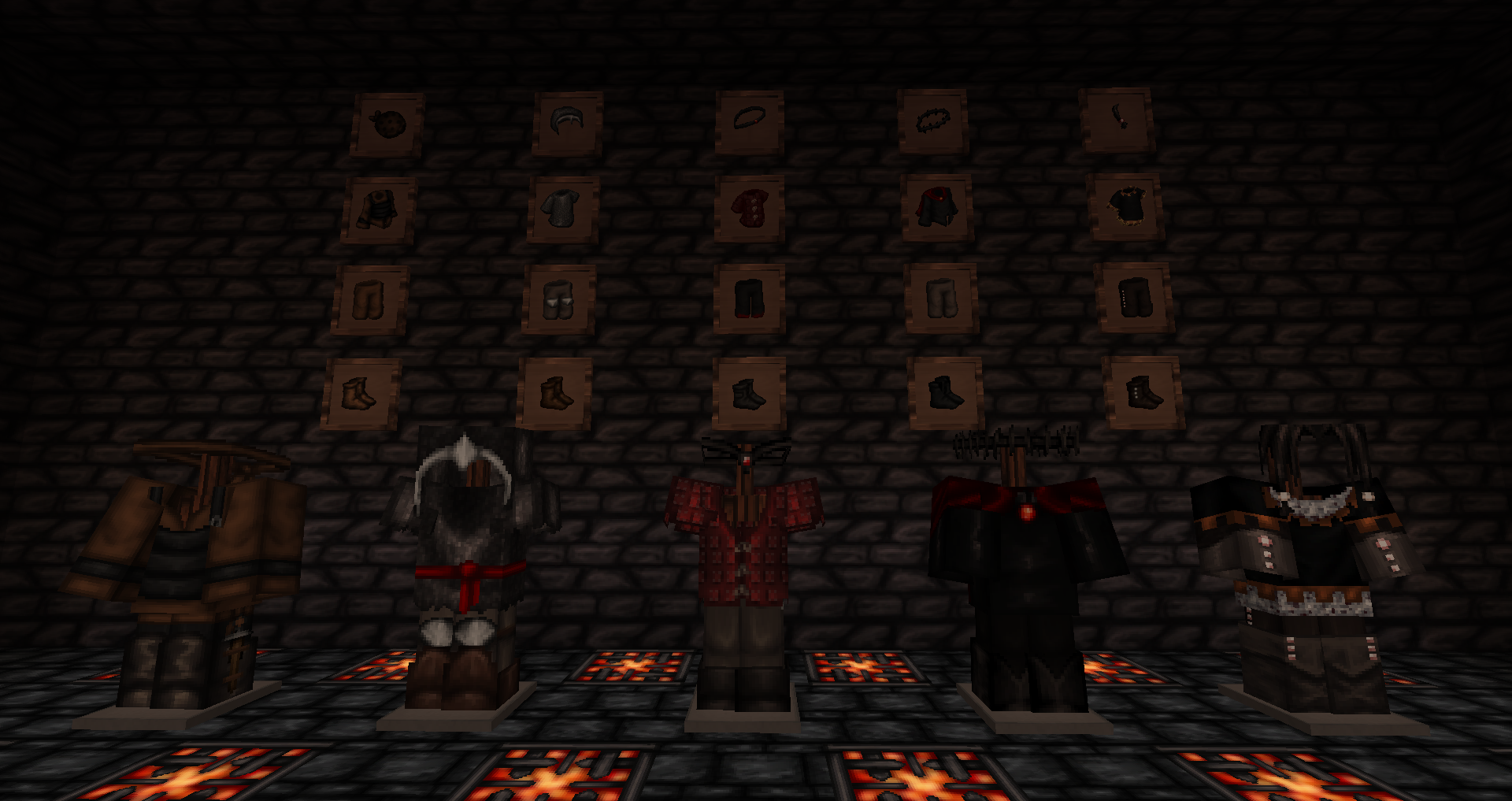
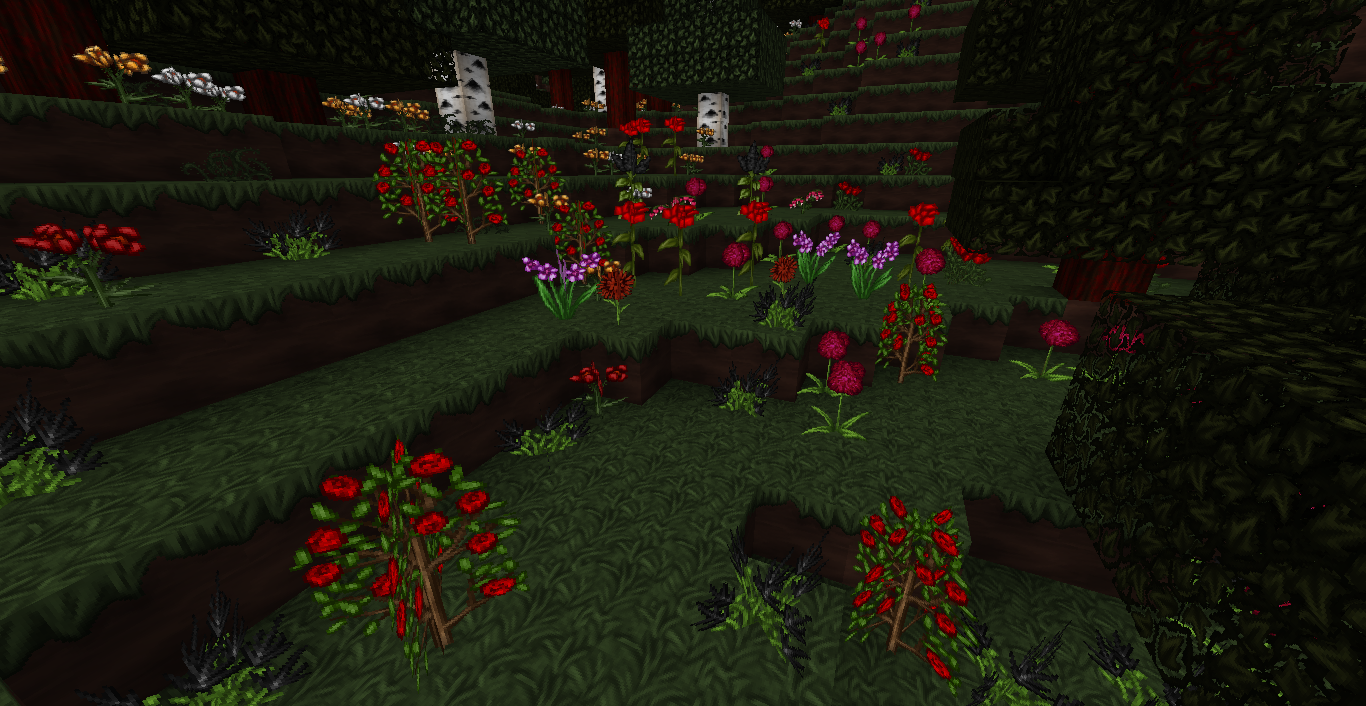
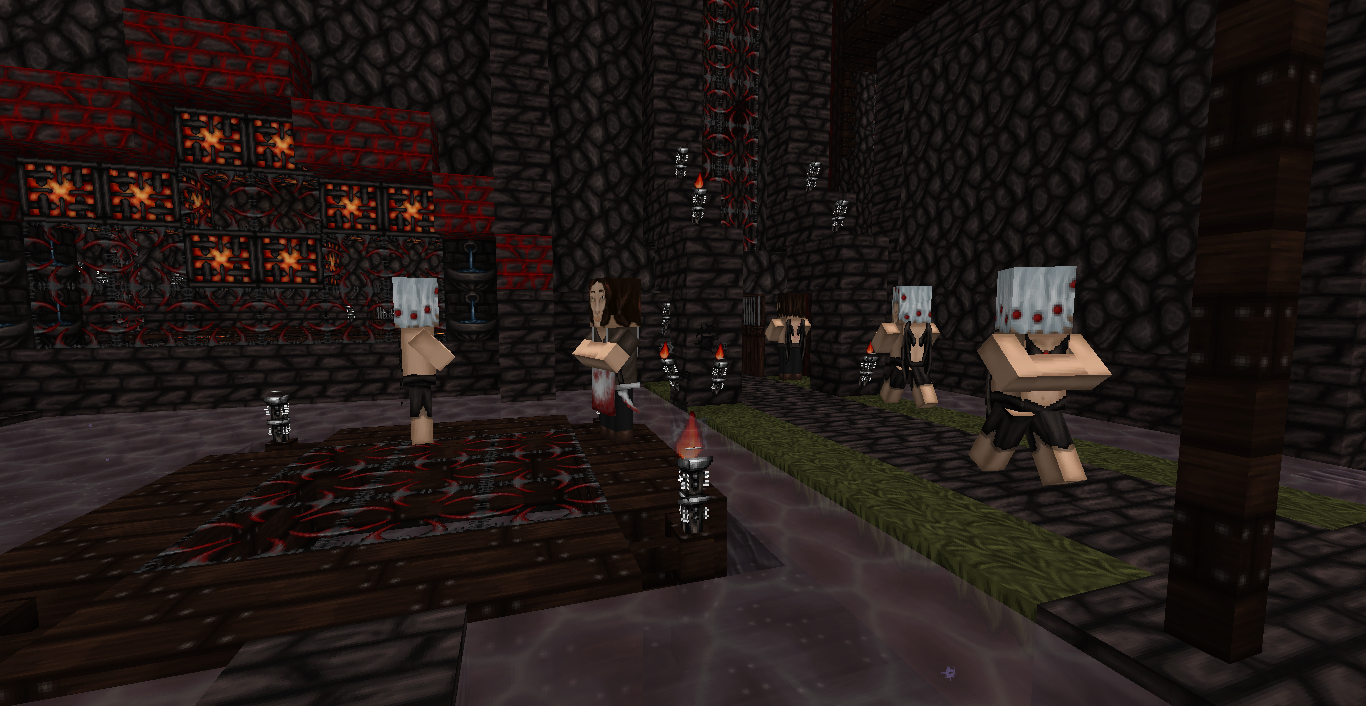
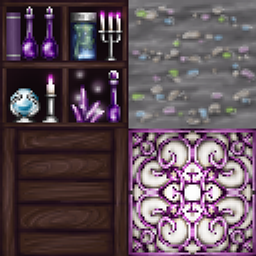
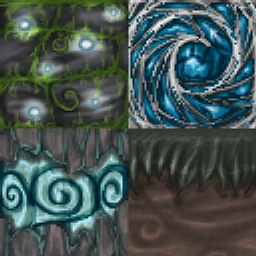
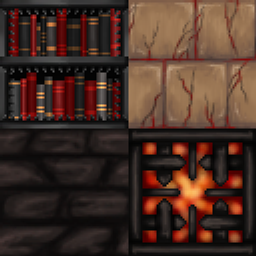
A complete texture remake, with a dark and menacing theme.
by fainting_goat_
Download Claim this project
30,225 downloads
0 likes
Updated Oct 14, 2026
0 hypes
64x
Advertisement Remove ads with Premium →


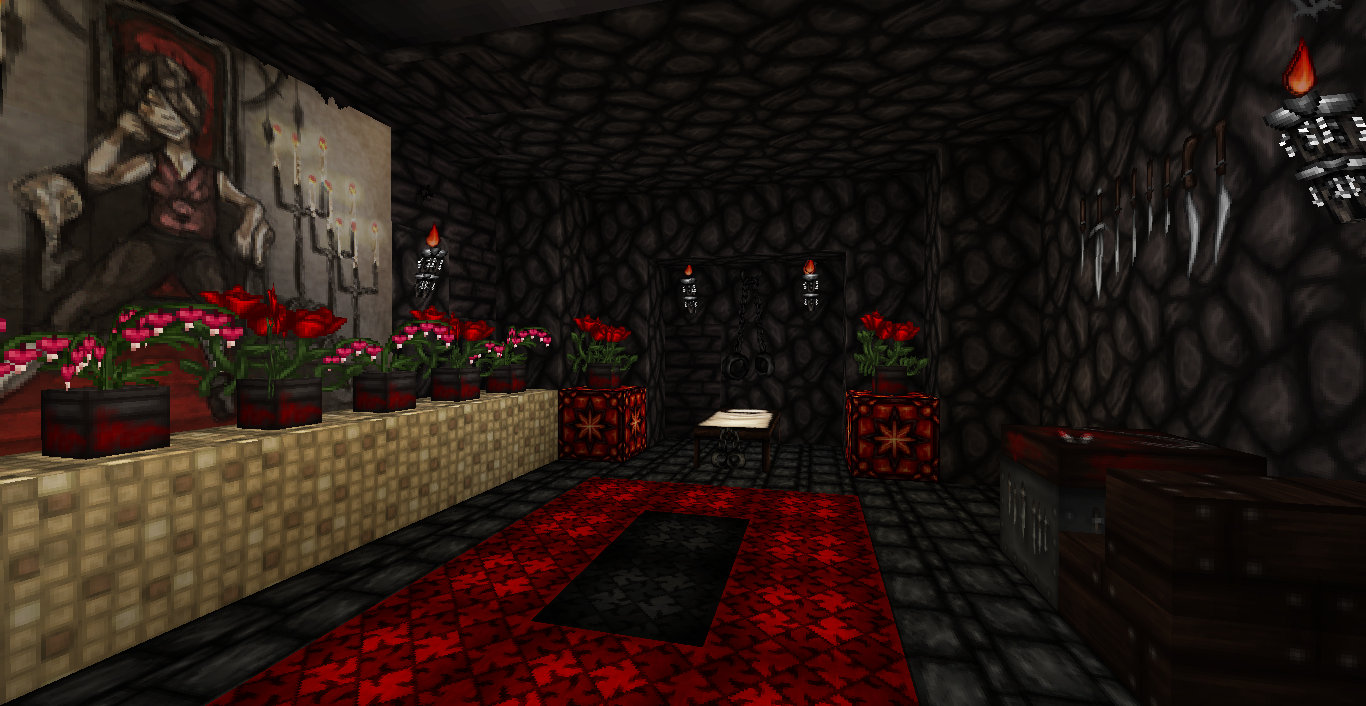
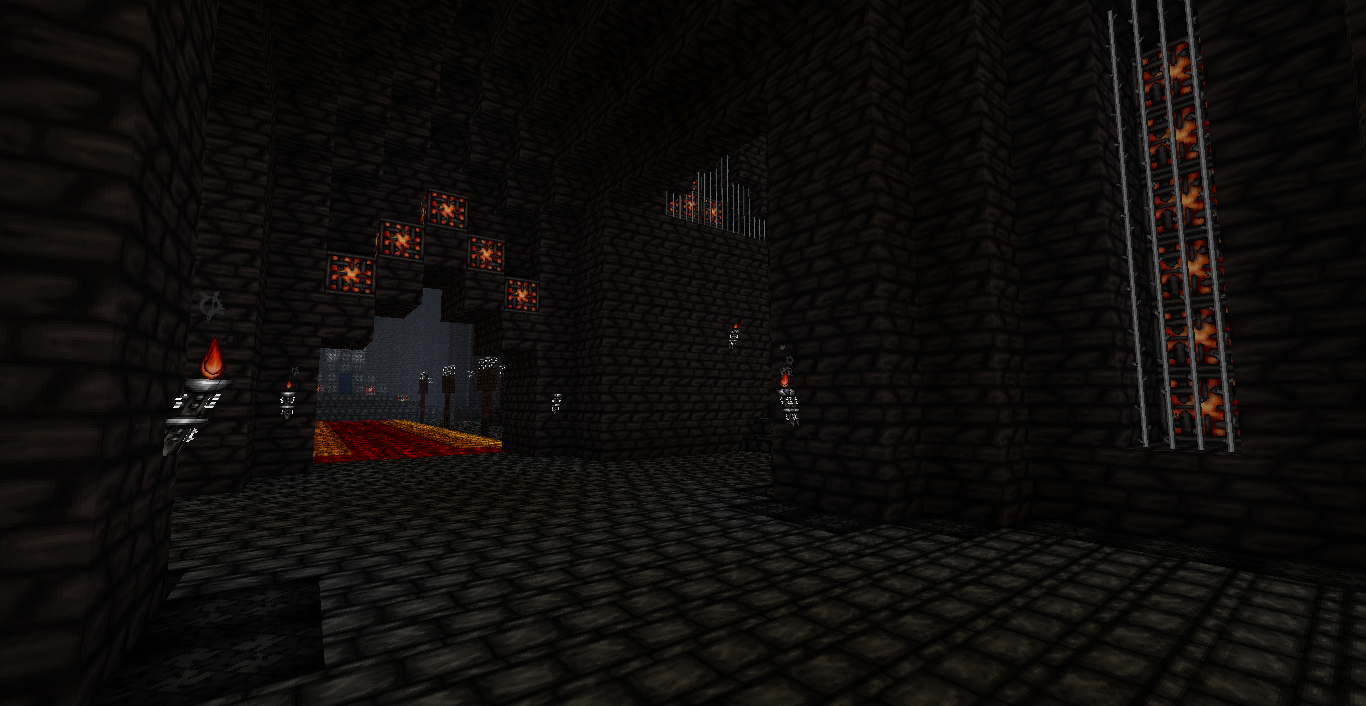
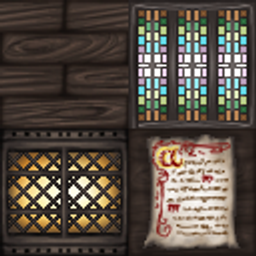
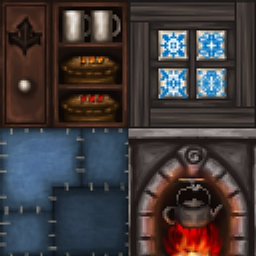
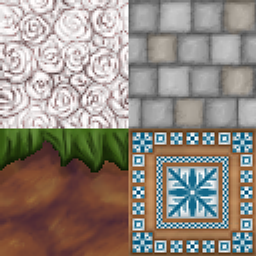
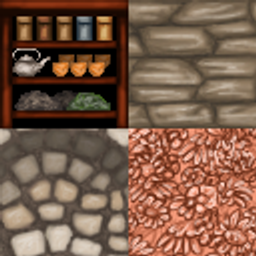
Do you enjoy setting elaborate and deadly traps for villagers, monsters, and other players on your server? Do you celebrate every time the sun starts to set? Do you use torches only to keep from having endermen sneak up on you while you sleep? The Dungeon variant of the the Wolfhound Pack may be what you need then! Filled with black stone, dark motifs, and the tiny details Wolfhound is known for, you'll be able to turn your world into a terrifying dungeon. Please note this texture pack will not torment your enemies for you. You'll still have to do that on your own.

Wolfhound Dungeon.zip
MC 26.2
Release 2026-08-12 Get
Wolfhound Dungeon.zip
MC 26.1.2
Release 2026-07-22 Get
Wolfhound Dungeon.zip
MC 1.21.8
Release 2025-09-02 Get
Wolfhound Dungeon.zip
MC 1.21.5
Release 2025-04-29 Get
Wolfhound Dungeon.zip
MC 1.21.4
Release 2025-01-03 Get
Wolfhound Dungeon.zip
MC 1.21.3
Release 2024-12-23 Get
Wolfhound Dungeon.zip
MC 1.20.2
Release 2023-10-26 Get
Wolfhound Dungeon.zip
MC 1.19.1
Release 2022-07-17 Get
Wolfhound Dungeon.zip
MC 1.17.1
Release 2021-08-13 Get
Wolfhound Dungeon.zip
MC 1.16.4
Release 2020-12-27 Get
Wolfhound Dungeon.zip
MC 1.15.1
Release 2019-12-22 Get
Wolfhound Dungeon.zip
MC 1.14.4, 1.14.1, 1.14.3, 1.14, 1.14.2
Release 2019-11-27 Get
Wolfhound Dungeon.zip
MC 1.13.2
Release 2019-01-19 Get
Wolfhound Dungeon.zip
MC 1.12
Release 2017-07-03 Get
Wolfhound Dungeon.zip
MC 1.11
Release 2016-12-09 Get
Wolfhound Dungeon.zip
MC 1.10
Release 2016-06-19 Get
Wolfhound Dungeon.zip
MC 1.8
Release 2014-11-15 Get

Requirements & install

How to use this resource pack in Minecraft
Resolution
64x
Minecraft
1.19.1 – 26.2
Install folder
.minecraft/resourcepacks

How to install resource packs

  1. Download the resource pack .zip file (do not extract it).
  2. In Minecraft open Options → Resource Packs → Open Pack Folder.
  3. Drop the .zip into the resourcepacks folder (.minecraft/resourcepacks).
  4. Move the pack to the Selected column and click Done.
Browse more: 16x resource packs 32x resource packs 64x resource packs 128x resource packs 256x resource packs 512x+ resource packs Resource Packs for 26.2 All resource packs

More from fainting_goat_

Advertisement Remove ads with Premium →

You Might Also Like