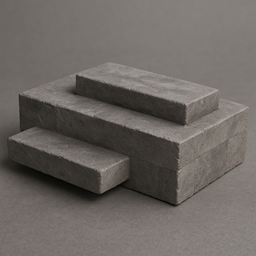
WILDBORNE - PHOTOREALISTIC VANILLA RESOURCE PACK
NOTE - THIS RESOURCE PACK IS CURRENTLY IN BETA V81.6! Expect SOME unfinished models & textures, as well as changes to existing ones until the project is fully released!
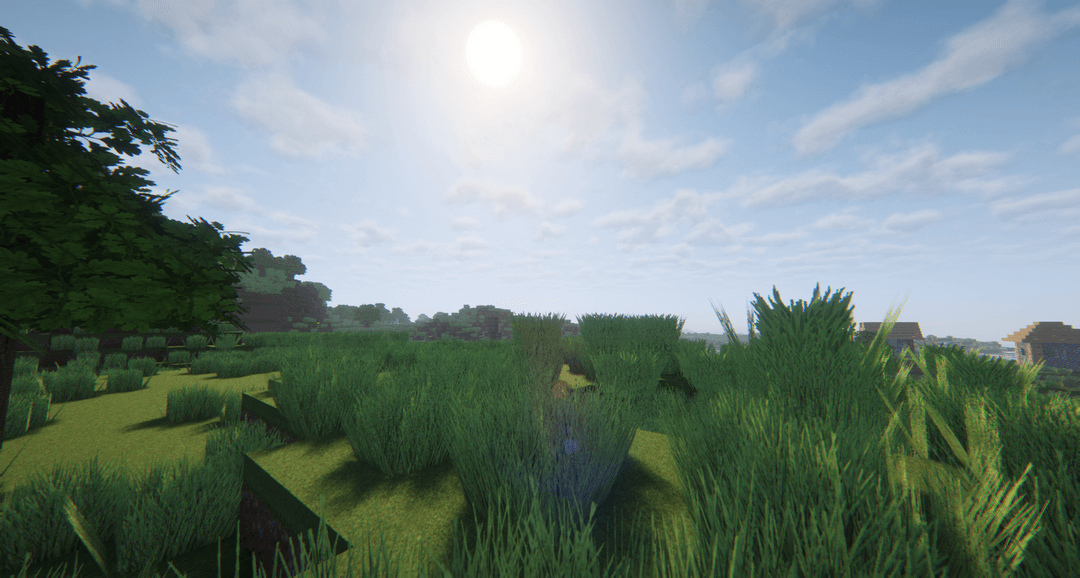
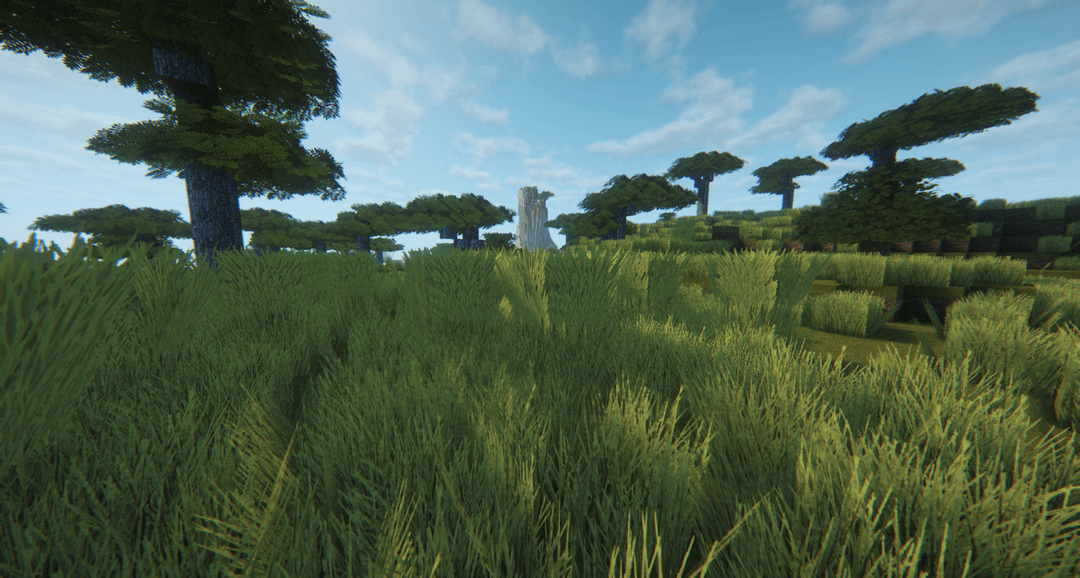
Designed for the Wildborne Modpack (Coming soon) - This vanilla resource pack revamps the entire game for maximum realism & performance at 512 x 512 resolution - WITH NO PAYWALL!
OTHER IMPORTANT NOTES - READ FOR AN IDEAL EXPERIENCE:
While this pack IS compatible with base game Vanilla - I HIGHLY recommend playing it with your favorite Modloader, such as Forge, NeoForge or Fabric AND AT LEAST the Sodium mod!
This is because this is a 512x512 high resolution resource pack, and Vanilla Minecraft suffers with high resolution pack performance in general - Sodium will at least make the game nicely playable, though other performance mods will help significantly too
RECOMMENDED VANILLA GAMEPLAY SETTINGS:
- Graphics MUST be on Fancy or higher - otherwise leaves won't render as see-through
- Framerate should be set to unlimited, regardless of using VSync or not - this helps maximize your FPS either way
- Mipmap levels should be OFF (You can increase these, but you'll LIKELY experience lag)
- Allocate AT LEAST 8GB of RAM/Memory in your launcher Java profiles to use this pack
- I highly recommend installing/adding your favorite font resource pack that installs a higher resolution font for Minecraft, as Minecraft's default font will seem very out of place otherwise XD
RECOMMENDED MODDED GAMEPLAY SETTINGS:
- Install Sodium or Embeddium or a related Server & Client Performance mod
- Install Lithium or Radium or a related Server Performance Mod
- Install Ferrite Core & Modern Fix - This will optimize Minecraft's RAM/Memory usage, as well as fix many bugs that cause issues in 1.21+ versions of Minecraft
- Install Sodium Leaves Culling or a similar leaves culling mod - This pack uses a lot of fancier leaf block models/textures, and such mods will make a marked improvement in your FPS
- Install MoreCulling, Substrate, Bocchium or related culling mods - these mods will cull the texture faces of blocks you can't see, which frees up Minecraft to render more important things that you can see
- Install Iris or Oculus if using Shader Packs
- Install Sodium Dynamic Lights or a similar dynamic lighting mod for maximum immersion while carrying Torches/Lanterns with this Resource Pack
- I highly recommend installing/adding your favorite font resource pack that installs a higher resolution font for Minecraft, as Minecraft's default font will seem very out of place otherwise XD
RECCOMENDED SHADER PACKS FOR IMMERSION & REALISM:
- Complementary Unbound
- Euphoria Patches (If using Complementary Unbound)
- Kappa Shaders
- Photon Shaders
- Bliss Shaders or a variant of it
- Any SEUS Shader or variant of it
- MakeUp - UltraFast Shaders (Ideal for low end PCs & realism with maximum FPS)
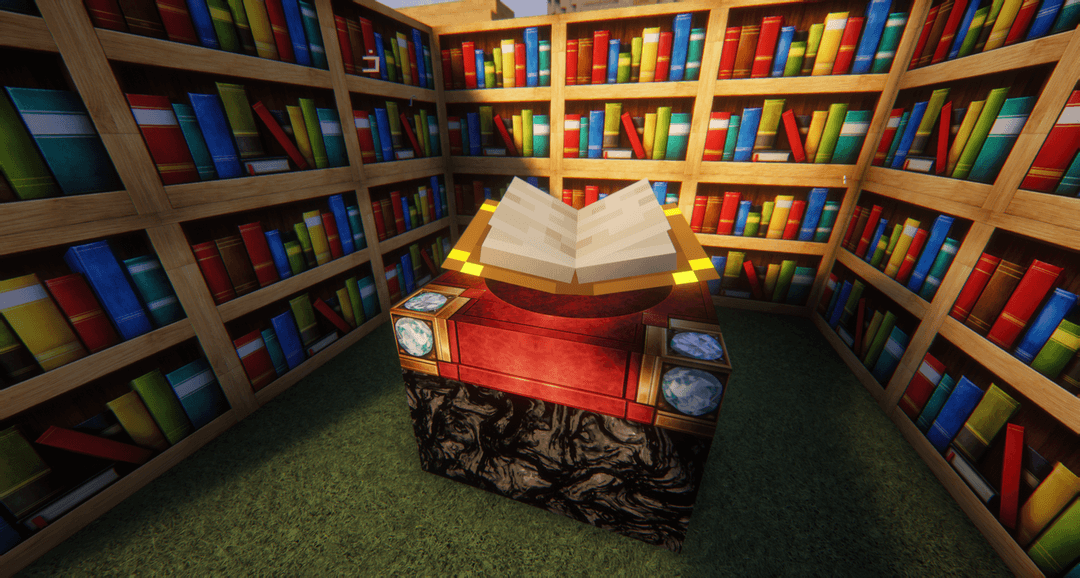
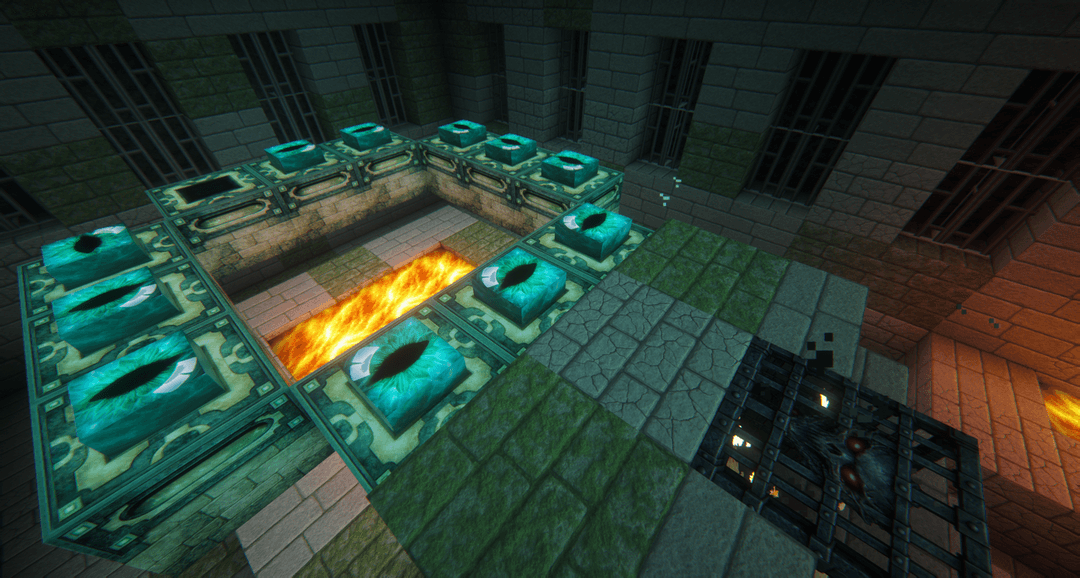
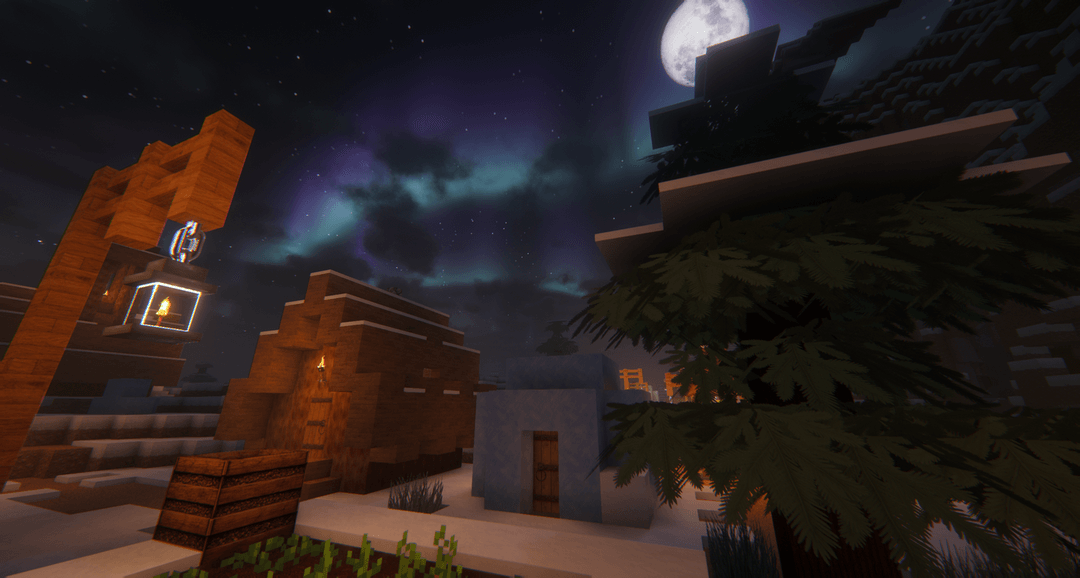
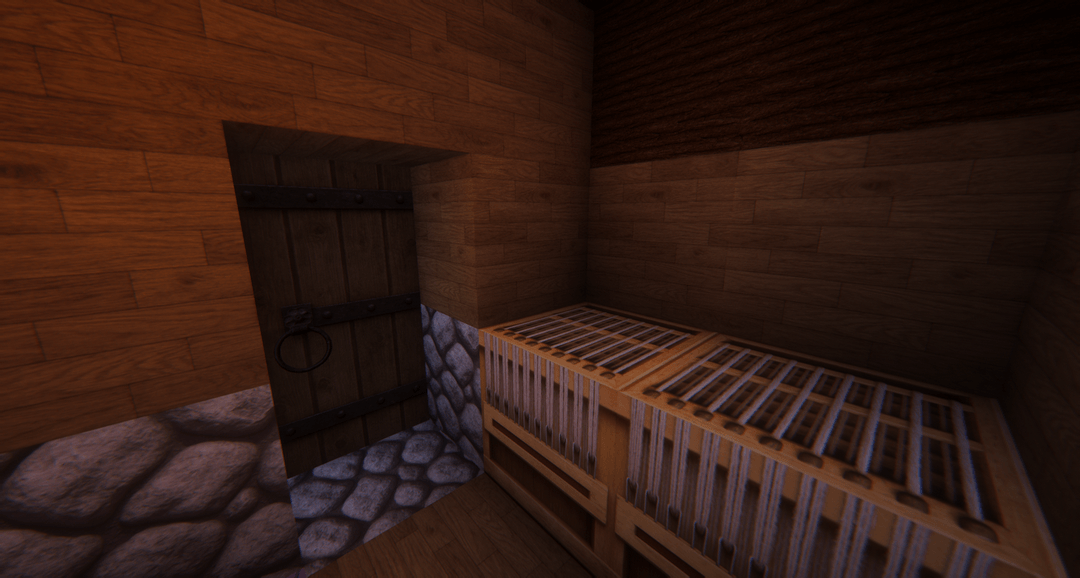
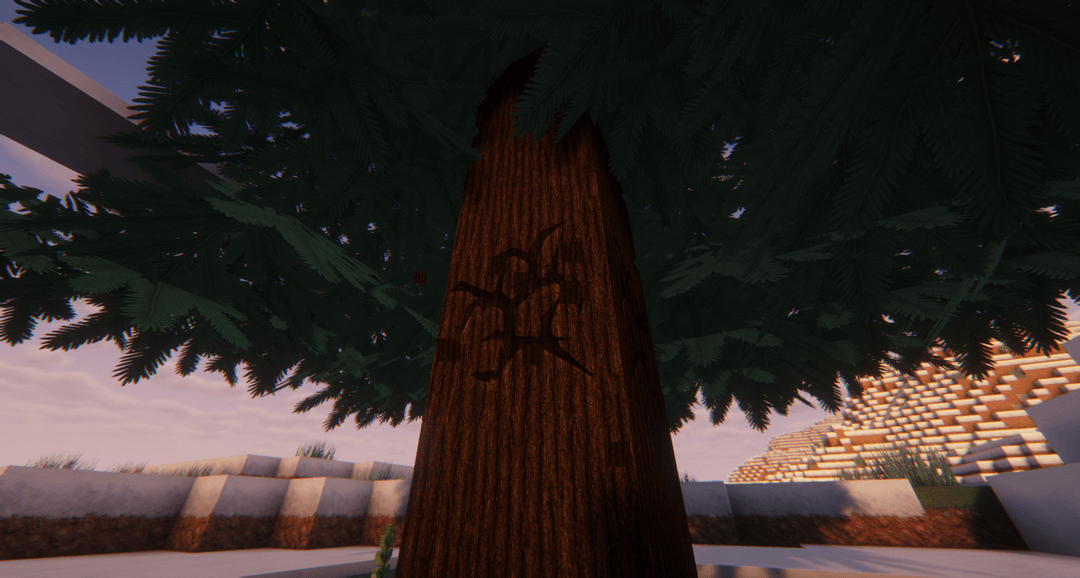
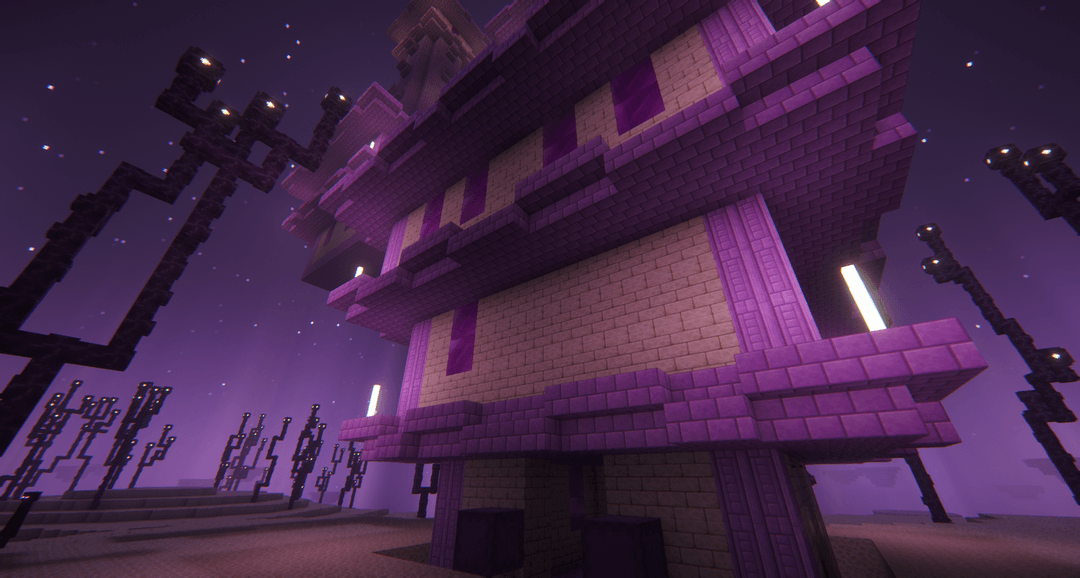
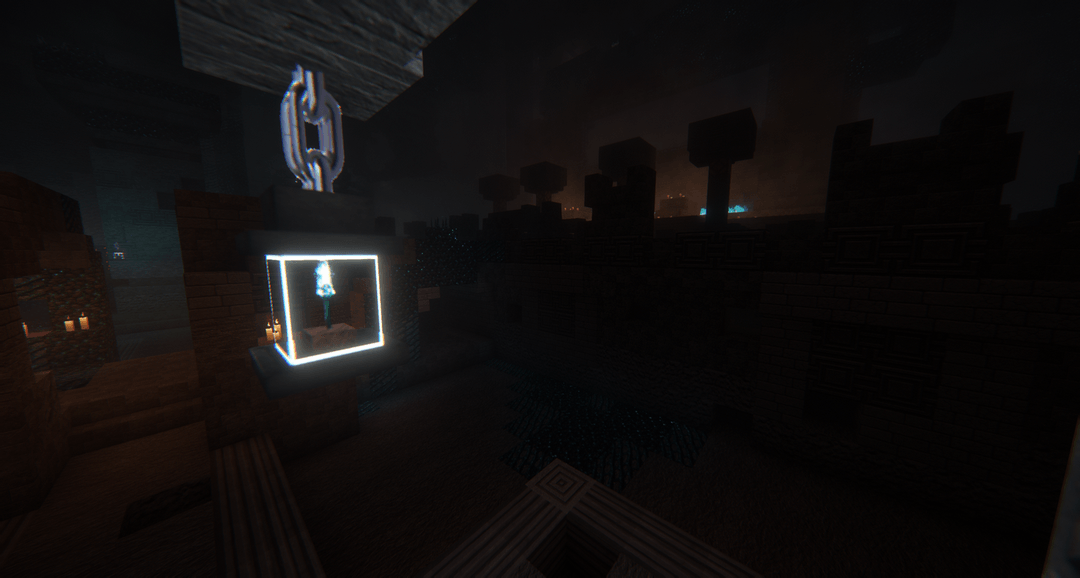
The Wildborne Photorealistic VANILLA Resource Pack is the Vanilla Minecraft base Resource Pack for the upcoming Wildborne Modpack (Coming Soon!). It adds significantly more immersion, realism & high definition by overhauling Minecraft's base game textures, models, blockstates, GUIs & more - allowing you to become lost in the beautiful worlds you create with minimal intrusion to the gameplay
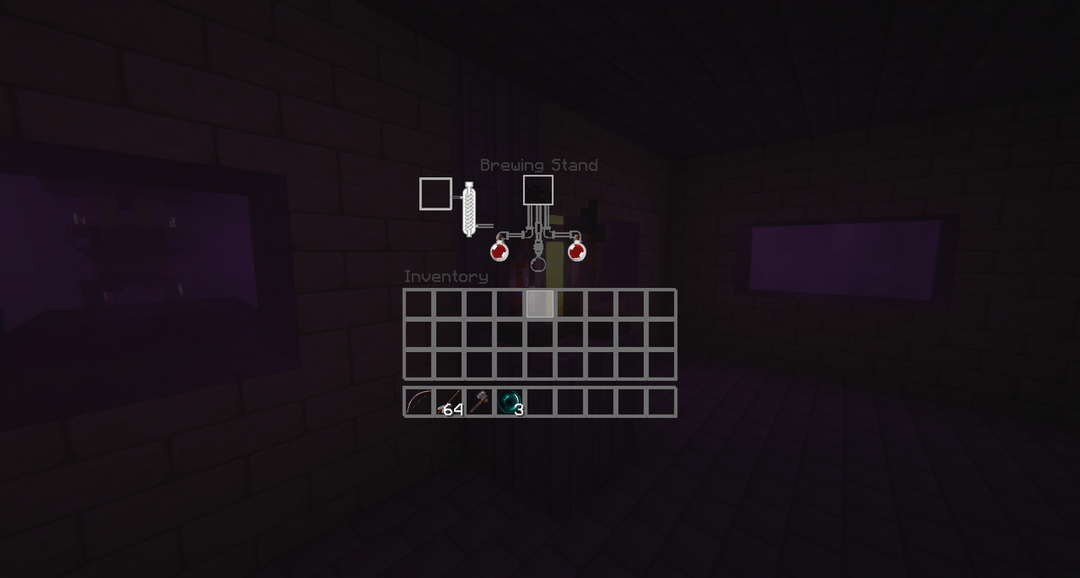
Transparent GUIs in this pack allow you to manage items, blocks, crafting, smelting, etc without blocking your views of the worlds/biomes/landscapes generated by the game
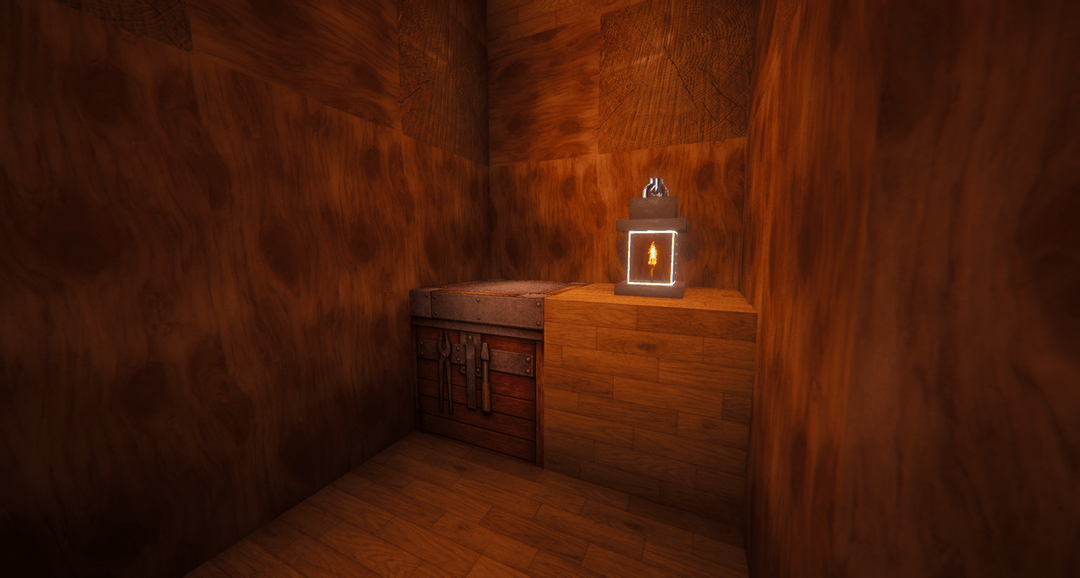
Torches & Lanterns can now be handheld like an actual torch/lantern (But will not emit light without a dynamic lighting mod or shaders)
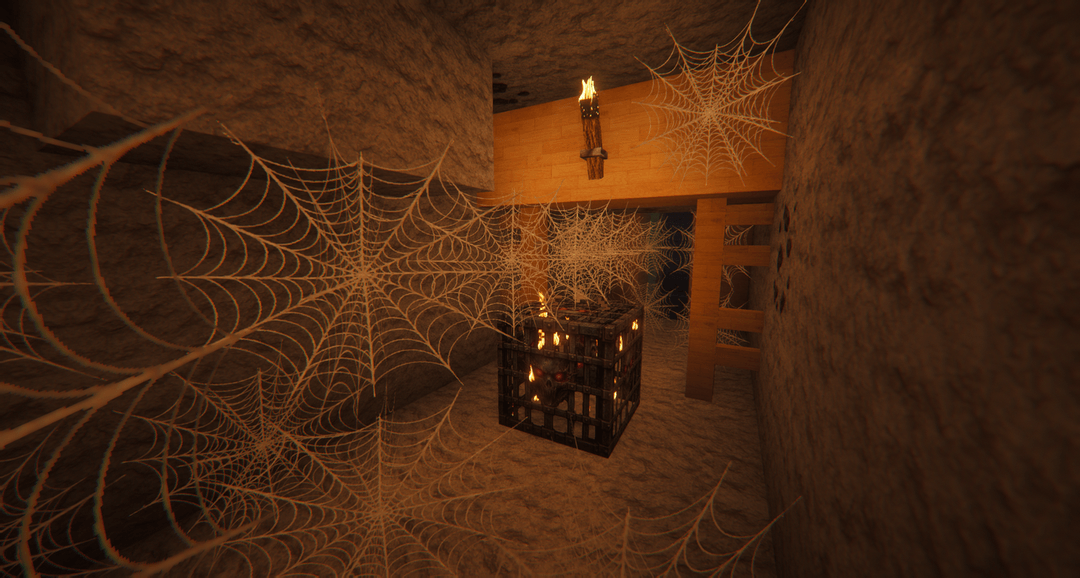
Many other blocks & items have customized models to enhance detail and realism as you interact with everything in your worlds