Mineuniverse
Resource Packs
Waveful

Waveful

RESOURCE PACK
A clean 64x PvP resource pack featuring low-fire, mini-totems, and optimized UI for a competitive, high-definition experience.
by flayzzo
Download Claim this project
634 downloads
0 likes
0 followers
Updated Oct 14, 2026
0 hypes
Follow0
64x Miscellaneous Mod Support Traditional
Advertisement Remove ads with Premium →

🌊 Waveful 64x | Performance & PvP Edition

The ultimate balance between High Definition and maximum visibility.

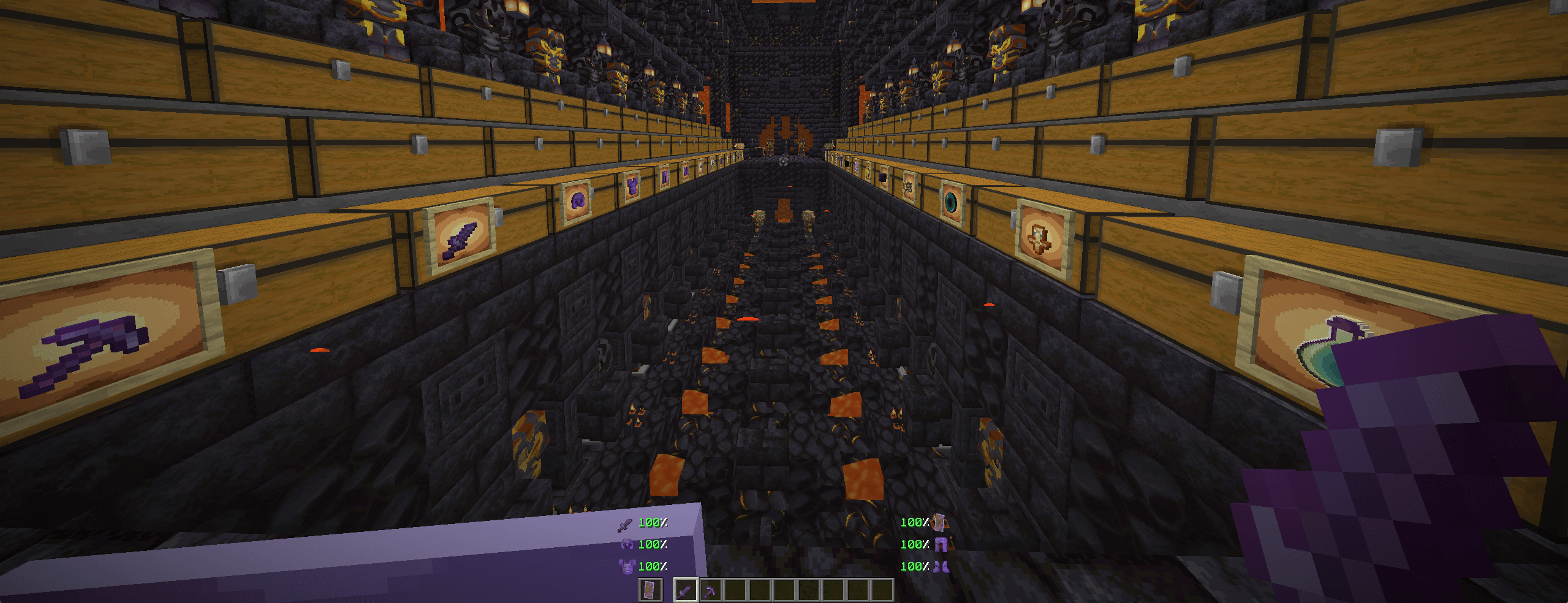
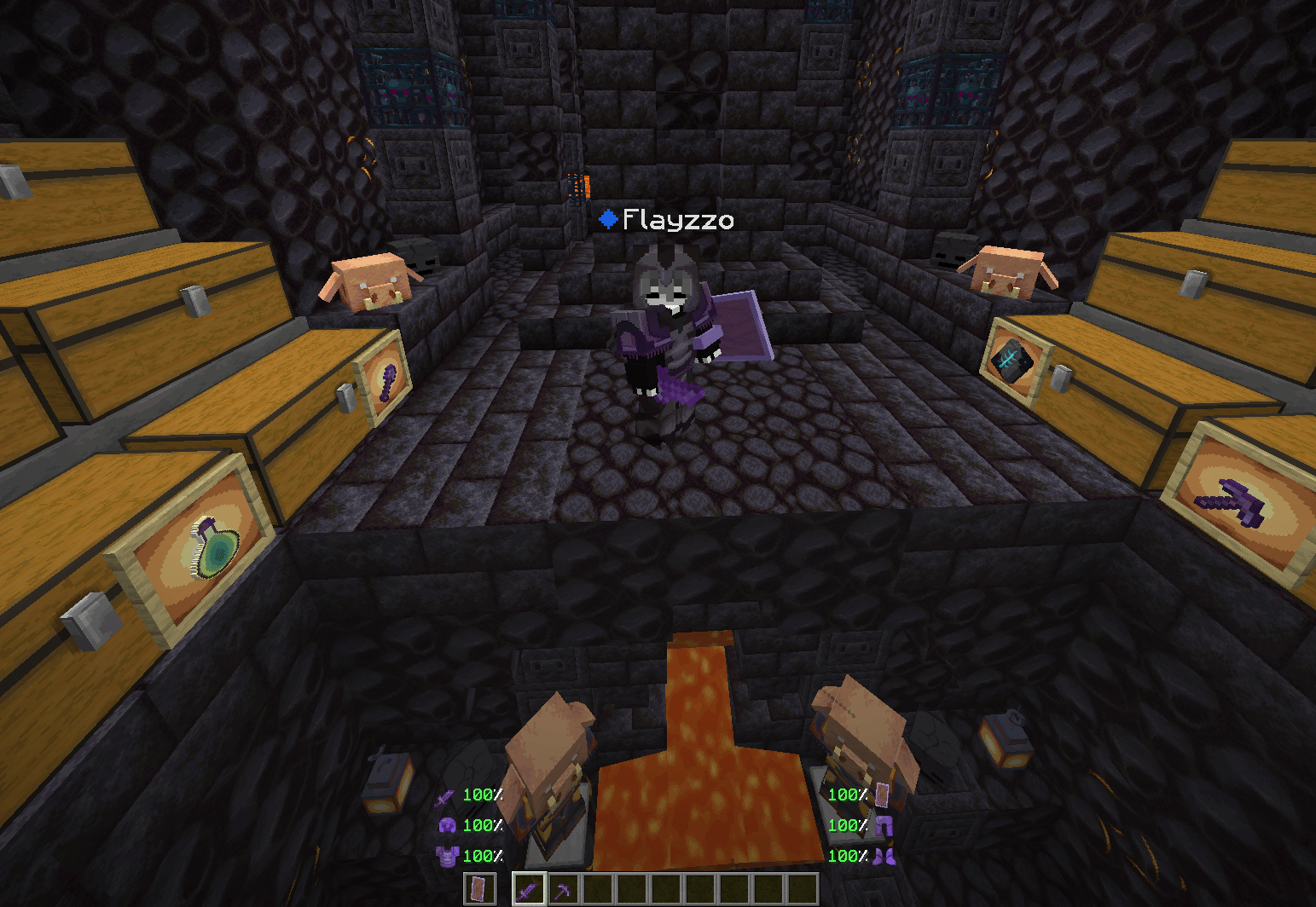
Waveful is a 64x resource pack designed for demanding players who refuse to choose between a beautiful game and competitive performance. Every texture has been refined to offer crystal-clear clarity while decluttering your HUD for intense combat.

🛠️ Combat Optimizations (PvP Ready)

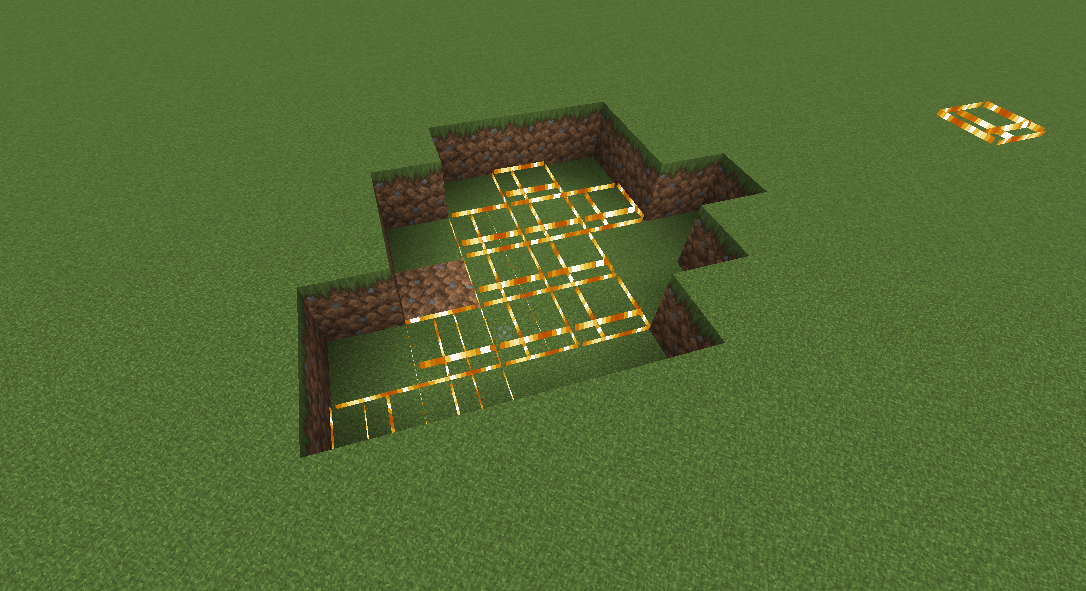
  • Clear Vision: Low Fire and optimized particle effects ensure your targets are never obstructed during a fight.

  • Minimal Footprint: Resized Small Shield and Mini Totem models to free up your screen real estate.

  • Surgical Precision: A custom, minimalist Crosshair designed to stabilize your combos and bow shots.

✨ Aesthetics & Immersion

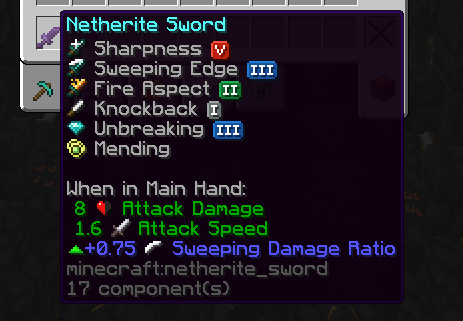
  • 64x Definition: Sharp, detailed textures that preserve the game’s original soul while eliminating blocky pixelation.

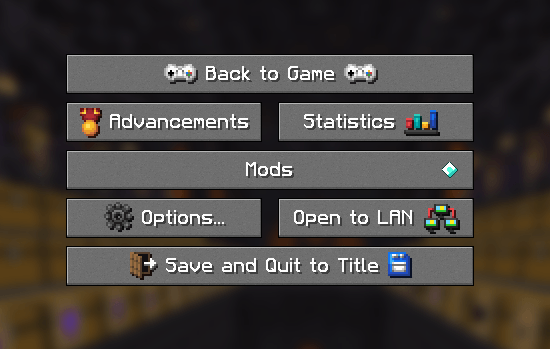
  • Modern Interface: Clean hotbar and reworked status icons for a smoother, professional look.

  • Crystal Clear Environment: Fully transparent Clear Glass and optimized nature textures to boost FPS and readability.

WaveFul v5.0.1
MC 1.21, 1.21.8, 1.21.5, 1.21.4, 1.21.1, 1.21.6, 1.21.3, 1.21.7, 1.21.2, 1.21.9, 1.21.10
Release 2026-03-28 Get
Waveful v6.0.1
MC 1.21, 1.21.8, 1.21.5, 1.21.4, 1.21.1, 1.21.6, 1.21.3, 1.21.7, 1.21.2, 1.21.10
Release 2026-03-28 Get
WaveFul v4.0.1
MC 1.21, 1.21.8, 1.21.5, 1.21.4, 1.21.1, 1.21.6, 1.21.3, 1.21.7, 1.21.2, 1.21.9, 1.21.10
Release 2026-03-26 Get

Requirements & install

How to use this resource pack in Minecraft
Resolution
64x
Minecraft
1.21.3 – 1.21.10
Install folder
.minecraft/resourcepacks

How to install resource packs

  1. Download the resource pack .zip file (do not extract it).
  2. In Minecraft open Options → Resource Packs → Open Pack Folder.
  3. Drop the .zip into the resourcepacks folder (.minecraft/resourcepacks).
  4. Move the pack to the Selected column and click Done.
Browse more: 16x resource packs 32x resource packs 64x resource packs 128x resource packs 256x resource packs 512x+ resource packs Resource Packs for 1.21.10 All resource packs
Advertisement Remove ads with Premium →

You Might Also Like