Mineuniverse
Resource Packs
Wasteland Warfare:Texture Overhaul

Wasteland Warfare:Texture Overhaul

RESOURCE PACK
this is just texture pack for my modpack
by Kasztan121
Download Claim this project
Add a badge to your pageLink to Wasteland Warfare:Texture Overhaul from a README, website or forum post.
Preview: Badge

Badges update automatically and link to the resource pack page on MineUniverse.

2,103 downloads
0 likes
0 followers
Updated Oct 14, 2026
0 hypes
Follow0
512x and Higher Mod Support Modern
Advertisement Remove ads with Premium →

🛠️Wasteland Warfare:Texture Overhaul 512x

Ultra-HD Resource Pack for Forge 1.20.1

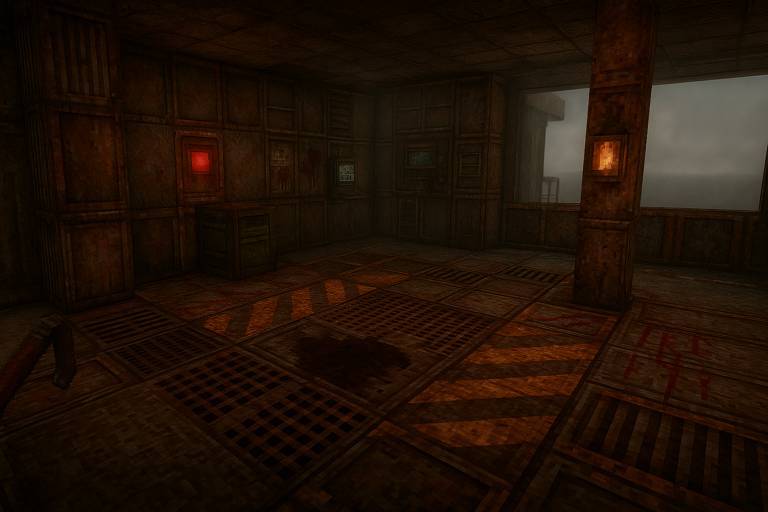
Step into the wasteland with Apocalypse Ascension 512x, a high-fidelity resource pack built specifically for your modded apocalyptic survival experience. Designed for Forge 1.20.1 and tailored to match the grim, immersive world of the Apocalypse Now mod and others in your pack, this pack transforms Minecraft into a dystopian nightmare—now in stunning 512x resolution.

🔥 Features:

  • Hyper-Realistic Textures: Every block is reimagined in gritty detail—from decaying concrete to rusted metal floors.

  • Custom Mob Textures: Zombies, skeletons, and mutated creatures have never looked so terrifying.

  • Unique Katana Skin: Swing into action with a custom-forged katana, complete with reflective steel and engraved hilt.

  • Custom Armor & Tools: Post-apocalyptic themed gear and tools—patched leather, corroded metal, and battle-worn finishes.

  • Ambient Additions: Subtle overlays, UI enhancements, and sound tweaks to deepen immersion.

🎮 Compatibility:

  • Built for Forge 1.20.1

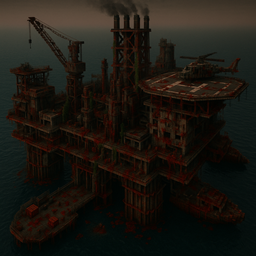
  • Fully compatible with Apocalypse Now, performance mods, and your custom oil rig map

  • Designed for modded environments (but works in vanilla too!)

⚠️ Requirements:

Due to the high-resolution textures, this pack is GPU-intensive. OptiFine or a performance mod like Sodium (if compatible) is highly recommended for smooth performance.

RIG_NO7_TexturePack_Test_v1.zip
MC 1.20.1
Beta 2025-04-23 Get

Requirements & install

How to use this resource pack in Minecraft
Resolution
512x+
Minecraft
1.20.1
Install folder
.minecraft/resourcepacks

How to install resource packs

  1. Download the resource pack .zip file (do not extract it).
  2. In Minecraft open Options → Resource Packs → Open Pack Folder.
  3. Drop the .zip into the resourcepacks folder (.minecraft/resourcepacks).
  4. Move the pack to the Selected column and click Done.

512x packs need a strong GPU and at least 4 GB of RAM for Minecraft; a performance mod such as Sodium is strongly recommended.

Browse more: 16x resource packs 32x resource packs 64x resource packs 128x resource packs 256x resource packs 512x+ resource packs Resource Packs for 1.20.1 All resource packs

More from Kasztan121

Advertisement Remove ads with Premium →

You Might Also Like