Mineuniverse
Resource Packs
Visibility x16 Warm, Clean & Easy

Visibility x16 Warm, Clean & Easy

RESOURCE PACK
A Pack to Maximize Visibility with Cheerful Simplicity
by eleazzaar
Download Claim this project
158,685 downloads
0 likes
0 followers
Updated Oct 14, 2026
0 hypes
Follow0
16x Animated Miscellaneous Traditional
Advertisement Remove ads with Premium →

Follow @LithosTextures if you would like to be notified whenever Visibility or eleazzaar's other texture packs are updated.


This is the continuation of Thinkr's original pack. For a while it was continued by kyctarniq, and now he's passed in on to me, Eleazzaar.

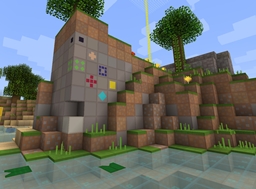
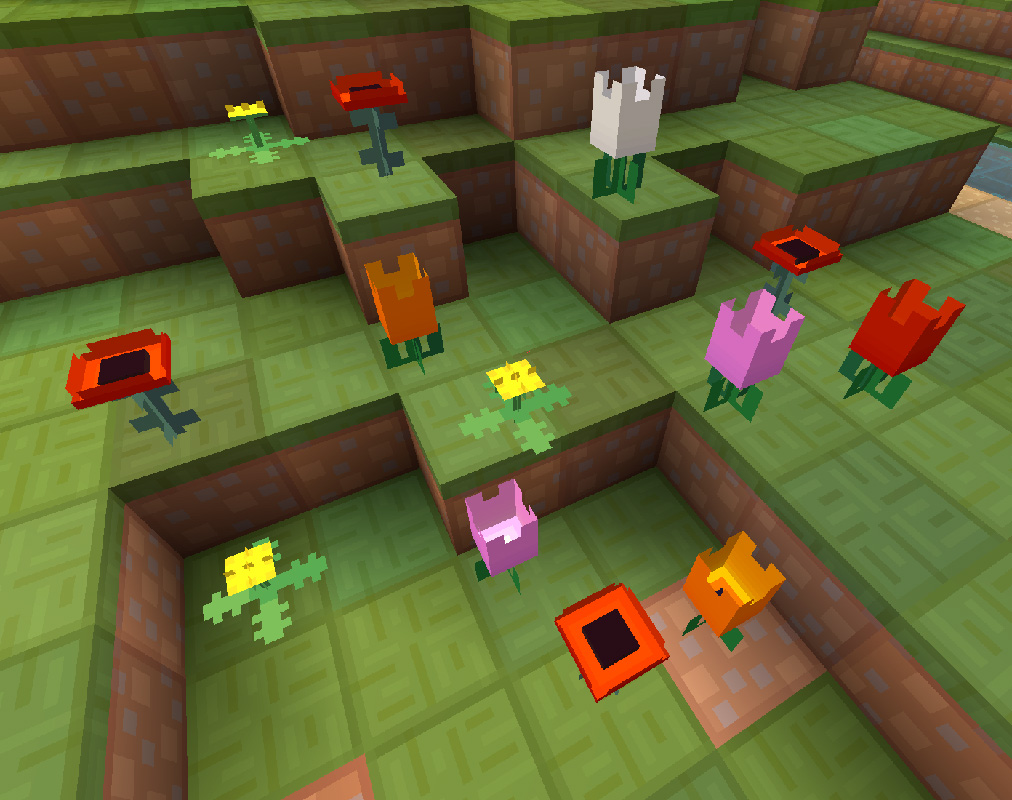
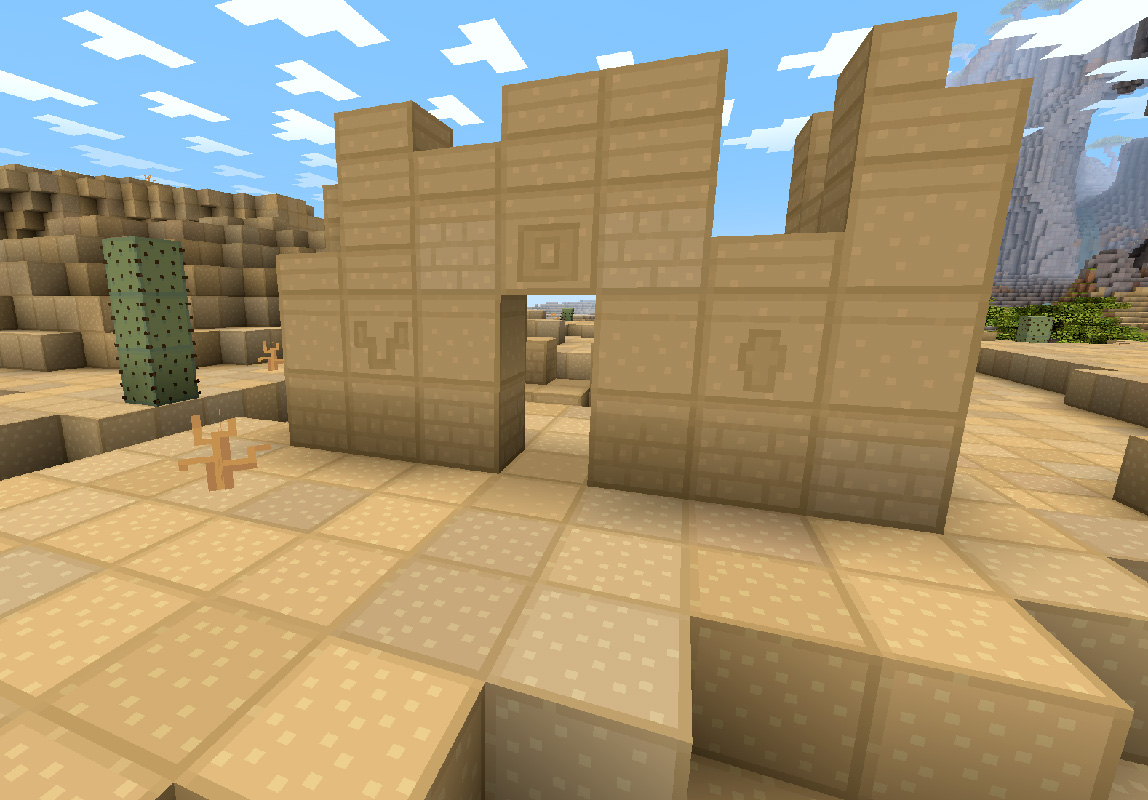
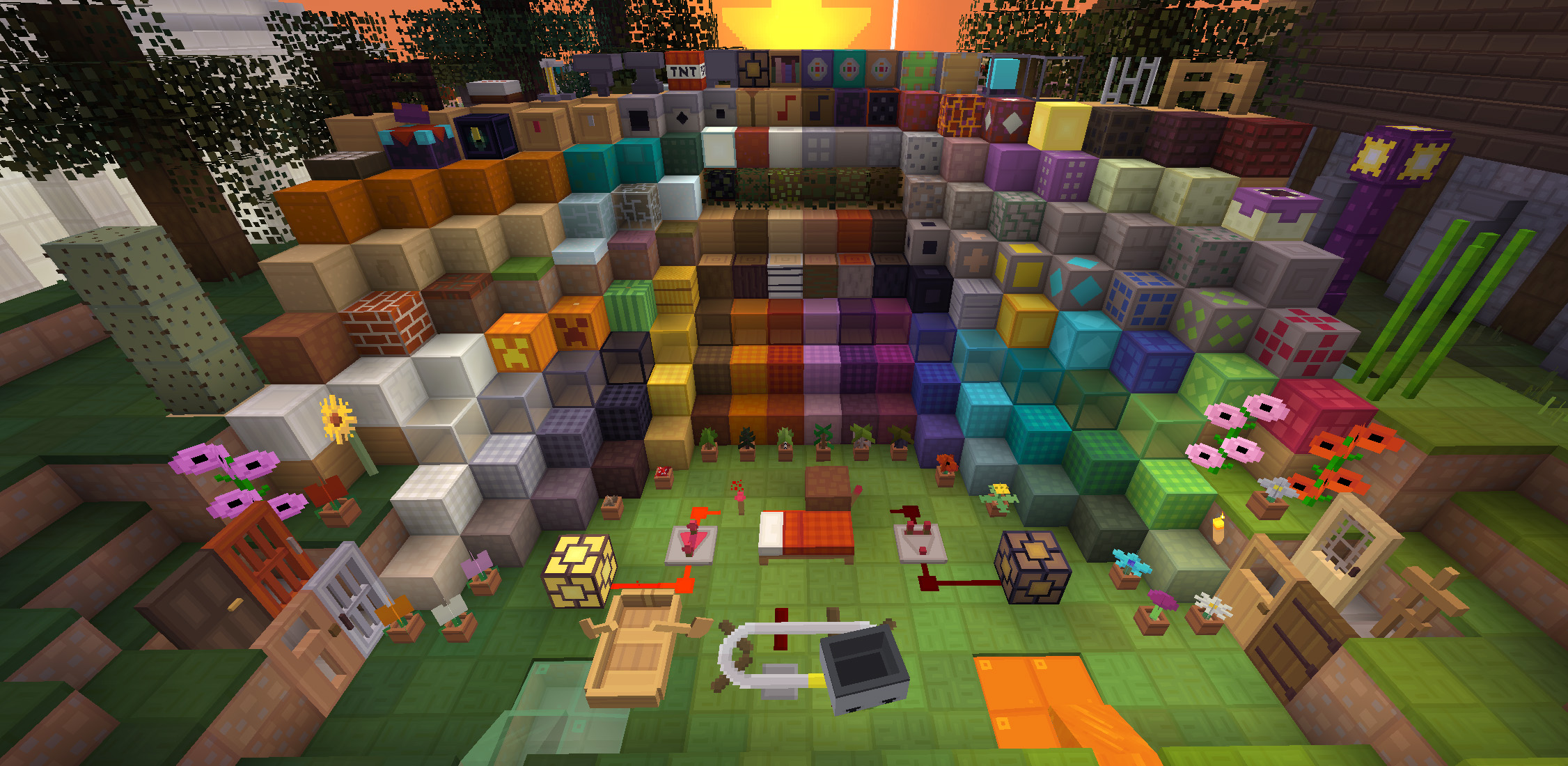
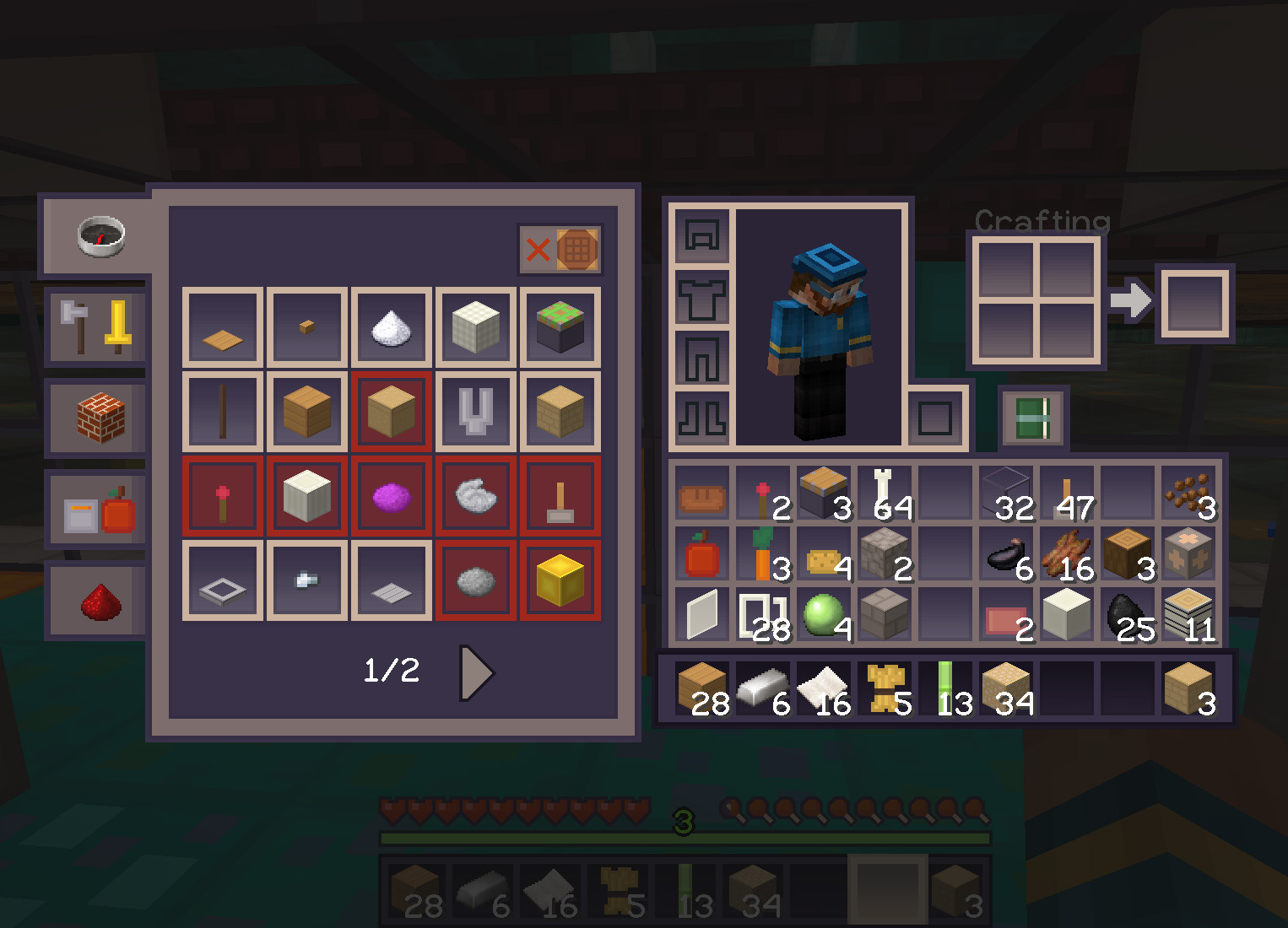
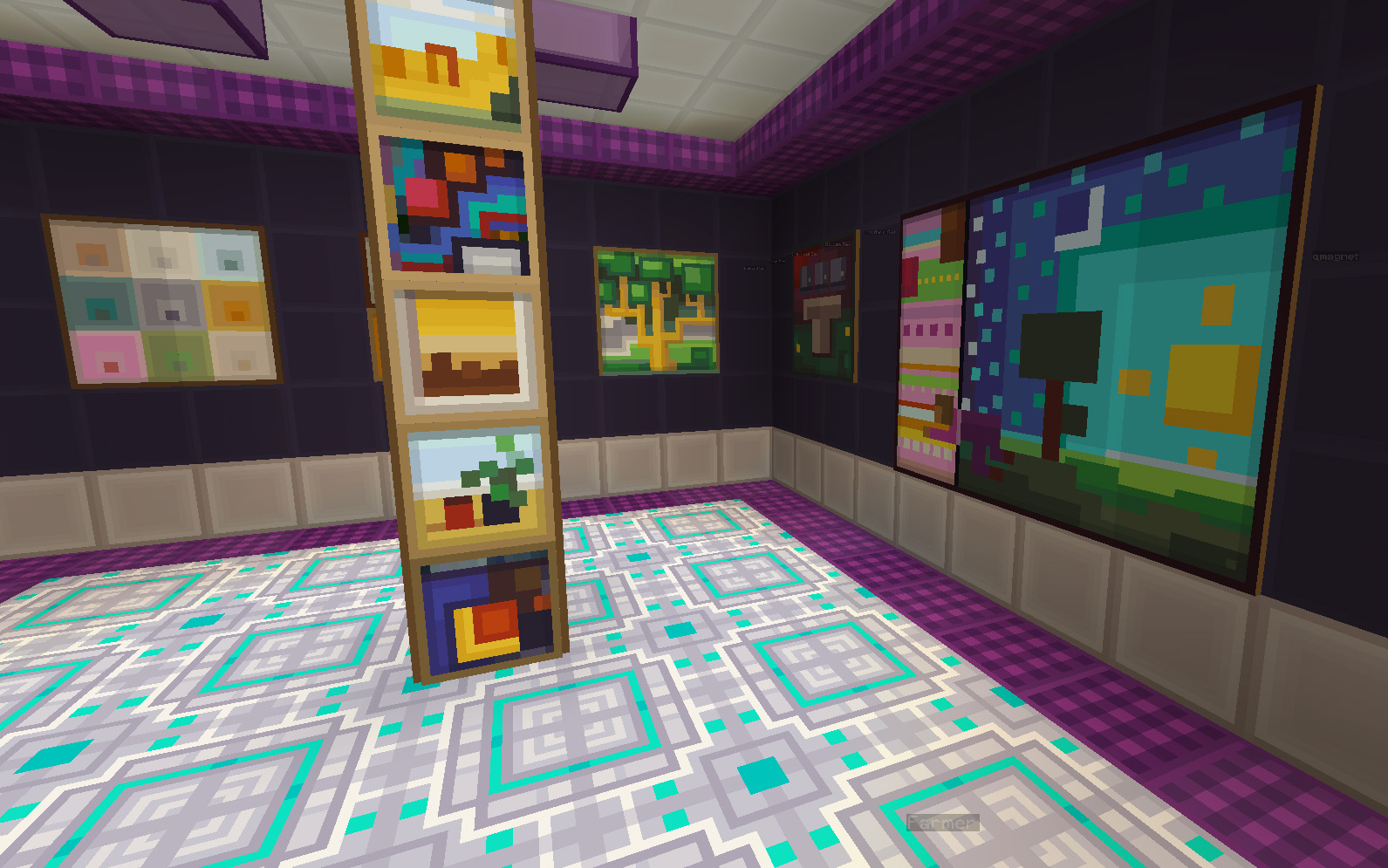
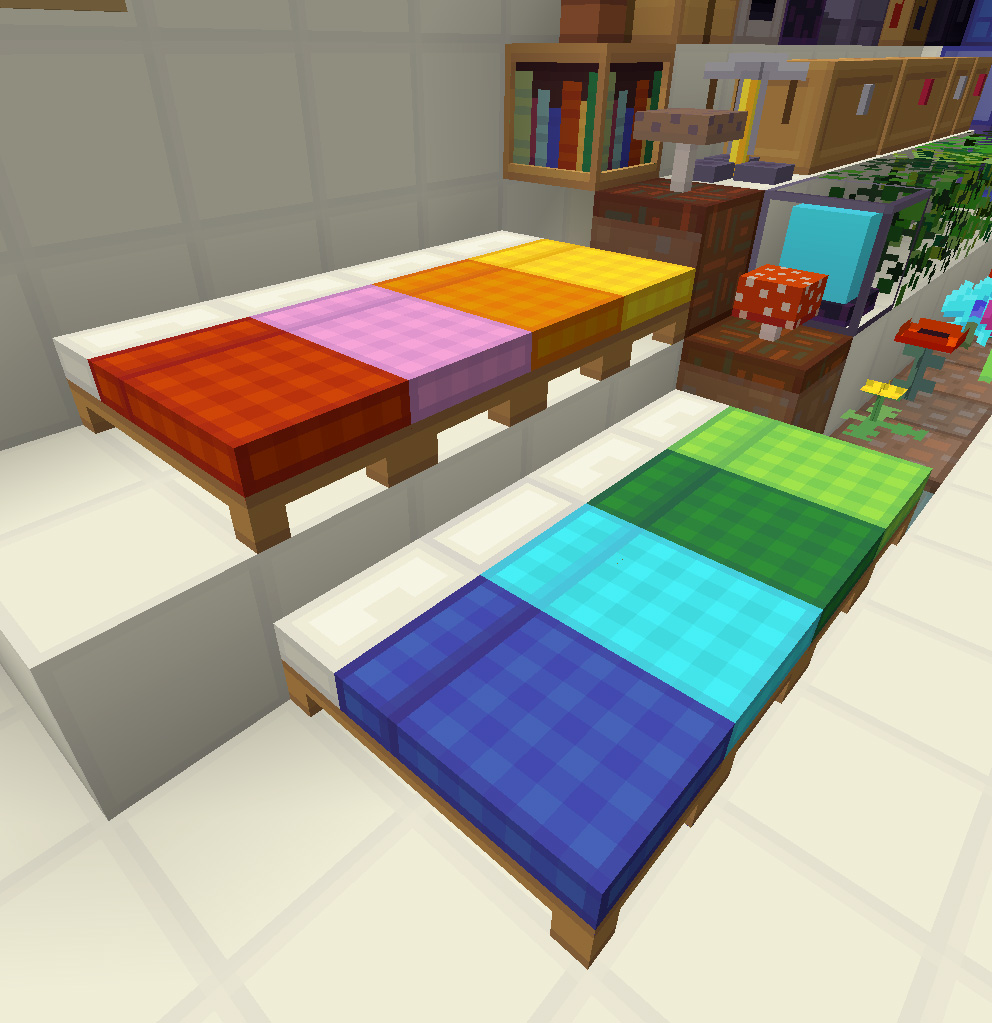
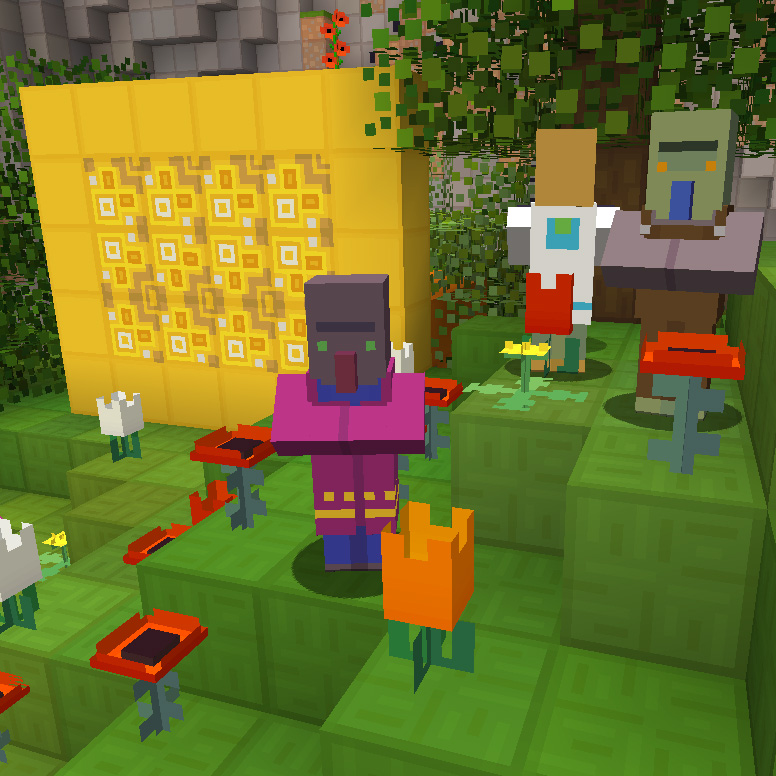
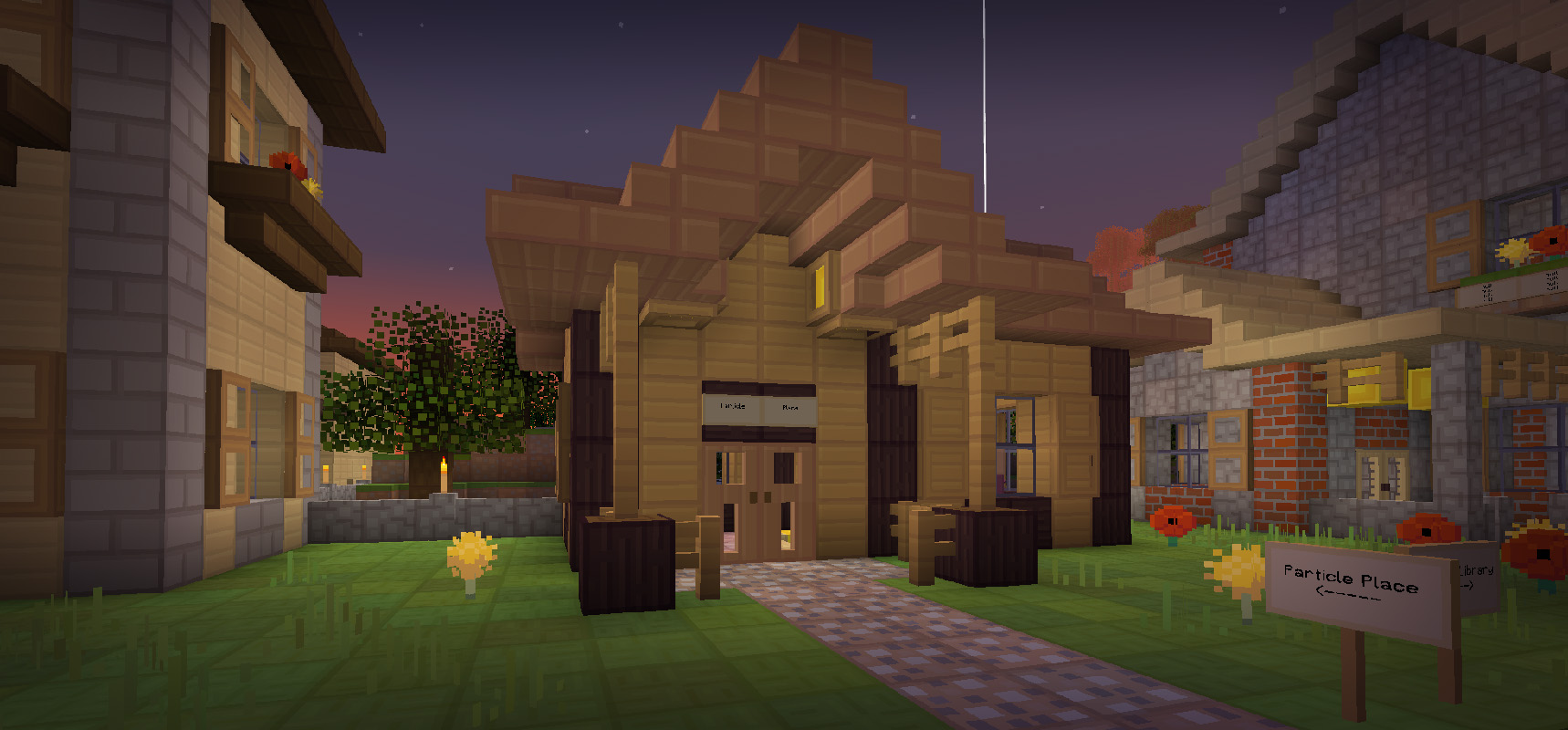
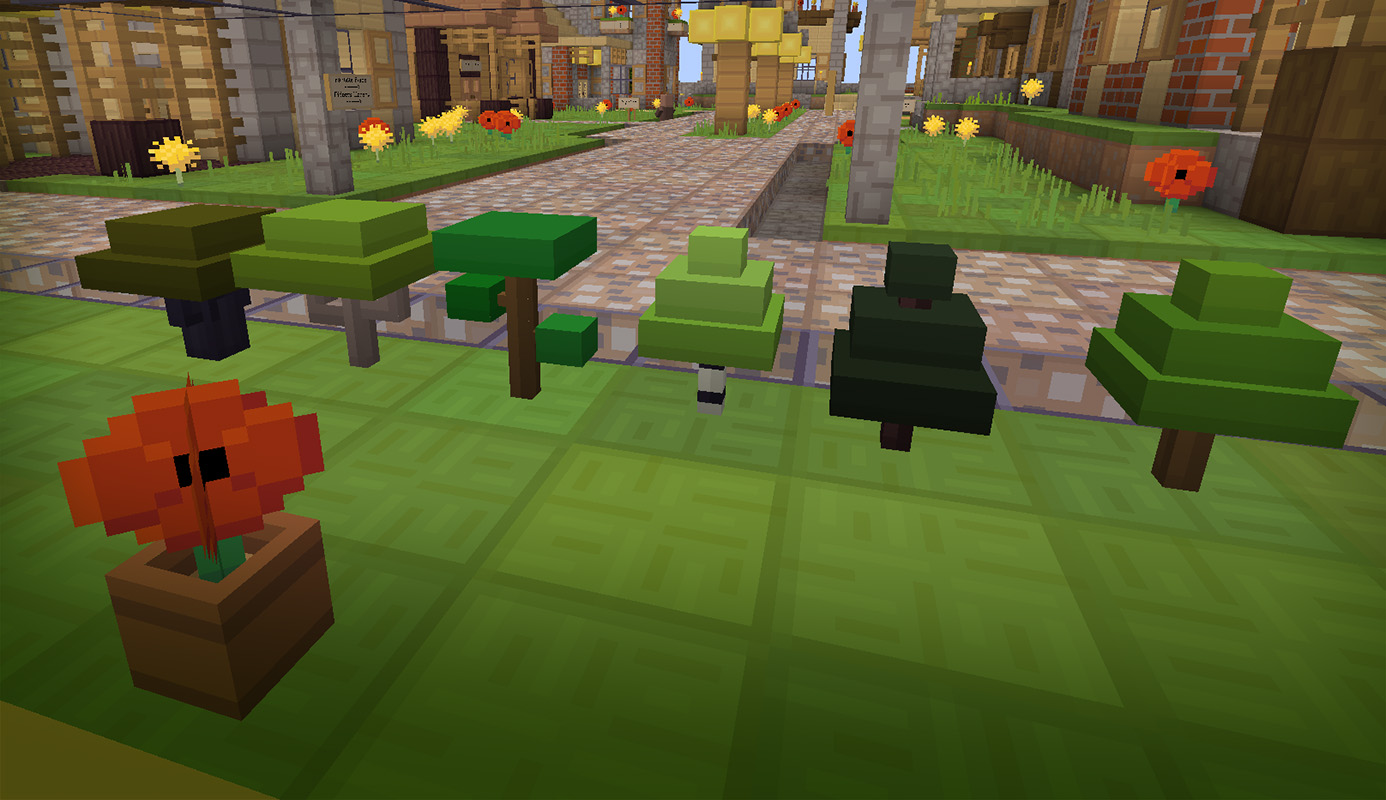
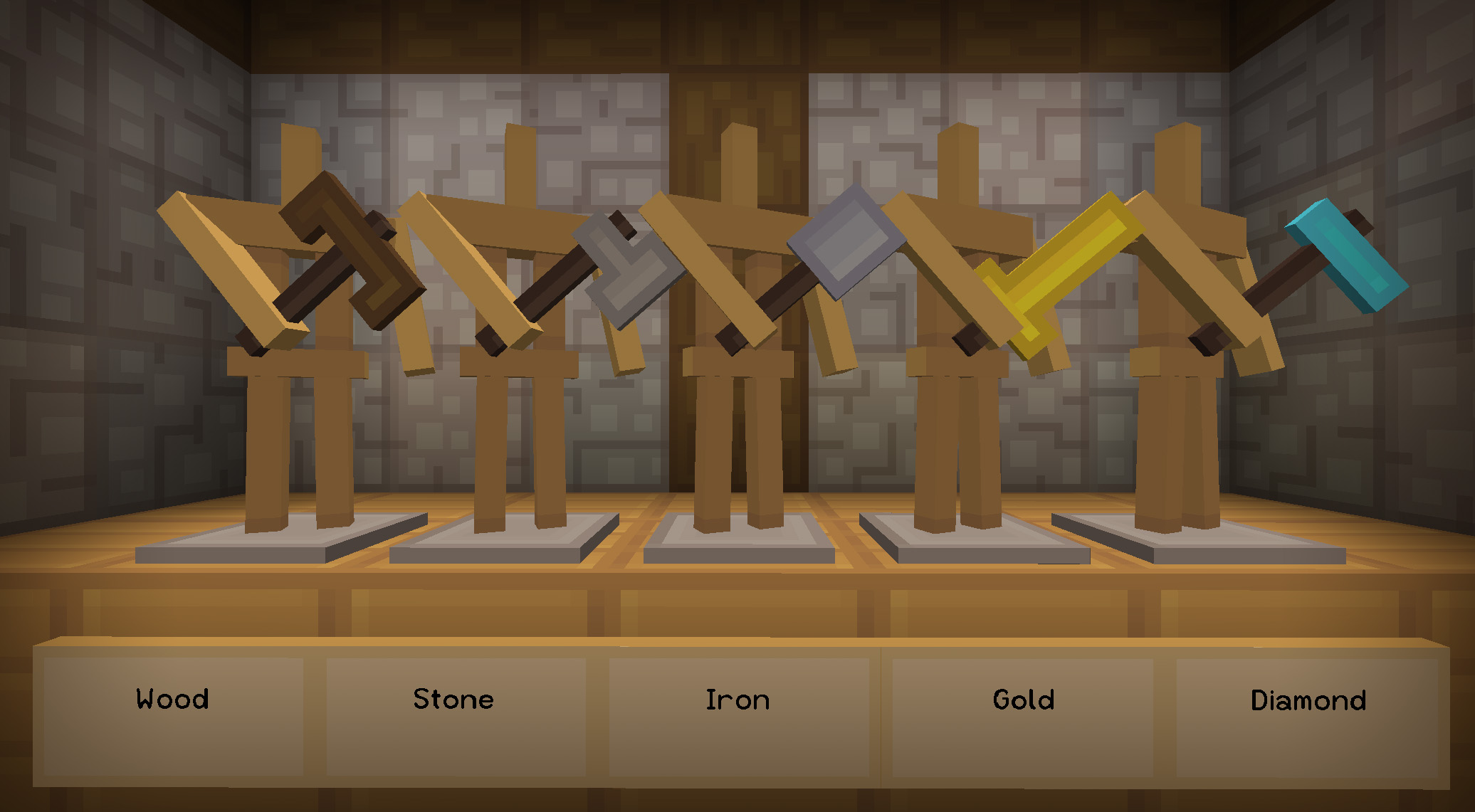
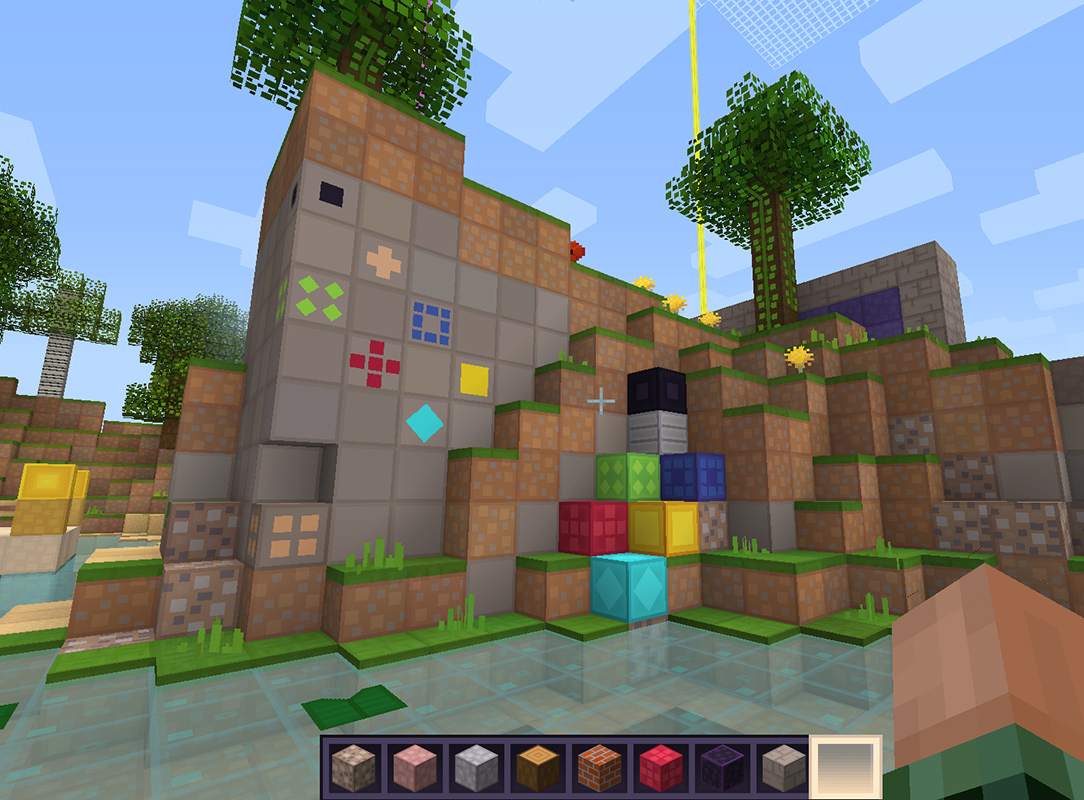
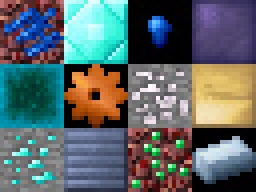
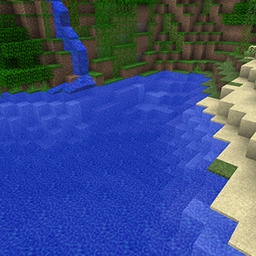
This texture pack focuses on making the game easier on the eyes by having easily identifiable colors and textures.

Features:

  • Simple textures
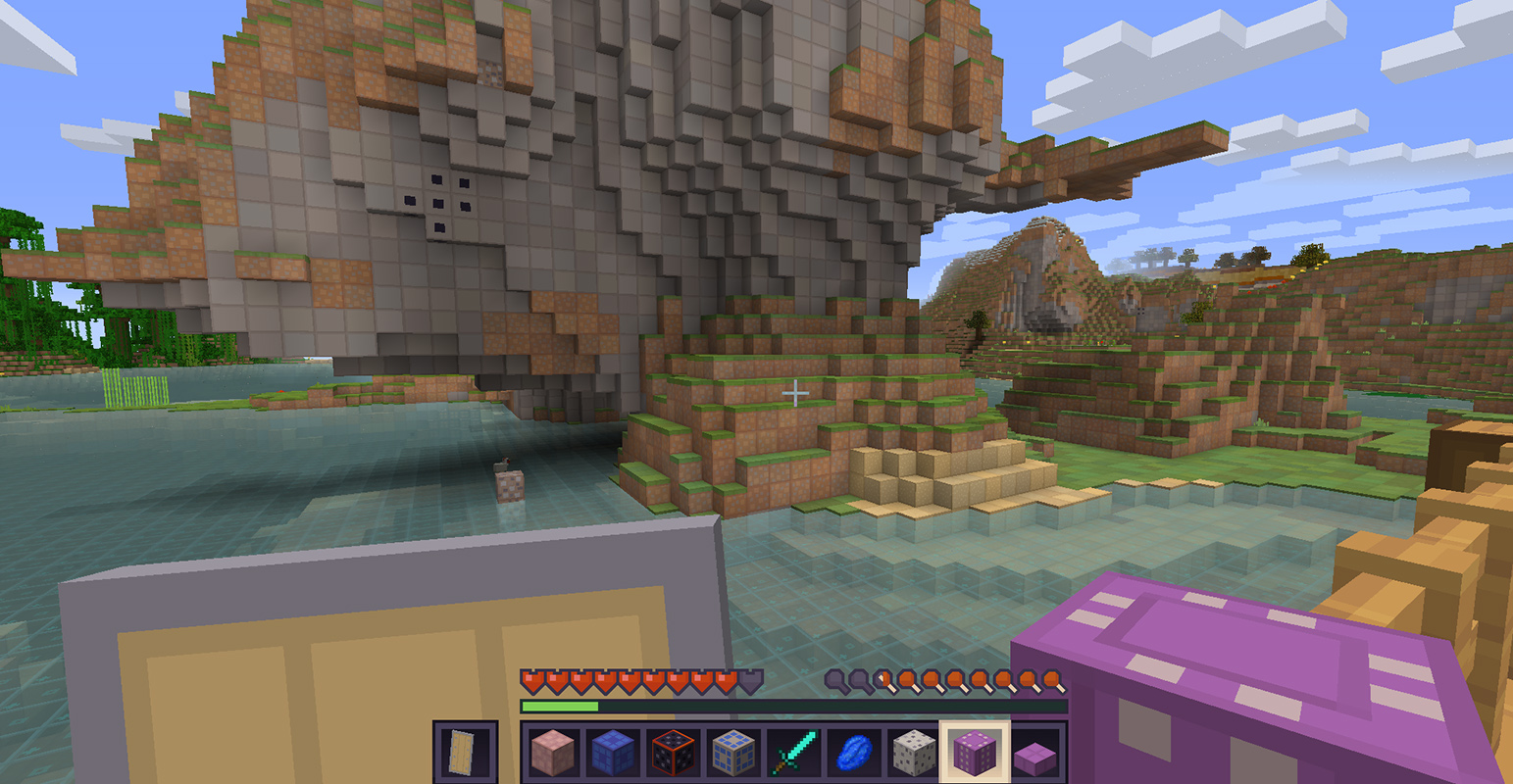
  • Cleaner GUI
  • Borders around every block
  • Sun, moon and clouds point in the direction they are going
  • Ore and clay is much more visible
  • Wheat turns gold when grown

Please tell me what you like and, especially, what you DO NOT like.

Visibility 2.07 for 1.12x
MC 1.12.1, 1.12, 1.12.2, 1.12-Snapshot
Release 2018-03-08 Get
Visibility 2.05 for 1.9x & 1.10x
MC 1.9.1, 1.9.3, 1.10-Snapshot, 1.9.4, 1.9.2, 1.10.2, 1.10, 1.10.1, 1.9-Snapshot, 1.9, 1.11-Snapshot
Release 2016-07-03 Get
Visibility 2.1 for 1.8x
MC 1.7.6, 1.8.7, 1.7.4, 1.7.7, 1.7.5, 1.8.4, 1.7.9, 1.8.8, 1.7.2, 1.8-Snapshot, 1.8.3, 1.8.6, 1.7.8, 1.7.10, 1.8, 1.8.2, 1.8.5, 1.8.9, 1.8.1
Release 2016-03-02 Get
Visibility 1 for 1.7x
MC 1.7.6, 1.7.7, 1.7.5, 1.6.1, 1.7.9, 1.7.2, 1.7.8, 1.6.4, 1.7.10, 1.6.2
Release 2014-07-29 Get
Visibility 1 for 1.6x
MC 1.6.1, 1.6.4, 1.6.2
Release 2013-08-30 Get
Visibility 1 for 1.5x
MC 1.5.2, 1.5.1, 1.5.0
Release 2013-06-10 Get

Requirements & install

How to use this resource pack in Minecraft
Resolution
16x
Minecraft
1.10 – 1.12.2
Install folder
.minecraft/resourcepacks

How to install resource packs

  1. Download the resource pack .zip file (do not extract it).
  2. In Minecraft open Options → Resource Packs → Open Pack Folder.
  3. Drop the .zip into the resourcepacks folder (.minecraft/resourcepacks).
  4. Move the pack to the Selected column and click Done.
Browse more: 16x resource packs 32x resource packs 64x resource packs 128x resource packs 256x resource packs 512x+ resource packs Resource Packs for 1.12.2 All resource packs

More from eleazzaar

Advertisement Remove ads with Premium →

You Might Also Like