Mineuniverse
Resource Packs
Unified Ore Colors Pack

Unified Ore Colors Pack

RESOURCE PACK
Makes the Ores a consistent Color across many Mods
by eleazzaar
Download Claim this project
4,258 downloads
0 likes
0 followers
Updated Oct 14, 2026
0 hypes
Follow0
16x Miscellaneous Mod Support Traditional
Advertisement Remove ads with Premium →

Follow @LithosTextures to be notified of updates to Unified Ore Colors or eleazzaar's other Minecraft texture packs.


Unified Ore Colors Pack

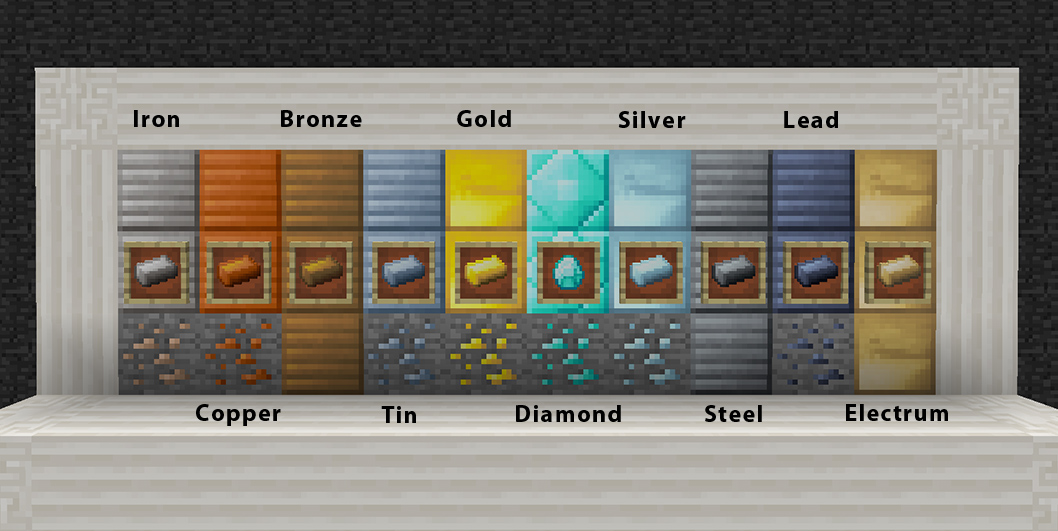
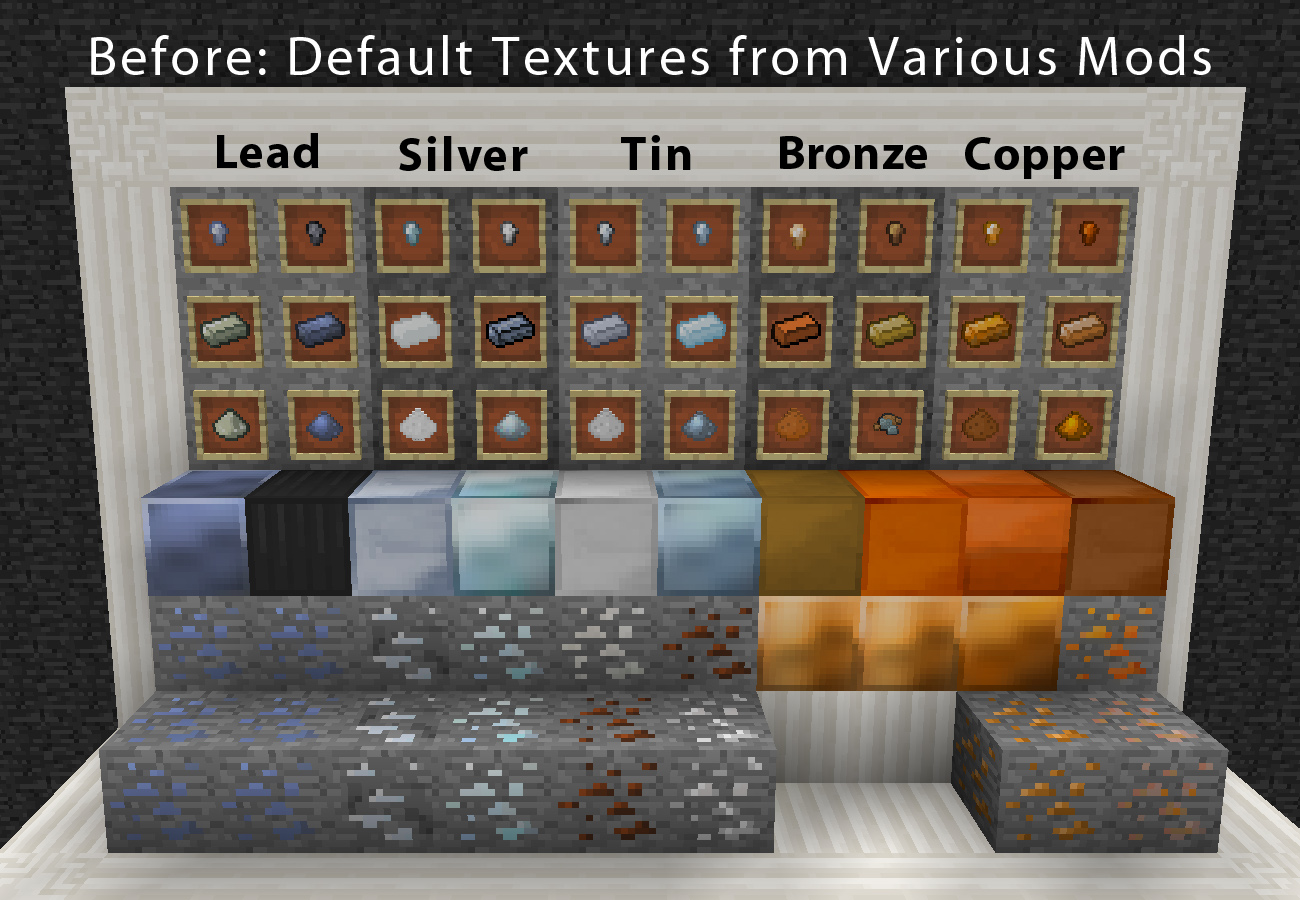
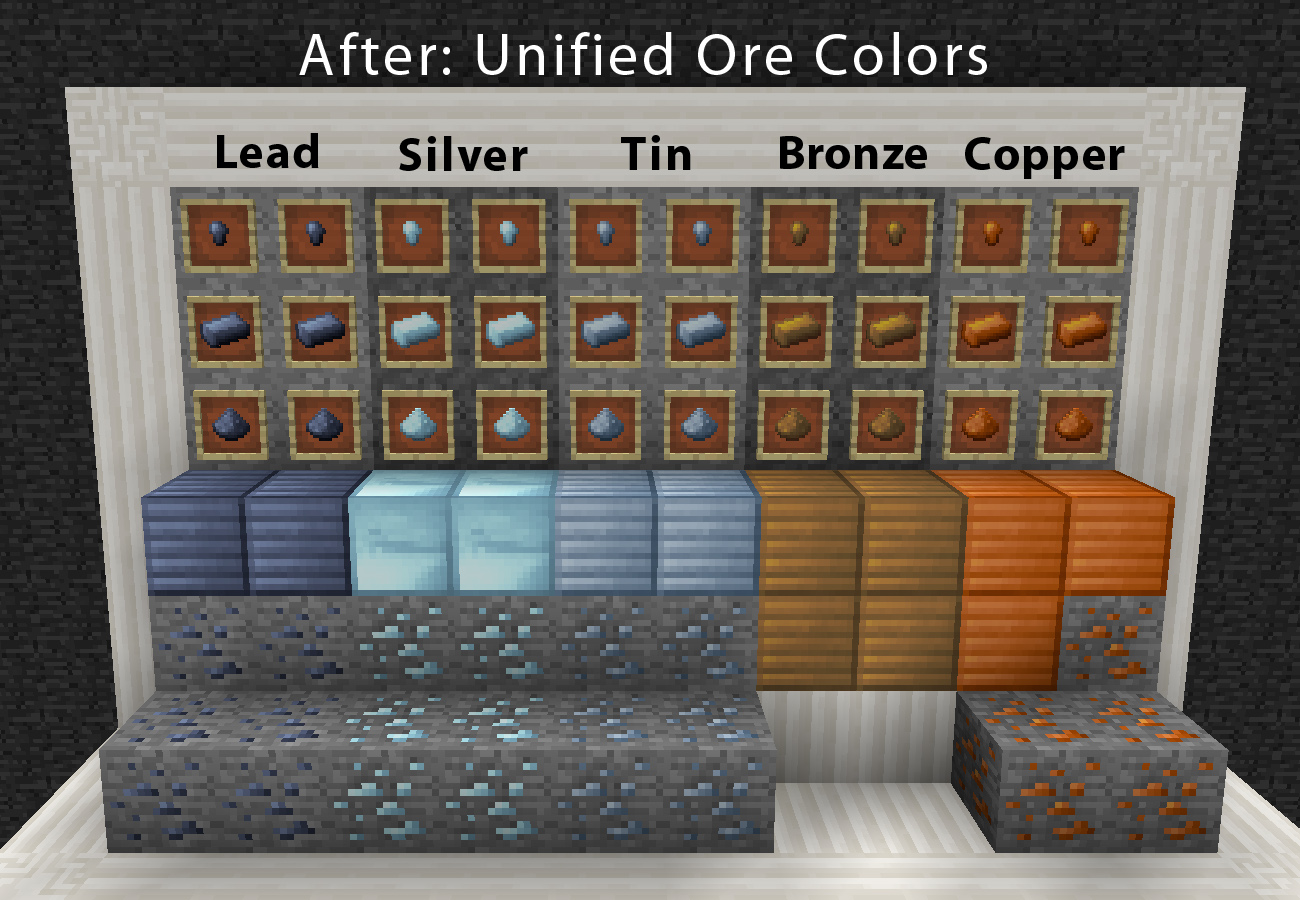
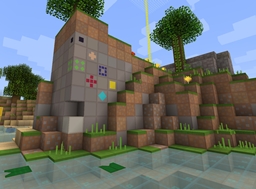
This is a 16x resource pack that has one focus — to unify the appearance of ores and materials that various mods provide. No more will red-brown tin ore, produce blue-grey ingots, and light grey nuggets.  With the Unified Ore Colors Pack, ores, ingots, nuggets, tools, armor, dusts, storage blocks, and other assorted items all use precisely the same color for the same matterial.


If you are looking for a 32x default-style pack that does the same thing to ores, try my other pack, Lithos: Core. Mods and textures supported may vary slightly between Lithos:Core and the Unified Ore Colors Pack.


Mods Supported:

  • Applied Energistics
  • Buildcraft
  • Calclavia Core
  • Factorization
  • Forestry
  • Galacticraft
  • ICBM
  • Industrial Craft 2 (partial)
  • Iron Chests
  • Vanilla Minecraft (some iron things unchanged)
  • Magic Bees
  • Mekansim (partial)
  • Nether Ores (partial)
  • Railcraft
  • SolitaryCraft’s Ore Generation
  • Thaumcraft
  • Thermal Expansion (except buckets)
  • Tinker’s Construct (except tools and liquids)


Usage:

  • No redistribution. For personal use only, with the following exceptions:
  • Using the Unified Ore Colors Pack in screenshots and videos (including monetized) is allowed and encouraged, as long as you provide credit and link back to here.
  • Mod-makers are allowed and encouraged to use the textures in their mods.  Crediting "eleazzaar" and linking back here, is requested but not required.


Unified Ore Colors Pack
MC 1.7.6, 1.8.7, 1.7.4, 1.7.7, 1.7.5, 1.6.1, 1.8.4, 1.7.9, 1.8.8, 1.7.2, 1.8.3, 1.8.6, 1.7.8, 1.6.4, 1.7.10, 1.8, 1.8.2, 1.8.5, 1.8.9, 1.8.1, 1.6.2
Release 2014-05-26 Get

Requirements & install

How to use this resource pack in Minecraft
Resolution
16x
Minecraft
1.8.2 – 1.8.9
Install folder
.minecraft/resourcepacks

How to install resource packs

  1. Download the resource pack .zip file (do not extract it).
  2. In Minecraft open Options → Resource Packs → Open Pack Folder.
  3. Drop the .zip into the resourcepacks folder (.minecraft/resourcepacks).
  4. Move the pack to the Selected column and click Done.
Browse more: 16x resource packs 32x resource packs 64x resource packs 128x resource packs 256x resource packs 512x+ resource packs Resource Packs for 1.8.9 All resource packs

More from eleazzaar

Advertisement Remove ads with Premium →

You Might Also Like