Mineuniverse
Resource Packs
VFS Datapack

VFS Datapack

RESOURCE PACK
Structures that are friendly to mc environment
by TheeMrCheeky
Download Claim this project
414 downloads
0 likes
Updated Oct 14, 2026
0 hypes
Data Packs Medieval Miscellaneous Modern Traditional
Advertisement Remove ads with Premium →

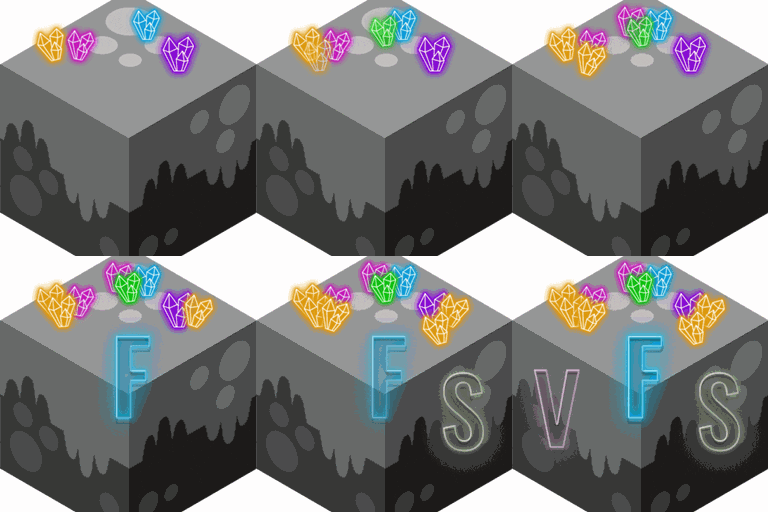
VFS-BANNER.gifPillager Outpost Desert

pillager-outpost-desert.png

Pillager Outpost Snowy

pillager-outpost-snowy.png

Snowy Pyramid

snowy-pyramid-1.pngsnowy-pyramid-2.png

 Underwater Pyramid

underwater-pyramid-2.pngunderwater-pyramid-1.pngunderwater-pyramid-3.png

 Nether Pillager Castle

nether-pillager-castle-2.pngnether-pillager-castle-1.png


§9V§aa§bn§ci§dl§el§9a §aF§br§ce§di§en§9d§al§by §cS§dt§er§9u§ac§bt§cu§dr§ee§9s_1.20-1.20.6.zip
MC 1.20.2, 1.20.5, 1.20.2-Snapshot, 1.20.5-Snapshot, 1.20.3-Snapshot, 1.20.3, 1.20.1, 1.20, 1.20.6, 1.20.4, 1.20-Snapshot
Release 2024-05-05 Get
§9V§aa§bn§ci§dl§el§9a §aF§br§ce§di§en§9d§al§by §cS§dt§er§9u§ac§bt§cu§dr§ee§9s 1.0.5.zip
MC 1.19.3, 1.19.4, 1.19.2, 1.19.1, 1.19
Release 2023-02-04 Get
Vanilla Freindly Structures 1.0.3.zip
MC 1.19.3, 1.19-Snapshot, 1.19.2, 1.19.1, 1.19
Release 2023-01-14 Get

Requirements & install

How to use this resource pack in Minecraft
Resolution
Not specified
Minecraft
1.20.2-Snapshot – 1.20.6
Install folder
.minecraft/resourcepacks

How to install resource packs

  1. Download the resource pack .zip file (do not extract it).
  2. In Minecraft open Options → Resource Packs → Open Pack Folder.
  3. Drop the .zip into the resourcepacks folder (.minecraft/resourcepacks).
  4. Move the pack to the Selected column and click Done.
Browse more: 16x resource packs 32x resource packs 64x resource packs 128x resource packs 256x resource packs 512x+ resource packs Resource Packs for 1.20.6 All resource packs

More from TheeMrCheeky

Advertisement Remove ads with Premium →

You Might Also Like