Mineuniverse
Resource Packs
Achievements Expand Border

Achievements Expand Border

RESOURCE PACK
Advance your worlds border by completing achievements
by TheeMrCheeky
Download Claim this project
34,897 downloads
0 likes
Updated Oct 14, 2026
0 hypes
Data Packs Miscellaneous Modern Traditional
Advertisement Remove ads with Premium →
  • I will have a new project started soon with this data pack allowing some mods to be supported!(when it will be released not sure)
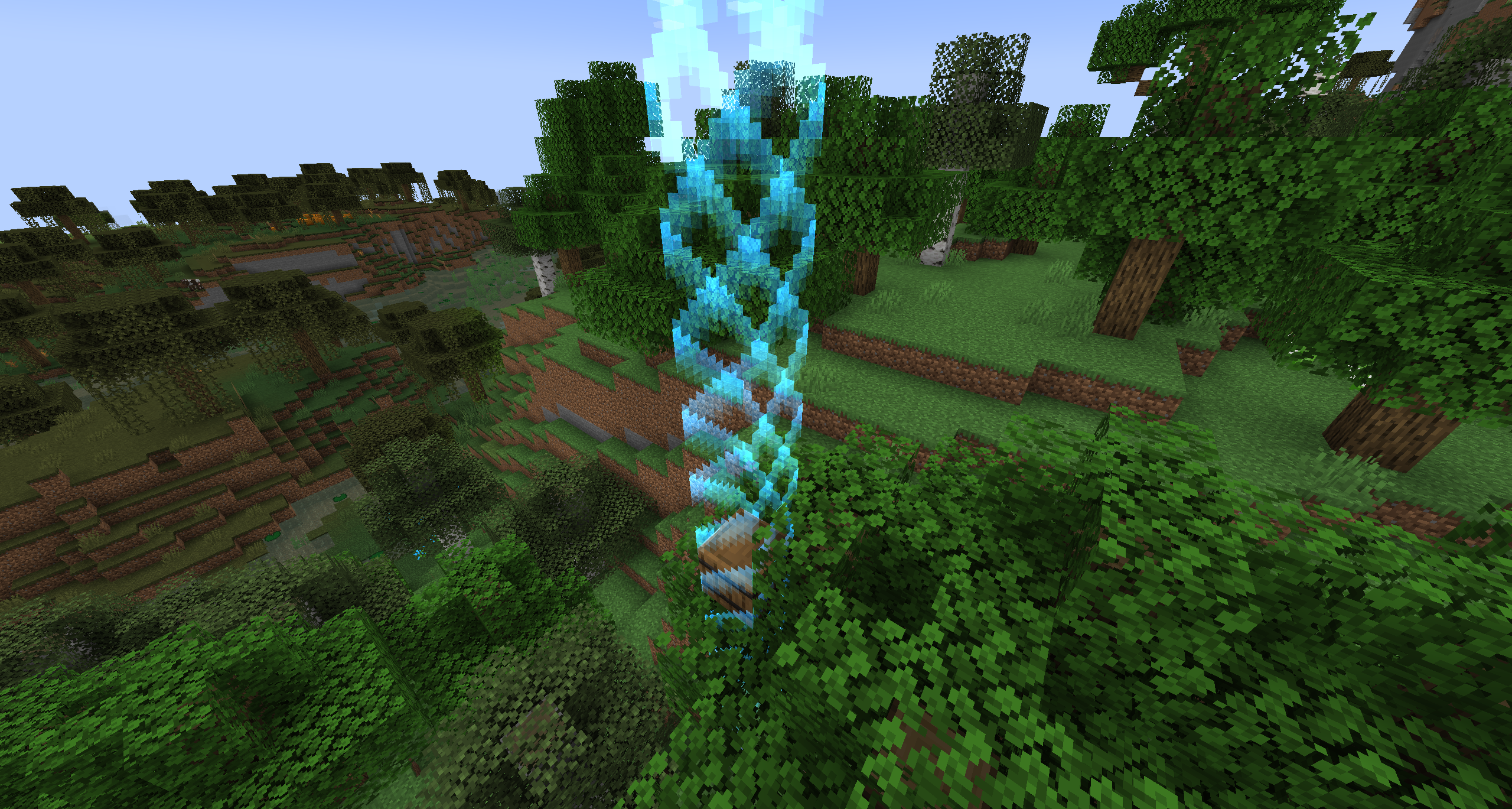
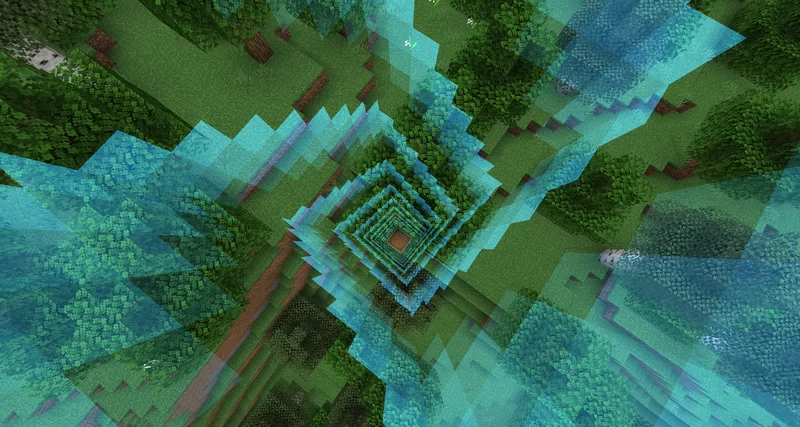
  • AEB Gives you a challenge of having a world border you can't explore past until you complete achievements/advancements! For every one completed your world border will expand by 42 blocks!
  • If you so choose to change the size the border expands open the zip file got to \data\awbepd\function\player and use VSC to select all the 42 numbers on the far right ONLY and change them to what ever you desire!



v2.0
MC 1.21, 1.21.3, 1.21.1, 1.21.2
Release 2024-11-27 Get
Achievements Expand Border Ver 1.0.3.zip
MC 1.16-Snapshot, 1.17.1, 1.16.3, 1.19.3, 1.15-Snapshot, 1.16.1, 1.18.1, 1.14.4, 1.14.1, 1.17, 1.14.3, 1.15, 1.16, 1.19-Snapshot, 1.16.5, 1.18.2, 1.19.2, 1.15.2, 1.14, 1.19.1
Release 2022-11-07 Get
Achievements Expand Border Ver 1.0.2.zip
MC 1.16-Snapshot, 1.17.1, 1.16.3, 1.19.3, 1.15-Snapshot, 1.16.1, 1.18.1, 1.14.4, 1.14.1, 1.17, 1.14.3, 1.15, 1.16, 1.19-Snapshot, 1.16.5, 1.18.2, 1.19.2, 1.15.2, 1.14, 1.19.1
Release 2022-10-25 Get
Achievements Expand Border.zip
MC 1.16-Snapshot, 1.17.1, 1.16.3, 1.15-Snapshot, 1.16.1, 1.18.1, 1.14.4, 1.14.1, 1.17, 1.14.3, 1.15, 1.16, 1.19-Snapshot, 1.16.5, 1.18.2, 1.19.2, 1.15.2, 1.14, 1.19.1
Release 2022-09-19 Get

Requirements & install

How to use this resource pack in Minecraft
Resolution
Not specified
Minecraft
1.19-Snapshot – 1.21.3
Install folder
.minecraft/resourcepacks

How to install resource packs

  1. Download the resource pack .zip file (do not extract it).
  2. In Minecraft open Options → Resource Packs → Open Pack Folder.
  3. Drop the .zip into the resourcepacks folder (.minecraft/resourcepacks).
  4. Move the pack to the Selected column and click Done.
Browse more: 16x resource packs 32x resource packs 64x resource packs 128x resource packs 256x resource packs 512x+ resource packs Resource Packs for 1.21.3 All resource packs

More from TheeMrCheeky

Advertisement Remove ads with Premium →

You Might Also Like