Mineuniverse
Resource Packs
VertexVirtual

VertexVirtual

RESOURCE PACK
Vertex Virtual - Free Minecraft PvP Texture Pack for 1.21+ | Crystal PvP (CPvP), Sword PvP, FPS Boost, Small Totems, Short Swords, Clean Textures, Better Visibility, and Competitive Combat Optimization.
by CarbonO2
Download Claim this project
Add a badge to your pageLink to VertexVirtual from a README, website or forum post.
Preview: Badge

Badges update automatically and link to the resource pack page on MineUniverse.

440 downloads
0 likes
0 followers
Updated Oct 14, 2026
0 hypes
Follow0
64x Animated Data Packs Font Packs
Advertisement Remove ads with Premium →

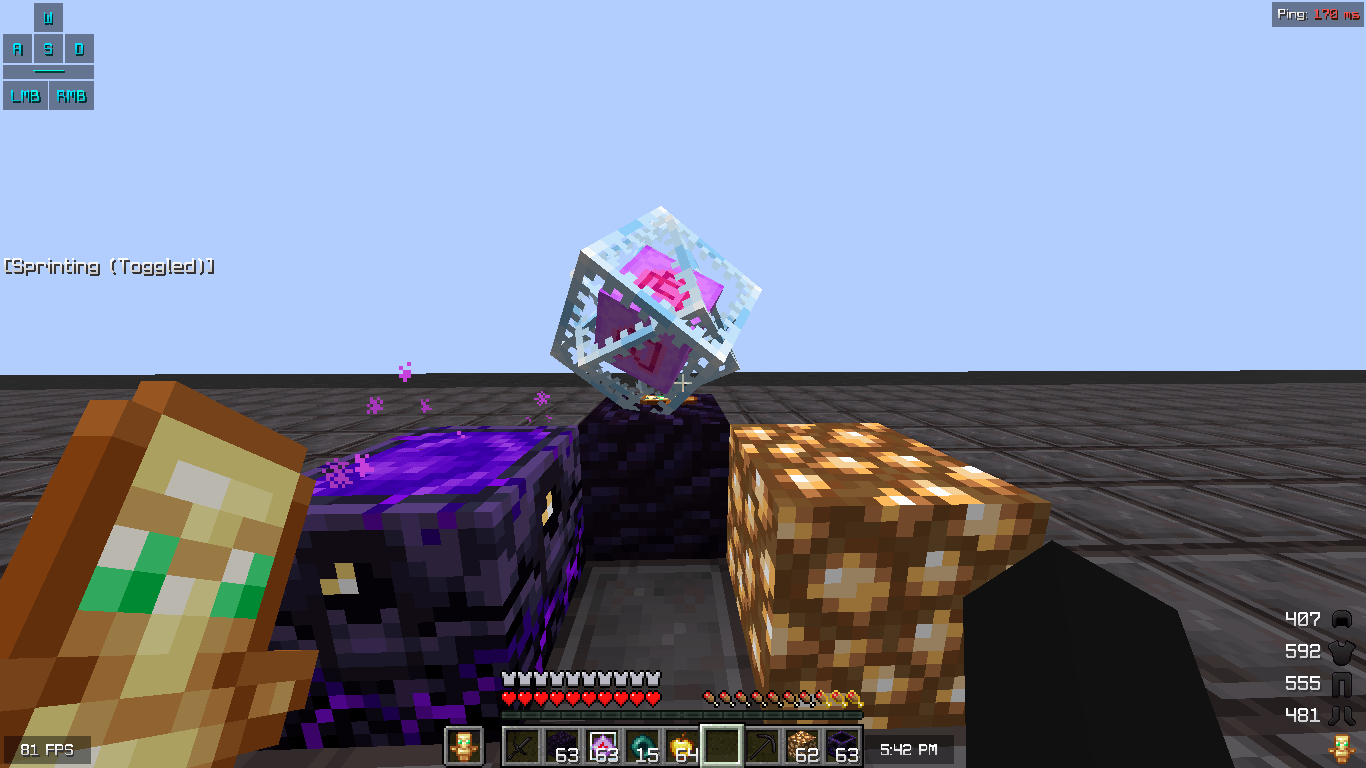
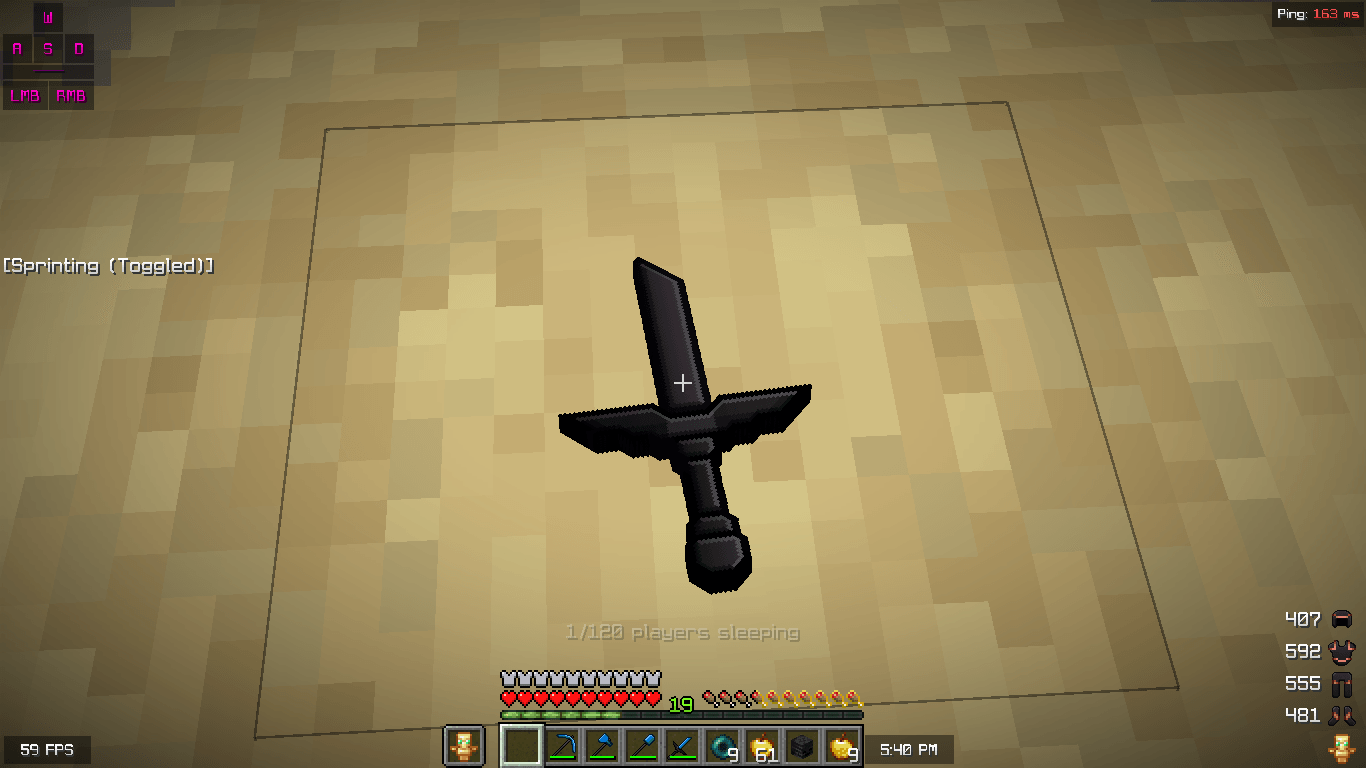
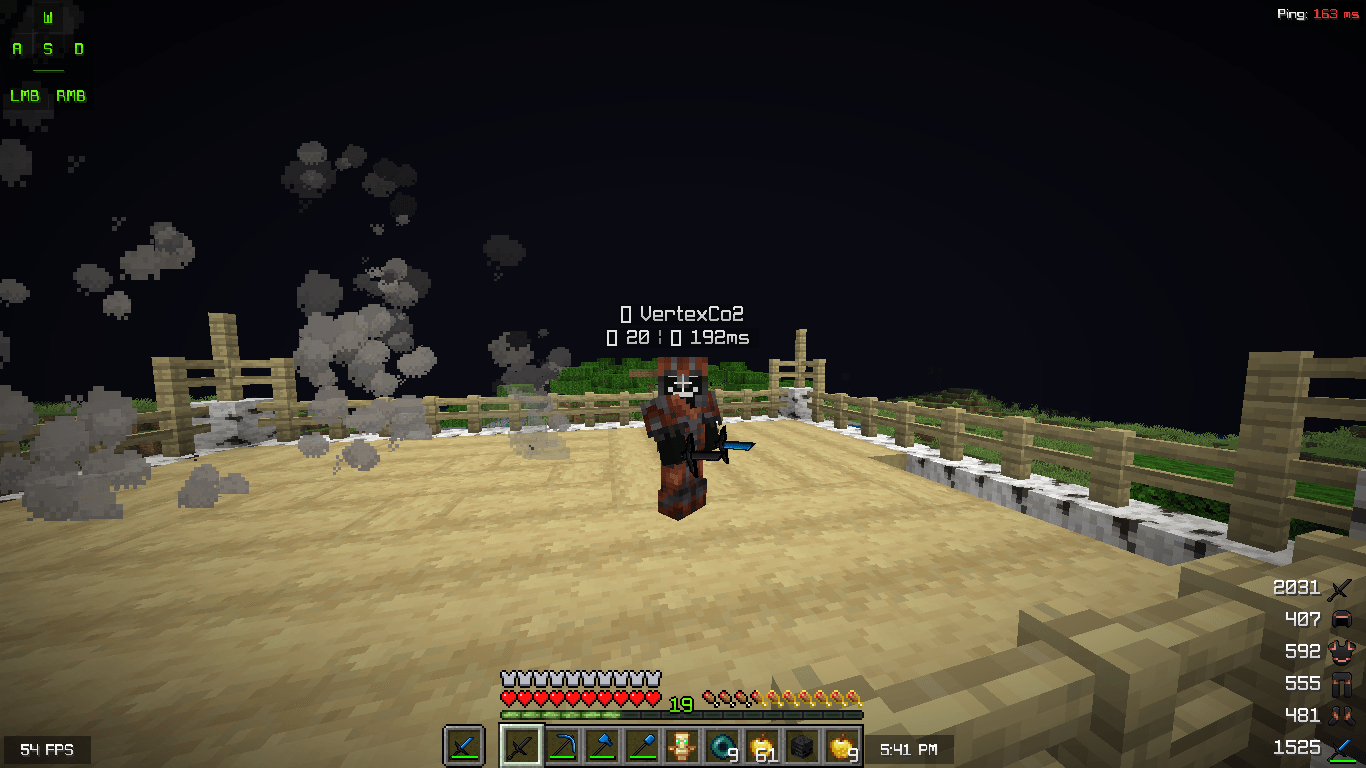
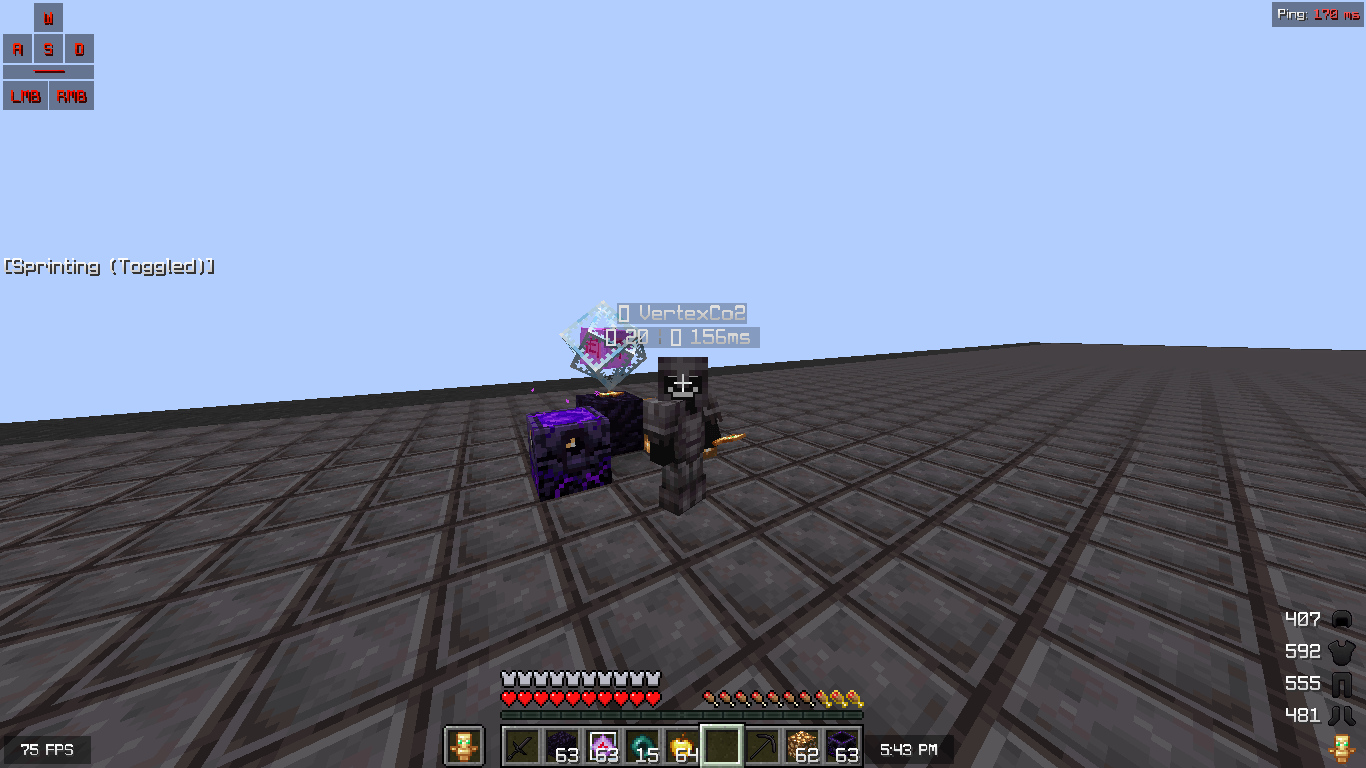
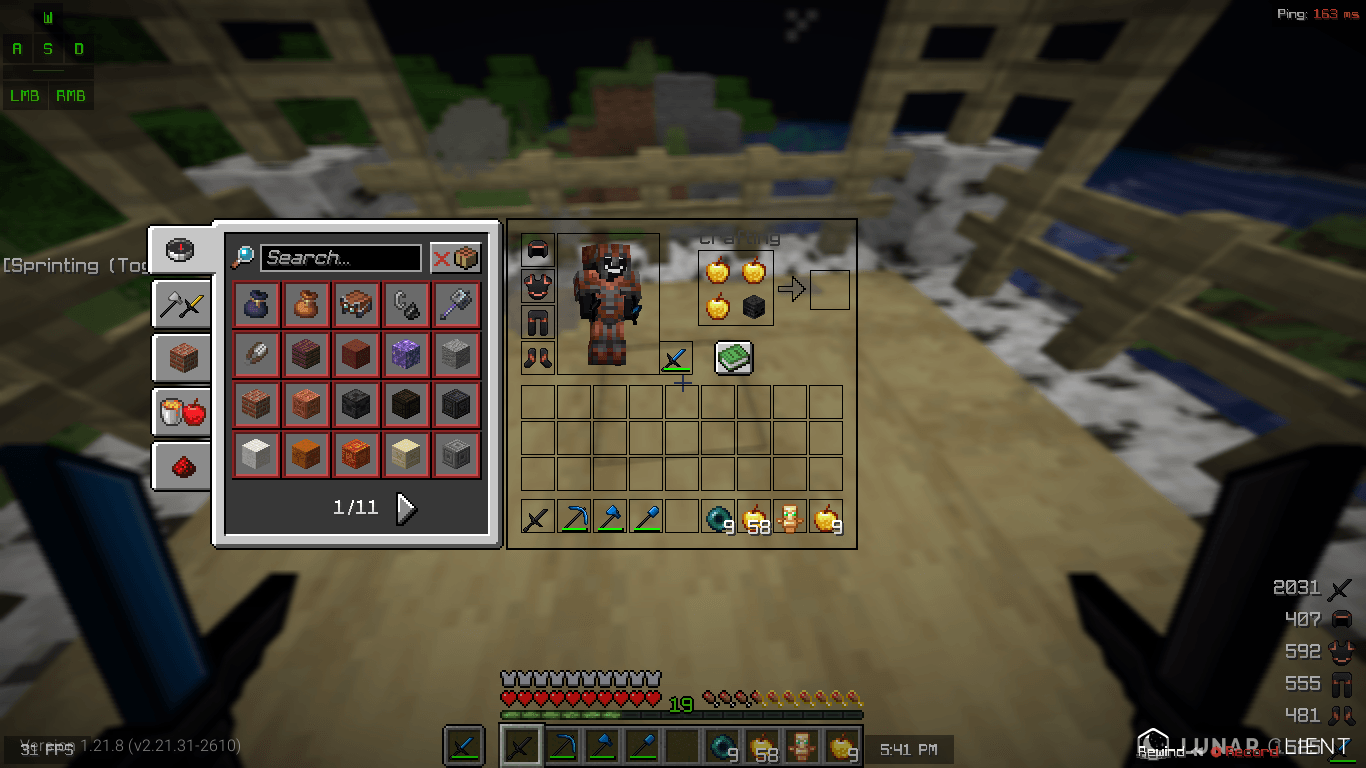
VertexVirtual is a lightweight resource pack tailored for competitive Minecraft players focusing on Crystal PvP (CPvP) and sword PvP. It delivers essential visual refinements to enhance performance and clarity during intense combat without unnecessary changes.

Built for PvP. Optimized for Victory.

Main Features:

  • Reduced totem of undying activation size for minimal screen obstruction while preserving clear feedback.
  • Compact sword models and held item scales to improve target visibility and reduce visual clutter.
  • Smooth, optimized textures across key elements to provide a noticeable FPS increase, especially in high-action scenarios or on lower-spec systems.

The pack maintains a clean, near-vanilla appearance with targeted PvP improvements only. Tested in 1.21 , 1.21.1 , 1.21.4 and 1.21.8 Version.

Download and experience improved responsiveness in your PvP sessions.

VertexVirtual
MC 1.21, 1.21.8, 1.21.4, 1.21.1, 1.21.6, 1.21.9, 1.21.10, 1.21.11, 26.1, 26.2, 26.3
Release 2026-09-21 Get

Requirements & install

How to use this resource pack in Minecraft
Resolution
64x
Minecraft
1.21.6 – 26.3
Install folder
.minecraft/resourcepacks

How to install resource packs

  1. Download the resource pack .zip file (do not extract it).
  2. In Minecraft open Options → Resource Packs → Open Pack Folder.
  3. Drop the .zip into the resourcepacks folder (.minecraft/resourcepacks).
  4. Move the pack to the Selected column and click Done.
Browse more: 16x resource packs 32x resource packs 64x resource packs 128x resource packs 256x resource packs 512x+ resource packs Resource Packs for 26.3 All resource packs
Advertisement Remove ads with Premium →

You Might Also Like