This resource pack allows you to get custom totems by simply renaming a regular totem in an anvil! It features several unique designs, with many more planned for future updates. Feel free to share your ideas in the comments section or join our Discord server to suggest new totems and follow the development!
⚠️ IMPORTANT: This resource pack requires the "CIT Resewn" mod to function properly in your game.
----------------------------------------------------------------------------------------------------------------------
💡 IN-GAME TOTEM LIST
To change your totem, rename it in an anvil using the EXACT names listed below (case-sensitive):
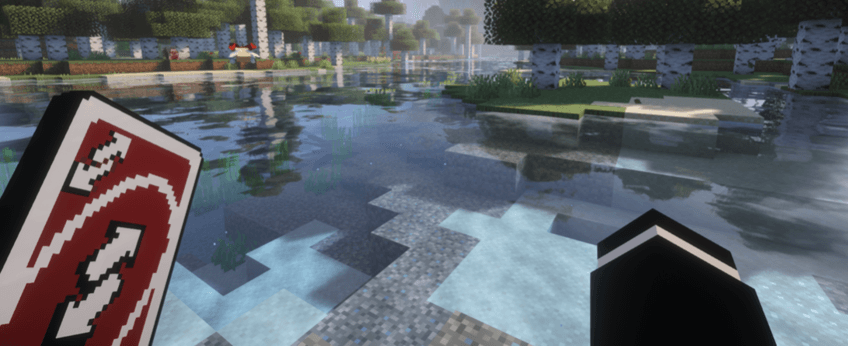
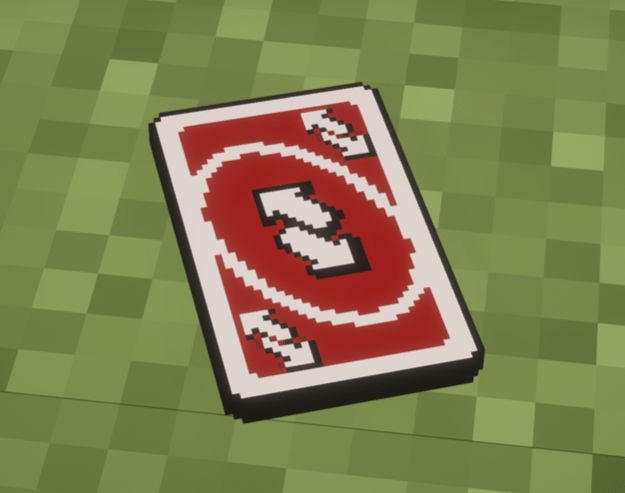
1. "Reverse Card" - (Inspired by the classic card game meme)
2. "Nokia" - (The legendary brick phone)
3. "Mclovin" - (The iconic comedy movie ID card)
4. "Walter White" - (The famous chemist)
5. "Jesse Pinkman" - (The chemist partner)
6. "Saul Goodman" - (The colorful defense attorney)
7. "Patrick Jane" - (The mentalist consultant)
8. "Dean Winchester" - (The older monster /demon hunter brother)
9. "Sam Winchester" - (The younger monster/ demon hunter brother)
----------------------------------------------------------------------------------------------------------------------
📸 SCREENSHOTS FROM THE GAME: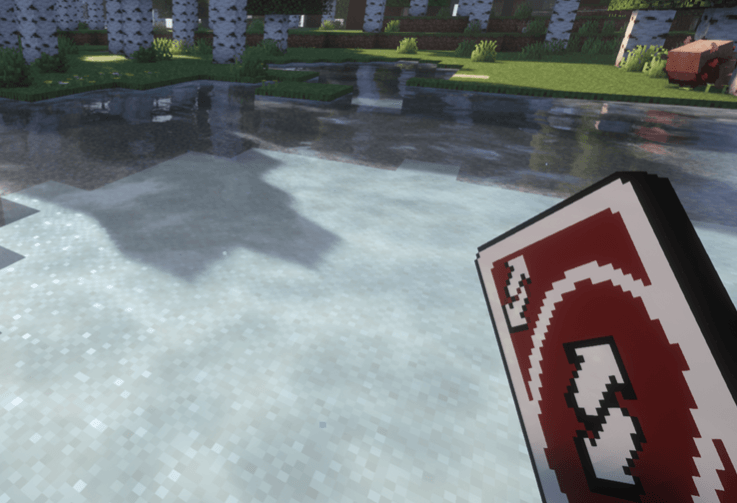
----------------------------------------------------------------------------------------------------------------------
Disclaimer: This is a non-commercial, transformative fan-made project created for entertainment purposes. All original character concepts, names, and references belong to their respective copyright owners.