Mineuniverse
Resource Packs
v7_kfaction [x128]

v7_kfaction [x128]

RESOURCE PACK
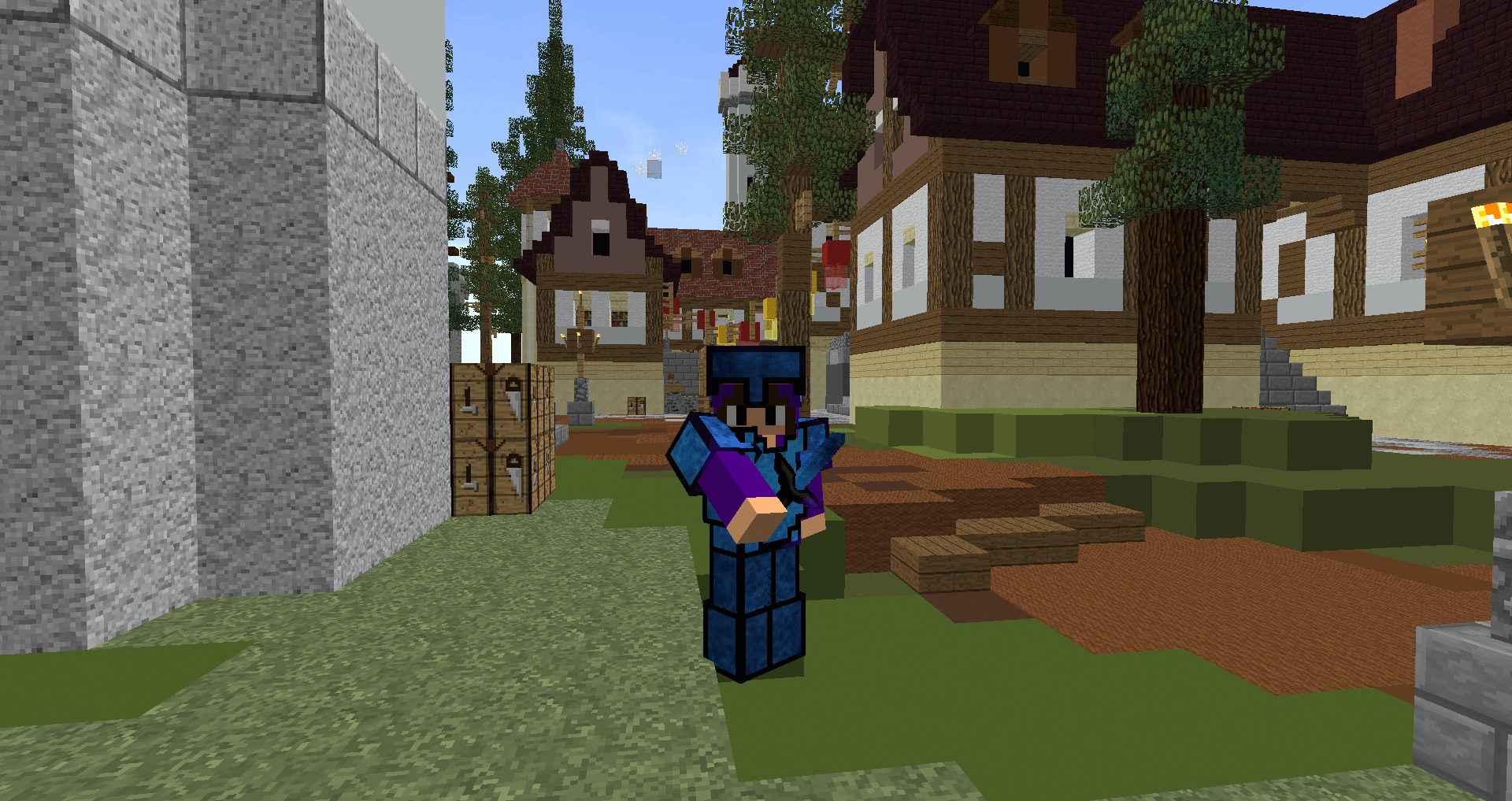
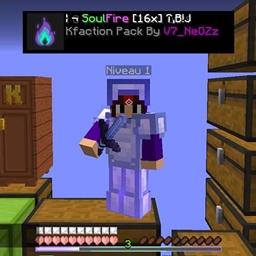
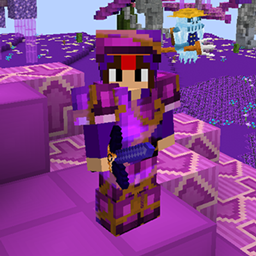
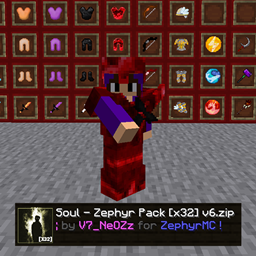
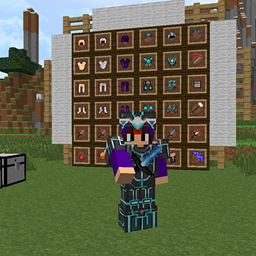
Texture pack for the KFaction server featuring brand-new textures for all custom armor sets.
by V7_NeOZz
Download Claim this project
9 downloads
0 likes
0 followers
Updated Oct 14, 2026
0 hypes
Follow0
128x
Advertisement Remove ads with Premium →

Custom Armor Texture Pack (Compatible with KFaction)

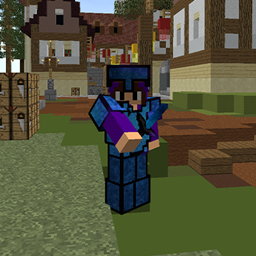
Designed for KFaction players, V7_KFaction [x128] brings a fresh and unique visual experience with redesigned textures for all custom armor sets.

Built around the KFaction server, this pack introduces brand-new armor textures with a detailed x128 resolution, giving each custom armor set a more distinctive and refined appearance. Every set gets its own visual identity, making it easier to appreciate the unique designs of KFaction's modded equipment while keeping the Minecraft experience immersive.

Whether you're grinding resources, upgrading your equipment, or fighting other players in PvP, V7_KFaction [x128] gives your armor a completely new look with high-resolution textures and enhanced details.

🔹 Brand-new textures for all custom armor sets
🔹 High-resolution x128 designs for enhanced detail
🔹 Unique visual identity for KFaction's modded equipment
🔹 Designed specifically for the KFaction server

Give it a try and discover KFaction's custom armor sets like never before!

🎥 Pack Showcase Video: https://www.youtube.com/watch?v=OWgi19h5cok&t
📌 More packs & updates on Discord: https://discord.gg/xUQwpKs9hf

v7_kfaction [x128].zip
MC 1.8.7, 1.7.4, 1.7.7, 1.7.6, 1.7.5, 1.7.3, 1.7.2, 1.8.8, 1.8.4, 1.7.9, 1.8-Snapshot, 1.8.3, 1.7.10, 1.8, 1.7.8, 1.8.6, 1.8.9, 1.8.1, 1.8.5, 1.8.2
Release 2026-10-09 Get

Requirements & install

How to use this resource pack in Minecraft
Resolution
128x
Minecraft
1.8.2 – 1.8.9
Install folder
.minecraft/resourcepacks

How to install resource packs

  1. Download the resource pack .zip file (do not extract it).
  2. In Minecraft open Options → Resource Packs → Open Pack Folder.
  3. Drop the .zip into the resourcepacks folder (.minecraft/resourcepacks).
  4. Move the pack to the Selected column and click Done.

Packs from 128x upwards need more video memory: install a performance mod such as Sodium for smooth frame rates.

Browse more: 16x resource packs 32x resource packs 64x resource packs 128x resource packs 256x resource packs 512x+ resource packs Resource Packs for 1.8.9 All resource packs

More from V7_NeOZz

Advertisement Remove ads with Premium →

You Might Also Like