Mineuniverse
Resource Packs
#Layer - Color Dimension

#Layer - Color Dimension

RESOURCE PACK
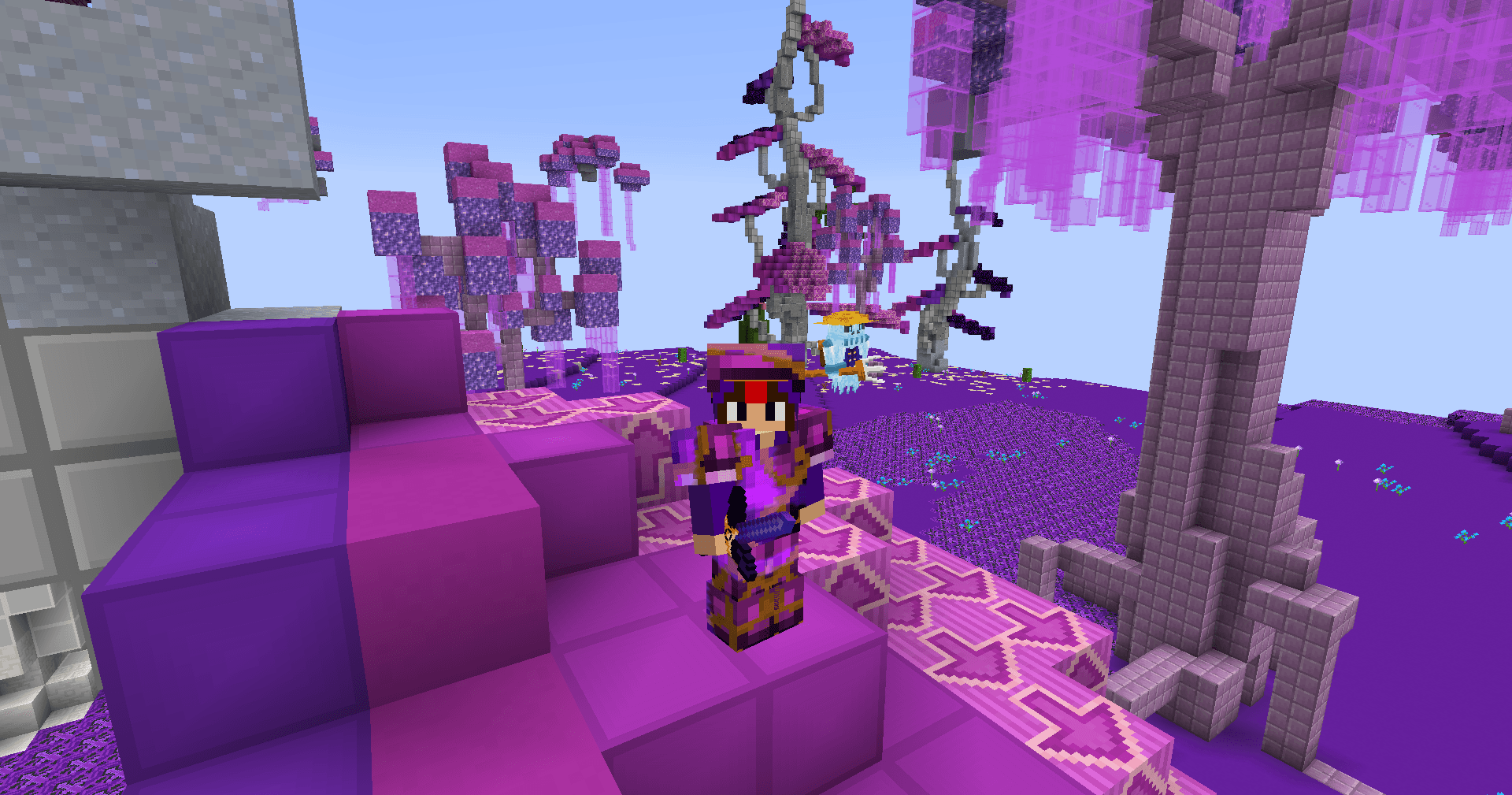
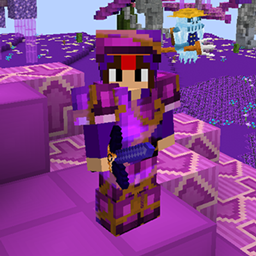
Texture pack for the Coldaria server that makes ores easier to see in the dimension.
by V7_NeOZz
Download Claim this project
7 downloads
0 likes
Updated Oct 14, 2026
0 hypes
32x
Advertisement Remove ads with Premium →

Ore Visibility Texture Pack (Compatible with Coldaria)

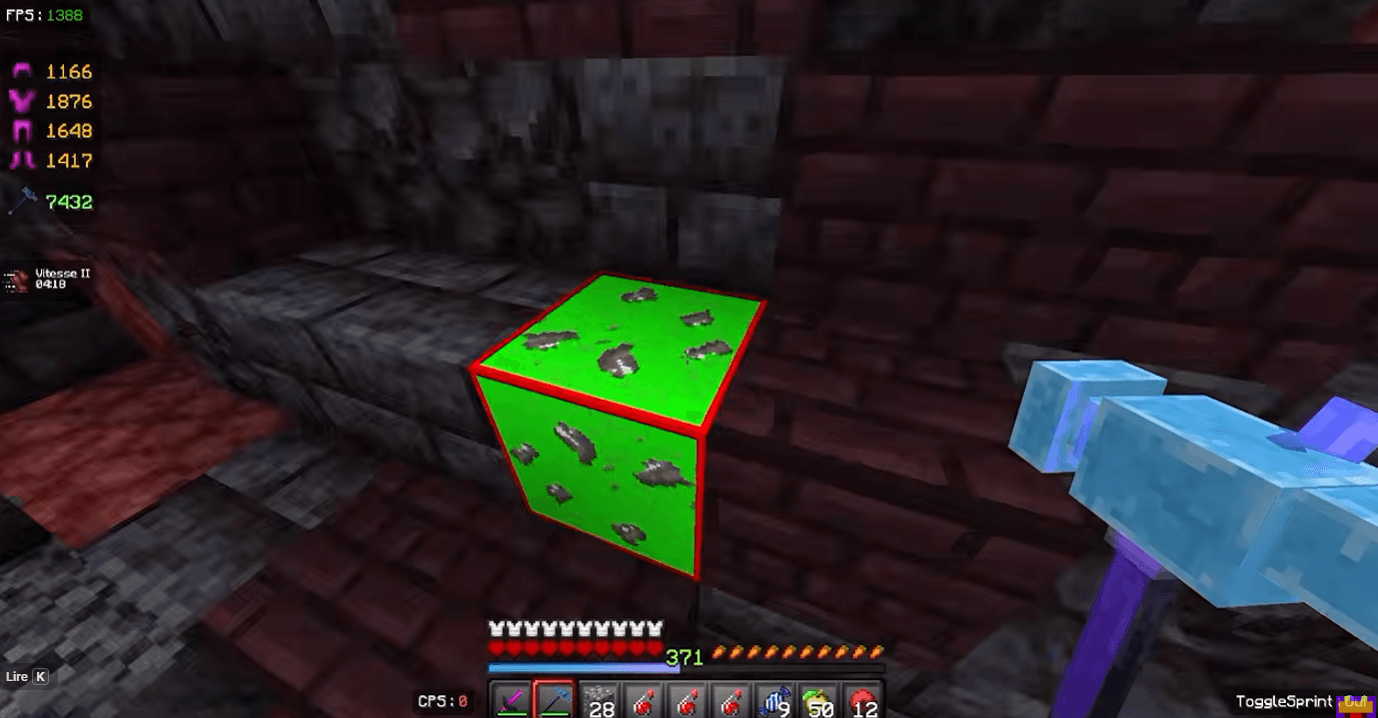
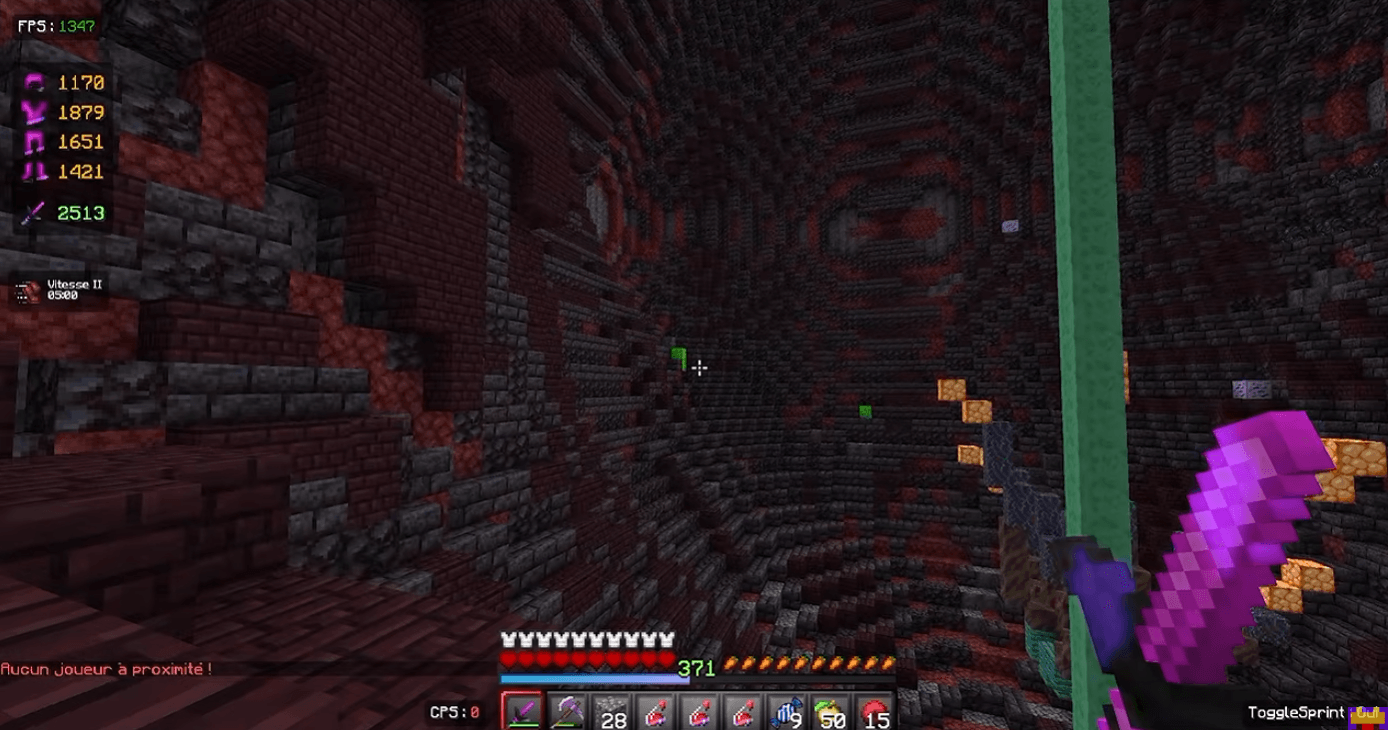
Designed for Coldaria players, this texture pack makes ores significantly easier to spot while exploring the dimension.

Inspired by the classic Minecraft style, this pack keeps the original look of the game while improving the visibility of valuable ores. The enhanced textures make ores stand out more clearly from surrounding blocks, helping you find them faster and making mining sessions more efficient.

Whether you’re grinding resources, exploring the dimension, or looking for rare ores, this pack gives you better visibility without completely changing the Minecraft experience.

🔹 Improved ore visibility in the Coldaria dimension
🔹 Clean and simple textures inspired by vanilla Minecraft
🔹 Designed to make mining easier and more efficient
🔹 Compatible with the Coldaria server

Give it a try and make your mining sessions on Coldaria easier than ever!

🎥 Pack Showcase Video: https://www.youtube.com/watch?v=SBDRE25i5l8&t
📌 More packs & updates on Discord: https://discord.gg/xUQwpKs9hf

#Layer - Color Dimension.zip
MC 1.8.7, 1.7.4, 1.7.7, 1.7.6, 1.7.5, 1.7.3, 1.7.2, 1.8.8, 1.8.4, 1.7.9, 1.8-Snapshot, 1.8.3, 1.7.10, 1.8, 1.7.8, 1.8.6, 1.8.9, 1.8.1, 1.8.5, 1.8.2
Release 2026-10-09 Get
#Layer - Color Dimension v2.zip
MC 1.8.7, 1.7.4, 1.7.7, 1.7.6, 1.7.5, 1.7.3, 1.7.2, 1.8.8, 1.8.4, 1.7.9, 1.8-Snapshot, 1.8.3, 1.7.10, 1.8, 1.7.8, 1.8.6, 1.8.9, 1.8.1, 1.8.5, 1.8.2
Release 2026-10-09 Get

Requirements & install

How to use this resource pack in Minecraft
Resolution
32x
Minecraft
1.8.2 – 1.8.9
Install folder
.minecraft/resourcepacks

How to install resource packs

  1. Download the resource pack .zip file (do not extract it).
  2. In Minecraft open Options → Resource Packs → Open Pack Folder.
  3. Drop the .zip into the resourcepacks folder (.minecraft/resourcepacks).
  4. Move the pack to the Selected column and click Done.
Browse more: 16x resource packs 32x resource packs 64x resource packs 128x resource packs 256x resource packs 512x+ resource packs Resource Packs for 1.8.9 All resource packs

More from V7_NeOZz

Advertisement Remove ads with Premium →

You Might Also Like